Category: Uncategorized

  • Top 12 Best AI Image Enhancer Tools of 2025: Reviews, Comparison & Alternatives

    Top 12 Best AI Image Enhancer Tools of 2025: Reviews, Comparison & Alternatives

    Finding the best ai image enhancer can turn fuzzy shots into marketing-ready visuals in seconds. Here you’ll find concise reviews, clear comparisons, and worthy alternatives across 12 leading platforms.

    What you’ll learn

    • Feature breakdown: Upscaling, face enhancement, background removal, API/SDK support
    • Use cases: From ecommerce catalogs to social media batches
    • Integration notes: Developer tips for webhooks, SDKs, and no-code builders
    • Pricing tiers: Free plans, pay-as-you-go, enterprise licenses
    • Performance pitfalls: When AI sharpening introduces artifacts

    Why this list matters

    • Software teams get direct links and screenshots for quick testing
    • Designers and marketers compare real output side by side
    • Ecommerce sellers spot the best alternatives to pricey subscriptions
    • Agencies see which tool scales for bulk processing

    We’ve skipped generic fluff and copy-paste marketing speak. Instead, you’ll dive straight into:

    • Honest assessments of each enhancer’s strengths and limits
    • Practical scenarios showing exactly when to pick PixelPanda or Topaz Labs
    • Side-by-side tables that make feature comparison a breeze

    No more hunting through fragmented reviews. This guide acts as your one-stop resource for the best ai image enhancer. You’ll discover which tools integrate seamlessly into automation pipelines, which deliver the highest fidelity upscales, and which fall short on batch workflows.

    Ready to elevate your images? Scroll on for detailed tool rundowns, screenshots, direct links, and our clear recommendation on when PixelPanda shines brightest.

    1. PixelPanda

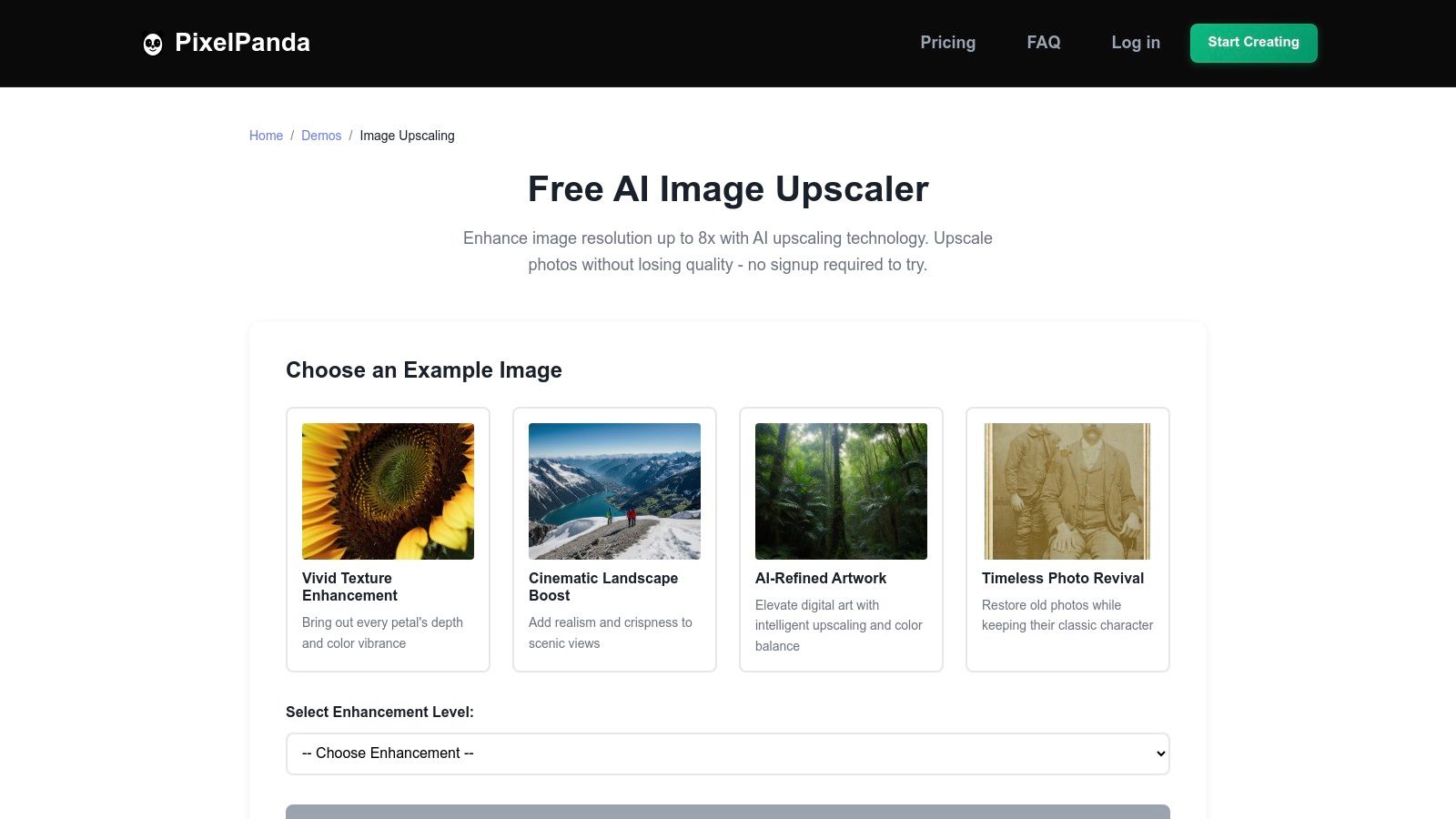
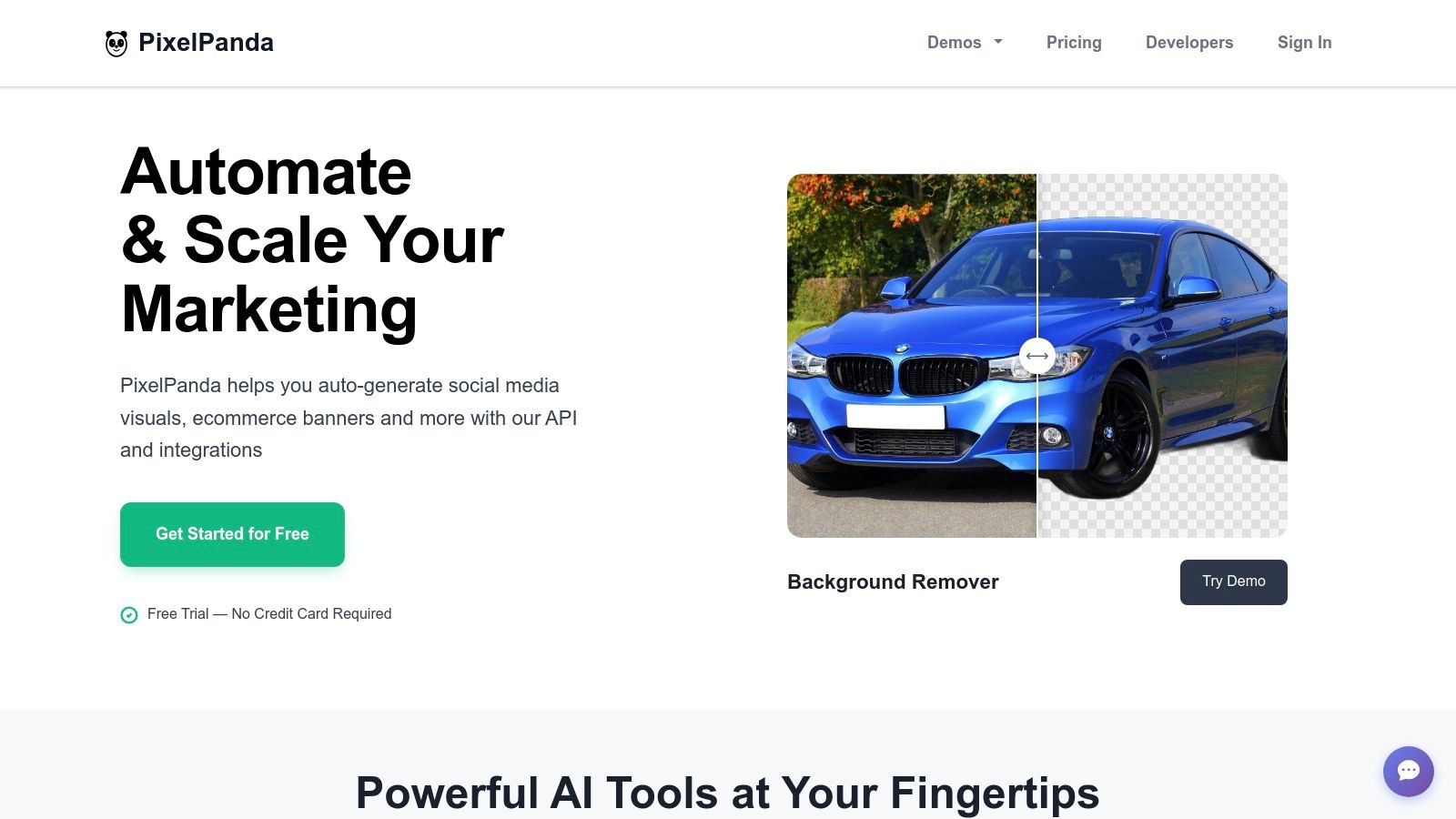
    PixelPanda is an AI-first image processing platform built for developers and creative teams. Leveraging studio-grade algorithms, it often tops best ai image enhancer comparisons with consistent high-fidelity results.

    PixelPanda

    Key Capabilities

    • Background Removal with fine-edge precision on hair, fur and complex objects
    • 4x Upscaling that preserves texture and avoids artifacts
    • Face Enhancement for ID photos, portraits and marketing banners
    • Smart Inpainting to fill in missing pixels with depth-aware detail
    • Text-to-Image and Style Transfer for creative mockups
    • AI Avatar Studio to generate consistent on-brand model shots

    Practical Use Cases

    1. E-commerce catalogs – auto-cutouts and product banners in bulk
    2. Social media campaigns – polished graphics without manual retouching
    3. SaaS integrations – embed via REST API or SDK for headless workflows
    4. Virtual try-on – train an avatar (15–30 min) and generate model photo packs

    Pricing and Feature Comparison

    Plan Price Images / Month Avatar Slots Support Level
    Free No card needed 10 credits 0 Community
    Starter $49 / month 500 1 Email
    Pro $99 / month 1,500 3 Priority Email
    Business $249 / month 4,500 10 Dedicated

    Learn more about PixelPanda pricing

    Alternatives and Reviews

    In direct comparison with alternatives such as Let’s Enhance or Remini, PixelPanda stands out for edge-preserving fills and a demo gallery that previews quality before integration. User reviews often highlight its reliable batch processing and transparent PNG exports.

    Pros and Cons

    Pros

    • Comprehensive feature set in one API
    • Developer-first docs and SDKs
    • Natural results on challenging subjects
    • Flexible, predictable pricing

    Cons

    • Free trial limited to 10 credits
    • Avatar features require paid tiers
    • Credits reset monthly without rollover

    Integration Tips

    • Start with the demo gallery to test your images
    • Use batch endpoints for high-volume workflows
    • Hook into webhooks for processing notifications
    • Monitor usage in the dashboard to plan tier upgrades

    PixelPanda earns its spot as a featured choice for the best ai image enhancer thanks to its blend of studio-quality edits, robust developer tools and practical pricing.

    2. Topaz Labs

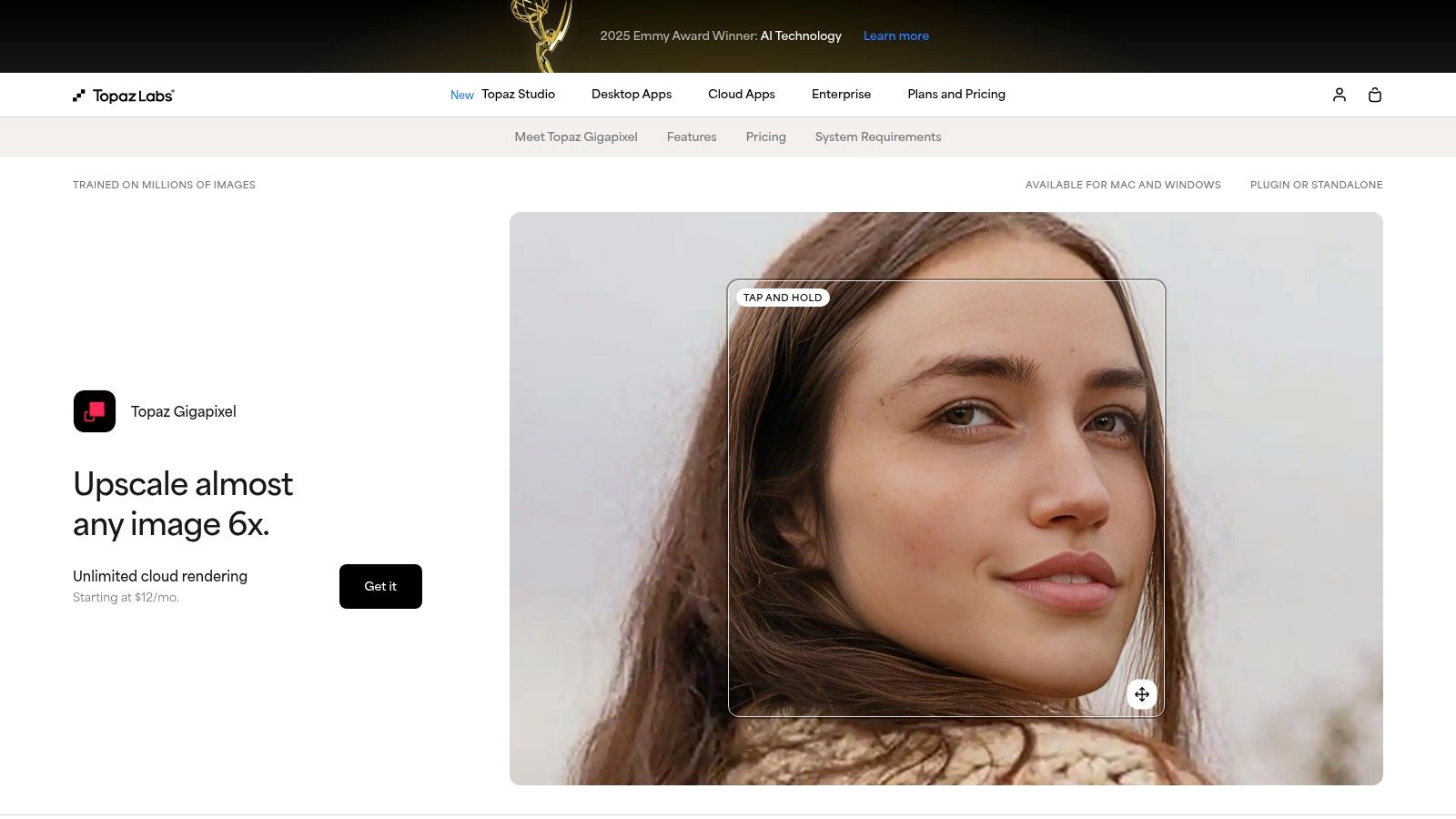
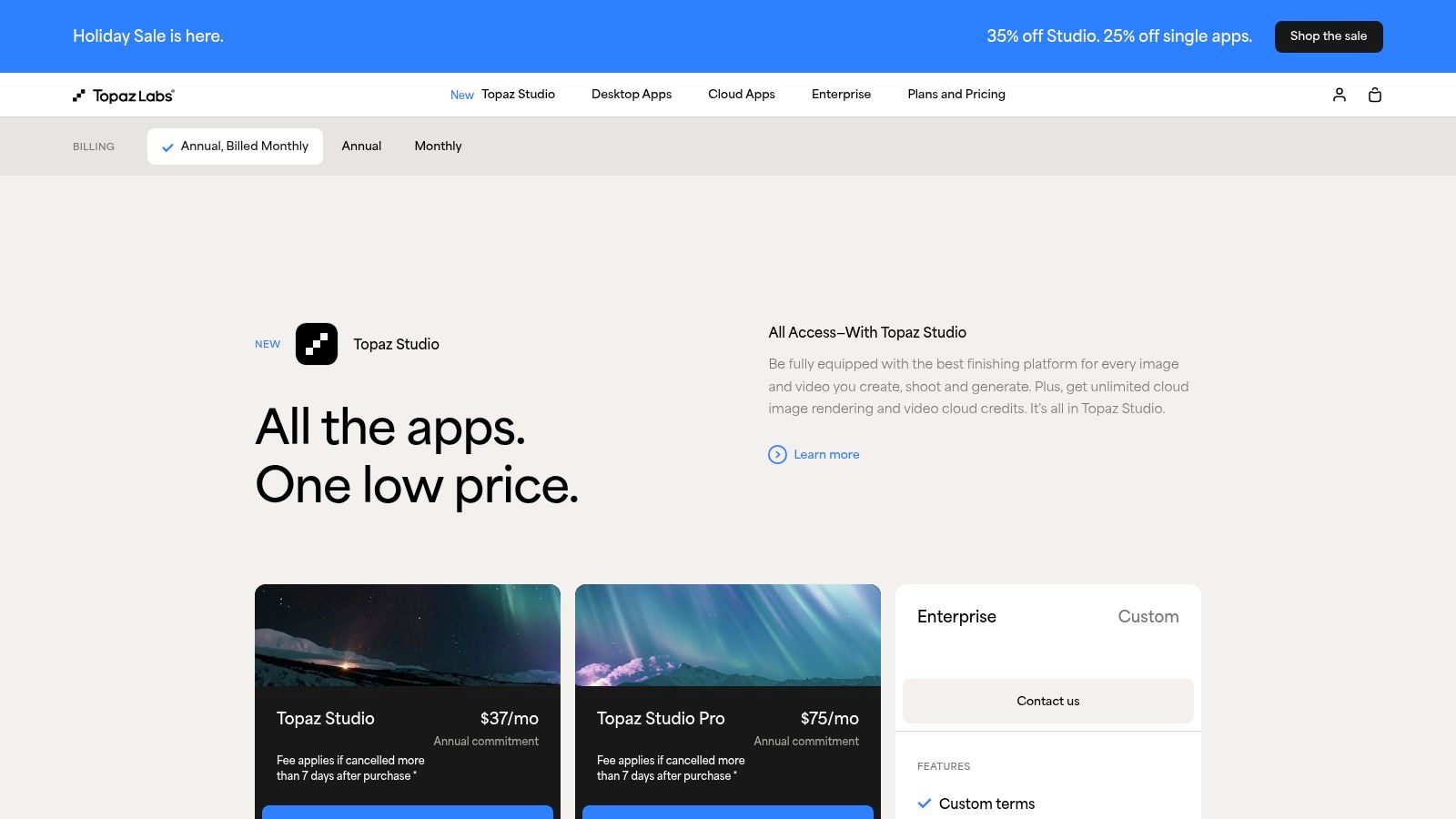
    Topaz Labs earns its spot as a best ai image enhancer by combining professional AI models with flexible workflows. Whether you need local desktop apps (Photo, Gigapixel), a lightweight iOS option, or cloud-based upscaling via Bloom, Topaz delivers superior detail preservation and artifact control compared to many alternatives in our comparison reviews.
    Topaz Labs

    Key Features

    • Gigapixel Upscaling up to 16× locally, 32–100 MP via Bloom
    • Photo Denoise + Sharpen with professional-grade AI models
    • Plugin & SDK support for Photoshop, Lightroom, Premiere
    • Cross-Platform: Windows, macOS, iOS, cloud API

    Pros and Cons

    • Pros
      • Best-in-class detail retention
      • Flexible ownership: perpetual licenses + subscription
      • Active customer service and community forums
    • Cons
      • Multiple product names can confuse new users
      • Cloud export caps vary by plan
      • No standalone REST API for headless servers

    How It Compares

    This comparison highlights why Topaz is a popular choice in community reviews and shows common alternatives.

    Feature Topaz Labs Common Alternative
    Upscaling power 16× local, 100 MP cloud 8× local, 50 MP cloud
    Face enhancement Dedicated AI model General enhancer
    Integration Plugins + CLI scripts SDK/API only

    Review Note: Reviewers frequently praise Topaz for detail clarity and often list it alongside PixelPanda as top alternatives in side-by-side reviews.
    Direct link: https://www.topazlabs.com/pricing

    3. Adobe (Photoshop & Lightroom)

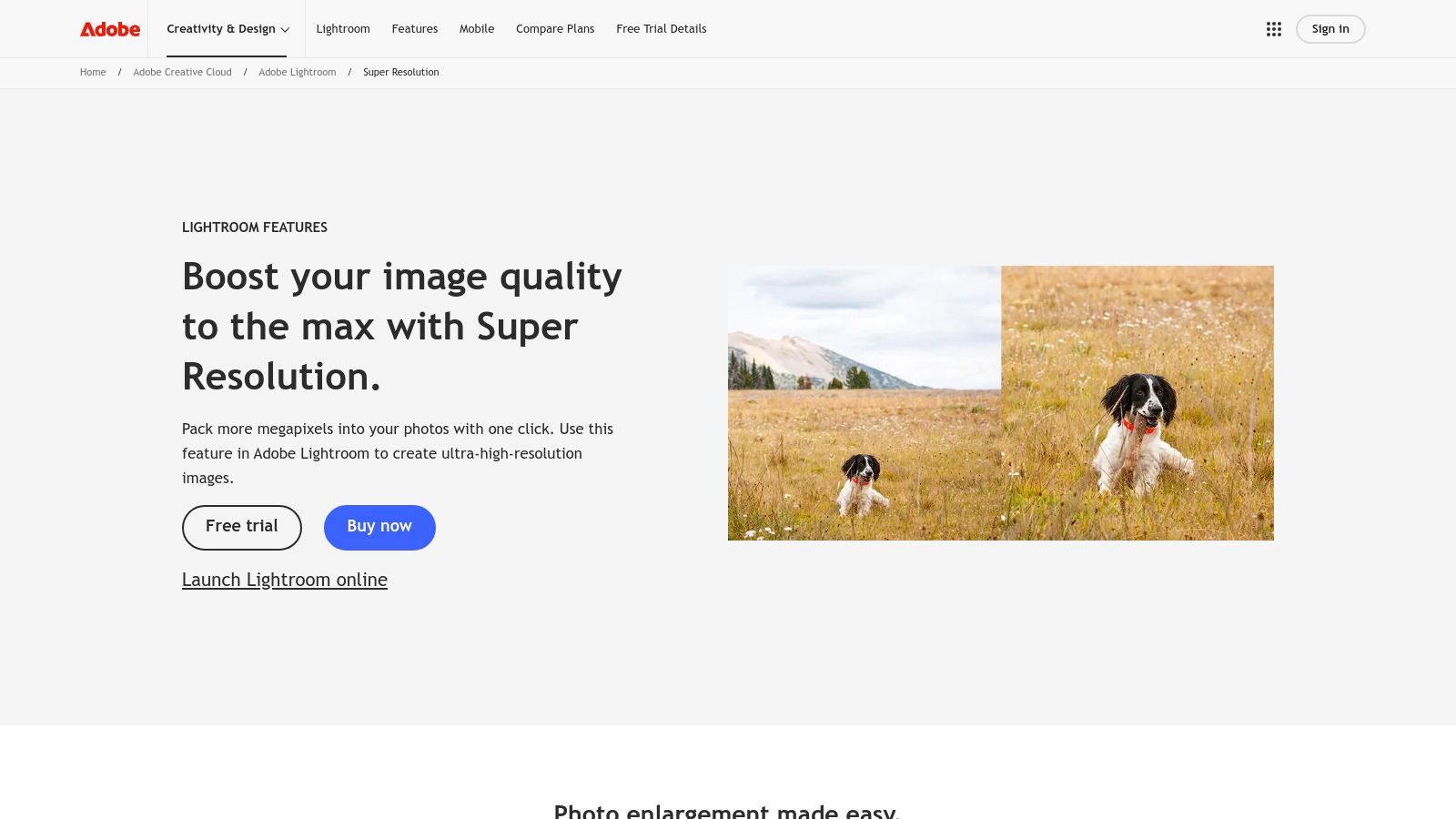
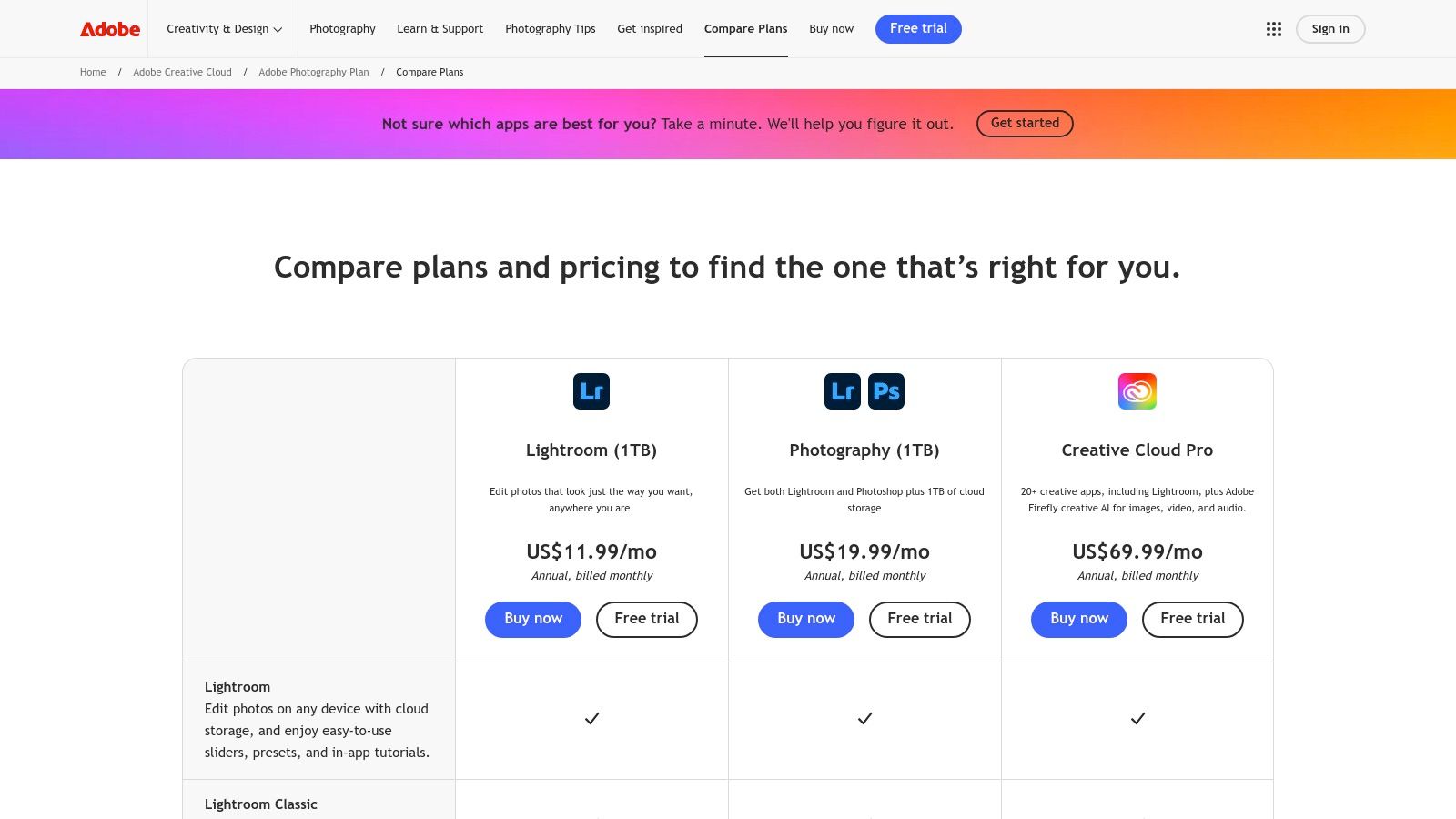
    Adobe brings its AI Denoise, Super Resolution and Raw Details directly into Lightroom Classic, Camera Raw and Photoshop for a pro-grade, end-to-end editing suite. This tight integration means you never leave your familiar workflow and get instant, high-quality upscaling, noise reduction and detail extraction with just a click.
    Adobe (Photoshop & Lightroom)

    Key Features

    • AI Denoise & Super Resolution inside Lightroom Classic, Camera Raw and Photoshop
    • Batch Enhance with GPU-accelerated processing for large catalogs
    • Raw Details AI model for recovering textures from RAW files
    • Plugin Ecosystem and SDK hooks for custom workflows and automation

    Pros and Cons

    • Pros
      • Seamless integration with pro photo workflows and plugin library
      • Excellent documentation, frequent updates and active community
    • Cons
      • Subscription only, no perpetual license alternatives
      • Some feature behaviors changed in mid-2025, per user reviews

    How It Compares

    User reviews rate Adobe highly for creative flexibility, and it usually appears in round-up comparisons among top alternatives.

    Feature Adobe (PS & LR) Common Alternative
    Upscaling power Super Resolution ×4 8× local
    Noise reduction AI Denoise model General denoiser
    API & Automation SDK + plugin support REST API only

    Review Insight: Community reviews often list Adobe alongside Topaz and PixelPanda as leading alternatives for end-to-end workflows.
    Direct link: https://www.adobe.com/creativecloud/photography/compare-plans.html

    4. ON1 (Resize AI / Photo RAW)

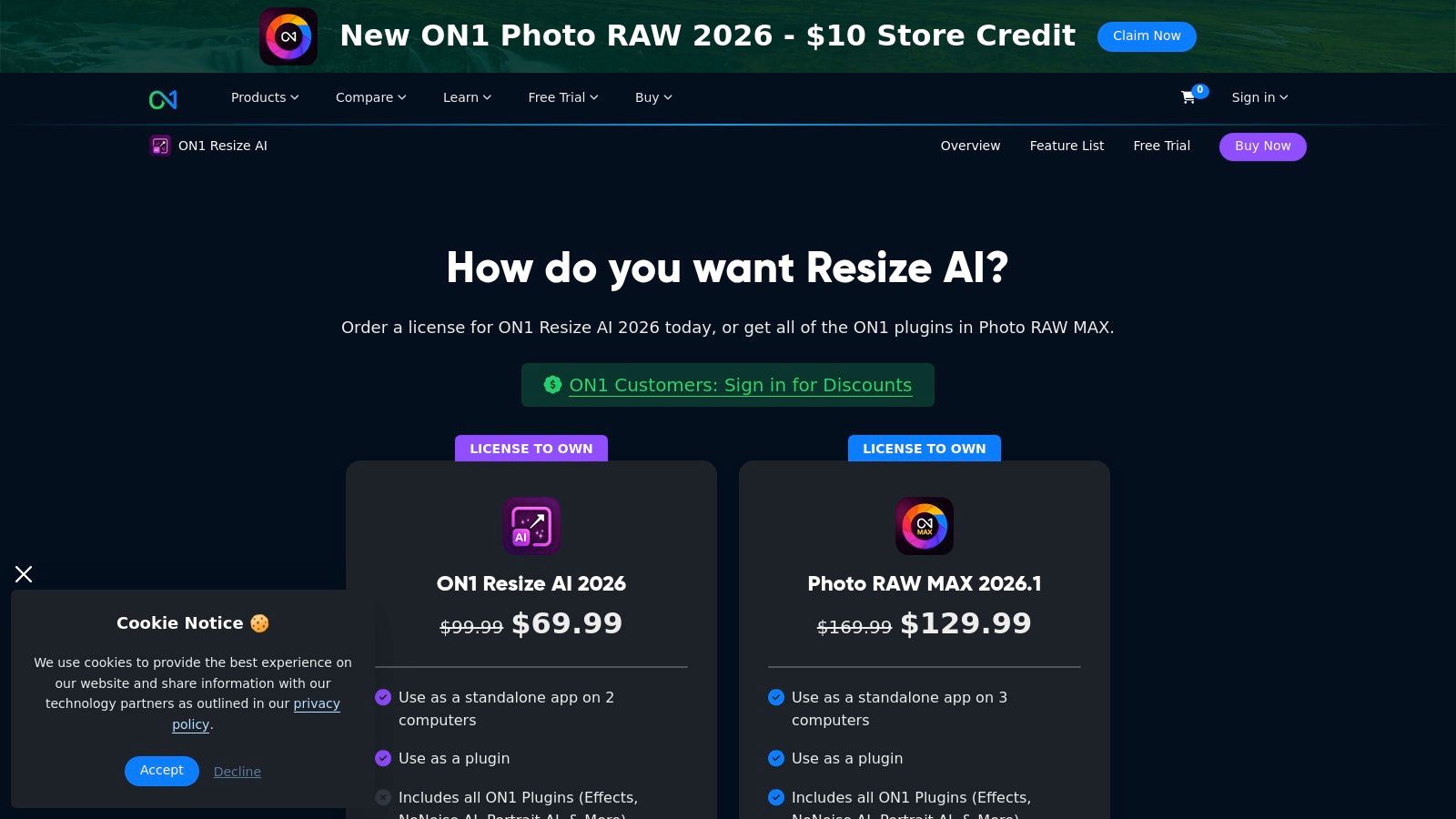
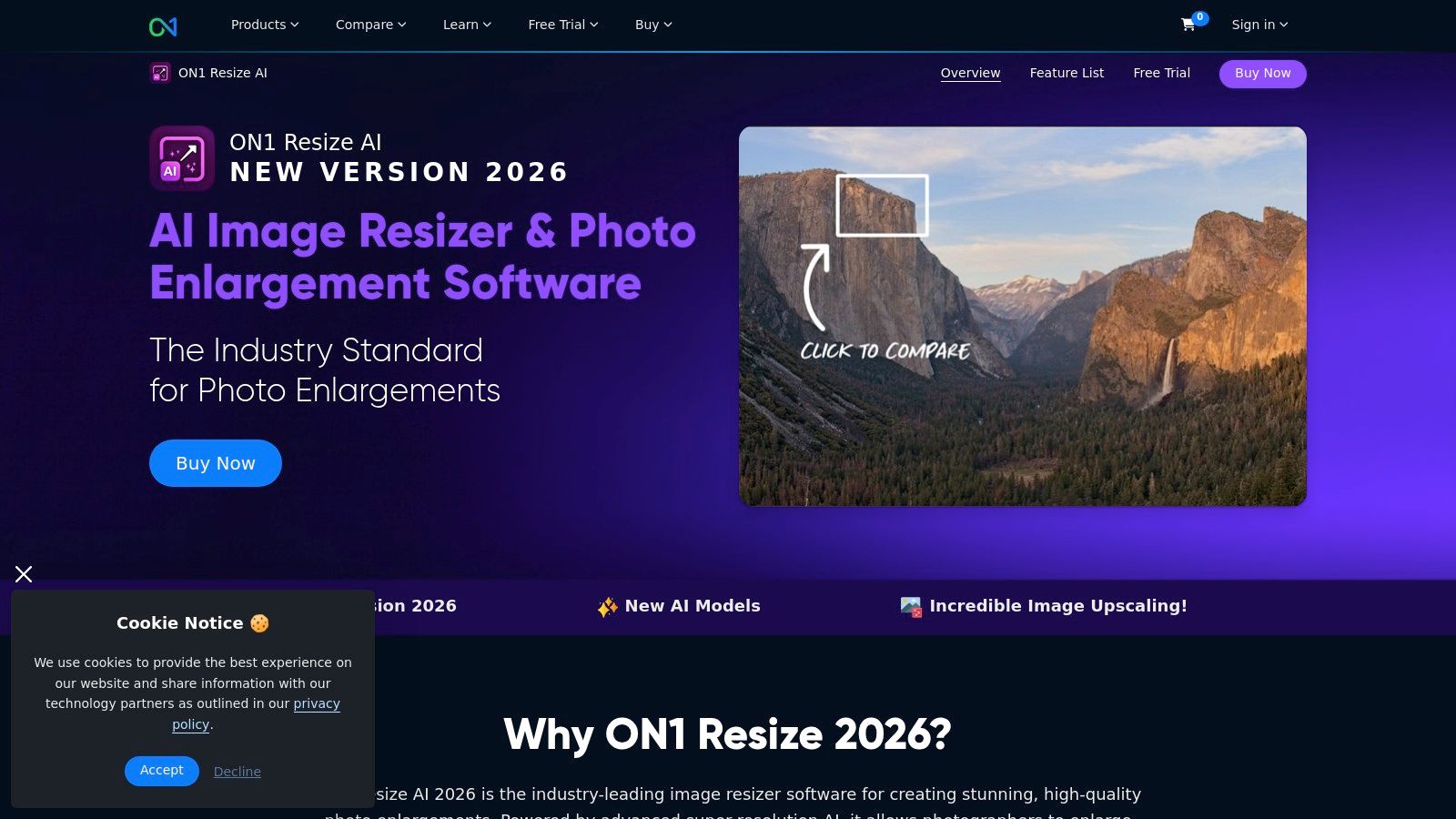
    ON1 provides a dedicated AI upscaler (Resize AI) as standalone software and plugin, plus the full Photo RAW MAX suite. It excels in print workflows by adding tiling, gallery wrap, and soft proofing to AI upscaling. Our review rounds up how ON1 holds up in real-world comparison tests against other AI image enhancers. Good choice for designers, eCommerce managers, and agencies seeking one-time license options or subscription bundles.
    ON1 (Resize AI / Photo RAW)

    Key Features

    • Upscale up to 10× with diffusion-based “Highest Quality” model
    • Face Recovery Controls for precise detail restoration
    • Print Workflow Tools: tiling, gallery wrap, soft proofing
    • Batch Processing for consistent bulk upscaling
    • Plugin Support: Photoshop, Lightroom, Capture One

    Pros and Cons

    • Pros
      • Strong print-specific feature set
      • One-time license or subscription bundles
    • Cons
      • Paid upgrades for major releases
      • Requires a powerful GPU for best performance

    How It Compares

    See how it stacks up against popular alternatives in hands-on reviews.

    Feature ON1 Resize AI Common Alternative
    Maximum Upscale 10× 8× local
    Workflow Focus Print layout & proof General editing
    Licensing Perpetual or bundle Subscription only

    Review Takeaway: Reviews of alternative AI enhancers often highlight ON1’s print-ready features and one-time license flexibility.
    Direct link: https://www.on1.com/products/photo-raw/resize/

    5. Skylum (Luminar Neo)

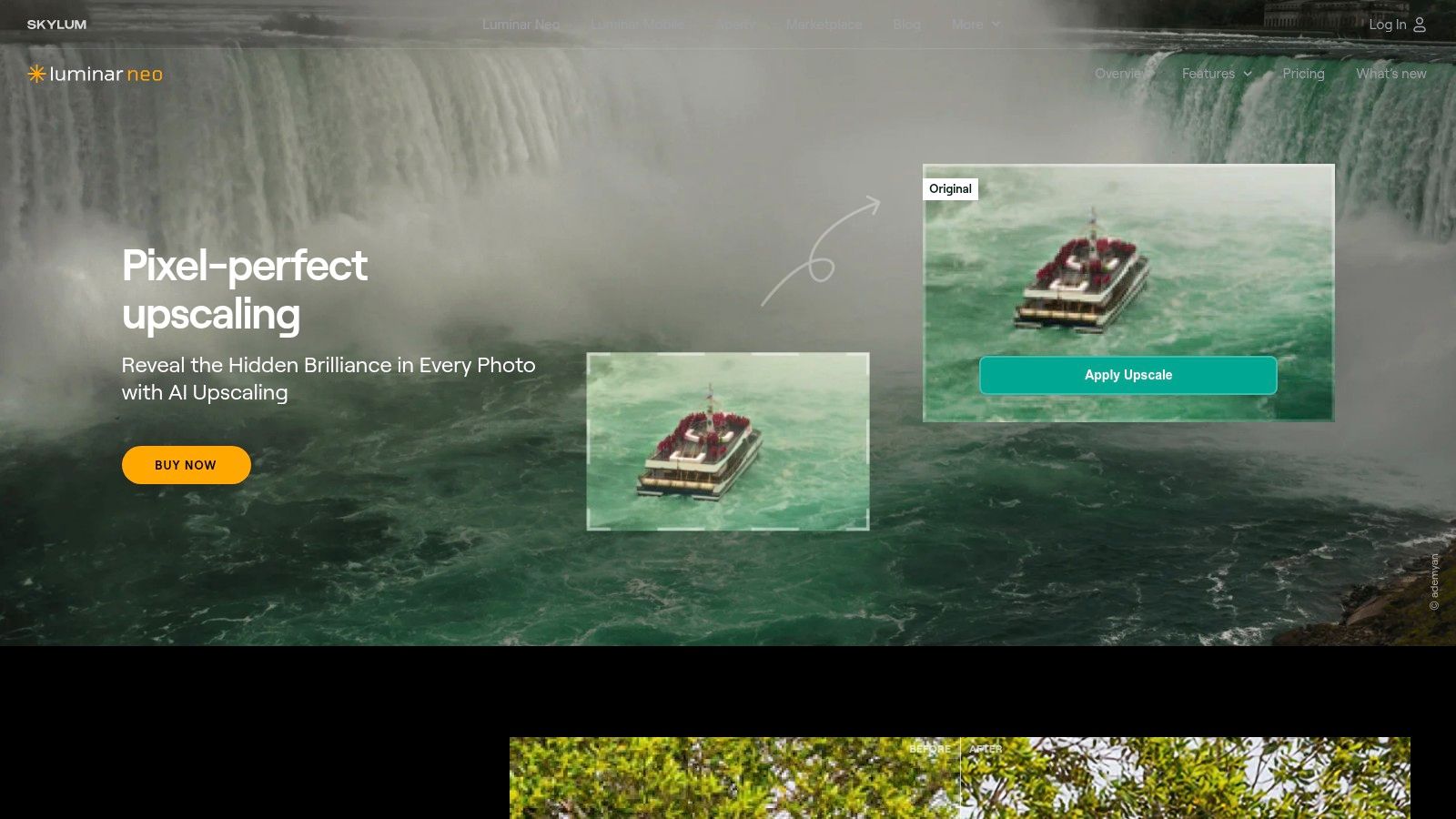
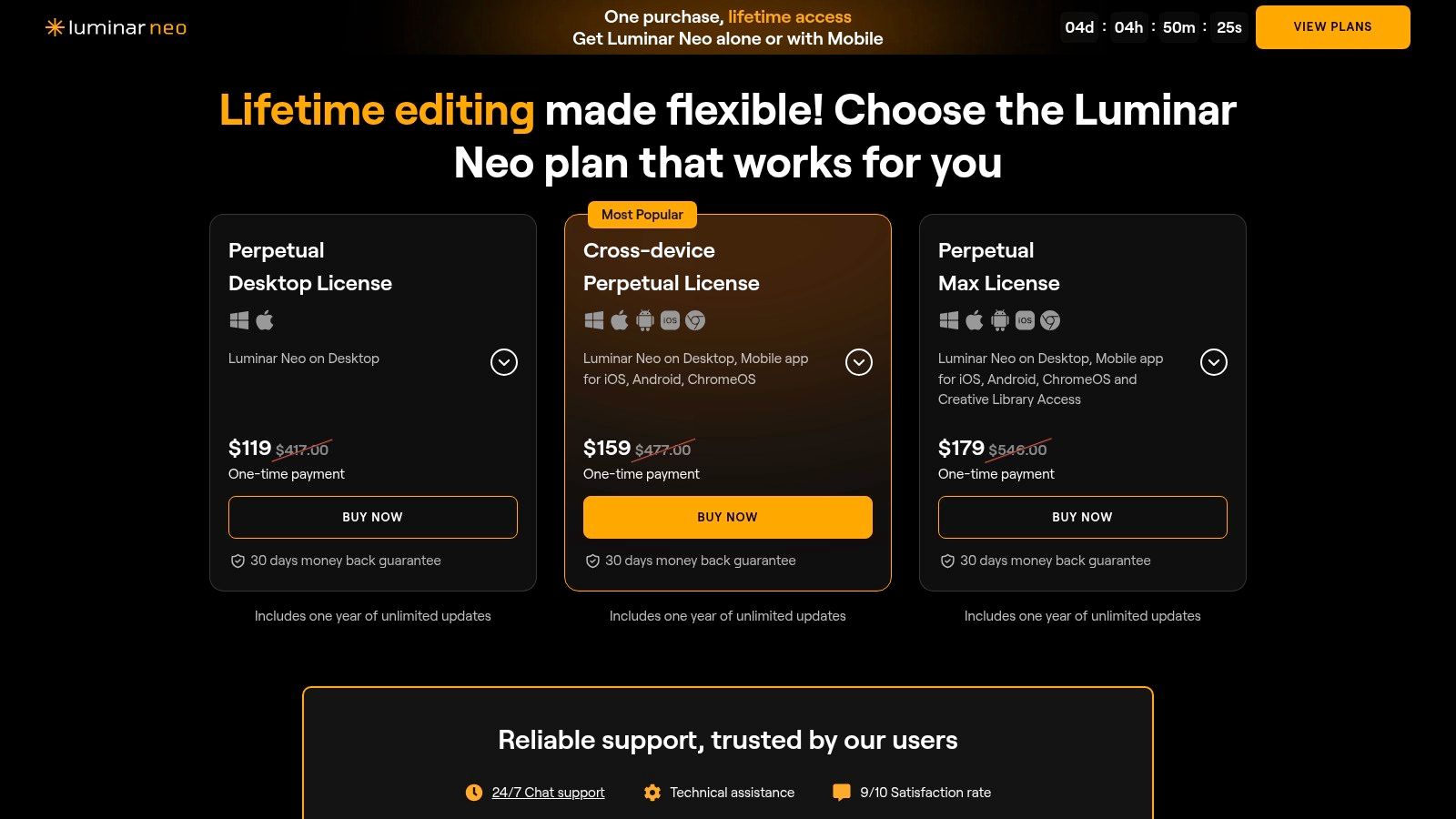
    Skylum’s Luminar Neo stakes its claim as a top pick among the best ai image enhancer tools by blending one-click AI magic with creative effects. It’s a versatile standalone editor that also plugs neatly into Photoshop or Lightroom for users who need seamless Adobe workflow integration. In our comparison reviews, Skylum emerges as a strong alternative to other pure upscalers.
    Skylum (Luminar Neo)

    Key Features

    • Noiseless AI Denoise to clean up ISO grain in one click
    • Super Resolution Upscaling for crisp detail at larger sizes
    • Creative AI Filters like Sky AI, Portrait Bokeh AI, Atmosphere AI
    • Plugin Support for Photoshop, Lightroom, plus standalone app
    • Cross-Device Licensing covers Windows and macOS installations

    Pros and Cons

    • Pros
      • Broad creative toolkit for designers and marketers
      • Perpetual license option with one-year updates
      • Intuitive UI ideal for beginners and advanced users alike
    • Cons
      • Lacks deep parameter control versus dedicated upscalers
      • Upscaling limits and add-on pricing can vary by plan

    How It Compares

    Reviewers call out Skylum as an affordable alternative in creative reviews.

    Feature Skylum (Luminar Neo) Common Alternative
    Upscaling power Up to 4× native size 8× local, 50 MP cloud
    Noise reduction AI-driven Noiseless Manual sliders only
    Creative effects library 20+ AI tools 5–10 presets

    Review Note: Reviews highlight Luminar Neo’s balance of creative AI filters and practical upscaling compared to other alternatives.
    Direct link: https://skylum.com/luminar/pricing-s

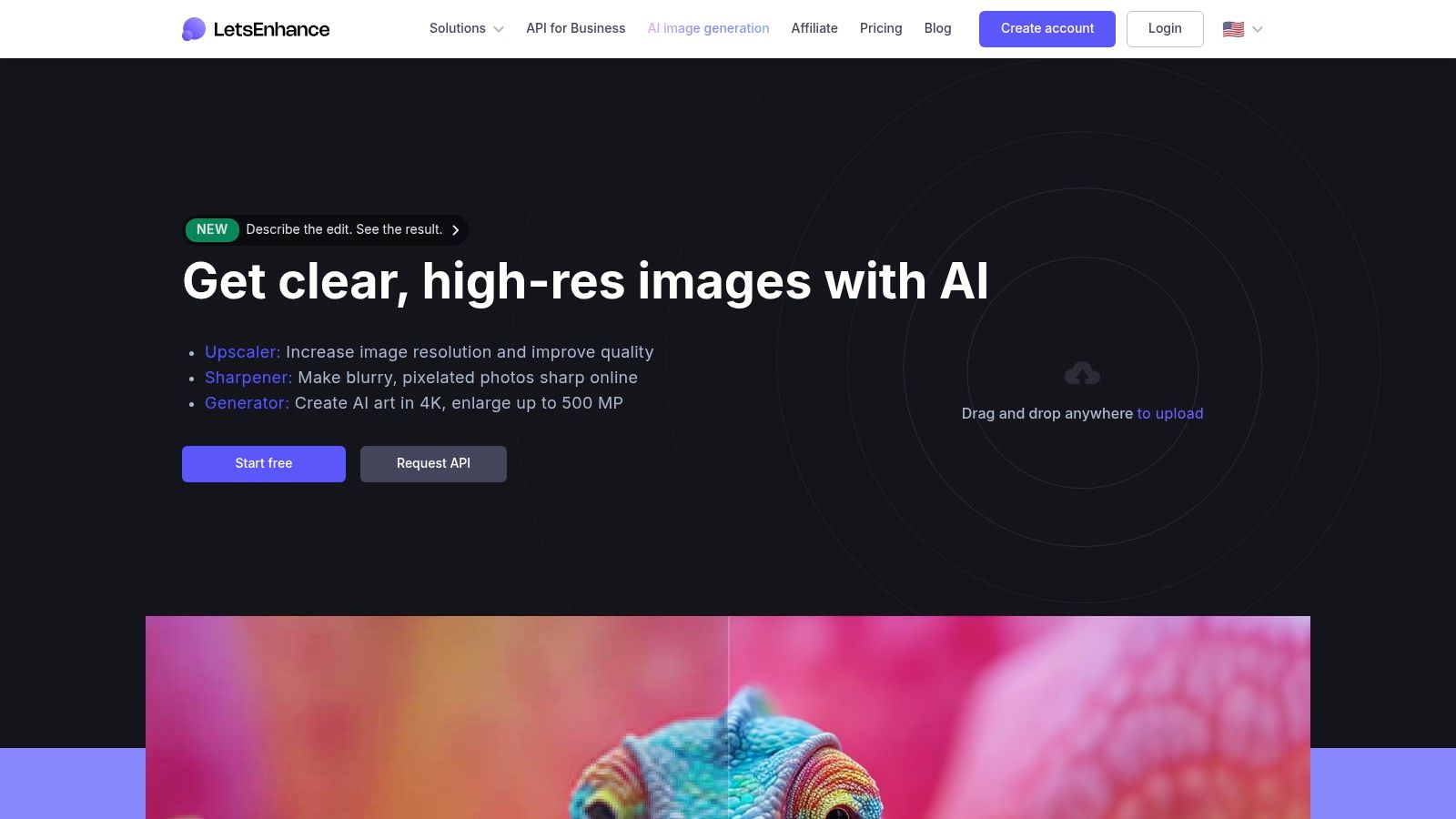
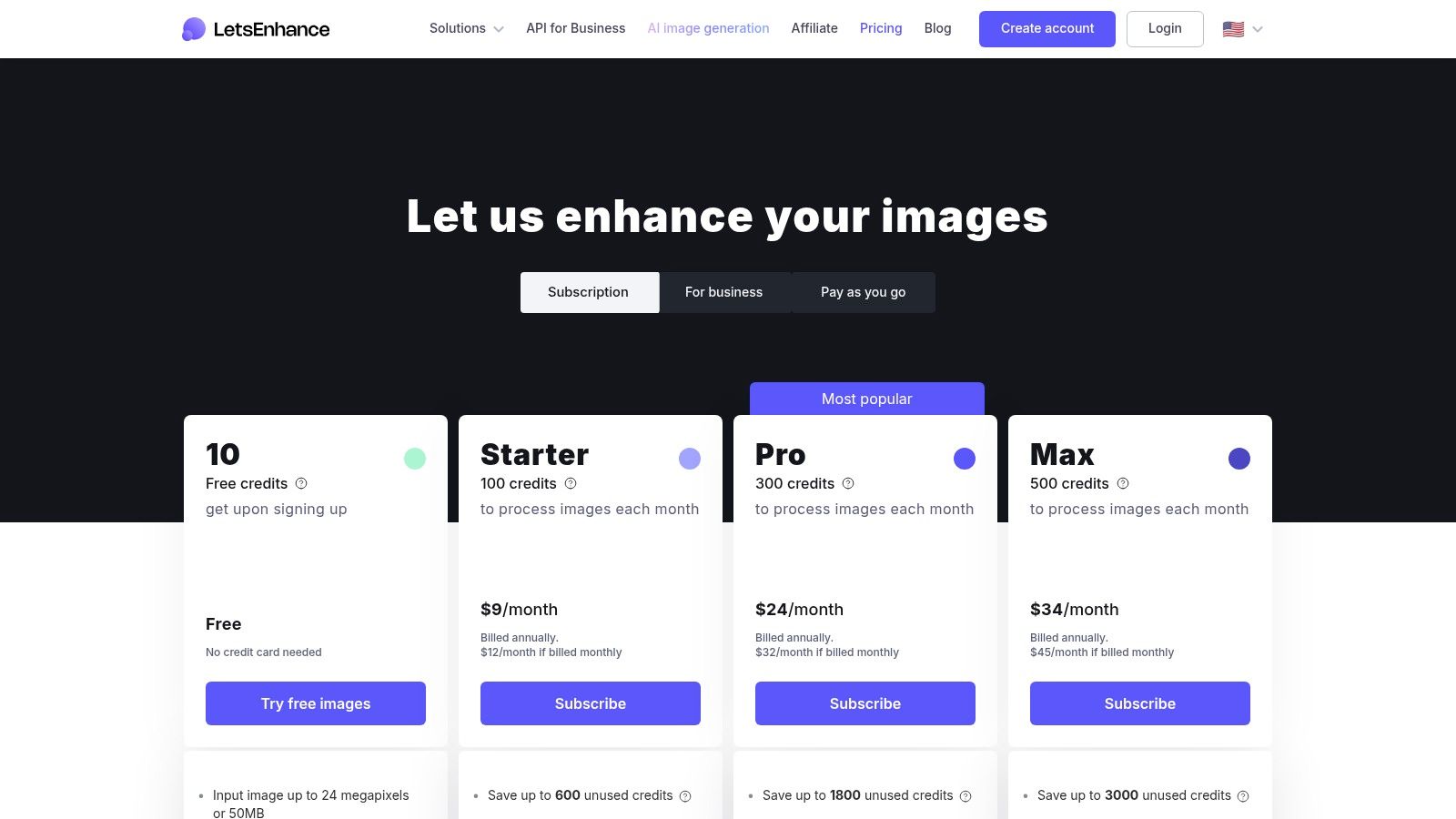
    6. Let’s Enhance

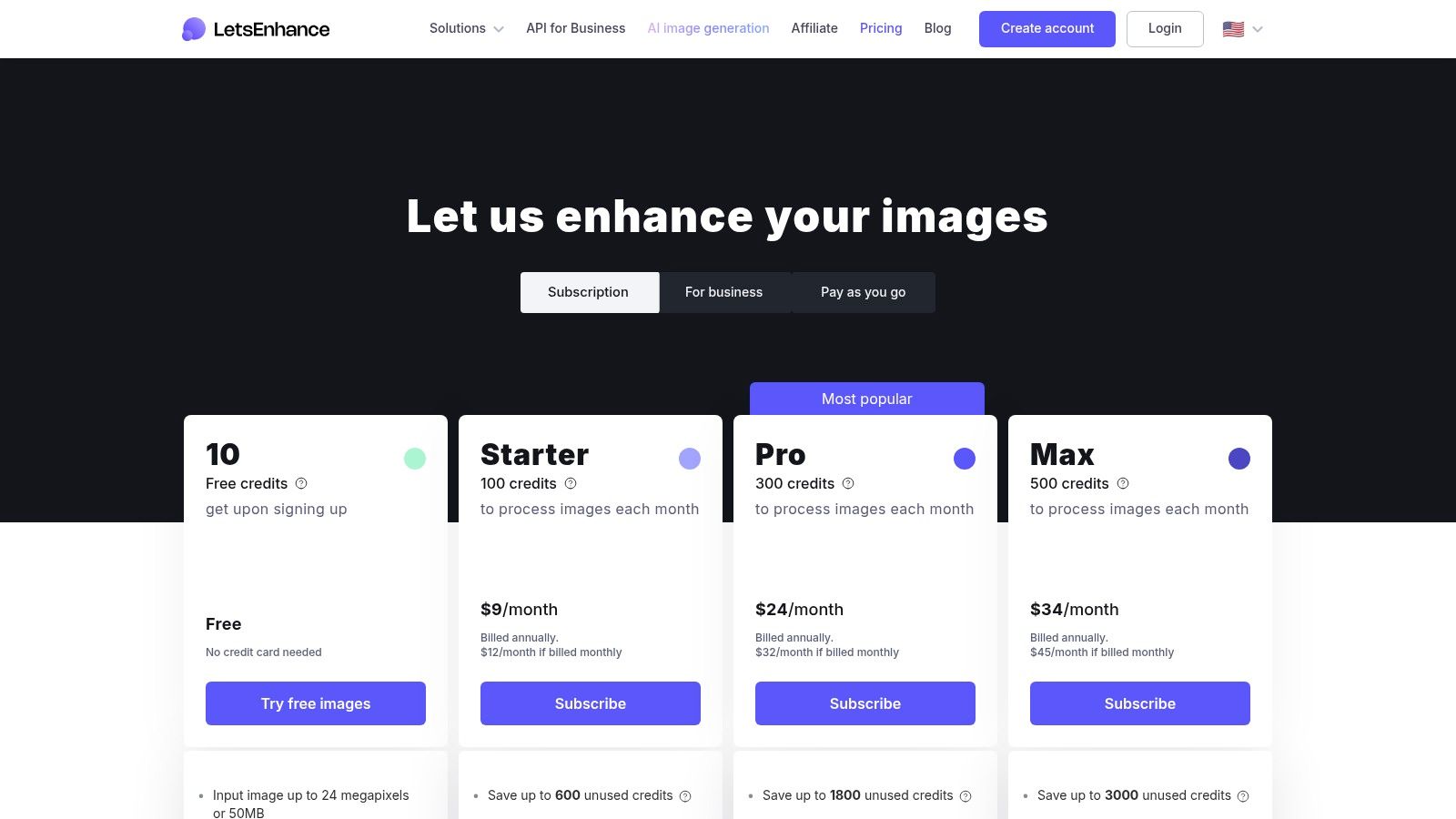
    Let’s Enhance earns its spot in the best ai image enhancer roundup with a frictionless browser workflow and predictable credit-based pricing. Users simply upload photos, choose a scaling or denoise model, and burn credits—no local installs, no guesswork. This web platform shines in real-world reviews for its consistent output and clear credit rollover policy.
    Let’s Enhance

    Key Features

    • Credit System: 1 credit per image, rollover on personal tiers
    • Tiered Output Caps: Personal (up to 16 MP), Business (up to 50 MP)
    • API & Pay-As-You-Go: Developer bundle for automated pipelines
    • Preset Modes: Upscale, Denoise, Colorize with one-click options

    Pros and Cons

    • Pros
      • No installation—purely web-based alternative
      • Generous rollover prevents wasted credits
      • Clean UI caters to high-volume ecommerce and marketing teams
    • Cons
      • Pricing varies by currency and promotions
      • Credits expire if subscription lapses
      • Fewer advanced controls versus desktop tools

    How It Compares

    Reviewers often cite Let's Enhance as a top alternative for browser-based workflows.

    Feature Let’s Enhance Common Alternative
    Upscaling Power 16× local credit cap 8× free samples
    API Access Pay-as-you-go bundle Monthly fixed only
    Credit Rollover Yes (limits apply) No

    Review Insight: In comparison reviews, Let’s Enhance is praised for transparent pricing and ease of use versus other cloud upscalers.
    Direct link: https://letsenhance.io/pricing

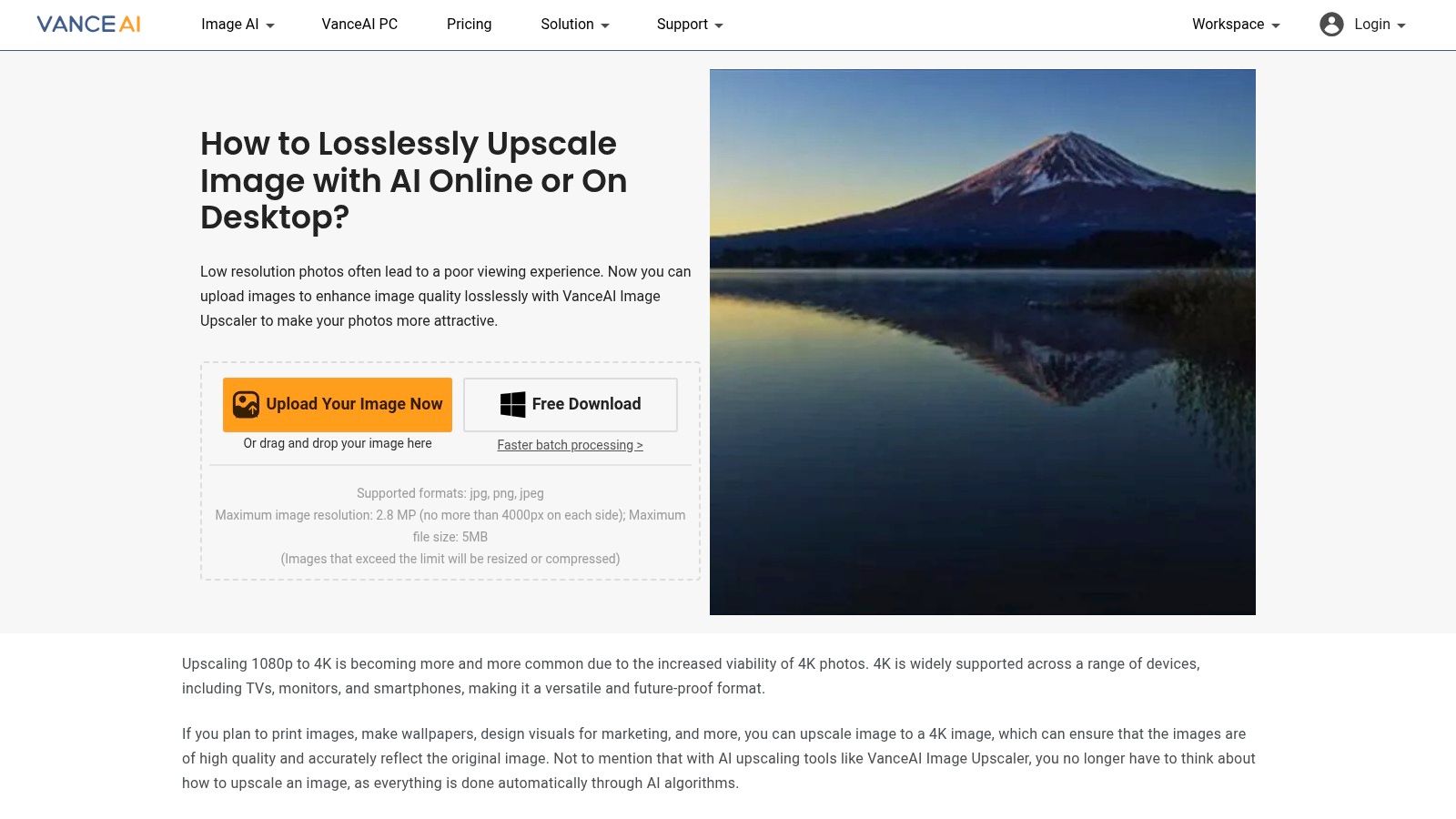
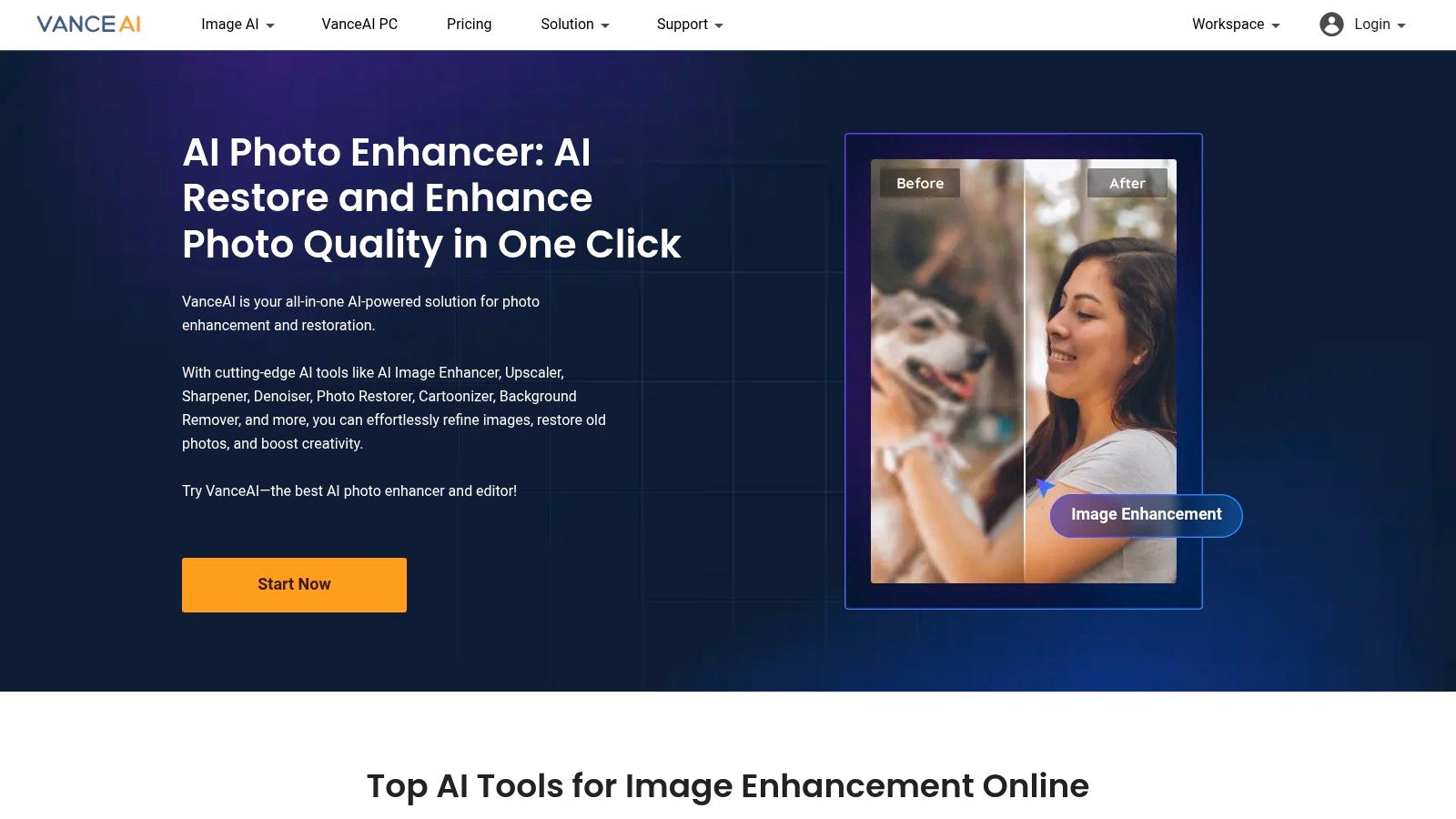
    7. VanceAI

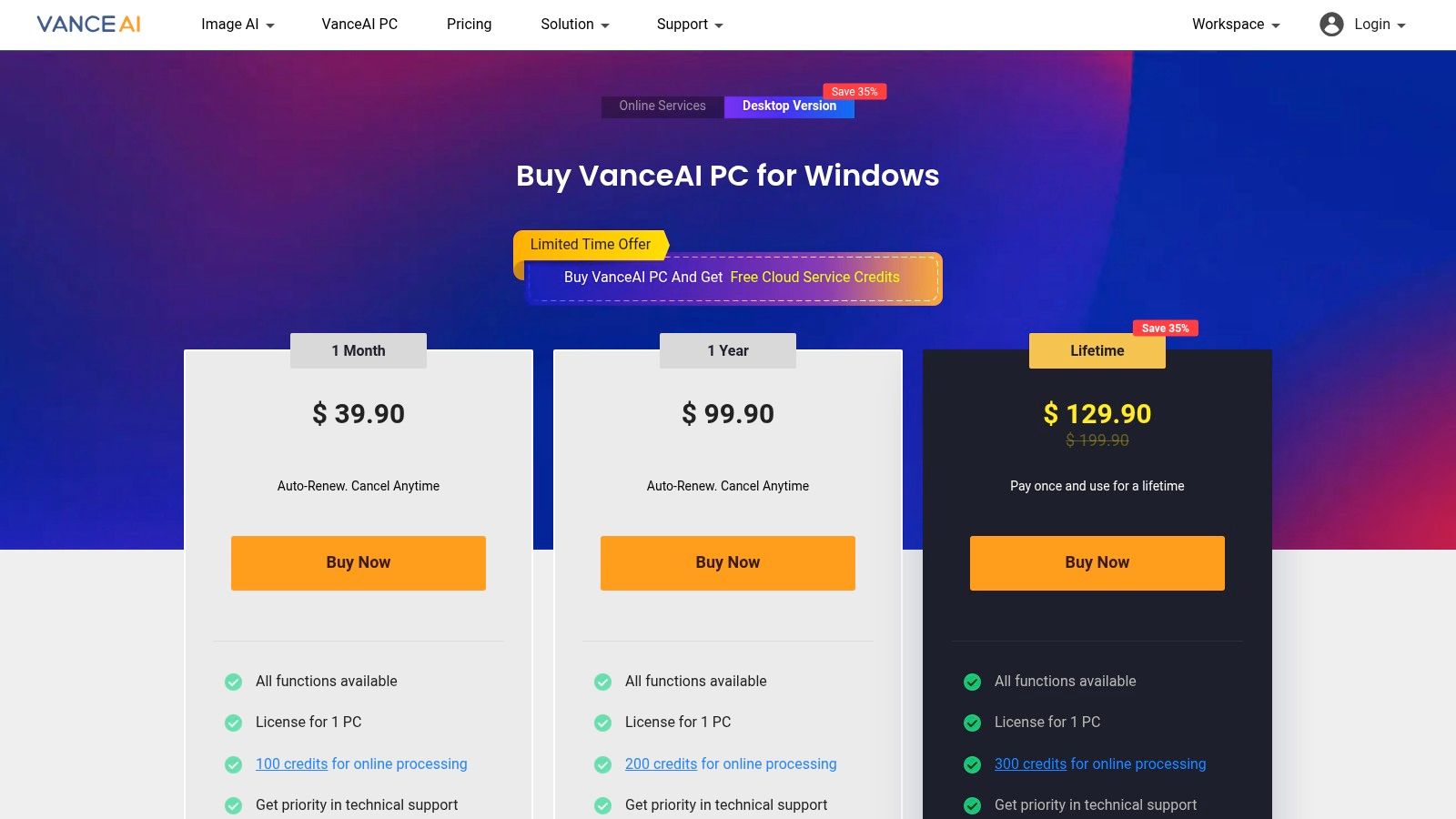
    VanceAI secures its place as a best ai image enhancer by offering a suite of online and desktop AI tools under a flexible credit system. From upscaling and denoising to restoring old photos, it merges multiple utilities into one intuitive interface that suits dev teams, creative agencies, and e-commerce managers alike.
    VanceAI

    Key Features

    • All-in-One Toolset: Image Enhancer, Upscaler, Denoiser, Sharpener, Old Photo Restorer
    • Credit System: 1–3 credits per task, monthly rollover up to 5× allotment
    • Multi-Platform: Web dashboard and Windows desktop app
    • Transparent Rules: Documented per-image and API credit usage

    Pros and Cons

    • Pros
      • Broad enhancement utilities consolidated in one place
      • Flexible credits with rollover for unused balance
      • Clear UI and detailed credit documentation
    • Cons
      • Downloads still consume credits even after free preview
      • API and web credits operate on separate pools

    How It Compares

    In reviews, VanceAI is praised as an alternative tool offering multiple AI modules.

    Feature VanceAI Common Alternative
    Toolset Breadth 5 AI modules 2–3 modules
    Upscaling Power Up to 4× free, higher credits 2× local only
    Credit Flexibility Rollover up to 5× No rollover
    API Access Separate web and API pools Unified credits

    Review Takeaway: Comparison reviews applaud VanceAI’s credit flexibility and toolset breadth as strong advantages over other enhancers.
    Direct link: https://vanceai.com/pricing-for-win/

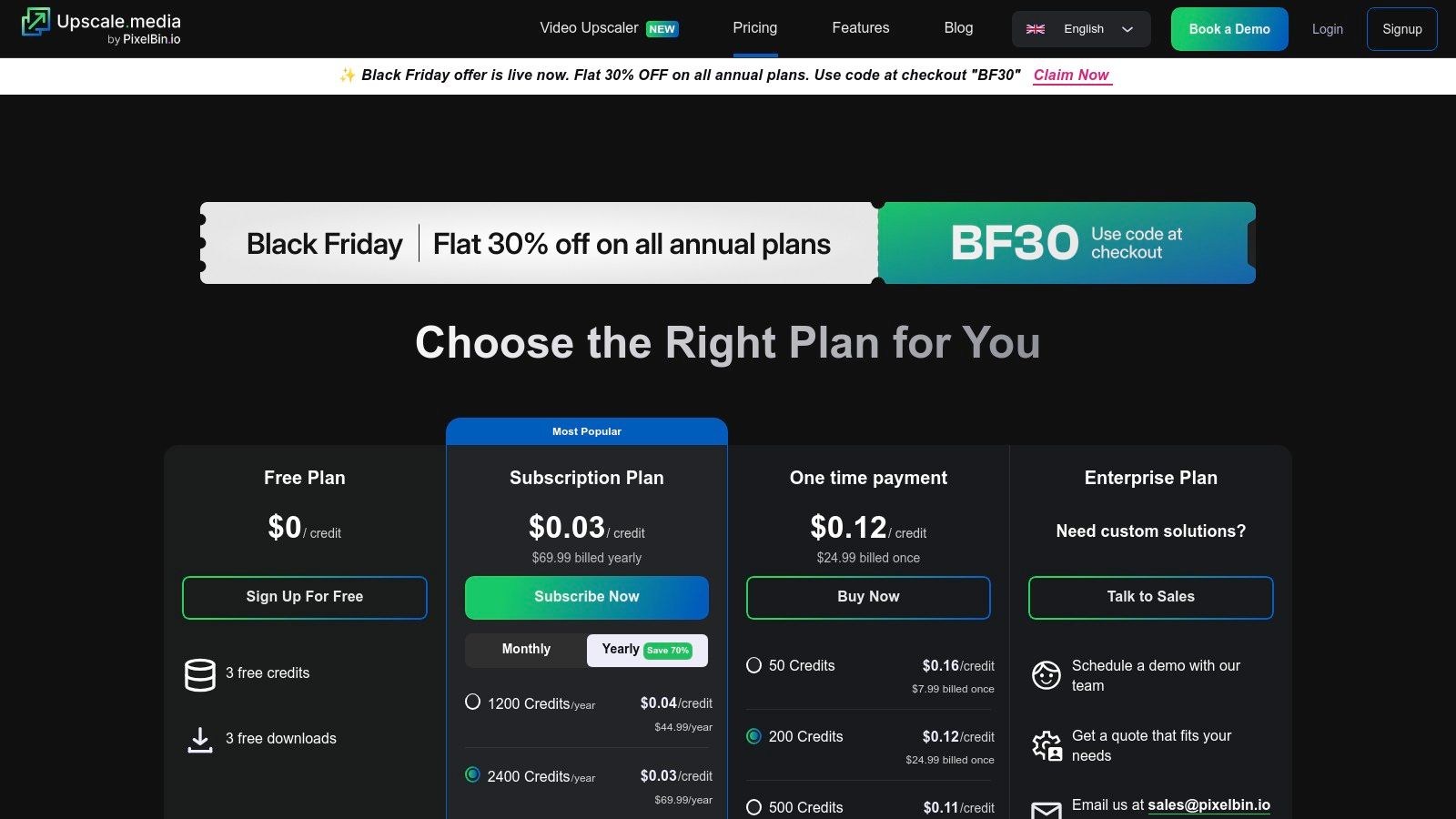
    8. Upscale.media (by PixelBin)

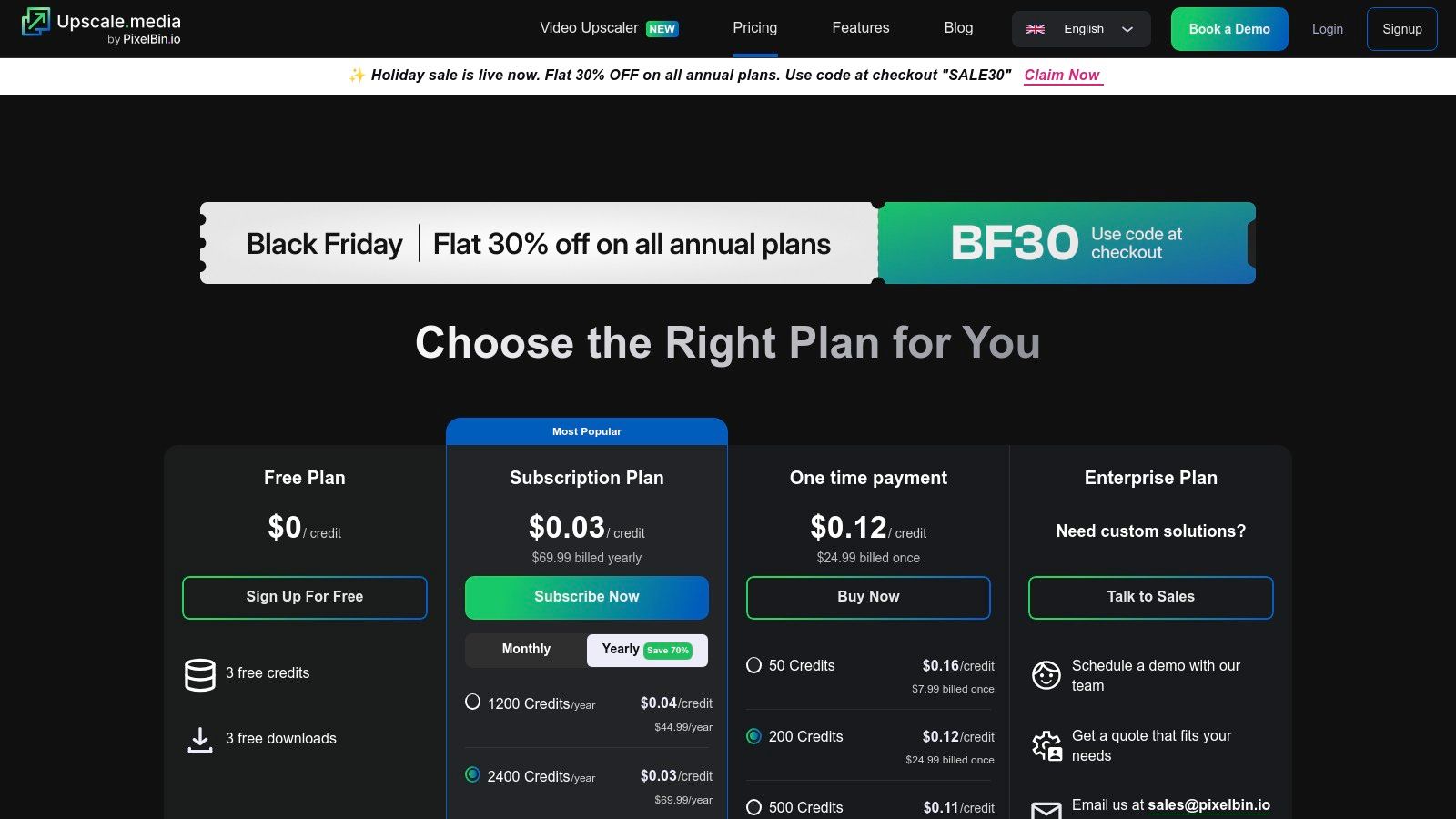
    Upscale.media (by PixelBin) lands on our best ai image enhancer list by focusing on cost-efficient bulk upscaling with face enhancement. This website and API service is designed for teams that need automated workflows, large yearly bundles, and reliable performance at a fraction of the cost of alternatives. In head-to-head comparisons and user reviews, it consistently outpaces other tools on speed and ease of use. Its web interface is clean, the uploader handles drag-and-drop at scale, and customer support replies within hours. As an alternative to heavier desktop apps, Upscale.media offers instant deployment with a pay-as-you-go model. The pricing page clearly lists credit tiers, making cost comparisons painless before you commit.
    Upscale.media (by PixelBin)

    Key Features

    • Web and API upscaling with dedicated face enhancement
    • Bulk processing plus add-on credit packs
    • Free monthly credits on the free plan
    • Subscription and one-time bundles for high-volume use

    Pros and Cons

    • Pros
      • Very low per-image cost on yearly plans
      • Simple REST API for seamless batch workflows
      • Free quota each month for new users
    • Cons
      • Unused credits expire each billing cycle
      • No refunds on subscriptions

    How It Compares

    Review comparisons favor Upscale.media for cost-effective bulk upscaling.

    Feature Upscale.media Common Alternative
    Pricing model Credit bundles Subscription only
    Bulk upscaling Unlimited 500 images max
    API integration Full REST API Limited SDKs

    Review Insight: In side-by-side tests, Upscale.media is often named the best alternative for high-volume, budget-conscious workflows.
    For a quick workflow demo, Learn more about Upscale.media (by PixelBin) on PixelPanda.
    Direct link: https://www.upscale.media/pricing

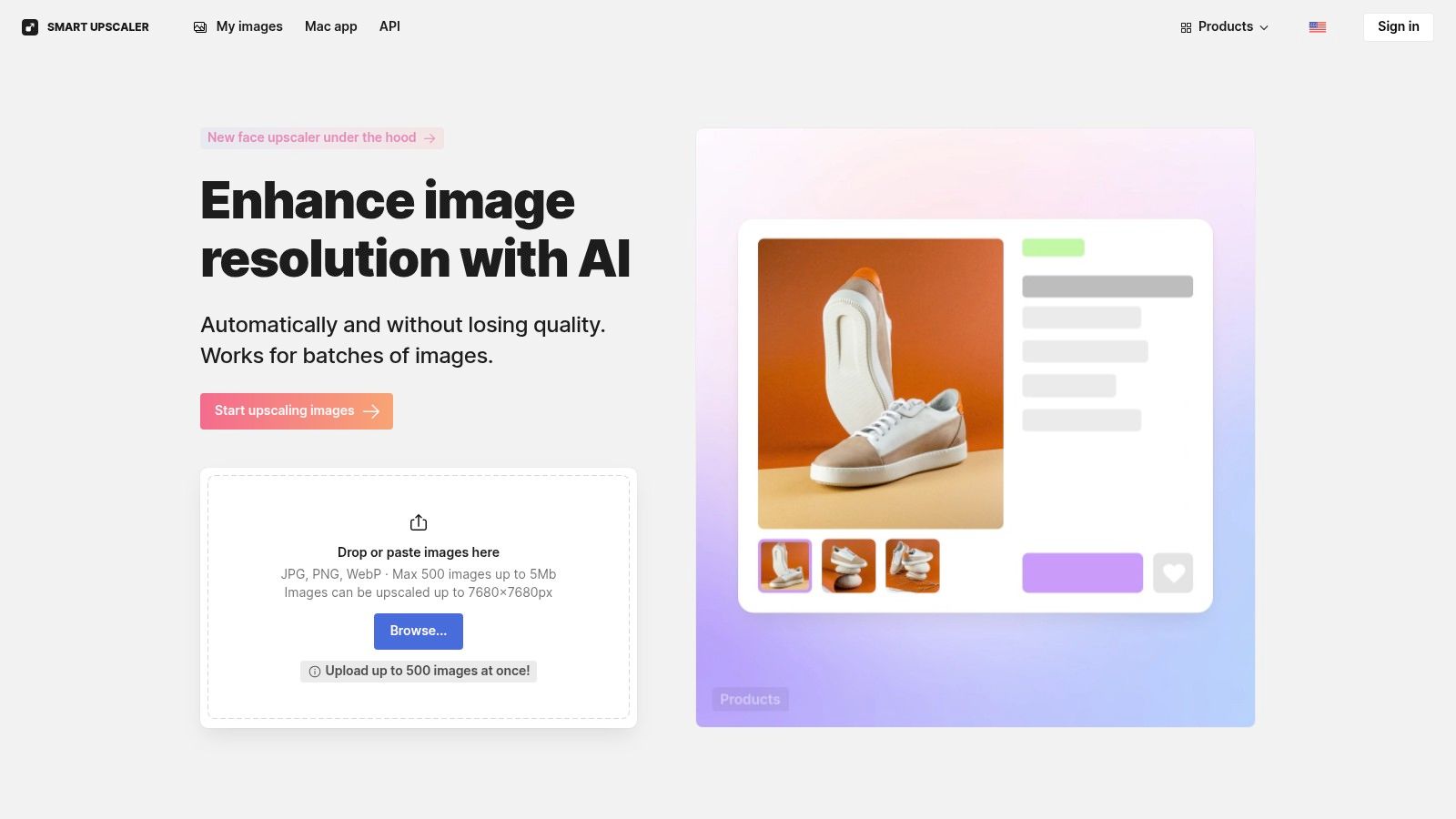
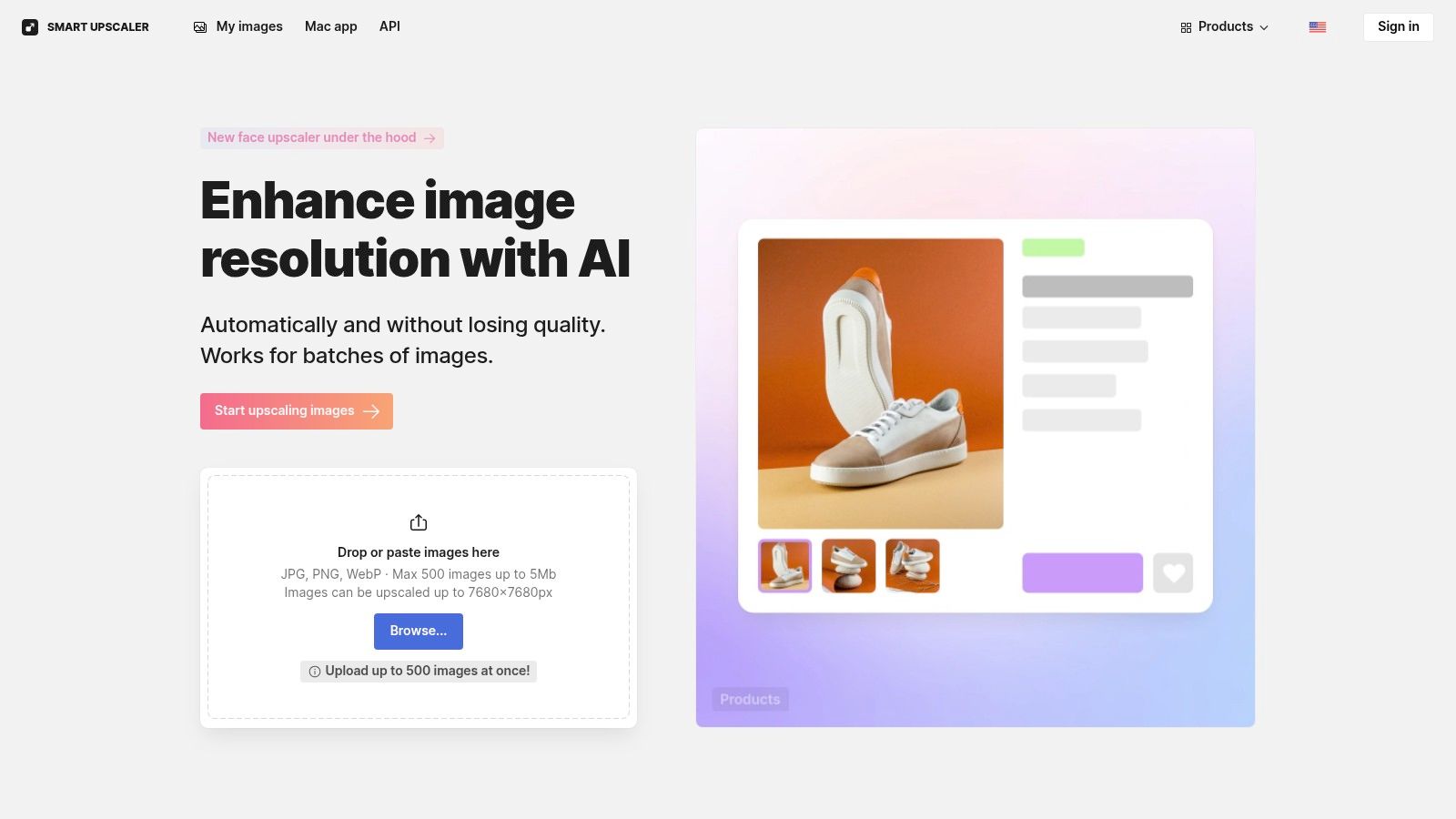
    9. Icons8 — Smart Upscaler

    Icons8 Smart Upscaler stands out in best ai image enhancer comparison for its browser-based speed and flexible payment options. Designers, marketers, and dev teams get up to 8× upscaling with batch processing and API access in prepaid, limited, or unlimited tiers.
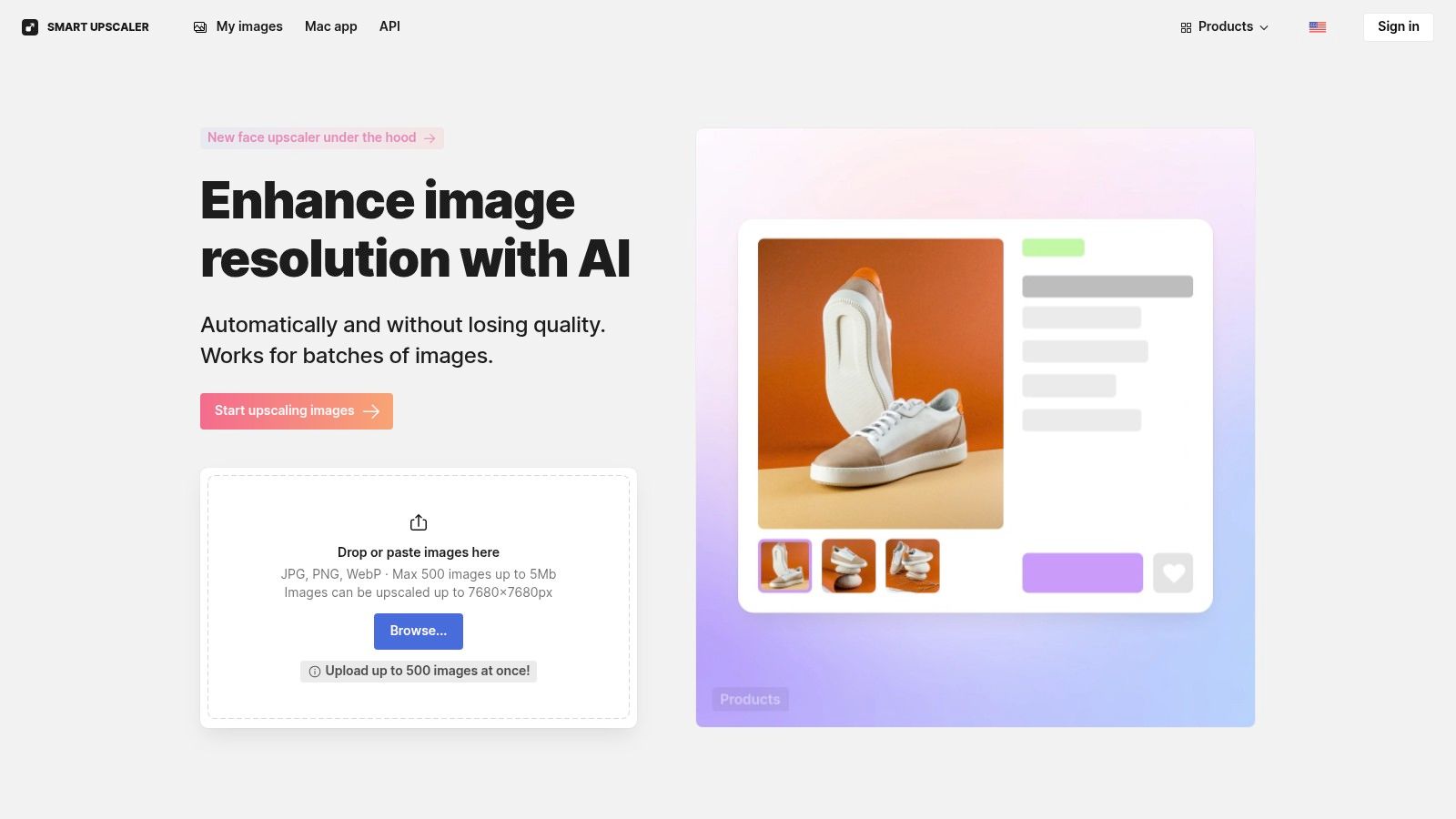
    Icons8 — Smart Upscaler

    Key Features

    • Batch processing up to 8× without installing software
    • History panel for re-downloads at no extra cost
    • REST API for large-scale automation and workflow integration
    • Prepaid packs, limited subscription, and unlimited tier options

    Pros and Cons

    • Pros
      • Simple, fast web UX with detailed documentation
      • Flexible payment: pay-as-you-go or flat-rate unlimited plan
      • Reliable re-processing history ideal for A/B testing
    • Cons
      • File size and dimension limits for peak quality
      • Unlimited plan cost may deter light users
      • Browser-only, no desktop or CLI alternative

    How It Compares

    User reviews highlight Icons8 as a reliable alternative among web upscalers.

    Feature Icons8 Smart Upscaler Common Alternative
    Upscaling power 8× batch-based 4× local, 16× cloud
    Pricing flexibility Prepaid or subs Subscription only
    API integration Full REST API Limited SDK

    Review Note: In comparison reviews, Icons8 is praised for its speed, reliability, and clear alternatives analysis.
    Direct link: https://icons8.com/upscaler

    10. HitPaw — Online Photo Enhancer

    HitPaw stands out as a best ai image enhancer for teams that need flexible short-term pricing, quick API credits and simple batch processing. Developers, ecommerce sellers, and marketing pros will appreciate its granular weekly, monthly, and yearly plans. In our reviews and comparison tests, HitPaw earns praise for low entry costs and no installation hassles.
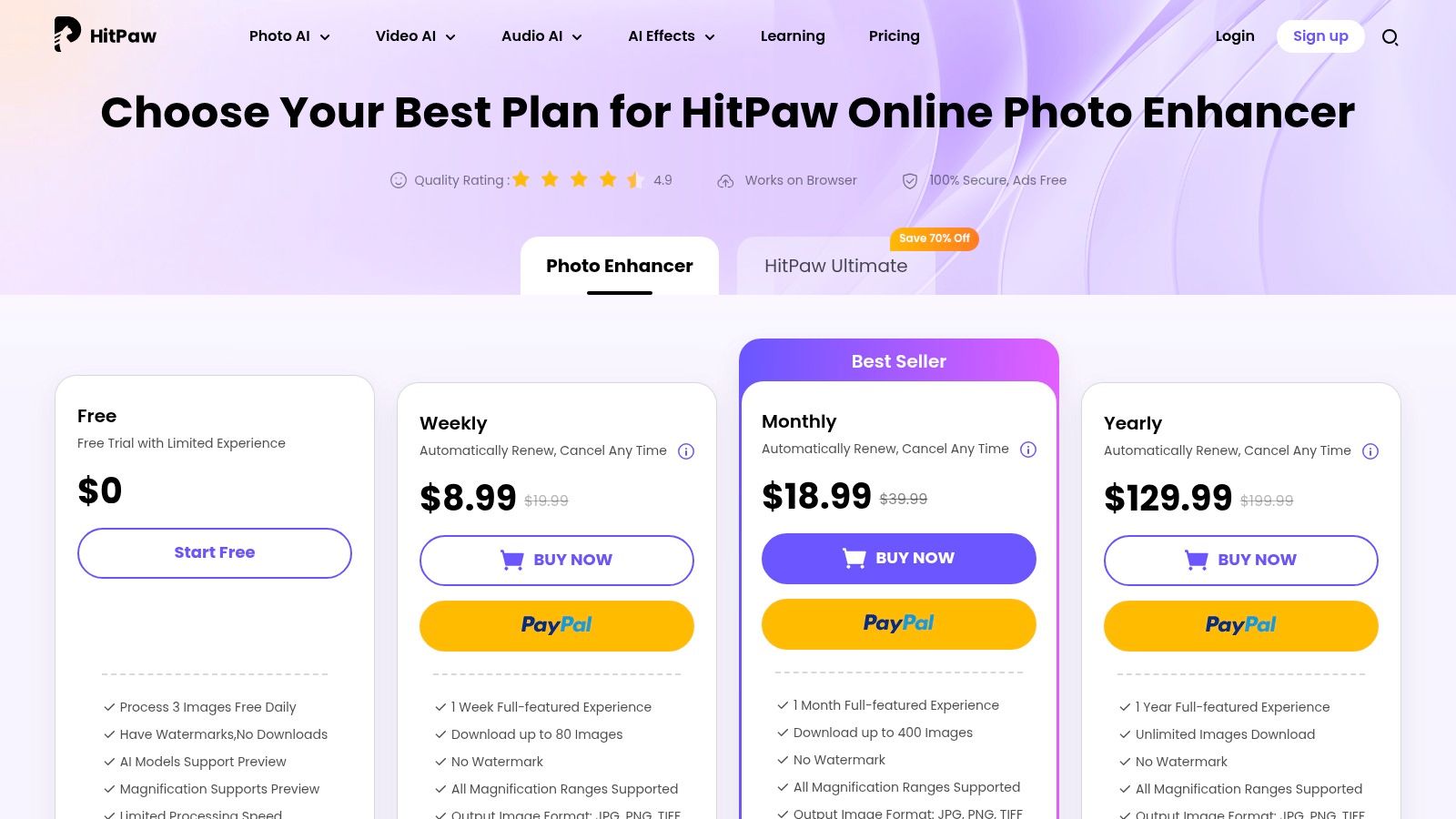
    HitPaw — Online Photo Enhancer

    Key Features

    • Multiple AI models with up to 8× upscaling online
    • Batch processing on paid tiers for high-volume workflows
    • TIFF, PNG, JPG outputs plus pay-as-you-go API credits
    • Short-term plans: weekly, monthly, yearly and Ultimate bundle

    Pros and Cons

    • Pros
      • Very low weekly/monthly entry prices for short projects
      • 30-day money-back guarantee on most online tools
      • API integration makes it an alternative to full-stack SDKs
    • Cons
      • Free tier may include watermarks and throttled speed
      • Many SKUs require careful reading to avoid surprises
      • No desktop client for offline processing

    How It Compares

    In our comparison reviews, HitPaw is noted as a strong alternative for short-term projects.

    Feature HitPaw Common Alternative
    Upscaling power 8× online 16× local, 100 MP cloud
    API integration Credit-based, pay as you go Subscription-only with limits
    Batch processing Available on paid plans Often extra-fee add-on

    Review Insight: Comparison reviews call out HitPaw’s affordable entry tiers and flexible short-term plans as unique advantages.
    Direct link: https://online.hitpaw.com/purchase/buy-hitpaw-online-photo-enhancer.html

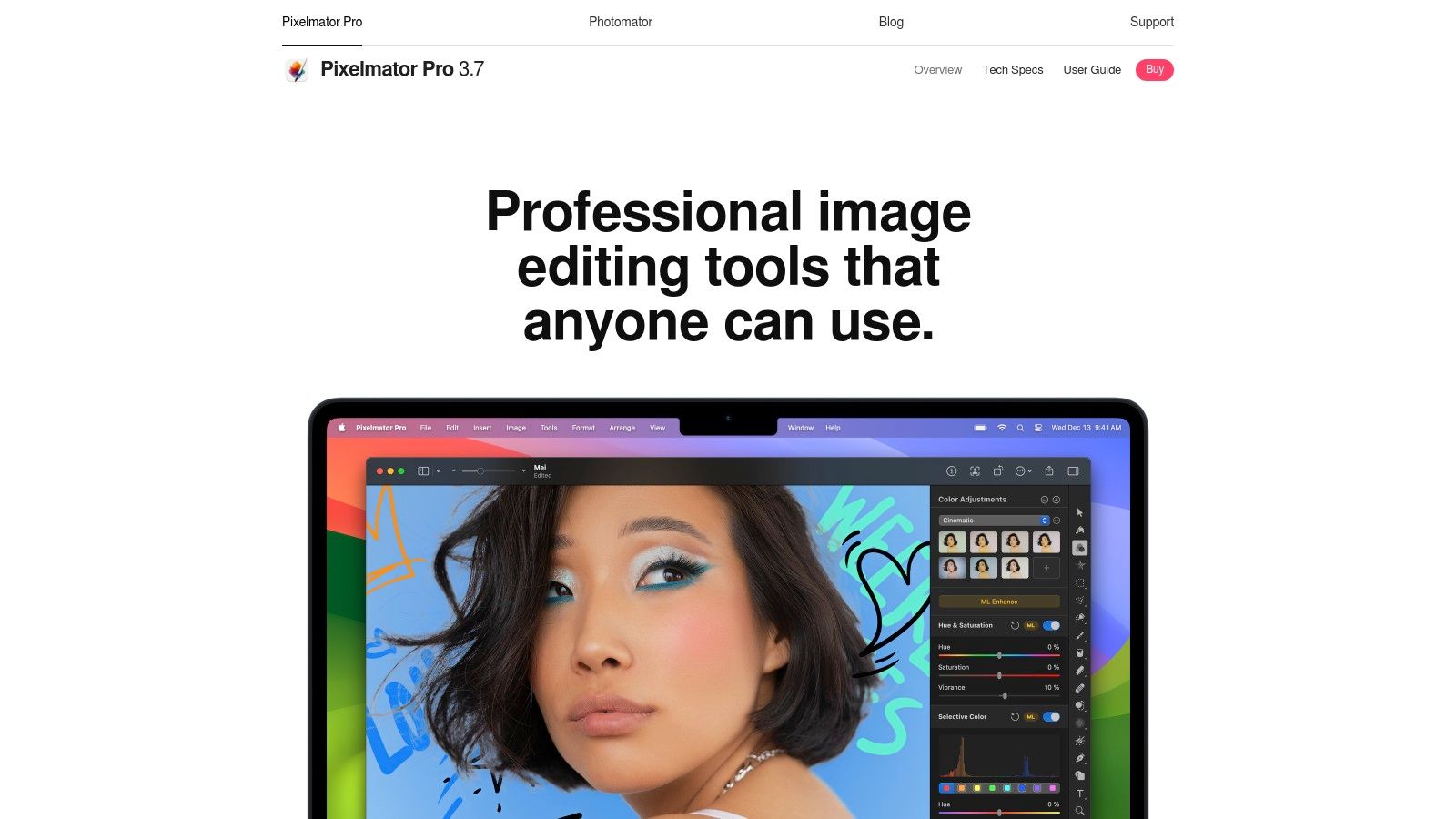
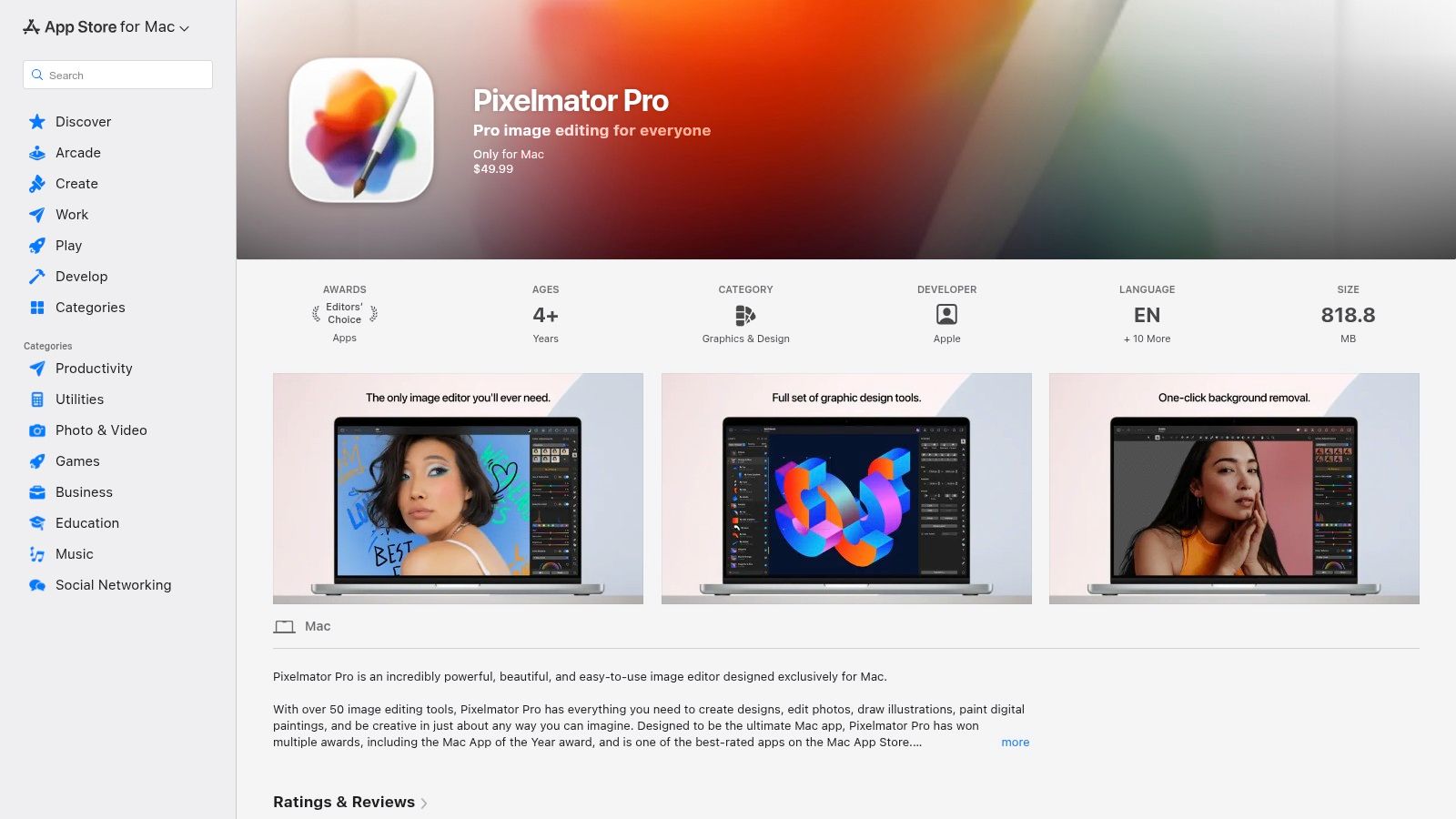
    11. Pixelmator Pro (Mac)

    Pixelmator Pro (Mac) earns its place among the best ai image enhancers by folding ML Super Resolution and ML Denoise into a full-featured macOS-only editor. Its one-time purchase model and native Apple silicon acceleration make it a compelling alternative to subscription tools—developers and designers praise its snappy batch pipelines in reviews and comparisons.
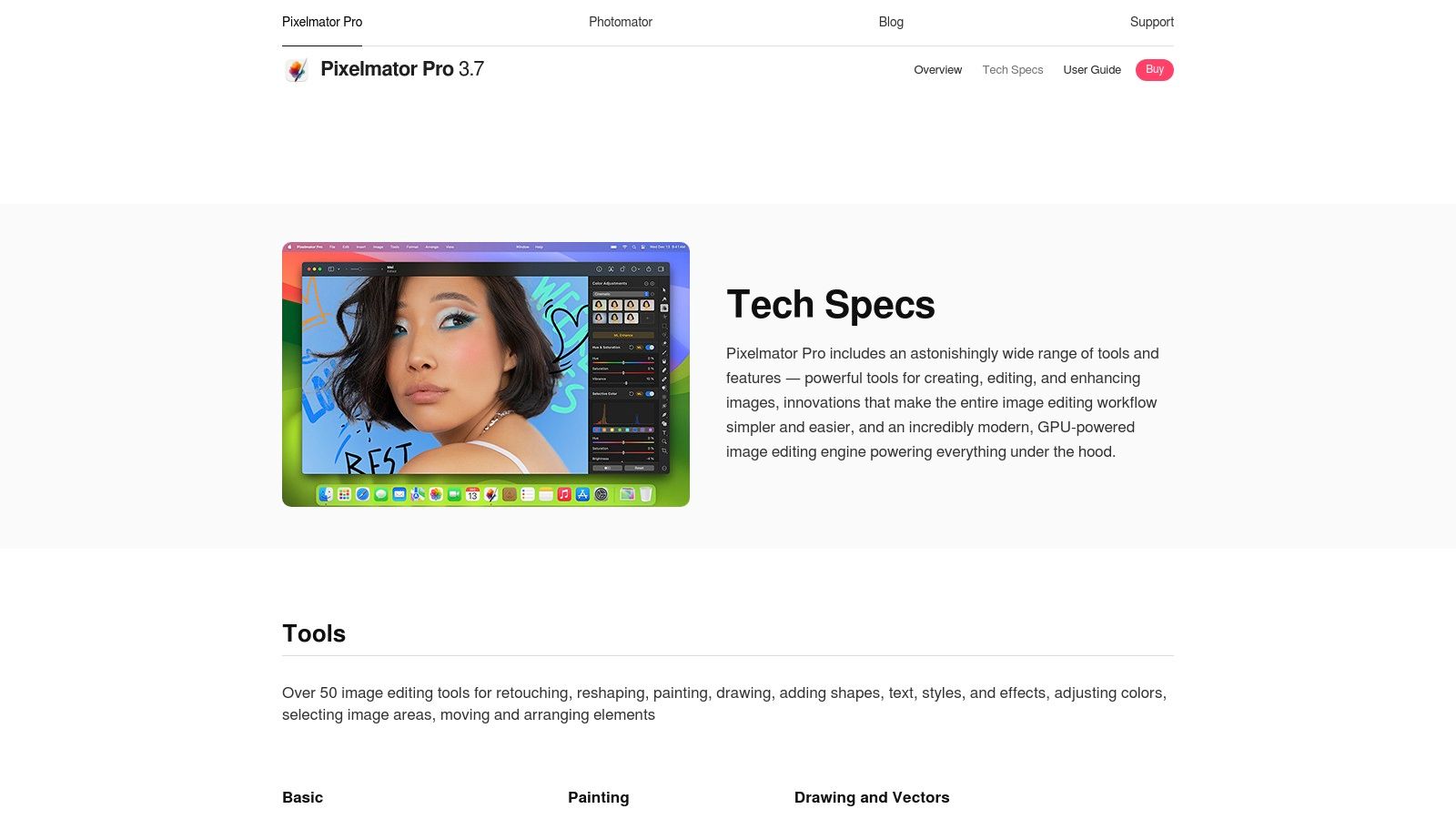
    Pixelmator Pro (Mac)

    Key Features

    • ML Super Resolution up to 3× for crisp enlargement
    • ML Denoise models tuned for portraits and landscapes
    • Apple silicon optimized, plus Automator and AppleScript support
    • Integrated editing suite with layered adjustments and filters
    • One-time purchase via Mac App Store, no subscription

    Pros and Cons

    • Pros
      • Fast, native performance on M1/M2 chips
      • Clear pricing: one purchase unlocks all ML tools
    • Cons
      • macOS only, no Windows or Linux support
      • Not a specialist upscaler, but a general editor

    How It Compares

    Reviews mention it as a popular macOS alternative and effective AI-enhancer.

    Feature Pixelmator Pro Topaz Labs
    Upscaling power 3× local 16× local, cloud up to 100 MP
    Face enhancement General ML Denoise Dedicated face AI
    Platform support macOS only Windows, macOS, iOS, cloud

    Review Note: In comparison reviews, Pixelmator Pro is often cited as the best subscription-free alternative for Mac users.
    Direct link: https://www.pixelmator.com/pro/tech-specs/

    12. Remini (Mobile)

    Remini (Mobile) earns its place in the best ai image enhancer roundup by delivering a truly mobile-first experience for fast face restoration. Its one-tap improvements and detail recovery have made it a viral favorite in countless online reviews.
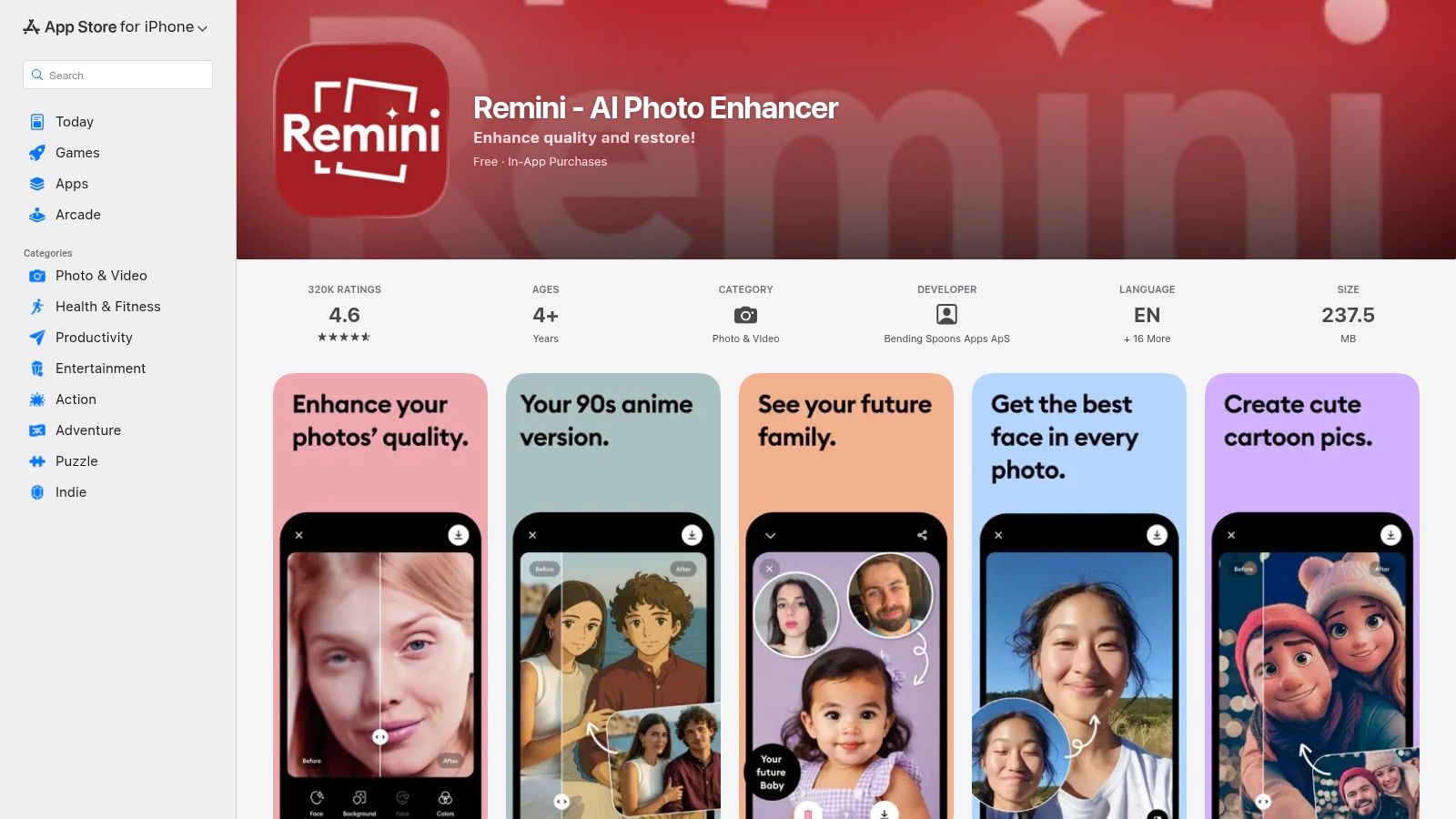
    Remini (Mobile)

    Remini stands out from alternatives with its optimized iOS and Android UX, frequent feature updates, and a dedicated focus on facial enhancement. Whether you need to revive old portraits or sharpen social media snaps, this app makes pro-level AI available in your pocket.

    Key Features

    • Face-Focused Restoration and detail amplification via AI
    • One-Tap Enhancements for instant, share-ready results
    • Frequent Updates keeping tools fresh and mobile-optimized
    • Cross-Platform Mobile support on iOS and Android

    Pros and Cons

    • Pros
      • Easiest path for non-experts to get professional results
      • Large user base fuels quick feedback and community tips
    • Cons
      • Pricing varies by region, weekly in-app plans can add up
      • Some users report billing confusion with subscriptions

    How It Compares

    Reviews of mobile enhancers consistently mention Remini as a go-to alternative.

    Feature Remini (Mobile) Common Alternative
    Workflow One-tap mobile UX Multi-step desktop/web
    Face Enhancement Dedicated AI face model General enhancement AI
    Pricing Model Region-based in-app offers Flat subscription tiers

    Review Insight: Comparison reviews celebrate Remini’s ease of use and mobile focus as unmatched among AI image enhancer alternatives.
    Direct link: https://apps.apple.com/us/app/remini-ai-photo-enhancer/id1470373330

    Top 12 AI Image Enhancers — Feature & Performance Comparison

    Product Key features Quality & UX Unique selling points Target audience Pricing & value
    PixelPanda 🏆 Background removal, text/watermark cleanup, 4× upscale, face enhance, smart inpaint, text-to-image, avatar studio ✨ ★★★★★ — studio-quality, hair/fur accuracy, fast API & demos ✨ AI avatars & Fashion Studio, depth-aware edits, transparent PNGs, demo gallery 👥 Developers, e-commerce, marketers, agencies 💰 Free (10 credits) → Starter $49/mo (500), Pro $99/mo (1,500), Business $249/mo (4,500)
    Topaz Labs Denoise, sharpen, Gigapixel up to 16×, desktop + cloud ★★★★★ — best detail preservation & artifact control ✨ Desktop licenses + cloud (Bloom), pro plugins & workflows 👥 Photographers, studios, pros 💰 Perpetual licenses + cloud tiers; varied pricing
    Adobe (Photoshop & Lightroom) AI Denoise, Super Resolution, batch/GPU accel, plugin ecosystem ★★★★☆ — seamless pro workflow integration ✨ Tight integration with Creative Cloud & pro tools 👥 Professional photographers, retouchers, agencies 💰 Subscription only (Creative Cloud photography plans)
    ON1 (Resize AI / Photo RAW) Upscale up to 10×, face recovery, print tools, plugin support ★★★★☆ — print-focused, strong face recovery ✨ One-time license option, print tiling & soft proofing 👥 Print pros, photographers, studios 💰 One-time or subscription; paid upgrades between versions
    Skylum (Luminar Neo) One-click AI enhancements, denoise, super-res, creative effects ★★★★☆ — accessible, creative UX ✨ Easy creative AI tools, plugin support for Adobe 👥 Creators, hobbyists, beginners & pros 💰 Perpetual (1yr updates) or subscription options
    Let’s Enhance Web upscaler, credit system, API, MP caps ★★★★☆ — simple browser workflow ✨ No-install, credit rollover on personal tiers 👥 Casual users, small teams, web-first users 💰 Credit-based plans; MP/export caps vary by tier
    VanceAI Enhancer, upscaler, denoiser, restorer; desktop + web ★★★★☆ — many utilities in one place ✨ Broad toolset, flexible credit rollover (up to 5×) 👥 Users who want a suite of enhancement tools 💰 Credit system; API and desktop credits separate
    Upscale.media (PixelBin) Web & API upscaling, face enhancement, bulk processing ★★★★☆ — cost-efficient for high volume ✨ Very low per-image cost on yearly bundles, bulk focus 👥 Teams needing bulk upscales, automated workflows 💰 Free monthly credits; yearly packs lowest per-image cost
    Icons8 — Smart Upscaler Batch upscaling up to 8×, history, API, prepaid/unlimited tiers ★★★★☆ — fast web UX, reliable batch ✨ Prepaid packs, unlimited tier, re-download history 👥 Designers, marketers, agencies 💰 Prepaid, limited and unlimited subscriptions (unlimited pricier)
    HitPaw — Online Photo Enhancer Multiple AI models, up to 8×, batch, short-term plans ★★★☆☆ — affordable short-term UX ✨ Weekly/monthly plans, 30-day money-back on many tools 👥 Short projects, occasional users, small teams 💰 Low weekly/monthly entry prices; Ultimate bundles
    Pixelmator Pro (Mac) ML Super Resolution (up to 3×), ML Denoise, native Apple silicon ★★★★☆ — fast, tightly integrated on macOS ✨ One-time purchase, optimized for Apple hardware 👥 macOS users, photographers who prefer one-time buy 💰 One-time Mac App Store purchase
    Remini (Mobile) Face-focused enhancement/restoration, one-tap mobile fixes ★★★★☆ — fastest mobile results, viral UX ✨ Mobile-first face recovery, very simple workflow 👥 Mobile users, casual restorations, social creators 💰 In-app subscriptions (region pricing; offers vary)

    Picking Your Perfect AI Image Enhancer

    By now you’ve dived into detailed reviews, direct comparisons, and a variety of alternatives across 12 standout tools. Use our comparison tables and user reviews of alternatives to inform your choice.

    Key Takeaways

    • PixelPanda shines for developers needing a versatile SDK and enterprise-grade API support.
    • Topaz Labs delivers industry-leading upscaling with fine detail recovery in high-resolution photography.
    • Adobe Photoshop & Lightroom remain top alternatives when deep editing and creative layering matter most.
    • ON1 Resize AI / Photo RAW blends batch processing with precision control for large catalogs.
    • Skylum Luminar Neo offers intuitive UI plus AI masks for creative agencies and social teams.
    • Let’s Enhance excels at ecommerce image pipelines, automating color correction and compression.
    • VanceAI stands out for on-the-fly face enhancement in user-generated content and mobile apps.
    • Icon8 Smart Upscaler integrates seamlessly into design tools for quick mockups and previews.

    Choosing Based on Your Needs

    • Software Developers & Engineering Teams
      Focus on API stability, SDK documentation, and throughput limits. PixelPanda’s robust integration guides and scalable performance make it a top pick if you build automated workflows.

    • Marketing & Social Media Teams
      Prioritize speed and batch operations. Tools like Let’s Enhance and Skylum Neo deliver one-click presets and cloud-based processing for rapid content cycles.

    • Designers & Creative Agencies
      Value granular control over texture and style. Adobe and Topaz Labs offer advanced sliders, layer support, and plugin compatibility for tailored results.

    • Ecommerce Sellers & Marketplaces
      Look for background removal, consistent color profiles, and bulk upload. ON1 and Upscale.media strike a balance between quality and automated throughput.

    Implementation Considerations

    • Integration Complexity
      Evaluate available SDKs, sample code, and community support before committing to an enterprise plan.
    • Latency & Throughput
      Measure average processing time per image and peak volume capacity in your testing environment.
    • Cost per Image
      Compare free tiers and pricing tiers side by side to forecast monthly expenses based on projected usage.
    • Quality vs Speed Trade-Off
      Some tools let you choose between ultra-high fidelity or faster render times—pick the mode that matches your production deadlines.
    • Privacy & Compliance
      Confirm data retention policies if you process sensitive or user-generated content.
    • Platform Compatibility
      Check OS requirements, mobile SDKs, and supported file formats to avoid last-minute surprises.

    Next Steps

    1. Sign up for free trials of your top three contenders.
    2. Run side-by-side image tests focusing on your key use cases.
    3. Document performance, cost, and quality metrics in a shared comparison sheet.
    4. Gather stakeholder feedback—designers, developers, and marketers.
    5. Finalize your selection and integrate via API or desktop plugin.

    Remember, the best ai image enhancer is the one that streamlines your unique workflow while delivering the quality you need.

    Keep experimenting, monitor new releases, and refine your pipeline as AI capabilities evolve in 2025.


    Ready to accelerate your image pipeline with an all-in-one solution? Explore PixelPanda for developer-friendly APIs, powerful upscaling algorithms, and seamless integration. Visit PixelPanda to start your free trial today!

  • A Developer’s Guide to AI Watermark Remover APIs

    A Developer’s Guide to AI Watermark Remover APIs

    An AI watermark remover is more than just a fancy eraser. It's a tool loaded with generative AI that doesn't just smudge or blur out a watermark—it actually rebuilds the image underneath it. Forget the clumsy clone-stamping of the past. This is about intelligent reconstruction, making the final image look like the watermark was never there in the first place.

    The Unseen Arms Race in Digital Media

    Welcome to the digital cold war you probably didn't know was happening. On one side, you've got content creators and stock photo companies rolling out increasingly sophisticated watermarks to protect their work. On the other, you have powerful AI watermark removers designed to surgically erase them. This is a constant game of cat and mouse, and it’s a fascinating glimpse into how AI has gotten scarily good at predicting and filling in missing data.

    Two robots in a tug-of-war, one pulling a 'MATERIAK' box, the other struggling and breaking apart.

    This tech is becoming essential for developers whose apps manage user-generated content, marketers who need to prep licensed assets for a campaign, or even photographers trying to recover their own original work after losing the master file.

    The real magic is in a process called "inpainting." The AI doesn't just guess; it analyzes the pixels around the watermark to generate brand-new pixels that match the texture, lighting, and color perfectly.

    Why Is Everyone Talking About This Now?

    Honestly, it’s because we're all drowning in digital media. This explosion has created a surprisingly fierce market. The global watermark removal software space was pegged at $500 million in 2025, and that number is climbing fast, all thanks to AI.

    On the flip side, the market for applying AI watermarks was already hovering around $434–$464 million in 2024. That's a ton of money being thrown at both sides of the problem. If you want to dive deeper, you can read the full research about these market dynamics to see just how big this industry has become.

    This constant back-and-forth has pushed developers away from manual, one-off edits and toward automated, API-driven solutions. The goal is simple: quality and speed, at scale.

    Picture an e-commerce marketplace where thousands of sellers upload product photos. Many of those images come straight from suppliers, complete with logos and watermarks. An integrated watermark removal API can automatically scrub those images clean the moment they're uploaded, creating a polished and uniform look across the site without anyone lifting a finger.

    Weighing Your Options: AI vs. The Old Ways

    Most people land on an AI watermark remover after getting burned by the alternatives. Firing up Photoshop for every single image is a soul-crushing time-sink, and older automated tools often leave behind a blurry, artifact-ridden mess.

    When you stack them up, it's clear why AI is winning. A direct comparison of workflows shows that AI-driven APIs are orders of magnitude faster for bulk processing.

    Here’s a quick look at who's jumping on this tech:

    • Developers and SaaS platforms: They need a fast, reliable API to process user-submitted images on the fly without bogging down their systems.
    • Marketing Teams: They have to clean up licensed stock photos or user content for campaigns and don't have time to wait for a designer.
    • E-commerce Businesses: Their primary goal is a clean, consistent storefront, and supplier images are often all over the place.

    Of course, not all tools are created equal. Digging into reviews and real-world tests reveals huge differences in API speed, cost, and the final image quality. This guide will give you a clear comparison of the top alternatives out there, helping you navigate the technical trade-offs. Getting this right can completely change how you handle media.

    Comparing AI Watermark Remover Alternatives

    Shopping for an AI watermark remover API can feel like trying to buy a new car without a test drive. Every provider's website promises a flawless, high-performance machine, but the real test is what’s under the hood. Let me tell you, not all APIs are created equal. The differences in how they’re designed, how fast they run, and—most importantly—the quality of the final image can be night and day.

    This is exactly why you can't just take marketing claims at face value. You need a real, honest-to-goodness comparison of the various alternatives based on trusted reviews and your own testing.

    Three minimalist white cards display different service designs with text, icons, and progress bars.

    When you're looking at different options, your job is to slice through the marketing fluff. You're not just looking for any API; you’re hunting for the right one that perfectly balances power, cost, and developer sanity for your project.

    The Core Evaluation Checklist

    Before you even glance at a pricing page, you need a mental checklist. I think of these as the non-negotiables for any serious AI watermark remover API.

    • Output Quality: Does the result look clean, or does it leave behind weird blurs, smudges, or ghostly outlines? The best models are artists; they reconstruct the image so perfectly you'd never guess a watermark was ever there.
    • API Performance and Speed: How fast does it process an image? If you're building a platform for user-generated content, a delay of even a few seconds can be an absolute deal-breaker.
    • Integration and Documentation: Is the API documentation actually useful, with copy-paste-ready code snippets? A clunky integration can torch developer hours you just don't have to spare.
    • Scalability and Reliability: Can this thing handle your traffic on its busiest day without crumbling? Look for details on uptime, rate limits, and whether it supports batch processing.

    The ultimate test is always a trial run. Don’t trust the marketing examples. Upload your own trickiest images—the ones with semi-transparent logos over complex backgrounds—and see how each service handles the pressure.

    A Head-to-Head Look at the Contenders

    Alright, let's put some of the top alternatives under the microscope. While there are dozens of tools out there, they generally fall into a few buckets, each with its own pros and cons. A straight-up comparison is the best way to see where a solution like PixelPanda really shines.

    Some services, for example, are great at zapping simple, opaque logos but completely fall apart on complex, semi-transparent watermarks. Others might boast about their speed, but you quickly find out it comes at the cost of quality, leaving behind those ugly digital artifacts.

    To help you sort through the noise, I’ve put together a quick comparison of the different types of tools you'll encounter.

    AI Watermark Remover API Comparison

    Here’s a feature and performance comparison of the leading types of AI watermark remover APIs, designed to help developers and marketers pick the right tool for the job.

    Tool/API Best For Key Features Pricing Model Integration Difficulty
    PixelPanda Developers needing high-quality, scalable automation Robust REST API, SDKs, batch processing, superior inpainting Usage-based Low
    Generic Service A Simple, one-off tasks & non-critical images Basic removal for opaque watermarks, simple UI Per image / Free tier Very Low
    Enterprise Suite B Large corporations with complex media workflows Multiple media tools, advanced analytics, enterprise-level support High-cost subscription High
    Open-Source Model C Teams with deep AI expertise & custom needs Full model control, highly customizable, no vendor lock-in Free (compute costs) Very High

    After looking at the options, the choice becomes pretty clear. If your goal is to build a reliable, automated workflow directly into your application, a developer-first API like PixelPanda is built specifically for that. Its clean API and intense focus on high-fidelity inpainting give it a major leg up over generic tools or bloated enterprise suites.

    Beyond the Feature List: What Really Matters

    Reading feature lists and user reviews only gets you so far. The true value of an AI watermark remover pops up when you look at the little things that can make or break your project's success.

    One of the biggest tells is how the model handles edges. Does the AI understand the difference between a watermark and the fine detail of someone's hair or the texture on a piece of clothing? Cheaper alternatives often use a brute-force approach, essentially just blurring the area, which destroys crucial image data.

    Another huge differentiator is how the API deals with different file types, especially transparency. A professional-grade service will handle PNGs with alpha channels without breaking a sweat, making sure the cleaned area stays transparent instead of getting filled with a flat color. It’s a small detail, but for anyone in graphic design or e-commerce, it’s a massive deal. These are the nuances that separate a decent tool from an indispensable one.

    Let's Make Our First API Call with PixelPanda

    Alright, enough talk. Let's fire up the terminal and see what this AI watermark remover can actually do. We're going from marketing speak and comparison charts to real, working code. I'll use PixelPanda for this walkthrough because their API is refreshingly straightforward—you can get a clean image back in just a few minutes.

    The whole point here is to skip the fluff and get straight to a working result. I’ll show you how to grab your API key, structure the request, and handle the output with code you can copy and paste directly into your project.

    First, Grab Your API Key

    Before we write a single line of code, you need an API key. This little string of text is your secret handshake with the PixelPanda servers, authenticating your requests.

    Getting one is a piece of cake:

    • Sign up: Head over to PixelPanda and create a free account.
    • Find the API section: Once you’re logged in, poke around your dashboard for the API settings.
    • Generate your key: Click the button, and you'll get a new key. Copy it somewhere safe—and treat it like a password! Anyone with this key can use your account's credits.

    With your key in hand, you're ready to rock. For those who want to dig deeper into every last parameter and endpoint, the official PixelPanda for developers page is your best friend.

    Making the Call in Python

    Python is a classic choice for this kind of work, especially with its killer requests library. If you don't have it installed for some reason, just run:

    pip install requests

    Now, here’s a quick script to upload a local image and save the de-watermarked version.

    import requests
    import os

    Your secret API key goes here

    API_KEY = "YOUR_PIXELPANDA_API_KEY"

    The path to your test image

    IMAGE_PATH = "path/to/your/watermarked_image.jpg"

    def remove_watermark(api_key, image_path):
    url = "https://api.pixelpanda.ai/v1/remove_watermark"
    headers = {"Authorization": f"Bearer {api_key}"}

    with open(image_path, "rb") as image_file:
        # The 'files' dictionary is how we send the image data
        files = {"image": (os.path.basename(image_path), image_file)}
        response = requests.post(url, headers=headers, files=files)
    
    # A 200 status code means everything worked!
    if response.status_code == 200:
        # Save the returned image data to a new file
        with open("result_image.png", "wb") as f:
            f.write(response.content)
        print("Success! Watermark removed and saved as result_image.png")
    else:
        # If something went wrong, print the error
        print(f"Error: {response.status_code}")
        print(response.json())
    

    Let's run it!

    remove_watermark(API_KEY, IMAGE_PATH)

    What’s happening here is simple: we’re sending a POST request to the /remove_watermark endpoint. The API key is passed in the Authorization header, and the image itself is sent as multipart/form-data. If you get a 200 response, the body of that response is your clean image, ready to be saved.

    How to Do It in JavaScript (Node.js)

    Building a web app or a serverless function? You're probably using Node.js. Here’s the same magic, but this time with axios and form-data.

    First, get your packages installed:

    npm install axios form-data

    And here’s the script to make the API call.

    const axios = require('axios');
    const FormData = require('form-data');
    const fs = require('fs');
    const path = require('path');

    const API_KEY = 'YOUR_PIXELPANDA_API_KEY';
    const IMAGE_PATH = 'path/to/your/watermarked_image.jpg';

    async function removeWatermark(apiKey, imagePath) {
    const url = 'https://api.pixelpanda.ai/v1/remove_watermark';

    const form = new FormData();
    // We're streaming the file directly into the form data
    form.append('image', fs.createReadStream(imagePath));

    try {
    const response = await axios.post(url, form, {
    headers: {
    …form.getHeaders(),
    'Authorization': Bearer ${apiKey},
    },
    // This part is critical for handling binary image data
    responseType: 'arraybuffer'
    });

    fs.writeFileSync('result_image.png', response.data);
    console.log('Success! Watermark removed and saved as result_image.png');
    

    } catch (error) {
    console.error(Error: ${error.response.status});
    console.error(error.response.data.toString());
    }
    }

    // Kick it off
    removeWatermark(API_KEY, IMAGE_PATH);

    The logic is pretty much the same. We build a form, attach our image, and send it off with the right authentication. The key difference here is setting responseType: 'arraybuffer'. This tells axios to treat the response as raw binary data, not text, which is exactly what we need to save the new image correctly.

    My Pro Tip: When you're first playing with an image API, always start with a super obvious, high-contrast watermark. This helps you confirm your code and authentication are working perfectly before you start throwing tricky semi-transparent or blended watermarks at it.

    Going Beyond the Basics

    These examples are just the starting point. Most modern image APIs offer a lot more under the hood. It’s always a good idea to explore general API capabilities to get a feel for what’s possible, like batch processing or object detection.

    With PixelPanda, for instance, you can send extra parameters to fine-tune the removal process—maybe you want to adjust the model's sensitivity or tell it to look for a specific kind of object. This is the kind of control that separates a simple tool from a professional, developer-first platform. It gives you the power to nail those tricky edge cases and get the absolute best quality out of every image.

    Building an Automated Removal Workflow

    Making a single API call is a great start, but let's be honest, it's like using a bucket to empty a swimming pool. For any real-world application, processing images one by one just isn't going to cut it. To really tap into the power of an AI watermark remover, you have to think bigger. We're talking about building an automated, resilient workflow that can handle a flood of images without breaking a sweat.

    This is where the real engineering fun begins. We're moving past simple scripts and into designing systems that can chew through thousands, or even millions, of images with almost no human babysitting. This is the playbook for building a media processing pipeline that can actually scale.

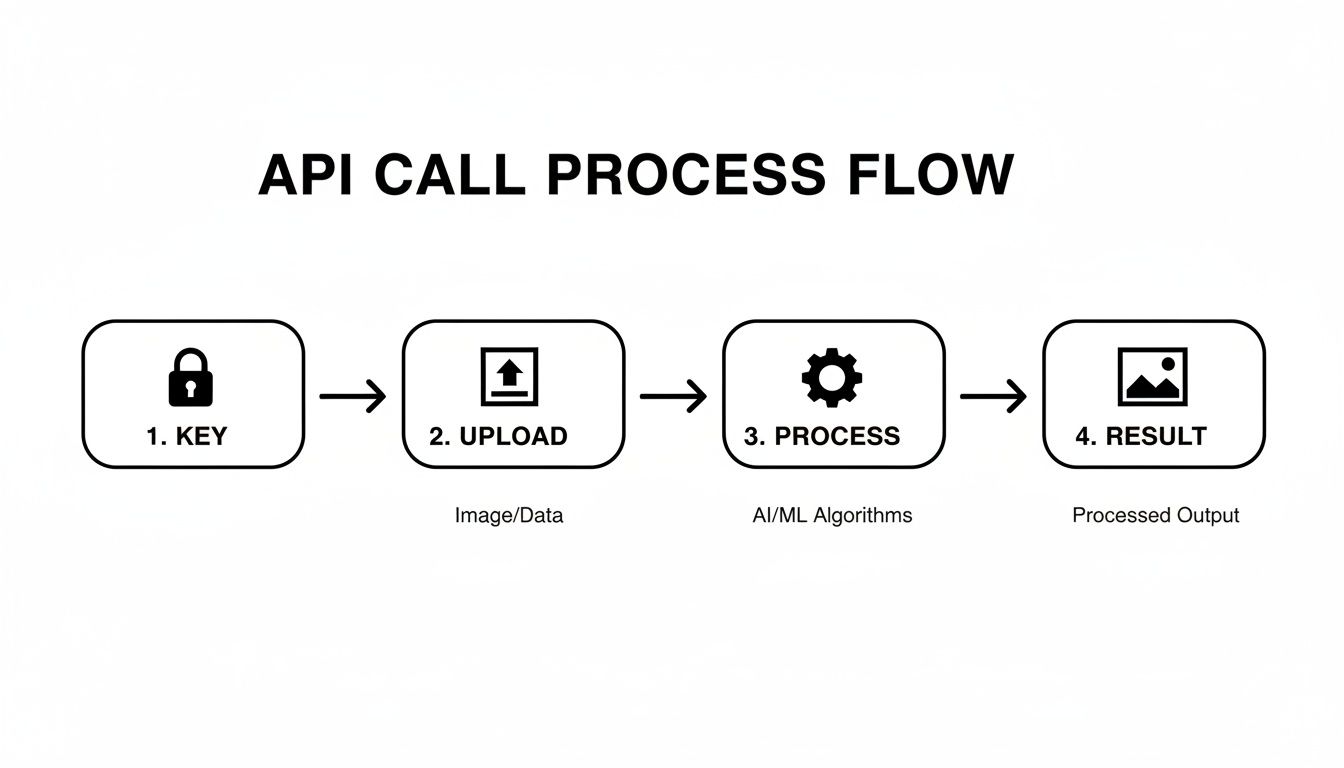
    The API call itself is the core building block of this whole operation, and a simple flowchart can help visualize the moving parts.

    A flowchart illustrating the four steps of an API call: key, upload, process with AI/ML, and result.

    To build a truly hands-off system, every one of these steps—authentication, upload, processing, and getting the result—has to be automated and watched carefully.

    Designing a Scalable Processing Pipeline

    The secret to handling massive volume? Stop thinking about individual images and start thinking in batches. A classic, and highly effective, pattern is to set up a "watch folder" in a cloud storage service like Amazon S3 or Google Cloud Storage. New images get dropped into this bucket, which instantly triggers a serverless function to do the heavy lifting.

    Here’s a common and battle-tested approach using AWS:

    • The Trigger: A new image gets uploaded to a specific S3 bucket (think of it as an /images-to-process folder).
    • The Worker: This upload event automatically kicks off an AWS Lambda function, which is just a piece of code that runs on demand.
    • The API Call: Inside that function, you’ll have your code that calls the PixelPanda API, sending the new image over.
    • The Payoff: Once the API sends back the clean image, the function saves it to a different location (like /processed-images) and maybe updates a database to mark the job as done.

    This serverless architecture is a game-changer. It scales up or down automatically, you only pay for the exact compute time you use, and you don't have to manage a single server. It's brilliant.

    Handling Errors and Edge Cases Like a Pro

    In a perfect world, every API call would work flawlessly and every watermark would vanish without a trace. We, of course, do not live in a perfect world. Your automated workflow needs to be smart enough to handle the inevitable hiccups.

    A truly robust system expects things to fail. This means building in retry logic for those random network errors or API timeouts. For instance, if an API call fails with a 503 Service Unavailable error, your code shouldn't just give up. It should wait a few seconds and try again. After a few failed attempts, then it can log the error and move the image to a "quarantine" folder for manual reviews.

    Beyond simple network flakes, you'll run into some gnarly edge cases:

    • Multiple Watermarks: Some images look like they're sponsored by a dozen different brands.
    • Obstructive Placement: Watermarks plastered right over someone's face or a key product detail are much trickier to reconstruct cleanly.
    • AI-Resistant Patterns: Some watermarks use subtle, complex designs specifically to trip up removal algorithms.

    This is where doing a comparison of different alternatives during your initial testing really pays off. A high-quality API like PixelPanda is trained on these tough scenarios, but it's always wise to have a fallback. If you're curious about the tech that makes all this possible, digging into the foundational aspects of AI software development is a great place to start.

    Quality control isn't something you tack on at the end; it has to be a core part of the workflow. For mission-critical images, you could even implement a "confidence score" system. If the API returns a low score for a removal, your system should automatically flag it for a human to give it a quick once-over.

    From Simple Removal to Smart Processing

    Once you have your basic automation humming along, you can start layering in more intelligence. Why stop at just removing watermarks? For example, after cleaning an image, you could chain another API call to upscale it to 4K, or even automatically generate social media banners from it. The possibilities are endless.

    You can also get smarter on the front end. Add some logic to pre-filter images before you even bother the API. If an incoming image is too small or it's in a weird, unsupported format, you can reject it immediately. This saves you both processing time and money. You can get a feel for how different inputs behave by playing with our interactive text removal demo. This kind of multi-step thinking is what elevates a simple tool into a powerful, automated content engine.

    The Legal and Ethical Tightrope Walk

    Let's be honest: an AI watermark remover is an incredibly powerful tool. And with great power comes… well, you know the rest. Wielding this kind of tech means you have to navigate the often-murky waters between what’s legally allowed and what’s ethically right. This isn’t just about the magic of a button click; it's about understanding the rules of the road for digital content.

    The whole conversation really boils down to a single, critical question: Do you actually have the right to use the original, un-watermarked image? If the answer is a confident "yes," you're probably on solid ground. If it's a "no," or even a "maybe," you're wandering into a legal minefield.

    And the stakes are getting higher every day. The rapid growth of AI watermarking and removal tools is attracting massive investment and, you guessed it, government regulation. The U.S. AI watermarking market alone was pegged at around $141 million in 2025 and is projected to explode to $851 million by 2033, largely pushed by media and defense interests.

    Globally, we're talking billions by the early 2030s, with some analysts forecasting a CAGR in the Asia-Pacific region as high as 27%. These numbers aren't just trivia; they show how seriously companies and regulators are taking content authenticity. If you're curious, you can discover more insights about these market trends to see why this is such a hot-button issue.

    The Green Zone: When It’s Okay to Remove a Watermark

    So, when can you fire up an AI watermark remover without looking over your shoulder? Thankfully, there are plenty of completely legitimate situations where these tools are a lifesaver. Think of it as simply exercising your rights over content you already own or have paid for.

    Here are a few scenarios where you're in the clear:

    • You're Recovering Your Own Work. A photographer I know lost a hard drive with years of original high-res files. Her only copies were the proofs she’d uploaded to a stock agency, plastered with their watermark. Using a tool to restore her own intellectual property? Totally fair game.
    • You're Prepping Licensed Assets. Your marketing team buys a license for a stock photo. That license gives you the legal right to use the image, so removing the "preview" watermark is just a standard step in your creative workflow.
    • You're Cleaning Up User-Generated Content. A social media platform might use an API to strip logos from images people upload. As long as their user agreement spells this out, it’s a valid way to maintain a consistent aesthetic on their site.

    The golden rule here is ownership and permission. If you have a legitimate claim to the clean version of the image, the tool is just getting you back to where you should be. It’s about asset restoration, not counterfeit creation.

    The Red Zone: Unethical and Illegal Uses

    Now, let's talk about the dark side. Using an AI watermark remover to nab someone else's work is a one-way ticket to a nasty cease-and-desist letter, or worse. This is where the ethical lines are drawn in permanent marker, and crossing them is textbook copyright infringement.

    Just don't do this:

    • Stealing Stock Photos. Ripping a watermarked preview from a stock photo site to avoid paying the licensing fee is no different than shoplifting.
    • Infringing on an Artist's Copyright. An illustrator posts their art online with a watermark to protect it from theft. Removing that mark and using the image without permission or credit isn't just rude; it's illegal.
    • Misrepresenting Ownership. Using a cleaned-up image in a way that suggests you're the original creator is a major ethical breach and a violation of the artist's rights.

    This stuff isn't a gray area. It’s absolutely crucial to respect the intellectual property of creators. Before you process any image, ask yourself that one simple question about permission. Always double-check that your use case complies with copyright law and the terms of service of the tool you're using. You can review our policies anytime to understand PixelPanda's terms of service.

    Responsible use isn't just good practice—it's a legal necessity that protects you, us, and the entire creative community.

    Got Questions? We've Got Answers.

    Jumping into the world of AI watermark remover APIs can feel a bit like stepping into uncharted territory. You’ve seen the code and you get the general idea, but there are always a few questions that keep rattling around in your head. Let's get them out in the open and give you the straight-up answers you need.

    So, How Good Are These Things on Tricky Images?

    Honestly? They’ve gotten scary good. The latest AI models don't get tripped up by the semi-transparent logos, complex patterns, or watermarks slapped over busy backgrounds that used to be a nightmare. The inpainting tech is seriously impressive.

    But let's be real—it's not magic. Highly sophisticated or "invisible" watermarking systems are built from the ground up to resist this exact kind of automated removal. That's where you'll see a massive difference in performance. The final result really comes down to the AI model's training, the watermark's nastiness, and what’s actually in the image itself.

    Look, the best advice I can give you is this: test, test, test. Before you marry an API, grab a dozen of your worst-case-scenario images and see how different services handle them. That hands-on comparison is worth more than any slick marketing page or glowing review.

    Can These AI Tools Handle Video Watermarks Too?

    You bet. And it’s becoming a make-or-break feature for the serious players in this space. The whole process is way more involved, since the AI has to analyze and rebuild pixels consistently across thousands of frames. It's a real stress test for an AI's ability to maintain context.

    The algorithm has to track the watermark, even if it moves around, and keep the restored background looking solid—no weird flickering or digital goo. It’s definitely more resource-intensive than zapping a logo off a static image, but the underlying tech is cousins. For anyone in professional media, video support is pretty much non-negotiable now.

    How on Earth Do I Pick the Right API for My Project?

    With all the alternatives out there, picking one can feel like a chore. The trick is to stop looking for the "best" one and start looking for the one that’s the best fit for you.

    Here's a quick and dirty checklist I use to cut through the noise:

    • Quality is King: Does it produce clean, artifact-free images that look natural? Some models are great with photos, others are tuned for digital graphics. Test with your own stuff.
    • Need for Speed: How fast does it return a result? If you're building a real-time editor for users, every millisecond is precious.
    • Will It Scale?: Can the service handle your traffic on a busy Tuesday without melting down? Check the rate limits and SLAs to make sure it can keep up as you grow.
    • Dev-Friendly?: Is the documentation actually helpful? Are there SDKs in a language you actually use? A smooth integration will save you a world of headaches.
    • Wallet-Friendly?: What’s the pricing model? Pay-as-you-go? Subscription? Tiers? Find a structure that won't give your finance team a heart attack.

    Don't just focus on one of these. The fastest API is useless if the quality is trash, and a perfect-looking result is worthless if it takes ten minutes to process.

    AI research is moving at a breakneck pace. For instance, reports in mid-2025 talked about an experimental model called 'UnMarker' that could supposedly strip watermarks from AI-generated images without knowing the marking algorithm. While you'll see lab tests claim success rates over 80% on simple logos, that number can plummet to below 20% against really tough invisible watermarks. The real world is messy. To get a better handle on this, you can learn more about AI watermarking research findings and see where the tech is heading.

    At the end of the day, the right choice is the one that gives you consistently great results on your images, plugs into your workflow without a fight, and is ready to grow with you.


    Ready to stop wrestling with manual edits and start automating your image workflows? With the PixelPanda API, you can integrate powerful, studio-quality watermark removal directly into your application in minutes. Try it for free and see the difference for yourself at https://pixelpanda.ai.

  • Free AI Image UpScaler Online: Best Free Tools (free ai image upscaler online)

    Free AI Image UpScaler Online: Best Free Tools (free ai image upscaler online)

    Ever found the perfect image, only to realize it's a pixelated nightmare too small for your project? You're not alone. In a world where crisp visuals are king, a low-resolution image can sabotage a marketing campaign, cheapen a website, or make a social media post look utterly amateur. The solution used to be complex software and hours of work, but not anymore.

    Enter the magic of AI image upscaling. These powerful tools use artificial intelligence to increase image resolution, intelligently adding detail, removing noise, and preserving quality, often with a single click. But with a flood of options, how do you find the best free ai image upscaler online without endless trial and error? This guide is your answer.

    We've done the heavy lifting, providing in-depth reviews and a detailed comparison of the top 12 free tools for 2025. We'll explore the best alternatives for every need, diving into their strengths, weaknesses, and ideal use cases to help you find the perfect fit. Beyond just upscaling, you might be interested to discover other powerful AI Image Models that can transform your entire creative workflow. Let’s get to sharpening those pixels

    1. PixelPanda

    PixelPanda stands out not merely as another free AI image upscaler online but as a comprehensive, studio-grade visual production suite. While many tools focus on a single function, PixelPanda integrates a powerful 4x upscaler with a full array of AI editing capabilities, creating a seamless workflow that turns manual drudgery into automated, high-quality asset creation. This integrated approach makes it an exceptional choice for developers, marketers, and e-commerce professionals who need more than just a simple resolution boost.

    PixelPanda's AI image editing and upscaling interface

    What truly sets it apart in a comparison against single-function alternatives is its developer-first mindset, balanced with a user-friendly interface for creatives. Engineers can leverage a straightforward REST API and SDKs for batch processing and real-time integrations, while marketers can use the web app to validate results instantly. You can test its impressive capabilities by exploring the PixelPanda image upscaling demo before committing.

    Key Features & User Experience

    PixelPanda's edge-preserving models are meticulously trained to maintain fine details like hair and fabric textures, a common pain point with other upscalers. The platform also offers unique, advanced features such as AI avatar generation and virtual try-ons, designed to eliminate the need for costly photoshoots.

    • Core Functions: Background and text removal, 4x upscaling, face enhancement, smart inpainting, and style transfer.
    • Developer Tools: Simple REST API, SDKs, and clear documentation facilitate scalable automation for web, mobile, or backend systems.
    • Unique Offerings: AI avatars from just 10-20 photos, virtual product try-ons, and automated model generation.
    • Trial & Pricing: Starts with a risk-free trial of 10 credits (no card required). Paid plans begin at $49/month for 500 images.

    After reading several user reviews, it's clear the platform is valued for its robust feature set and responsive support. However, the free tier is limited to 10 credits, and advanced features like avatar training require a paid subscription. This positions PixelPanda as a premium, all-in-one solution for those who need professional, scalable results.

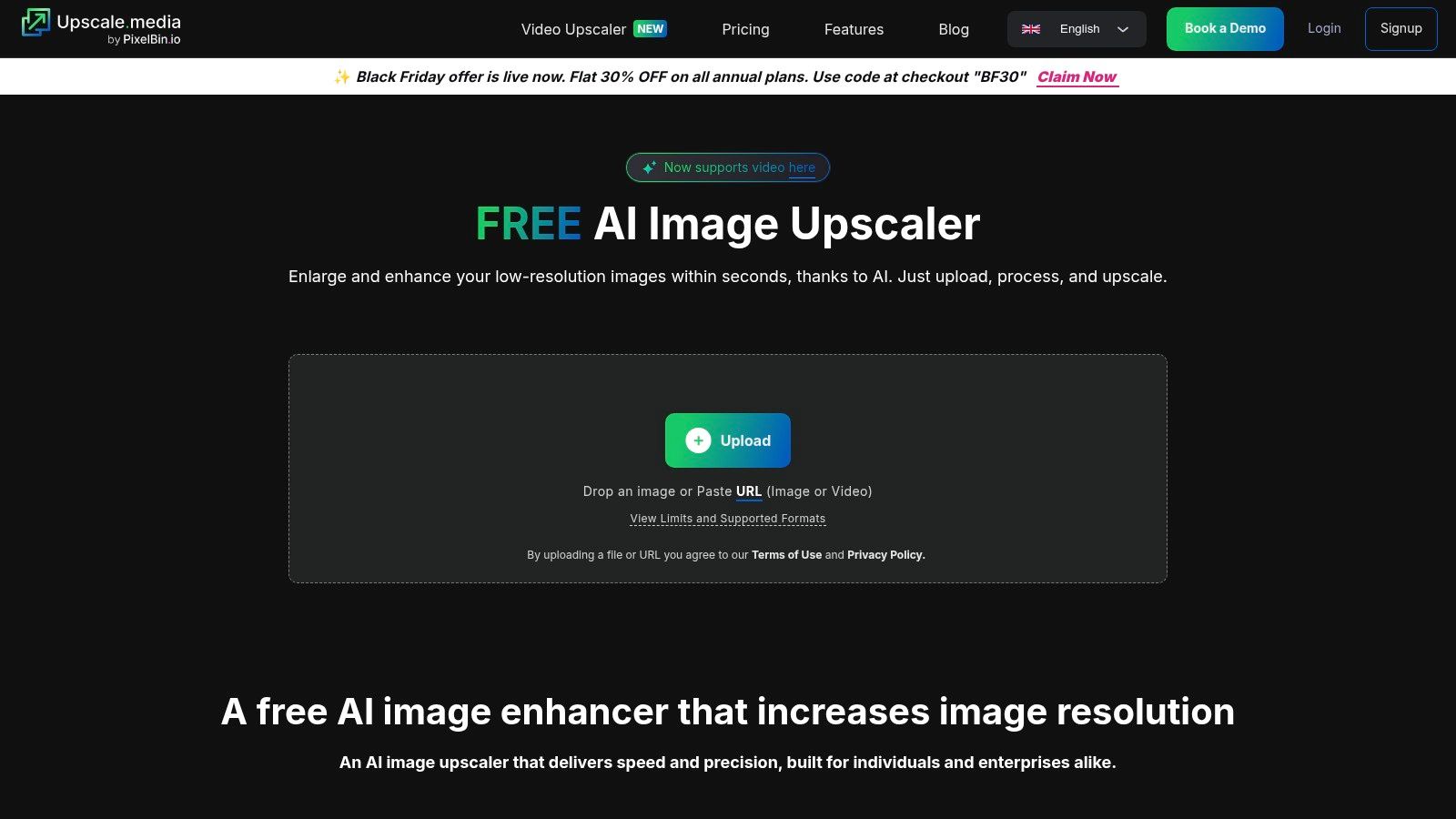
    2. Upscale.media (PixelBin)

    If you're looking for a free AI image upscaler online that's as fast as it is simple, Upscale.media is your jam. Developed by PixelBin, this tool ditches the cluttered interfaces for a drag-and-drop workflow that gets the job done in seconds. It's built for speed and accessibility, making it a fantastic choice when you need a quick enhancement without a steep learning curve or complex settings. It even supports short video upscaling for clips up to one minute long.

    Upscale.media (PixelBin)

    The platform is refreshingly straightforward. You get a handful of free credits just for signing up, allowing you to process several images before hitting a paywall. This "try-before-you-buy" model is perfect for users who want to run a quick comparison against other tools. While free use is limited, the pricing for additional credits is transparent, unlike some alternatives where costs can be murky. For those examining various paid plans, you can review pricing structures for similar tools to see how it stacks up.


    Key Features & Limits

    • Upscale Factor: 2x, 4x, and a powerful 8x option.
    • Batch Processing: Yes, bulk transformations are supported directly in the web workflow.
    • Usage Limits: The free plan offers a limited number of credits. Paid plans are required for high-volume use.
    • Max Resolution: Supports images up to 5000×5000 pixels.
    • File Types: PNG, JPEG, WEBP, and even HEIC.

    Website: https://www.upscale.media/

    3. Clipdrop (Stability AI) – Image Upscaler

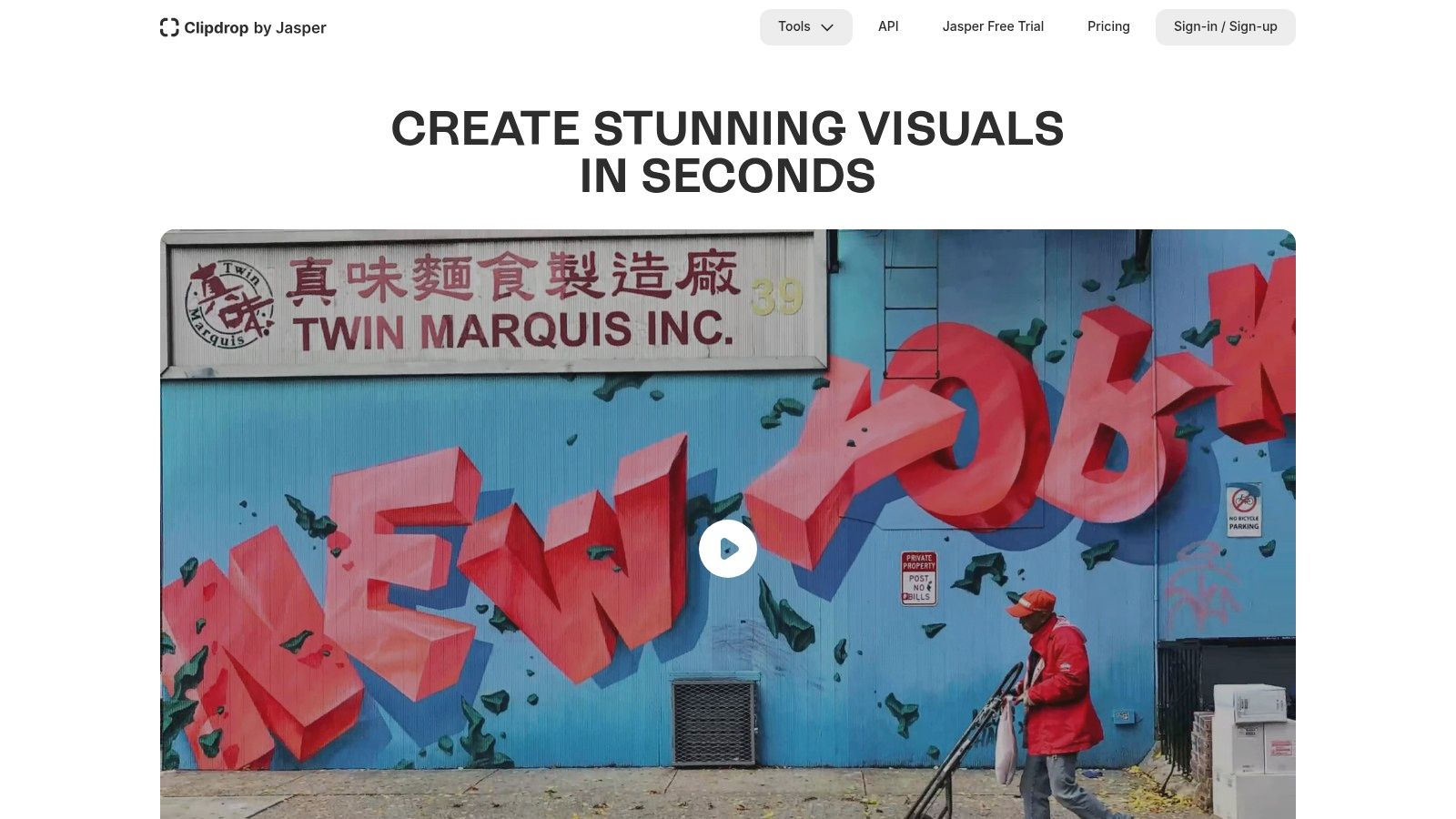
    When you need a free AI image upscaler online that’s backed by one of the biggest names in the game, Clipdrop is your destination. Powered by Stability AI, this tool is part of a larger, powerful suite of creative utilities, giving it a polished feel and serious upscaling muscle. Its clean, modern interface delivers excellent results for both photographs and AI-generated art, making it a reliable choice for creators who value quality and a seamless workflow.

    Clipdrop (Stability AI) – Image Upscaler

    Clipdrop offers a generous free tier, but its real power is unlocked with a Pro subscription, which grants access to higher upscale factors and faster processing queues. What truly sets it apart is the public API, which allows for programmatic integration. Developers looking for automation capabilities often include Clipdrop in their reviews and comparison against other services. To explore how this works, you can learn more about AI image processing APIs and see how they stack up against other alternatives. This makes it a go-to for both casual users and developers building custom solutions.


    Key Features & Limits

    • Upscale Factor: 2x for free users, with options up to a massive 16x on paid plans.
    • Batch Processing: No, the web interface processes images one by one.
    • Usage Limits: Free usage is available, but a Pro subscription is needed for higher resolution, faster processing, and API access.
    • Max Resolution: Free users are limited to 2048×2048 output; Pro plans unlock higher limits.
    • File Types: Supports standard formats like PNG, JPEG, and WEBP.

    Website: https://clipdrop.co/

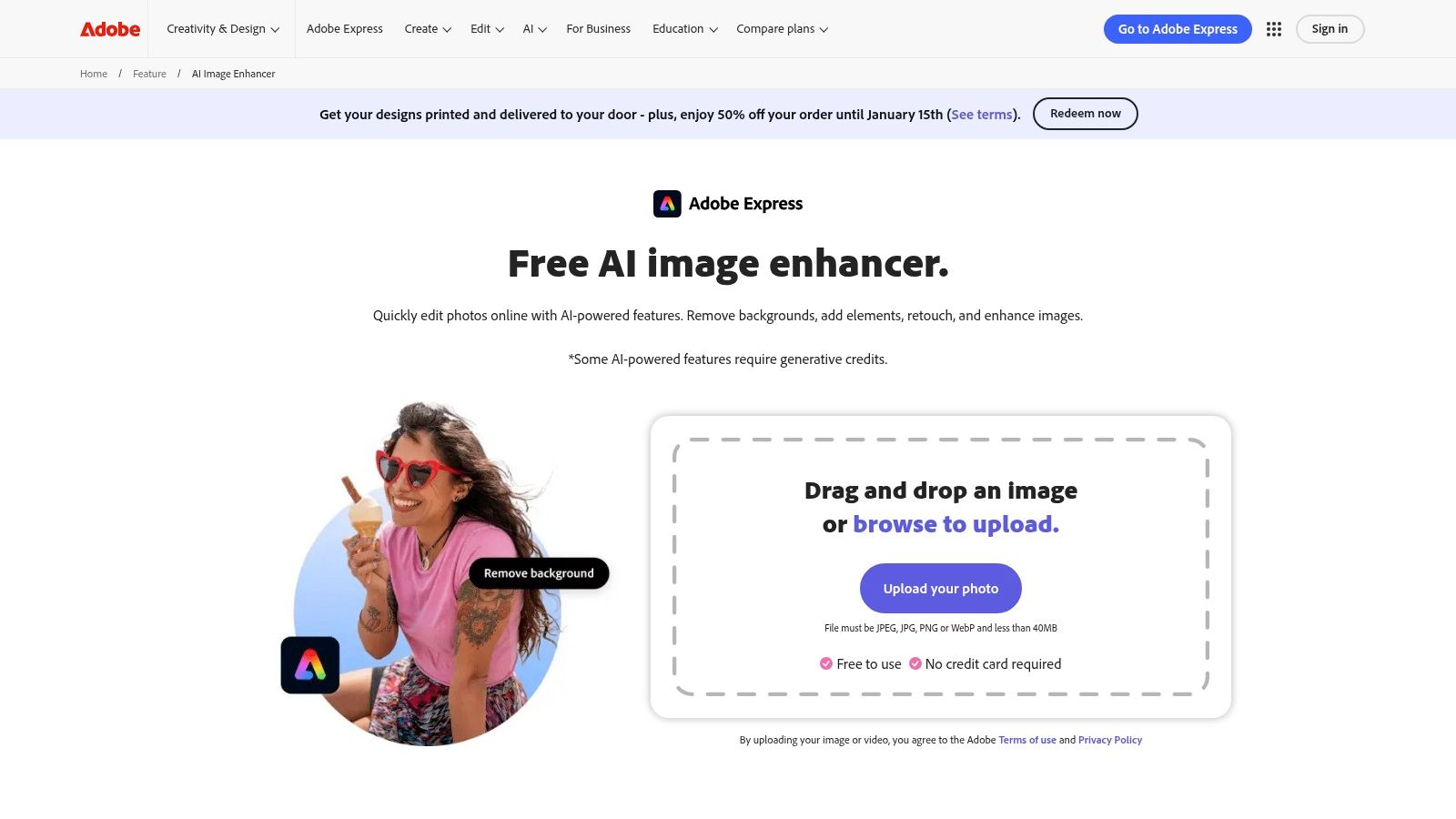
    4. Adobe Express and Photoshop (web) – AI image upscaling/enhancement

    When the biggest name in creative software offers a free AI image upscaler online, you pay attention. Adobe Express provides a quick and accessible image enhancer that sharpens details and improves quality in seconds, perfect for social media posts or quick mockups. It's the gateway into Adobe's powerful ecosystem, offering a taste of the more advanced AI capabilities locked within its premium software, Photoshop, without the initial commitment. This makes it an ideal starting point for creators already familiar with the Adobe universe.

    Adobe Express and Photoshop (web) – AI image upscaling/enhancement

    The real magic, however, requires a subscription. Photoshop’s “Generative Upscale” and partner model integrations provide professional-grade results that stand up well in any comparison. While the free Adobe Express tool is fantastic for basic enhancements, serious users will find themselves tempted by the paid plans. Based on user reviews, the transition from the free tool to the full Creative Cloud suite feels natural, but the generative credit system can be a point of confusion for newcomers looking for straightforward alternatives.


    Key Features & Limits

    • Upscale Factor: Basic enhancement in Express; 2x–4x with "Generative Upscale" in Photoshop.
    • Batch Processing: No, processing is single-image only in the free web tool.
    • Usage Limits: The Express tool is free to use. Photoshop features require a subscription and operate on a generative credit system.
    • Max Resolution: Varies by tool; the free enhancer works best on standard web resolutions.
    • File Types: Supports common formats like PNG and JPEG.

    Website: https://www.adobe.com/express/feature/image/enhance

    5. Let’s Enhance

    Let’s Enhance is one of the original players in the AI upscaling game, and its maturity shows. If you need a free AI image upscaler online that can handle professional-grade tasks like preparing images for large-format printing, this is your platform. It moves beyond simple 2x or 4x enhancements, offering specialized modes and an "Ultra" upscaler capable of generating massive high-resolution outputs suitable for demanding commercial projects. Its credit-based system is geared toward both casual testers and heavy users.

    Let’s Enhance

    The platform gives you a handful of free credits upon signup, which is perfect for running a detailed comparison against other tools. While the credit system can seem a bit complex at first, with different operations costing different amounts, the clear documentation and quality of the final product make it a worthwhile consideration. For those reading reviews of various alternatives, Let's Enhance consistently gets praise for its ability to produce clean, artifact-free images for print and professional use cases where maximum detail is non-negotiable.


    Key Features & Limits

    • Upscale Factor: Up to 16x, with specialized "Photo" and "Digital Art" modes.
    • Batch Processing: Yes, a core feature designed for processing entire folders of images at once.
    • Usage Limits: The free plan provides 10 credits to start. Paid plans are based on credit packs.
    • Max Resolution: Can process images up to 512 megapixels on higher-tier plans.
    • File Types: Supports JPEG, PNG, and WebP.

    Website: https://letsenhance.io/

    6. Icons8 Smart Upscaler

    From the creators of a massive stock icon and photo library, the Icons8 Smart Upscaler is a surprisingly powerful and developer-friendly tool. If you need to upscale images in bulk, this platform should be high on your list for comparison against other alternatives. It’s a no-nonsense free AI image upscaler online that handles batch processing exceptionally well, allowing you to drag and drop up to 500 images at once.

    Icons8 Smart Upscaler

    While the free tier gives you a few credits to start, be aware that processed images will include a small watermark. The real power is unlocked with its paid plans, which offer unlimited usage, API access for automated workflows, and a dedicated Mac app (GoProd) for heavy users. The clear documentation and straightforward options make it easy to understand the value proposition, which is a common theme in positive user reviews for this tool.


    Key Features & Limits

    • Upscale Factor: 2x, 4x, and up to 8x.
    • Batch Processing: Yes, supports up to 500 images simultaneously in the web interface.
    • Usage Limits: Free plan is limited to 3 images with a watermark. Paid plans offer more.
    • Max Resolution: Upscales to a final resolution of 7680×7680 pixels.
    • File Types: PNG and JPG.

    Website: https://icons8.com/upscaler

    7. VanceAI Image Upscaler

    If you want more than just a one-trick pony, VanceAI offers a comprehensive suite of AI tools where the upscaler is just the star player. It's less of a single tool and more of a complete photo enhancement workspace, bundling in sharpeners, denoisers, and even old photo restoration. This makes it an excellent free AI image upscaler online for users who need to perform multiple edits on a single image without juggling different websites.

    VanceAI Image Upscaler

    The platform operates on a credit system, giving you a few free credits to start. Its strength lies in its transparency; the rules for credit usage are clearly documented, so you know exactly what an action will cost. Some user reviews note that downloading can sometimes cost a credit, even if the initial processing was free. When doing a comparison of features against other alternatives, VanceAI's broad toolset is a significant advantage, providing more value than a simple upscaling-only service.


    Key Features & Limits

    • Upscale Factor: Offers 2x, 4x, 6x, and up to 8x enlargement.
    • Additional Tools: Includes AI Sharpen, AI Denoise, and Old Photo Restore functions.
    • Usage Limits: Provides a few free credits upon signup. A subscription or credit pack is needed for more extensive use.
    • Max Resolution: Supports images up to 34 megapixels for paid users.
    • File Types: PNG, JPG, and JPEG are supported.

    Website: https://vanceai.com/image-upscaler/

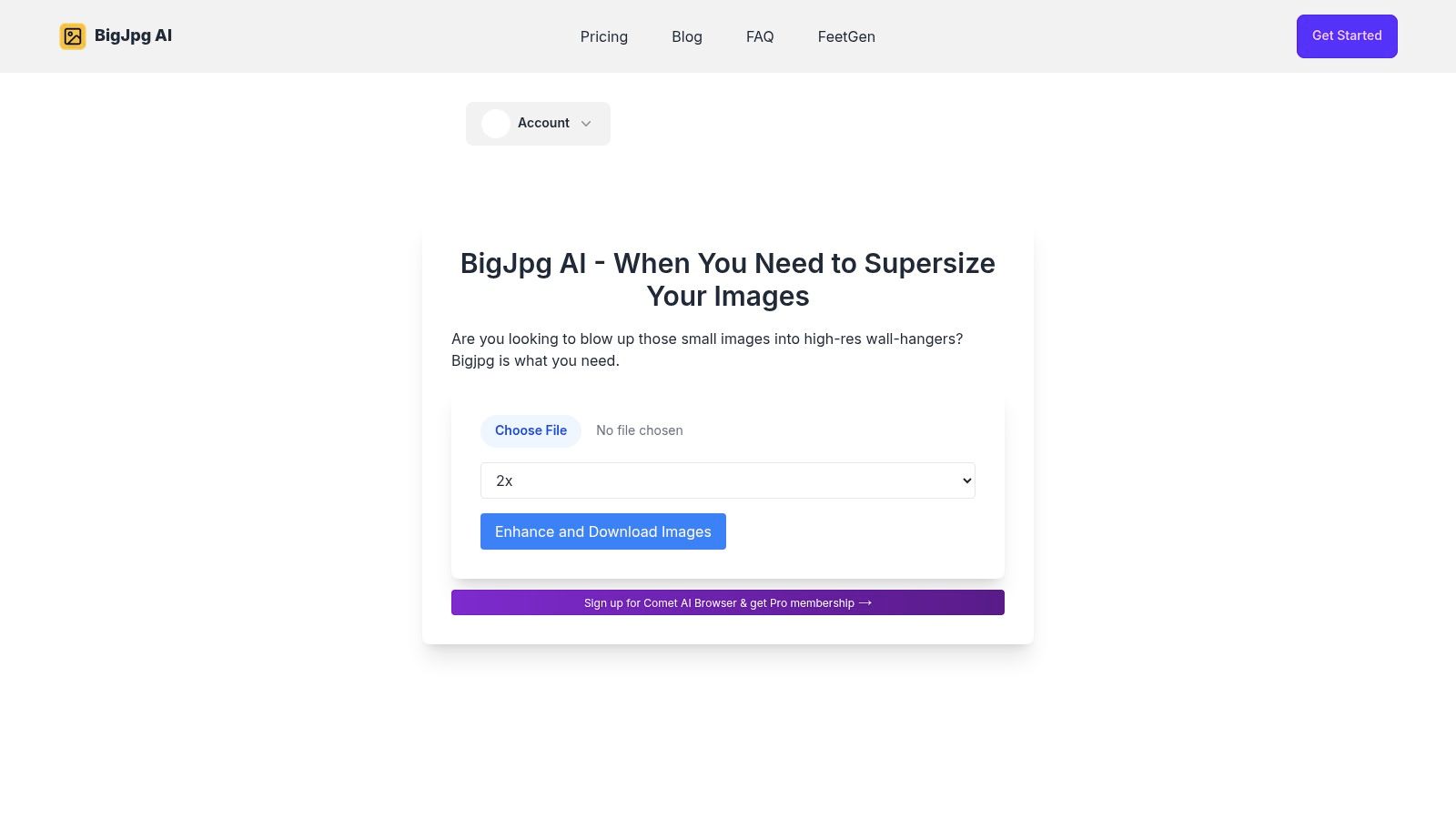
    8. Bigjpg (BigJpg AI)

    If you need to take a tiny image and make it massive without turning it into a pixelated mess, Bigjpg is your specialist. This free AI image upscaler online is renowned for its ability to handle extreme enlargements, especially for anime and digital art. It pushes the boundaries with up to 16x scaling, a feature that many alternatives simply don't offer. While its core strength is in illustration, it performs admirably on general photos too, making it a versatile tool for high-demand upscaling tasks.

    Bigjpg (BigJpg AI)

    The platform operates on a straightforward model. Free users get access to the core features but with limitations like watermarks and personal-use-only licenses. For commercial use or higher volume, the paid "Starter" plans are incredibly accessible and low-friction, a welcome change from complex subscription models seen in some reviews. This clear pricing makes a direct comparison with other tools simple, helping you decide if the premium features are worth the small investment for your specific needs.


    Key Features & Limits

    • Upscale Factor: 2x, 4x, 8x, and an impressive 16x.
    • Batch Processing: Yes, batch uploads are supported for efficient workflow.
    • Usage Limits: Free tier includes a watermark and is for personal use only. Paid plans unlock full features.
    • Max Resolution: Free users are limited to 3000x3000px and 5 MB files.
    • File Types: Supports JPG, PNG, GIF, and BMP formats.

    Website: https://bigjpg.ai/

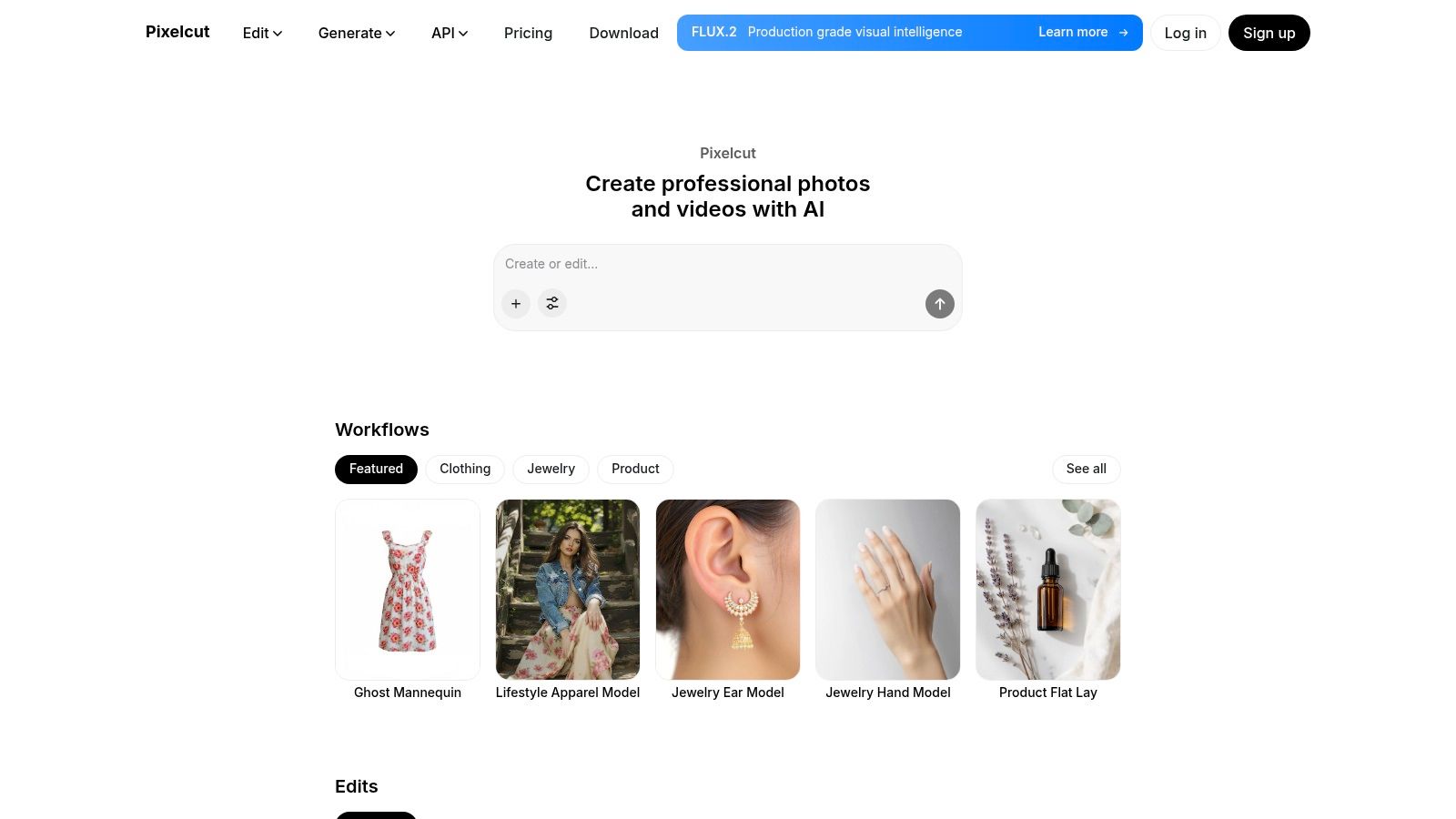
    9. Pixelcut – AI Image Upscaler

    Pixelcut is more than just a free AI image upscaler online; it's a full-fledged creative suite designed for social media teams, small businesses, and solo creators. Its upscaler is a standout feature within a platform that also offers background removal, magic erasers, and other AI-powered editing tools. The user experience is incredibly slick, whether you're on the web or using their popular mobile apps, making it a great choice for those who need quality edits on the go.

    Pixelcut – AI Image Upscaler

    What truly sets Pixelcut apart is its generous free tier, which allows watermark-free downloads, a rarity in this space. This makes it ideal for users looking for high-quality, professional results without an immediate subscription. For developers or businesses needing automation, Pixelcut also offers a well-documented Upscaler API with transparent, credit-based pricing. This scalability, from a single free upscale to automated API calls, gives it a unique edge over many alternatives. After reading several positive reviews, it's clear its blend of simplicity and power is a winning combination.


    Key Features & Limits

    • Upscale Factor: 2x and 4x options available in the free web tool.
    • Batch Processing: Not directly available in the free web upscaler, but possible via the API for Pro users.
    • Usage Limits: Generous free plan, but heavy or frequent use will require a Pro subscription or credit purchases for the API.
    • Max Resolution: No explicit public limit, but handles standard web and social media resolutions perfectly.
    • File Types: Supports standard formats like PNG and JPEG.

    Website: https://www.pixelcut.ai/

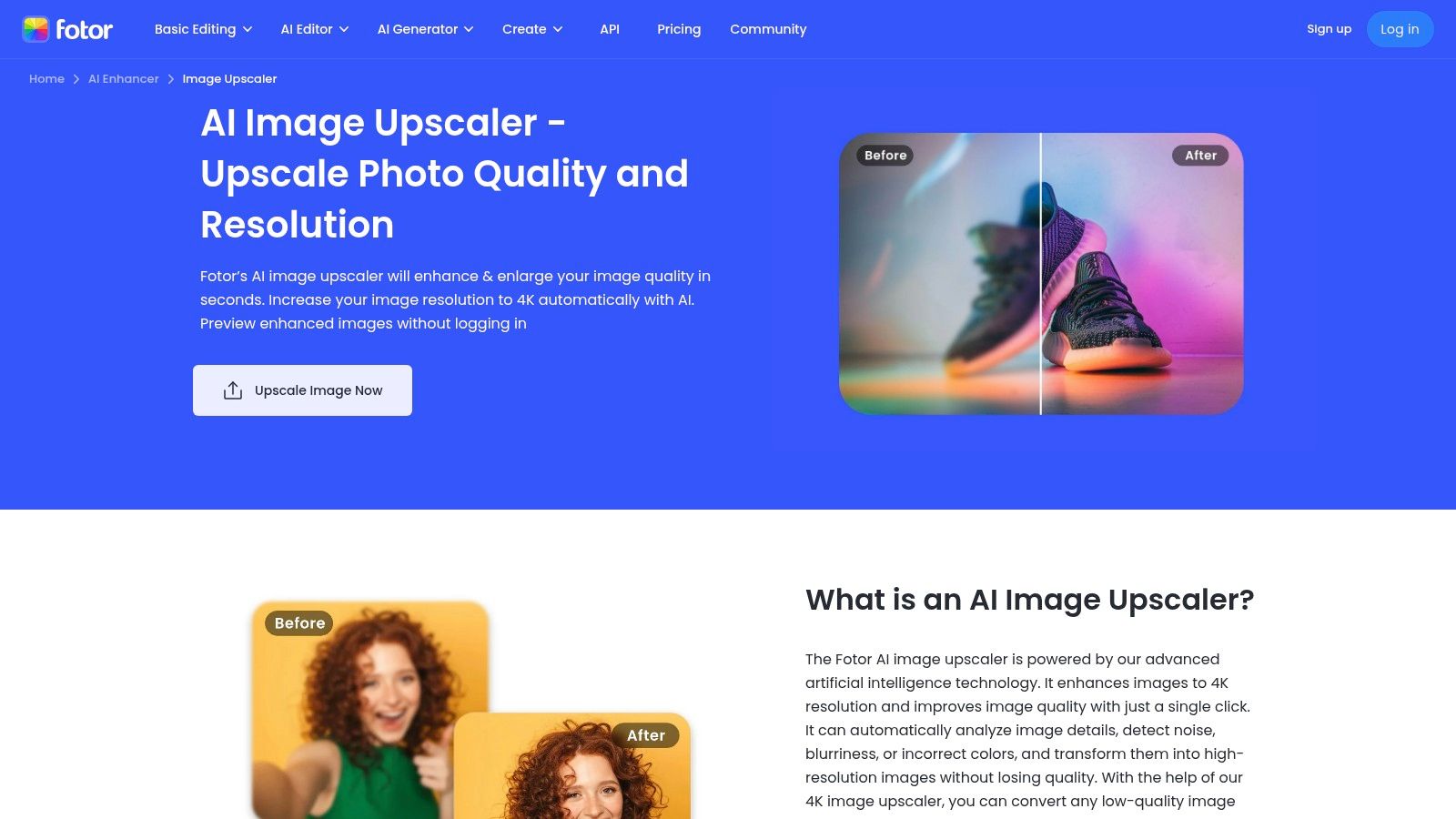
    10. Fotor – AI Image Upscaler

    If you want a free AI image upscaler online that lives inside a full-blown photo editor, Fotor is your creative playground. Unlike single-task tools, Fotor integrates its AI upscaler into a comprehensive editing suite, making it perfect for workflows that need more than just a resolution bump. You can upscale an image and then immediately jump into removing backgrounds, adding text, or applying filters without ever leaving the browser.

    Fotor – AI Image Upscaler

    The platform operates on an AI credit system, where free users get a taste of the action before needing to upgrade. The highest quality settings and batch processing are locked behind its Pro/Pro+ plans, which is a key point of comparison when looking at alternatives. However, for users who need an all-in-one solution and are tired of jumping between different apps, the integrated experience offers significant value. After running a few reviews of its output, the quality holds up well, especially for social media and web content.


    Key Features & Limits

    • Upscale Factor: Claims up to 4K output, with standard 2x and 4x options available.
    • Batch Processing: Yes, but this feature is reserved for Pro/Pro+ subscribers.
    • Usage Limits: Free use is governed by a credit system; heavy use requires a paid plan.
    • Max Resolution: Varies by plan, with higher limits for paid tiers.
    • File Types: JPG, PNG, HEIC, HEIF, and WebP.

    Website: https://www.fotor.com/image-upscaler/

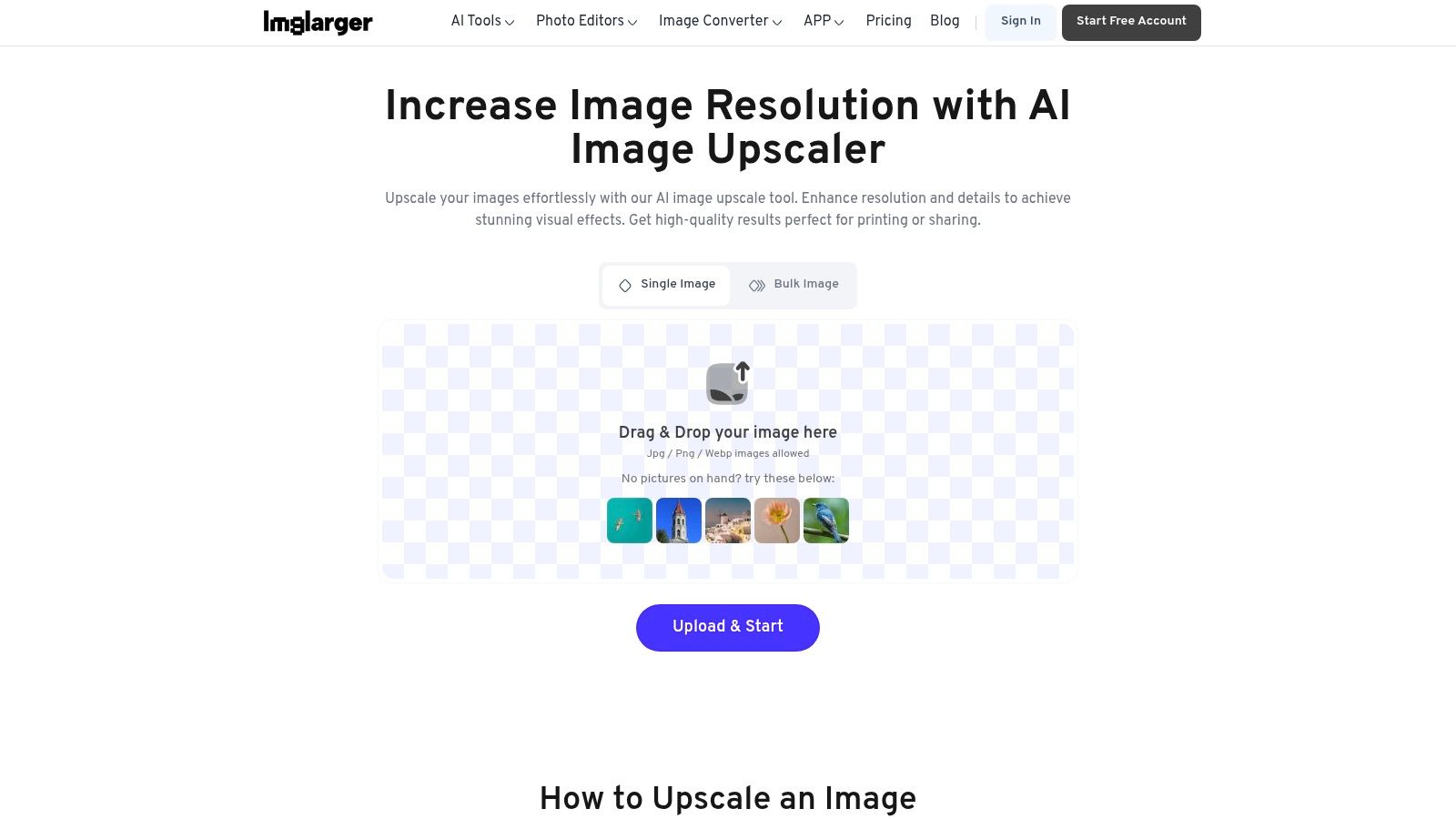
    11. AI Image Enlarger (Imglarger)

    If you're looking for a free AI image upscaler online that acts as a Swiss Army knife for photo enhancement, AI Image Enlarger is a solid contender. It pairs a straightforward upscaling process with a suite of other AI tools like restoration and background removal, making it a one-stop shop for quick fixes. While many platforms focus solely on enlargement, Imglarger’s approach is to provide a broader toolkit, appealing to users who need more than just a resolution boost.

    AI Image Enlarger (Imglarger)

    The platform operates on a freemium model, giving you a taste of its capabilities before asking for a commitment. The workflow is incredibly simple: upload, pick your scale, and download. However, the free plan has its limits, including a cap on input dimensions, so it's wise to read the fine print. For anyone doing a detailed comparison of different services, its collection of related AI tools provides a unique value proposition against more specialized alternatives. Many user reviews highlight this bundled functionality as its main strength.


    Key Features & Limits

    • Upscale Factor: Simple 2x and 4x options, with up to 8x available on paid plans.
    • Batch Processing: Yes, but this feature is typically reserved for premium users.
    • Usage Limits: Free plan has limits on the number of images and maximum input size (images over 800px may be downsized).
    • Max Resolution: Claims up to 8K output, but this is highly dependent on the input image and subscription tier.
    • File Types: Supports common formats like JPG and PNG.

    Website: https://imglarger.com/upscaler

    12. Hostinger – AI Image Upscaler (web tool)

    Known primarily for web hosting, Hostinger has jumped into the AI game with a suite of surprisingly capable tools, including a free AI image upscaler online. This browser-based utility is a fantastic bonus for existing Hostinger customers but stands on its own as a simple, no-fuss option for anyone needing a quick enhancement. The three-step process (upload, upscale, download) is as straightforward as it gets, making it ideal for users who don't want to get bogged down in complex settings or create yet another account.

    Hostinger – AI Image Upscaler (web tool)

    While the tool is incredibly accessible, its feature set is more basic compared to specialized alternatives. The lack of detailed controls or batch processing might deter power users, but it excels at its core function: making your images look better, fast. For those conducting tool reviews and looking for a baseline in their comparison, Hostinger's upscaler provides a solid reference point for ease of use. It’s a convenient, one-and-done solution when you just need to sharpen a single image for your website or social media post.


    Key Features & Limits

    • Upscale Factor: Offers a standard 2x upscale.
    • Batch Processing: No, this tool is designed for single-image processing.
    • Usage Limits: Appears to be free with generous, if unspecified, limits.
    • Max Resolution: Supports images up to 2048×2048 pixels.
    • File Types: Supports JPEG and PNG for both upload and download.

    Website: https://www.hostinger.com/ai-image-upscaler

    Top 12 Free AI Image Upscalers — Comparison

    Product Core features & unique points ✨ Quality & UX ★ Target audience 👥 Pricing & value 💰
    PixelPanda 🏆 Background removal, 4x upscaling, inpainting, face enh., text→image, API & SDKs; ✨ AI avatars, try‑on, depth‑aware models ★★★★★ — studio‑quality, detail‑preserving Developers, e‑commerce, marketing teams, agencies 💰 Free (10 credits) → Starter $49 / Pro $99 / Business $249
    Upscale.media (PixelBin) 2x/4x/8x upscaling, short video support, bulk web transforms ★★★★☆ — fast, mobile‑friendly Casual users, creators needing quick upscales 💰 Free monthly credits; paid credits for higher volume
    Clipdrop (Stability) 2x→16x upscales, denoising, API, integrates with Clipdrop suite ★★★★☆ — modern UI, good on photos & art Creators, devs, AI‑art users 💰 Freemium; higher tiers for bulk/priority
    Adobe Express & Photoshop (web) Express enhancer, Photoshop Generative Upscale 2x–4x, Adobe ecosystem ★★★★☆ — trusted tools & tutorials Designers, agencies, Adobe customers 💰 Free enhancer; best quality via paid Adobe subs
    Let’s Enhance 'Ultra' upscaler, batch, very high‑res outputs (up to 512MP tiers) ★★★★☆ — print‑grade, strong docs Print pros, product photography, studios 💰 Credit‑based; pro tiers for large outputs
    Icons8 Smart Upscaler Up to 7680×7680, 500-image batch, API & Mac app ★★★★ — batch‑friendly, easy start Teams, bulk upload workflows 💰 Simple free tier; paid to remove watermarks/limits
    VanceAI Image Upscaler Upscaler + sharpener/denoiser/restore; shared credit system ★★★★ — broad toolset, clear credit rules Photographers, restoration projects 💰 Credit system; downloads may cost credits
    Bigjpg (BigJpg AI) 2x→16x enlargement, batch, supports art/animation formats ★★★★ — excels on anime/art enlargement Anime artists, illustrators, creatives 💰 Free (watermark); paid Starter for commercial use
    Pixelcut 2x–4x free upscaler, mobile apps, Upscaler API (per‑image credits) ★★★★ — creator UX, watermark‑free free tier Social teams, small businesses, creators 💰 Free tier + Pro/credit pricing for heavy use
    Fotor Up to 4K claims, batch upscaling, integrated editor & AI tools ★★★★ — all‑in‑one browser editor Casual editors, marketers, bloggers 💰 Freemium; Pro/Pro+ for best quality & batch
    AI Image Enlarger (Imglarger) 200%/400% controls, batch, background removal & restore tools ★★★ — simple, quick workflow Casual users, quick fixes 💰 Freemium with upload/size limits; paid lifts caps
    Hostinger – AI Upscaler 3‑step web upscaler, high‑quality JPEG/PNG outputs, Hostinger AI tools ★★★ — simple, user‑friendly Hostinger users, quick standalone edits 💰 Generally free/simple; limits not always explicit

    Choosing Your Perfect Pixel-Boosting Partner

    And there you have it, a whirlwind tour through the digital landscape of pixel-perfecting magic. We’ve dissected, compared, and put a dozen of the best free AI image upscaler online tools under the microscope. This journey wasn’t just about listing features; it was about providing detailed reviews and a practical comparison to help you find the right fit for your unique creative or business needs.

    You've seen that the world of AI upscaling is not a one-size-fits-all solution. The "best" tool is a deeply personal choice, entirely dependent on what you're trying to accomplish. Are you a developer needing a robust API for an e-commerce platform? A tool like PixelPanda or Upscale.media is likely your champion. Or are you a content creator just needing a quick, no-fuss enhancement for a social media post? A simple, web-based tool like Hostinger or Pixelcut might be your go-to.

    Key Takeaways and Your Next Steps

    Before you dive in, let’s boil down the most critical factors from our analysis to guide your decision:

    • Define Your Use Case: Be crystal clear about your goal. Enhancing a single cherished family photo has vastly different requirements than batch-processing ten thousand product images for a new online catalog. Your primary use case dictates everything.
    • Test, Test, and Test Again: The single most important step is to experiment. Every AI model has its own "flavor." Take a few of your typical images, both good and bad quality, and run them through your top 2-3 alternatives. Pay close attention to how each tool handles textures, faces, and fine details specific to your content.
    • Heed the "Free" Limits: Remember, "free" often comes with strings attached. Be mindful of watermarks, resolution caps, usage limits, and data privacy policies. For professional or high-volume work, the free tier is your trial run, not the final destination.
    • Consider Your Workflow: The best free ai image upscaler online is one that integrates seamlessly into how you already work. Do you need an API, a Photoshop plugin, or just a simple drag-and-drop web interface? Don’t choose a tool that forces you to change your entire process.

    The power to rescue low-resolution images and transform them into crisp, high-quality assets is no longer a luxury reserved for those with expensive software and technical expertise. It's now accessible to everyone, right from your browser. You are now equipped with the knowledge to choose wisely, avoid common pitfalls, and elevate your visual content to a professional standard. So go ahead, pick your pixel-boosting partner, and start breathing new life into every image you touch.


    Ready to move beyond basic upscaling and integrate powerful, scalable AI image processing directly into your application or workflow? See why our top pick for developers and businesses is PixelPanda. Explore our flexible API and start your free trial to experience automated, high-quality image enhancement at scale.

  • A Developer’s Guide to Background Removal API Integration

    A Developer’s Guide to Background Removal API Integration

    At its core, a background removal API is a service that lets you programmatically strip the background from an image, isolating the main subject. You make a quick API call, send an image to the server, and get back a clean version with a transparent background—all in a matter of seconds.

    Why a Background Removal API Is a Business Multiplier

    In any business that handles a high volume of images, like e-commerce or marketing, manual photo editing quickly becomes a major bottleneck. Think about it: every new product or campaign means a designer has to spend hours meticulously tracing pixels and cutting out images. It’s slow, expensive, and just doesn’t scale. That kind of manual work directly stalls growth and pushes back your time-to-market.

    A man intently examines a camera in a studio, surrounded by a laptop, photo prints, and lighting equipment.

    This is where a background removal API completely changes the game. It turns that tedious chore into an automated, almost instant process. Instead of waiting days for a batch of photos, you can plug an API directly into your content management system (CMS) or digital asset manager (DAM). Suddenly, new product photos are processed on the fly, making sure every single image has a clean, consistent look that matches your brand guidelines.

    The True Cost of Manual Editing

    The first thing people look at is the direct cost. Sure, an API call has a price, but it’s a drop in the bucket compared to a skilled designer’s hourly rate. You can find flexible pricing models that fit just about any need, but the real savings aren't just in dollars and cents—they come from speed and opportunity.

    By automating background removal, teams can redirect their focus from tedious, repetitive tasks to high-value creative work like designing compelling ads or improving user experience.

    Imagine a huge sales event is coming up. With an API integrated into your workflow, you could generate thousands of marketplace-ready images for Amazon, eBay, or Shopify in minutes, not weeks. That kind of speed is a massive competitive advantage.

    Evaluating API Alternatives and Making the Right Choice

    The demand for these tools is exploding. The market for image background removers was valued at USD 1.38 billion and is on track to hit USD 2.38 billion within the decade, largely thanks to the nonstop growth of e-commerce and social media.

    With this growth comes a flood of alternatives, each with its own pros and cons. When you dig into reviews, you'll find that the best APIs do more than just basic background removal. A thorough comparison shows they excel at handling tricky edges like hair and fur, support transparent objects, and deliver reliable performance even when you're processing thousands of images. This guide will walk you through the options to help you find the perfect fit for your workflow.

    Choosing Your API: A Comparison of Top Alternatives

    Before you lock yourself into any single background removal API, it's worth taking a look around. The market has plenty of options, but the right one for you really boils down to what your project actually needs. After you compare a few, you'll quickly see that they're not all the same, especially when you start looking at performance, how they charge you, and the overall developer experience.

    Let's cut through the marketing fluff and get into what really matters. We’ll explore the key differences that should shape your decision, so you end up with a tool that grows with you instead of causing problems down the road.

    Core Factors for API Comparison

    When you're comparing different services, there are a few things you absolutely have to check. First up, the pricing. Are they pushing you into a rigid monthly subscription, or can you just pay for what you use? For a new project or a business with fluctuating demand, a pay-as-you-go model is almost always the smarter, more cost-effective choice.

    Next, take a hard look at their documentation. An API can be incredibly powerful, but it’s worthless if your developers can't make sense of it. Good documentation is clear, filled with practical code snippets, and backed by SDKs for common languages like Python, Node.js, or PHP. This is what separates a weekend-long integration headache from a quick, 30-minute implementation.

    A well-documented API with official SDKs is a huge green flag. It tells you the company actually cares about developers and has invested in making the integration process as smooth as possible.

    And finally, you have to test the output yourself. Don't just take their word for it. Most good services offer a free trial or an interactive demo. This is your chance to throw your trickiest images at it—the ones with messy hair, sheer fabrics, or busy backgrounds. Go ahead and try a background removal demo and see the results with your own eyes before you even think about writing code.

    A Deeper Dive into API Alternatives

    Once you've covered the basics, you can start digging into the more specialized features that different alternatives bring to the table. Some APIs are built for very specific jobs and offer advanced controls that can dramatically improve your final images.

    Here’s a quick list of what to look for when you're doing a side-by-side comparison:

    • Edge Handling: How clean are the cutouts around fine details like hair, fur, or the fuzz on a sweater? Hunt down reviews that talk specifically about how well the API handles these complex edges.
    • Transparency Support: Does it properly process see-through objects like a wine glass or maintain natural shadows? The best APIs preserve these subtle details, which makes the final image look far more professional.
    • Batch Processing: If you're planning to process images by the thousands, you need to know the API can handle it. Look for clear rate limits and efficient batch processing endpoints. This is non-negotiable for any high-volume workflow.
    • Bonus Features: Many tools offer more than just background removal. Keep an eye out for valuable extras like automatic shadow generation, smart cropping, or color replacement that can automate even more of your image editing pipeline.

    Feature Comparison and Reviews of Leading Background Removal APIs

    Choosing the right API often comes down to a direct comparison of what each provider offers. To help you sort through the options, we've put together a side-by-side analysis of some popular services, focusing on the features that matter most to developers: pricing, performance, and available tools. Reading reviews is helpful, but this kind of direct comparison of alternatives makes the differences clear.

    API Provider Pricing Model Key Features (e.g., Hair/Fur Detail, Transparency) SDKs Available Best For
    PixelPanda Pay-as-you-go, with volume discounts Excellent hair/fur detail, handles transparency well, AI upscaling, shadow generation Python, Node.js, PHP, Ruby E-commerce, marketing agencies, and developers needing high-quality, reliable results.
    Remove.bg Subscription & Pay-as-you-go credits Good general performance, decent edge detection, offers plugins for design tools Python, Node.js, PHP, Java, .NET Quick, one-off tasks and integrations with tools like Photoshop and Figma.
    Clipping Magic Subscription-based (tiered by image count) Strong manual editor for corrections, good for complex product shots No official SDKs provided Users who need a mix of automated processing and manual touch-up capabilities.
    Photoroom Subscription-based, with a limited free tier Template-based outputs, mobile-first design, good for social media content API available Social media marketers and small businesses creating content on the fly.

    This table gives you a snapshot, but the real test is trying them out with your own images. The "best" API is the one that consistently delivers the quality you need, fits your budget, and doesn't make your development team pull their hair out.

    By weighing all these factors—pricing, docs, output quality, and special features—you can make a much more informed decision. Picking the right background removal API from the start is one of those foundational choices that will save you time, money, and headaches as your project scales.

    Your First API Call: A Practical Walkthrough

    Alright, you've done the research, compared a few alternatives, and read the reviews. Now it's time to roll up your sleeves and see what this thing can actually do. Making that first API call might seem a little daunting, but it’s designed to be a quick win, getting you from zero to a real result in just a few minutes. Let's break it down so you can build the confidence for more complex workflows later on.

    A programmer's desk with a laptop displaying code, a coffee cup, and a notebook, captioned 'First API Call'.

    First things first: authentication. Any solid background removal API will secure its endpoints, which means you'll need a unique API key. Think of this key as a password for your application—it identifies your requests and connects them back to your account. You can usually grab your key from the developer dashboard right after signing up.

    Pro Tip: Treat your API key like you would any sensitive credential. Store it securely using environment variables or a secret management tool. Never hardcode it directly into your client-side application code where it could be exposed.

    With your key in hand, the next move is a simple test call. Before you start writing a bunch of code, I always recommend using a tool like cURL from your command line. It's a fantastic way to quickly verify that your key is valid and that the API endpoint is reachable. This one small step can save you hours of debugging down the road by confirming the fundamentals are working.

    It’s also a good idea to quickly scan the main API documentation to get familiar with the available parameters and endpoints before you start.

    Structuring a Basic Request

    So, what does a request actually look like? Most of the time, you'll be sending an HTTP POST request to a specific endpoint. This request needs two key things: your API key (usually in the headers for authentication) and the image you want to process (in the request body).

    There are a few common ways to send the image data itself:

    • File Upload (multipart/form-data): This is the go-to method. You just send the image file directly from your machine or server.
    • Image URL: Super handy for images already hosted online. Some APIs let you pass a public URL, and their servers will grab the image for you.
    • Base64 Encoded String: You can also convert your image into a Base64 string and include it in a JSON payload. This is a common pattern in a lot of modern web apps.

    If everything goes right, you’ll get a response back—typically a JSON object containing a URL to your new, background-free image. Our team has put together a bunch of code samples and guides over at our developer hub to help you get started: https://pixelpanda.ai/developers.

    Real-World Demand Driving the Tech

    It's worth remembering why this is so important. The global market for this kind of software was valued at USD 1.2 billion and is projected to hit USD 4.7 billion by the end of the decade. That growth is fueled by the massive demand from e-commerce for clean, professional product photos.

    In fact, AI and machine learning are now essential for improving the accuracy on the 80% of product images that absolutely must have a flawless background to drive sales.

    Tackling Advanced Features and Tricky Edge Cases

    Anyone can remove the background from a simple product shot on a plain white surface. But what really separates a professional-grade background removal API from the rest is how it handles the messy, real-world stuff. I’m talking about the tricky details that constantly trip up subpar tools: fine hair, fuzzy textures, and objects you can see through.

    This is where you graduate from a basic POST request to really fine-tuning your results. The best APIs give you levers to pull, like parameters for edge feathering or foreground masking. These are your secret weapons for getting a clean, natural cutout instead of that harsh, "photoshopped" look.

    If you really want to get good at this, it helps to peek under the hood a bit. Getting a basic feel for how AI image identification works will give you that "aha!" moment and explain why some images are so much harder for the machine to process.

    Nailing the Fine Details: Hair and Fur

    One of the most notorious challenges is preserving delicate, wispy details. Picture a model's hair flowing in the wind or a close-up of a fluffy wool sweater. A blunt removal process will just chop off those details, leaving the subject looking jagged and fake. Frankly, this is one of the most important things to check when doing a comparison of API alternatives.

    When you’re testing different services, hunt for specific modes designed for high-detail subjects. Some APIs actually switch to a different AI model trained exclusively on portraits or animals. As you skim user reviews, keep an eye out for mentions of "hair" or "fur"—it's a massive pain point for many, so positive feedback here is a huge green flag.

    The top-tier APIs I've worked with often use a two-step process. First, they create a rough mask to identify the main subject. Then, a second, more precise AI model goes back and refines just the complex edges, painstakingly capturing every last strand of hair.

    Working with Transparency and Shadows

    Another common headache is anything semi-transparent. Think about a wine glass, a car windshield, or a piece of sheer fabric. The goal isn't just to cut the object out, but to keep its transparency so the new background shows through correctly. A solid background removal API handles this by default, giving you a PNG with a proper alpha channel that retains different levels of opacity.

    On top of that, the best alternatives don't just take things away—they can add them back. Look for features that let you generate realistic shadows based on the object's form. This one feature alone can make a composite image look a hundred times more believable.

    • Alpha Channel Control: The API absolutely must provide a true alpha mask. This isn't just on/off; it's a pixel-by-pixel map of transparency levels.
    • Shadow Generation: Being able to control the shadow's direction, softness, and darkness is a game-changer for creating professional product mockups.
    • Color Spill Correction: You'll also want an option to clean up color casts from the old background that often "spill" onto the edges of the subject.

    By really digging into these advanced parameters, you gain the power to handle almost any image you throw at the API. It stops being a simple removal tool and becomes a powerful, integrated part of your image workflow, delivering stellar results even on the toughest jobs.

    Building a Scalable Production Workflow

    Moving from a single API call to a full-blown production system is more than just looping through a list of images. It's about building a robust, automated pipeline that can handle serious volume, keep costs in check, and bounce back when things go wrong.

    A really effective way to set this up is with an event-driven architecture using cloud storage. Imagine this: a new product photo gets uploaded to an Amazon S3 bucket. That upload event automatically triggers a serverless function, like AWS Lambda, which then calls the background removal API.

    This "set it and forget it" approach is incredibly efficient. You only pay for compute time when an image is actually being processed, which beats having a server sitting idle, waiting for work. It’s the backbone of a modern, hands-off image processing pipeline.

    This process flow shows how mastering key details like fine hair, transparent objects, and shadow control is central to achieving professional results.

    Flowchart illustrating three key steps for mastering background removal: fine details, transparent objects, and shadow control.

    As you can see, a real-world production workflow has to be smart enough to handle these tricky edge cases without any human intervention.

    Error Handling and Batch Processing

    Let's be realistic: APIs fail. Networks drop. A production-grade system has to be built for this reality. That means implementing smart retry logic, usually with exponential backoff. If a request fails, you don't just hammer the API again. You wait a moment, then a bit longer on the next failure, giving the service (and your connection) time to recover.

    When you're dealing with thousands of images, batching is a game-changer for efficiency and cost. Instead of making one API call for every single image, a smart workflow will queue up images and process them in larger groups. This dramatically cuts down on network overhead and can often unlock better pricing from the API provider.

    A piece of advice from experience: log everything. Keep track of every API request ID, how long it took, and any error codes you get back. This data is pure gold when you're trying to hunt down a problem or figure out where your performance bottlenecks are.

    Security and Performance Trade-Offs

    Never, ever hardcode your API keys. It’s a disaster waiting to happen. Instead, use a proper secret management service like AWS Secrets Manager or HashiCorp Vault. These tools keep your credentials locked down, can rotate them automatically, and give you tight control over who or what can access them.

    This level of security is crucial, especially as AI-powered tools have become the standard. In fact, they're the fastest-growing segment in this space—research on AI-driven image processing shows 60% of users now prefer automated tools that can cut down processing time by as much as 45%.

    Finally, you’ll constantly be making a trade-off between speed and quality. Most APIs let you tune the output. You might use the highest-quality setting for a hero image on your homepage, even if it takes a few extra seconds. But for a hundred tiny product thumbnails? A faster, lower-quality setting is probably more than good enough. Making a direct comparison of different alternatives and checking their reviews will help you find the right balance for each part of your workflow, letting you perfectly blend cost, speed, and quality.

    Answering Your Top Questions About Background Removal APIs

    When you're looking to integrate a new tool like a background removal API, a few key questions always come up. Getting straight answers is the best way to pick the right service and avoid any surprises down the road. Let’s dive into some of the most common things developers and creative teams ask when they’re weighing their options.

    How Good Is AI Compared to a Human Editor?

    This is the big one, isn't it? The truth is, today’s best AI APIs are incredibly good. For well over 95% of standard images, especially the kind you see in e-commerce, the results are either on par with or even better than manual editing. The real power is in their consistency and speed—they can process thousands of images in the time it would take a person to meticulously edit just one.

    That said, a human designer might still have the edge for the trickiest subjects. Think of things like fine, wispy hair, intricate jewelry with lots of tiny gaps, or semi-transparent objects. The very best APIs, however, have narrowed this quality gap significantly by training their models on millions of these exact kinds of challenging images. This is where a careful comparison and reading detailed user reviews can help you understand which alternatives perform best on complex subjects.

    What Does This Actually Cost?

    Budget is always a critical piece of the puzzle. When you start doing a comparison of different services, you'll generally find two pricing models: pay-as-you-go or monthly/annual subscriptions. The price per image can be anywhere from a few cents down to a tiny fraction of a cent, especially if you're processing a high volume of images on an enterprise plan.

    A great tip is to look for a generous free trial or a monthly free credit tier. This is your chance to really put the API through its paces with your own images, check out the performance, and make sure the integration is straightforward—all without spending a dime.

    Is It Just Background Removal, or Is There More?

    Absolutely, there’s often more. The core job is to remove the background, of course, but many top-tier API alternatives bundle in a whole toolkit of other useful image editing features. This is a huge differentiator you’ll see pop up in product reviews.

    You can often find capabilities like:

    • Adding new backgrounds, whether it’s a simple solid color, a custom scene, or even a dynamic template.
    • Generating realistic shadows that make your subject look like it's actually sitting in its new environment.
    • Smart cropping and resizing to automatically fit platform requirements for marketplaces or social media.
    • Color correction and enhancement to make your subject pop.

    Before you commit, spend some time in the API documentation. You might find that a single tool can automate three or four steps of your workflow, which is a massive win for efficiency.


    Ready to see how a powerful API can transform your image workflow? PixelPanda offers a developer-friendly background removal API with exceptional accuracy on tricky details like hair and fur. Start building for free and experience the difference.

  • 12 Best Image Upscaling Software Options for 2025: A Detailed Comparison

    12 Best Image Upscaling Software Options for 2025: A Detailed Comparison

    Struggling with low-resolution images that compromise your marketing campaigns, product listings, or creative projects? A pixelated or blurry visual can mean the difference between a conversion and a lost customer. This guide provides an in-depth comparison and detailed reviews of the top AI-powered tools designed to rescue your visuals from poor quality. We'll explore the best image upscaling software and viable alternatives available, diving into their unique features, performance benchmarks, pricing models, and ideal use cases.

    This resource is designed to help you find the perfect solution, whether you are:

    • A developer needing a robust API for an application.
    • A photographer seeking print-quality enlargements.
    • An e-commerce manager aiming for crisp, professional product shots.
    • A marketing agency producing high-volume social media content.

    Each entry includes hands-on analysis, before-and-after screenshots, and direct links to help you make an informed decision quickly. We move beyond simple feature lists to provide a practical comparison of what works, what doesn't, and which platform is truly the best for your specific workflow. While the primary focus is on increasing resolution, many of these tools also offer broader AI photo enhancement capabilities to further refine image quality, correcting noise, color, and lighting. This comprehensive roundup cuts through the noise, delivering clear, actionable insights to help you enhance, enlarge, and perfect every image.

    1. PixelPanda

    PixelPanda

    PixelPanda establishes itself as a standout choice by positioning its 4x upscaler as a core component of a much larger, fully integrated visual production suite. While many tools focus solely on increasing resolution, PixelPanda operates as an end-to-end platform, combining top-tier upscaling with a comprehensive set of AI-driven editing tools. This makes it an exceptionally powerful solution for developers, e-commerce managers, and marketing teams who need to automate complex, multi-step image workflows at scale, rather than just performing a single task.

    The platform's strength lies in its ability to produce natural, detail-preserving outputs that avoid the artificial look common in other upscalers. Its models are specifically trained to handle challenging textures like hair, fur, and fabric with remarkable clarity, preserving fine details and maintaining sharp, clean edges. This focus on studio-quality results makes it one of the best image upscaling software options available when brand consistency and professional polish are non-negotiable.

    Standout Features & Use Cases

    PixelPanda’s true value is revealed when you move beyond simple upscaling. Its feature set is designed to solve real-world production bottlenecks.

    • Integrated Workflow Automation: Combine upscaling with background removal, content-aware inpainting, and face enhancement in a single API call. This is ideal for e-commerce platforms needing to process thousands of raw product shots into consistent, web-ready assets automatically.
    • Developer-First API & SDKs: With clear documentation, a REST API, and dedicated SDKs, integrating PixelPanda into existing web, mobile, or backend applications is straightforward. Batch processing capabilities are built-in, allowing teams to handle high-volume tasks efficiently without manual intervention.
    • AI Fashion & Avatar Studio: A key differentiator is its advanced generative AI. Teams can train an AI avatar from a handful of photos to create professional headshots or realistic virtual try-ons. This feature is a game-changer for fashion brands aiming to produce diverse and inclusive marketing content without expensive photoshoots.

    Pricing and Access

    PixelPanda uses a transparent, credit-based pricing model suitable for various scales.

    • Free Plan: Includes 10 credits to test the platform’s full capabilities, with no credit card required.
    • Starter: $49/month for 500 credits.
    • Pro: $99/month for 1,500 credits.
    • Business: $249/month for 4,500 credits.

    Paid plans include avatar generation, and credits are consumed for each processing task (e.g., upscaling, background removal). It’s important to note that credits reset monthly and do not roll over, which requires planning for variable workloads. Users can explore a live gallery and get hands-on experience with an interactive image upscaling demo on PixelPanda's website.

    Final Assessment: Reviews and Comparison

    In a direct comparison with single-function alternatives, PixelPanda excels as a complete visual automation platform. While other tools may offer upscaling, few provide an equally robust API alongside generative features like AI avatars and virtual try-ons. User reviews consistently praise its high-quality outputs, especially its handling of delicate textures, and the ease of integration for developers. It is the definitive choice for businesses seeking to automate their entire image production pipeline, not just one part of it.

    2. Topaz Labs – Topaz Gigapixel

    Topaz Labs has long been a heavyweight contender for the title of best image upscaling software, and its dedicated tool, Gigapixel, is the reason why. Aimed squarely at photographers, designers, and digital artists, Gigapixel provides a powerful desktop application (macOS/Windows) with cloud processing capabilities. It excels at enlarging photos up to 600% while intelligently recovering and creating detail that wasn't visible in the source image.

    Its standout feature is the suite of specialized AI models. Unlike one-size-fits-all tools, Gigapixel lets you choose the best model for your specific image type. The "Face Recovery" model, for instance, is uncanny at reconstructing facial details in low-resolution portraits, while the "Art & CG" model is tuned for illustrations and digital renders. This level of control makes it a professional-grade choice for workflows demanding precision.

    Topaz Labs – Topaz Gigapixel

    Key Features and Assessment

    • Specialized AI Models: Choose from Standard, High Fidelity, Low Res, and more to get the optimal result for any image.
    • Professional Workflow Integration: Works as a standalone app or as a plugin for Adobe Photoshop and Lightroom Classic.
    • Local & Cloud Processing: Offers the flexibility to process images on your own hardware or use Topaz's cloud servers.
    • Detail & Noise Control: Provides sliders for fine-tuning sharpness, detail recovery, and noise reduction.

    Pricing and Licensing

    Topaz Labs has shifted its pricing model over time, which has been a point of confusion in some user reviews. It currently offers a perpetual license for a one-time fee, which includes one year of updates. After the year, you can continue using the software you own, but you will need to pay an upgrade fee for access to new models and features. When making a comparison to subscription-based alternatives, it’s crucial to factor in this upgrade cost. For users seeking a more predictable billing structure, you can explore the pricing options available at PixelPanda.

    Final Verdict

    • Pros: Industry-leading image quality, specialized models for superior results, and deep integration with professional photo editing workflows.
    • Cons: The perpetual license with paid upgrades can be confusing and may feel like a subscription for users who want the latest models.
    • Website: https://www.topazlabs.com/topaz-gigapixel

    3. Adobe – Photoshop & Lightroom Super Resolution

    For the millions of creative professionals already embedded in the Adobe ecosystem, the best image upscaling software might be the one they already own. Adobe's Super Resolution feature, built directly into Photoshop, Camera Raw, and Lightroom, offers a streamlined, one-click solution to double the linear resolution of an image, effectively quadrupling the total pixel count. This integration is its greatest strength, eliminating the need for external apps or plugins for users in established RAW and print workflows.

    The feature is engineered to provide a clean, high-quality enlargement with minimal artifacts, making it an excellent choice for photographers preparing images for large-format printing or digital display. It leverages Adobe's machine learning technology to intelligently enlarge photos while preserving crisp details and clean edges. While it may not offer the granular control of specialized desktop apps, its convenience and reliable output make it a go-to for many. For those seeking a deeper dive, a detailed guide on Photoshop AI Upscale can provide further valuable insights.

    Adobe – Photoshop & Lightroom Super Resolution

    Key Features and Assessment

    • Seamless Workflow Integration: Directly accessible within Adobe Camera Raw, Photoshop, and Lightroom, requiring no extra software.
    • One-Click Simplicity: Provides a straightforward 2× linear (4× total pixel) upscale with a single click.
    • Optimized for RAW Files: Works exceptionally well with RAW image data to produce high-quality, detailed results.
    • Cross-Platform Availability: Integrated into the Adobe Creative Cloud ecosystem across desktop, web, and mobile where applicable.

    Pricing and Licensing

    Access to Super Resolution is included with a subscription to the Adobe Creative Cloud Photography plan or a full Creative Cloud subscription. Adobe's pricing and plan structures have seen recent shifts, so it is vital to check the current terms and costs before committing. Several user reviews have noted the company’s complex subscription and cancellation policies, so a careful evaluation of the terms is recommended when making a comparison to other paid alternatives.

    Final Verdict

    • Pros: Unbeatable convenience for existing Adobe users, excellent integration with professional RAW workflows, and delivers a great balance of detail and artifact control.
    • Cons: Limited to a single 2× upscale option with no fine-tuning controls, and the subscription model can be a significant ongoing expense.
    • Website: https://www.adobe.com/products/photoshop-lightroom/super-resolution.html

    4. ON1 – Resize AI

    ON1 Resize AI, which evolved from the long-standing Genuine Fractals, establishes its place as one of the best image upscaling software options, particularly for photographers focused on print. It leverages modern AI to create high-quality enlargements, integrating seamlessly as a standalone application or as a plugin for major photo editors. Its primary strength lies in preparing images for large-format printing, offering specialized tools to maintain detail and texture during the scaling process.

    The software features a "Highest Quality" model based on diffusion technology and a faster "Standard" model for different needs. Its Face Recovery feature enhances portraits, while batch processing capabilities streamline workflows for photographers handling large sets of images. This focus on practical, print-oriented features makes it a strong contender for those whose final output is physical media.

    ON1 – Resize AI

    Key Features and Assessment

    • Print-Oriented Tools: Includes gallery wrap and tiling features specifically for preparing images for physical printing.
    • Flexible Integration: Functions as a standalone app and as a plugin for Adobe Photoshop, Lightroom Classic, and inside ON1 Photo RAW.
    • Dual AI Models: Offers a choice between a top-tier diffusion model for maximum quality and a standard model for quicker results.
    • Batch Processing: Efficiently upscale entire folders of images with consistent settings, saving significant time.

    Pricing and Licensing

    ON1 offers a perpetual license, a significant draw for users who prefer a one-time purchase over ongoing subscriptions. This model provides long-term value, and the company includes a 30-day money-back guarantee. User reviews sometimes note that the UI can change between major versions, which might require a period of readjustment. In a comparison against subscription-only services, the perpetual license is a major advantage, though new versions require an upgrade fee. For those exploring different payment structures, a look at various alternatives is recommended.

    Final Verdict

    • Pros: Strong print-specific features, a perpetual license option is available, and it integrates well with the broader ON1 ecosystem.
    • Cons: The user interface can undergo significant changes across versions, and some users report occasional artifacts depending on the settings used.
    • Website: https://www.on1.com/products/resize-ai/buy/

    5. Skylum – Luminar Neo (Upscale AI)

    Skylum’s Luminar Neo is not just a dedicated upscaler but a comprehensive AI-powered photo editor that includes a powerful Upscale AI module. This positions it as an excellent choice for photographers and creators who want to enlarge an image as part of a broader editing workflow, rather than using multiple separate tools. Available as a standalone desktop app or a plugin for Photoshop and Lightroom, it streamlines the process of enhancing and enlarging photos in one place.

    The primary advantage of Luminar Neo is its integrated nature. You can correct colors, remove noise, apply creative filters, and then use the Upscale AI feature to increase resolution up to 600% without leaving the application. This all-in-one approach is ideal for users who value efficiency and prefer a single ecosystem for their editing needs, making it a strong contender when performing a comparison of full-featured editing suites versus single-task alternatives.

    Skylum – Luminar Neo (Upscale AI)

    Key Features and Assessment

    • Integrated Upscaling: The Upscale AI module is built directly into the Luminar Neo editing workflow.
    • Complete AI Editing Suite: Includes a wide range of other AI-powered tools like Denoise AI, Sharpen AI, and background removal.
    • Standalone & Plugin: Offers flexibility to work within your existing photo editing software or on its own.
    • Creative Assets: Often bundled with presets, skies, and other creative assets to enhance photos further.

    Pricing and Licensing

    Skylum offers both perpetual licenses and subscriptions, frequently bundled with other creative assets. The perpetual license typically includes one year of updates. It is essential for potential buyers to carefully check the specific package they are purchasing, as promotional bundles and feature inclusions can change. Many user reviews highlight the value of its frequent sales, but also advise confirming that the Upscale AI module is included in the chosen plan before committing.

    Final Verdict

    • Pros: Excellent value as an all-in-one editor, streamlined workflow for both editing and upscaling, and offers a perpetual license option.
    • Cons: Complex and frequently changing pricing bundles require careful review before purchase to ensure the upscaling feature is included.
    • Website: https://skylum.com/luminar/upscale-ai

    6. BenVista – PhotoZoom Pro

    BenVista’s PhotoZoom Pro has been a staple in the print and design industry for years, earning its place as a reliable and specialized tool for image enlargement. Rather than using generative AI, it focuses on its proprietary S-Spline Max interpolation algorithms. This technology is engineered for predictable, high-quality enlargements, giving professional users fine-tuned control over how edges, details, and textures are rendered, which is critical for print finishing and large-format graphics.

    It stands out as one of the best image upscaling software choices for studios that value consistency over the creative interpretations of AI. Its strength lies in providing a stable, lightweight, and focused environment for enlarging images without introducing unpredictable artifacts, making it a workhorse for workflows where precision is paramount.

    BenVista – PhotoZoom Pro

    Key Features and Assessment

    • Proprietary S-Spline Max: An advanced interpolation algorithm designed to preserve sharp edges and fine details.
    • Advanced Control: Offers extensive settings for unsharp masking, artifact reduction, and film grain simulation.
    • Batch Processing: Automate the resizing of multiple images with consistent settings, saving significant time.
    • Plugin and Standalone: Functions as a standalone application for both macOS and Windows or as a plugin for Adobe Photoshop.

    Pricing and Licensing

    PhotoZoom Pro operates on a one-time purchase model, which is a significant advantage for users looking to avoid recurring subscriptions. A free trial is available to test its capabilities before committing. When doing a comparison against modern AI-powered tools, the lack of a subscription is a major plus. However, major version upgrades typically require a new purchase. For users who prefer the continuous updates and cloud-based features common in subscription alternatives, you can check out the plans offered by PixelPanda.

    Final Verdict

    • Pros: Excellent for print-focused workflows needing predictable results, one-time purchase model, and a stable, lightweight application.
    • Cons: Lacks the advanced face and object restoration features of newer AI tools; user reviews note the interface feels dated compared to modern apps.
    • Website: https://www.benvista.com/store

    7. Let’s Enhance

    Let’s Enhance is a powerful, web-based image upscaler that has carved out a niche in commercial workflows like e-commerce, real estate, and print. Its platform is built around a flexible credit-based system, making it an excellent choice for teams and businesses that need scalable image processing without installing desktop software. The service excels at batch processing, allowing users to apply consistent enhancements across large sets of images using predefined presets.

    Its core strength lies in its accessibility and automation capabilities. Unlike many desktop tools, Let's Enhance is entirely cloud-based, facilitating team collaboration and integration into automated pipelines. This makes it a strong contender for the title of best image upscaling software for businesses that prioritize efficiency and scalability over the granular, manual controls found in some professional desktop alternatives.

    Let’s Enhance

    Key Features and Assessment

    • Credit-Based Processing: Offers batch upscaling and presets for common use cases, ideal for high-volume workflows.
    • High-Resolution Output: Capable of upscaling to 256 MP on personal plans and an impressive 500 MP on business tiers.
    • Flexible Credit Management: Personal plans feature rollover credits (up to 6× the monthly plan amount), a user-friendly policy.
    • API for Automation: Provides a robust API for developers to integrate enhancement capabilities directly into their applications.

    Pricing and Licensing

    Let's Enhance operates on a subscription model where users purchase a monthly or annual allotment of credits. Each image processing action consumes a certain number of credits. While this system is transparent, user reviews often highlight the need to carefully manage credit usage to avoid unexpected costs. In a comparison with one-time purchase alternatives, the recurring billing requires more attention, but it provides continuous access to the latest platform updates without extra fees.

    Final Verdict

    • Pros: No installation required and is highly scalable for teams, transparent credit rules with rollover on personal plans, and strong API support for automated workflows.
    • Cons: Credit management and recurring billing demand oversight, and support responsiveness may be a factor to evaluate for business-critical operations.
    • Website: https://letsenhance.io/pricing

    8. VanceAI – Image Upscaler

    VanceAI positions itself as a comprehensive suite of AI-powered image processing tools, with its Image Upscaler being a central feature. It offers a highly flexible approach, allowing users to process images directly in their browser using a credit system or through a dedicated desktop application (Windows) that leverages local GPU power. This dual-mode system makes it a versatile choice for users who need both quick online enhancements and high-volume offline processing.

    The platform's strength lies in its breadth. Beyond standard upscaling, it provides specialized models for anime, alongside tools for sharpening, denoising, and restoration, all accessible within the same interface. This makes it a one-stop-shop for various image enhancement needs, appealing to users who want a collection of utilities without subscribing to multiple services.

    VanceAI – Image Upscaler

    Key Features and Assessment

    • Dual Processing Modes: Use the online platform with a credit system or the PC app for unlimited local processing.
    • Broad AI Toolkit: Access a wide range of tools for upscaling, sharpening, denoising, background removal, and more.
    • API Access: Provides an API for developers to integrate VanceAI's capabilities into their own applications.
    • Flexible Credit System: Offers monthly free credits, pay-as-you-go packages, and subscription plans.

    Pricing and Licensing

    VanceAI's pricing can be complex, as it separates its online credit plans from the desktop software purchase. User reviews often highlight the need to carefully examine the credit rules and plan differences to select the most cost-effective option. The desktop app is a one-time purchase, which is an attractive proposition in comparison to purely subscription-based alternatives. However, the online credits expire, so users must plan their usage accordingly.

    Final Verdict

    • Pros: Excellent flexibility with both online and local processing, a wide array of tools beyond just upscaling, and various payment options including free monthly credits.
    • Cons: The split pricing model between online credits and the desktop app can be confusing, and understanding the credit system requires attention to detail.
    • Website: https://vanceai.com

    9. Icons8 – Smart Upscaler

    Icons8 Smart Upscaler offers a refreshingly direct approach to image enhancement, making it a strong contender for users who need quick, no-fuss results. As a browser-based tool, it prioritizes simplicity with a drag-and-drop interface that gets the job done efficiently. It's particularly well-suited for social media managers, bloggers, and developers who need to quickly upscale JPEGs or PNGs without navigating complex settings.

    The platform's standout feature is its straightforward and flexible pricing. It moves away from the often rigid subscription-only models seen in other tools. This makes it a great choice for occasional users who don't want a recurring monthly fee, as well as businesses that require an API for automated, high-volume processing. For anyone looking for a simple, web-based tool, it's one of the best image upscaling software alternatives available.

    Icons8 – Smart Upscaler

    Key Features and Assessment

    • Simple Web Interface: Easy-to-use drag-and-drop functionality for processing images (recommended under 3000×3000 pixels).
    • API Access: Provides a developer-friendly API for integrating upscaling into custom workflows and applications.
    • Flexible Purchase Options: Choose from subscriptions, prepaid credit packs, or a single unlimited plan.
    • Credit Rollover: Unused credits on limited plans can be carried over, offering excellent value for infrequent use.

    Pricing and Licensing

    Icons8 offers a clear and versatile pricing structure. Users can purchase prepaid credit packs for one-off projects, subscribe to a monthly plan for regular needs, or opt for an unlimited plan for heavy usage. A comparison of user reviews often highlights this flexibility as a major advantage over competitors with stricter subscription models. This model caters to a wide range of users, from individuals to businesses needing bulk processing via the API.

    Final Verdict

    • Pros: Very clear and simple pricing, fast and easy for small batches, and an available API for automation.
    • Cons: Designed for simplicity, so it lacks the advanced expert controls found in dedicated desktop applications.
    • Website: https://icons8.com/upscaler

    10. Pixelmator Pro (Mac App Store) – Super Resolution

    For Mac users seeking a powerful, all-in-one image editor with a built-in upscaler, Pixelmator Pro is an exceptional choice. Rather than a standalone tool, its "Super Resolution" feature is seamlessly integrated into a comprehensive editing suite. This machine-learning-powered function intelligently enhances images up to 3x their original size, making it a fantastic tool for designers and photographers who want upscaling capabilities without leaving their primary editing environment.

    The key advantage of Pixelmator Pro is its deep integration with the Apple ecosystem. Optimized for Apple Silicon, it delivers blistering performance on modern Macs. Its presence on the Mac App Store means a simple, one-time purchase, which many user reviews highlight as a major plus in a world of subscriptions. The workflow is incredibly convenient, especially for those who manage their photos in Apple Photos, as Pixelmator Pro works as a direct extension.

    Pixelmator Pro (Mac App Store) – Super Resolution

    Key Features and Assessment

    • Integrated ML Super Resolution: Upscale images up to 300% directly within a full-featured, professional image editor.
    • Deep macOS Integration: Works as an extension in Apple Photos and leverages core macOS technologies for a smooth experience.
    • Apple Silicon Optimized: Engineered to provide outstanding performance and efficiency on M-series chips.
    • Simplified UX: The upscaling process is straightforward, using a single-click action to preserve details and reduce noise.

    Pricing and Licensing

    Pixelmator Pro offers one of the most straightforward and consumer-friendly pricing models in this category. It is available as a one-time purchase from the Mac App Store, which includes all future updates without any recurring fees. This makes for a very compelling comparison against subscription-based alternatives. The license also supports Apple's Family Sharing, allowing multiple users in a household to use the software.

    Final Verdict

    • Pros: Highly affordable one-time purchase, exceptional performance on Apple hardware, and convenient integration into the macOS ecosystem.
    • Cons: Strictly Mac-only, so Windows users are excluded. It also offers fewer specialized upscaling models compared to dedicated tools.
    • Website: https://www.pixelmator.com/pro

    11. Upscale.media (by PixelBin)

    Upscale.media, developed by PixelBin, offers a streamlined and developer-friendly approach to image enhancement. Positioned as a versatile tool for both individual users and high-volume businesses, it provides a simple web interface alongside a powerful API for automated workflows. It excels at making high-quality upscaling accessible through a straightforward credit-based system, eliminating the need for complex software installations.

    The platform's standout feature is its integration within the broader PixelBin ecosystem. This allows users to chain multiple transformations together, such as removing a background and then upscaling the result in a single, automated step. This capability makes it a strong contender for e-commerce platforms, developers, and marketing teams who need efficient, multi-step image processing without manual intervention.

    Upscale.media (by PixelBin)

    Key Features and Assessment

    • Credit-Based System: Flexible pay-as-you-go and subscription options cater to sporadic and consistent usage patterns.
    • Powerful API: Designed for developers to integrate upscaling and other transformations directly into their applications.
    • Bulk Processing & Presets: Automate enhancement for large image batches and chain operations like upscaling with background removal.
    • Free Trial: A generous free plan allows users to test the service with a small number of credits before committing.

    Pricing and Licensing

    Upscale.media operates on a credit model, with options for subscriptions, one-time purchases, and enterprise plans. A key point in any comparison is that credits can be used across PixelBin's suite of tools. User reviews often praise the clarity of the pricing, though it's important to note the strict no-refund policy on subscriptions. We strongly recommend using the free tier to evaluate if the service meets your needs before purchasing credits, especially when considering it against other alternatives.

    Final Verdict

    • Pros: Excellent for automated, multi-step image workflows; flexible credit plans suit diverse needs, and the API is a huge plus for developers.
    • Cons: The no-refund policy requires careful evaluation before purchase; users must plan their credit usage to avoid running out unexpectedly.
    • Website: https://www.upscale.media/pricing

    12. Cutout.pro – Image Enhancer / Upscaler

    Cutout.pro is more than just an upscaler; it's a comprehensive AI imaging suite where image enhancement is one tool among many. It's designed for users and teams who need a variety of functions, such as background removal, colorization, and retouching, all accessible under a single, unified credit system. This positions it as a versatile platform available via a web console, desktop app, and a developer-friendly API.

    Its standout feature is the flexible credit-based system that covers the entire toolkit. Instead of paying for multiple single-purpose tools, users can purchase credit bundles or subscriptions and apply them to various tasks as needed. This approach is highly efficient for workflows that involve more than just upscaling, like preparing product photos for e-commerce, which might also require clean backgrounds. You can see how this compares to dedicated tools by exploring its background removal capabilities.

    Cutout.pro – Image Enhancer / Upscaler

    Key Features and Assessment

    • Unified Credit System: One subscription or credit pack grants access to a wide range of AI tools, including the upscaler, background remover, and more.
    • Multi-Platform Access: Use the tools via the web interface, a dedicated desktop application, or integrate them into custom workflows with the API.
    • Batch Processing: Efficiently upscale multiple images at once, a crucial feature for high-volume tasks.
    • Rollover Credits: Subscription credits can roll over, allowing for flexibility in monthly usage (up to 5x the monthly amount).

    Pricing and Licensing

    Cutout.pro offers both pay-as-you-go credits and monthly subscriptions, catering to sporadic and regular users. A key point in any comparison is that different tools consume different numbers of credits. An upscale or background removal might cost one credit, while more complex operations could cost more. User reviews often highlight the need to plan credit usage carefully, but also praise the value of the large credit bundles for high-volume needs.

    Final Verdict

    • Pros: An all-in-one solution for multiple AI imaging needs, flexible credit system with subscriptions and pay-as-you-go options, and strong API support for developers.
    • Cons: The variable credit cost per tool can be confusing and requires careful management to avoid unexpected depletion.
    • Website: https://www.cutout.pro/image-pricing

    Top 12 Image Upscalers: Feature Comparison

    Product Core features & ✨ Quality (★) Integration & UX 👥 Target 💰 Pricing/value
    PixelPanda 🏆 Background removal, inpainting, 4× upscaling, face & fur-aware, text-to-image, AI avatar & Fashion Studio ✨ ★★★★★ REST API, SDKs, batch, clear docs, demo gallery 👥 Marketers, e‑commerce teams, devs 💰 Free (10 credits); $49/$99/$249 tiers
    Topaz Gigapixel Dedicated 6× upscaling, multiple specialized models (Face, Art, High Fidelity) ✨ ★★★★★ Desktop + cloud, PS/Lr plugins, standalone 👥 Photographers, designers, artists 💰 Perpetual/subscription options
    Adobe (Super Resolution) One-click 2× linear (4× pixels) within Camera Raw/Lightroom — RAW-aware ✨ ★★★★☆ Integrated in Adobe apps (desktop/web/mobile) 👥 Photographers, print professionals 💰 Included with Adobe plans (check tiers)
    ON1 Resize AI Diffusion-based "Highest Quality" model, face recovery, print export ✨ ★★★★ Plugin + ON1 Photo RAW, batch & print-focused UX 👥 Print studios, pros wanting perpetual license 💰 Perpetual license available; refunds 30d
    Luminar Neo (Upscale AI) Upscale module plus denoise/sharpen/restoration in one editor ✨ ★★★★ Standalone + plugin, cross-device bundles 👥 Enthusiast photographers, creatives 💰 Perpetual or bundles; promo pricing
    PhotoZoom Pro (BenVista) S‑Spline Max interpolation, advanced control for print enlargement ✨ ★★★★ Desktop app, lightweight, predictable controls 👥 Print finishers, studios needing predictable results 💰 One-time purchase; free trial
    Let’s Enhance Web upscaler with presets, batch, API, high-MP outputs ✨ ★★★★ Cloud-only, batch & API, credit-based with rollover 👥 E‑commerce, real estate, teams 💰 Credit plans; personal/business tiers
    VanceAI Upscale, denoise, restore; desktop local GPU mode + cloud credits ✨ ★★★ Desktop + web, local processing option 👥 Casual users, teams needing flexible modes 💰 Monthly free credits + paid plans/credits
    Icons8 Smart Upscaler Fast drag-and-drop web upscaler, simple pricing & API ✨ ★★★★ Web UI, API, prepaid/subscription/unlimited options 👥 Small teams, quick edits 💰 Prepaid packs, subs, unlimited plan
    Pixelmator Pro (Mac) ML Super Resolution up to 3×, Apple Silicon optimized ✨ ★★★★ macOS app, Photos integration, one-time App Store purchase 👥 Mac users, creatives in Apple ecosystem 💰 One-time purchase (Mac App Store)
    Upscale.media (PixelBin) Bulk upscaling, preset chaining (BG remove + upscale), API ✨ ★★★★ Web + API, credit/subscription/enterprise options 👥 Devs, teams testing entry-level scale 💰 Free tier + paid credit plans
    Cutout.pro Multi-tool AI platform (bg removal, retouch, upscaler) with batch ✨ ★★★★ Web, desktop, API; shared credit system 👥 Agencies, teams needing multi-tool suite 💰 Subscriptions & large credit bundles

    Making Your Final Choice: Which Upscaler Is Right for You?

    Navigating the crowded market for the best image upscaling software can be a daunting task. We've journeyed through a comprehensive list of tools, from dedicated desktop applications designed for photographers to highly scalable, developer-focused APIs. This deep-dive comparison reveals a crucial insight: the "best" tool is not a one-size-fits-all solution. Your ideal choice depends entirely on your specific workflow, technical requirements, and long-term business goals.

    The detailed reviews in this article have shown that each solution occupies a distinct niche. For creative professionals seeking meticulous, hands-on control for print-quality outputs, standalone software like Topaz Gigapixel or ON1 Resize AI offers unparalleled granular control and sophisticated algorithms. Similarly, for users heavily invested in the Adobe ecosystem, the seamless integration of Super Resolution within Photoshop and Lightroom presents an undeniable workflow advantage.

    However, for developers, ecommerce managers, and marketing teams, the decision-making process requires a broader perspective. The real challenge often lies beyond simply increasing pixel count. It involves integrating upscaling into a larger, more complex content production pipeline that includes background removal, color correction, and consistent branding across thousands of assets.

    Key Takeaways and Final Considerations

    Before making a final decision, consider these critical factors that separate a simple utility from a true business solution:

    • Workflow Integration vs. Standalone Tool: Ask yourself if you just need to upscale an image occasionally or if you need to automate a multi-step process for hundreds or thousands of images daily. A standalone tool solves one problem, while an integrated platform solves an entire workflow.
    • API and Developer Needs: If your goal is automation or integration into an existing application, the quality and documentation of an API are paramount. Check for robust SDKs, clear documentation, and reliable performance under load. Our reviews of API-first alternatives like Let's Enhance and PixelPanda highlight these distinctions.
    • Holistic Feature Set: Does the tool only upscale, or does it offer a suite of complementary features? The ability to handle background removal, object detection, and smart cropping in the same API call can dramatically reduce development time and operational complexity.
    • Scalability and Performance: For high-volume use cases like user-generated content moderation or large product catalogs, throughput is everything. Evaluate tools based on their batch processing capabilities and API response times. A tool that is fast for one image may not be practical for one million.

    Making the Strategic Choice

    Ultimately, selecting the right upscaler is a strategic decision. While desktop software excels at perfecting individual images, the true power for modern businesses comes from programmatic visual media platforms. These systems are not just tools; they are engines for growth, enabling you to scale content creation, reduce manual overhead, and maintain brand consistency effortlessly.

    Our extensive comparison of these top-tier alternatives shows that for businesses needing more than a simple upscaler, an integrated platform like PixelPanda offers the most compelling value. It was engineered to address the entire visual workflow, not just a single, isolated step. By combining state-of-the-art 4x upscaling with a full arsenal of production-ready editing tools, it provides a comprehensive, scalable, and efficient solution. If your objective is to streamline operations and unlock new levels of content velocity, the choice becomes clear. We encourage you to analyze our reviews, assess your unique needs, and select the software that empowers your long-term vision.


    Ready to move beyond single-task tools and embrace a complete visual automation platform? See how PixelPanda can transform your entire image workflow with our suite of powerful, developer-friendly APIs. Explore our solutions and start building for scale at PixelPanda today.

  • Remove Watermarks From Images Online A Complete Guide

    Remove Watermarks From Images Online A Complete Guide

    When you need to remove a watermark from an image online, the absolute fastest way is to use an AI-powered tool. Forget the old days of tedious cloning and patching in Photoshop; modern browser-based tools can automatically find and erase watermarks in just a few seconds.

    Your Quick Guide To Online Watermark Removers

    Person uses laptop for video editing with coffee, phone, and plants on a wooden desk.

    We've all been there. You find the perfect image for a presentation or a social media post, but it's ruined by a distracting logo or text overlay right in the middle. It’s a common headache, and for years, the only solution was to painstakingly edit the image yourself. That often meant a lot of time spent for messy, unprofessional results.

    Thankfully, that’s not the case anymore. AI-driven tools have completely changed the game. Now, you just upload your image, and smart algorithms do the heavy lifting, filling in the background with surprising accuracy. This move from manual work to automated precision is a big deal.

    The Rise Of Intelligent Removal Tools

    The market for this tech has exploded. The global watermark removal software market is projected to hit $500 million in 2025 and is expected to grow at a compound annual growth rate (CAGR) of 15% through 2033. This surge is directly tied to the nonstop demand for digital content for social media, marketing, and e-commerce.

    This guide will give you a clear path forward, cutting through the noise to show you what works. We're going to focus on:

    • Practical Walkthroughs: Actionable steps to get clean, high-quality images.
    • In-depth Reviews: A close look at the top tools to see how they really perform.
    • A Detailed Comparison: Breaking down the alternatives to help you find the best fit.

    By the time you're done here, you won't just know how to remove a watermark. You'll understand which tool to pick for any situation, whether it's a quick one-off edit or a large-scale business workflow.

    If you want to see this technology for yourself, I'd recommend checking out some interactive demos of AI-powered image editing. It’s the best way to get a feel for what’s possible. These tools are built to be intuitive, so anyone can get professional-looking results without a major learning curve. We’ll jump into specific reviews and comparisons a little later on.

    A Detailed Comparison Of The Best Removal Tools

    Three tablets on a wooden table, displaying various digital content like image galleries and articles.

    When you need to get rid of a watermark, the sheer number of online tools can feel overwhelming. The truth is, they're not all created equal. What works perfectly for a quick, one-off fix might fall completely flat when you need professional, high-quality results.

    The key is finding the right tool for your specific job. So, instead of just listing options, we're going to dig into the top contenders. We'll look at their real-world strengths and weaknesses to help you decide whether you need a simple free tool for a quick social media post or a powerful, automated solution for your e-commerce catalog. This comparison of alternatives is based on our extensive reviews of the market.

    Evaluating The Leading Alternatives

    The real magic behind a good watermark remover is its technology. AI has completely changed the game here, with deep learning algorithms now powering tools that dominate 65% of the market segment—a niche worth over $1 billion annually. Some of these advanced models can hit over 90% accuracy even on tricky, complex watermarks, something that was a pipe dream with older, manual editing techniques. You can dive deeper into the numbers with this market analysis of watermark removal software.

    Let’s break it down by a few common situations I see all the time:

    • Quick, Simple Removals: For straightforward jobs, tools like WatermarkRemover.io or Fotor are fantastic. They’re usually free, work right in your browser, and don't require you to sign up. Their AI does a decent job on simple text overlays against uncomplicated backgrounds. Perfect for casual users.

    • Complex Backgrounds: This is where most free tools struggle. If a watermark is slapped over something detailed—like hair, textured fabric, or a busy cityscape—you need a more sophisticated tool. Solutions like PixelPanda use advanced inpainting to intelligently reconstruct what's behind the watermark, preventing those blurry, smudged patches you get with basic removers.

    • Batch Processing: Got a folder with hundreds of images to clean up? Forget manually uploading them one by one. This is where an API-driven service becomes a lifesaver. It automates the entire workflow by integrating directly into your system, saving you a massive amount of time and effort.

    Feature Comparison Of Top Online Watermark Removers

    To give you a clearer picture, I've put together a side-by-side comparison of some leading online tools. This table breaks down what each tool does best, its standout features, and how it stacks up in terms of ease of use and cost.

    Tool Name Best For Key Features Ease of Use Rating (1-5) Pricing Model
    PixelPanda API Developers & High-Volume Users Bulk processing, API access, high-quality AI inpainting, fast results. 4 (Requires technical skill) Pay-per-use / Tiered Subscription
    WatermarkRemover.io Quick & Casual One-Offs Extremely simple interface, browser-based, free with limits, good for basic text. 5 (Drag & drop) Freemium
    Fotor All-in-One Photo Editing Watermark removal plus a full suite of editing tools, AI-powered enhancements. 4 (Easy to learn) Freemium / Subscription
    Inpaint Precision Manual Control Brush-based object removal, good for complex but small watermarks, desktop app. 3 (Slight learning curve) One-time Purchase
    PhotoDirector Mobile & Desktop Editors Comprehensive editing features, AI object removal, strong mobile app experience. 4 (User-friendly) Subscription

    This comparison makes it pretty clear: while free tools are great in a pinch, they have their limits. For anyone needing consistent quality, speed, or the ability to process images at scale, investing in a specialized tool or an API is the way to go.

    The big takeaway here is that the "best" tool is entirely relative. A marketer needing a quick edit for a social post has completely different needs than a developer building a workflow to process 10,000 product shots.

    Ultimately, while the free alternatives certainly have their place, a specialized solution will always give you better results and efficiency when you need to remove watermarks from images online for any serious or recurring project.

    Getting the Most Out of an AI Watermark Remover

    Using an AI tool to get rid of a watermark isn't just about uploading a photo and hoping for the best. If you want a truly clean, professional-looking result, you need to approach it with a little bit of strategy. The best outcomes happen when you prep your image properly and know how to nudge the AI in the right direction, especially with tricky backgrounds.

    Everything starts with the quality of your source image. For the AI to do its best work, it needs clean data. That means you should always, always start with the highest-resolution version of the image you have. Feeding it a low-quality, heavily compressed JPEG is a recipe for a blurry or smudged mess because the AI has a tough time making sense of the pixels around the watermark.

    Prepping Your Image for a Clean Slate

    Got your high-res image? Great. Now, take a second to really look at the watermark. Is it a faint bit of text over a simple, flat-colored background? Or are you dealing with a big, complicated logo that sprawls across a detailed texture like someone's hair or a patterned shirt?

    Figuring this out upfront helps you know what to expect and whether you'll need to do some manual work.

    • Simple Watermarks: These are usually a cakewalk. A good automated tool can often zap these on the first go, easily identifying the watermark and filling in the simple background.
    • Complex Watermarks: For these, you’ll want a tool that gives you some control, like a manual selection brush. This lets you literally paint over the watermark, telling the AI exactly what needs to go.

    The biggest mistake people make is trying to remove a massive, solid logo from a tiny, pixelated image. No AI can magically recreate detail that was never there to begin with. The quality of your starting file is directly linked to your success.

    Using the Tool for a Precise Edit

    Most modern AI removers have a pretty straightforward interface. You upload your image and are usually given a selection tool, like a brush or a lasso. This is your secret weapon for getting a perfect result. Instead of just letting the AI guess where the watermark is, zoom right in and carefully paint over only the watermark itself.

    For instance, if you're getting rid of text, trace the letters as accurately as you can. If you get sloppy and select a huge chunk of the background along with the text, you're forcing the AI to rebuild more of the image than it needs to, which is how you get weird-looking artifacts. It’s a bit of a balancing act. From looking at countless user reviews, it's clear that tools offering adjustable brush sizes give you the fine-grained control needed for these jobs.

    Once you've made your selection, let the AI do its thing. If the first attempt isn't quite perfect, don't throw in the towel. Many of the better alternatives have refinement tools that let you make small, targeted fixes. Sometimes, a quick second or third touch-up on a stubborn spot is all it takes to make the edit completely invisible.

    You can see these principles in action by playing around with a text removal demo and observing how the precision of your selection affects the final image. Patience and a steady hand are what make the difference.

    Automating Bulk Watermark Removal With An API

    While online tools are fantastic for a quick fix on a single image, they just don't scale. If you're facing a folder with hundreds—or even thousands—of watermarked images, the idea of uploading them one by one is a non-starter. This is where an API (Application Programming Interface) completely changes the game.

    Think of an API as a direct line of communication between your system and a watermark removal service. It lets you send images and get clean versions back automatically, no web browser needed. For anyone handling images at scale, like an e-commerce store processing supplier photos or a marketing team prepping a huge campaign, this kind of automation isn't a luxury; it's a necessity.

    Why An API Is A Smarter Choice Than Manual Tools

    Switching to an API is about moving from tedious manual labor to an efficient, automated workflow. Instead of someone spending hours clicking "upload," "remove," and "download," your application can process an entire batch of images in minutes. It's not just about speed, either. Automation delivers consistent, high-quality results every single time, eliminating the human error that can creep in during repetitive tasks.

    After reviewing countless methods, the API approach is the clear winner for any kind of bulk processing. It’s easily one of the best alternatives to slogging through images manually or relying on clunky desktop software.

    The basic process, whether you're clicking buttons on a website or calling an API, follows the same core logic.

    A three-step AI tool process flow diagram showing Upload, Select, and Download actions with icons.

    The real magic of an API is that it executes these steps—Upload, Select, and Download—in the background, often in just a few seconds per image.

    A Practical Comparison Of API Alternatives

    Of course, not all APIs are created equal. When you're making a comparison between different services, there are a few things I always look for.

    • Documentation Quality: Is it actually helpful? Clear, easy-to-follow documentation is crucial for a painless integration. The resources available at https://pixelpanda.ai/developers are a great example of what you should be looking for.
    • Performance and Speed: How fast can it churn through your images? A slow API will create a bottleneck in your own system, so test for quick turnaround times.
    • Result Quality: This is the big one. The underlying AI model has to be smart enough to remove tricky watermarks without destroying the image behind them. Always run a few of your most challenging images through a trial.

    The concept here isn't unique to image editing. Using an API to automate tasks is a common practice for developers. For instance, the logic behind automating Reddit posts with an API is very similar—you're using code to manage content at scale, saving time and creating a more efficient system.

    For developers, this means you can build watermark removal right into your own apps. You could create a feature that automatically cleans user-uploaded photos or write a simple script to purify an entire product catalog overnight. It's an essential tool for any modern digital operation.

    Understanding The Legal And Ethical Rules

    Person holding a paper displaying 'Legal Ethics' on a white desk with office supplies.

    The ability to remove watermarks from images online is incredibly useful, but it comes with some serious responsibility. Just because you can wipe away a watermark doesn't always mean you should. Stepping over legal and ethical boundaries here can land you in hot water, with consequences ranging from hefty fines to legal battles.

    At the end of the day, a watermark is a copyright notice. It’s the creator’s way of marking their territory and saying, "I made this." Removing that mark from an image you don't have the rights to is a clear violation of intellectual property laws like the Digital Millennium Copyright Act (DMCA). There isn't much gray area here.

    When Is It Okay To Remove A Watermark?

    Of course, there are plenty of legitimate reasons to remove a watermark. The deciding factor always comes down to ownership or permission. It's perfectly fine in a few common situations:

    • You're the Creator: Maybe you watermarked a draft for a client and now you're preparing the final, clean version for them after they've paid. That’s your right.
    • You've Purchased a License: You bought a stock photo, and part of that purchase is getting the high-resolution file without the "proof" or "preview" watermark splashed across it.
    • You Have Explicit Permission: The photographer or artist gave you the green light to use their image without the watermark for a specific project.

    In these scenarios, you're in the clear because you have the legal right to use the image as intended. Any other situation is a risk.

    The crucial takeaway is this: Never remove a watermark from an image you do not have the legal rights to use. The ease of an online tool doesn't give you a free pass to ignore copyright law.

    The Problem With Using Unlicensed Images

    Ignoring copyright isn't just unethical; it’s bad for business. If you grab someone's watermarked photo for your blog or company website, you're not just stealing—you're damaging your own reputation. Think about it: if a brand is willing to cut corners on something as basic as an image, what else are they skimping on? This is a point that often comes up in professional reviews of creative industry practices.

    The comparison between ethical and unethical use is straightforward: one path respects the people who create the content we all rely on, and the other doesn't.

    If you need great images, there are so many better alternatives than resorting to theft.

    • Royalty-Free Stock Sites: Platforms like Unsplash, Pexels, and Pixabay are treasure troves of high-quality images that are completely free for commercial use.
    • Paid Stock Services: For professional-grade content with rock-solid licensing, services like Adobe Stock or Getty Images are the industry standard.
    • Create Your Own: The simplest way to guarantee you have full rights? Take your own photos or design your own graphics from scratch.

    Ultimately, using these tools responsibly is about protecting yourself and respecting the artists whose work fuels the creative world. It lets you build your project on a solid, ethical foundation.

    Got Questions About Removing Watermarks? You're Not Alone.

    When you're looking to clean up an image, a handful of questions almost always come up. Getting straight answers is key to picking the right tool and, just as importantly, using it the right way. Let's dig into what people usually ask.

    Can AI Really Remove a Watermark Perfectly?

    This is the big one. While today's AI is seriously impressive, a "perfect" removal really hinges on the complexity of the image and the watermark itself.

    Got a simple text logo on a plain, solid-colored background? Most modern tools will knock that out of the park without breaking a sweat.

    But what about a detailed logo stretched across a tricky texture, like a person's hair or the pattern on a shirt? That's a much tougher job. Even the most advanced tools might leave behind a faint ghost or a slight blur. The best alternatives use generative AI to intelligently rebuild what was behind the watermark, and honestly, the results can be mind-blowing. Still, promising a 100% flawless edit every single time isn't realistic.

    Quality, Legality, and Safety Concerns

    Beyond just getting the watermark off, a few other critical points come into play.

    Will this mess up my image quality?
    Not if you use a good tool. High-quality removers don't just crudely blur out the watermark; they analyze the surrounding pixels and intelligently fill in the space with matching colors, textures, and patterns. Some of the basic free sites can leave you with a blurry mess, but the more advanced services are designed to maintain the original resolution, making the edit look completely natural. A quick scan of user reviews is a great way to see which tools consistently deliver clean results.

    Is this even legal?
    This is a crucial question, and the answer comes down to one thing: ownership. If you own the image, or you have a license to use it and modify it, you're generally in the clear. However, removing a watermark from a copyrighted photo that you don't have the rights to is a copyright infringement, which is illegal. Always, always make sure you have permission.

    Are these online tools safe to use?
    For the most part, yes, but you have to be smart about it. Stick to reputable services that have a professional website and a clear privacy policy. A quick comparison of a few different platforms will usually give you a good feel for who the legitimate players are. For specific questions about how certain tools handle your data, you can often find answers on their help pages, like Soreel's FAQ page.

    Ultimately, a trustworthy tool respects your privacy by processing images securely and deleting them after a short period. Avoid any site that asks for unnecessary personal information or seems unprofessional.


    Ready to automate your image editing workflows with consistent, high-quality results? The PixelPanda API offers powerful, developer-friendly tools for watermark removal, background removal, and much more. Start building for free today and see how easy it is to integrate studio-quality image processing into your applications.

  • Remove Watermark From Image Online Instantly and for Free

    Remove Watermark From Image Online Instantly and for Free

    When you need to remove a watermark from an image online, your best bet is to find a modern, AI-driven tool. These web apps are designed to automatically find and erase watermarks, text, or pretty much any other object you want gone. The best part? It usually only takes a few clicks to get a surprisingly clean result.

    Your Go-To Tools for Instant Watermark Removal

    Finding the right tool can feel like a chore. Dozens of options pop up, and they all claim to be the best. The reality is that most free online removers offer similar core features, but the differences are in the details—things like processing speed, final image quality, and how restrictive their free plans are. I've spent plenty of time testing these out so you don't have to.

    From my experience, the top-tier tools all rely on sophisticated AI, particularly inpainting algorithms. This is the magic that intelligently fills in the space where the watermark used to be. The AI looks at the surrounding pixels—the colors, textures, and patterns—and generates a new background that blends right in. It’s a huge step up from older methods that just left a blurry, obvious smudge.

    A Quick Comparison of Top Online Watermark Removers

    To make your decision easier, here’s a head-to-head look at the leading free online tools, focusing on the features that matter for a quick, clean result.

    Tool Name Best For Ease of Use Free Tier Limitations
    WatermarkRemover.io Fast, fully automated removal of simple watermarks. Excellent Resolution is capped; batch processing is a paid feature.
    PixelPanda High-quality results on complex backgrounds and text. Excellent Free daily credits; HD downloads require a plan.
    Inpaint Online Manual selection for precise control over tricky areas. Good Limited to smaller image sizes on the free plan.
    Photopea Full manual control using clone/healing tools. Moderate Free, but requires some photo editing knowledge.

    The main takeaway is this: for most common situations, a fully automated tool like PixelPanda is the most efficient choice. You can see how its AI handles different types of image cleanup by checking out the interactive PixelPanda demos to test it yourself.

    The technology behind this has improved at an incredible pace. By 2024–2025, AI-powered watermark removal became a standard feature on many platforms. It's not just for images anymore, either—many top services can now handle watermarks on videos and even PDFs, which really shows how common these tools have become.

    It’s also worth remembering that this same core technology is amazing for other image cleanup tasks. For instance, many of the same principles are at play when you use AI-powered tools to get rid of unwanted elements like distracting shadows or surprise photobombers.

    A Practical Walkthrough with an AI Remover

    Theory is one thing, but seeing a tool work its magic is what really matters. Let's run through a common scenario to remove a watermark from an image online using a modern AI platform.

    Picture this: you're an e-commerce manager, and your photographer just sent over a new product shot. The only problem? It has a massive, distracting logo stamped right across the middle. Time is tight, and you need that photo for a campaign, now.

    Your first step is to pull up an AI removal tool. These web apps are built for speed. You’ll see a big "Upload Image" button right away. Just drag and drop your product photo onto the page or click to find the file on your computer. The tool will load the image in a flash, getting it ready for you to work on.

    Selecting and Refining the Watermark Area

    Once your photo is uploaded, the AI usually takes a first guess, automatically highlighting what it thinks is the watermark. For a lot of standard text or simple logos, it's often spot-on. But for more complicated or semi-transparent marks, you'll probably need to give it a little help.

    This is where you'll use a brush or a selection box. All you have to do is paint over the entire watermark. Here’s a pro tip: be a little generous with your selection. Make sure you cover the whole thing, including any faint edges or shadows. This gives the AI’s inpainting algorithm more information about the surrounding area, which helps it create a much more believable fill. You don't need to be super precise—a rough outline is typically enough for the AI to get the hint.

    A common mistake is thinking a tight, perfect selection is best. From what I've seen, giving the AI a bit of extra room around the watermark actually helps it better analyze the nearby textures and patterns. The result is a much cleaner, more natural-looking reconstruction of the background.

    The whole process boils down to a simple, three-part flow. This is what makes it so efficient. You upload, select the area, and download the finished product.

    A diagram illustrating three steps for instant watermark removal: upload, select area, and download.

    This simple workflow is precisely why these online tools have become so popular for quick fixes.

    Downloading Your Clean Image

    After you finalize the selection, the AI crunches the data. It usually only takes a few seconds before you see the final, watermark-free image. Most tools let you toggle between the "before" and "after" so you can see just how effective the removal was.

    If everything looks good, just hit the download button. You can see this process in action yourself with this powerful text removal demo from PixelPanda and watch the AI do its thing in real-time.

    This kind of AI-driven automation is making waves in more than just photo editing. For example, similar principles are being applied in e-commerce, which you can see in AI's role in product discovery for dropshipping. It's a great illustration of how automated processing is becoming a huge asset for businesses everywhere.

    Navigating the Ethics of Watermark Removal

    Just because you can remove a watermark from an image online doesn’t always mean you should. The technology is moving so fast that it's easy to get caught in a tricky ethical spot.

    Let's get straight to the point: using any watermark removal tool to steal copyrighted work for your own commercial or public use is illegal. It's a flat-out infringement of a creator's intellectual property rights, and it's just not right.

    A watermark is so much more than a logo slapped on a photo. It's the artist's signature. It's their claim of ownership and, for many photographers and designers, a critical tool for protecting their livelihood. When you scrub that mark away to avoid buying a license, you're not just cleaning up a picture—you're devaluing someone's time, skill, and creativity.

    When Is It Actually Okay to Remove a Watermark?

    So, when is it okay to fire up a tool like this? The answer really boils down to two things: ownership and intent. The ethical lines become crystal clear when you're working with an image you have every right to modify in the first place.

    Here are a few perfectly legitimate situations I’ve seen come up:

    • You Own the Photo: Maybe you found an old family picture, but your camera from back in the day automatically burned a bright orange date stamp into the corner. That’s your photo, and you have every right to clean it up.
    • Restoring Your Own Work: This is a big one for creators. Let’s say you’re a photographer who lost the original, unwatermarked file for a piece in your portfolio. If the only version you can find is a lower-res copy you posted online, using an AI tool to remove your own watermark is a perfectly valid way to restore your work.
    • You Have Explicit Permission: A client sends you a proof with a "DRAFT" watermark splashed across it for a website mockup. If they've given you the green light to remove it for that specific purpose, you're in the clear.

    The golden rule is simple: always respect copyright. If you didn't create the image and don't have a license or direct permission to use it, just leave the watermark alone. The right move is always to buy a license or reach out to the creator directly.

    The Technological Arms Race

    The boom in easy-to-use removal tools has kicked off a defensive scramble among creators and stock photo companies. We're now in the middle of a technological arms race, with new, more sophisticated methods for protecting images popping up all the time. This isn't just about making watermarks bigger or more opaque; it's about embedding ownership data in ways that are far tougher to spot and erase.

    For example, we’re seeing a rise in invisible watermarking, a technique that hides copyright data directly within the image’s pixels. You can't see it, but specialized software can. The growth of removal tools has directly fueled this counter-movement. The AI watermarking market, valued at USD 535.1 million in 2025, is expected to explode to over $5.1 billion by 2035.

    That massive investment sends a clear signal: as the tools to remove watermarks get smarter, so will the technologies designed to protect creative work.

    Pro Tips for a Flawless Finish

    A person's hand uses a physical brush over a tablet screen displaying a beautiful landscape.

    Let's be real: sometimes the one-click AI solution gets you 90% of the way there, but that final 10% is what separates a good edit from a great one. Automatic tools are fantastic for clean, simple backgrounds. But throw a watermark over something complex—like hair, intricate fabric patterns, or a subtle color gradient—and they can start to stumble.

    This is where you might see the classic signs of an AI struggling: a blurry patch, a strange texture, or an unnatural smudge. It's a clear signal that the algorithm just didn't have enough data from the surrounding pixels to create a perfect fill. The result can be almost as distracting as the original watermark, which is where a little manual finesse comes into play.

    Tackling Tricky Backgrounds and AI Artifacts

    When you remove a watermark from an image online and notice those little imperfections, it’s time to roll up your sleeves. You don't always need to jump over to heavy-duty desktop software, either. Many online editors now come equipped with powerful tools that give you the precision you need for a truly clean finish.

    For this kind of detailed touch-up work, your go-to tools will be the clone stamp and the healing brush.

    • The Clone Stamp: This is your best friend for detailed, repeating patterns. It works by copying pixels from a source area you choose and painting them directly over the target spot. Imagine a watermark on a plaid shirt—you can sample a clean piece of the plaid and carefully paint it right over the blemish.

    • The Healing Brush: Think of this as the smarter cousin of the clone stamp. It's ideal for softer, less structured areas like skin or a clear sky. It also samples pixels, but it intelligently blends their texture, color, and lighting with the surrounding area. This helps you avoid that obvious "copy-and-paste" look and creates a far more organic result.

    The secret to using these tools effectively is to work in small, deliberate strokes. I always recommend using a small brush size and constantly resampling from different source points close to your target area. This approach prevents you from creating repetitive patterns that scream "I've been edited!" and helps the final image look completely untouched.

    How to Set Yourself Up for Success

    Before you even start, remember that the quality of your source image is everything. You can have the best tools in the world, but they can't work miracles on a low-resolution, heavily compressed photo. Starting with a high-res file gives any tool—AI or manual—more pixel data to analyze, which dramatically improves its ability to reconstruct the background flawlessly.

    It’s also crucial to know when to call it a day. Some watermarks, like large, opaque logos plastered over a key detail like a person's face, are just too invasive to remove cleanly. Trying to fight it will likely just leave you with a messy, overworked image that looks worse than when you started.

    In these tough cases, it's often better to consider a creative workaround. Ask yourself: could strategic cropping save the day? Sometimes, simply reframing the image to cut the watermark out entirely is the cleanest solution, especially if it doesn't compromise the main subject. The best edit is often the simplest one that gets the job done right.

    Automating Watermark Removal for Developers

    A desktop computer displaying 'AUTOMATED REMOVAL' text over an image gallery on a wooden desk.

    When you’re dealing with hundreds or even thousands of images, manual editing just isn’t an option. For any business managing a large media library, moderating user-generated content, or keeping e-commerce workflows moving, automation is absolutely essential. It’s the only way to operate at scale.

    This is where an API becomes your secret weapon. Instead of the tedious cycle of uploading, editing, and saving each file by hand, you can integrate watermark removal directly into your own applications. This lets you process images programmatically and in bulk, saving an incredible amount of time while ensuring every image in your catalog is consistent.

    How an API Tackles High-Volume Processing

    Picture an online marketplace where vendors upload their own product photos. It's a common scenario: many of those images arrive with unwanted logos, text from suppliers, or other watermarks. An API can be configured to automatically scan every new upload, detect and erase the watermark, and then publish the clean image—all without a single person having to intervene.

    This kind of programmatic approach is exactly why the global market for these tools has blown up. The watermark removal software market is projected to hit around USD 500 million in 2025, with cloud-based services and API access fueling much of that growth. For developers, this means powerful, high-volume processing is more accessible than ever. To see how fast this space is growing, you can explore detailed reports on watermark removal software trends.

    Using an API shifts you from a reactive, one-by-one editing process to a proactive, automated system. It's the difference between bailing water with a bucket and installing an automatic pump—one is a constant chore, the other is a sustainable solution.

    A Practical Code Example

    Integrating an API to remove a watermark from an image online is often much simpler than you might think. Let’s walk through a basic example using JavaScript to call an image processing API endpoint. The core logic here is very similar whether you're working with Python, Ruby, or another language.

    First, you’ll grab your unique API key, which authenticates all your requests. From there, you just need to send an image file to the service and wait for the processed, watermark-free version to come back.

    Here’s a simplified snippet of what that request could look like:

    // A simple function to call a watermark removal API
    async function removeWatermark(imageFile) {
    const apiKey = 'YOUR_PIXELPANDA_API_KEY';
    const apiUrl = 'https://api.pixelpanda.ai/v1/remove-watermark';

    const formData = new FormData();
    formData.append('image', imageFile);

    try {
    const response = await fetch(apiUrl, {
    method: 'POST',
    headers: {
    'Authorization': Bearer ${apiKey}
    },
    body: formData
    });

    if (!response.ok) {
      throw new Error(`API Error: ${response.statusText}`);
    }
    
    const cleanImageBlob = await response.blob();
    // Now you can display or save the clean image
    console.log('Success! Watermark removed.');
    return URL.createObjectURL(cleanImageBlob);
    

    } catch (error) {
    console.error('Failed to remove watermark:', error);
    }
    }

    In this example, the script packages an image, sends it to the API with the right authorization, and handles the successful response by creating a local URL for the clean image. For developers ready to build out more powerful visual workflows, you can find comprehensive guides and SDKs in the PixelPanda developer documentation. This approach opens up a whole world of possibilities for automating your visual content pipeline.

    Got Questions About Removing Watermarks?

    If you're looking to remove a watermark from an image online, you're bound to have a few questions. The technology is impressive, but it's smart to know its limits and the right way to use it before jumping in. Let's clear up some of the most common points of confusion.

    Getting these details straight from the start means you can move forward confidently, making the best choice for your project.

    Is It Actually Legal to Remove a Watermark?

    This is the big one, and the answer is simple: it’s only legal if you own the copyright to the image or have clear, explicit permission from the copyright holder. Think of a watermark as a digital signature—it’s there to protect the creator’s work.

    Scrubbing a watermark from a stock photo to get around paying for it, or using a photographer's work for your own business, is copyright infringement. That’s illegal. This guide is meant for legitimate situations, like:

    • You've lost the original, clean version of a personal photo you took and need to restore it.
    • Your camera automatically added a date and time stamp to your own pictures that you want to get rid of.
    • A client has hired you to edit an image and has given you the green light to remove a watermark.

    The bottom line is all about respecting the creator. If you didn't make the image and don't have the rights, don't remove the watermark. The right move is always to buy a license or get in touch with the owner directly.

    Can AI Really Remove Any Watermark Perfectly?

    AI is powerful, but it’s not a magic wand. How well it works really comes down to the image itself and the watermark you’re trying to remove.

    For watermarks on simple backgrounds—think a clear blue sky or a plain wall—AI can often work wonders, leaving a result so clean you’d never know anything was there. The algorithm has plenty of simple, clean background data to pull from, so filling in the gap is easy.

    But it gets trickier. When a semi-transparent logo is slapped over something detailed like a person's face, a complex fabric pattern, or wisps of hair, the AI can struggle. You might end up with a bit of a blur or some weird-looking artifacts. For the best shot at a perfect removal, always, always start with the highest resolution image you can get your hands on.

    What's the Best Free Tool for This Online?

    Honestly, there's no single "best" tool for everyone. It really hinges on what you need and the specific image you're working on.

    You have to pick based on your goal:

    • For pure speed: If your image is pretty simple and you just want a quick, one-click fix, an AI-powered platform is your best friend. It automates the whole process.
    • For tricky jobs: If the AI leaves behind some imperfections, you might need more control. A free online editor with manual tools, like a healing brush or clone stamp, will give you that precision. Just be prepared to put in a little more time and effort.

    Do These Online Removers Hurt Image Quality?

    Most free online tools have to compress images to some degree. It helps them manage server costs and keep things running fast, but it can lead to a slight dip in quality.

    What's more, many free services will limit the resolution of the final download. You might not be able to get your image back in its original, super-sharp format. To keep things as crisp as possible, always upload a high-quality file to begin with. If you absolutely cannot compromise on quality for a professional project, look for a paid service that offers HD downloads. For everyday stuff like social media posts or blog images, the quality from the top free tools is usually perfectly fine.


    Ready to see how powerful AI can be for all your image editing needs? With PixelPanda, you can automate everything from watermark removal to upscaling and background removal at scale. Try the PixelPanda demos for free.

  • 12 Best AI Image Upscaler Tools for 2025 (Reviewed and Ranked)

    12 Best AI Image Upscaler Tools for 2025 (Reviewed and Ranked)

    In a world dominated by high-resolution screens, pixelated images just don't cut it. Whether you're an ecommerce manager prepping product shots, a designer restoring old photos, or a developer building an automated media pipeline, image quality is non-negotiable. Manually enlarging low-resolution source files is slow, often ineffective, and results in blurry, artifact-ridden images that undermine your brand's credibility. For online sellers, making a strong visual impression is vital to sales, especially when you need to optimize your eBay listings where pristine product photos directly impact conversions.

    This is the exact problem the best AI image upscaler platforms are designed to solve. They use sophisticated machine learning models to intelligently add detail, reconstruct textures, and increase resolution without the typical unwanted side effects. The result is a sharp, clean image ready for professional use.

    However, the market is crowded with options, from free web tools and powerful desktop software to flexible developer APIs. Choosing the right one for your specific needs can be a significant challenge. This guide cuts through the noise. We've rigorously tested and ranked the top 12 AI image upscalers, evaluating them on critical factors like output quality, feature sets, processing speed, pricing, and ideal use cases. Each entry includes direct links and image samples to help you find the perfect fit for your project and budget, ensuring your visuals always meet the highest standards.

    1. Free AI Image Upscaler – Upscale Images 2x, 4x, 8x Online | PixelPanda

    PixelPanda establishes itself as a top-tier contender for the best AI image upscaler by delivering a powerful, developer-first platform wrapped in an exceptionally user-friendly interface. It masterfully balances immediate accessibility for casual users with the robust, scalable infrastructure required by professional teams. The instant, no-signup demo page is a standout feature, allowing anyone to test the upscaling algorithms with pre-selected samples or their own images before committing to an account.

    Free AI Image Upscaler – Upscale Images 2x, 4x, 8x Online | PixelPanda

    This frictionless approach demonstrates confidence in its technology, which excels at producing natural-looking enhancements. The models are particularly adept at preserving and reconstructing fine details in challenging textures like hair, fur, and fabric, avoiding the plastic-like finish that plagues lesser tools.

    Key Strengths & Use Cases

    PixelPanda’s true advantage lies in its versatility. It serves both individual creators and large-scale automated systems with equal competence, making it a comprehensive solution for diverse needs.

    • For Marketers & Designers: Quickly elevate campaign assets, social media graphics, and digital art. The 4x and 8x options are ideal for preparing low-resolution source images for high-resolution displays or print without sacrificing quality.
    • For Ecommerce Platforms: Enhance product photos for catalogs and listings. The algorithm’s strong edge preservation ensures that product details remain crisp and clear, which is critical for online sales.
    • For Developers: This is where PixelPanda shines. Its well-documented REST API and available SDKs enable seamless integration into existing applications and automated workflows. Developers can programmatically batch-process thousands of images, making it perfect for user-generated content platforms, digital asset management systems, and print-on-demand services.

    Platform Analysis

    Feature Details
    Upscaling Factors 2x, 4x, 8x
    File Support JPEG, PNG (up to 10 MB)
    Free Access Instant web demo and a free plan with 5 credits upon signup
    API & Automation Full REST API access with SDKs for programmatic integration and batch processing
    Best For Developers, ecommerce, marketers, and anyone needing high-fidelity, natural-looking results at scale
    Primary Limitation The free plan is limited; high-volume or large-file processing requires a paid subscription

    Website: https://pixelpanda.ai/demos/image-upscaling-demo

    2. Topaz Labs – Gigapixel

    Topaz Labs – Gigapixel stands apart as a professional-grade, downloadable desktop application for both Windows and Mac. It has cemented its reputation among photographers, print houses, and graphic designers who require the utmost fidelity and detail recovery. Unlike many web-based tools, Gigapixel is engineered for a high-precision, offline workflow, making it a contender for the best AI image upscaler for serious creative work.

    The software excels at enlarging photos, illustrations, and even video frames up to 6x their original size while intelligently recovering textures and fine details. Its specialized models, such as the Face Recovery AI, are remarkably effective at reconstructing clear, natural-looking facial features from low-resolution source images, a common pain point for other upscalers. You can see the impressive clarity for yourself by checking out this image upscaling demo.

    Key Features and Evaluation

    Gigapixel's strength lies in its robust desktop environment. The user interface provides split-screen and side-by-side previews, allowing for precise control over the final output. Batch processing is a significant time-saver, enabling users to apply consistent settings across entire photo albums or project folders.

    • Best Use Cases: Professional photography, print preparation, digital art restoration, and enhancing frames from video footage.
    • Pricing: Gigapixel is available for a one-time purchase of $99.99, which includes one year of software updates. After the first year, users can purchase an upgrade license to continue receiving new features and models.
    • Limitations: The primary drawback is its resource intensity. Optimal performance requires a powerful GPU and sufficient RAM, and processing times can be longer than cloud-based alternatives, especially for large batches.

    The one-time purchase model provides clear value for professionals who will use the tool frequently, offering a reliable, long-term solution without recurring subscription fees.

    Website: https://www.topazlabs.com/gigapixel

    3. Adobe Photoshop (Super Resolution via Enhance)

    For creatives already embedded in the Adobe ecosystem, Photoshop's native "Super Resolution" feature is an incredibly convenient and powerful tool. Integrated directly within Adobe Camera Raw (ACR), Photoshop, and Lightroom, it leverages AI to double the linear resolution of an image, effectively quadrupling the total pixel count. This makes it a top contender for the best AI image upscaler for photographers and designers who prioritize a seamless, non-destructive workflow.

    The feature works by analyzing the source file, using machine learning to intelligently reconstruct details and create a high-quality DNG file. Its primary strength is its flawless integration; you can upscale a RAW or JPEG image and immediately begin working with Photoshop’s full suite of industry-leading editing tools, from advanced color grading to generative AI features. This avoids the hassle of exporting and re-importing files between different applications.

    Adobe Photoshop (Super Resolution via Enhance)

    Key Features and Evaluation

    Super Resolution excels because it isn't a standalone tool but part of a comprehensive creative environment. The process is straightforward: right-click an image in ACR or Lightroom, select "Enhance," and check the Super Resolution box. The resulting upscaled image retains maximum editability, which is a significant advantage for professional post-production.

    • Best Use Cases: Professional photographers working with RAW files, graphic designers needing to enlarge assets within projects, and anyone already subscribing to Adobe Creative Cloud.
    • Pricing: Access is included with an Adobe Photoshop subscription, with various plans available (e.g., the Photography Plan starts around $9.99/month).
    • Limitations: The tool is locked behind a subscription and is less effective on heavily compressed JPEGs compared to RAW files. Optimal performance is also dependent on having a reasonably powerful GPU to accelerate the AI processing.

    For existing Adobe users, its value is undeniable. It streamlines the upscaling process directly into the editing workflow you already know and use.

    Website: https://www.adobe.com/products/photoshop.html

    4. Let’s Enhance

    Let’s Enhance is a powerful web-based platform that caters to a wide audience, from e-commerce businesses needing crisp product shots to real estate agents enhancing property photos. It distinguishes itself with specialized AI models, including a standout 'Ultra' mode designed for massive enlargements, positioning it as a top-tier best AI image upscaler for print-ready and high-resolution digital media. The platform’s strength is its balance of simplicity and advanced control.

    Its browser-based interface is intuitive, allowing users to select different AI models and fine-tune results with sliders for strength and similarity. This control helps balance fidelity to the original image against the AI's creative enhancements. Let’s Enhance is particularly adept at handling very large output sizes, capable of scaling images up to an impressive 512 megapixels, making it a go-to for large-format printing. The platform's credit-based system is also transparent; you can explore pricing plans for Let's Enhance here.

    Let’s Enhance

    Key Features and Evaluation

    The platform's core advantage is its 'Ultra' upscaler model, which delivers exceptional quality for print and professional use. Combined with batch processing and available API access for business tiers, Let's Enhance is built for both individual creative projects and high-volume commercial workflows. The credit system is straightforward, with personal plans offering rollover credits, adding flexibility for inconsistent usage needs.

    • Best Use Cases: E-commerce product imagery, real estate photography, large-format printing, digital art, and marketing campaigns.
    • Pricing: Operates on a credit-based subscription model. Plans start from $9/month for 100 credits, with business and pay-as-you-go options available.
    • Limitations: As a cloud-based service, it requires a stable internet connection, and processing times can fluctuate depending on server load. Heavy usage, especially with the 'Ultra' model on large images, can consume credits quickly.

    The flexible pricing and powerful output capabilities make Let's Enhance an excellent choice for users who need both high-quality results and scalability without committing to desktop software.

    Website: https://letsenhance.io

    5. VanceAI Image Upscaler

    VanceAI Image Upscaler offers a versatile, all-in-one approach by combining an online upscaler with a suite of other AI-powered photo editing tools. It operates on a flexible credit system, making it an accessible option for users who need more than just enlargement, including denoising, sharpening, and old photo restoration. This integrated toolkit positions it as a strong contender for the best AI image upscaler for those seeking a multi-purpose solution.

    The platform provides upscaling from 2x to 8x and includes a specialized model for anime, catering to a specific niche of digital artists and enthusiasts. Its dual-access model, offering both a web interface for quick tasks and a downloadable desktop client for more intensive batch processing, provides significant workflow flexibility for various users.

    VanceAI Image Upscaler

    Key Features and Evaluation

    VanceAI's strength lies in its comprehensive feature set, all managed under a single credit-based account. The web tool is straightforward for single-image tasks, while the desktop version unlocks more powerful batch processing capabilities, ideal for handling larger volumes of images efficiently.

    • Best Use Cases: Social media managers, content creators needing a variety of AI tools, and hobbyists restoring old family photos or enhancing anime art.
    • Pricing: Users receive a few free credits monthly to test the tools. Paid plans start at $4.95 for 100 credits per month or can be purchased in packs. Subscribers can also roll over unused credits, adding value.
    • Limitations: The credit system can be confusing at first, as costs and rules may vary between different tools in the suite. Some users may find the interface less streamlined compared to single-purpose upscalers.

    The model works well for users who have sporadic but diverse image enhancement needs, allowing them to apply credits to the exact tool required for the job without subscribing to multiple services.

    Website: https://vanceai.com/image-upscaler/

    6. Upscayl

    Upscayl carves out a unique niche as a free, open-source, and privacy-focused desktop application for Windows, Mac, and Linux. It bypasses the cloud entirely, processing images directly on your local machine, which makes it an excellent choice for users handling sensitive content or those who prefer an offline workflow. This approach, combined with its robust feature set, positions Upscayl as a powerful and accessible contender for the best AI image upscaler for budget-conscious users and privacy advocates.

    The application leverages various modern AI models to deliver impressive results, allowing users to upscale images up to 4x, or even 16x using its 'Double Upscayl' feature. This flexibility allows you to choose the best algorithm for different types of images, from digital art and game assets to standard photographs.

    Upscayl

    Key Features and Evaluation

    Upscayl's primary strength is offering premium-level features without any cost. Its interface is clean and straightforward, allowing you to select an image, choose a model, and start the process in just a few clicks. The batch processing functionality is particularly valuable, enabling you to enhance entire folders of images at once without upload limits or fees.

    • Best Use Cases: Upscaling digital art, enhancing screenshots, batch processing large image collections, and privacy-sensitive projects where offline processing is required.
    • Pricing: Completely free. Upscayl is an open-source project supported by its community, with no hidden costs, subscriptions, or per-image fees.
    • Limitations: Performance is entirely dependent on your computer's hardware, particularly the GPU. As an open-source project, support is community-driven, and users may occasionally encounter OS-specific quirks that require troubleshooting.

    The value proposition is undeniable for anyone needing a capable, no-cost upscaling solution that runs locally and respects user privacy.

    Website: https://upscayl.org

    7. Clipdrop – Upscale

    Clipdrop – Upscale is a versatile, web-based tool that functions as part of a larger suite of AI-powered image editing utilities. It offers an impressive upscaling factor of up to 16×, making it a powerful option for users who need significant enlargement without sacrificing quality. As an accessible, in-browser solution with a robust API, it serves a wide audience, from casual users to developers looking to integrate high-quality upscaling into their applications, making it a strong contender for the best AI image upscaler for integrated workflows.

    What sets Clipdrop apart is its ecosystem. A single subscription grants access not only to the upscaler but also to complementary tools like background removal, object cleanup, and image relighting. This bundling provides significant value for creators and marketers who handle diverse image editing tasks daily. The tool is known for producing clean, detailed results while also offering a smooth user experience directly in the browser.

    Key Features and Evaluation

    Clipdrop’s interface is minimalist and user-friendly, allowing for quick uploads and processing without a steep learning curve. The availability of an API is a major advantage for developers and businesses needing to automate their image processing pipelines. The free tier is generous enough for testing, while the Pro plan unlocks higher resolutions and significantly increased daily limits.

    • Best Use Cases: Ecommerce product photos, social media content creation, quick design mockups, and API integration into custom applications or workflows.
    • Pricing: A free tier is available with limitations. The Pro plan is offered via a subscription, which unlocks higher limits and resolutions across the entire Clipdrop tool suite. Pricing details are confirmed at checkout.
    • Limitations: Being a web-based tool, it requires a stable internet connection to function. The Pro plan pricing isn't always prominently displayed and may require navigating to the payment page to confirm the current cost.

    The integrated nature of Clipdrop makes it an excellent all-in-one solution for content creators who need more than just an upscaler.

    Website: https://clipdrop.co/upscale

    8. Icons8 – Smart Upscaler

    Icons8 – Smart Upscaler is a web-based tool that prioritizes simplicity, transparent pricing, and user privacy. It offers a straightforward drag-and-drop interface for enlarging images up to 4x, making it an accessible option for quick enhancements without software installation. What sets it apart is its explicit policy of not using user-uploaded images to train its AI models, a critical consideration for users handling sensitive or proprietary content.

    The platform is designed for both casual users and developers, offering prepaid credit packs, monthly subscriptions, and a robust API for programmatic integrations. This flexibility makes it a strong candidate for the best AI image upscaler for those who need both a simple web tool and the option to scale operations through automation. The upscaler is tuned to handle both photographs and graphics effectively, maintaining clarity and reducing noise.

    Icons8 – Smart Upscaler

    Key Features and Evaluation

    Icons8 provides a balanced offering with its user-friendly web interface and developer-ready API. The batch processing feature is particularly useful for handling multiple images simultaneously directly on the website, streamlining workflows for marketers and content creators. The transparent privacy stance is a significant differentiator in a market where data usage policies can be unclear.

    • Best Use Cases: Social media content creation, e-commerce product photos, quick enhancements for marketing materials, and API-driven workflows.
    • Pricing: A limited free plan is available. Paid options include prepaid packs starting at $9 for 50 credits and subscription plans starting at $9/month for 100 images, with credit rollover.
    • Limitations: The tool is web-only unless integrated via its API. It also has maximum input file size constraints, which might be a factor for users working with extremely high-resolution source images.

    The combination of flexible pricing, an easy-to-use interface, and a strong commitment to privacy makes Icons8 a reliable and trustworthy choice for a wide range of users.

    Website: https://icons8.com/upscaler

    9. HitPaw Photo Enhancer

    HitPaw Photo Enhancer provides a flexible and accessible solution for users seeking high-quality image upscaling without a steep learning curve. Available as both a user-friendly online tool and a more powerful desktop application, it caters to casual and professional needs alike. It distinguishes itself with specialized AI models designed for different enhancement tasks, making it a strong contender for the best AI image upscaler for targeted improvements like facial reconstruction or noise reduction.

    The platform offers multiple AI models, including a general model for landscapes and buildings, a denoise model for grainy photos, and a dedicated face model to perfect portraits. This specialization allows users to apply the right algorithm for the job, achieving up to 8x resolution enhancement with impressive clarity. The online version provides free daily previews, allowing users to test its capabilities before committing.

    HitPaw Photo Enhancer

    Key Features and Evaluation

    HitPaw's dual online and desktop offering creates a versatile workflow. The desktop software unlocks batch processing capabilities and removes the limitations of the web tool, making it ideal for larger projects. Its interface is straightforward, guiding users to select the appropriate model and preview results quickly.

    • Best Use Cases: Enhancing old family photos, sharpening social media portraits, reducing noise in low-light images, and preparing product photos for e-commerce.
    • Pricing: HitPaw uses a credit-based system for its online tool and API, while the desktop software is available through monthly, yearly, or lifetime licenses starting around $39.99/month.
    • Limitations: The free online version applies a watermark and has processing limits. Additionally, the credit and feature rules can differ significantly between the online, desktop, and API versions, which may confuse some users.

    The flexible pricing, including standalone app purchases or bundles with other HitPaw creative tools, offers solid value for users who need a reliable enhancer for specific tasks.

    Website: https://www.hitpaw.com/photo-enhancer.html

    10. AI Image Enlarger (ImgLarger)

    AI Image Enlarger, also widely known as ImgLarger, is a straightforward, web-based tool that has been a reliable option for several years. It caters to users who need a quick and accessible upscaling solution without the complexity of desktop software. Its credit-based system and tiered plans make it an affordable entry point for casual users, students, and small businesses looking for an easy-to-use best AI image upscaler for occasional tasks.

    The platform offers a suite of basic AI-powered tools beyond upscaling, including enhancers, denoisers, and cartoonizers, all accessible through a clean interface. ImgLarger focuses on providing a simple, no-frills experience where users can upload an image, select their desired enhancement, and download the result with minimal hassle, making it ideal for quick edits and social media preparations.

    AI Image Enlarger (ImgLarger)

    Key Features and Evaluation

    ImgLarger's core strength is its simplicity and accessible pricing model. The credit system is easy to understand, with one credit typically equalling one image process. A key benefit for subscribers is that unused credits roll over each month, preventing the "use it or lose it" pressure common with other subscription services.

    • Best Use Cases: Quick upscaling for social media content, enhancing personal photos, casual graphic design projects, and users who need a simple tool for infrequent tasks.
    • Pricing: Offers a free plan with limited credits and ads. Paid plans are subscription-based, starting from around $9/month for 100 credits and increasing based on credit volume and features like larger batch sizes.
    • Limitations: The free and lower-tier plans have restrictions on upload file size and batch processing capabilities (up to 8 images on higher tiers). The upscaling quality, while good for general use, may not match the precision of more specialized, professional-grade desktop tools.

    For those who value simplicity and predictable costs for light usage, ImgLarger provides a competent and user-friendly upscaling service.

    Website: https://imglarger.com

    11. Deep-Image.ai

    Deep-Image.ai is a versatile and developer-friendly platform designed for automating image enhancement workflows. It carves out a niche by combining high-quality 2x to 4x upscaling with valuable add-on features like background removal, noise reduction, and sharpening. This makes it an excellent all-in-one solution for e-commerce, real estate, and marketing teams who need to process large volumes of images efficiently and consistently.

    The platform is engineered for integration, offering a robust API that allows developers to plug its capabilities directly into their own applications and content pipelines. This focus on automation positions it as a strong candidate for the best AI image upscaler for businesses looking to scale their visual content production. To understand how such integrations work, you can explore the essentials of image upscaling APIs.

    Deep-Image.ai

    Key Features and Evaluation

    Deep-Image.ai's strength is its flexible pricing and comprehensive toolset. The combination of upscaling with background removal and other corrections in a single API call streamlines complex editing tasks, saving significant time and resources. Batch processing is available through the web interface, providing a user-friendly option for those who don't need direct API access.

    • Best Use Cases: E-commerce product catalogs, real estate photo enhancement, automated marketing workflows, and integrating image processing into custom applications.
    • Pricing: Offers both monthly subscriptions and pay-as-you-go credit packs, providing flexibility for different usage levels. New users receive free credits upon signup to test the platform's full capabilities.
    • Limitations: The per-image billing model, while predictable, can become costly for users processing extremely high volumes compared to some unlimited plans. Its web-centric nature means desktop automation is only possible through API integration, requiring technical know-how.

    The platform’s transparent, credit-based system is ideal for teams that need predictable costs and the ability to scale processing power up or down based on demand.

    Website: https://deep-image.ai

    12. Pixelmator Pro

    Pixelmator Pro is a powerful and full-featured photo editor exclusive to macOS, offering a compelling alternative to subscription-based software. Its standout feature, ML Super Resolution, leverages Apple's Core ML framework to perform on-device image enhancement. This makes it an excellent choice for Mac users who prioritize privacy and performance, establishing it as a strong contender for the best AI image upscaler integrated within a creative suite.

    The software is optimized for Apple silicon, delivering exceptionally fast upscaling and enhancement directly on your machine without needing an internet connection. This on-device processing ensures that your images remain private. Beyond upscaling, its "ML Enhance" feature can intelligently improve a photo's lighting, color, and composition with a single click, making it a versatile tool for quick yet high-quality edits.

    Pixelmator Pro

    Key Features and Evaluation

    Pixelmator Pro's integration of AI upscaling into a comprehensive editing environment is its greatest strength. Users get a robust set of tools for graphic design, painting, and photo manipulation alongside the AI-powered features, providing immense value in a single package. The app receives frequent updates, often adding new ML-powered tools and improvements.

    • Best Use Cases: Mac-based designers, photographers, and content creators looking for an all-in-one editor with reliable, private, and fast AI upscaling capabilities.
    • Pricing: Available as a one-time purchase from the Mac App Store. The price varies by region and promotions but typically offers significant value compared to recurring subscriptions. It also supports Apple's Family Sharing.
    • Limitations: The primary limitation is its exclusivity to the Apple ecosystem; there is no version for Windows or other operating systems.

    The one-time purchase model is particularly appealing for freelancers and small businesses seeking to control software costs while still accessing professional-grade tools.

    Website: https://apps.apple.com/us/app/pixelmator-pro/id1289583905

    Top 12 AI Image Upscalers — Comparison

    Product Core features Quality (★) Price/Value (💰) Target (👥) Unique Selling Points (✨)
    PixelPanda – Free AI Image Upscaler 🏆 2×/4×/8× upscaling, edge‑preserving models, REST API & SDKs ★★★★★ 💰 Free demo + 5 free credits; scalable paid plans 👥 Marketers, e‑commerce teams, developers ✨ Quick no‑signup demo, developer‑friendly API, studio‑quality hair/fur handling
    Topaz Labs – Gigapixel 2×–6× desktop upscaling, face refinement, batch/offline ★★★★★ 💰 One‑time license (premium) 👥 Photographers, print shops, designers ✨ Print‑ready detail recovery, reliable offline batch processing
    Adobe Photoshop (Super Resolution) 4× Super Resolution inside ACR/Photoshop/Lightroom ★★★★☆ 💰 Subscription (Photoshop/Creative Cloud) 👥 Professional editors and existing Adobe users ✨ Integrated nondestructive workflow and broad ecosystem
    Let’s Enhance Ultra model up to 512 MP, tunable strength/similarity, API ★★★★☆ 💰 Credit‑based plans; business tiers for large outputs 👥 E‑commerce, real‑estate, creatives needing large prints ✨ Tunable controls, very large print outputs, business API
    VanceAI Image Upscaler 2×–8×, anime model, denoise/sharpen, desktop option ★★★★ 💰 Credit system; limited free monthly credits 👥 General users, small teams needing varied AI tools ✨ Wide toolkit (restoration, denoise), desktop client option
    Upscayl Open‑source desktop, multiple models, offline & batch ★★★ 💰 Free (open source) 👥 Budget users, privacy‑sensitive locals, hobbyists ✨ No per‑image fees, offline processing, active community
    Clipdrop – Upscale Up to 16×, browser & API, part of Clipdrop toolset ★★★★ 💰 Free tier; Pro subscription for high limits 👥 Creators, developers using multiple AI editing tools ✨ High upscaling factor, bundled companion tools (bg remove, relight)
    Icons8 – Smart Upscaler 2×–4× web upscaler, prepaid packs, API, privacy policy ★★★★ 💰 Prepaid packs & monthly plans; transparent pricing 👥 Agencies, teams valuing pricing clarity & privacy ✨ Clear pricing, explicit non‑training upload policy
    HitPaw Photo Enhancer 2×–8×, face/denoise models, web & desktop, batch ★★★★ 💰 Credit/subscription or bundle options 👥 Casual users and small teams ✨ Daily web previews, simple onboarding, 24/7 support/refund policy
    AI Image Enlarger (ImgLarger) 2×–8×, credit system, basic editors/converters ★★★ 💰 Low‑cost monthly plans; rollover while subscribed 👥 Light users needing cheap upscaling ✨ Low entry price, clear credit rollover rules
    Deep‑Image.ai 2×–4×, denoise/sharpen/background removal add‑ons, API ★★★★ 💰 Per‑image pricing + subscriptions; free test credits 👥 E‑commerce catalogs, real‑estate teams, enterprises ✨ Predictable per‑image billing, enterprise API & batch tools
    Pixelmator Pro On‑device ML Super Resolution, ML Enhance, Mac‑only ★★★★ 💰 One‑time App Store purchase (no subscription) 👥 Mac users seeking full editor + upscaling ✨ Fast Apple Silicon performance, privacy via local processing

    Final Verdict: Making the Right Upscaling Choice for You

    Navigating the landscape of AI image upscalers reveals a powerful and diverse ecosystem of tools. We've explored everything from standalone desktop applications designed for meticulous professional use to flexible, API-driven platforms built for high-volume commercial workflows. The journey from a low-resolution source image to a crisp, detailed final asset is no longer a barrier, but a strategic choice based on your specific needs. The key takeaway is that the "best ai image upscaler" is not a single, universal answer; it is a solution highly dependent on your context.

    The market offers a clear divergence. On one side, you have specialized desktop software like Topaz Gigapixel and Pixelmator Pro, which provide granular control and exceptional quality, making them ideal for photographers, print designers, and artists who work on a per-image basis and demand the highest fidelity. Similarly, Adobe Photoshop's Super Resolution feature is a formidable, seamlessly integrated option for creatives already subscribed to the Adobe ecosystem.

    On the other side are the cloud-based and API-first platforms. Services like Let's Enhance, Deep-Image.ai, and Clipdrop cater to users who need accessibility, speed, and often, batch processing capabilities without heavy software installation. These tools are perfect for marketers, social media managers, and small business owners who need a quick, reliable way to enhance visual assets for digital campaigns.

    Key Considerations Before You Choose

    Your final decision should be guided by a clear evaluation of your own operational requirements. Before committing to a platform, ask yourself these critical questions:

    • What is my primary use case? Are you restoring old family photos, preparing product images for an ecommerce site, enhancing user-generated content, or upscaling AI-generated art? Each scenario benefits from different models and features. A tool optimized for realistic faces may not be the best for architectural details.
    • What is my required volume? Do you need to process five images a month or tens of thousands per day? This will immediately distinguish between manual desktop tools and scalable, API-driven services. Batch processing support and API rate limits are crucial factors for high-volume users.
    • What are my technical resources? Do you have a development team ready to integrate an API for a fully automated workflow, or do you need a simple, user-friendly web interface that requires no coding? Tools like PixelPanda and Let's Enhance cater to both audiences effectively.
    • What is my budget? From free open-source options like Upscayl to premium subscription services, the pricing models vary significantly. Evaluate whether a one-time purchase, a monthly subscription, or a pay-as-you-go credit system aligns best with your financial planning.

    Your Actionable Next Steps

    The most effective way to find the best AI image upscaler for your specific needs is through hands-on testing. Nearly every tool on our list offers a free trial, a freemium tier, or an interactive web demo. Take advantage of this.

    1. Gather a Test Set: Collect 5-10 of your own images that represent your typical use cases. Include a variety of subjects, resolutions, and artifact types (e.g., JPEG compression, blurriness).
    2. Run Head-to-Head Tests: Process your test set through your top 3-4 contenders. Pay close attention to how each tool handles critical details like textures, fine lines, and human faces.
    3. Evaluate the Workflow: Beyond pure image quality, assess the user experience. How intuitive is the interface? How fast is the processing? If you need an API, review the documentation for clarity and ease of integration.

    By moving from theoretical comparison to practical application, you will quickly discover which tool not only delivers superior visual results but also integrates most smoothly into your existing processes. This investment in initial testing will pay significant dividends in productivity and quality down the line.


    Ready to see the difference a purpose-built upscaler can make for your business? PixelPanda offers a powerful, developer-friendly API and an instant no-signup demo trained on real-world ecommerce and marketing visuals. Test your own images for free and discover how the right AI can transform your creative workflow at PixelPanda.

  • The 12 Best AI Tools for Content Creators in 2025

    The 12 Best AI Tools for Content Creators in 2025

    The creator economy runs on speed, quality, and consistency. But manual workflows, from editing podcast audio to designing social media graphics, create bottlenecks that limit growth. Artificial intelligence is no longer a futuristic concept; it's a practical toolkit for automating repetitive tasks, generating novel ideas, and producing high-quality content at scale. This guide moves beyond the hype to provide a detailed breakdown of the 12 best AI tools for content creators. We analyze each platform's core strengths, ideal use cases, pricing models, and crucial limitations, helping you build a smarter, more efficient content engine.

    Our focus is on practical application, not just features. You'll find direct links and screenshots for every tool, allowing you to quickly evaluate which platforms fit your specific needs. Whether you're an engineering team integrating image processing APIs like PixelPanda, a solo creator automating video edits with Descript, or a marketing team scripting campaigns with Jasper, this resource is designed to be your definitive catalog. We provide an honest assessment of what each tool does best and where it falls short, so you can assemble a powerful, integrated AI stack.

    This article offers a deep dive into our curated selection, but the AI space is constantly expanding. For a broader perspective and additional insights into the evolving landscape of AI-powered content creation, consider exploring a comprehensive guide to the best AI tools for content creators in 2025. Now, let's explore the tools that will help you automate repetitive work and reclaim your creative focus.

    1. PixelPanda

    Best For: Automating high-volume image production and e-commerce visuals.

    PixelPanda establishes itself as one of the best AI tools for content creators by offering a robust, developer-first platform designed to automate and scale visual production. It consolidates a comprehensive suite of studio-quality editing tools into a single, efficient API and web console. This isn't just another background remover; it’s a full-stack image processing pipeline.

    The platform excels at complex tasks where other tools often falter. Its AI models deliver exceptionally clean, edge-preserving results on difficult subjects like hair and fur during background removal. Features like smart inpainting for object removal and 4x upscaling preserve fine details, producing professional, natural-looking images without the artifacts common in other solutions.

    PixelPanda’s true power lies in its ability to be integrated directly into custom workflows. For teams managing e-commerce catalogs, marketing campaigns, or user-generated content, the ability to programmatically clean up, enhance, and standardize thousands of images is a significant competitive advantage.

    Key Features & Use Cases

    • Comprehensive Editing Suite: Access background removal, 4x upscaling, face enhancement, smart inpainting, text/watermark cleanup, and text-to-image generation through a unified API. This is ideal for e-commerce platforms needing to standardize product shots or marketing teams creating consistent campaign assets.
    • Developer-First Integration: With a simple REST API, SDKs, and clear documentation, engineering teams can quickly embed PixelPanda into web, mobile, or backend applications. Automate user-uploaded photo moderation or build a dynamic image generation feature into your own SaaS product.
    • Specialty AI Models: Go beyond basic editing with features like the AI Avatar generator (train a model on 10-20 photos for unlimited professional headshots), an AI Fashion Studio for virtual try-ons, and an Automotive Background Replacer that converts dealership photos into high-end showroom shots.

    Pros & Cons

    Pros Cons
    All-in-one Toolkit: A comprehensive suite of studio-quality tools accessible via a single API or web console. Limited Free Trial: 10 credits are enough for quality evaluation but not for larger pilot projects.
    Developer-Focused: Built for easy integration with clear documentation, SDKs, and a robust REST API. No Credit Rollover: Credits expire at the end of each billing cycle, which may affect users with fluctuating needs.
    Scalable Specialty Features: AI avatars, fashion try-ons, and automotive solutions offer unique value for specific industries. No Public Certifications: The site does not currently list formal industry awards or security certifications.
    Transparent Pricing: Volume-based tiers with clear credit allowances and predictable costs make it easy to budget for scale.
    Hands-On Evaluation: A generous free trial (no credit card required) and a live demo gallery allow for thorough pre-purchase testing.

    Pricing

    PixelPanda offers a straightforward, credit-based pricing model. All paid plans include full API access and core features.

    • Free Trial: 10 credits, no credit card required.
    • Starter: $49/month for 500 images and 1 AI avatar.
    • Pro: $99/month for 1,500 images and 4 AI avatars.
    • Business: $249/month for 4,500 images and 10 AI avatars.

    For detailed information on each plan, you can explore PixelPanda's pricing structure.

    Website: https://pixelpanda.ai

    2. OpenAI – ChatGPT

    As a foundational and versatile platform, ChatGPT excels as a general-purpose assistant for nearly every stage of the content creation process. From brainstorming video topics and outlining blog posts to drafting social media captions and generating podcast scripts, its powerful conversational AI acts as an invaluable creative partner. Its multimodal capabilities, allowing for text, voice, and image inputs (and outputs with DALL-E 3), make it one of the best AI tools for content creators seeking a single, powerful hub for ideation and initial drafts.

    OpenAI – ChatGPT Pricing

    The platform's real strength for creators lies in its adaptability. Custom GPTs allow you to build specialized assistants trained on your unique brand voice, style guides, or project knowledge. This turns a generic tool into a personalized workflow engine, perfect for maintaining consistency across a team or a large volume of content. While its core text generation is world-class, creators should view it as a first-draft and brainstorming tool rather than a final-copy generator to ensure authenticity and quality.

    Key Details & Use Cases

    • Ideal For: Brainstorming, outlining, scriptwriting, research synthesis, and creating custom workflow assistants.
    • Pricing: Offers a robust Free tier. Plus ($20/user/month) unlocks GPT-4o, advanced data analysis, and DALL-E 3. Team ($25/user/month) adds collaboration features and higher limits.
    • Pros: Extremely capable and versatile model, rapidly evolving ecosystem with new features, and powerful customization through Custom GPTs.
    • Cons: Feature tiers and usage limits can be confusing; advanced team controls and security are locked behind more expensive Business/Enterprise plans.

    Website: https://openai.com/chatgpt/pricing/

    3. Adobe Firefly (and Creative Cloud with Firefly)

    For creators already embedded in Adobe’s ecosystem, Firefly is less of a standalone tool and more of a supercharged upgrade to their existing workflow. It deeply integrates generative AI capabilities directly into applications like Photoshop, Illustrator, and Premiere Pro, allowing for in-context asset creation and manipulation. From generating entire images with Generative Fill in Photoshop to creating vector color variations in Illustrator, Firefly excels at bridging the gap between AI generation and professional creative pipelines, making it one of the best AI tools for content creators who value efficiency and integration.

    Adobe Firefly (and Creative Cloud with Firefly)

    The platform’s key differentiator is its commercial safety; the model is trained on Adobe Stock’s licensed library and public domain content, providing a level of legal assurance that is critical for professional and enterprise use. This focus on ethical sourcing and clear licensing terms removes a major friction point for businesses and serious creators. While the credit-based system for premium features requires some management, its seamless integration and professional-grade output make it an indispensable asset for those already invested in Creative Cloud.

    Key Details & Use Cases

    • Ideal For: Professional designers, photographers, and video editors using Adobe Creative Cloud; generating commercially safe assets; in-app image expansion and object removal.
    • Pricing: A Free plan offers 25 monthly generative credits. Premium ($4.99/month) includes 100 credits and no watermarks. Firefly is also bundled with most Creative Cloud plans (starting at $9.99/month).
    • Pros: Unmatched integration with professional Adobe applications, commercially safe model provides peace of mind, and high-quality, production-ready outputs.
    • Cons: The credit system can be confusing and consumed quickly with high-resolution or premium model usage; most powerful features require a Creative Cloud subscription.

    Website: https://www.adobe.com/products/firefly

    4. Canva – Magic Studio

    Canva has evolved from a simple design tool into an AI-powered creative suite, making it indispensable for creators who need to produce high-quality visuals quickly and without a steep learning curve. Its Magic Studio integrates a suite of AI features directly into the familiar template-based workflow, allowing for one-click text-to-image generation, copy creation with Magic Write, and even text-to-video. This makes it one of the best AI tools for content creators focused on social media graphics, presentations, and short-form video.

    Canva – Magic Studio

    The platform's strength is its all-in-one nature. A creator can ideate with Magic Write, generate custom assets with Magic Media, and then instantly remove the background from a product photo to place it in a branded template. This seamless integration of powerful AI tools within a user-friendly design environment eliminates the need to jump between multiple applications. For those who frequently need to isolate subjects from their backgrounds, you can explore the technology behind AI-powered background removal tools to understand how this feature works.

    Key Details & Use Cases

    • Ideal For: Social media managers, marketers, and solo creators needing fast, template-driven design for graphics, short videos, and presentations.
    • Pricing: A generous Free plan includes basic tools. Pro ($14.99/month per person) unlocks the full Magic Studio suite, premium templates, and Brand Kit. Teams ($29.99/month for 5 people) adds collaboration features.
    • Pros: Extremely intuitive with a minimal learning curve, massive library of templates and stock assets, and a seamlessly integrated AI toolset for a complete workflow.
    • Cons: AI features are credit-based and more limited on the Free tier; heavy cloud-based projects can sometimes feel less responsive than native desktop applications.

    Website: https://www.canva.com/pricing/

    5. Runway

    Runway stands at the forefront of generative video, making it one of the best AI tools for content creators focused on motion graphics, social media clips, and experimental filmmaking. The platform's suite of AI Magic Tools goes beyond simple text-to-video, offering advanced features like image-to-video, performance capture, and AI-powered editing functionalities. This integrated environment allows video teams and solo creators to rapidly produce unique B-roll, animated sequences, or captivating visual effects that were previously resource-intensive.

    Runway Pricing

    The platform’s strength lies in its commitment to pushing the boundaries of AI video generation with models like Gen-3, which produce visuals with remarkable coherence and detail. Its credit-based system provides a transparent understanding of generation costs, while collaborative workspaces make it a viable tool for creative teams. For creators looking to incorporate cutting-edge, AI-native video into their content strategy without needing a visual effects studio, Runway provides an accessible and powerful solution.

    Key Details & Use Cases

    • Ideal For: Generating B-roll, creating short-form video ads, animating static images, and experimenting with AI filmmaking.
    • Pricing: A Free plan offers limited credits with a watermark. Paid plans start with Standard at $12/user/month, providing more credits and watermark-free 1080p exports. The Pro plan ($28/user/month) and Unlimited plan ($76/user/month) offer significantly more credits and advanced features.
    • Pros: Leading-edge video generation quality with frequent model updates, a comprehensive suite of integrated AI editing tools, and transparent credit-to-output mapping.
    • Cons: The best results require significant experimentation and credit usage; the free tier includes a prominent watermark, and truly unlimited generation is restricted to a slower mode.

    Website: https://runwayml.com/pricing

    6. Descript

    Descript revolutionizes video and podcast editing by treating media like a text document. Its core innovation is an AI-powered automatic transcription that lets creators edit audio and video simply by deleting words or moving text blocks. This text-based workflow makes it one of the best AI tools for content creators, particularly for podcasters and YouTubers who need to efficiently repurpose long-form content into shorter, engaging clips for social media. Features like automatic filler-word removal and voice cloning save hours of tedious manual work.

    Descript Pricing Plans

    The platform's strength lies in its all-in-one approach to the production pipeline. From screen recording and multi-track audio editing to AI-powered features like Studio Sound for background noise removal and an AI co-editor (Underlord) to assist with edits, Descript consolidates multiple tools into one intuitive interface. This is especially valuable for creators who manage the entire production process themselves, allowing them to record, edit, mix, and publish without ever leaving the app. The workflow is designed for speed and simplicity, lowering the barrier to entry for professional-quality content creation.

    Key Details & Use Cases

    • Ideal For: Podcasters, YouTubers, interviewers, and creators repurposing long-form video into social media clips.
    • Pricing: A Free plan is available with limited transcription. The Creator plan is $12/user/month, and the Pro plan is $24/user/month, offering more transcription hours and advanced AI features. A customizable Enterprise plan is also available.
    • Pros: Intuitive text-based editing is a game-changer for speed; powerful AI features like Overdub and Studio Sound are built-in; excellent for creating clips from longer content.
    • Cons: The pricing model based on transcription hours and AI credits can be confusing for new users; the most powerful AI features are locked behind higher-tier plans.

    Website: https://www.descript.com/pricing

    7. Jasper

    Jasper moves beyond a simple AI writer to become a comprehensive AI marketing platform, making it one of the best AI tools for content creators focused on brand consistency and campaign execution. It excels at generating on-brand copy for blogs, social media, ads, and emails by leveraging its powerful Brand Voice and Knowledge features. This allows teams to feed the platform style guides, product catalogs, and audience personas, ensuring every piece of content aligns perfectly with brand messaging and tone.

    Jasper

    The platform’s real differentiator is its focus on marketing team workflows. Jasper isn't just for individual creators; it’s built for campaign-level orchestration with collaboration tools that streamline content production from start to finish. For larger teams, its governance features, admin controls, and LLM-agnostic backend provide the security and flexibility needed to scale content creation responsibly. While it requires an initial investment in setup to define your brand, the result is highly consistent, targeted content that drives marketing goals.

    Key Details & Use Cases

    • Ideal For: Marketing teams, agencies, and businesses needing to produce consistent, on-brand copy across multiple channels like blogs, ads, and email campaigns.
    • Pricing: Creator ($39/seat/month billed annually) for individuals. Pro ($59/seat/month) unlocks Brand Voices and collaboration. Business offers custom pricing for advanced features like agents, API access, and enhanced security.
    • Pros: Purpose-built for marketing and brand alignment, excellent governance and team collaboration features, and a flexible, model-agnostic backend.
    • Cons: More expensive than general-purpose AI writers; requires upfront time investment to configure Brand Voice and Knowledge for optimal results.

    Website: https://www.jasper.ai/pricing?utm_source=openai

    8. Synthesia

    Synthesia empowers creators to produce professional, presenter-led videos without ever needing a camera, microphone, or actor. By simply typing a script, you can generate a video featuring a realistic AI avatar who speaks your words with synchronized lip movements. This platform is a game-changer for producing training materials, corporate communications, and explainer videos at scale, especially when multilingual content is required. It stands out as one of the best AI tools for content creators focused on educational and corporate video production.

    Synthesia

    The platform’s core strength is its efficiency and scalability. With support for over 140 languages and a library of 200+ stock avatars, a single script can be transformed into dozens of localized videos in minutes, not weeks. This rapid production cycle is invaluable for teams that need to deploy consistent, high-quality video content across global markets. While the stock avatars are impressive, creating a custom digital twin of yourself or a key spokesperson offers a powerful way to maintain brand consistency and a personal touch.

    Key Details & Use Cases

    • Ideal For: Creating training videos, corporate communications, product tutorials, and multilingual marketing content.
    • Pricing: The Creator plan is $22/month (billed yearly) for 10 minutes of video. The Business plan offers 30 minutes and more collaboration features. Custom Enterprise plans are available.
    • Pros: Radically reduces video production time and cost; excellent for creating consistent, multilingual content; enterprise-grade features like SSO and SCORM exports for learning and development.
    • Cons: Avatar realism can sometimes vary, and custom avatars require a significant additional investment; usage is metered by video minutes, which can become costly for high-volume producers.

    Website: https://www.synthesia.io/pricing

    9. ElevenLabs

    For creators who need unparalleled audio quality, ElevenLabs sets the industry standard in AI-generated voice and sound. It moves beyond robotic text-to-speech, offering incredibly lifelike, emotive voices that are nearly indistinguishable from human narration. This makes it an essential tool for podcasters generating segments, YouTubers creating voiceovers without recording equipment, and developers building applications with realistic voice agents. Its suite includes not just text-to-speech, but also advanced voice cloning, speech-to-speech transformation, and AI-powered dubbing.

    ElevenLabs

    The platform’s strength is its specialized focus on high-fidelity audio, making it one of the best AI tools for content creators where vocal performance is critical. With powerful API access and multiple latency options, it scales from small, independent projects to enterprise-level applications needing real-time conversational AI. The ability to clone your own voice or design a unique synthetic one offers creators incredible flexibility for branding and consistent audio production. While the credit-based system requires some planning, the results are worth the investment for professional-grade audio content.

    Key Details & Use Cases

    • Ideal For: Voiceovers for videos and presentations, podcast production, character voices for animations, and automated video/audio dubbing.
    • Pricing: A Free plan is available with 10,000 characters/month. Paid plans start with Starter ($5/month) for 30,000 characters and go up to scalable enterprise solutions.
    • Pros: Industry-leading voice quality and realism, robust API for integration, and powerful features like precise voice cloning and low-latency modes.
    • Cons: The credit-based system can be complex to manage for high-volume usage, and costs can accumulate quickly for extensive projects.

    Website: https://elevenlabs.io/pricing

    10. Midjourney

    For content creators who prioritize stunning, high-quality visual assets, Midjourney stands out as a top-tier AI image generator. It has become a go-to tool for producing everything from captivating YouTube thumbnails and blog post headers to intricate concept art and marketing visuals. Its unique artistic style and powerful rendering capabilities allow creators to generate compelling images that capture attention and enhance their brand's aesthetic, making it one of the best AI tools for content creators focused purely on visual excellence.

    Midjourney

    The platform's strength lies in its ability to produce highly detailed and artistically nuanced results that often require minimal post-production editing. While its Discord-based interface has a learning curve, mastering its prompting and parameters unlocks unparalleled creative control. The "Relax Mode" available on higher tiers is a significant advantage, offering unlimited lower-priority generations, which is perfect for extensive experimentation without worrying about burning through fast-hour credits. For professional use, the stealth mode on Pro and Mega plans ensures that creations remain private. Creators often pair Midjourney with other tools to get the most out of their visuals; for instance, they might upscale Midjourney images for printing to ensure maximum quality.

    Key Details & Use Cases

    • Ideal For: Creating YouTube thumbnails, key art, blog post images, social media visuals, and conceptual artwork.
    • Pricing: Basic ($10/month) offers limited fast GPU time. Standard ($30/month) includes more fast hours and Relax Mode. Pro ($60/month) and Mega ($120/month) add more fast hours and Stealth Mode.
    • Pros: Consistently produces superior-quality, artistic images. Relax Mode on eligible plans allows for cost-effective, unlimited experimentation.
    • Cons: The Discord-only interface can be unintuitive for new users. Limited native team management or collaboration features compared to enterprise-focused tools.

    Website: https://www.midjourney.com/

    11. G2 – AI Writing Assistants (category)

    Navigating the crowded market of AI writing assistants can be overwhelming, which is why a trusted review aggregator like G2 is an essential discovery tool. Instead of being a single product, G2 provides a comprehensive category listing where real users rank and review dozens of different platforms. This allows creators to filter options based on specific needs like SEO optimization, long-form content generation, or social media scheduling, making it one of the best AI tools for the research phase of a content creator's journey.

    G2's strength lies in its unbiased, user-generated data and comparative grid reports. You can quickly see how up-and-coming tools stack up against industry leaders based on satisfaction scores, ease of use, and quality of support. This is particularly valuable for creators looking to move beyond mainstream options and find a niche tool that perfectly fits their workflow. Rather than relying on marketing claims, G2 offers a transparent look at real-world performance.

    Key Details & Use Cases

    • Ideal For: Researching, comparing, and shortlisting AI writing tools before committing to a subscription.
    • Pricing: Free to browse, compare, and read reviews. Individual vendor pricing varies widely.
    • Pros: Aggregates real user reviews for transparent comparisons; helps validate vendor reputation and satisfaction scores; excellent for discovering niche or specialized tools.
    • Cons: Rankings can fluctuate frequently; requires you to independently vet each tool's features and data policies; some reviews may lack depth.

    Website: https://www.g2.com/categories/ai-writing-assistant

    12. AppSumo – AI Tools Collection

    While not a single tool, AppSumo is an essential marketplace for creators looking to build their AI toolkit without breaking the bank. It serves as a launchpad for emerging AI software, frequently offering lifetime deals (LTDs) on everything from AI writers and video editors to SEO analyzers and workflow automation platforms. This makes it one of the best AI tools for content creators who want to experiment with niche or up-and-coming solutions at a fraction of the typical subscription cost, allowing for broader testing and adoption.

    AppSumo – AI Tools Collection

    The platform's value lies in its discovery engine, backed by user reviews and a generous 60-day money-back guarantee. This curated environment helps creators find specialized tools that solve very specific problems, which larger, more generalized platforms might not address. However, the nature of LTDs means that the long-term support and development of a purchased tool can be uncertain. Creators should carefully read the terms and reviews to vet the viability of each product before committing.

    Key Details & Use Cases

    • Ideal For: Discovering and acquiring niche AI tools, budget-conscious creators, and building a diverse software stack with one-time payments.
    • Pricing: Varies by deal. Most offers are one-time purchases for lifetime access, often ranging from $39 to $99, though some are annual subscriptions.
    • Pros: Extremely cost-effective for accessing new AI software, a centralized hub for discovering emerging tools, and a strong refund policy reduces purchasing risk.
    • Cons: The long-term viability and support for some LTD products can be unpredictable; deal terms may be more restrictive than direct subscriptions.

    Website: https://appsumo.com/collections/features/ai?utm_source=openai

    Top 12 AI Tools Comparison

    Product Core features Quality / UX Pricing / Value Target audience & USP
    PixelPanda 🏆 Background removal, smart inpainting, face enhance, 4x upscaling, text-to-image, batch API Studio-quality, edge-preserving, fast outputs ★★★★☆ Free trial (10 credits); $49/$99/$249 mo 💰 volume-based 👥 Marketers, e‑commerce, devs — developer-first API, accurate hair/fur, AI avatars ✨
    OpenAI – ChatGPT Conversational multimodal models, custom GPTs, code & image help Versatile assistant, rapid feature cadence ★★★★☆ Free / Plus / Business tiers 💰 👥 Content creators, teams — flexible workflows & integrations ✨
    Adobe Firefly (Creative Cloud) Generative image/video/vector/audio integrated into CC apps Pro-level assets, enterprise licensing & safety ★★★★★ Credit-based + Creative Cloud plans 💰 👥 Professional creators — deep app integration, commercial-safe models ✨
    Canva – Magic Studio Templates, Magic Write, text-to-image/video, bg/subject removal Fast, easy for non-designers ★★★★☆ Free & Pro plans; premium features limited on Free 💰 👥 Marketers, small teams — templates, brand kits, social exports ✨
    Runway Text/image-to-video, performance capture, upscaling, lip‑sync Leading-edge video gen; experimental workflows ★★★★☆ Credit/sec model; free tier with watermarks 💰 👥 Video & social teams — generative video + collaborative workspaces ✨
    Descript Text-based video/audio editing, transcription, overdub voice cloning Intuitive repurposing & editing like a doc ★★★★☆ Media minutes / AI credits; tiered plans 💰 👥 Podcasters, creators — fast long-form → short-form workflows ✨
    Jasper Brand Voice, campaign orchestration, team controls Marketing-first writing & governance ★★★★☆ Subscription (higher for teams/agents) 💰 👥 Marketing teams — on‑brand copy at scale, campaign tools ✨
    Synthesia AI avatar video, dubbing, lip-sync, templates Rapid multilingual video production; avatar realism varies ★★★☆ Minutes/credits; custom avatars extra 💰 👥 L&D, comms, marketing — presenter-led videos without shoots ✨
    ElevenLabs High-quality TTS, voice cloning, dubbing, voice agents Best-in-class voice quality, low-latency options ★★★★★ Usage-based credits; higher tiers roll over 💰 👥 Audio creators, enterprises — scalable, realistic voice tech ✨
    Midjourney High-quality image generation, multiple models, GPU hours Top-tier visual quality; creative output focus ★★★★★ Subscriptions with GPU hours / Relax modes 💰 👥 Visual artists, designers — premium image generation & exploration ✨
    G2 – AI Writing Assistants (category) User reviews, satisfaction scores, comparative reports Crowd-sourced reputation & feature filters ★★★★☆ Free platform; links to vendors 💰 👥 Buyers & researchers — shortlist vendors using real reviews ✨
    AppSumo – AI Tools Collection Curated deals, lifetime deals (LTDs), bundles Cost-effective access to niche tools; variable longevity ★★★☆ One-time deals / LTDs; refunds on many offers 💰 👥 Small businesses, makers — discounted tools and trials ✨

    Building Your AI-Powered Content Engine

    Navigating the expansive landscape of artificial intelligence can feel overwhelming, but as we've explored, the goal isn't to find a single, mythical "best" tool. Instead, the real power lies in strategically assembling a personalized AI-powered content engine. This is about building a cohesive stack of tools that amplifies your unique creative process, automates repetitive tasks, and ultimately frees you to focus on high-impact strategy and storytelling. The best AI tools for content creators are the ones that seamlessly integrate into your specific workflow, acting as a force multiplier for your skills.

    Reflecting on the tools we've covered, from the generative prowess of ChatGPT and Jasper for text to the visual innovation of Midjourney and Adobe Firefly, a clear pattern emerges. AI is most effective when it serves a specific purpose. It's the specialized assistant that drafts your outlines, the tireless artist that generates concept visuals, the precise editor that refines your audio, and the efficient production line that scales your image creation. Your primary task is to identify the most significant bottlenecks in your current content production cycle and deploy the right AI solution to solve that specific problem.

    From Individual Tools to an Integrated Workflow

    The true leap in productivity comes not from using these tools in isolation, but from creating an integrated, multi-tool workflow. A powerful process might start with Jasper to brainstorm blog topics and generate a detailed outline. That outline then moves into ChatGPT for a conversational first draft, which you then refine with your unique voice and expertise.

    For visual content, you might use Midjourney to generate initial artistic concepts. Once a direction is chosen, you could use Adobe Firefly's generative fill to expand or modify the image. Finally, for an ecommerce or marketing team producing hundreds of product shots, an API-first tool like PixelPanda becomes the backbone of the operation, automatically removing backgrounds and upscaling images to meet platform specifications without manual intervention. This creates a scalable, repeatable system that significantly reduces production time.

    Key Considerations for Your AI Toolkit

    As you begin to build or refine your AI stack, keep these crucial factors in mind:

    • Start with Your Biggest Pain Point: Don't adopt a tool just because it's popular. Is it writing first drafts, creating visual assets, or editing video that consumes most of your time? Address that bottleneck first.
    • Prioritize Integration and Automation: The most valuable tools are those that can connect with your existing software. Look for robust API access (like PixelPanda's) or native integrations (like Canva's Magic Studio) to minimize friction and build automated workflows.
    • Embrace the Learning Curve: Each platform has its own nuances. Dedicate time to experimenting with prompts, learning advanced features, and understanding the tool's limitations. An hour of learning can save you dozens of hours in the long run.
    • Focus on Augmentation, Not Replacement: Remember, AI is a collaborator, not a replacement for your creativity and strategic insight. Use it to handle the 80% of repetitive work, so you can pour your energy into the 20% that truly defines your brand and connects with your audience.

    The future of content creation is undeniably intertwined with AI. As these technologies continue to evolve, particularly in areas like script to video AI content creation, the opportunities for innovation and scale will only grow. By thoughtfully selecting and integrating the best AI tools for your content creator needs, you are not just keeping pace with change; you are building a more efficient, creative, and resilient content engine for the future.


    Ready to automate and scale your visual content production? PixelPanda provides a powerful, developer-friendly API to handle all your image processing needs, from background removal to smart upscaling. Stop editing images one by one and start building an automated visual workflow by exploring our tools at PixelPanda.

  • The 12 Best AI Tools for Marketers to Use in 2025

    The 12 Best AI Tools for Marketers to Use in 2025

    Artificial intelligence is no longer a futuristic concept; it's a core component of the modern marketing engine. AI tools are essential for automating repetitive tasks, generating data-driven insights, and creating compelling content at scale. They empower teams to work smarter, faster, and more effectively, driving measurable results and freeing up valuable time for strategic initiatives.

    But with a rapidly growing landscape of options, identifying the right solutions can be overwhelming. This guide cuts through the noise. We've compiled a curated and comprehensive list of the best AI tools for marketers to help you build a high-performance stack. This shift towards accessible AI is also heavily influenced by user-friendly systems that don't require deep technical knowledge. To further explore the emerging technological landscape that enables this transformation, consider delving into the 12 Best No-Code AI Platforms to Watch in 2025.

    Our goal is to provide a practical resource, not just a list. For each tool, we offer:

    • Actionable insights and honest assessments of strengths and weaknesses.
    • Specific use-case scenarios for different team types, from e-commerce sellers to SaaS platforms.
    • Key details on pricing, integrations, and implementation tips.
    • Screenshots and direct links to help you evaluate each platform efficiently.

    We'll explore platforms for everything from advanced SEO and content creation to visual production and workflow automation. You'll find tools like Jasper for copywriting, Semrush for analytics, and PixelPanda for automating high-volume visual content. Let's dive in and find the perfect AI solutions to upgrade your marketing toolkit for 2025 and beyond.

    1. PixelPanda

    Best For: Automated, high-volume visual production and API integration.

    PixelPanda stands out as one of the best AI tools for marketers by providing a powerful, API-first platform for automated image processing. While many tools offer singular functions like background removal, PixelPanda consolidates a suite of advanced editing capabilities into a single, scalable workflow. This makes it an invaluable asset for e-commerce brands, marketing agencies, and development teams that need to produce studio-quality visuals without the manual overhead.

    PixelPanda background remover for product images

    Its core strength lies in its precision and versatility. The AI models are expertly trained to handle complex subjects, such as isolating fine hair or fur against busy backgrounds, which often challenge other tools. The platform combines background removal with smart inpainting, 4x upscaling, and face enhancement to deliver clean, professional results in seconds.

    Key Features and Use Cases

    • Automated E-commerce Catalogs: Use the batch processing capabilities to remove backgrounds from thousands of product photos, ensuring a consistent, clean look for online stores and marketplaces.
    • Dynamic Social Media Content: Integrate the API to automatically generate branded social media banners, promotional images, and ad creatives by layering text and graphics onto clean product cutouts.
    • High-Quality Image Enhancement: Leverage the 4x upscaler and content-aware fills to restore old photos, improve user-generated content, or enhance listing photos to meet high-resolution standards.

    Why It's a Top Choice

    PixelPanda is built with developers in mind. Its simple REST API, comprehensive documentation, and language-specific SDKs allow for straightforward integration into existing applications and workflows. Teams report being able to implement the API in minutes, not days. While pricing is not public, the platform offers a generous free trial without requiring a credit card, allowing teams to fully test its capabilities risk-free. This combination of studio-grade output, scalability, and developer-friendly design makes it an essential tool for modern marketing operations.

    • Website: https://pixelpanda.ai
    • Pricing: Custom pricing available upon signing up for a free trial or contacting sales.
    • Best For: Teams needing to automate visual content creation at scale, particularly e-commerce, and developers integrating image processing into apps.

    2. G2

    G2 isn't an AI tool itself, but rather an indispensable research platform for marketers vetting the crowded landscape of AI software. It serves as one of the largest B2B software marketplaces, offering a comprehensive starting point to discover, compare, and select the best AI tools for marketers based on extensive, verified user reviews.

    The platform’s strength lies in its structured data. Instead of wading through endless blog posts, you can dive directly into specific categories like "AI Content Creation" or "AI Chatbots." G2’s proprietary Grid® reports visually map out tools based on user satisfaction and market presence, giving you an instant snapshot of category leaders and high-momentum products. This data-driven approach helps teams move beyond marketing hype and evaluate tools on real-world performance.

    Key Strengths & Considerations

    The primary value of G2 is its moderated review system. Reviews are verified, and you can filter them by company size, industry, and user role, ensuring the feedback is relevant to your specific context. This helps you understand how a tool performs for a small marketing agency versus a large enterprise team.

    However, be mindful that sponsored placements can influence which vendors appear at the top of category pages. While these are clearly marked, it's a factor to consider. For rapidly evolving AI fields, you might also find relevant tools split across several different G2 categories, requiring a bit more exploration.

    Pro Tip: Use the comparison feature to select up to four tools and generate a side-by-side analysis of features, pricing, and satisfaction ratings. This is the fastest way to build a shortlist.

    • Primary Use Case: Researching and comparing AI marketing tools before a demo or purchase.
    • Ideal For: Marketing leaders, operations managers, and procurement teams tasked with software evaluation.
    • Pricing: Free to browse and compare. Vendors pay for enhanced profiles and intent data.
    • Website: https://www.g2.com

    3. GetApp (Gartner Digital Markets)

    Like G2, GetApp is not a standalone AI tool but a robust software discovery platform that helps professionals find the right applications for their business. As part of the Gartner Digital Markets network, it offers a well-maintained directory with dedicated categories and filters specifically for AI Marketing Tools, making it an excellent resource for identifying and shortlisting potential solutions.

    Its core advantage is the clarity and accessibility of its filtering system. You can quickly narrow down the vast field of the best AI tools for marketers by features, pricing models (e.g., free trial, freemium), integrations, and device compatibility. This makes GetApp particularly useful for teams that have a clear set of technical or budgetary requirements from the outset.

    GetApp (Gartner Digital Markets)

    Key Strengths & Considerations

    GetApp excels at providing at-a-glance information, especially with its "Category Leaders" rankings and clear pricing snippets. The platform often displays starting prices and available free trials directly on the list pages, saving you countless clicks when doing initial market research. The user interface is clean and focused on efficient comparison.

    However, like other software marketplaces, sponsored vendor placements can affect visibility, so it's wise to look beyond the top-listed options. Additionally, while the breadth of listings is impressive, some of the newer or more niche AI tools may lack the deep, hands-on user reviews found on more community-driven platforms.

    Pro Tip: Use the "Marketing" category and then apply the "AI/Machine Learning" feature filter. This combination surfaces relevant tools that might not be listed directly under a dedicated "AI" category, helping you uncover hidden gems.

    • Primary Use Case: Filtering and comparing AI marketing software based on specific features, pricing, and integrations.
    • Ideal For: Small to mid-sized business (SMB) marketers and teams needing to quickly create a shortlist based on concrete requirements.
    • Pricing: Free for users to search and compare software. Vendors pay for premium listings and lead generation.
    • Website: https://www.getapp.com

    4. Product Hunt

    Product Hunt isn't a direct AI provider, but it functions as an essential launchpad for discovering the most innovative and emerging AI-powered applications. For marketers looking to stay ahead of the curve, it is the premier platform to find cutting-edge tools often before they appear on larger review sites, making it a critical resource for finding the best AI tools for marketers as they launch.

    The platform thrives on community curation, where new tools are "hunted" and voted on by users. This social proof mechanism, combined with direct feedback from founders in the comments, provides a real-time pulse on what's new and gaining traction in the marketing tech world. You can explore daily leaderboards, curated collections, and newsletters focused specifically on AI.

    Product Hunt

    Key Strengths & Considerations

    Product Hunt’s primary advantage is providing an early signal on groundbreaking technology. The community-driven feedback offers authentic, initial impressions and allows you to ask questions directly to the creators. This direct line of communication is invaluable for understanding a tool's vision and potential roadmap.

    However, the platform’s focus on newness means that many tools are nascent and not yet enterprise-tested. The "upvote" system can sometimes be driven by hype rather than proven, long-term value, and you won’t find the deep, structured comparison data available on platforms like G2. It’s a discovery engine, not an exhaustive evaluation database.

    Pro Tip: Subscribe to the Product Hunt daily or weekly newsletters and filter for "Artificial Intelligence" and "Marketing" tags. This is the most efficient way to get a curated digest of relevant new tool launches delivered directly to your inbox.

    • Primary Use Case: Discovering new and trending AI marketing tools at the moment of their launch.
    • Ideal For: Innovative marketing teams, tech-savvy founders, and strategists wanting to be early adopters.
    • Pricing: Free to browse and discover products.
    • Website: https://www.producthunt.com

    5. AppSumo

    AppSumo isn't a single AI tool but a deal-driven marketplace where marketers can discover emerging SaaS products, often at a significant discount. It’s a treasure trove for finding and experimenting with the best AI tools for marketers without committing to expensive annual subscriptions. The platform specializes in lifetime deals (LTDs), allowing teams to purchase software licenses with a one-time payment.

    The primary appeal for marketing teams is the ability to build a robust, budget-friendly tech stack. You can find everything from AI-powered copywriting and SEO analysis tools to AI video editors and social media schedulers. Because the deals are time-limited, the platform encourages quick adoption and experimentation, making it an excellent resource for agile teams looking to test new workflows or find a niche solution for a specific campaign.

    Key Strengths & Considerations

    AppSumo’s key advantage is its low-risk trial model. Every deal comes with a 60-day money-back guarantee, giving you ample time to integrate a tool and evaluate its real-world value. The community review and question sections on each product page are also invaluable, providing candid feedback from other marketers who have already tested the software.

    However, the "you get what you pay for" principle can sometimes apply. The versions of software offered in LTDs may have feature limitations or lower usage caps compared to standard subscription plans. Furthermore, because deals are temporary, you can't rely on a specific tool being available when you need it. Long-term support for a product purchased years ago can also be a consideration.

    Pro Tip: Don't just look at the features; scrutinize the user reviews and the Q&A section on the deal page. Pay close attention to the founder's responsiveness, as it’s a good indicator of long-term product support.

    • Primary Use Case: Discovering and acquiring marketing software, including many AI tools, on lifetime or heavily discounted deals.
    • Ideal For: Small businesses, freelance marketers, and agencies looking to build a powerful toolset on a limited budget.
    • Pricing: Varies per deal; typically one-time payments for lifetime access.
    • Website: https://appsumo.com

    6. Shopify App Store (Marketing + AI)

    For marketers operating in the direct-to-consumer space, the Shopify App Store is less of a single tool and more of a specialized ecosystem. It's an indispensable marketplace where merchants can discover and integrate hundreds of AI-powered marketing applications directly into their online stores. This platform is a critical resource for finding the best AI tools for marketers built specifically for the nuances of e-commerce.

    The store’s main advantage is its deep, one-click integration. You can find AI tools for everything from generating product descriptions and managing ad campaigns to automating email sequences and creating personalized customer journeys. Instead of vetting standalone SaaS products, Shopify merchants can find solutions designed to work seamlessly with their existing sales data, customer profiles, and marketing channels, significantly reducing implementation friction.

    Shopify App Store (Marketing + AI)

    Key Strengths & Considerations

    The core value of the Shopify App Store lies in its verified merchant reviews and simple billing. You can gauge an app's real-world performance based on feedback from other store owners, and all charges are consolidated into your monthly Shopify bill. Many visual marketing apps, such as those for AI-driven product photo background removal, can be found and installed within minutes.

    However, the quality of apps can vary widely, requiring careful vetting. While many apps offer free trials, some can become quite expensive as your business scales, adding significant operational costs. It is crucial to read recent reviews and understand the pricing tiers before committing to an app.

    Pro Tip: Look for apps with a "Built for Shopify" badge. This signifies they meet a higher standard for performance, security, and user experience set by Shopify itself.

    • Primary Use Case: Adding specialized AI marketing functions directly to a Shopify e-commerce store.
    • Ideal For: E-commerce marketers, DTC brand owners, and Shopify store managers.
    • Pricing: Varies by app; many offer free plans, free trials, or usage-based pricing.
    • Website: https://apps.shopify.com

    7. HubSpot App Marketplace (AI for HubSpot)

    For marketing teams already embedded in the HubSpot ecosystem, the HubSpot App Marketplace is the most logical and efficient starting point for expansion. It functions as a dedicated ecosystem for certified applications designed to natively integrate with HubSpot’s CRM, Marketing Hub, and other tools, making it an essential resource for finding the best AI tools for marketers that guarantee data synergy.

    HubSpot App Marketplace (AI for HubSpot)

    Unlike broad-based marketplaces, this platform offers a curated experience. You can easily find AI-powered content creators, workflow automation agents, and predictive lead scorers that plug directly into your existing HubSpot workflows. The direct integration eliminates the common friction of data silos and complex API setups, allowing marketers to activate new capabilities with minimal technical overhead.

    Key Strengths & Considerations

    The primary advantage is the seamless data flow. When an AI app is HubSpot-certified, you can trust it to read from and write to your CRM contacts, deals, and company records without issue. Each listing clearly outlines its prerequisites, pricing, and security posture, providing the transparency needed for confident decision-making.

    However, many of the more innovative AI apps may be new and have a limited number of user reviews, requiring a bit more due diligence. Additionally, the full value of these applications is inherently tied to your HubSpot subscription tier; a powerful AI tool might require a Professional or Enterprise plan to function, which is a crucial budget consideration.

    Pro Tip: Filter apps by "HubSpot-built" or "Certified App Partner" to prioritize solutions with the highest level of integration and support. Check the "Required Subscriptions" section on any listing before installing.

    • Primary Use Case: Extending HubSpot’s functionality with AI for content creation, workflow automation, and data analysis.
    • Ideal For: Marketing teams and RevOps professionals who use HubSpot as their central source of truth.
    • Pricing: Free to browse. App pricing varies from free tiers to per-user or usage-based subscriptions.
    • Website: https://ecosystem.hubspot.com

    8. Salesforce AppExchange (Marketing + AI)

    For marketing teams deeply embedded in the Salesforce ecosystem, the AppExchange isn't just an app store; it's a critical launchpad for integrating AI capabilities directly into their CRM and marketing automation workflows. It functions as an enterprise-grade marketplace where you can find vetted AI-enhanced applications for everything from predictive lead scoring and account-based marketing (ABM) to hyper-personalization and campaign attribution, all built to seamlessly connect with your existing Salesforce data.

    Salesforce AppExchange (Marketing + AI)

    The platform’s core advantage is its rigorous security review process. Every application listed must pass Salesforce’s strict security and governance standards, significantly reducing the risk associated with adopting new AI tools. This allows marketing teams to discover and implement some of the best AI tools for marketers with confidence, knowing they are pre-vetted for enterprise use and designed to work natively within their core operational environment.

    Key Strengths & Considerations

    The AppExchange excels at providing deep, native integrations that generic AI tools can't match. This means AI-driven insights from an installed app can directly trigger actions in Marketing Cloud, update records in Sales Cloud, or enrich customer profiles without complex API work. You are essentially extending your CRM's intelligence rather than bolting on a separate system.

    However, this is an enterprise marketplace, and its processes reflect that. Many apps do not have transparent, click-to-buy pricing and require engaging with a sales team. Costs are often calculated on a per-user, per-month basis, which can become a significant investment for large marketing departments.

    Pro Tip: Use the "Test Drive" feature when available. It provides a pre-configured, read-only Salesforce org with the app installed, allowing you to experience the user interface and core features without a full installation.

    • Primary Use Case: Discovering and deploying vetted, enterprise-ready AI marketing apps that integrate directly with Salesforce.
    • Ideal For: Marketing operations leaders and Salesforce administrators in mid-market to enterprise companies.
    • Pricing: Varies widely from free to enterprise contracts. Many require custom quotes.
    • Website: https://appexchange.salesforce.com

    9. Google Workspace Marketplace (Marketing/Docs/Sheets Add‑ons)

    Instead of adopting an entirely new platform, marketers can infuse AI directly into their existing Google ecosystem via the Workspace Marketplace. This extensive library offers hundreds of specialized add-ons that bring AI-powered capabilities into Gmail, Docs, Sheets, and Slides. It's an incredibly efficient way to enhance familiar workflows, from generating email copy in Gmail to creating content briefs in Docs.

    The marketplace serves as a powerful entry point to leverage some of the best AI tools for marketers without the friction of context switching. You can find add-ons for nearly any task, including SEO analysis inside Sheets, automated slide generation in Slides, or sophisticated copywriting assistance that taps into models like Gemini and GPT-4 directly within your documents. This transforms everyday tools into intelligent marketing assistants.

    Key Strengths & Considerations

    The primary advantage is low-friction adoption. Installing an add-on is simple, and it allows teams to experiment with AI without committing to another standalone subscription or learning a new interface. For larger organizations, Google Workspace admins can even deploy specific add-ons across the entire team, ensuring consistent tool access and governance.

    However, the quality and feature depth can vary significantly between different add-ons. Many operate on a freemium model with tight usage caps or aggressive paywalls on their free tiers, which can quickly become a limitation for heavy use. Vetting each add-on's permissions and reviews is crucial before installation.

    Pro Tip: Look for add-ons that integrate with multiple large language models (like Gemini, GPT, and Claude). This gives you more flexibility and power directly within your Google Docs or Sheets.

    • Primary Use Case: Adding AI copywriting, data analysis, and content generation features into existing Google Workspace apps.
    • Ideal For: Marketing teams deeply embedded in the Google ecosystem who want to enhance productivity without adding new standalone tools.
    • Pricing: Varies by add-on. Many offer a free tier with usage limits, with paid plans for higher volume.
    • Website: https://workspace.google.com/marketplace

    10. Jasper (official site)

    Jasper is a marketing-focused AI platform designed to create on-brand content and orchestrate entire campaigns. Moving beyond simple text generation, it offers a suite of marketing-tuned templates, campaign "Apps," and agent capabilities that help teams align all outputs with specific brand guidelines and audience personas.

    Jasper (official site)

    The platform's core advantage is its deep focus on brand consistency. Features like Brand Voices, Audiences, and Knowledge allow you to train the AI on your style guides, product catalogs, and target customer profiles. This ensures that whether you're drafting a blog post, social media update, or ad copy, the result feels like it came from your team, not a generic algorithm. For teams scaling content production, this is a critical differentiator.

    Key Strengths & Considerations

    Jasper's architecture is built specifically for marketing workflows. Its multi-model routing system enhances quality and uptime by selecting the best model for a given task, providing reliability for business-critical operations. The platform also offers a no-code AI App Builder on its Business tier, enabling teams to create custom internal tools and workflows without engineering support.

    The primary drawback is the pricing model, which is per-seat and can become costly for larger teams. Furthermore, many of the most powerful features, including the API and advanced brand controls, are reserved for the higher-tier Business plan. This makes the entry-level plans less suitable for teams needing deep customization and integration.

    Pro Tip: Before committing, use the free trial to thoroughly test the Brand Voice and Knowledge features. Upload your style guide and a few key product documents to see how well it adapts to your specific brand identity.

    • Primary Use Case: Creating on-brand marketing copy, content, and entire campaigns at scale.
    • Ideal For: Marketing teams in mid-to-large companies, content agencies, and businesses focused on maintaining strong brand consistency.
    • Pricing: Tiers for Teams (starting at $99/month for 3 seats) and Business (custom pricing). A free trial is available.
    • Website: https://www.jasper.ai

    11. Canva Magic Studio (official site)

    Canva Magic Studio integrates a powerful suite of AI features directly into the familiar, user-friendly Canva interface that millions of marketers already use. It’s not a standalone tool, but a collection of AI-powered capabilities designed to accelerate the creation of social media posts, ads, and presentations. This makes it one of the best AI tools for marketers who need to produce a high volume of branded creative assets without a steep learning curve.

    The platform excels by embedding AI directly into the design workflow. With features like Magic Write for AI-generated copy and Magic Design for instant template creation from a prompt or media, marketers can go from a simple idea to a finished design in minutes. It streamlines the entire process, from ideation and copywriting to visual creation and team collaboration.

    Canva Magic Studio (official site)

    Key Strengths & Considerations

    Canva's primary strength is its accessibility. The AI tools are intuitive for non-designers, allowing entire marketing teams to maintain brand consistency using shared Brand Kits, templates, and asset libraries. The workflow is seamless, covering everything from initial design to scheduling content with the built-in planner. This end-to-end functionality within one platform is a significant efficiency gain.

    However, professionals may find the creative control less granular than dedicated design software like Adobe Photoshop. While the AI features are powerful, some of the most advanced capabilities are reserved for paid plans. For projects requiring highly detailed image enhancements, marketers may need to explore specialized tools for tasks like advanced image upscaling before importing assets into Canva.

    Pro Tip: Use Magic Switch to instantly transform a single design into multiple formats. A presentation can become a blog post, and an Instagram post can be resized for LinkedIn and a Pinterest Pin with just one click, saving hours of manual resizing.

    • Primary Use Case: Rapidly creating on-brand marketing and social media visuals with AI assistance.
    • Ideal For: Social media managers, content marketers, and small business teams needing to produce creative assets at scale.
    • Pricing: A free version is available with limited Magic Studio uses. Full access requires a Canva Pro or Canva for Teams subscription.
    • Website: https://www.canva.com/magic/

    12. Semrush (official site + App Center)

    Semrush is a heavyweight SEO and digital marketing platform that has deeply integrated AI to connect content strategy directly with search performance. While known for its legendary keyword and competitor analysis tools, its suite now includes powerful AI applications like ContentShake AI and an AI Social Content Generator, making it one of the best AI tools for marketers who prioritize data-driven content.

    The platform’s key advantage is its ability to ground AI-generated content in real-time SEO data. Instead of creating content in a vacuum, you can generate articles, social posts, and ad copy based on keyword opportunities, competitor rankings, and audience intent signals pulled directly from its massive database. This closes the loop between content creation and its strategic goal: ranking and converting. The App Center further extends this by allowing users to connect specialized AI tools into their core Semrush workflow.

    Key Strengths & Considerations

    Semrush’s primary value is producing SEO-optimized content with a high probability of ranking. ContentShake AI doesn't just write; it builds comprehensive briefs and articles structured around top-ranking content for a given keyword, complete with suggestions for tone and readability. The direct link between the AI writer and the SEO analytics suite is its unique selling proposition.

    However, the cost structure can be a hurdle. Many of the most powerful AI features are part of the App Center or require higher-tier subscriptions, which can fragment expenses beyond the core platform fee. Furthermore, mastering the full suite of Semrush tools involves a significant learning curve, which may be overwhelming for teams looking for a simple, standalone AI writer.

    Pro Tip: Before writing, use the "Keyword Magic Tool" to identify a target keyword. Then, input that keyword into ContentShake AI to generate a brief. This ensures your AI-generated content is aligned with a validated search opportunity from the start.

    • Primary Use Case: Creating SEO-focused articles, social media content, and ad copy informed by competitor and keyword data.
    • Ideal For: SEO specialists, content marketers, and digital marketing agencies who need to justify content with performance data.
    • Pricing: Core plans start at $129.95/month. Many AI apps in the App Center require separate subscriptions.
    • Website: https://www.semrush.com

    Top 12 AI Tools for Marketers — Features & Pricing

    Product Core features ✨ Quality & Rating ★ Value / Pricing 💰 Target audience 👥 USP / Notes
    PixelPanda 🏆 ✨ Background removal, smart inpainting, 4x upscaling, face enhancement, text→image, API/SDKs ★★★★★ — studio‑quality, fast 💰 Generous free trial (no card); contact for scale 👥 Marketers, e‑commerce teams, developers 🏆 Precision on hair/fur, edge‑preserving models, batch processing, transparent PNGs
    G2 ✨ Verified reviews, category grids, leader reports ★★★★ — broad, moderated reviews 💰 Free to use; sponsored placements possible 👥 Buyers, procurement, shortlist teams Large review dataset + buyer‑intent data
    GetApp (Gartner) ✨ Directory with filters, pricing snippets, leaderboards ★★★★ — clear listings 💰 Pricing visibility on many listings 👥 SMBs to enterprise buyers Quick filtering and indicative pricing
    Product Hunt ✨ Launch pages, upvotes, community comments ★★★ — early signals/hype 💰 Free discovery; links to demos 👥 Early adopters, product hunters Great for finding emerging tools & demos
    AppSumo ✨ Time‑boxed deals, lifetime licenses, refunds ★★★★ — deal‑driven value 💰 Deep discounts / limited‑time offers 👥 Bootstrappers, marketers testing tools Low‑risk trials and big savings for pilots
    Shopify App Store ✨ App listings, ratings, one‑click install, integrations ★★★★ — merchant reviews 💰 USD pricing; billing via Shopify 👥 DTC merchants, store owners Fast install + deep ecommerce integrations
    HubSpot App Marketplace ✨ Curated AI apps, install counts, pricing tables ★★★★ — platform‑aligned 💰 Pricing shown; requires HubSpot plan 👥 Teams standardizing on HubSpot Native CRM & workflow integrations
    Salesforce AppExchange ✨ Enterprise AI apps, security reviews, categorizations ★★★★ — enterprise vetted 💰 Enterprise pricing / procurement 👥 Large enterprises, Martech teams Strong governance & Salesforce integrations
    Google Workspace Marketplace ✨ Docs/Sheets/Gmail add‑ons, model integrations ★★★★ — low friction 💰 Free + paid tiers; admin deploy 👥 Workspace‑centric teams Seamless in‑app AI without new platforms
    Jasper ✨ Marketing templates, Brand Voices, API (Business) ★★★★ — marketing focused 💰 Per‑seat pricing; Business tier for advanced features 👥 Content & marketing teams Brand alignment and campaign apps
    Canva Magic Studio ✨ AI design, Brand Kit, collaboration ★★★★★ — very user friendly 💰 Freemium; Pro/Teams gated features 👥 Non‑designers, social teams Low learning curve; end‑to‑end creative flow
    Semrush ✨ AI content + SEO briefs, social generators ★★★★ — data‑driven 💰 Paid tiers + add‑ons 👥 SEO & content marketing teams AI tied directly to search data and analytics

    Integrating AI Into Your Marketing Strategy

    Navigating the expansive landscape of AI can feel overwhelming, but the journey to a more intelligent, efficient marketing stack is a strategic marathon, not a sprint. We've explored a diverse range of platforms, from specialized content generators like Jasper to comprehensive SEO suites like Semrush, and even powerful visual automation engines like PixelPanda. The central theme is clear: adopting AI is not about replacing human creativity but about augmenting it, freeing your team from repetitive tasks to focus on high-impact strategy and innovation.

    The tools detailed in this guide represent the pinnacle of what’s currently possible. Whether you're discovering new solutions on marketplaces like G2 and AppSumo or integrating specialized apps directly from the HubSpot or Salesforce ecosystems, the goal remains the same. You want to solve tangible business problems. The best AI tools for marketers are not necessarily the ones with the most features, but the ones that seamlessly address your most significant operational bottlenecks.

    How to Choose Your First AI Tool

    Starting your AI integration journey requires a thoughtful, methodical approach. Instead of a complete overhaul, focus on incremental adoption to build momentum and demonstrate value.

    • Identify Your Biggest Pain Point: Begin by auditing your current workflows. Where does your team spend the most time on low-value, repetitive tasks? Is it manually removing backgrounds from hundreds of product photos? Is it struggling to generate enough social media copy variations? Pinpoint a single, high-friction area. For many e-commerce and social media teams, visual content creation is a primary bottleneck, making a tool like PixelPanda an excellent starting point.
    • Define a Measurable Goal: Don't just "try AI." Set a specific, quantifiable objective. For instance, "Reduce the time spent on creating ad visuals by 50%" or "Increase blog post output by 25% without sacrificing SEO performance." This allows you to accurately measure the tool's ROI.
    • Start with a Pilot Program: Select a small, agile team or a single campaign to test your chosen tool. This controlled environment minimizes risk and allows you to gather crucial data and user feedback before a wider rollout. Document the process, noting both the successes and the learning curves.

    Key Considerations for Successful Implementation

    Integrating any new technology requires more than just a subscription; it demands a shift in mindset and process. As you embed these powerful platforms into your strategy, keep these factors in mind:

    1. Integration is Paramount: The true power of AI is unlocked when it works in concert with your existing technology. Before committing, verify that a tool integrates smoothly with your CRM, CMS, or other core platforms. Tools found within dedicated marketplaces like the Shopify App Store or Google Workspace Marketplace often offer deeper, more reliable connections.
    2. Prioritize User Experience (UX): A sophisticated tool is useless if your team finds it difficult to use. Look for platforms with intuitive interfaces, comprehensive documentation, and responsive customer support. The faster your team can achieve proficiency, the sooner you'll see a return on your investment.
    3. Balance Automation with Authenticity: AI is a powerful assistant, not a replacement for your brand's voice and strategic oversight. Use AI to generate drafts, analyze data, and automate processes, but always have a human touchpoint for final review, editing, and strategic direction to ensure your output remains authentic and on-brand.

    As your marketing efforts evolve, remember that video content is becoming increasingly dominant. Just as AI can streamline image production, it can also revolutionize your video workflows. For marketers looking to streamline their visual content production, explore a detailed list of the 12 Best AI Tools for Video Editing in 2025.

    The future of marketing is a collaborative one, where human ingenuity is amplified by artificial intelligence. By choosing the right tools and implementing them strategically, you can build a more agile, data-driven, and creative marketing engine that not only keeps pace with the industry but sets a new standard for excellence.


    Ready to eliminate your visual content bottlenecks and scale your creative output? PixelPanda automates everything from background removal to smart upscaling, allowing you to produce high-quality, on-brand visuals in seconds, not hours. See how our API-first platform can transform your marketing workflows by visiting PixelPanda today.