Category: Uncategorized

  • Your Guide to the Best AI Marketing Tool for Visuals

    Your Guide to the Best AI Marketing Tool for Visuals

    Drowning in a sea of visual content tasks? An AI marketing tool is the secret weapon you need to escape the creative bottleneck. It’s like having a super-powered apprentice who handles all the tedious stuff—like background removal, image upscaling, and churning out ad variations—so your team can finally focus on strategy instead of mind-numbing edits.

    So, What Do These Tools Actually Do?
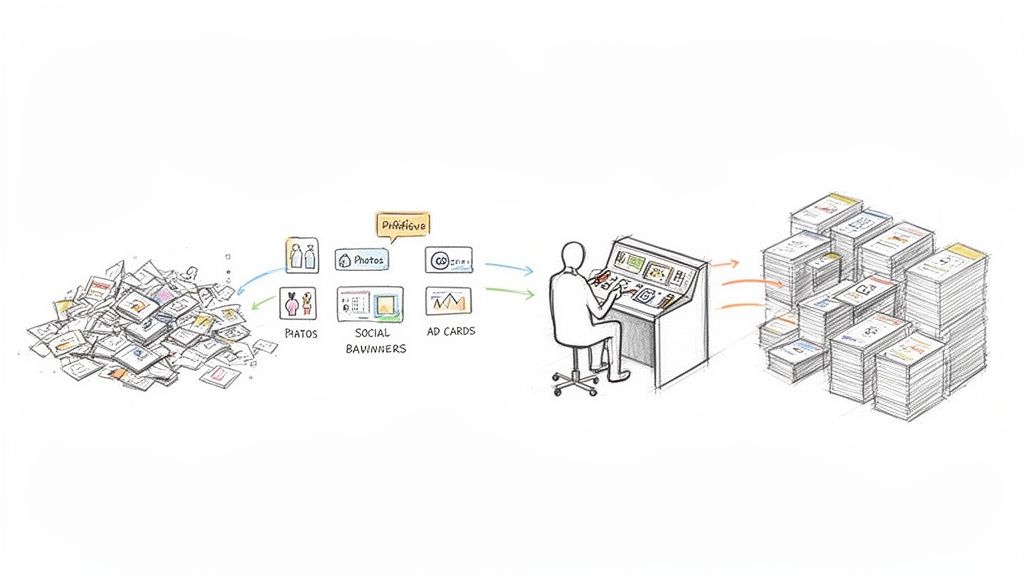
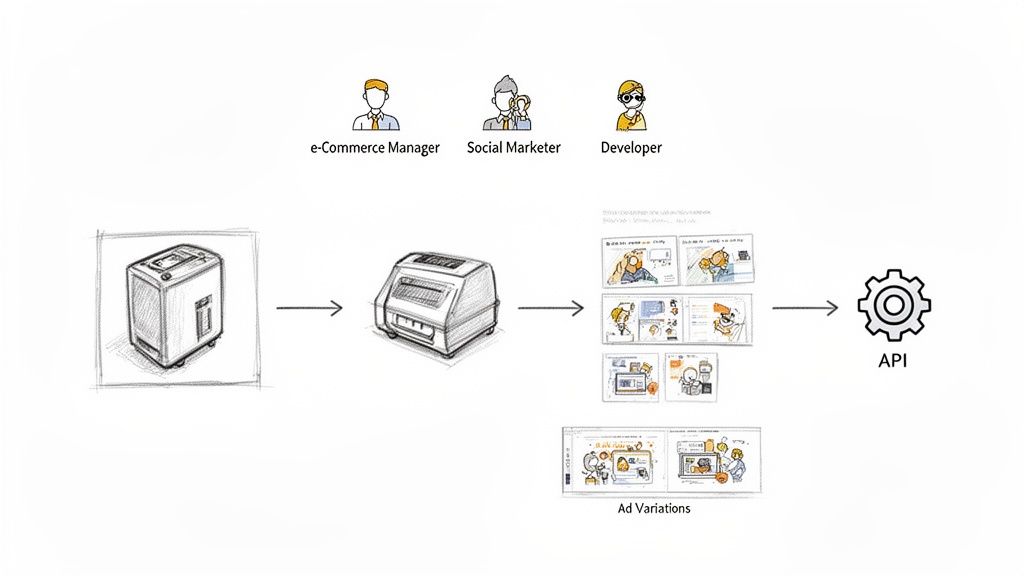
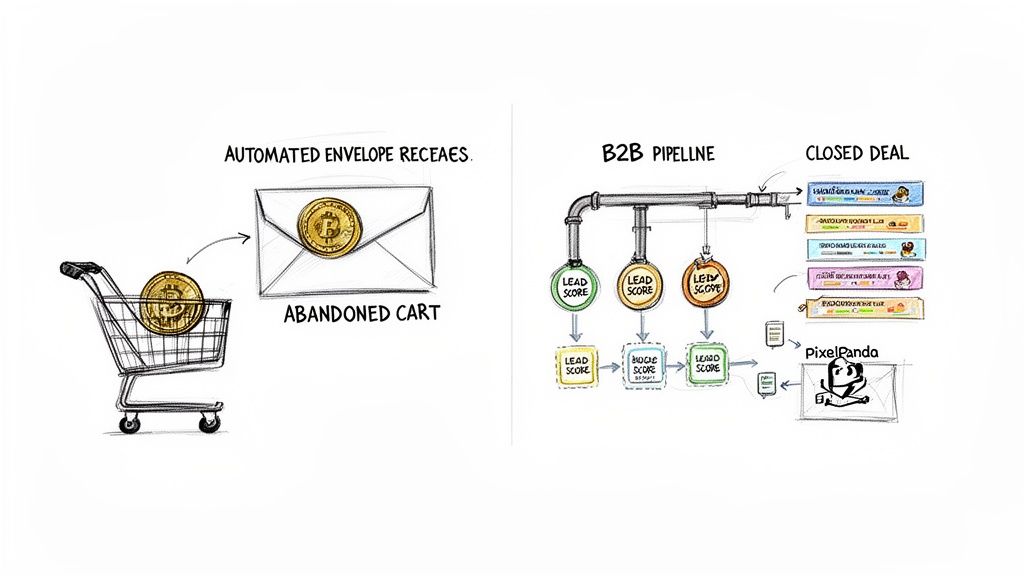
    Visual workflow of raw assets transformed into organized photo, social banner, and ad card stacks.

    Let's cut through the buzzwords. At its heart, an AI marketing tool for visuals is simply software that automates creative work that used to take a human hours to complete. It’s not some mystical black box here to steal your job; it’s a productivity engine designed to eliminate the grunt work.

    Think about your next product launch. You'll need dozens of clean product shots for your website, eye-catching banners for social media, and an army of ad variations for A/B testing. That's usually where the creative traffic jam starts, right? An AI tool is what keeps things moving.

    Finally, An End to the Creative Bottleneck

    Instead of a designer painstakingly cutting out backgrounds from 50 photos all day, an AI gets it done in minutes. That low-res image you were given? AI upscaling can make it sharp and print-ready in seconds. This isn't about using fancy tech just for the sake of it; it's about making your day-to-day life ridiculously more efficient.

    The real magic here is how these tools amplify what your team can do. A single person can suddenly manage a visual workflow that used to take a small army, freeing everyone up for big-picture thinking and brilliant campaign ideas.

    This tech has gone from a "nice-to-have" to an absolute must-have in the modern marketing stack. We're talking about a world where marketers are no longer buried in repetitive tasks but are free to unleash their creativity at scale. And it's not just a trend—somewhere between 88-90% of marketers now use AI in their daily work, a huge leap from just a few years ago. You can see more on this in this detailed AI marketing report.

    From Niche Tech to an Everyday Tool

    What was once reserved for massive corporations with deep pockets is now readily available for e-commerce brands and marketing agencies of all sizes. The impact is especially huge in fast-paced industries like fashion. To see just how deep this rabbit hole goes, check out the applications of AI for fashion and personalized shopping. This isn't just about getting an edge anymore; it’s quickly becoming the new standard for keeping up.

    Unlocking Your Visual Superpowers with AI

    So, what can an AI marketing tool actually do for your visuals? Let's cut through the buzzwords and get right to the good stuff—how these platforms can rescue you from the tedious, manual parts of your job. Think of it less like a new piece of software and more like getting a brilliant, lightning-fast design assistant who never needs a coffee break.

    Imagine you're about to launch a new product line. You've got a folder full of photos, but every single one needs a perfectly clean background before it can go on your website. Manually tracing around every product is a soul-crushing task that can burn hours of a designer's time. With AI, that whole process is over in seconds.

    One-Click Product Cutouts

    This is where most people have their first "Aha!" moment with AI. You can literally drag and drop a batch of product photos and watch as the AI perfectly isolates each item onto a transparent background. The real magic is how it handles the details that used to be a total nightmare.

    • Fuzzy Textures: That fluffy sweater that would normally result in a choppy, amateurish outline? The AI sees the difference between the fabric and the background, giving you a smooth, natural edge.
    • Intricate Details: Fine jewelry chains, stray hairs, and even see-through objects are no longer a cause for panic. The AI is smart enough to preserve these delicate features with incredible precision.

    This one feature alone completely changes the game for e-commerce teams. It means your products get online faster and your entire catalog looks polished and consistent.

    To show you just how much of a difference this makes, here’s a quick breakdown of how AI steps in to handle common visual tasks that used to eat up your day.

    How AI Tools Upgrade Common Visual Marketing Tasks

    AI Capability Manual Task Replaced Average Time Saved Per Image Best Use Case
    Background Removal Hand-tracing objects with the Pen Tool in Photoshop. 5-15 minutes Creating clean product images for e-commerce sites and catalogs.
    Asset Generation Manually creating dozens of ad variations for a campaign. Hours per campaign Quickly building social media ads for A/B testing or multi-platform promotions.
    Image Upscaling Searching for a higher-res source file or rejecting the image. 10-30 minutes Fixing low-quality supplier photos or repurposing old web graphics for print.

    As you can see, we're not talking about small improvements. We're talking about getting huge chunks of your time back, letting you focus on strategy instead of repetitive edits.

    AI-Driven Asset Generation

    Beyond just cleaning up your existing photos, AI can help you create entirely new marketing assets at a ridiculous speed. Say you need a bunch of social media graphics for a flash sale this weekend. Instead of building each one from the ground up, you just give the AI a template and your product shots.

    The AI then becomes your tireless design intern, churning out hundreds of on-brand variations in minutes. It can resize images for Instagram Stories, Facebook ads, and email banners, all while intelligently placing your products and text according to your brand guidelines.

    This shifts your role from being a content creator to a content director. You set the vision, and the AI handles the grunt work of production. Suddenly, launching a complex, multi-channel campaign before lunch doesn't seem so crazy.

    Crystal-Clear Image Upscaling

    We've all been there. A partner sends over a logo or a product photo that's way too small and blurry for the hero banner on your homepage. In the past, you either had to go back and beg for a better file or just grit your teeth and use a pixelated, unprofessional-looking image.

    AI upscaling gives you a much better option. Instead of just stretching the pixels, the AI intelligently rebuilds the image, adding sharp details and clarity where there were none before. It can turn a fuzzy, low-resolution graphic into something crisp enough for a billboard.

    Want to see it for yourself? Check out this interactive image upscaling demo and watch a blurry photo become perfectly sharp right before your eyes.

    See How Marketers and Developers Use AI Tools

    Theory is great, but seeing an AI marketing tool in action is where things get really interesting. Let’s walk through how two completely different professionals—an e-commerce manager and a software developer—use visual AI to solve problems they face every single day.

    These aren't some futuristic ideas. This is happening right now.

    First up, meet Maria. She’s an e-commerce manager staring down the barrel of a major product launch. In front of her is a folder with 50 new product photos, and every single one needs to be ready for the website by tomorrow. Ouch.

    A Marketer's High-Speed Product Launch

    Instead of pulling an all-nighter with Photoshop, Maria turns to her AI platform to get the job done. What used to be a week of tedious, manual editing is now crunched into a single afternoon.

    Here’s her game plan:

    • Batch Background Removal: Maria drags and drops all 50 images into the tool. Less than five minutes later, the AI spits out perfect, clean product cutouts. No stray pixels, no choppy edges.
    • Instant Image Upscaling: A few of the photos from the supplier are a little fuzzy. Not a problem. She runs them through an AI upscaler, and they come out crystal-clear—sharp enough for the zoom feature on her product pages.
    • Automated Ad Generation: With her polished product shots ready, she feeds them into an AI ad generator. The tool instantly creates a full week's worth of social media ads for Instagram, Facebook, and Pinterest, complete with on-brand designs and solid copy.

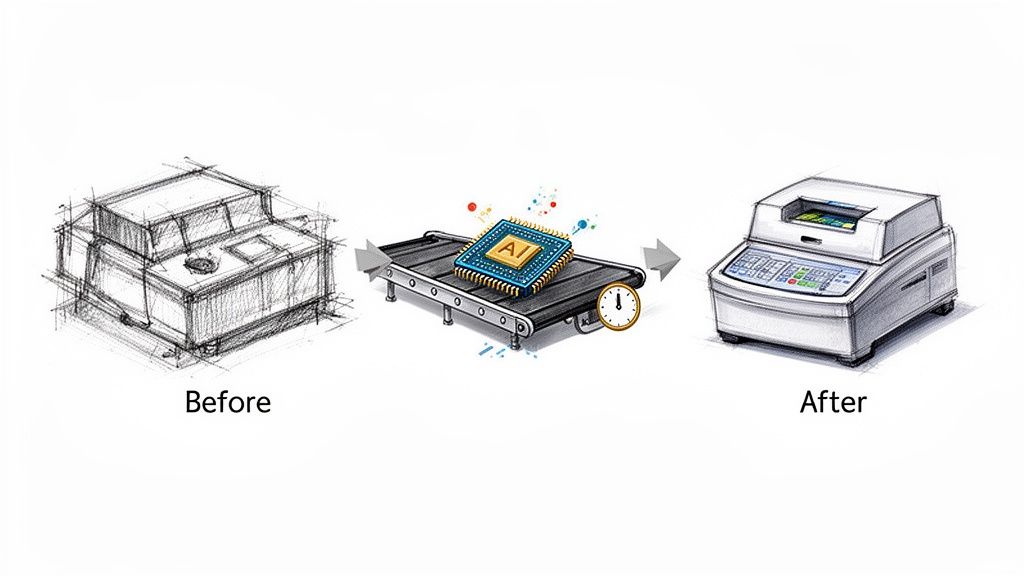
    This is what that transformation looks like, turning a raw photo into something polished and ready for a campaign.
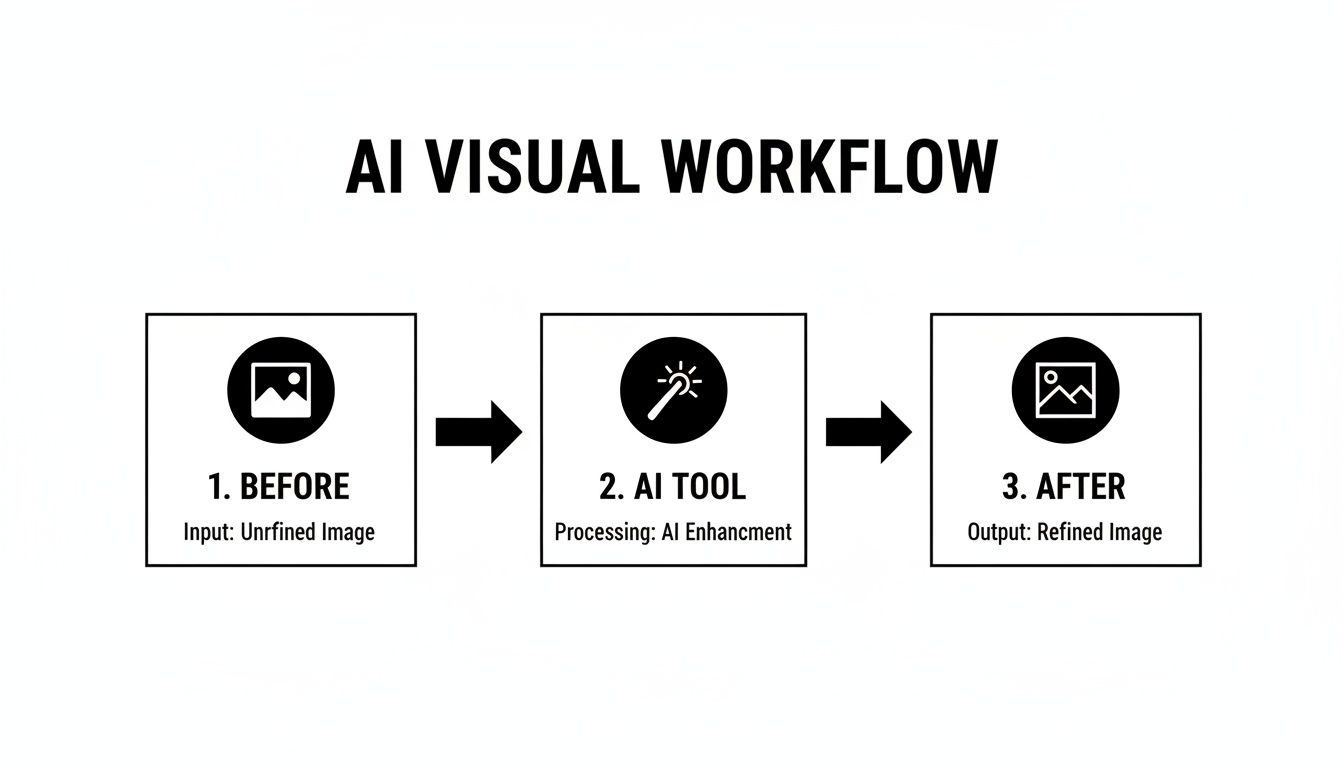
    A diagram illustrating an AI visual workflow, showing an unrefined image processed by an AI tool for enhancement, yielding a refined image.

    The AI tool becomes a central hub, taking a so-so input and automatically producing a high-quality, ready-to-use asset.

    A Developer's Automated Content Platform

    Now, let's switch gears and look at David. He’s a developer building a platform where users can upload profile pictures and portfolio images. The challenge? He needs a way to make sure all that user-generated content looks clean and professional, without hiring an army of content moderators.

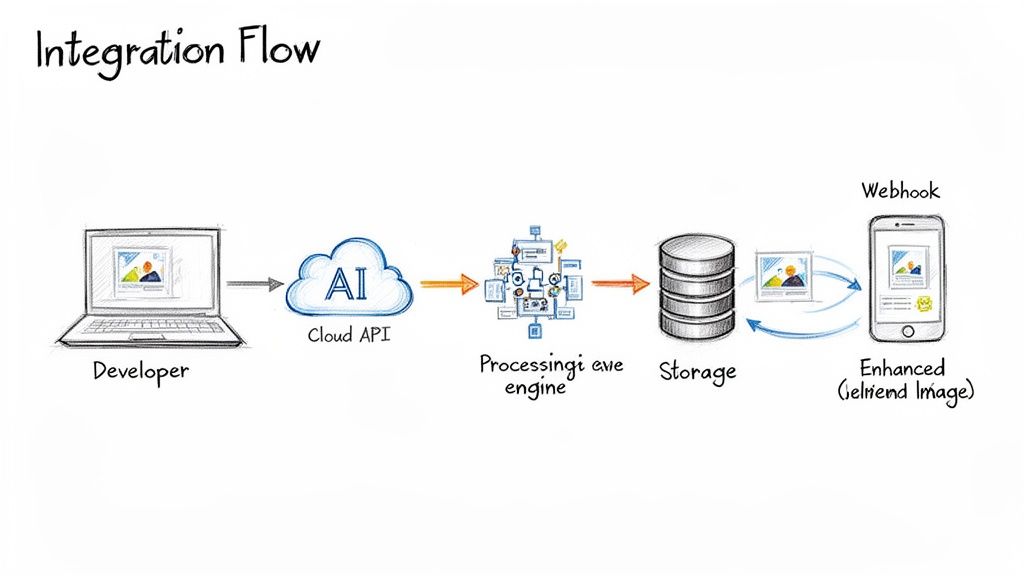
    David’s solution is to plug an AI image processing API directly into his app's backend.

    By using an API, David puts the entire image quality control process on autopilot. His platform can now handle thousands of daily uploads without a human ever touching them, keeping the site looking sharp and consistent.

    When a user uploads a photo, David’s code makes a quick API call to the AI tool, telling it exactly what to do. In simple pseudo-code, it looks a little something like this:

    // A user uploads their new profile picture
    uploaded_image = user.photo

    // The backend sends that image to the AI API with instructions
    processed_image = call_ai_api({
    image: uploaded_image,
    tasks: [
    'remove_watermark',
    'enhance_faces',
    'upscale_to_1024px'
    ]
    })

    // The new, clean image is saved to the user's profile
    user.profile_picture = processed_image

    The AI automatically strips any watermarks, enhances facial clarity just enough to look good, and resizes the image to the platform's standard dimensions. The result is a smooth experience for the user and a much cleaner, more trustworthy platform for David—all running completely on its own.

    Choosing the Right AI Marketing Tool

    Let's be honest: wading through the sea of AI marketing tools can feel like a chore. Every landing page promises to change your life, but how do you separate the genuine game-changers from the flashy gimmicks? The secret isn't in the marketing copy; it's in finding features that actually solve your problems and make a real difference for your team.

    Think of it like test-driving a car. You wouldn't buy one without getting behind the wheel, right? The same goes for AI tools. A hands-on demo gallery and a generous free trial aren't just nice-to-haves—they're essential. You need to upload your own assets, especially the tricky ones, to see how the tool performs under pressure before you even think about committing.

    Kicking the Tires: Evaluating the Tech

    For any team looking to automate work at scale, the technical details are what separate a fun toy from a true business asset. Your checklist needs to go way beyond the surface and dig into what’s really under the hood.

    • API and SDK Access: A slick web interface is great for one-off edits, but a powerful API is where the magic happens. Look for crystal-clear documentation and software development kits (SDKs) that let your developers plug the tool’s power directly into the systems you already use.
    • The "Hairy" Test: Don't just test the easy stuff. Throw your toughest images at it—photos with fine details like hair, fuzzy sweaters, or mesh fabrics. The best tools have sophisticated models that can handle these challenges and deliver crisp, clean cutouts every time.
    • Built for Bulk: Can the tool chew through 500 images at once without choking? For e-commerce and big marketing campaigns, the ability to process huge batches of content quickly and reliably is non-negotiable.

    Making the Final Call

    The generative AI wave is here, and it’s changing how we all work. In fact, a whopping 71% of companies are already using it for things like content creation and research, with visual AI tools leading the charge.

    Your real goal is to find a tool that solves today's headaches and can grow with you tomorrow. A platform with clear, scalable pricing and solid developer support is a much smarter long-term bet than one that just looks pretty.

    To get a broader view of what's out there, it helps to check out a few guides on the best AI content creation tools.

    Ultimately, the right choice comes down to your specific needs. Are you a solo creator who just needs a few quick edits, or a developer building a completely automated content pipeline? Don't be shy about putting these tools through a trial by fire—a little homework now will save you a world of hurt later. For a no-nonsense breakdown of what this kind of power costs, check out our pricing page and see how a flexible API can fit right into your budget.

    How to Actually Get an AI Tool Working for You
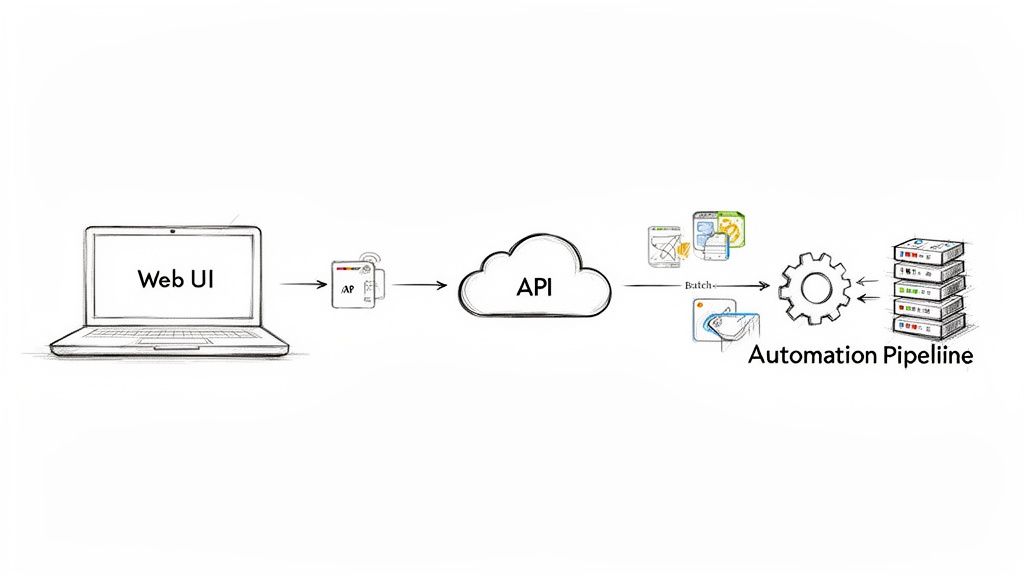
    System architecture diagram depicting a Web UI, API, batch processing, and an automation pipeline.

    Alright, so you've found an AI marketing tool that looks promising. Now what? The real trick isn't just finding the tool; it's weaving it into your day-to-day grind so it actually saves you time instead of becoming another login you forget.

    This is where the magic happens. A great platform won’t force you into a one-size-fits-all box. Instead, it offers a couple of different ways to get the job done, depending on who you are and what you need.

    For the Hands-On Creatives: The Web App

    Most marketers and designers will live inside the web interface. Think of it as your creative command center for getting things done right now.

    Got a dozen new product shots for an Instagram story that needs to go live in an hour? Just drag them into the browser, click a button, and watch the backgrounds vanish. It’s built for speed and immediate visual feedback, letting you go from a raw photo to a polished, campaign-ready asset without touching a line of code.

    For the Automation Gurus: The API

    Now, for developers or teams handling thousands of assets, clicking and dragging just won't cut it. This is where the REST API comes in.

    An API (Application Programming Interface) is basically a secret handshake that lets your software talk directly to the AI tool’s software. It’s what separates a neat little app from a full-blown automation engine.

    Instead of uploading images one by one, you can write a simple script to process your entire product catalog overnight. The AI can then send the finished images straight back to your e-commerce store, digital asset management (DAM) system, or whatever custom setup you’re running. This is how you build a visual content pipeline that runs itself.

    An API turns an AI tool from something you use into something you can build with. It's the key to embedding smart image editing directly into your own products and creating custom workflows that give you a massive edge.

    Wondering how complicated that is? It's not. Removing a background with an API call is surprisingly simple. Here’s a quick look at how you’d do it in Python:

    import requests

    Your API key and the image you want to process

    api_key = "YOUR_API_KEY"
    image_url = "https://example.com/product_photo.jpg"

    Sending the request to the AI tool's API

    response = requests.post(
    "https://api.pixelpanda.ai/v1/background-removal",
    headers={"Authorization": f"Bearer {api_key}"},
    json={"image_url": image_url}
    )

    Saving the new image with a transparent background

    if response.status_code == 200:
    with open("product_cutout.png", "wb") as f:
    f.write(response.content)

    See? Just a few lines of code to do a job that would take a human designer minutes. Multiply that by thousands of images, and you can see the impact.

    To really get under the hood and explore what's possible, the best place to start is the documentation. For a deep dive into code examples and guides, check out the resources over at the PixelPanda developers page. This is the path to true, set-it-and-forget-it automation for all your visual content.

    The Future is Now: AI-Powered Visuals are Here to Stay

    Let's be honest, the buzz around AI in marketing isn't just hype—it's a full-blown revolution in how we create, compete, and connect. An AI marketing tool is no longer some futuristic gadget reserved for mega-corporations with bottomless budgets. It's the secret weapon that lets any team, no matter the size, punch way above their weight and produce visuals that truly stop the scroll.

    Think of it as your escape route from the mind-numbing grind of manual editing. We're talking about crushing production timelines, going from days of painstaking work to mere minutes, and getting your campaigns out the door at lightning speed. When you let AI handle the repetitive stuff, you get flawless brand consistency everywhere, from your homepage to your TikTok feed.

    The train is leaving the station, and it's moving fast. New research shows that a whopping 92% of businesses are already throwing their weight (and money) behind generative AI. It's clear that tools like PixelPanda’s AI suite are no longer a "nice-to-have"; they're becoming the standard for anyone who needs to create amazing visual content without drowning in work. You can get the full scoop on this exploding AI market trend.

    It's time to swap tedious tasks for big-picture thinking and AI-fueled creativity. Why are you still manually cutting out backgrounds when you could be dreaming up your next viral campaign?

    The future of visual marketing has arrived, and it's all about speed, incredible quality, and smart automation. The only real question is, are you ready to jump in? It's time to stop daydreaming about a better workflow and actually start building one.

    Got Questions? We've Got Answers.

    Jumping into the world of AI can feel like opening a can of worms. It’s natural to have a few questions. Let's tackle some of the most common ones we hear from marketers and developers eyeing a visual AI marketing tool.

    How well can AI actually handle tricky images, like hair or fur?

    Ah, the million-dollar question. This is the ultimate test, isn't it? The short answer: shockingly well.

    Modern AI models aren't like the clunky "magic wand" tools of the past that left you with jagged edges and a headache. The best platforms have been trained specifically on the tough stuff. We're talking fine wisps of hair, the fuzzy texture of a sweater, and even tricky transparent objects. The results are so clean they often look like they were done by a seasoned photo editor with a pot of strong coffee and a lot of patience.

    The proof is in the pudding, though. Always take a free trial for a spin. Grab your most challenging images—the ones that make you groan—and throw them at the tool. That’s how you’ll really see what it’s made of.

    Can I plug this thing into my own app or website?

    You bet. The most powerful AI platforms are built for this exact purpose. They offer solid REST APIs and SDKs for common languages like Python and JavaScript, so your developers can get up and running in no time. This lets you send images out for a job—like background removal or upscaling—and get a perfect result back in seconds, all automatically.

    This is a game-changer for automating tasks at a massive scale. Think about it:

    • Tidying up your entire e-commerce catalog while you sleep.
    • Instantly processing all that user-generated content you're getting.
    • Baking powerful AI editing features right into your own product.

    Is this AI tool going to put my graphic designers out of a job?

    Nope, not even close. Think of these tools as a trusty sidekick for your creative team, not a replacement. Their job is to take over the boring, repetitive, and soul-crushing tasks—like cutting out a thousand product photos or resizing an entire campaign's worth of assets.

    By handing off the grunt work, you free up your designers to do what they do best: be creative. Instead of being buried in tedious production tasks, they can spend their brainpower on big-picture brand strategy, brainstorming killer campaign concepts, and pushing the creative envelope. It makes your whole team faster, smarter, and way more effective.


    Ready to stop wondering and start seeing? Give PixelPanda a try and get a firsthand look at how AI can completely change your visual workflow. Check out our interactive demos and start your free trial today.
  • Top 12 AI Marketing Tools to Scale Your Campaigns in 2026

    Top 12 AI Marketing Tools to Scale Your Campaigns in 2026

    Tired of manually crafting every social media post, A/B testing ad copy until your eyes glaze over, or spending hours on tasks a well-trained robot could do in seconds? Welcome to the future, where your new marketing intern is an algorithm. We’re diving headfirst into the world of AI marketing tools, the secret weapon for scaling your efforts without scaling your team or your caffeine dependency. This isn't just about saving time; it's about unlocking creative potential and getting smarter, data-driven results that were once the exclusive domain of massive corporations with even bigger budgets.

    This list is your definitive, no-fluff guide to the best platforms on the market. We're cutting through the hype to give you the real-world scoop. Forget generic feature lists. Instead, you'll get an actionable breakdown for each tool, including core features, ideal use cases, sneaky integration tips, and a frank look at pros and cons. We'll even show you example workflows, so you can see exactly how a tool like PixelPanda can automate your entire visual content pipeline. To kickstart your exploration of AI in marketing, check out this comprehensive list of the 12 best AI tools for content creators.

    Our goal is simple: to help you find the perfect AI sidekick for your specific needs, whether you're a solo developer, an e-commerce powerhouse, or a bustling creative agency. Each entry includes screenshots and direct links to get you started immediately. Let's find the right tools to put your marketing on a very intelligent autopilot.

    1. PixelPanda

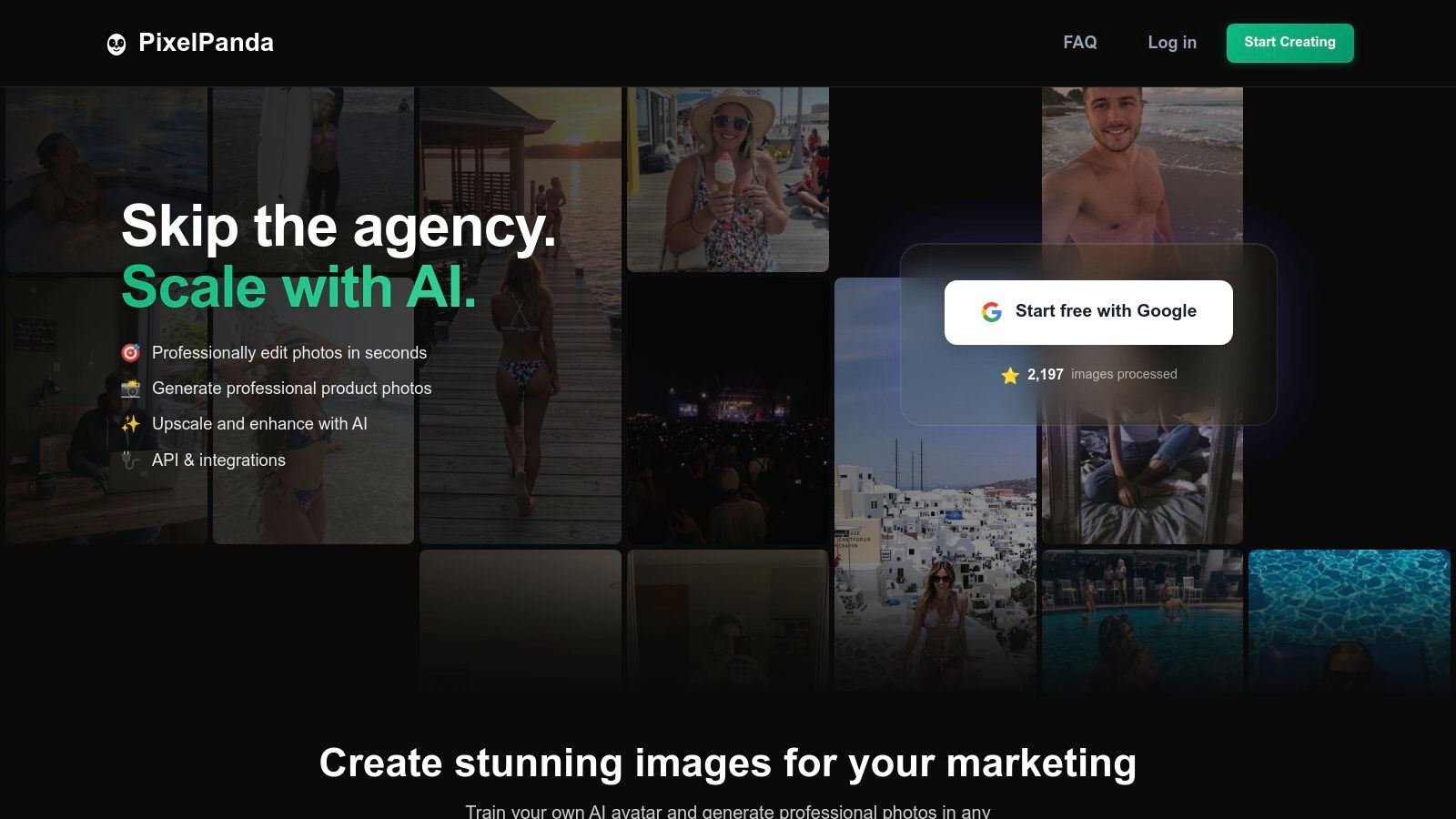
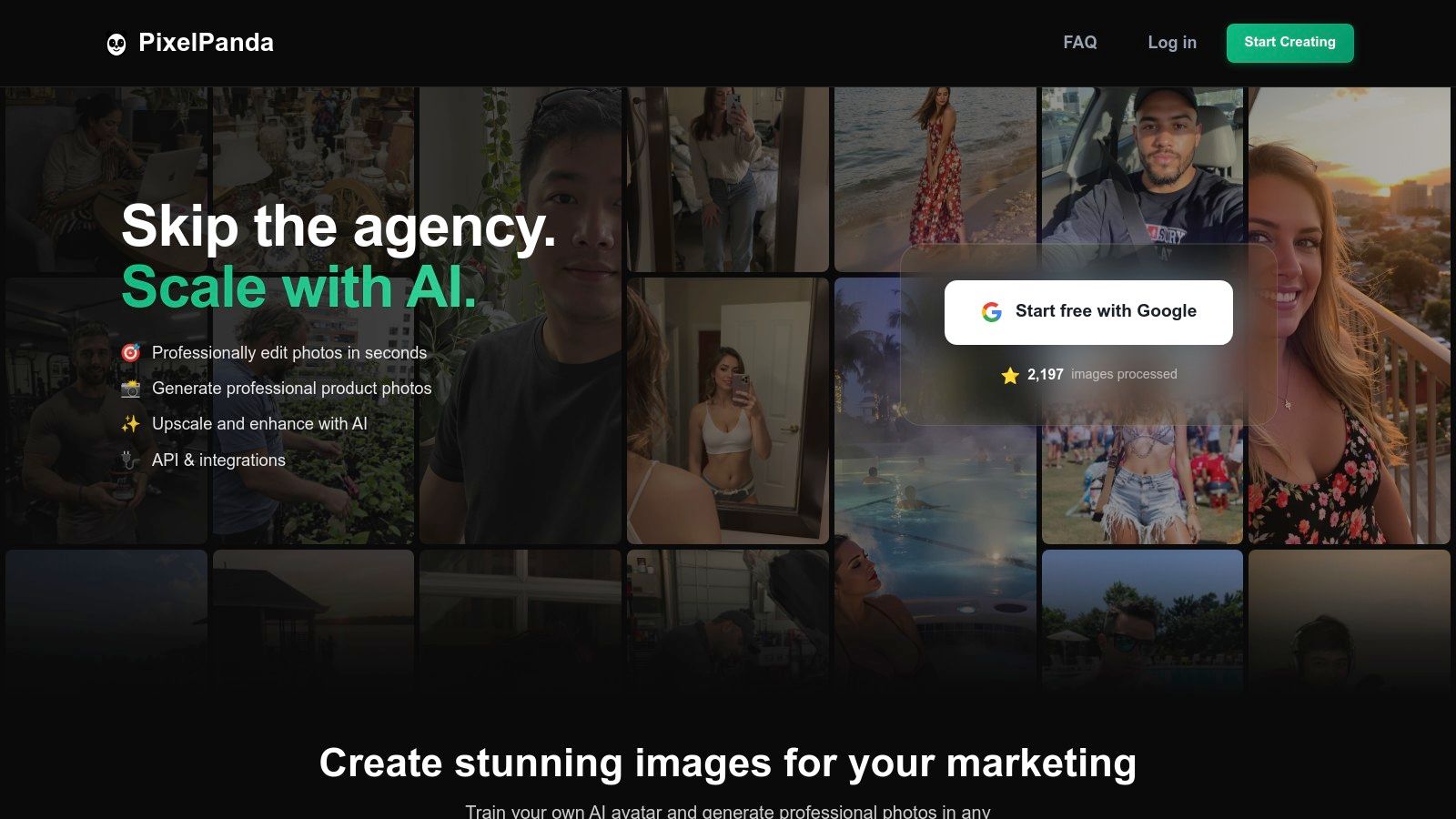
    PixelPanda stands out as a formidable, all-in-one AI image processing platform, consolidating a full suite of studio-grade tools into a single, highly accessible service. It's less a single tool and more of a complete visual production pipeline, designed to automate and scale image creation for marketers and developers alike. Forget juggling multiple subscriptions for background removal, upscaling, and generative AI; PixelPanda integrates these into one cohesive workflow.

    PixelPanda

    This platform excels where many AI marketing tools falter: preserving fine details. Its models are trained for accuracy, producing crisp, edge-perfect cutouts even on notoriously tricky subjects like hair and fur. The results are not just fast; they look natural, avoiding that overly processed, "AI-generated" feel. The platform is robust enough for developers to build entire applications on its REST API and SDKs, yet intuitive enough for a marketing team to batch-process an entire e-commerce catalog without writing a single line of code.

    Standout Features & Use Cases

    PixelPanda’s unique strength lies in its generative capabilities, particularly the AI Avatar and Try-On features. Imagine training a digital version of a model from just 10-20 photos. You can then generate an endless supply of consistent, on-brand lifestyle shots or product photos, eliminating the cost and logistics of photoshoots.

    • E-commerce & Product Catalogs: Automate background removal for thousands of product images, ensuring a clean, uniform look. Use the 4x upscaler to enhance low-quality supplier photos into high-resolution assets. You can see the upscaler's power in action with PixelPanda's interactive demo.
    • Social Media Automation: Connect the API to a tool like Zapier or Make.com to automatically generate branded social media banners from a product feed. Use smart inpainting to remove unwanted text or watermarks from user-generated content before reposting.
    • SaaS & App Integration: Developers can leverage the API to power features within their own platforms, such as profile picture editors, no-code website builders, or automated visual content workflows.

    Pricing & Onboarding

    Getting started is frictionless. PixelPanda offers a free trial with 10 credits (no credit card required), which is enough to test its core features. Paid plans are straightforward:

    • Starter: $49/month for 500 credits
    • Pro: $99/month for 1,500 credits (Most Popular)
    • Business: $249/month for 4,500 credits

    All plans include access to the full feature set; higher tiers simply offer more credits, AI avatar slots, and dedicated support.

    Pros Cons
    A comprehensive, studio-quality toolset in one unified platform. Credits don't roll over, which may be a drawback for teams with fluctuating monthly usage.
    Excellent realism and detail preservation, especially on complex subjects. The free trial is limited to 10 credits, which may not be enough for high-volume API testing before subscribing.
    The AI Avatar and Try-On features are game-changers for scalable content. Advanced generative features like avatar training are only available on paid plans.
    Developer-friendly API, SDKs, and clear documentation.
    Website: https://pixelpanda.ai

    2. Jasper

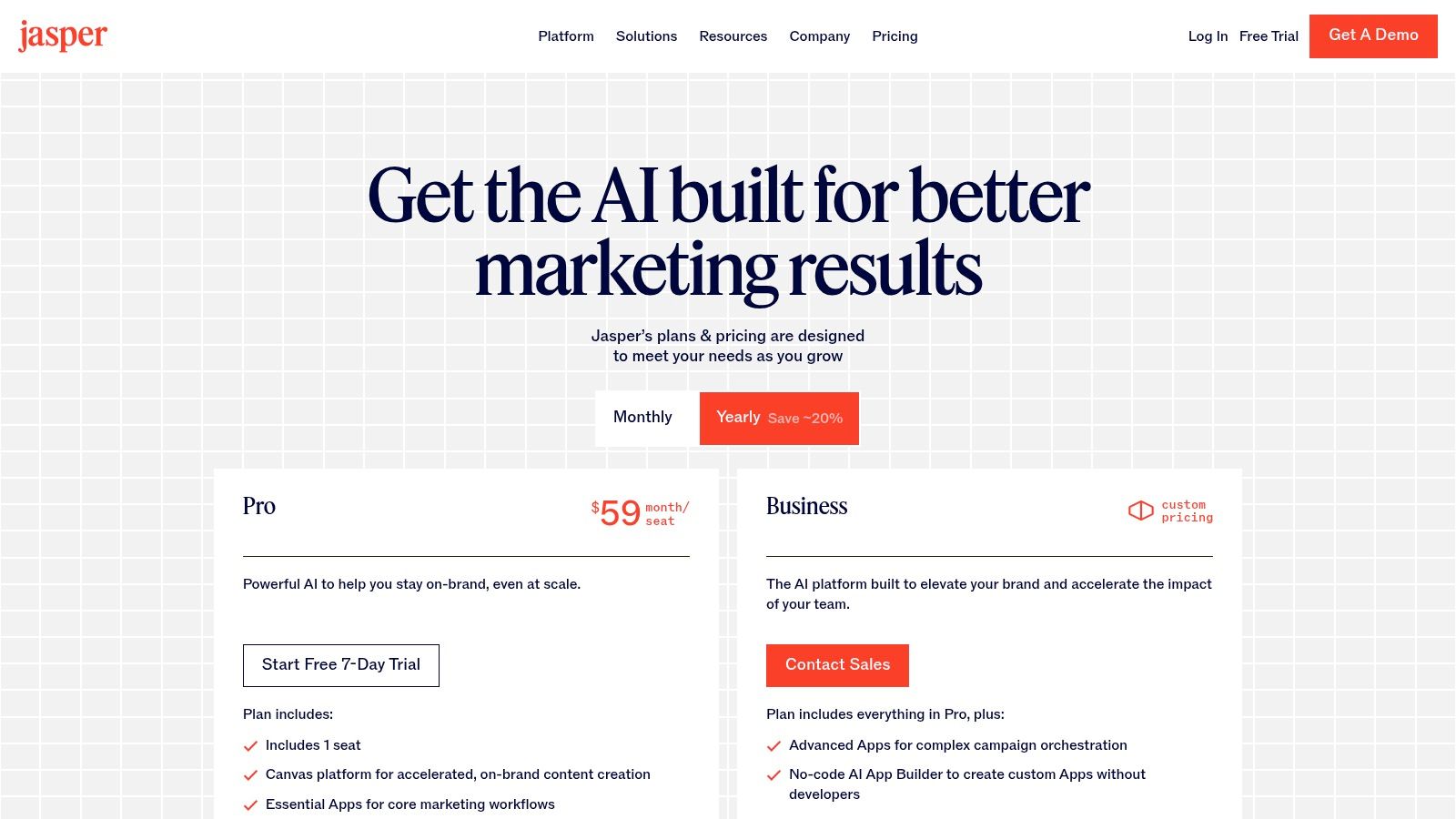
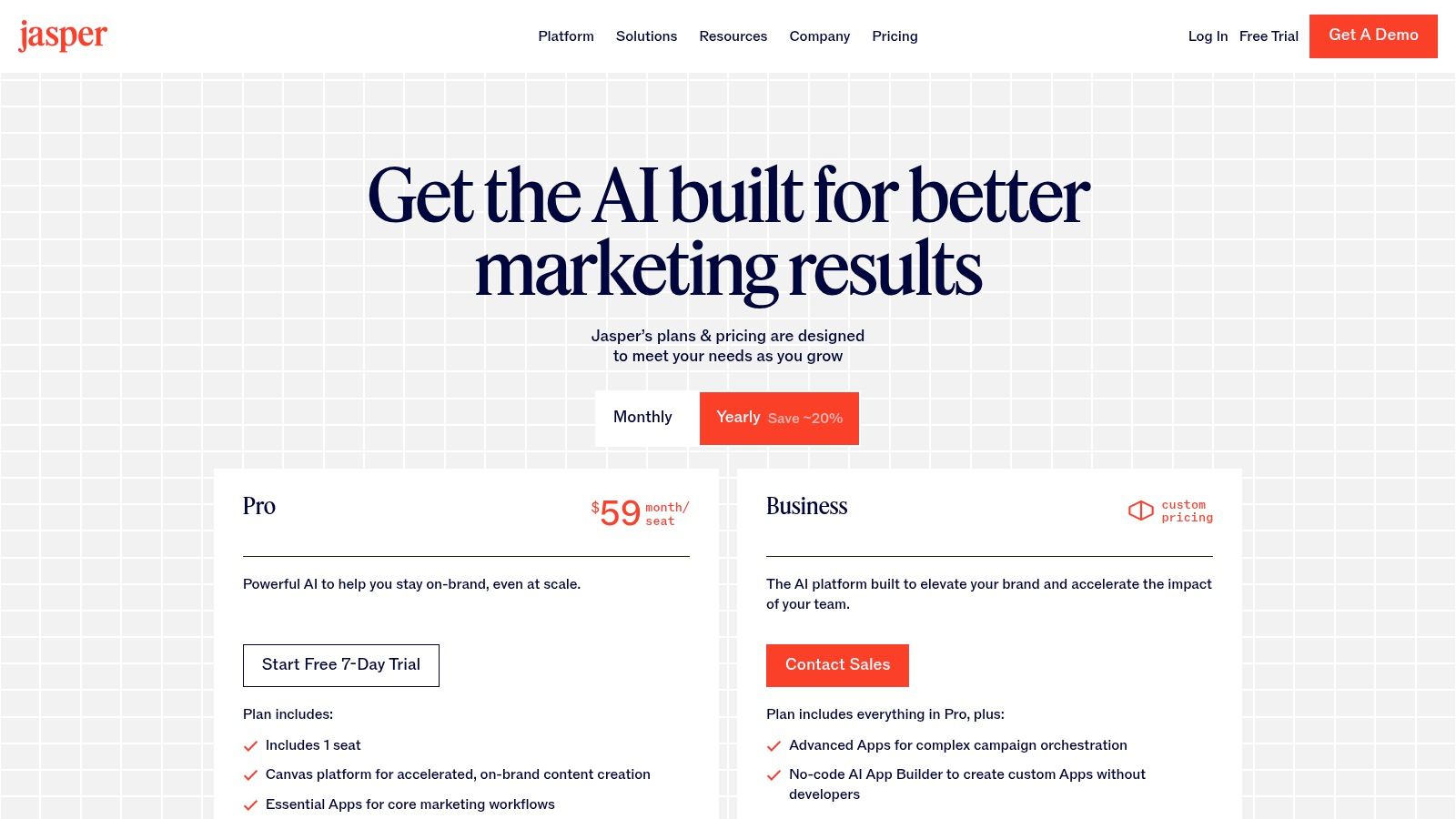
    Jasper isn't just another AI writer; it's a full-fledged marketing command center designed to keep your brand's voice consistent across every campaign. While general-purpose AI tools can feel like you're shouting into the void, Jasper provides the guardrails. It's built for teams that cringe at the thought of off-brand, generic AI content flooding their channels. It excels at creating a controlled environment where your brand's unique personality, knowledge base, and target audience profiles directly inform every word it generates.

    This focus on governance makes Jasper one of the most powerful ai marketing tools for established brands. Instead of re-prompting a chatbot with your brand guidelines every time, you load them once into Jasper’s “Brand Voice” and “Knowledge” features. This ensures that whether you're drafting an ad campaign in its Canvas workspace or using a purpose-built agent for social media posts, the output is consistently yours.

    Jasper's pricing plans for AI marketing tools

    Key Features & Use Case

    • Brand Governance: Centralize your brand voice, style guides, product catalogs, and audience personas to ensure all AI-generated content is brand-safe and accurate.
    • Campaign Canvas: A collaborative workspace to map out entire marketing campaigns from initial brief to final ad copy and blog posts.
    • Marketing Agents: Use pre-built or create no-code "agents" to automate repeatable tasks, like generating a month's worth of social media content from a single press release.
    Pros Cons
    Excellent for maintaining brand consistency. Top-tier features locked behind Business plan.
    Collaborative tools designed for marketing teams. Per-seat pricing can become costly for large teams.
    Offers a 7-day free trial on standard plans. Less of a "do-it-all" AI, more marketing-focused.

    Website: https://www.jasper.ai/pricing

    3. Copy.ai

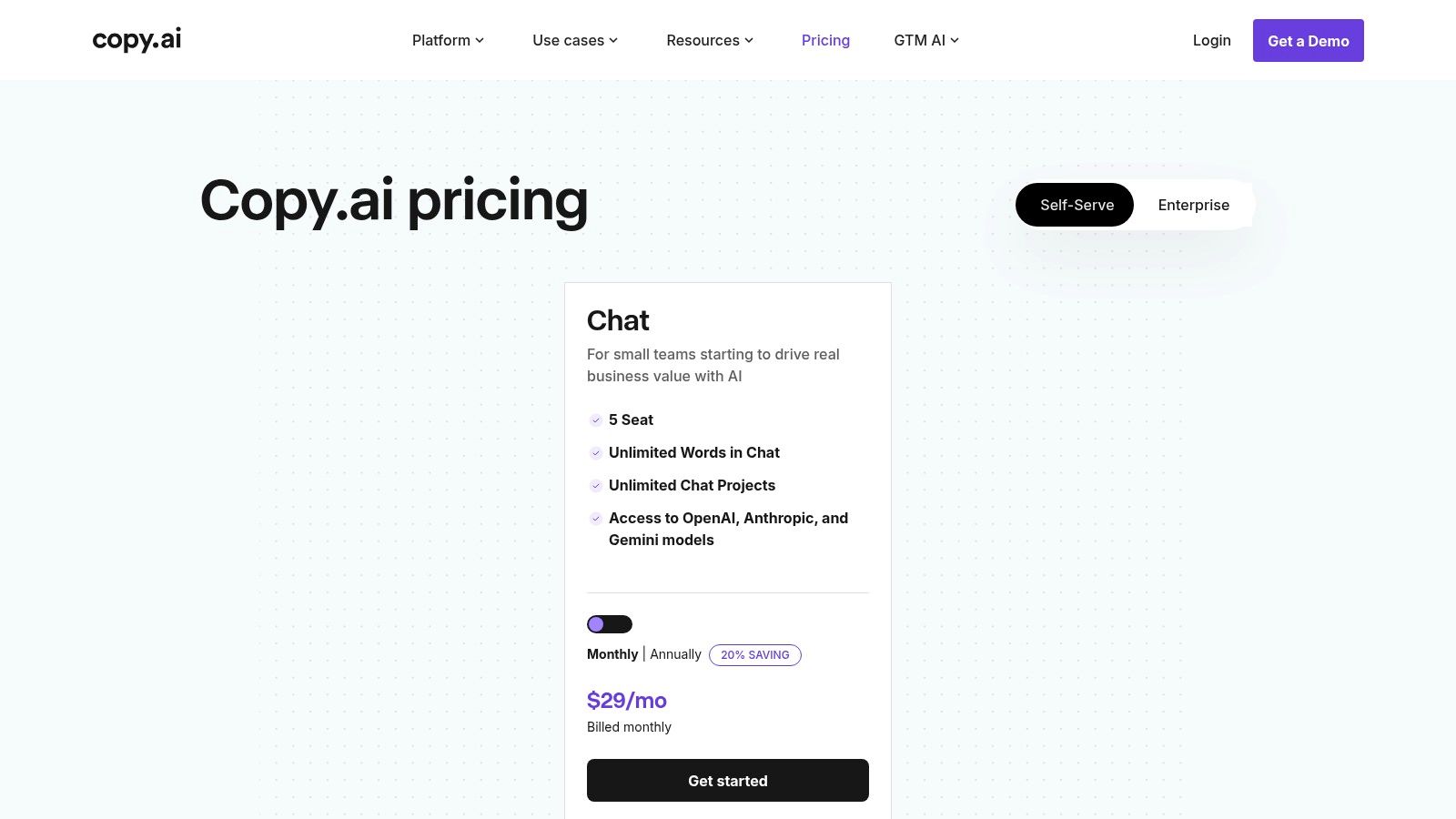
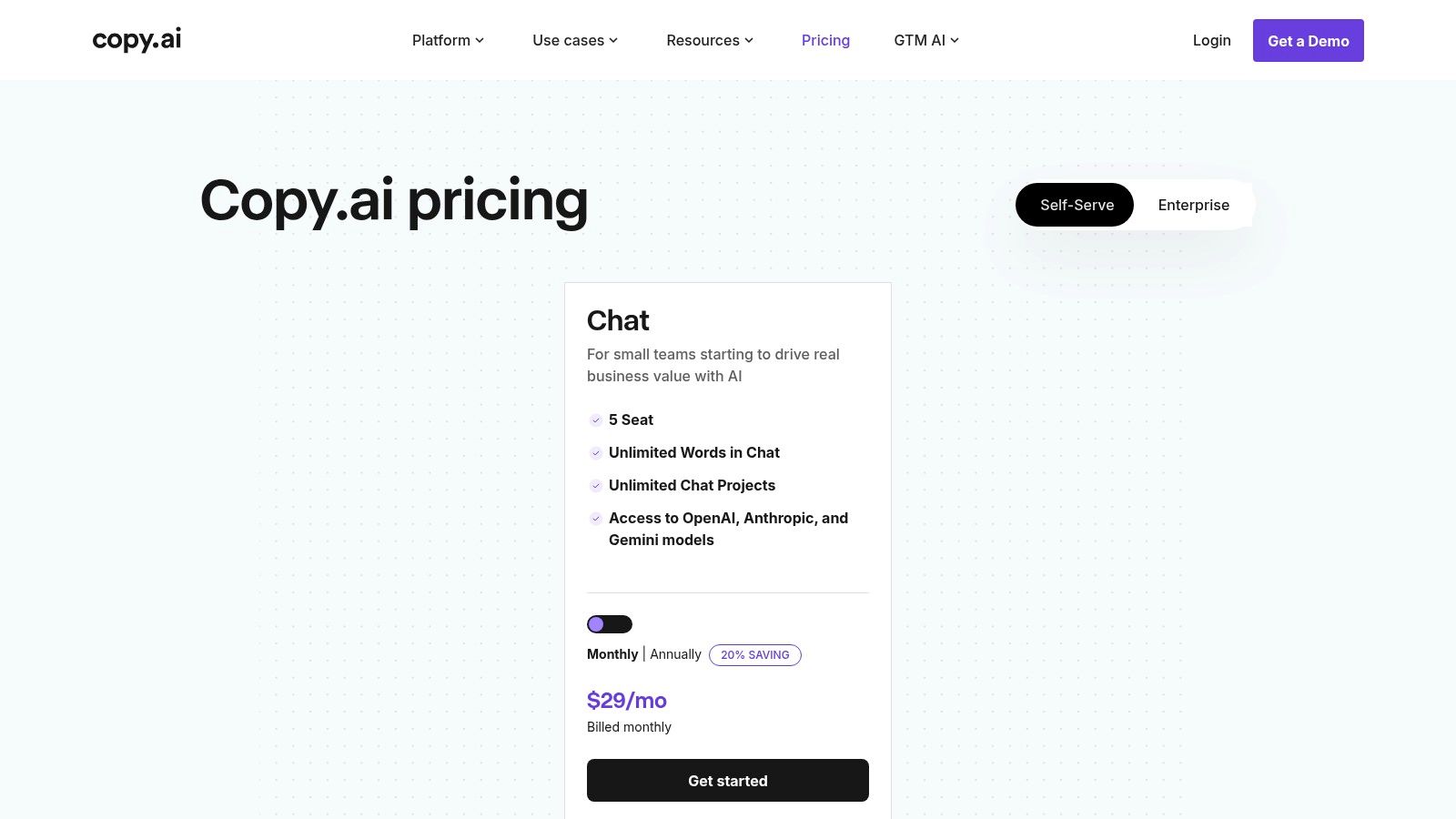
    Copy.ai positions itself as the sprinter's choice in the world of AI content, built for speed and adaptability. Where other tools focus on rigid brand governance from the start, Copy.ai gives you a fast lane to content creation with a generous entry-level plan and a chat interface that feels immediately intuitive. It's designed for go-to-market teams who need to generate high-quality copy now without getting bogged down in complex setups.

    The platform's true power lies in its upgrade path from quick content generation to sophisticated automation. You can start by using its multi-model chat for brainstorming and drafting, but as your needs grow, you can leverage its Content Agent Studio. This feature lets you build custom, repeatable workflows for tasks like repurposing a webinar transcript into a full-blown social media campaign, making it a standout among ai marketing tools for scaling operations.

    Copy.ai pricing plan for AI marketing tools

    Key Features & Use Case

    • Unlimited Words (Chat): The Pro plan offers unlimited words in its Chat interface, making it ideal for teams with high-volume, exploratory content needs.
    • Multi-Model Access: Switch between top LLMs like models from OpenAI, Anthropic, and Gemini within a single workspace to find the best output for your specific task.
    • Content Agent Studio: Build no-code "agents" to automate complex, multi-step marketing workflows, like turning customer feedback into case study outlines or generating product descriptions from a spec sheet.
    Pros Cons
    Excellent value on entry-level paid plan. Workflow automations are credit-based and can be limited.
    Fast to get started with intuitive templates. Heavy automation requires upgrading to a more costly plan.
    Clear, scalable path from content to automation. Brand voice controls are less robust than competitors.

    Website: https://www.copy.ai/prices

    4. HubSpot

    HubSpot is less a single tool and more of a complete marketing ecosystem that has been supercharged with AI. While many tools focus on one specific task like writing copy, HubSpot’s AI is woven directly into its powerful CRM and automation platform. This is the solution for teams who want their AI capabilities tied directly to customer data, from lead generation and email journeys to revenue attribution. It's built for organizations that need an integrated, scalable marketing stack where AI assists with both content creation and operational efficiency.

    This all-in-one approach makes HubSpot one of the most comprehensive ai marketing tools for businesses looking to connect every marketing action to a customer record. Instead of exporting data to a separate AI tool, you can use AI assistants directly within the platform to generate blog posts, draft social media updates, or even build reports. This tight integration ensures that AI-driven activities are informed by real-time CRM data, making your marketing smarter and more personalized without leaving the platform.

    HubSpot's product pricing page for AI marketing tools

    Key Features & Use Case

    • Integrated CRM & AI: Leverage AI assistants for content creation and operational tasks, with all actions and data living within a single customer platform.
    • Marketing Automation Workflows: Use AI to help build and optimize complex marketing funnels, from automated email sequences to lead nurturing journeys.
    • Multi-Touch Revenue Attribution: Connect marketing campaigns directly to sales outcomes, allowing the platform to analyze performance and suggest improvements.
    Pros Cons
    Single platform from lead capture to attribution. Professional/Enterprise tiers require onboarding fees.
    Scales from free tools to enterprise governance. Contact-based pricing can lead to overages if not managed.
    Strong ecosystem and excellent support programs. AI features are more prominent in higher-priced plans.

    Website: https://www.hubspot.com/products/pricing-cr115

    5. Mailchimp

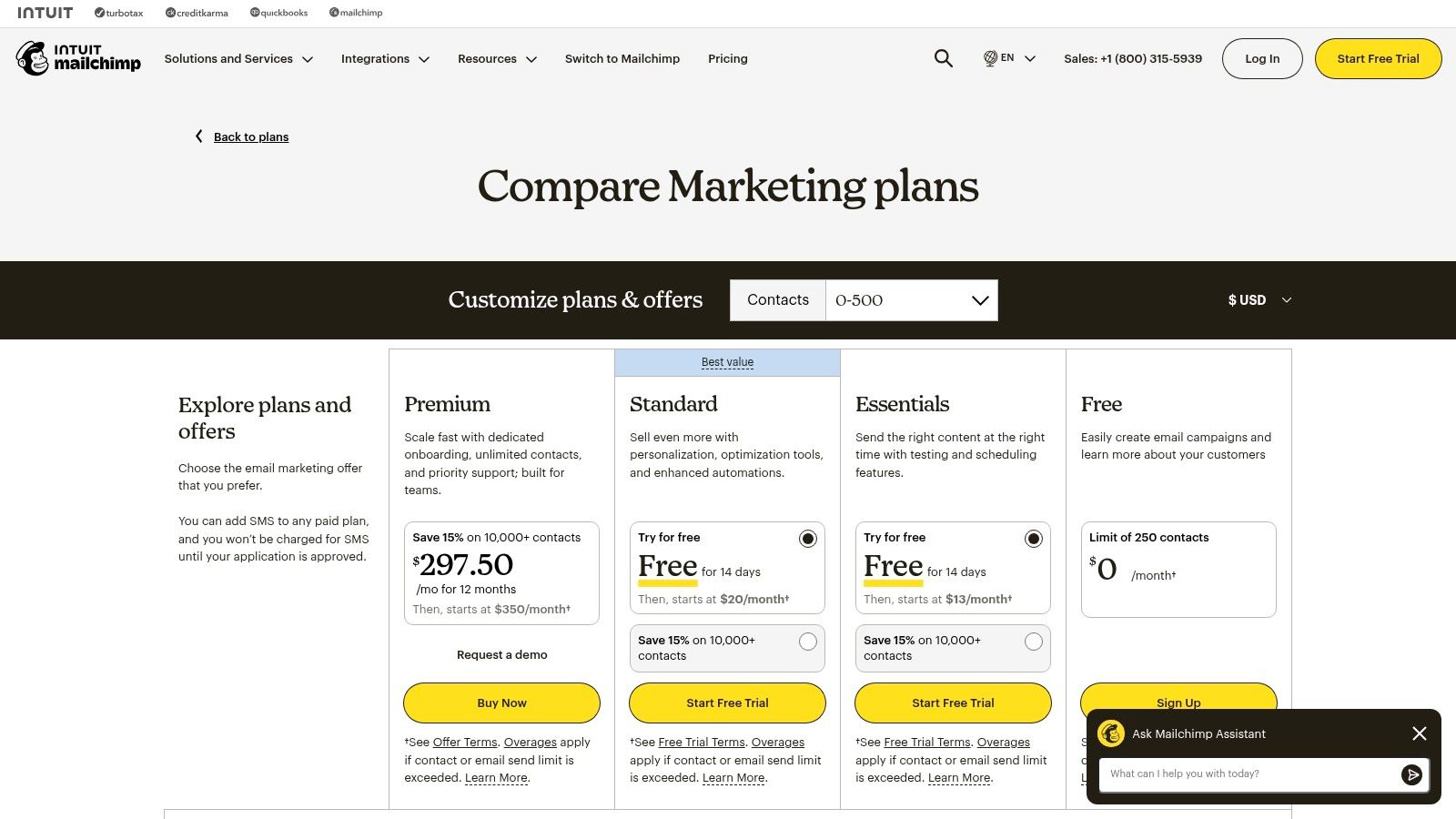
    Mailchimp is less about building a new AI strategy from scratch and more about supercharging the one you already have: email marketing. It cleverly embeds AI assistants directly into its familiar campaign builder, making sophisticated optimization accessible without a steep learning curve. Instead of exporting copy from one tool and pasting it into another, Mailchimp brings the AI to you. This makes it a powerhouse for small businesses and e-commerce brands who live and breathe by their newsletters and automated sequences.

    The platform's AI, "Intuit Assist," focuses on practical, immediate wins like refining a subject line for better open rates or optimizing send times for individual contacts. These aren't flashy, world-building AI features; they are workhorse ai marketing tools designed to incrementally improve the ROI of every email you send. For teams where email is the core revenue driver, having these assists built-in is a massive efficiency gain, removing friction from the campaign creation process.

    Mailchimp's marketing plans for AI marketing tools

    Key Features & Use Case

    • Intuit Assist & Content Optimizer: Get AI-driven suggestions for email copy, subject lines, and headers directly within the editor to maximize engagement.
    • Send Time & Day Optimization: Leverages AI to analyze subscriber behavior and automatically send campaigns at the moment they are most likely to be opened.
    • Creative Assistant: Automatically generates on-brand designs and images for your campaigns, pulling from your website and assets to maintain brand consistency.
    Pros Cons
    Practical AI assists are embedded directly into workflows. Some key AI features are gated to Standard or Premium plans.
    Flexible pricing, including a Pay-As-You-Go option. Contact and send limits can trigger overages as lists grow.
    Broad library of learning resources and templates. Less focused on multi-channel AI, primarily email-centric.

    Website: https://mailchimp.com/pricing/free-details/

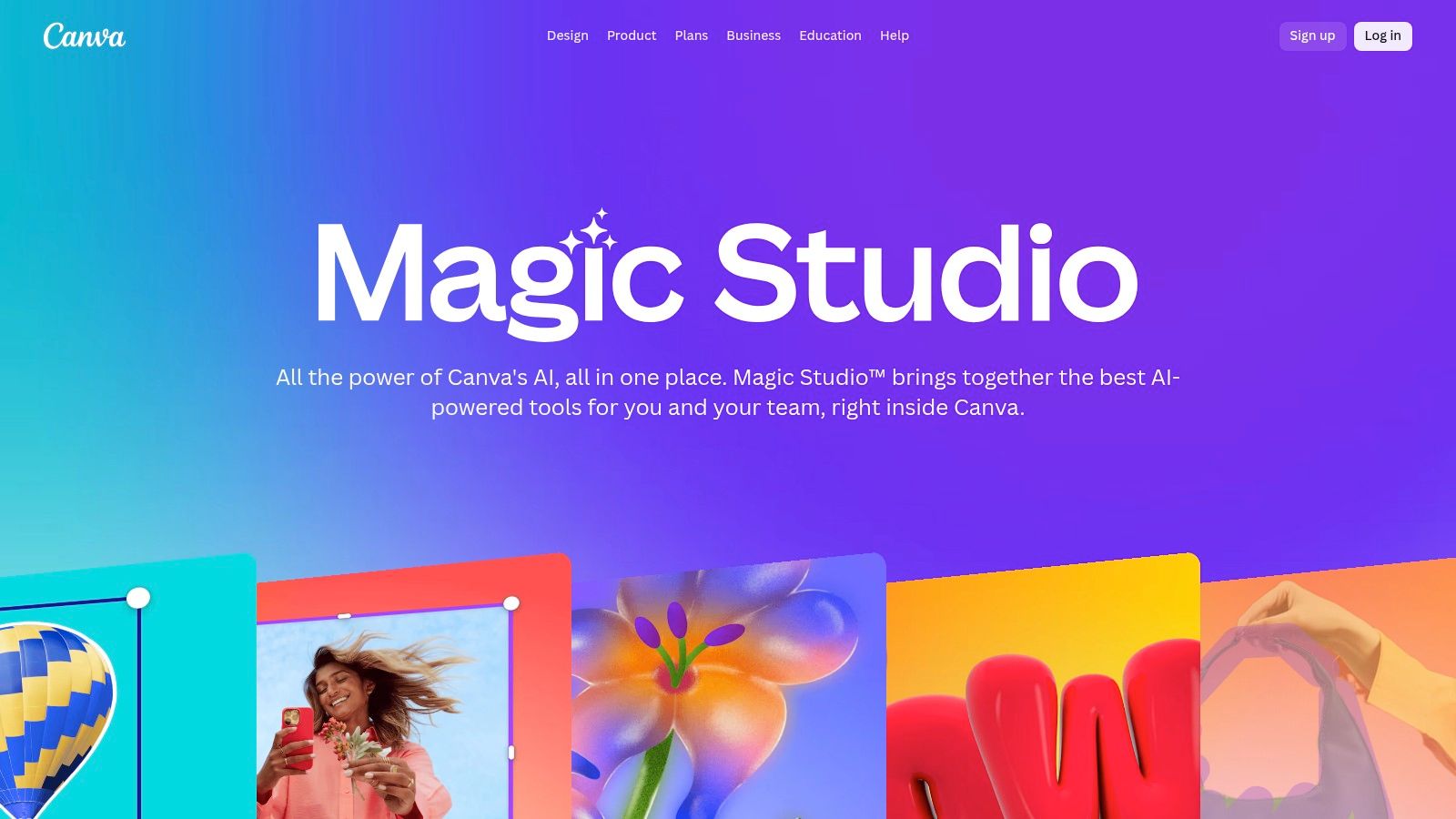
    6. Canva (Magic Studio)

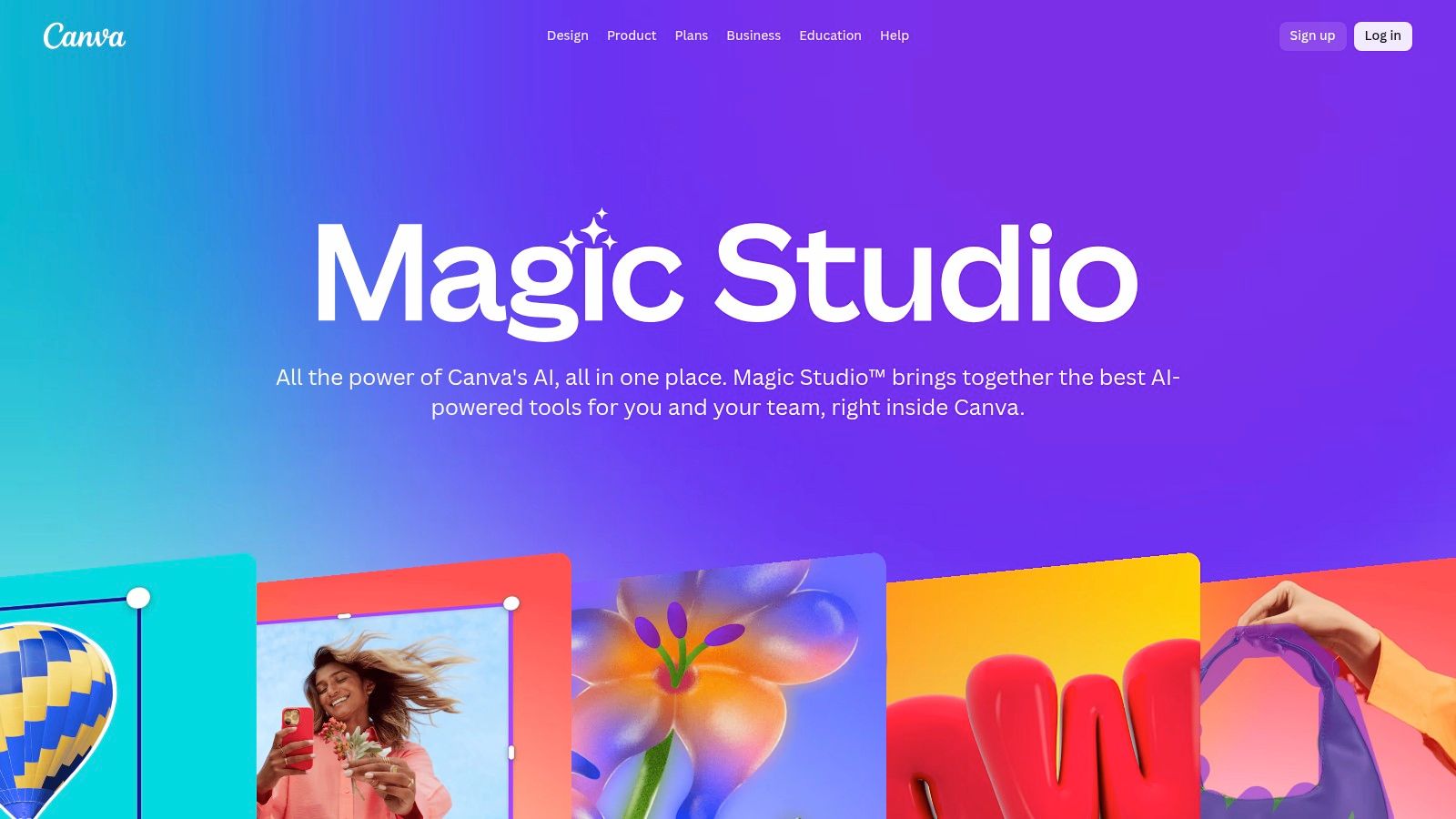
    Canva has evolved from a simple design tool into a powerful visual production suite, and its Magic Studio is the AI-driven core of this transformation. It's not just about creating a single social media graphic; it’s about generating an entire campaign's worth of visual assets in minutes. Magic Studio consolidates a suite of ai marketing tools directly into the design workflow, allowing marketers to resize, rewrite, and even generate entirely new images and videos without ever leaving the platform. This integration is what makes it a go-to for teams needing to produce high-volume, on-brand content at breakneck speed.

    The real advantage lies in its accessibility and brand governance. While other AI tools can feel disjointed, Canva’s Brand Kit ensures every AI-generated visual adheres to your company's colors, fonts, and logos. Whether you're using Magic Design to instantly create a presentation from a prompt or Magic Switch to convert a single design into a dozen different formats for every social channel, the output remains consistent and professional. This makes it an indispensable asset for teams that lack dedicated design resources but still need to maintain a polished brand presence.

    Canva (Magic Studio) AI tools

    Key Features & Use Case

    • Magic Design & Magic Switch: Instantly generate designs from a text prompt or automatically resize a single creative into formats for ads, social posts, emails, and more.
    • Brand Controls & Governance: Centralize brand assets in a Brand Kit, ensuring all team members, and the AI itself, produce consistent, on-brand visuals.
    • Magic Media (Text-to-Image/Video): Generate unique images and short videos directly within your design canvas from a simple text description. For more advanced image editing, such as removing backgrounds from product photos, you can explore specialized tools that focus on e-commerce visuals.
    Pros Cons
    Rapidly generates campaign assets across channels. Teams pricing has increased in recent cycles.
    Excellent team governance and brand kit features. Advanced features may require higher-tier plans.
    AI features are frequently updated and expanded. Video generation capabilities are still developing.

    Website: https://www.canva.com/magic/

    7. Semrush

    Semrush is the marketing world's equivalent of a Swiss Army knife, supercharged with AI. It started as an SEO powerhouse for spying on competitors and uncovering keyword gold, but it has evolved into a comprehensive suite for nearly every marketing discipline. Where it shines is in using AI not just for creation, but for deep analysis and insight, turning oceans of data into actionable strategies. It answers the "what's next?" question for marketers drowning in analytics.

    While many ai marketing tools focus solely on content generation, Semrush integrates AI to enhance its core research capabilities. It uses AI to summarize complex competitive landscapes, suggest ad copy improvements based on performance data, and even automate local marketing tasks. This makes it a strategic tool, helping you make smarter decisions with your SEO, paid ads, and content strategy, rather than just producing more of it. For data-driven teams, Semrush's AI layers provide clarity and direction in a very noisy digital world.

    Key Features & Use Case

    • AI-Enhanced Toolkits: Get AI-powered summaries and insights across SEO, Advertising, Social Media, and Local marketing toolkits to speed up analysis and reporting.
    • Content Marketing Platform: Features tools like the SEO Writing Assistant that provide real-time feedback on content based on top-ranking competitors.
    • Local Marketing Automation: An AI-powered add-on helps manage Google Business Profile listings by generating posts and responding to reviews automatically.
    Pros Cons
    Provides deep competitive and keyword data. Pricing accumulates quickly with add-ons and users.
    Flexible toolkits let you tailor its capabilities. Steep learning curve for users new to SEO.
    Trials are available for many of its toolkits. AI features are enhancements, not a standalone suite.

    Website: https://www.semrush.com/kb/1011-subscriptions

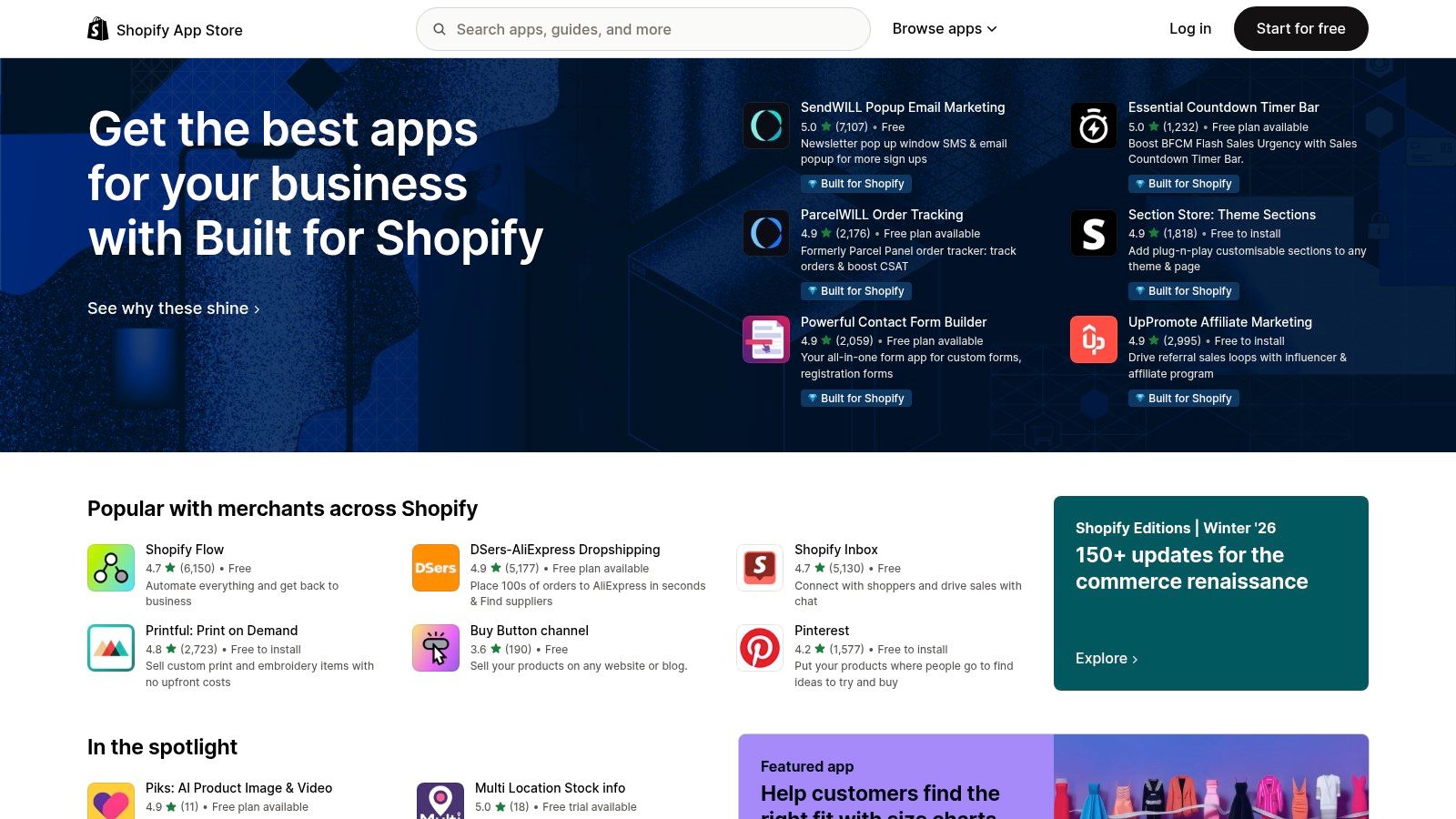
    8. Shopify App Store

    For ecommerce merchants, the Shopify App Store isn't just a marketplace; it's a treasure trove of specialized ai marketing tools designed to plug directly into your store. Instead of hunting for standalone SaaS tools and wrestling with APIs, you get a curated ecosystem where AI-powered apps handle everything from ad creation and SEO blog writing to sophisticated email automation. The real magic is the one-click installation and unified billing, transforming your store into an intelligent marketing machine without the technical headaches.

    This integrated approach makes the Shopify App Store an essential destination for merchants who need to move fast. You can test drive an AI ad generator, an on-site personalization engine, and an SEO optimizer in a single afternoon, all backed by user reviews to help you vet their real-world performance. To tailor your campaigns and boost conversions, you can even delve into AI-powered customer segmentation strategies for Shopify brands using data from these integrated apps.

    Shopify App Store

    Key Features & Use Case

    • One-Click Integration: Instantly add AI capabilities for ads, SEO, email, and social content directly into your Shopify dashboard.
    • Verified Reviews: Leverage community feedback and ratings to choose high-quality, effective apps and avoid duds.
    • Unified Billing: Manage all your app subscriptions through your main Shopify bill in USD, simplifying expense tracking. Developers can build their own integrated apps for the platform.
    Pros Cons
    Unbeatable convenience with direct integration. Quality and support vary wildly between app vendors.
    Customer reviews help validate real performance. Stacking many apps can increase costs and slow your site.
    Many apps offer generous free plans or trials. Over-reliance can lead to "app bloat" and complexity.

    Website: https://apps.shopify.com

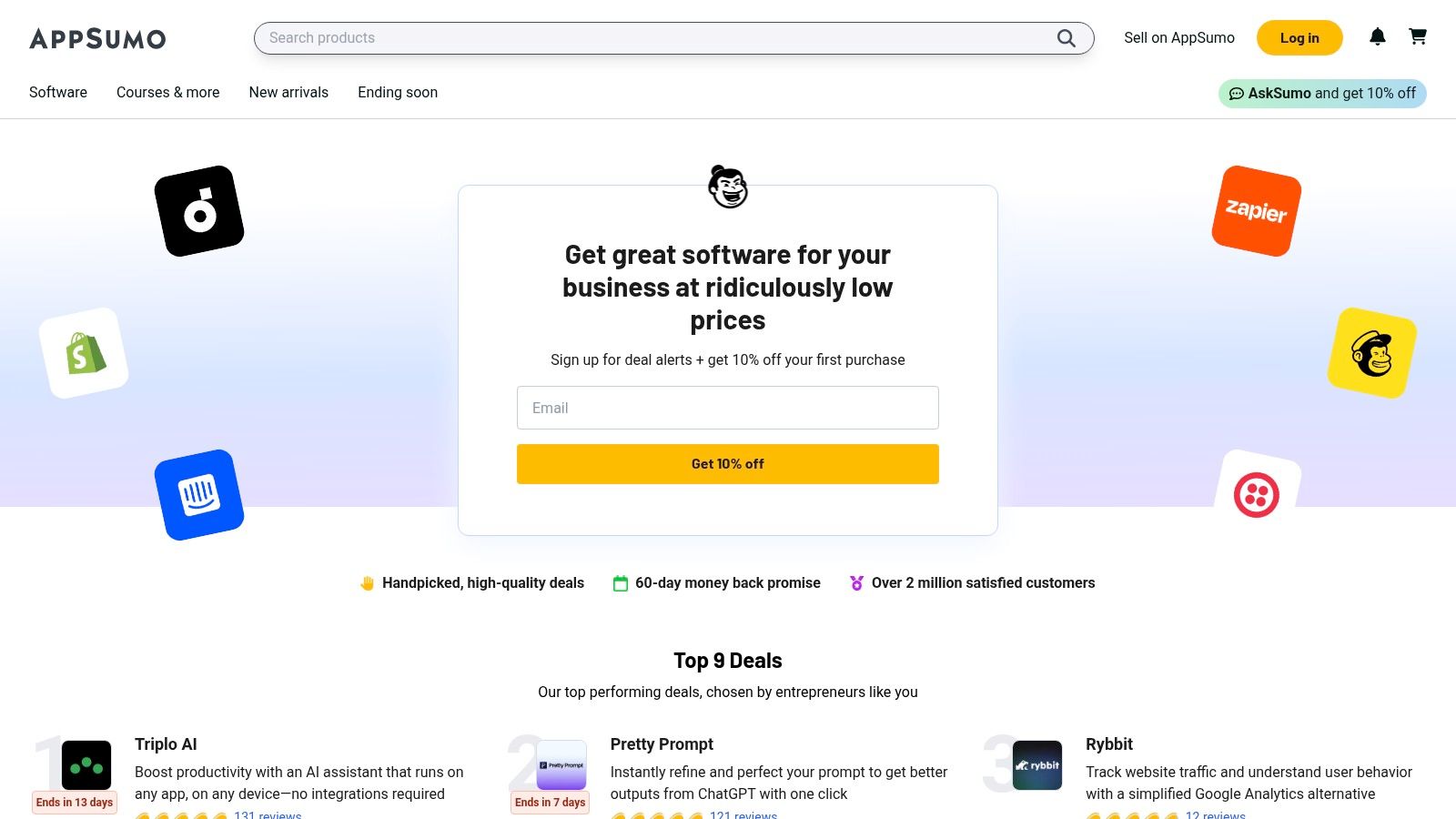
    9. AppSumo

    AppSumo isn't a single tool; it's the treasure trove where you find the next big thing in AI marketing before anyone else. Think of it as a digital farmer's market for software, where ambitious developers offer incredible lifetime deals (LTDs) on their emerging ai marketing tools. For marketers on a budget, this is the ultimate playground. Instead of committing to a hefty monthly subscription for an unproven tool, you can often secure lifetime access for less than the cost of a few months' subscription, making it a powerful strategy for building a diverse marketing stack without breaking the bank.

    This marketplace thrives on discovery and community feedback. It’s where you can unearth niche AI-powered video editors, hyper-specific content generators, or social media schedulers that haven't hit the mainstream yet. The value comes from getting in on the ground floor, often with generous feature sets designed to attract early adopters.

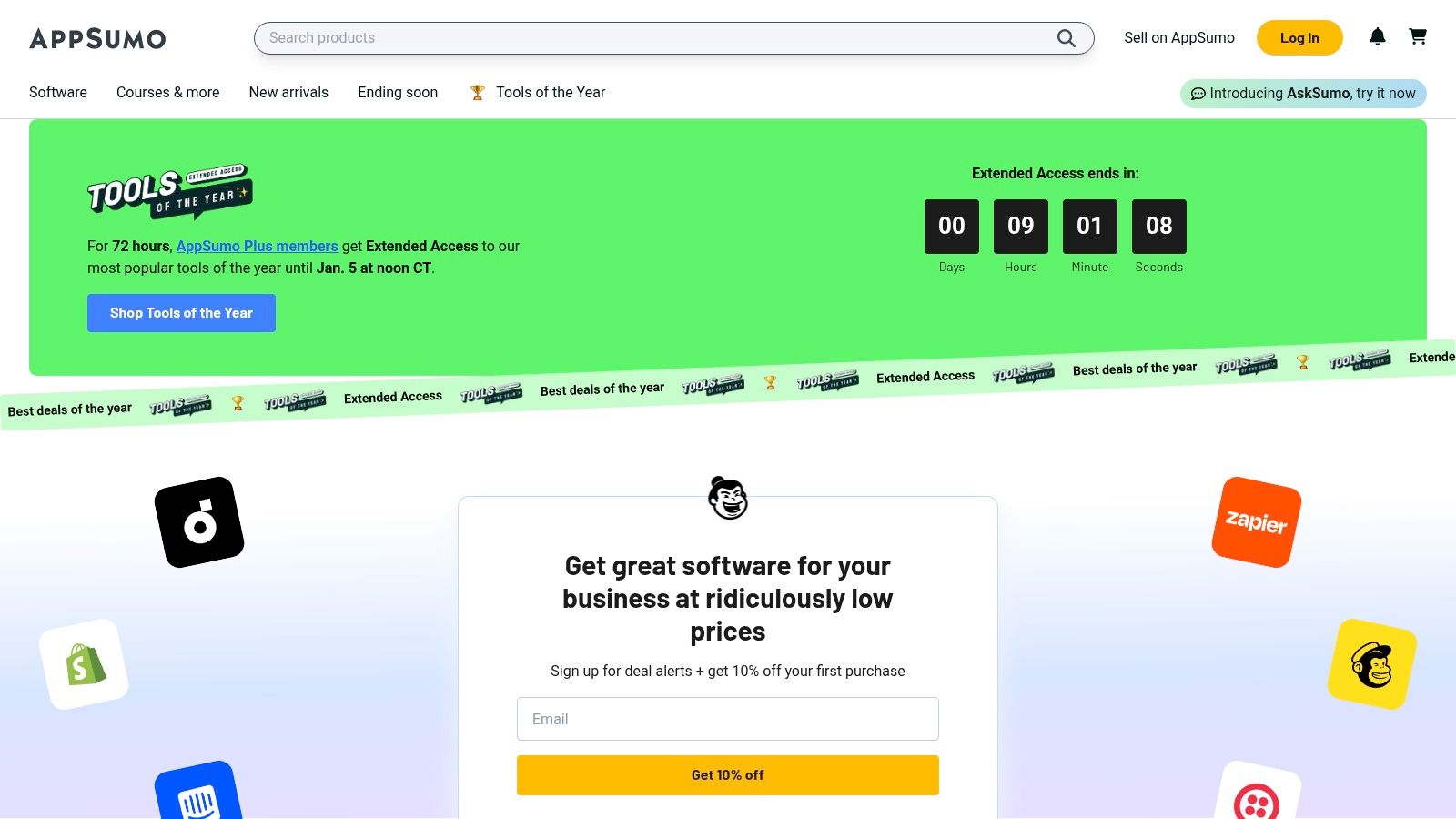
    AppSumo software deals for AI marketing tools

    Key Features & Use Case

    • Lifetime Deals (LTDs): Pay once to get lifetime access to software, drastically reducing long-term SaaS costs and allowing for experimentation with multiple tools.
    • Community Reviews & Q&A: Leverage honest feedback and direct questions to the founders to vet a tool's capabilities and support quality before you buy.
    • Curated Discovery: Easily browse categories specifically for marketing, AI, and lead generation to find innovative solutions for specific pain points.
    Pros Cons
    Significant savings compared to list prices. Deals are time-limited and may not return.
    Great way to discover niche, innovative AI tools. Long-term viability of some startups can be a risk.
    Helpful user reviews and refund policy. LTDs may lack future enterprise-level features or scaling.

    Website: https://appsumo.com

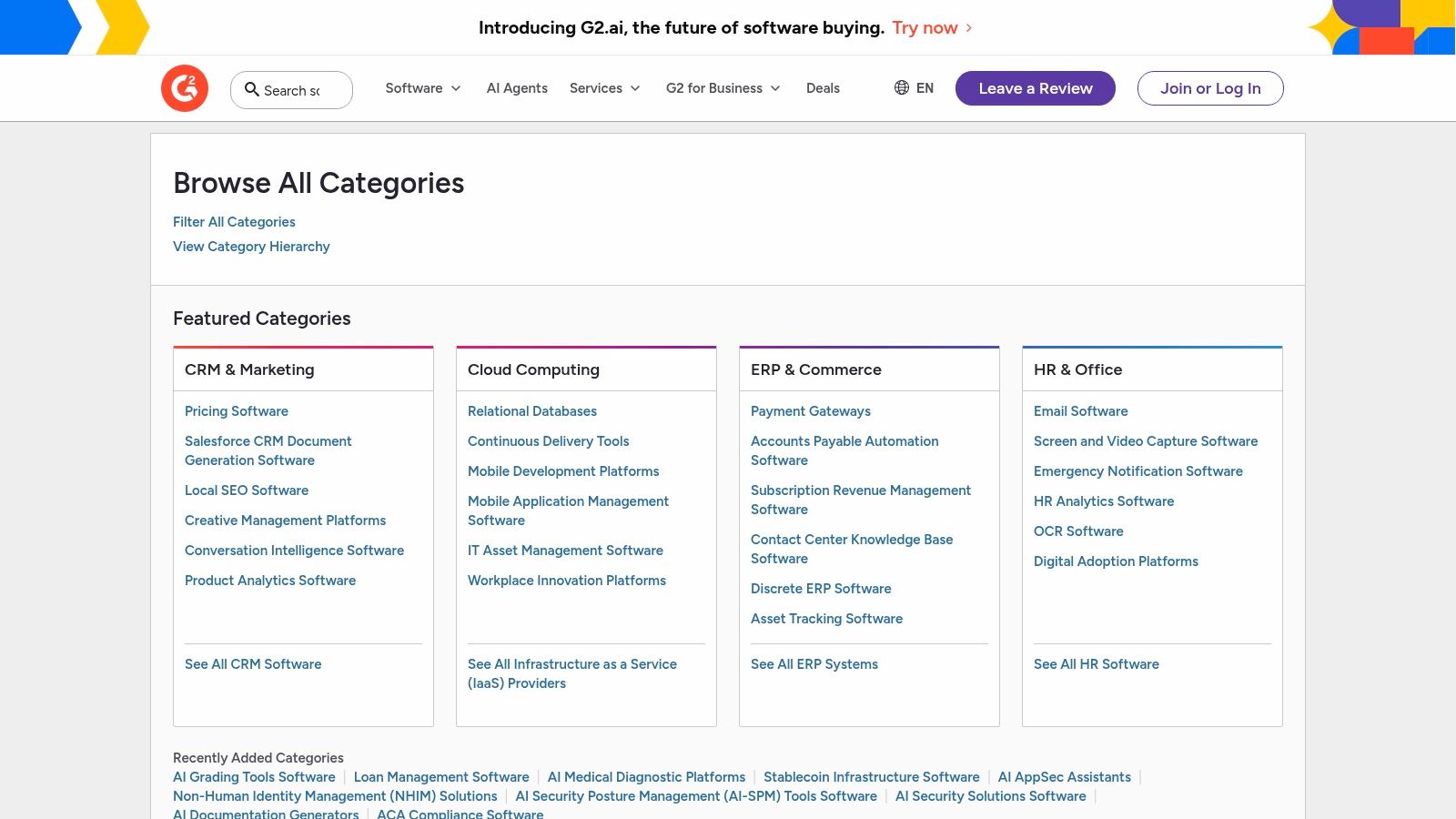
    10. G2

    G2 isn't a tool itself, but rather the ultimate peer-review coliseum where the best ai marketing tools battle for supremacy. Think of it as your secret weapon for due diligence. When you're lost in a sea of marketing jargon and slick landing pages, G2 offers a dose of reality with thousands of verified user reviews, detailed feature comparisons, and its iconic "Grid" reports that visually map out market leaders from niche challengers. It’s the place you go to see what real marketers think after the free trial ends.

    Instead of just trusting a vendor's claims, you can use G2 to build a shortlist based on your specific needs, like company size or industry. It cuts through the noise by organizing the chaotic world of AI into defined categories, from AI Writing Assistants to Conversational Marketing, allowing you to compare apples to apples. This platform is essential for anyone looking to make an informed, data-backed decision without getting burned by a tool that doesn't live up to its hype.

    G2 AI marketing tools software categories

    Key Features & Use Case

    • Leader Grids & Reports: Visualize the market landscape for specific AI categories, seeing which tools are leaders in market presence and user satisfaction.
    • Verified User Reviews: Access a massive library of in-depth reviews from real users, filterable by role, company size, and industry to find relevant feedback.
    • Side-by-Side Comparisons: Directly compare features, pricing models, and user ratings for up to four different tools to quickly identify the best fit for your needs.
    Pros Cons
    Wide set of verified user reviews to inform decisions. Vendor incentives can sometimes influence review velocity.
    Side-by-side comparisons speed up the vetting process. Some AI sub-categories are still evolving and can overlap.
    Momentum reports signal which vendors are gaining traction. Navigating the vast number of reviews can be overwhelming.

    Website: https://www.g2.com/categories

    11. Capterra

    Capterra isn't a tool itself but a crucial first stop in your search for the right one. Think of it as the ultimate research hub and matchmaker for software, especially when you feel lost in a sea of options. Instead of blindly testing dozens of platforms, Capterra gives you a bird's-eye view of the landscape, complete with user reviews, expert roundups, and detailed vendor listings specifically for ai marketing tools. It cuts through the marketing fluff to help you build a shortlist based on your actual needs.

    This platform shines when you're in the education and comparison phase. It's designed to help non-experts understand complex software categories and narrow down choices by budget, team size, and must-have features. You can quickly filter for tools that handle AI-powered SEO, email automation, or social media analytics, making it an invaluable resource for creating a business case for a new software purchase. It’s less about doing the work and more about finding the best software to do the work for you.

    Key Features & Use Case

    • Filtered Vendor Listings: Compare dozens of AI marketing tools side-by-side using filters for pricing models, features, and business size to find the perfect fit.
    • Editorial Guides & Roundups: Access how-to content, trend articles, and curated lists that explain AI's role in marketing and highlight top-performing software.
    • User Reviews & Ratings: Read authentic feedback from real users to understand the pros and cons of a tool before committing to a demo or trial.
    Pros Cons
    Excellent for accessible education for non-experts. Not all listings reflect the most recent pricing or features.
    Offers neutral comparisons and direct links to vendors. Smaller, niche tool vendors may be under-represented.
    Useful for quickly narrowing options by budget/features. The sheer volume of reviews can sometimes be overwhelming.

    Website: https://www.capterra.com/resources/ai-marketing-tools/

    12. Product Hunt

    Product Hunt isn't a single AI tool; it’s the daily launchpad where the next wave of them appears. Think of it as your front-row seat to innovation, a discovery feed where you can spot early-stage AI marketing apps before they hit the mainstream. For marketers who want to stay ahead of the curve, it’s an essential, non-stop trade show for everything from hyper-niche ad creative generators to groundbreaking analytics platforms.

    This platform's value lies in its community-driven curation. Instead of relying on a vendor's marketing copy, you get instant feedback from fellow marketers, developers, and early adopters in the comments. It’s the fastest way to vet new ai marketing tools, get special launch-day deals, and even interact directly with the makers to ask questions or suggest features.

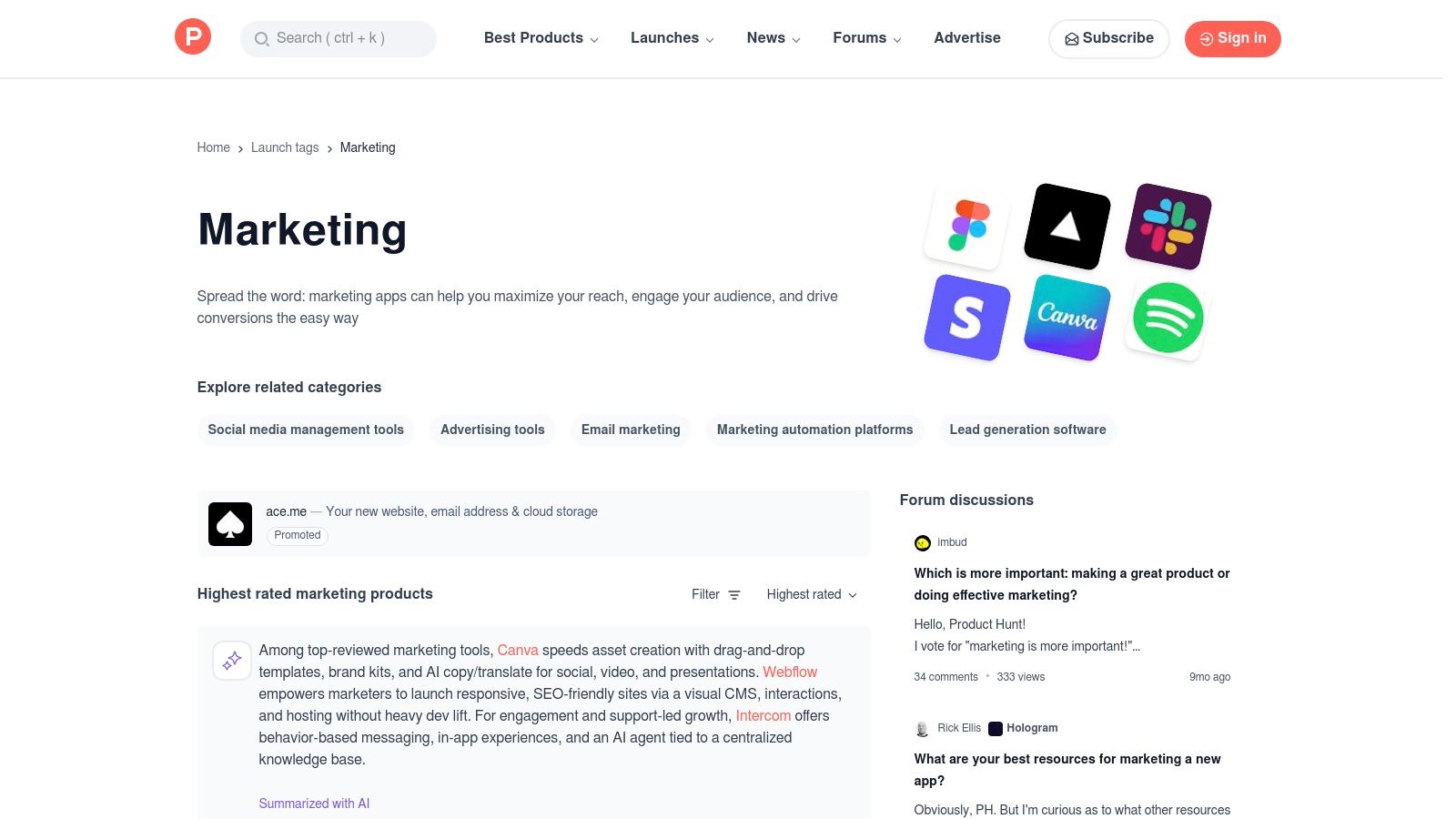
    Product Hunt for AI marketing tools

    Key Features & Use Case

    • Daily Discovery Feed: See a constant stream of newly launched tech products, many of which are AI-powered and marketing-focused.
    • Curated Collections: Explore dedicated stories and lists like "AI for Marketers" that group relevant tools for specific needs, saving you research time.
    • Community & Maker Updates: Read authentic user comments, see community upvotes for validation, and get direct updates from the creators behind the tools.
    Pros Cons
    Earliest view of innovative tools and integrations. Early-stage tools may lack enterprise readiness.
    Community feedback surfaces pros and cons quickly. Signal-to-noise varies and requires careful vetting.
    Many products offer free trials or deals at launch. Popularity can be driven by hype, not just utility.

    Website: https://www.producthunt.com/stories/ai-for-marketers-26-ai-powered-tools-to-increase-roi

    Top 12 AI Marketing Tools Comparison

    Product Core Features Quality ★ Value / Pricing 💰 Target Audience 👥 Unique Selling Points ✨
    PixelPanda 🏆 Background removal, 4x upscaling, inpainting, face enhance, text‑to‑image, REST API ★★★★☆ — studio-quality, detail-preserving 💰 Free trial (10 credits); Starter $49 / Pro $99 / Business $249 👥 Marketers, e‑commerce teams, developers ✨ AI avatar training, try‑on/photo packs, edge‑preserving PNG exports
    Jasper Canvas workspace, brand voices, marketing agents, API (enterprise) ★★★★☆ — strong governance & workflows 💰 7‑day trial; per-seat & business pricing (custom) 👥 Marketing teams, brand managers ✨ Brand governance, purpose-built marketing agents
    Copy.ai Chat-based copy, multi-model access, Content Agent Studio, workflow credits ★★★★☆ — fast templates & chat UX 💰 Good entry value; higher tiers for automation credits 👥 Small teams, content creators ✨ Multi‑model access, trainable content agents
    HubSpot CRM, automation journeys, attribution, cross-hub integrations ★★★★☆ — enterprise-grade stack 💰 Free → Professional/Enterprise (onboarding fees; contact-based) 👥 Mid-market → enterprise marketers ✨ Integrated CRM → attribution with scalable governance
    Mailchimp Email AI (content/sends), automations, creative assistant, PAYG ★★★★☆ — practical email-focused AI 💰 Flexible plans + Pay‑As‑You‑Go for seasonality 👥 SMBs, e‑commerce newsletters ✨ Embedded AI in email workflows; send-time optimization
    Canva (Magic Studio) Magic Design, Magic Media (text→image/video), brand kits ★★★★☆ — rapid visual production 💰 Free → Pro/Teams (team pricing rising) 👥 Designers, marketing teams, SMBs ✨ One-click brand templates, Magic Resize/Switch & media gen
    Semrush SEO, ads, social toolkits, AI summaries & reporting ★★★★☆ — deep data & insights 💰 Tiered pricing + add-ons (costly with extras) 👥 SEO teams, agencies ✨ Competitive keyword data, specialized toolkits
    Shopify App Store Marketplace of installable apps (AI-enabled) with reviews & trials ★★★★☆ — varies by app quality 💰 Many free/trials; billing via Shopify (USD) 👥 Ecommerce merchants ✨ One-click install, centralized billing & reviews
    AppSumo Time-limited deals, lifetime deals, curated categories ★★★☆☆ — deal quality varies 💰 Significant savings (time-limited) 👥 SMBs, founders, bargain hunters ✨ Lifetime deals & heavy discounts on emerging tools
    G2 Buyer reviews, leader grids, category filters, badges ★★★★☆ — large volume of verified reviews 💰 Free to browse; premium reports available 👥 Buyers, procurement, product researchers ✨ Verified peer reviews, side‑by‑side leader comparisons
    Capterra Vendor listings, how‑to guides, budget/feature filters ★★★★☆ — educational research hub 💰 Free to use; vendor listings & roundups 👥 Non-expert buyers, SMBs ✨ Accessible roundups & filtering by budget/features
    Product Hunt Daily launches, community votes, maker updates, collections ★★★☆☆ — early-stage discovery 💰 Free; launch promos & community offers 👥 Early adopters, makers, product teams ✨ Earliest view of new tools, community feedback & launches

    The Future is Automated—Are You Ready?

    And there you have it, a whirlwind tour of the AI marketing tools poised to revolutionize how you work. We’ve journeyed from content creation powerhouses like Jasper and Copy.ai to visual automation wizards like PixelPanda, and from all-in-one marketing hubs like HubSpot to the discovery platforms like Product Hunt and AppSumo where the next game-changer is waiting. The sheer breadth of options can feel like drinking from a firehose, but the core message is crystal clear: artificial intelligence isn't a futuristic concept anymore. It's a practical, accessible, and increasingly essential part of the modern marketing toolkit.

    The central takeaway isn't that you need to adopt every single tool on this list. That would be chaotic. The real insight is understanding that AI's greatest strength is augmenting your team's creativity and strategic thinking, not replacing it. These tools are here to obliterate the tedious, repetitive tasks that drain your energy and budget, freeing you up to focus on the big-picture strategy, customer relationships, and innovative campaigns that truly move the needle. Think of AI as the ultimate intern: tireless, data-driven, and ready to handle the grunt work 24/7.

    Charting Your AI Marketing Voyage

    So, where do you go from here? The path forward isn't about a blind leap of faith; it's about a strategic, measured adoption. The best way to start is by identifying the single biggest bottleneck in your current marketing workflow.

    • Is content creation a slog? Your first stop should be a dedicated AI writer. Test out a tool like Jasper for long-form content or Copy.ai for social media and ad copy. Focus on one area and master it before expanding.
    • Are you drowning in visual production? If your team spends hours on background removal, resizing images for different platforms, or creating product shots, a tool like PixelPanda isn't just a nice-to-have; it's a necessity. Automating this can save hundreds of hours a year.
    • Is your SEO strategy feeling stagnant? A platform like Semrush can give you an AI-powered co-pilot, uncovering keyword opportunities and competitive insights you'd otherwise miss.
    • Are you struggling with lead nurturing and automation? Dive into the AI features within a comprehensive platform like HubSpot or Mailchimp to build smarter, more personalized customer journeys.

    The key is to start small and solve a specific problem. Don't try to implement a dozen new AI marketing tools at once. Pick one, integrate it deeply into your team's process, measure the impact (in time saved, costs reduced, or performance gained), and then use that success to justify the next step. Remember to involve your team in the decision-making process. The best tool is the one that people will actually use, and getting their buy-in from the start is crucial for successful adoption. The landscape of AI marketing tools is evolving at a breakneck pace, so stay curious, keep experimenting, and don't be afraid to pivot when a better solution comes along. Your future, more efficient, and more creative self will thank you for it.


    Ready to eliminate your biggest visual marketing bottleneck? PixelPanda uses powerful AI to automate your entire image editing workflow, from background removal to smart resizing. Stop wasting time on repetitive tasks and start producing stunning visuals at scale by visiting PixelPanda to see how our API can transform your process.

  • The 12 Best AI Tools for Marketing That Actually Work in 2026

    The 12 Best AI Tools for Marketing That Actually Work in 2026

    Feeling like you're manually pushing a boulder up a hill while your competitors are launching rockets? That's the difference AI makes in marketing today. The old playbook of endless spreadsheets, manual A/B tests, and 'best guess' content creation is officially obsolete. In 2026, the marketing landscape is dominated by teams who leverage intelligent automation to create, analyze, and personalize at a scale that was unimaginable just a few years ago. But with a tsunami of new 'AI-powered' gadgets launching daily, how do you separate the game-changers from the gimmicks?
    That's where this guide comes in. We’ve done the heavy lifting for you, digging deep into the most impactful ai tools for marketing available right now. This isn't just another generic list. We're giving you a no-nonsense breakdown of each platform with direct links and screenshots so you know exactly what you're getting into.

    You'll discover:

    • Real-world use cases: See exactly how tools like PixelPanda can be integrated into your creative workflows.
    • Honest pros and cons: We’ll highlight hidden limitations and potential implementation headaches.
    • Actionable insights: Learn how to automate tedious tasks, amplify your creativity, and finally focus on strategy.

    For a broader perspective on the landscape of available solutions, including detailed features and pricing, you can explore curated lists of leading platforms like this one covering the Top 9 AI Marketing Software for Better Campaigns. Our guide, however, focuses on a handpicked selection designed to give you a strategic advantage, moving beyond simple descriptions to show you how to win. Let's find the right tools to fuel your growth.

    1. PixelPanda

    PixelPanda emerges as a powerhouse contender among AI tools for marketing, providing a unified, production-ready suite for all things visual. It’s less a single-task tool and more a complete image-processing engine, designed to automate the grunt work that drains marketing and creative teams. Think of it as a cloud-based photo studio that runs on autopilot, capable of producing thousands of brand-compliant assets at machine speed.

    Its true strength lies in its comprehensive, API-first approach. Instead of juggling separate tools for background removal, upscaling, and generative AI, PixelPanda consolidates these into a single, cohesive workflow. This makes it an indispensable asset for e-commerce brands needing flawless product cutouts, marketing agencies creating endless social media variations, and developers embedding sophisticated image editing directly into their apps.

    PixelPanda

    Core Strengths & Use Cases

    PixelPanda excels where consistency and scale are non-negotiable. Its background removal model is particularly robust, handling notoriously tricky subjects like hair and fur with remarkable precision, a common pain point for apparel and product marketers. The AI Avatar studio is another game-changer, allowing brands to generate infinite professional headshots or create virtual try-on models for fashion, reducing the need for expensive and time-consuming photoshoots.

    • E-commerce Automation: Automatically generate clean, white-background product images for Shopify, Amazon, or any marketplace. Use the batch processing API to update an entire catalog overnight.
    • High-Volume Content Creation: A social media team can use the API to programmatically generate ad banners. Start with one product image, and the AI can create variations with different backgrounds, styles, and text overlays for A/B testing campaigns.
    • Apparel & Fashion: Leverage the AI Try-On feature to show customers how a garment looks on different body types without a physical model, boosting conversion rates and inclusivity.

    Implementation and Pricing

    Getting started is refreshingly simple. Developers can integrate the REST API in minutes, thanks to clear documentation and available SDKs. For marketers, the web interface is straightforward, and the free trial offers 10 credits without requiring a credit card, making it easy to test its capabilities on your own images.

    The platform operates on a credit-based system with transparent monthly tiers. Plans start at $49 for 500 images and scale up, ensuring predictability for budgeting. While credits don't roll over, the structure encourages teams to choose a plan that aligns with their consistent monthly output. You can explore the pricing tiers for PixelPanda to find the best fit for your team's scale.

    Pros:

    • All-in-One Platform: Combines superior background removal, 4x upscaling, generative fill, and an AI avatar studio.
    • Developer-First: Simple REST API, batch processing, and excellent documentation for easy automation.
    • Risk-Free Trial: Generous free plan to validate quality before committing.

    Cons:

    • Advanced generative features like avatar training are limited to paid plans.
    • Credits do not roll over, which may be inefficient for highly unpredictable workloads.

    Website: https://pixelpanda.ai

    2. G2

    Think of G2 as the ultimate battle royale arena for software, but instead of chaos, you get beautifully organized chaos with user reviews. It's a massive software marketplace that’s indispensable for anyone serious about finding the right AI tools for marketing. Instead of blindly trusting a tool's own hype, G2 lets you see what actual users are saying, warts and all.

    What makes it a crucial first stop is its sheer scale and reliance on verified reviews. You can dive into specific categories like "AI Writing Assistants" or "Marketing Automation" and instantly see a grid of top contenders ranked by user satisfaction and market presence. This isn't just a list; it's a dynamic leaderboard. Their AI-powered recommendation engine, Monty, can also act as your personal software shaman, guiding you to tailored suggestions based on your needs.

    How to Use It Effectively

    The real magic is in the filters. You can slice and dice the options by company size, user rating, or specific features. This helps you cut through the noise and avoid picking an enterprise-level behemoth when you're a scrappy startup. Use the synthesized "Pros & Cons" on each product page, which are AI-generated summaries of thousands of reviews, to get a quick, honest snapshot.

    Pro Tip: G2's "Buyer Intent" data shows you which tools are trending and being researched by companies like yours, offering a powerful signal for what's currently effective in the market.

    Website: https://www.g2.com/categories/ai-writing-assistant

    Feature Best For Our Take
    Verified Reviews Validating marketing claims The best source of truth for software performance.
    Category Grids Comparing top contenders Quickly see who leads the pack in any niche.
    AI Recommendations Personalized tool discovery Helpful for narrowing down a massive marketplace.

    Pros:

    • Immense volume of fresh, verified user reviews.
    • Excellent for building a business case for procurement.

    Cons:

    • Watch out for sponsored placements that can skew rankings.
    • Niche or highly specialized AI tools might be underrepresented.

    3. Capterra

    If G2 is the battle royale, Capterra is the meticulously organized armory where you can inspect every weapon before the fight. As a Gartner-owned directory, it brings a sense of structured authority to the often-wild landscape of AI tools for marketing. It's a pragmatic, no-nonsense platform designed for buyers who want to quickly filter, compare, and shortlist potential software solutions.

    What sets Capterra apart is its straightforward, filter-heavy interface. You can jump directly into their dedicated AI Marketing Tools directory and immediately start slicing the list of over 200 tools by features, deployment type, or pricing models. This makes it incredibly efficient for finding a tool that fits specific operational and budget constraints without wading through pages of marketing fluff. Their editorial shortlists and buyer guides provide a great starting point for understanding the top players in any given category.

    How to Use It Effectively

    Leverage the side-by-side comparison feature to its fullest. Once you have a shortlist of 3-4 tools, this view lays out their core features, pricing, and ratings in a clean, scannable format, making the final decision-making process much clearer. Also, pay close attention to the pricing notes, which often provide valuable snapshots of starting costs or free trial availability, saving you a click-through to the vendor’s site.

    Pro Tip: Look for the "Top Rated" and "Emerging Favorite" badges on listings. These are based on verified user reviews and can help you spot both established leaders and promising newcomers that are gaining traction.

    Website: https://www.capterra.com/ai-marketing-tools-software/

    Feature Best For Our Take
    Dedicated AI Directory Quick, filtered discovery An excellent way to narrow down options from a huge list.
    Side-by-Side Comparison Final vendor selection Makes the final call between a few contenders much easier.
    Pricing Snapshots Budget-conscious shortlisting Incredibly helpful for weeding out tools that are out of budget early on.

    Pros:

    • Simple filtering and price visibility save time in shortlisting.
    • Backed by Gartner; widely used and trusted by B2B buyers.

    Cons:

    • Sponsored listings appear at the top, so placement can be influenced by vendors.
    • Editorial guides may lag behind the very newest tool launches.

    4. Product Hunt

    Think of Product Hunt as the daily fashion runway for new tech, where the freshest AI tools for marketing make their debut. It's less of a formal review site and more of a discovery engine powered by a community of enthusiasts eager to upvote the next big thing. If you want to spot emerging trends and get your hands on innovative tools before they hit the mainstream, this is your hunting ground.

    What makes Product Hunt essential is its focus on "new." Every day, makers launch their products, and the community's upvotes and comments serve as a real-time filter for what's genuinely exciting. You can find hyper-niche AI tools, from a "meme generator for social media managers" to a "brand voice analyzer," often months before they'd appear on larger marketplaces. The direct Q&A with the makers offers an unparalleled peek behind the curtain.

    Product Hunt

    How to Use It Effectively

    Don't just look at the daily leaderboard. Use the "Topics" feature to filter specifically for "Marketing" or "Artificial Intelligence" to find relevant launches from any day. Read the first comment from the maker, as it usually contains the product's origin story, its core purpose, and often a special launch-day discount or offer.

    Pro Tip: Follow influential "Hunters" and makers in the marketing space. Their activity is a curated feed of high-potential tools, saving you the effort of sifting through everything yourself.

    Website: https://www.producthunt.com/topics/marketing/

    Feature Best For Our Take
    Daily Leaderboards Discovering brand-new, trending tools The fastest way to see what's currently capturing attention.
    Community Feedback Gauging initial market reception Upvotes and comments are a strong signal of early promise.
    Maker Q&A Getting direct insight from creators Ask about the roadmap, use cases, or anything else.

    Pros:

    • Fastest place to spot emerging tools and new niches.
    • Community signals (upvotes, comments) help triage promising launches.

    Cons:

    • Many tools are early-stage and can be unstable or pivot quickly.
    • The hype of a launch day can sometimes outweigh a tool's long-term utility.

    5. AppSumo

    Think of AppSumo as the treasure hunter's paradise for software, where you can unearth powerful AI tools for marketing at a fraction of their usual cost. It’s a deals marketplace that specializes in offering time-limited, deep discounts on emerging software, with a legendary focus on lifetime deals. For marketers on a budget, it’s an incredible way to build a robust tech stack without the recurring monthly fees that drain your budget.

    AppSumo

    What makes AppSumo a must-visit is its unique model of offering lifetime access (LTDs) to tools that would otherwise be expensive subscriptions. You can find everything from AI-powered content creators and SEO analyzers to social media schedulers and chatbot builders. It’s a chance to experiment with innovative technology and find hidden gems before they hit the mainstream, all while protecting your bottom line.

    How to Use It Effectively

    The secret to success on AppSumo is acting fast but thinking long-term. Deals don't last forever, so if you see a tool that fits your workflow, grab it. Leverage the generous 60-day refund window to thoroughly test the software. Don’t just buy it and forget it; put the tool through its paces to ensure it delivers on its promises and truly solves a problem for your team.

    Pro Tip: Always read the user questions and reviews on a deal page before buying. The community is incredibly active, and you can get honest feedback on a tool's limitations, roadmap, and the founder's responsiveness.

    Website: https://appsumo.com

    Feature Best For Our Take
    Lifetime Deals (LTDs) Budget-conscious teams and startups An unbeatable way to reduce SaaS spend and lock in value.
    60-Day Refund Window Risk-free experimentation Gives you ample time to validate a tool's usefulness.
    Curated Categories Discovering new and niche tools Excellent for finding specialized AI marketing solutions.

    Pros:

    • Can dramatically reduce SaaS spend for smaller teams.
    • Refund period provides easy risk reduction when trying tools.

    Cons:

    • Lifetime AI deals can be risky due to vendor churn or feature changes.
    • Community reports advise caution on some deals and vendors.

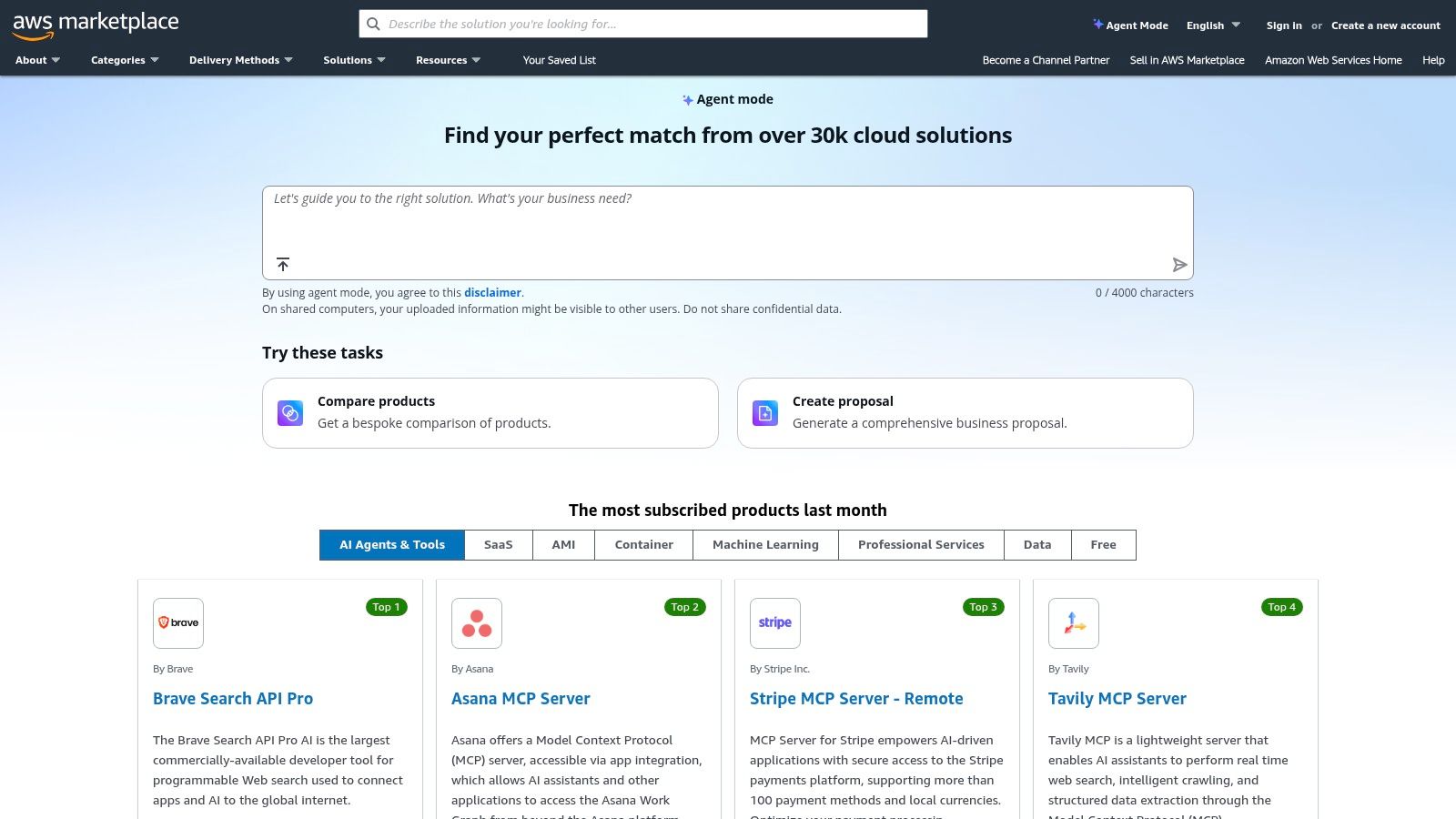
    6. AWS Marketplace

    Think of AWS Marketplace as the heavy-duty, industrial-grade warehouse for AI tools for marketing. This isn't where you find lightweight browser extensions; it's where engineering and marketing teams go to deploy serious, scalable AI infrastructure for things like personalization engines, predictive analytics, and enterprise-level MLOps. It connects directly to your company's AWS cloud environment, making it the go-to for data-sensitive and high-volume operations.

    AWS Marketplace

    What makes it a powerhouse is its focus on vetted, deployable software. Instead of just signing up for a SaaS tool, you can often deploy a pre-configured AI model or platform directly into your own cloud with one-click deployment. This gives you unparalleled control over data and integration. Consolidated billing through your existing AWS account and transparent security information for each listing streamline the procurement process for technical teams.

    How to Use It Effectively

    Filter by delivery method, such as "SaaS" or "AMI" (Amazon Machine Image), to match your team's technical capabilities. Use the detailed vendor and compliance information on each listing page to fast-track your internal security and legal reviews. Many listings offer free trials or "BYOL" (Bring Your Own License) models, allowing you to test complex solutions without immediate high-cost commitment.

    Pro Tip: Look for listings that offer AWS CloudFormation templates. This allows your team to deploy and configure the entire software stack with a single file, dramatically reducing setup time and potential for human error.

    Website: https://aws.amazon.com/marketplace

    Feature Best For Our Take
    One-Click Deployment Rapidly testing and scaling AI models A huge advantage for agile engineering teams.
    Consolidated Billing Streamlining procurement and budget Simplifies accounting for complex software stacks.
    Security & Compliance Data-sensitive marketing operations Crucial for enterprise-level or regulated industries.

    Pros:

    • Vendor vetting and clear deployment paths for engineering teams.
    • Well-suited for data-sensitive marketing operations at scale.

    Cons:

    • Many options are technical and priced for mid-market/enterprise buyers.
    • Can require engineering resources to deploy and integrate.

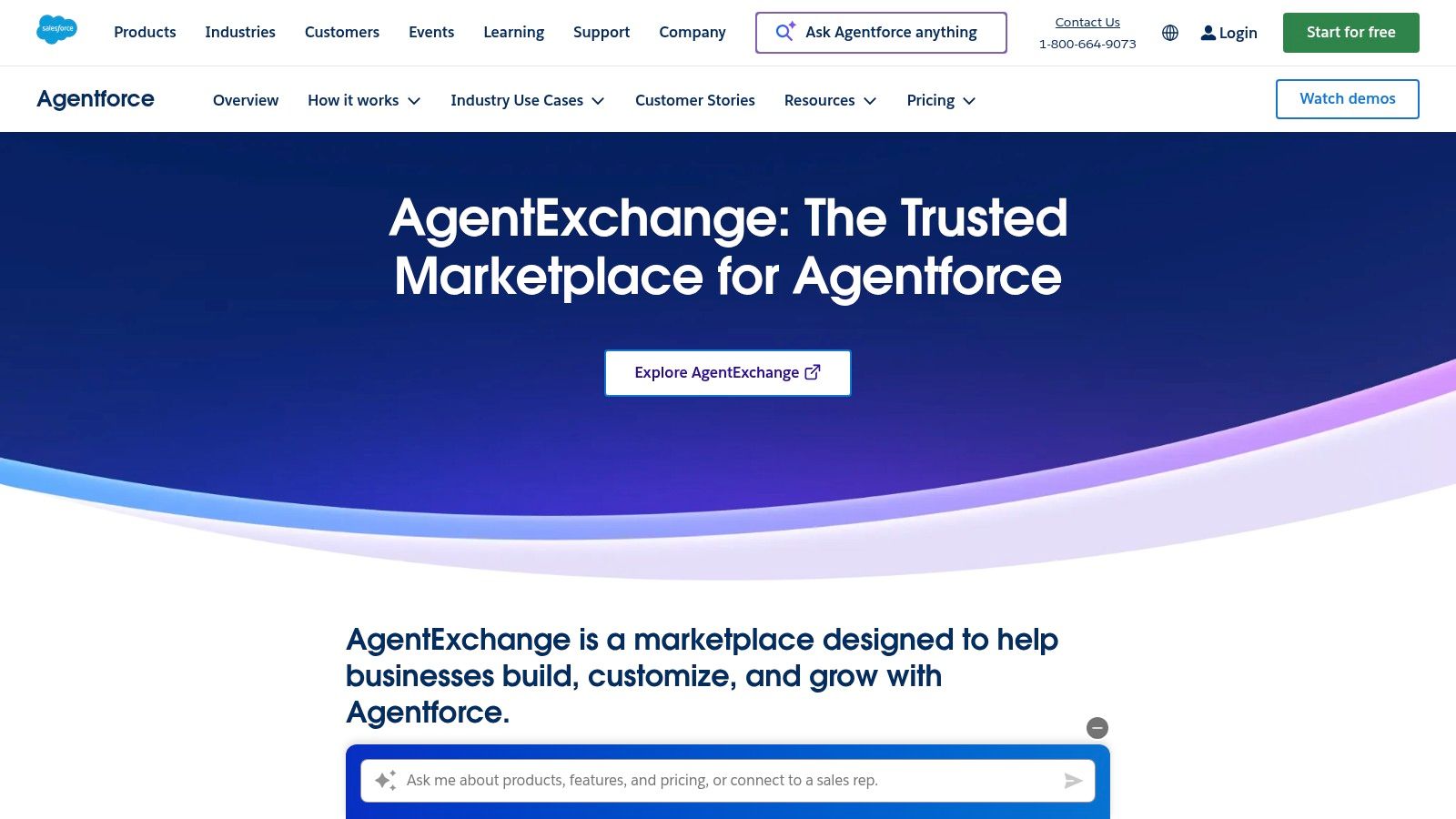
    7. Salesforce AgentExchange (Agentforce)

    If you live inside the Salesforce ecosystem, AgentExchange is about to become your favorite playground. Think of it as an app store, but instead of downloading another productivity app you'll forget about, you're deploying pre-built AI agents directly into your marketing workflows. These aren't generic bots; they're specialized assistants designed to leverage your existing CRM data for hyper-specific tasks like drafting campaign briefs or segmenting audiences.

    Salesforce AgentExchange (Agentforce)

    What makes this one of the most powerful AI tools for marketing is its deep, native integration with Salesforce Data Cloud. The agents don't just guess; they use your actual customer data to inform every output, all while respecting enterprise-grade security and governance through a built-in trust layer. For the more adventurous, there's a low-code Agent Builder to create custom agents that perfectly match your unique business processes, connecting insights directly to action.

    How to Use It Effectively

    Start by browsing the marketplace for out-of-the-box agents that solve an immediate pain point, like generating personalized email copy. Use the try-before-you-buy credits (available via the Salesforce Foundations add-on) to test a few agents on real-world tasks. The goal is to find AI helpers that can take your rich CRM data and turn it into attributable marketing outcomes, not just create more content.

    Pro Tip: Focus on building or deploying agents that bridge the gap between different Salesforce Clouds. An agent that uses Service Cloud data to inform a Marketing Cloud journey is where you'll find the biggest ROI.

    Website: https://www.salesforce.com/agentforce/agentexchange/

    Feature Best For Our Take
    Pre-Built Agents Quick deployment for common tasks A massive time-saver for teams needing to prove AI value fast.
    Low-Code Agent Builder Creating bespoke marketing solutions Gives you the power to tailor AI to your exact business logic.
    Deep CRM Integration Hyper-personalization & attribution The "secret sauce" that makes outputs relevant and measurable.

    Pros:

    • Unmatched personalization potential by using your own CRM data.
    • Strong enterprise governance, security, and audit features.

    Cons:

    • Primarily valuable for organizations already invested in Salesforce.
    • Licensing and initial setup can be complex to navigate.

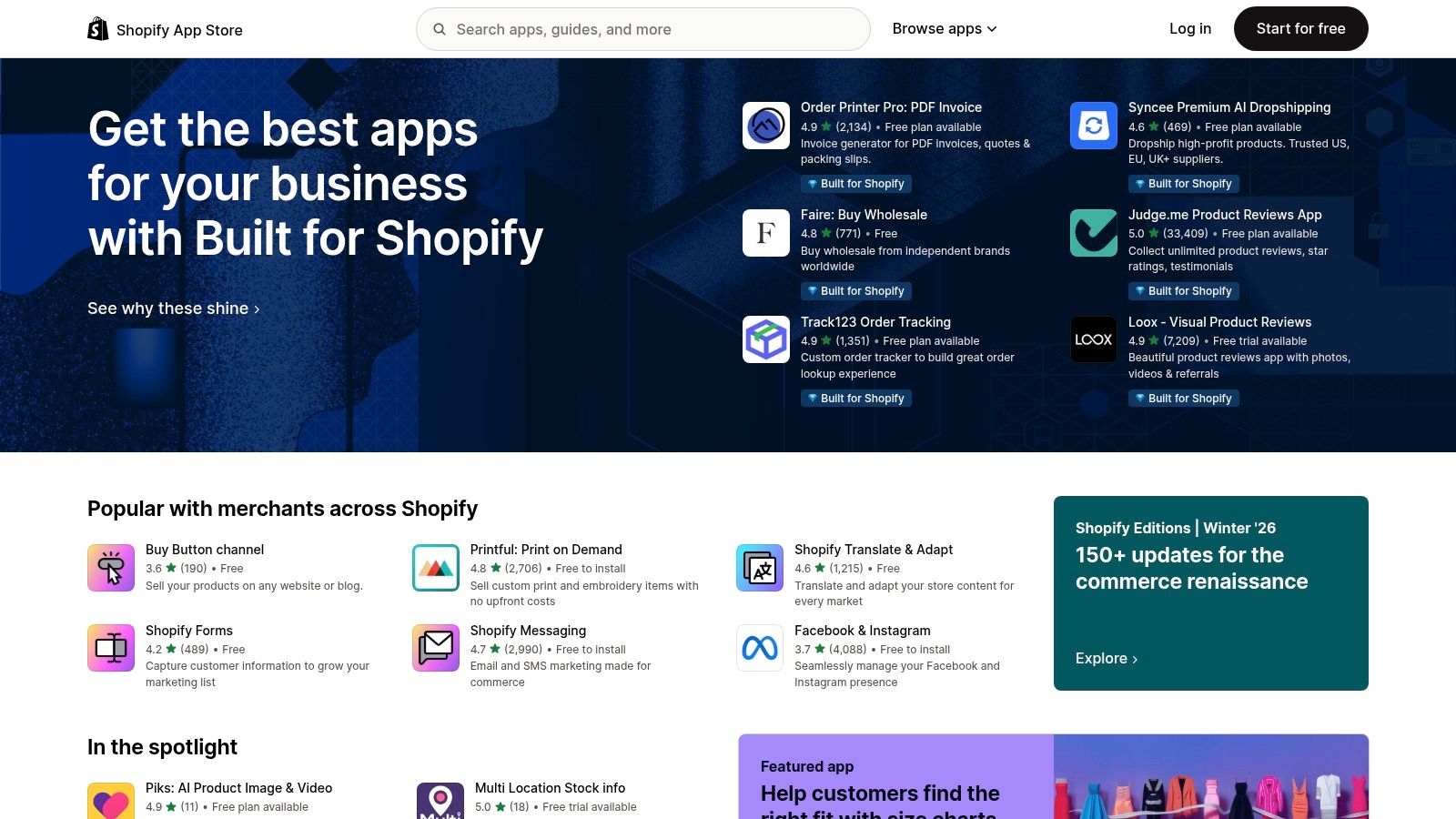
    8. Shopify App Store

    If your marketing world revolves around an ecommerce store, the Shopify App Store is less of a marketplace and more of a digital armory. It’s where direct-to-consumer brands go to gear up, offering a massive, ever-growing collection of apps specifically designed to plug directly into your store's data. This makes it an essential destination for finding AI tools for marketing that are built for the unique challenges of ecommerce.

    Shopify App Store

    What sets it apart is the seamless integration. Instead of duct-taping a generic AI tool to your operations, these apps are built to leverage your product catalog, customer data, and sales history from day one. You can find AI-powered apps for everything from writing product descriptions and generating ad creatives to optimizing email campaigns and personalizing the customer journey, all within a few clicks.

    How to Use It Effectively

    The key is to use the categories and search filters to zero in on your specific pain point, whether that's "SEO," "Email marketing," or "Social media ads." Pay close attention to recent reviews, the developer's support response rate, and the pricing tiers. Many apps offer a free plan or a trial, allowing you to test-drive the functionality before committing. Start with one problem, find a top-rated app, and measure its impact before expanding.

    Pro Tip: Look for apps that bundle multiple AI features. An app that offers AI-driven product recommendations, email copy, and ad creatives can provide much more value and better data synergy than three separate, disconnected tools.

    Website: https://apps.shopify.com

    Feature Best For Our Take
    Direct Integration Ecommerce & DTC brands The tightest possible connection between AI tools and your store data.
    User Reviews Vetting app quality Essential for separating the game-changers from the duds.
    Broad Selection Solving specific marketing tasks From AI-powered SEO to automated ad campaigns, there's an app for it.

    Pros:

    • Tight integration with store data for highly effective campaigns.
    • Large selection and straightforward installation make testing easy.

    Cons:

    • App quality varies widely; check recent reviews and pricing tiers.
    • Some high-end apps can be expensive for smaller merchants.

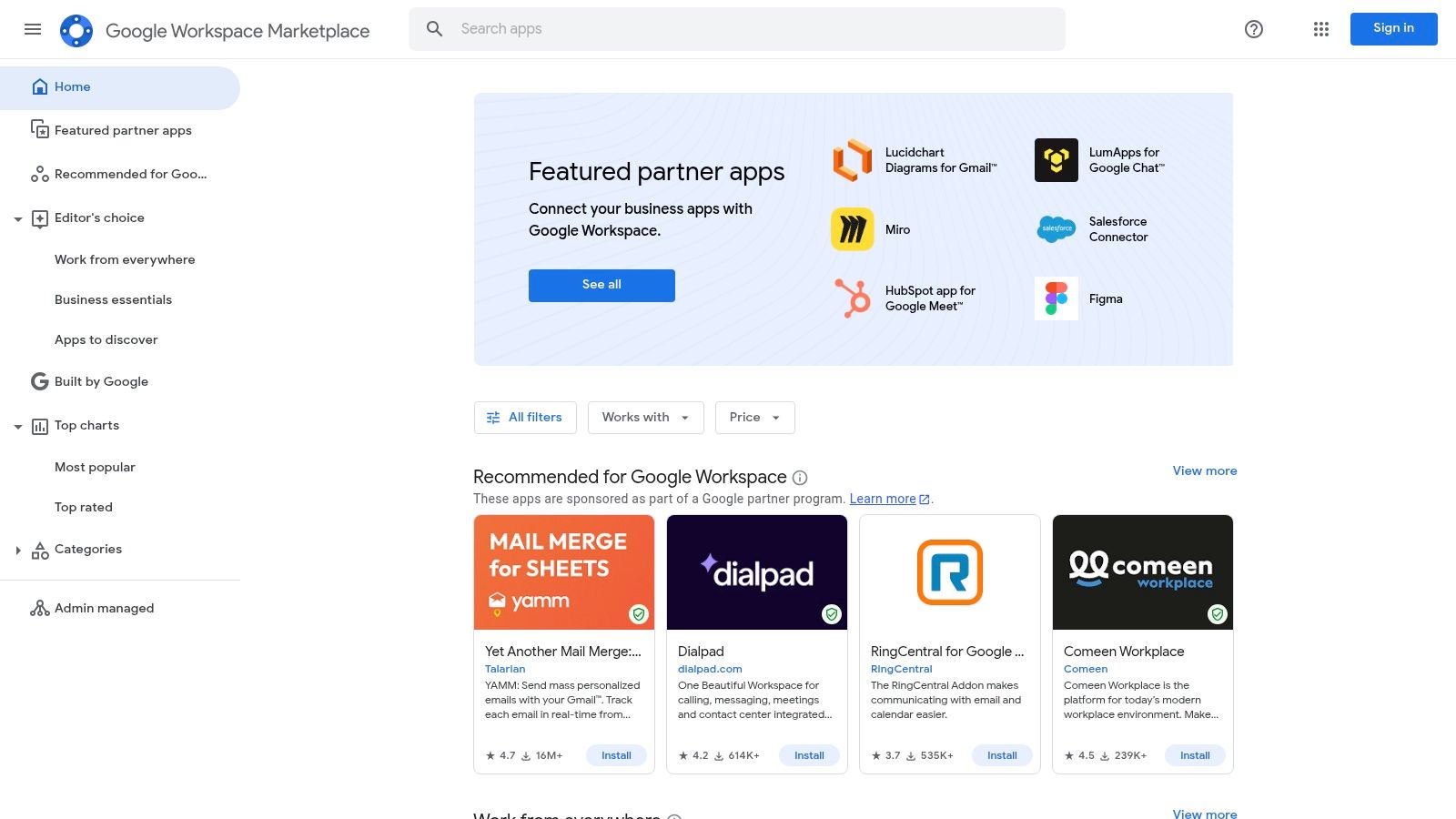
    9. Google Workspace Marketplace

    Think of the Google Workspace Marketplace as an app store for your digital office. Instead of leaving the comfort of your Docs, Sheets, or Gmail, you can bring powerful AI tools for marketing directly into your workflow. It’s the ultimate way to supercharge the apps you already use daily, transforming them from simple productivity tools into full-blown AI-powered marketing machines.

    What makes this marketplace so essential is its focus on low-friction integration. You can find add-ons that leverage models like GPT, Gemini, or Claude to generate content briefs in Docs, analyze campaign data in Sheets, or draft personalized outreach emails in Gmail. It’s all about enhancing your existing environment rather than forcing you to adopt an entirely new platform. Plus, for larger teams, the centralized admin controls and Google’s review process provide a much-needed layer of security and governance.

    Google Workspace Marketplace

    How to Use It Effectively

    Start by searching for specific marketing tasks you want to automate, like "SEO content" or "data analysis." Before installing, carefully check the permissions, pricing models (many offer free tiers with paid upgrades), and recent reviews. For teams, admins can deploy useful add-ons domain-wide, ensuring everyone has access to the same approved tools for consistent output.

    Pro Tip: Look for add-ons that specify which AI model they use. This can help you choose a tool that's best suited for your specific task, whether you need the creative prowess of GPT-4 for ad copy or the data-crunching ability of Gemini for spreadsheet analysis.

    Website: https://workspace.google.com/marketplace

    Feature Best For Our Take
    Direct AI Integration Enhancing existing workflows The easiest way to bring AI into your daily apps.
    Centralized Admin Controls Team-wide deployments Great for maintaining security and compliance.
    Vetted Add-ons Finding trusted solutions Google’s review process adds a layer of safety.

    Pros:

    • Low friction since AI is available inside tools marketers already use.
    • Admin controls and review processes support security and compliance.

    Cons:

    • Capabilities, model access, and usage quotas vary wildly between add-ons.
    • Some AI features depend on your Workspace subscription tier, potentially increasing costs.

    10. Semrush App Center

    Think of the Semrush App Center as a VIP lounge for your primary SEO suite, where specialized third-party apps come to party. For marketers already living inside the Semrush ecosystem, this isn't just another marketplace; it's a curated collection of tools designed to bolt directly onto your existing workflows. It’s the perfect place to find hyper-specific AI tools for marketing without ever leaving your command center.

    What makes it a killer resource is its focus on integration and convenience. Instead of juggling a dozen different logins and credit cards, the App Center offers single sign-on and centralized billing. You can browse collections of AI-powered apps for social media management, content creation, or search monitoring, often with exclusive pricing or trial periods. It’s like having a trusted concierge who hand-picks new gadgets that are guaranteed to work with your favorite gear.

    How to Use It Effectively

    Dive into the app collections that align with your biggest marketing gaps. For instance, if your social media game needs an AI boost, you can instantly find and trial an "AI Social Assistant" directly from your Semrush dashboard. Use the free trials to audition different tools without commitment. This lets you test how an app integrates with your Semrush projects and data before you spend a dime, ensuring a perfect fit.

    Pro Tip: Look for apps that supplement Semrush's core functions. If you rely on Semrush for keyword research, find an AI content generator in the App Center that can turn that research into drafts with one click.

    Website: https://www.semrush.com/apps

    Feature Best For Our Take
    Curated App Collections Finding niche AI solutions A trusted, pre-vetted selection of tools that solve specific marketing problems.
    Centralized Billing Simplifying tool procurement Massively convenient for teams wanting to consolidate their software stack and expenses.
    Third-Party AI Integrations Enhancing Semrush workflows The apps are designed to work with your existing Semrush data, making them instantly powerful.

    Pros:

    • Seamless integration and single sign-on for existing Semrush users.
    • Trusted ecosystem tailored for search and content professionals.

    Cons:

    • Requires an active Semrush account to access and use the apps.
    • Many apps come with an additional cost on top of your Semrush subscription.

    11. Jasper

    Jasper is less of a general-purpose AI writer and more of a purpose-built AI content command center for marketing teams. It's designed to go beyond simple text generation and tackle entire campaigns, from the initial brief to the final multi-channel asset distribution. Think of it as a specialized ops platform that ensures every piece of content, from SEO articles to social media captions, is perfectly on-brand and grounded in your company’s actual knowledge base.

    What sets Jasper apart is its enterprise-grade focus on brand safety and consistency. It’s LLM-agnostic, meaning it uses the best model for the job, but layers powerful governance controls on top. Its "Brand Voice" and knowledge grounding features are a marketer’s dream, acting as guardrails that prevent the AI from going rogue and ensure it speaks with your authentic voice, using your specific product details and market positioning.

    Jasper pricing page screenshot

    How to Use It Effectively

    The real power is unlocked with the "Instant Campaigns" feature. Feed it a simple brief, and Jasper will generate a complete suite of assets: blog posts, emails, social copy, and even ad variations. To get the most out of it, invest time upfront in training its Brand Voice with your style guides, marketing materials, and product documentation. This initial setup is crucial for producing content that requires minimal editing.

    Pro Tip: Use the browser extension to bring Jasper's AI capabilities directly into your existing workflows, whether you're writing in Google Docs, WordPress, or your social media scheduler. This dramatically speeds up content creation without context switching.

    Website: https://www.jasper.ai/pricing

    Feature Best For Our Take
    Brand Voice & Knowledge Maintaining brand consistency Essential for larger teams needing to keep AI outputs on-brand.
    Instant Campaigns Rapid multi-asset generation A massive time-saver for launching coordinated marketing pushes.
    Enterprise Governance Teams needing control & security Provides the admin oversight required for serious business use.

    Pros:

    • Designed for marketing outcomes from briefs to multi-asset campaigns.
    • Strong admin and governance controls for larger teams.

    Cons:

    • Most powerful features are on higher-priced tiers.
    • Plan structure may require evaluation to match team needs.

    12. Copy.ai

    Copy.ai is like giving your marketing team a squad of tireless, brand-obsessed interns who never sleep. It moves beyond simple text generation into a chat-based platform that lets you build and automate repeatable content workflows. This isn't just about writing one-off emails; it’s about creating systems for your go-to-market engine, from sales prospecting to social media content calendars.

    Copy.ai

    What makes it a standout choice among AI tools for marketing is its "Content Agent Studio." This feature lets you train custom agents on your brand voice, product details, and marketing goals. These agents can then be deployed in automated workflows, ensuring every piece of content is perfectly aligned. With access to multiple model providers like OpenAI and Gemini, it offers flexibility that others lack.

    How to Use It Effectively

    Start by creating a dedicated agent for a specific, repeatable task, like writing weekly LinkedIn posts or personalizing outreach emails. Feed it your best-performing examples, style guides, and product one-pagers. Then, build a workflow that triggers this agent, runs the content through a review step, and prepares it for publishing. This turns a manual process into a scalable operation.

    Pro Tip: Use the workflow automation to connect different steps, such as researching a prospect's company on the web, drafting a personalized email with your agent, and then saving the draft for final approval.

    Website: https://www.copy.ai/prices

    Feature Best For Our Take
    Content Agent Studio Building brand-aligned content A powerful way to enforce consistency at scale.
    Workflow Automation Repeatable marketing tasks The key to moving from one-off generation to operations.
    Multi-Model Access Future-proofing and flexibility Avoids being locked into a single AI provider.

    Pros:

    • Fast to start with generous team seats and unlimited chat words on base tiers.
    • Excellent for scaling content operations and repeatable workflows.

    Cons:

    • The credit-based model for agents and workflows requires careful monitoring.
    • Advanced agent features on higher tiers can increase ongoing costs.

    Top 12 AI Marketing Tools Comparison

    Product Core features ★ Quality 💰 Pricing 👥 Target ✨ Unique
    PixelPanda 🏆 Background removal, smart inpainting, 4x upscaling, face/detail & depth enhancement, text‑to‑image, REST API & SDKs ★★★★☆ 💰 Free (10 credits); $49 / $99 / $249‑mo tiers 👥 Marketers, e‑commerce teams, developers ✨ API‑first studio edits, avatar/try‑on & hair/fur accuracy
    G2 Verified reviews, category leaderboards, buyer intent data ★★★★☆ 💰 Free to browse; vendor‑paid placements 👥 Buyers, procurement, researchers ✨ Large review volume + buyer intent signals
    Capterra Directory with filters, pricing snapshots, side‑by‑side comparisons ★★★★ 💰 Free to browse; sponsored listings present 👥 Buyers shortlisting SaaS ✨ Gartner‑backed buyer guides & quick filtering
    Product Hunt Daily leaderboards, maker Q&A, trending/new product discovery ★★★★ 💰 Free; links to vendor demos/pricing 👥 Early adopters, product scouts ✨ Fastest place to spot emerging tools
    AppSumo Time‑limited deals, lifetime offers, refund window ★★★★ 💰 Deep discounts / occasional lifetime deals; 60‑day refunds 👥 Budget-conscious SMBs ✨ High‑value deals for experimentation
    AWS Marketplace One‑click deploy to AWS, consolidated billing, security/compliance info ★★★★ 💰 Hourly/annual/BYOL; enterprise pricing 👥 Engineering, enterprise buyers ✨ Direct AWS deploy + vendor/compliance details
    Salesforce AgentExchange Prebuilt AI agents, low‑code builder, CRM data grounding & audit trails ★★★★ 💰 Enterprise pricing; Salesforce licensing 👥 Salesforce customers, enterprises ✨ Deep CRM integration & governance
    Shopify App Store App listings, reviews, easy install/rollback, channel integrations ★★★★ 💰 App‑specific pricing (free→paid) 👥 DTC brands, merchants ✨ Tight store & marketing channel integrations
    Google Workspace Marketplace Add‑ons for Docs/Sheets/Gmail, admin controls, quotas & permissions ★★★★ 💰 Free + paid add‑ons; depends on app 👥 Marketing teams using Workspace ✨ AI inside daily productivity apps with admin controls
    Semrush App Center SEO/content/social apps, trials, single sign‑on & billing for Semrush users ★★★★ 💰 Requires Semrush; app‑level fees 👥 SEO & content teams ✨ Semrush‑centric ecosystem & centralized billing
    Jasper Brand voice, campaign generation, image tools, governance ★★★★ 💰 Tiered pricing; enterprise features costlier 👥 Marketing teams & enterprises ✨ Brand controls + multi‑asset campaign tooling
    Copy.ai Chat generation, Content Agent Studio, multi‑model access, workflow credits ★★★★ 💰 Tiered plans; agent/workflow credits 👥 Marketing & content ops teams ✨ Chat agents + access to multiple model providers

    The Takeaway: AI Is Your Co-Pilot, Not Your Replacement

    We’ve just navigated a whirlwind tour of the AI marketing landscape, from the visual wizardry of PixelPanda to the creative genius of Jasper and the vast discovery ecosystems of G2 and Product Hunt. If your head is spinning with possibilities, good. That means you’re paying attention to the most significant shift in our industry in a generation.

    The core message threaded through every tool, every use case, and every pro/con list is this: AI is not here to take your job. It's here to take your chores. It's a co-pilot designed to handle the turbulence of repetitive tasks, freeing you, the human pilot, to focus on navigating the strategic journey. The true value of the best ai tools for marketing lies in their ability to augment your creativity, not automate it away.

    From Overwhelmed to Empowered: Your Next Steps

    Staring at this list of a dozen powerful platforms can feel like standing at the bottom of a mountain. The temptation is to either try to climb it all at once (subscribing to everything) or walk away entirely (analysis paralysis). Neither is the right move. The key is to start with a single, strategic step.

    Don't think about "adopting AI." Instead, think about solving a problem.

    • Is your creative team drowning in tedious photo edits? Product shots with inconsistent backgrounds, endless resizing for different social platforms, and hours spent in Photoshop? Your starting point is a specialized visual tool like PixelPanda.
    • Is your content calendar looking sparse and uninspired? The blinking cursor of a blank page mocking you? A generative AI writer like Jasper or Copy.ai is your logical first investment.
    • Are you unsure which SaaS tool solves your unique workflow issue? Spend an afternoon exploring a marketplace like G2 or Capterra, using their comparison features to find a tailored solution.

    Your mission isn't to become an expert on every AI tool overnight. It's to identify the single biggest bottleneck in your current marketing workflow and apply the right AI-powered solution to break it open. Start small, measure the impact in saved hours or increased output, and then build momentum. Prove the value of one tool, and you'll earn the right to explore the next.

    How to Choose Your First AI Marketing Tool

    As you begin your journey, remember that not all AI is created equal. The flashy, "do-it-all" platforms can be tempting, but the most immediate ROI often comes from specialized tools that solve one problem exceptionally well.

    Here are a few factors to guide your selection process:

    1. Integration is King: Does the tool play nicely with your existing stack? A powerful AI is useless if it creates more manual data entry or disrupts your team's established workflows. Look for native integrations or robust API access.
    2. Ease of Use: The best tools feel intuitive. If a platform requires a week-long training course to get started, it might create more friction than it resolves. A clean UI and a minimal learning curve are signs of a well-designed product.
    3. Scalability and Pricing: Consider where your business will be in a year. Choose a tool with a pricing model that can grow with you, not one that will penalize your success with exorbitant fees as your usage increases.

    The era of AI in marketing is not a futuristic concept; it’s happening right now. The biggest mistake you can make is to wait on the sidelines, assuming this is just another passing trend. Your competitors are already using these tools to work faster, create more, and analyze deeper. The future of marketing isn't about knowing all the answers; it's about knowing which AI to ask for help. So pick your problem, choose your tool, and get started.


    Ready to eliminate the most time-consuming task in visual marketing? Stop wasting hours on manual background removal and tedious image editing. PixelPanda uses specialized AI to deliver pixel-perfect, studio-quality product photos in seconds, letting your team focus on creativity, not clicks. See how the right ai tools for marketing can transform your visual workflow by trying PixelPanda today.
  • AI Marketing The Ultimate Guide to Smarter Growth

    AI Marketing The Ultimate Guide to Smarter Growth

    Ever feel like you're stuck on a marketing treadmill, running faster just to stay in the same place? That's where AI marketing comes in. It’s not about working harder; it’s about working smarter.

    Think of your marketing team as a fantastic rock band—talented, creative, and full of energy. Now, imagine giving them an AI-powered sound engineer who can instantly tune every instrument, read the crowd's vibe in real-time, and make your garage band sound like they’re playing a sold-out stadium. That’s the kind of upgrade we're talking about.

    So, What Is AI Marketing, Really?

    Let's get one thing straight: AI marketing isn't about firing your team and hiring a fleet of robots. It's about giving your people superpowers.

    At its heart, it’s using smart technology to make automated decisions, create uniquely personal experiences for customers, and chew through data at a speed no human ever could. It’s the difference between hunting for a needle in a haystack and having a super-magnet that pulls it right out for you—along with five other things you didn't even know you needed.

    You already see this magic every day. When Netflix queues up a show you instantly binge, or Amazon suggests a product that feels like it was made just for you, you're looking at AI in action. Those same powerful ideas are now completely reshaping how brands build relationships with people.

    From Manual Grind to Automated Wins

    For decades, marketing has been a messy mix of creativity, gut feelings, and a whole lot of manual labor. AI tips the scales, injecting hardcore data precision right into the creative process.

    Instead of burning hours manually segmenting email lists or tweaking ad bids until your eyes cross, marketers can now hand those jobs over to intelligent systems. These systems don't just follow orders; they learn and get better on their own, 24/7. This frees up your team's brainpower for the fun stuff: big-picture strategy, brilliant creative ideas, and actually talking to your customers.

    The heavy lifting AI does usually falls into a few buckets:

    • Data Analysis: AI is a master at sifting through mountains of data to spot weird patterns in customer behavior, catch emerging trends, and even predict what might happen next.
    • Hyper-Personalization: This is how you deliver true one-to-one experiences. AI helps tailor everything—content, offers, emails—to what each individual person actually wants.
    • Intelligent Automation: From scheduling a month's worth of social media posts to running incredibly complex ad campaigns, AI handles the repetitive stuff with flawless efficiency.
    • Content Creation: Need a hundred different versions of ad copy? Or a dozen email subject lines to test? AI tools can help generate text and even visual ideas, dramatically speeding things up.

    AI marketing isn't some sci-fi dream for the future. It’s the new normal for any business serious about growing without burning out. By automating the predictable, you empower your team to create the exceptional.

    Why This Is a Big Deal Right Now

    Today’s customers don't just want a personalized experience—they expect it. A recent McKinsey study revealed that 71% of consumers expect personalization, and the companies that deliver it see 40% more revenue.

    Trying to meet that expectation by hand is a recipe for disaster. It’s simply not possible at scale. To get a real sense of what's possible today, check out a modern playbook for AI for advertisers. It breaks down exactly how top teams are already using AI to automate their creative workflows and deliver personalization that actually works.

    It's time to step off the treadmill and start building an intelligent system that doesn't just do the work, but multiplies your team's creativity and drives real, measurable growth.

    How AI Marketing Actually Works

    So, what’s really going on behind the curtain of AI marketing? Let’s skip the dense, technical jargon and get straight to it.

    At its heart, AI in marketing is all about using mountains of data to make smarter, faster, and more accurate decisions. Forget thinking of it as a simple calculator. It’s more like a chess grandmaster who’s not just looking at the next move, but is ten steps ahead, anticipating every possible outcome and adjusting their strategy on the fly.

    This isn't just a single piece of tech, but a whole crew of specialized systems working together. Each one has a specific job, and understanding how they team up is the key to seeing how AI turns a generic, one-size-fits-all campaign into a genuinely personal conversation with your customers.

    And this isn't some far-off future concept; it's happening right now. A whopping 64% of UK marketers are planning to up their AI spending by 2026. On top of that, 43% of marketers are already using AI to get rid of tedious, repetitive tasks, freeing them up to do the creative, big-picture thinking that actually moves the needle. You can dive deeper into these trends with these AI marketing statistics for 2026.

    Let's meet the key players on the team.

    The Brains of the Operation: Machine Learning

    Think of Machine Learning (ML) as the system’s constantly learning brain. It’s the engine that drives most AI marketing tools, and its superpower is its ability to learn from new data without someone needing to manually program every single rule.

    Every time a customer clicks a link, abandons a cart, or binge-watches a product video, the ML model is paying attention. It spots the subtle patterns in human behavior that no person could ever catch across millions of interactions. This is why AI-powered personalization feels so spot-on—it literally gets smarter with every bit of data it sees.

    For example, an e-commerce store's recommendation engine uses ML to figure out that people who buy hiking boots are also very likely to buy wool socks and a waterproof jacket in the next two weeks. It then automatically suggests those products at just the right time, making a sale feel more like a helpful suggestion than a pushy ad.

    This whole process creates a powerful feedback loop, driving growth by constantly improving the customer experience.

    Diagram showing AI Marketing driving a cycle of personalization, content, and growth for improved customer retention.

    As you can see, AI isn’t just a one-off trick; it’s the central engine that connects and supercharges every part of your marketing flywheel.

    To give you a clearer picture, here’s a quick breakdown of the core technologies and how they're actually used in the wild.

    Core AI Technologies in Marketing

    AI Technology What It Does Real-World Marketing Example
    Machine Learning (ML) Learns from data to find patterns and make predictions without being explicitly programmed. A Netflix algorithm analyzing your viewing history to recommend shows you'll probably love.
    Natural Language Processing (NLP) Enables computers to understand, interpret, and generate human language. A customer service chatbot on a website that can answer your questions instantly, day or night.
    Predictive Analytics Uses historical data and ML to forecast future events, behaviors, and trends. An e-commerce platform predicting which customers are at risk of churning and sending them a targeted "we miss you" offer.
    Computer Vision Allows machines to "see" and interpret visual information from images and videos. PixelPanda automatically removing the background from thousands of product photos to create a consistent, professional look for a storefront.
    Generative AI Creates new, original content—like text, images, or code—based on the data it was trained on. Using a tool like Jasper to brainstorm dozens of creative ad headlines in seconds.

    These technologies often work in tandem, creating a marketing machine that's far more powerful than the sum of its parts.

    The Ears and Mouth: Natural Language Processing

    If Machine Learning is the brain, then Natural Language Processing (NLP) is the system’s ears and mouth. It's the magic that lets machines understand, interpret, and even generate human language, both written and spoken.

    This is the tech behind everything from the chatbots we talk to online to the tools that can tell you how people really feel about your brand on social media.

    • Sentiment Analysis: NLP can instantly scan thousands of tweets, product reviews, and forum comments to give you a real-time pulse check on your brand’s reputation. Is the vibe positive, negative, or just meh?
    • Chatbots and Virtual Assistants: Good chatbots use NLP to understand what customers are asking—typos, slang, and all—and provide genuinely helpful answers 24/7.
    • Content Generation: AI writing assistants use NLP to whip up drafts for blog posts, catchy email subject lines, and social media captions, cutting down content creation time dramatically.

    The Crystal Ball: Predictive Analytics

    Last but not least, we have Predictive Analytics, which acts as the system's crystal ball. By sifting through historical data, it uses statistical algorithms and ML to forecast what’s likely to happen next.

    Predictive analytics is what shifts your marketing from being reactive to proactive. Instead of just analyzing what happened yesterday, you get a data-driven glimpse into what’s probably coming tomorrow.

    This lets you get ahead of the game. For instance, it can flag customers who are showing signs of drifting away, so you can step in with a retention campaign before they leave for good. It can also predict which products are about to trend, helping you stock up on inventory and aim your ad budget where it will have the biggest impact.

    Together, these technologies give modern marketers a toolkit that would have seemed like science fiction just a few years ago.

    The Real-World Payoff: Why AI Marketing Is a Game-Changer

    Alright, let's cut through the buzzwords and get down to what really matters: the results. Bringing AI into your marketing isn't just about grabbing the latest shiny object; it’s about a fundamental upgrade to how you find customers, make sales, and grow your business. The perks aren't just theoretical—they're real, they're measurable, and they can give you an almost unfair advantage.

    We're not talking about small, incremental improvements here. A deep dive by McKinsey found that companies who truly weave AI into their marketing and sales see a 5-15% jump in revenue and a 10-30% boost in efficiency. That's the kind of shift that turns marketing from a budget line item into a powerhouse growth engine.

    So, how does this actually happen? It all comes down to a few core benefits that completely rewrite the rules of the game.

    Crafting One-to-One Experiences at Scale

    For decades, the ultimate goal in marketing has been true personalization—making every single customer feel like they're the only customer. But for most of that time, it was a fantasy. You could either go deep with a few VIPs or blast a generic message to the masses. There was no in-between. AI completely demolishes that trade-off.

    It unlocks hyper-personalization at scale, letting you create unique, one-on-one experiences for thousands or even millions of people all at once. By crunching individual browsing habits, purchase histories, and real-time actions, AI can deliver the perfect ad, product recommendation, or email at the precise moment it will land best.

    It’s the difference between a shopkeeper who just says, "Can I help you?" to everyone, and one who remembers your name, asks how you liked your last purchase, and already has a few new things in mind you're going to love. AI becomes that hyper-aware shopkeeper for your entire customer base.

    Achieving Radical Operational Efficiency

    Just think of all the tedious, soul-crushing tasks that drain your marketing team's day. Manually sorting email lists, endlessly A/B testing ad creatives, pulling the same reports every Monday morning, and trying to optimize campaign bids across a dozen platforms. These jobs are necessary, but they kill creativity and bog everyone down.

    AI marketing puts these repetitive, data-heavy chores on autopilot. It works around the clock, never needs a coffee break, and fine-tunes campaigns with a level of precision no human team could ever hope to match. This frees up your brilliant human marketers to do what they do best: dream up big ideas, build real relationships, and map out the next big strategic move.

    Let’s look at a classic e-commerce headache: the abandoned cart. A fashion retailer was bleeding revenue from shoppers who’d load up a cart and then vanish. Instead of just sending out a generic "Did you forget something?" email, they plugged in an AI-powered system.

    • The AI figured out why the cart was ditched. Was it a big order where the price caused hesitation? It automatically sent a small, time-sensitive discount.
    • Was the shopper browsing other similar items? The follow-up email showcased those exact alternatives.
    • Did they linger on one specific product page? It pinged them when that item's stock was running low.

    The bottom line? They cut cart abandonment by over 20% and got a direct lift in monthly sales, all without a single person on the team having to manually track or send anything.

    Making Decisions with Data-Driven Certainty

    Let's be honest, a lot of marketing has felt like educated guesswork. You launch a campaign based on experience and a bit of gut instinct, then cross your fingers and hope the numbers look good. AI replaces that nervous uncertainty with cold, hard confidence.

    Using predictive analytics, AI can forecast how a campaign will likely perform, spot your next group of high-value customers before they even buy, and flag users who are at risk of churning. It turns marketing from an art into a much more predictable science. You’re no longer just looking in the rearview mirror; you're using intelligent forecasting to shape what's coming. This means you can put your budget where it will have the biggest impact, prove your ROI with solid data, and build a marketing machine that delivers consistent, reliable growth.

    Putting AI to Work in Your Business

    Three sketched icons representing content SEO, social media scheduling, and e-commerce recommendations.

    Alright, let's get down to brass tacks. It's one thing to talk about AI marketing in theory, but it’s a whole different ball game to figure out where it actually fits into your daily grind. The best part? You don’t need a Silicon Valley budget or a room full of data scientists to get started.

    Think of AI marketing not as one big, scary overhaul, but as a toolbox full of specialized gadgets. Each tool is designed to fix a specific, nagging problem that’s been slowing your team down for ages. You can pick and choose which ones to deploy, tackling common bottlenecks and getting immediate, measurable results.

    So, let's look at some of the most powerful ways you can put AI to work right now and turn all this talk into real business growth.

    Supercharge Your Content and SEO Strategy

    Getting your content seen is a never-ending slugfest. You’re up against millions of other articles, blog posts, and videos, all screaming for attention. AI is like having a secret weapon that helps you cut through the chaos and create content that both Google and actual humans will adore.

    Instead of throwing spaghetti at the wall to see what topics stick, AI tools can dissect what your competitors are doing, sniff out keyword gaps, and even spit out data-backed outlines for your next masterpiece. This completely removes the guesswork from your content calendar. Now, every piece you publish is strategically engineered to rank and pull in the right kind of audience.

    If you want to really get into the weeds, exploring practical AI SEO strategies can give your search presence a serious boost.

    • The Old Way: Your team burns weeks researching keywords and brainstorming topics, only to get so-so results.
    • The AI Way: An AI SEO tool analyzes search trends and competitor blind spots in minutes, pinpointing high-value keywords.
    • The Payoff: A data-driven content plan that churns out articles with a ridiculously high chance of ranking, driving a steady stream of organic traffic.

    Revolutionize Social Media Management

    Let’s be honest, running social media effectively is a 24/7 gig. Between scheduling posts, replying to comments, and putting out fires, the manual labor is enough to make anyone’s head spin. AI swoops in as your ultimate social media sidekick, handling all the tedious stuff so you can focus on what really matters: building a genuine community.

    AI tools can crunch your engagement data to figure out the absolute perfect time to post for maximum reach. They can also perform sentiment analysis, scanning every mention and comment to give you a real-time vibe check on how people are feeling about your brand.

    Imagine knowing instantly if your new campaign is a home run or a total dud. That’s the kind of intel that lets you pivot your messaging on the fly, and it’s exactly what AI brings to the table.

    This isn't just about saving time; it's about making your entire social strategy smarter and more agile. You can double down on what’s working and snuff out problems before they blow up, all while keeping your feed buzzing with activity.

    Drive E-commerce Sales with Smart Personalization

    For anyone running an online store, the line between a casual browser and a paying customer is razor-thin. And that line is usually drawn with one word: relevance. Generic, one-size-fits-all shopping experiences are dead. AI is the engine powering the hyper-personalized journeys that turn window shoppers into raving fans.

    Think about it. Dynamic pricing algorithms can adjust prices in real-time based on demand or what your competitors are up to. Slick recommendation engines act like a personal shopper for every single visitor, showing them products they'll love but might have never found on their own.

    • Dynamic Product Recommendations: An AI system tracks a user’s clicks and past purchases to serve up a curated list of items they actually want, bumping up your average order value.
    • Personalized Visuals: With an API like PixelPanda, you can automatically generate different promotional images for different customer segments, making every ad feel like it was made just for them. See what's possible by checking out the straightforward PixelPanda pricing plans.
    • Predictive Churn Prevention: AI can flag customers who are about to bail and automatically send them a targeted discount or special offer to reel them back in.

    This kind of tech isn't just for the Amazons of the world anymore. These are accessible tools that can give any online store a massive competitive advantage. And the budget impact is huge—marketers are wasting up to 30% of their budgets on ads that just don't work. AI is changing that, with 46% of teams now using it to scale creative production and a whopping 95% testing it for creative tasks.

    How to Automate Visuals with PixelPanda

    Visual content is the engine of modern marketing. But let's be real—creating it can be a soul-crushing bottleneck. Behind every slick ad or perfect product shot are hours upon hours of tedious, manual editing. This is exactly where specialized AI marketing tools are changing the game, not just by speeding things up, but by completely rewriting the rules.

    Let’s meet three professionals trapped in this very loop. Sarah, an e-commerce manager, is drowning in thousands of product photos, all with inconsistent, messy backgrounds. Ben, a social media marketer, is scrambling to create enough ad variations to keep his campaigns from going stale. And Chloe, a developer, has been tasked with building a complex image processing feature into her company’s app—a project that’s quickly turning into a logistical nightmare.

    Each of them is staring down a different version of the same monster: the sheer volume of visual content is overwhelming their resources and grinding their momentum to a halt.

    Solving the E-Commerce Nightmare

    For Sarah, the e-commerce manager, brand consistency is non-negotiable. Her marketplace is a chaotic mix of supplier images with distracting backgrounds, weird lighting, and mismatched sizes. Fixing each one by hand isn’t just slow; it’s a direct path to burnout and sloppy mistakes.

    This is a classic problem where a focused AI tool absolutely shines. Instead of tying up a designer with mind-numbing background removal, Sarah can use an API to automate the whole shebang.

    • Batch Background Removal: She can feed thousands of images into the system at once, getting back clean, professional cutouts with transparent backgrounds almost instantly.
    • Uniform Sizing and Alignment: The API can also resize and center every single product, creating that crisp, uniform look across her entire catalog.
    • Serious Time Savings: What once took weeks of manual labor is now done in hours. This frees up her team to focus on things that actually move the needle, like merchandising and strategy.

    The result? A sharp, professional-looking storefront that builds trust and drives sales, all with a tiny fraction of the effort. That's the power of automating a single, high-impact visual task.

    Fueling the Social Media Machine

    Over in the marketing department, Ben is fighting a different battle. His audience is smart and gets bored fast. The ad creative that was a smash hit last week is already being ignored today. He desperately needs a constant stream of new visuals to test, but his design team is already maxed out.
    This is where generative AI becomes his new creative co-pilot. Instead of waiting days for a new set of ads, Ben can use a text-to-image generator to spin up dozens of on-brand variations in minutes.

    The workflow below shows how AI can take a single set of inputs and churn out a whole slew of ad variations, each ready for a different marketing channel.

    Workflow illustrating how AI helps e-commerce managers and marketers generate ad variations via an API.

    This lets marketers like Ben jump off the slow, manual hamster wheel and onto a high-speed system for testing and optimizing ad performance.

    The Developer’s Secret Weapon

    Finally, we have Chloe, the developer. Her mission is to build a feature that lets users upload photos, clean them up, and pop them into the app. Building this from scratch would mean wrestling with complex libraries, managing servers, and endless debugging—especially for tricky bits like hair and fur.

    For her, an image processing API is the ultimate cheat code. By integrating a few lines of code, she gets instant access to a whole suite of powerful, pre-trained AI models.

    A Simple API for Complex Problems:

    1. Painless Integration: With solid documentation and SDKs, she can hook into the API in a few hours, not weeks.
    2. Reliable Results: She gets studio-quality background removal, upscaling, and other tweaks without needing a Ph.D. in computer vision.
    3. Scales on Demand: The system is built to handle huge volumes, so she never has to worry about the feature crashing as the app gets more popular.

    For all three of these pros, a specialized tool like the PixelPanda AI image API is the clear answer. It isn't just about saving time. It's about unlocking a level of scale, consistency, and creative freedom that used to be completely out of reach.

    Your First Steps into AI Marketing

    Jumping into AI marketing can feel like you're trying to drink from a firehose. So much tech, so many promises. But here’s the secret: you don't need to do everything at once. The smart move is to pick one leaky pipe to fix, not try to rebuild the entire plumbing system overnight.

    This approach gives you a clear, manageable path forward. It turns a massive, intimidating project into a series of small, satisfying wins. Let's walk through a simple, four-step plan to get you started without the overwhelm. This isn't about boiling the ocean; it's about making a real, noticeable impact, fast.

    Step 1: Pinpoint Your Biggest Bottleneck

    Before you even glance at a new tool, ask your team one brutally honest question: "What’s the single most frustrating, time-sucking task we deal with every single week?"

    Is it the soul-crushing grind of creating a dozen ad variations for every campaign? The black hole of manually sorting and scoring leads? Or maybe it's just the sheer guesswork that goes into planning your next content piece?

    The goal here is to find the point of maximum friction. Where does work grind to a halt?

    • Lead Management: Are your salespeople constantly complaining that leads are ice-cold by the time they finally get them?
    • Content Creation: Does your team spend more time in Photoshop editing images than actually creating killer campaigns?
    • Ad Optimization: Is your ad budget a mystery box where money goes in but clear results don't always come out?

    Your answer is your starting point. When you focus on a single, high-pain area, your first AI project is guaranteed to deliver an immediate improvement that gets everyone on board and excited for what's next.

    Step 2: Research and Select the Right Tool

    Okay, you’ve identified the bottleneck. Now it’s time to find the right tool for that specific job. Don't get distracted by shiny platforms that promise to do everything for everyone. You're looking for a specialist, not a jack-of-all-trades.

    Create a simple checklist to keep your search focused. A genuinely useful tool should tick these boxes:

    1. Easy Integration: Does it play nice with the software you already depend on, like your CRM, e-commerce platform, or CMS?
    2. User-Friendliness: Can your team actually use it without needing a computer science degree? If it’s too complex, it’ll just collect dust.
    3. Scalability: Can it grow with you, or will you be looking for a replacement in six months?

    For example, if your biggest headache is creating visual assets at scale, you can explore demos of AI image editing tools. This lets you see firsthand how they can automate tedious tasks like background removal or generate a mountain of creative assets in minutes.

    Step 3: Launch a Small-Scale Pilot Project

    Time to test the waters. A pilot project is your secret weapon—a low-risk way to prove AI's value before you ask for a bigger budget. Pick a small, self-contained part of your workflow and apply your chosen tool to it.

    A pilot project isn't just a test; it's your internal marketing campaign for AI. Your goal is to generate a success story that you can use to get buy-in from the rest of the company.

    For instance, if you’re testing an AI ad creation tool, don’t tear up your entire strategy. Just run one A/B test campaign. Pit the AI-generated visuals directly against your best human-made assets. This gives you clean, undeniable data on what works.

    Step 4: Measure, Iterate, and Scale Up

    The final step is to measure what happened. Track the key metrics that actually matter for your pilot. This isn't about collecting flashy numbers; it’s about building a rock-solid business case.

    Look at both the hard and soft returns on your experiment:

    • Return on Investment (ROI): Did the AI-powered campaign generate more revenue or better leads for less money?
    • Time Saved: How many hours did the tool give back to your team? (This is a huge one!)
    • Conversion Lift: Did you see a measurable, meaningful bump in your click-through or sign-up rates?

    Use these results to fine-tune your approach. Once you’ve proven the value in a small way, you'll have all the evidence you need to confidently scale the solution across your entire department.

    Got Questions About AI Marketing? We've Got Answers.

    Jumping into AI marketing can feel a bit like learning a new language—you know it's powerful, but you're not quite sure what all the words mean. Let's tackle some of the biggest questions on everyone's mind so you can get started without the guesswork.

    Is a Robot Coming for My Marketing Job?

    Let’s get this one out of the way: no. AI isn't here to replace you; it's here to give you superpowers. Think of it as the ultimate assistant, the one who happily takes on the mind-numbing, repetitive work that eats up your day.
    Sorting through endless spreadsheets? Manually tweaking ad bids? Let the machine handle it. This frees you up to do what humans do best: dream up big-picture strategy, tell compelling stories, forge real connections with customers, and make those critical gut-check decisions. It's less of a replacement and more of a promotion—from task-doer to chief strategist.

    Is AI Marketing Just for the Big Guys with Deep Pockets?

    That might have been the case a few years back, but not anymore. The game has totally changed. Thanks to a boom in user-friendly software and affordable APIs, powerful AI tools are now fair game for everyone.

    Many of these platforms offer flexible, pay-as-you-go pricing and even generous free tiers. This means a startup or a small e-commerce shop can dip their toes in the water with a single, high-impact project—like automatically generating product images or personalizing a welcome email series—and scale up once the results start rolling in.

    The old myth that AI is an enterprise-only luxury is officially busted. It’s now about finding the right tool for your most pressing problem, no matter how big or small your team is.

    How Do I Actually Measure the ROI of This Stuff?

    Great question. Measuring the return on your AI investment isn't just about one number; it's about looking at both the hard data and the operational efficiencies you gain. The key is to take a snapshot of your performance before you flip the switch, giving you a clear "before and after" story to tell.

    Here’s what to track:

    • Quantitative Wins: These are your classic bottom-line metrics. Are you seeing higher conversion rates? Is your cost-per-acquisition (CPA) dropping? Is your customer lifetime value (CLV) on the rise? These are the numbers that make executives smile.
    • Qualitative Wins: Don't sleep on the "soft" benefits, because they add up fast. How many hours is your team getting back each week from automation? Are you launching campaigns faster? Is your branding more consistent because AI is handling the creative grunt work?

    When you combine both, you get a 360-degree view of the value AI brings to the table, making it a no-brainer to justify.


    Ready to stop wasting time on manual visual production? With PixelPanda, you can automate everything from background removal to generating thousands of ad creatives, freeing your team to focus on growth. Try the PixelPanda API for free.

  • Unlocking Perfect Images with AI Photo Enhancement Software

    Unlocking Perfect Images with AI Photo Enhancement Software

    Picture this: you snap the perfect product photo, but the lighting is off, or the background is a cluttered mess. Instead of sinking hours into a labyrinth of editing tools, you click a button, and poof—the image is flawless. That’s the promise of AI photo enhancement software, and honestly, it often feels like magic.

    These tools aren't just fancy filters; they're more like having a whole team of seasoned photo editors on standby, ready to work at lightning speed.

    So, What Exactly Is AI Photo Enhancement Software?

    Let's break it down with an analogy. Traditional photo editors like Photoshop are incredible, but they're like a professional woodshop. You have all the chisels, saws, and sanders you could ever want, but you need the skill and time to master them. In the right hands, you can create a masterpiece. For everyone else, it’s a bit of a struggle.

    AI photo enhancers, on the other hand, are like a state-of-the-art automated manufacturing line. You feed in the raw material (your image), and it handles the complex jobs—like color correction, background removal, and sharpening—all on its own. It's smart enough to understand what it's looking at, identifying faces, objects, and backgrounds to make just the right tweaks.

    It's More Than Just a Little Touch-Up

    We're not talking about just cranking up the brightness or saturation here. This is about a fundamental transformation powered by sophisticated deep learning models. These AIs have been trained on millions of before-and-after images, learning the subtle patterns that separate an amateur snapshot from a professional-grade photo.

    Some of the standout features include:

    • Intelligent Upscaling: Instead of just stretching pixels and creating a blurry mess, it generates brand-new, believable pixel data to boost an image's resolution.
    • Context-Aware Removal: It can magically erase an unwanted object or photobomber, then intelligently rebuild the background so you’d never know they were there.
    • Automated Retouching: It enhances portraits by smoothing skin and sharpening eyes, but with a light touch that keeps things looking natural, not plastic.

    This isn't just a niche tool; it's a booming industry. The global AI image enhancement market, currently valued at a cool USD 2.6 billion, is expected to skyrocket to USD 50.7 billion by 2034. That explosive growth is driven by everyone from e-commerce giants to media companies who live and die by the quality of their visuals. You can find more details on this growth over at market.us.

    At its core, AI photo enhancement software is a great equalizer. It hands the power of a professional photo studio to everyone—marketers, developers, small business owners—without the brutal learning curve or sky-high costs of traditional editing.

    Platforms like PixelPanda are leading the charge, offering powerful solutions that turn tedious, multi-step editing nightmares into a simple click. Whether you're trying to polish thousands of user-submitted photos or prep product shots for your online store, this kind of software is quickly becoming an essential tool for getting things done.

    A Look Inside the AI-Powered Editing Toolbox

    To really get what AI photo enhancement software is all about, you have to pop the hood and see what’s running the show. This isn't just a grab-bag of filters; it's a collection of highly specialized tools, each one trained to handle a specific and often tricky visual problem. Think of it less like a simple photo app and more like a Swiss Army knife for your images.

    At its core, the software follows a workflow that’s a lot like what a seasoned human editor would do, just at a mind-boggling scale. This graphic breaks down how the AI thinks about every image it sees.

    A concept map showing the AI photo enhancement process with stages: analyze, repair, and perfect.

    This simple process—analyze, repair, and perfect—is the bedrock for every cool feature. It’s how a messy, low-quality picture gets turned into a pristine, professional asset.

    Let’s take a closer look at the key players in this toolkit.

    Core Features of AI Photo Enhancement Software

    Modern AI platforms offer a range of powerful capabilities, each designed to solve common and not-so-common image problems automatically. Here’s a quick breakdown of the heavy hitters and what they're actually good for.

    Feature What It Does Best For
    AI Upscaling Intelligently generates new pixels to increase image resolution without causing blurriness or artifacts. Rescuing low-res photos, preparing web images for print, and sharpening grainy shots.
    Background Removal Automatically detects and isolates the main subject, creating a clean cutout with a transparent background. E-commerce product shots, profile pictures, and creating composite marketing images.
    Face Enhancement Subtly improves facial features by sharpening eyes, smoothing skin, and correcting lighting naturally. Professional headshots, user-generated content moderation, and portrait photography.
    Inpainting Fills in missing or removed parts of an image by analyzing the surrounding context. It’s a magic eraser. Removing unwanted objects, text, watermarks, or fixing damaged parts of a photo.
    Style Transfer Applies the artistic aesthetic of one image (like a painting) to the content of another. Creating unique social media content, artistic visuals, and branded marketing assets.
    API/SDK Access Allows developers to integrate all these AI features directly into their own apps, websites, or workflows. High-volume image processing, automating content pipelines, and building new products.

    These features work together to provide a comprehensive solution for just about any image-related challenge you can throw at them.

    Beyond Just Stretching Pixels with AI Upscaling

    One of the most jaw-dropping features is easily AI upscaling. Old-school software just stretched the pixels you already had, which is why blowing up a small image always resulted in a blurry, blocky disaster. But AI doesn't just stretch—it recreates.

    Having been trained on millions of high-res and low-res image pairs, the AI actually learns what things like hair, fabric textures, and fine lines are supposed to look like up close. So when you feed it a small photo, it intelligently adds brand new pixels that make sense in context. That’s the secret to turning a tiny thumbnail into something you can actually print.

    The magic isn’t just making the image bigger; it’s in adding back believable detail. The AI isn’t guessing, it’s making incredibly educated inferences to produce sharpness that feels real, not digitally faked.

    The Art of a Perfect Cutout

    For years, cutting an object out of its background was a slow, painful task, especially if you were dealing with wispy hair or a fuzzy sweater. AI has completely flipped the script. Today’s algorithms can lock onto a subject down to the pixel, delivering a perfect cutout in seconds flat.

    These models are smart enough to understand complex edges and see-through elements, so they keep all those delicate little details that make a cutout look convincing instead of like a bad Photoshop job. For an e-commerce brand with thousands of product photos, that kind of automated precision saves an insane amount of manual labor.

    If you want to see how well these models handle the tricky stuff, you can throw your own images at our interactive tools and judge for yourself over at our demos page.

    Smart Fixes and Creative Twists

    The toolkit doesn’t stop at the basics. A few other standout features unlock a ton of value for both practical clean-up and creative projects.

    • Intelligent Inpainting: This is your "magic eraser" on steroids. When you highlight an unwanted object or a pesky watermark, the AI looks at everything around it and fills in the blank so seamlessly it’s like the object was never even there.
    • Face Enhancement: This is not your typical smoothing filter that makes people look like plastic dolls. AI face enhancement tools are far more subtle, capable of sharpening eyes, evening out skin tones, and balancing light in a way that just looks professional and authentic.
    • Style Transfer: Ready to get a little weird? Style transfer lets you apply the vibe of one image—say, a Van Gogh painting—to a totally different photo. It’s a fantastic way to generate one-of-a-kind visuals for a marketing campaign or just for fun.

    When you start connecting the dots, you see how these tools can be combined for amazing results. For example, in real estate, AI tools for virtual staging lean on these same inpainting and enhancement techniques to digitally furnish empty rooms and help buyers see a home’s true potential.

    The Developer’s Secret Weapon: APIs and SDKs

    For all the developers and tech teams out there, the most important part of this toolkit isn't a slick user interface—it's the Application Programming Interface (API) and Software Development Kits (SDKs). These are what let you plug all this AI horsepower directly into your own apps, websites, and automated systems.

    Instead of dragging and dropping images one by one, an API allows your system to send thousands of images for processing automatically. This opens the door to automation on a scale no human team could ever match, powering everything from an app that enhances profile pictures on the fly to a system that processes an entire e-commerce catalog overnight.

    Putting AI Photo Enhancement to Work

    Alright, let's move past the theory. Where does the rubber really meet the road? The magic of AI photo enhancement software isn't just about making pictures prettier; it’s about solving brutally expensive and time-sucking problems for businesses. This is about completely overhauling how we create and use visual content.

    This stuff is quickly shifting from a "cool toy" to an essential business tool. The numbers don't lie. The market for AI in product photography is on an absolute tear, predicted to explode from USD 450 million to a mind-boggling USD 5 billion by 2035. Better yet, a whopping 87% of retailers already using AI image tools are seeing a direct bump in their annual revenue. This isn't a gamble; it's a proven investment.

    AI-powered process: a rough machine sketch transformed into a refined design, symbolizing enhancement.

    So, let's dig into how smart companies are already using these tools to get ahead.

    Supercharging Ecommerce and Retail

    In any online store, your product photo is your star salesperson. It’s what stops the scroll, builds that flicker of trust, and ultimately convinces someone to click "buy." In fact, businesses that nail their AI-powered imagery can see conversion rates leap by as much as 3X.

    Think about an online fashion brand with a catalog of 5,000 different items. In the old days, manually cutting out backgrounds, tweaking colors, and making every shot look consistent would take a team of editors weeks of tedious work. With an AI photo enhancement API, that entire nightmare workflow gets automated.

    • Batch Background Removal: Suddenly, thousands of images get processed overnight. You wake up to perfect, clean cutouts ready for Amazon, Shopify, or anywhere else.
    • Automated Color Correction: The AI makes sure that the "cerulean blue" sweater looks like cerulean blue in every single photo, which drastically cuts down on returns from customers saying, "it didn't look like this online."
    • Consistent Sizing and Framing: Every product is automatically centered and cropped to spec. The result? A slick, professional storefront that screams credibility.

    This isn’t just about saving time. It’s about launching products faster, slashing operational costs, and giving your customers a far better shopping experience.

    Revolutionizing Marketing and Advertising

    Marketing teams are under constant, relentless pressure to feed the beast—more ads, more social posts, more email campaigns. AI photo enhancement acts like a force multiplier, giving them creative superpowers.

    Let’s say you just did a big photoshoot for a new energy drink. A marketer can take that one perfect "hero shot" and use AI tools to spin up dozens of variations in minutes, not days.

    By automating the grunt work of editing, AI lets creative teams get back to what they do best: thinking about big-picture strategy and high-impact ideas instead of being buried in pixels. It flips the script from manual labor to creative direction.

    They can instantly test new backgrounds for different campaign themes, use inpainting to zap a distracting shadow out of existence, or apply a dozen different artistic styles to see what pops on TikTok. It even opens the door to creating completely AI generated social media posts to fill out your content calendar and keep your audience engaged.

    Empowering Developers and App Builders

    For developers, AI photo enhancement isn't a fancy app with buttons and sliders. It's a powerful, rock-solid API they can build right into their own products. This unlocks a whole universe of possibilities for creating smarter, more automated applications.

    Take a social networking app, for instance. When a new user uploads their first profile picture, an integrated AI API can spring into action behind the scenes.

    1. It can instantly enhance the image quality, brightening up a poorly lit photo and adding a touch of sharpness.
    2. It can wipe out a messy background, putting the focus squarely on the user's face.
    3. It can even moderate the content, flagging inappropriate images before they ever go live.

    All of this happens in milliseconds, without the user even knowing it. It delivers a seamless, polished experience and saves the company from hiring a massive content moderation team. It’s the perfect example of AI handling the mundane tasks at an incredible scale, freeing up developers to focus on building the features that really matter.

    How to Choose the Right AI Photo Enhancement Software

    Stepping into the world of AI photo enhancement software can feel a bit like walking into a massive, futuristic arcade. Flashing lights, bold claims, and a dozen different machines all promise to level up your images. With so many options, how do you see past the marketing hype and pick the tool that’s actually right for your mission?

    Don't just go with the first flashy demo you see. Choosing the right software requires a bit of detective work. You need a practical way to evaluate each contender like a pro, focusing on what really matters for your specific workflow—whether you're a developer building an app or a marketer trying to scale ad creative.

    Think of it like test-driving a car. You wouldn't buy one without checking under the hood, seeing how it handles sharp turns, and making sure it has the cargo space you need. The same logic applies here.

    Start with the Final Image Quality

    This is the most obvious, yet most important, starting point. Does the software actually produce great-looking images? Marketing materials will always show you the perfect "best-case scenario" results, but you need to stress-test the AI with your own real-world, often imperfect, photos.

    A great way to do this is by creating a "torture test" folder of images. Don't just upload pristine studio shots; throw it some curveballs.

    • Complex Edges: Use photos with wispy hair, fuzzy sweaters, or chain-link fences to see how well the background remover handles those fine details.
    • Transparent and Reflective Objects: See how the AI handles tricky items like glassware, mesh fabrics, or jewelry. Does it preserve the transparency or create weird, solid artifacts?
    • Low-Light and Grainy Shots: Test the upscaler and denoiser with an old, grainy photo. Does it create a clean, sharp image, or just a smeared, artificial-looking mess?

    The goal isn't just to see if the AI works, but to find its breaking point. A top-tier tool will handle these edge cases with grace, while a lesser one will quickly show its weaknesses.

    Peek Under the Hood at Performance Metrics

    For developers and businesses processing images at scale, a pretty picture isn't enough. The underlying performance of the API is what separates a hobbyist tool from a professional-grade platform. You need to look at the numbers that impact your workflow and, ultimately, your budget.

    Here’s a quick checklist of the technical stuff you need to evaluate:

    • Throughput: How many images can the system process at once? If you need to enhance an entire product catalog overnight, you need a system built for high-volume, concurrent processing.
    • Latency: How fast does it return a finished image? For user-facing applications, like an app that enhances a profile picture on upload, speed is everything. A delay of a few seconds can be the difference between a happy user and an abandoned cart.
    • Export Formats: Does the tool support the formats you need? For web use, you'll likely need transparent PNGs or optimized WebPs. Make sure the software exports clean files without artifacts.

    Don't Forget the Business Essentials

    Finally, you need to zoom out and look at the bigger picture. The best technology in the world is useless if the pricing model doesn't fit your budget or if the privacy policy puts your data at risk.

    Your evaluation should always include these crucial business considerations:

    1. Pricing and Scalability: Look for a transparent, predictable pricing model. Does it scale fairly as your usage grows? Avoid platforms with confusing credit systems or steep overage fees that could lead to nasty surprise bills.
    2. Privacy and Compliance: Where is your data being processed and stored? Ensure the provider has a clear privacy policy and is compliant with regulations like GDPR if you handle customer data. Your images are valuable assets; make sure they're being handled securely.
    3. Documentation and Support: For developers, this is non-negotiable. Is the API documentation clear, complete, and easy to follow? Is there an active support channel to help you if you get stuck? Good documentation saves countless hours of frustration.

    To help you put all this into practice, here's a handy checklist you can use when comparing different tools.

    Evaluation Checklist for AI Photo Enhancement Software

    This table is a practical guide to help you compare different AI photo enhancement solutions based on key technical and business criteria.

    Evaluation Criteria What to Look For Why It Matters
    Image Quality Test with your own "hard" images (hair, fur, low light). Compare results side-by-side. Marketing demos are cherry-picked. Real-world performance on your actual images is the only thing that counts.
    Throughput & Latency Can it handle high-volume batch processing? How fast is the API response for a single image? High throughput is crucial for large catalogs. Low latency is essential for real-time, user-facing applications.
    Feature Set Does it offer all the features you need (upscaling, background removal, inpainting, etc.)? A single, integrated solution is often more efficient and cost-effective than juggling multiple specialized tools.
    API & Documentation Is the documentation clear, with code examples? Are there SDKs for your preferred programming language? Good documentation and SDKs drastically reduce integration time and headaches for your development team.
    Pricing Model Is the pricing transparent and predictable? How does it scale with your volume? Are there hidden fees? You need a cost model that aligns with your business growth and prevents unexpected budget overruns.
    Privacy & Compliance Does the provider comply with GDPR/CCPA? Where is data stored? Is it used for model training? Protecting your user data and intellectual property is non-negotiable. Ensure the provider meets your security standards.
    Support & Reliability What are the support options (email, chat, dedicated manager)? What is the documented uptime or SLA? When things go wrong (and they sometimes do), you need responsive support and a reliable platform to minimize downtime.

    By running each potential AI photo enhancement software through this three-part gauntlet—quality, performance, and business viability—you move from being a hopeful shopper to an empowered evaluator. Use those free trials to run meaningful tests and make a confident decision based on hard evidence, not just slick marketing.

    Putting AI Editing Power to Work in Your Own Apps

    Alright, let's get down to the really fun part. We've talked about what this AI magic can do, but now it's time to wire that power directly into your own software and workflows. Moving from a point-and-click editor to an API might sound like a huge leap, but it’s how you unlock automation at a scale that would make your jaw drop.

    Think of an API—or Application Programming Interface—as a direct line to the AI's brain. Instead of you manually clicking "remove background," your application sends a quick, coded message that says, "Hey, remove the background from this product shot." The AI gets it, does the work, and sends back a perfectly edited image in seconds. It’s like having a tireless photo editor on call, 24/7.

    The demand for this kind of automation is exploding. The AI Image Editor Market is already valued at a staggering USD 88.7 billion, and it's not just a consumer trend. Big businesses are the main drivers here, accounting for about 42% of the spending. Why? Because when you have a catalog of 100,000 products, you can't afford to edit each image by hand. You can dig into the numbers in this report on the AI market.

    Getting Your Hands Dirty: Your First API Call

    Diving in is way easier than it sounds. You don’t need a Ph.D. in machine learning to get this up and running. It's usually a simple three-step process that takes just a couple of minutes.

    1. Get Your Key: Once you sign up for a trial, you'll be given a unique API key. Think of it as your secret handshake to prove it's you.
    2. Pick Your Weapon: You can use a tool like Postman to poke around and send test requests without writing a single line of code. Or, if you're ready, you can jump right in with a few lines of Python or JavaScript.
    3. Make the Call: You send your image file to the API endpoint along with a simple command, like "operation": "upscale". The server works its magic and zips the finished image right back to you.

    That’s it. This simple back-and-forth is the building block for some seriously powerful automation.

    What Makes an API a Joy to Work With?

    Let's be real: not all APIs are created equal. Some feel like you're trying to assemble IKEA furniture with instructions written in ancient Sumerian. A truly developer-friendly API, on the other hand, gives you everything you need to build fast and stay sane.

    Crystal-clear documentation is table stakes. It’s the map that shows you exactly how everything works without any guesswork.

    On top of that, good SDKs (Software Development Kits) for languages like Python, JavaScript, or Ruby are a godsend. They package up all the complicated bits into simple functions, letting you add powerful AI features to your app with just a few lines of your own code. We've put a ton of effort into this on our PixelPanda developers page if you want to see what that looks like.

    A great API feels less like a tool and more like a smart colleague. When you mess something up, it doesn't just throw a cryptic error—it gives you a helpful hint so you can fix it and move on.

    Diagram illustrating an integration flow for AI-powered image enhancement from developer to mobile device.

    Going from One Image to One Million

    Okay, so you've successfully processed your first image. Awesome. Now, how do you handle thousands—or even millions—without everything catching fire? This is where you need to think about building for scale.

    • Juggling Rate Limits: To keep their servers from melting, APIs limit how many requests you can make per minute. A pro knows how to work within these limits, maybe by adding a short pause or spreading requests out, to build a stable and reliable system.
    • Processing in Parallel: Why wait for one image to finish before sending the next? To really crank up the speed, you'll want to send a bunch of images for processing at the same time. A well-built API is designed to handle this kind of controlled chaos beautifully.
    • Don't Wait by the Phone (Use Webhooks): For big jobs like upscaling a high-res video still, you don't want your app just sitting there, waiting. That's where webhooks come in. You send the job, and the API pings your server back when it's done. Your app is free to do other things in the meantime. It’s the ultimate "I'll call you back" for developers.

    Ready to Ditch the Drudgery? Start Automating Your Image Editing.

    So, we've pulled back the curtain on AI photo enhancement software. You've seen what it can do, how it works, and how to plug it into your daily grind. It’s pretty obvious this isn't just another shiny tech toy—it’s the solution to some of the most stubborn headaches in creating great visuals.

    Think about it. The days of fighting with inconsistent photos, burning hours on mind-numbing manual edits, and watching production timelines crawl are numbered. These aren't just small frustrations; they're the roadblocks that tank your budget, stall your marketing campaigns, and keep your products from getting to market.

    Stop Pushing Pixels and Start Building What's Next

    Every minute you or your team spends manually cutting out a background or tweaking the color on a hundred product shots is a minute you're not spending on strategy, creative brainstorming, or actually growing the business. The future of visual content isn't about endless, repetitive tasks. It’s about automation, scale, and flat-out speed.

    We built PixelPanda to crush this exact problem. Our goal is to give you studio-quality edits, automatically, every single time. We sweat the small stuff—like perfectly preserving wispy hair and fine fur details—so you don't have to.

    Let’s be real: your time is your most valuable asset. Stop wasting it on tasks a machine can nail in a fraction of a second.

    Our developer-friendly API was designed to slide right into your existing apps and workflows without a major IT project. This is how you start moving faster, producing consistently stunning images, and scaling up your entire operation without having to hire an army of editors.

    But don't just take our word for it. The proof is in the pixels. We highly recommend playing around with our interactive demos to see for yourself how the AI handles even the trickiest images.

    When you're ready to see what this can do for your workflow, sign up for a free trial. No credit card, no commitment, no strings attached. Just an opportunity to finally stop editing and start creating. Take the leap today and see what a little automation can do for you.

    Got Questions? We've Got Answers

    Diving into the world of AI photo enhancement can feel a bit like learning a new language. You've got questions, and that's a good thing. Whether you're a developer weighing API options or a marketer chasing that perfect campaign image, let's clear up some of the common head-scratchers.

    So, Is This AI Stuff Really Better Than a Human Editor?

    For raw speed and consistency across thousands of images? Absolutely, it's not even a contest. An AI can blaze through an entire product catalog, applying the exact same standards to every shot, in the time it takes a human editor to get through their morning coffee. It’s a game-changer for high-volume work where brand consistency is king.

    That said, if you’re commissioning a one-of-a-kind, museum-quality art print, a seasoned human artist still brings a unique creative touch. But let's be real—for over 95% of business use cases, from e-commerce listings to social media ads, AI offers a knockout combination of quality, speed, and affordability. It handles the tedious stuff so you can focus on the creative.

    How Much of a Headache Is It to Integrate an AI Photo API?

    You'd be surprised. If you pick a platform built with developers in mind, you'll find it's refreshingly simple. Most modern services are built on REST APIs, which is basically the lingua franca for web developers.

    The goal is to get you up and running, not stuck in documentation purgatory. With solid guides, handy SDKs, and copy-paste code examples, a developer can go from getting an API key to seeing their first enhanced image in just a few minutes.

    It usually boils down to three simple steps:

    1. Grab your unique API key from your account dashboard.
    2. Fire off an image file to the service's endpoint.
    3. Tell it what to do, like remove_background or upscale.

    The platform does all the complex processing on its end and zips the finished image right back to you. Easy peasy.

    What Kinds of Photos Does This AI Work Best On?

    Today’s top-tier AI models are incredibly flexible. They’ve been trained on millions upon millions of images, so they're pros at handling standard business visuals like product shots, corporate headshots, and even messy user-generated content.

    Of course, starting with a decent photo never hurts. But the real magic of AI photo enhancement software is its power to salvage less-than-perfect images. These tools are built to tackle real-world problems—fixing wonky lighting, erasing a photobomber, or blowing up a tiny, pixelated image into something usable.

    The only way to know for sure is to put it to the test. Don't be shy—feed it your problem children. Give it photos with wispy hair, intricate lace, or funky shadows and see how it holds up. That’s how you’ll know if the quality is truly ready for primetime.


    Ready to hang up your manual editing gloves and see what a smart AI can do for your workflow? PixelPanda gives you a developer-first API and a powerful set of tools to put your visual content creation on autopilot. Start your free trial today and see the difference for yourself.

  • A Guide to Remove Watermarks From Images The Right Way

    A Guide to Remove Watermarks From Images The Right Way

    Ever found the perfect image for a project, only to realize it's plastered with an old, distracting watermark? It’s a common headache. The good news is, yes, you can absolutely remove watermarks from images. You've got two main routes: the old-school, hands-on way with editing software, or the much faster, smarter path using AI tools like PixelPanda.

    Why Remove Watermarks In The First Place

    Comparison of a watermarked image on the left and a hand erasing a watermark on the right.

    This guide is for professionals dealing with real-world problems. I'm talking about marketing teams who've lost the original, clean files after a rebrand, or e-commerce managers trying to unify a product catalog filled with inconsistent supplier photos. It's also for developers who need to programmatically clean up user-generated content for their apps.

    We're going to skip the fluff and get straight to what works. More importantly, we’ll talk about the ethical and legal boundaries you must respect. Let's be perfectly clear: this is about reclaiming assets you have the right to use, not about swiping content from creators. Removing a watermark without permission is a huge no-go.

    Real-World Scenarios Driving The Need

    The need to zap a watermark isn't just about making things look pretty; it's usually driven by very practical business needs.

    I've seen it countless times. A company acquires a smaller firm and inherits an entire digital asset library, but every single image is branded with the old logo. Doing a full reshoot of thousands of photos? Not going to happen. Or think about a social media manager running a user-generated content campaign—they get great submissions, but some have a competitor's logo in the corner that has to go before it can be reposted.

    These are the kinds of situations where knowing how to remove a watermark efficiently can save the day.

    The Bottom Line: Legitimate watermark removal is a problem-solving tool for businesses managing their own visual assets. The goal is to restore usability to content you already own or have permission to modify, ensuring brand consistency and professional presentation.

    A Quick Look at Your Options

    Before we get into the nitty-gritty, let's lay out your two main strategies. This quick comparison will help you figure out which approach makes the most sense for your project, your skills, and the time you have.

    Watermark Removal Methods At A Glance

    Method Best For Pros Cons
    Manual Editing One-off jobs with simple watermarks and backgrounds. Gives you total, pixel-by-pixel control. Incredibly time-consuming, requires skill with tools like Photoshop, and can easily look blurry or fake.
    AI Automation High-volume workflows, tricky images, and developers needing an API. Super fast, scalable, and often produces seamless, natural-looking results even on complex textures. Quality depends on the AI model; you have less direct control over the final pixel placement.

    Ultimately, the best tool is the one that fits the job. Whether you're a designer polishing a single hero image or a developer building a system to process thousands of photos a day, there's a solution that fits.

    Let's Talk About the Ethics of Erasing a Watermark

    Before we get into the nitty-gritty of the tech, let's pump the brakes for a second and talk about the elephant in the room. The ability to remove watermarks from images is a powerful skill, and with great power comes the need to, well, not be a jerk about it. This isn't just a technical problem to solve; it's a serious ethical checkpoint.

    Think of a watermark as a digital signature. It's how a photographer says, "I made this," or how a stock photo company protects its assets. Just scrubbing it off without permission is more than just bad manners—it's often straight-up illegal. To get a real sense of the protections in place for creators, it's worth exploring what intellectual property protection entails. It all comes down to respecting the blood, sweat, and tears that go into making amazing visuals.

    So, When Is It Actually Okay?

    Alright, so when can you fire up the tools and get to work? The answer is simple: when you have the undeniable legal right to do so. This isn't a fuzzy, gray area. There are plenty of perfectly valid, everyday reasons why you'd need to remove a watermark as part of a professional workflow.

    Let's say your company just finished a massive rebrand. You're sitting on an archive of thousands of amazing product shots, but every single one has your old, cringey logo stamped on it. A complete reshoot would burn through your entire marketing budget for the year. In this case, you own the images, so removing the old watermark is just good brand management.

    Or maybe you run an e-commerce site that pulls in user-generated content. To keep the platform looking clean and professional, you might need to strip watermarks from photos that sellers upload (as long as your terms of service are crystal clear about this). The aim is a smooth user experience, not stealing the seller's hard work.

    The Golden Rule: If you own the image, have a license that allows for modification, or got a clear "yes" from the creator, you're in the clear. The mission is asset recovery and management, not content piracy.
    The Do-Not-Cross Lines

    The line you should never cross is pretty bright and clear: unauthorized removal is a huge no-go. Ripping a photographer's watermarked proof from their portfolio and "cleaning it up" to dodge the fee isn't a clever life hack. It’s theft. Full stop.
    Pulling a stunt like that can backfire in some pretty nasty ways:

    • Legal Headaches: Creators and stock agencies are armed with tech that sniffs out unauthorized use of their work across the web. A cease-and-desist letter or, worse, a copyright infringement lawsuit is a world of pain your business doesn't need.
    • Reputation Implosion: Getting caught using stolen images can be a PR nightmare. In an age where authenticity is everything, being seen as a brand that disrespects creators is a stain that's hard to wash out.
    • Crappy Results: Let's be real—most watermarked images floating around online are low-res proofs anyway. Even the slickest AI tool can't magically invent pixels that aren't there. The final result will never touch the quality of the original, high-res file you should have paid for.

    The bottom line is that the techniques we're about to cover are for the pros—the developers, marketers, and business owners managing their own visual assets. They’re fantastic solutions for real-world problems, like recovering originals after a hard drive crash or standardizing a massive product catalog. But using them to avoid paying a creator? That’s not just unethical, it's a boneheaded business move. Stay on the right side of this, it's better for everyone involved.

    Getting to Know Your Enemy: The Different Types of Watermarks

    Let's be honest, not all watermarks are created equal. Some are a minor annoyance, easily swatted away, while others are a digital fortress designed to withstand a siege. Figuring out what you're up against is the first step to a clean removal.

    Four panels featuring a logo, office sketch, bold text, various hand-drawn icons, and obscured text.

    This cat-and-mouse game of protecting and restoring content is serious business. The digital watermarking market was valued at a whopping $2.01 billion in 2024 and is expected to balloon to $6.01 billion by 2032. That explosive growth tells you everything you need to know about how common this tech has become. If you want to dive deeper, the full digital watermark technology market report has all the details.

    So, let's break down the usual suspects you'll find in the wild.

    Opaque Logos and Text

    This is your garden-variety watermark. It’s a solid, non-transparent logo or chunk of text, typically parked in a corner. Think of a photographer’s name in a crisp, solid font or a simple company icon.

    Because these completely obscure the pixels underneath, the real work isn't blending—it's rebuilding. If the watermark sits on a simple background like a clear sky or a plain wall, a quick pass with a content-aware fill tool might be all you need. But drop that same logo onto a detailed pattern like a plaid shirt or a busy cityscape, and things get tricky. You'll need a much more sophisticated approach to convincingly recreate what's been covered up.

    Transparent and Semi-Transparent Overlays

    Next up are the ghostly, see-through watermarks. These are the logos or text you can partially see through, with their opacity dialed down. They might look less intimidating than their opaque counterparts, but they bring their own special kind of headache.

    The challenge here is to surgically remove the watermark’s color information without mangling the original image pixels beneath it. If you just go at it with a clone stamp tool, you'll probably end up with a smudgy, blurry mess as you inadvertently mix the faint watermark color with the background. It's a dead giveaway of a clumsy edit.

    Pro Tip: This is where AI inpainting models really shine. They're trained to spot these subtle color and texture disruptions. Instead of just smearing pixels around, they can intelligently reconstruct the scene as it should look, minus the tell-tale smudge.

    Tiled and Repeating Patterns

    And now, for the final boss: the tiled watermark. This is that obnoxious repeating pattern of logos or text that blankets an entire image, a favorite tactic of stock photo sites to make their previews unusable.

    Getting rid of just one instance is a pain. Getting rid of dozens without creating a weird, repetitive texture artifact is a whole different level of difficulty. Every single removal has to be aware of the unique details behind each repetition of the watermark.

    Honestly, this is where manual editing just throws in the towel. It’s an insane amount of work for a result that will likely still look patchy. For a job this heavy-duty, an automated, AI-powered solution is pretty much your only shot at a high-quality, seamless result.

    The Old-School Way vs. The New-School AI

    It's the ultimate showdown: old-school manual craftsmanship versus the new wave of AI automation. In one corner, you have the meticulous, pixel-by-pixel artistry of a digital editor. In the other, the lightning-fast, intelligent power of an AI. Let's get our hands dirty and see which one really comes out on top when you need to remove watermarks from images.

    For years, the gold standard for any serious photo editor was a suite of tools found in software like Adobe Photoshop. These tools are undeniably powerful, but they require a ton of skill and, more importantly, a ton of time.

    The Manual Editing Toolkit

    The traditional approach boils down to a few key instruments, each with its own quirks.

    • The Clone Stamp Tool: This is your bread and butter. You sample pixels from a clean area and literally "paint" them over the watermark. It works great for simple, repeating textures like a clear sky or a concrete wall. But try it on a complex background, and you'll quickly get that blotchy, repetitive pattern that screams "this has been edited."
    • The Healing Brush: Think of this as the Clone Stamp's smarter cousin. It doesn't just copy-paste pixels; it tries to blend the texture, lighting, and shading with the target area. It's a definite step up for creating a seamless look, but it often gets tripped up by sharp edges or complex gradients, leaving behind a tell-tale blurry smudge.
    • Content-Aware Fill: This felt like pure magic when it first came out. You just select the watermark, hit a button, and the software tries to intelligently invent a plausible fill based on the surrounding pixels. On the right image, it's a lifesaver. On busy backgrounds with intricate details, however, it can produce some truly bizarre results, pulling in random bits and pieces from elsewhere in the photo.

    The common thread here? These methods all demand time, a steady hand, and a good eye. A pro can work miracles on a single image, but it's a slow, painstaking process. Trying to scale that for a batch of hundreds of product photos? Forget about it.

    The AI Automation Revolution

    Now, let's switch gears and talk about AI. This isn't just a faster way of doing the same old thing; it's a completely different mindset. Instead of just copying and pasting nearby pixels, generative AI models—like the one powering PixelPanda—have been trained on millions of images. They get the context.

    When an AI sees a watermark, it doesn't just see a bunch of pixels to cover up. It sees an obstruction. Its goal is to analyze the entire image—the lighting, the textures, the subject—and then reconstruct what it believes is hidden underneath. It’s less like painting over a crack and more like digitally restoring a torn photograph.

    This is precisely why AI excels on complex backgrounds like fur, fabric, or foliage, where manual tools almost always fall flat. The AI generates brand-new, contextually appropriate pixels, creating a natural-looking result that's nearly impossible to spot.

    The Tale of the Tape

    Feature Manual Editing AI Automation
    Speed Painfully slow; minutes to hours per image. Blazing fast; seconds per image.
    Skill Required High; needs an experienced and artistic touch. Low; usually a single click or API call.
    Scalability A nightmare for large volumes. Effortlessly scales for batch processing.
    Consistency Varies wildly based on the editor's skill and patience. Consistently high-quality results, every time.
    Result Quality Often blurry with artifacts on complex images. Excellent on tricky textures, creating natural fills.

    The growth in this space is absolutely staggering. The AI watermarking market, which includes this kind of advanced removal tech, is valued somewhere between $528.1 million and $579.8 million in 2024 alone. Projections show it could explode to a mind-boggling $5.7 billion by 2035. That's not just growth; it's a massive industry-wide shift toward automation.

    At its core, removing a watermark is just a specific type of object removal. Understanding the broader AI-powered object removal techniques helps put into perspective just how capable these models are at cleanly erasing unwanted elements while keeping the rest of the image pristine.

    So, what's the verdict? While manual editing will always have its place for high-end, one-off artistic projects, it simply can’t compete with AI’s speed, scale, and quality in a professional workflow.

    If you want to see the magic for yourself, give this https://pixelpanda.ai/demos/text-removal-demo a try and watch how quickly AI can clean up an image. For any business that needs to process images in bulk, AI isn't just another option—it's the only real path forward.

    Taking Watermark Removal to the Next Level With an API

    Alright developers, let's talk about leveling up. If you've been painstakingly removing watermarks one by one in an editor, it's time to put down the mouse. We're moving from manual labor to building powerful, automated systems that can remove watermarks from images at a scale you can't even touch by hand.

    This is how you bake watermark removal right into your app, e-commerce platform, or content workflow.

    The concept is beautifully simple. Instead of uploading a file to a website, you just fire off an HTTP request to an API endpoint, like the one from PixelPanda. You send the image that needs cleaning up, and a moment later, the API sends back a pristine, watermark-free version. It’s brutally efficient and built for handling anything from a single user upload to a batch of 10,000 product photos.

    This flowchart pretty much sums up the massive leap in efficiency you get when you ditch the old-school methods.

    A flowchart showing two methods for watermark removal: using the clone stamp tool and the magic wand tool with AI.

    As you can see, the API approach turns a tedious, multi-step headache into a single, automated call. That’s a whole lot of time and resources saved.

    Your First API Call: A Hands-On Walkthrough

    Time to get our hands dirty. The great thing about a well-built API is that you don't need a PhD in computer science to get started. All it really takes is an API key (to prove you're you) and the image you want to work on.

    Here’s a practical, copy-and-paste example using Python and the ever-reliable requests library. This snippet grabs a local image, sends it off to the PixelPanda API, and saves the cleaned-up version.

    import requests

    Your API key and the path to your image

    api_key = 'YOUR_PIXELPANDA_API_KEY'
    image_path = 'path/to/your/watermarked_image.jpg'
    output_path = 'path/to/save/clean_image.png'

    The API endpoint for watermark removal

    url = 'https://api.pixelpanda.ai/v1/remove-watermark'

    headers = {
    'Authorization': f'Bearer {api_key}'
    }

    Open the image file in binary read mode

    with open(image_path, 'rb') as f:
    files = {'image': (image_path, f, 'image/jpeg')}

    # Send the request to the API
    response = requests.post(url, headers=headers, files=files)
    

    Check for a successful response and save the result

    if response.status_code == 200:
    with open(output_path, 'wb') as out_file:
    out_file.write(response.content)
    print(f"Success! Clean image saved to {output_path}")
    else:
    print(f"Error: {response.status_code} – {response.text}")
    That’s it. This script handles everything from authentication to saving the final file. You can drop this logic straight into just about any backend workflow.

    Working With JavaScript and SDKs

    But what if you're a JavaScript aficionado or building a web app? The logic is basically the same. Here’s how you’d pull off the same trick using fetch in a Node.js environment.

    import fetch from 'node-fetch';
    import fs from 'fs';
    import FormData from 'form-data';

    // Your API key and file paths
    const apiKey = 'YOUR_PIXELPANDA_API_KEY';
    const imagePath = 'path/to/your/watermarked_image.jpg';
    const outputPath = 'path/to/save/clean_image.png';

    // The API endpoint
    const url = 'https://api.pixelpanda.ai/v1/remove-watermark';

    // Create a form and append the image file
    const form = new FormData();
    form.append('image', fs.createReadStream(imagePath));

    // Set up the request headers
    const options = {
    method: 'POST',
    headers: {
    'Authorization': Bearer ${apiKey}
    },
    body: form
    };

    // Make the API call
    fetch(url, options)
    .then(res => {
    if (!res.ok) {
    throw new Error(HTTP error! status: ${res.status});
    }
    return res.buffer();
    })
    .then(buffer => {
    fs.writeFileSync(outputPath, buffer);
    console.log(Success! Clean image saved to ${outputPath});
    })
    .catch(error => {
    console.error('Error:', error);
    });

    A Quick Word on SDKs: While making raw API calls is pretty straightforward, using a Software Development Kit (SDK) can make your life even easier. Think of an SDK as a wrapper that handles all the boring stuff—authentication, request formatting, error handling—so you can write cleaner, more intuitive code.

    For example, instead of manually building a multipart/form-data request, an SDK might let you do something as simple as:

    pixelpanda.removeWatermark('path/to/image.jpg')

    This kind of abstraction saves you from writing boilerplate and gets your integration done way faster. To see what's available and get the full technical rundown, the official PixelPanda developer documentation is your best bet.

    A Look at Key API Parameters

    While the default settings are usually solid, most image processing APIs give you extra knobs to turn for fine-tuning your results. Here are a few common parameters you'll run into:

    • Image Source: You can almost always provide an image in a few different ways: a file upload, a public URL, or even a Base64 encoded string. This flexibility is a lifesaver when you're dealing with different application architectures.
    • Output Format: Need that image on a transparent background for an e-commerce site? You can typically specify png as the output format. It's a must-have for product shots and graphic design elements.
    • Quality/Compression: Some APIs let you control the JPEG compression level on the output. This is perfect for when you need to strike that delicate balance between image quality and file size.

    Getting comfortable with these parameters means you can tailor every API call to your project's exact needs, whether you're optimizing images for web speed or archiving them for print. This is the kind of control that makes API integration the only real choice for any serious, high-volume workflow.

    Pro Tips for a Picture-Perfect Result

    Having a great tool is one thing, but knowing the insider tricks to get flawless results is what separates the pros from the rest. Moving beyond a basic removal, these are the strategies I use to tackle tricky images and elevate the final output from "good enough" to "how did they even do that?"

    The absolute first rule of the fight club: always start with the highest resolution image you can get your hands on. I can't stress this enough. AI models need data to do their magic, and more pixels give the algorithm more information to work with when it's rebuilding the area behind the watermark. Feeding it a low-res, blurry source image is a recipe for a mushy, compromised result. Garbage in, garbage out.

    Handling Tricky Watermark Scenarios

    Not all watermarks are big, obnoxious logos. Sometimes, the toughest ones are the subtle ones—the faint, low-contrast text that blends almost perfectly into a complex background. These can actually be harder for an AI to detect than a bold, obvious mark. The model might struggle to tell the difference between the watermark and the actual image texture.

    When I run into this, a little pre-processing works wonders. Try bumping up the contrast on the image before you send it to the API. It can help the watermark "pop" just enough for the AI to get a clean lock on it. It’s a small extra step that can make a huge difference.

    Then there's the other classic headache: a watermark plastered over a critical, detailed area like a person's face or fine text. A sloppy job here doesn't just look bad; it ruins the whole picture. This is where you have to trust the AI model to intelligently rebuild features like skin texture or the delicate curve of a letter without creating a blurry, smudged mess.

    The Real Goal: A great watermark removal doesn't just cover something up. It reconstructs the hidden details so perfectly that no one would ever suspect anything was there in the first place. This requires an AI that gets context, not just pixels.

    It's no surprise that the demand for this is exploding. The watermark removal software market was valued at a cool $300 million in 2023 and is projected to hit $650 million by 2028. That's a compound annual growth rate of 15%, which shows just how essential these tools have become. You can dig into more details about the booming watermark removal market if you're curious.

    Chaining API Calls for Advanced Workflows

    Okay, ready to unlock some next-level power? The real magic happens when you stop thinking of each API call as a one-off task and start chaining them together. This is how you build a seriously powerful, automated workflow.

    Here’s a practical two-step process that delivers fantastic results:

    1. First, hit the remove-watermark endpoint. This gives you a clean version of your image. It’s watermark-free, but it might still be the original, lower resolution.
    2. Next, take that output and immediately pipe it into an image-upscaling endpoint. This second call intelligently enlarges the image—often up to 4x the original size—while sharpening details and cleaning up compression artifacts.

    This simple combo is a game-changer. You're not just getting rid of the watermark; you're dramatically improving the overall quality and clarity of the image. It’s perfect for breathing new life into old, low-quality assets for modern, high-res displays. If you want to see what I mean, check out this live AI image upscaling demo.

    By building simple, sequential workflows like this, you can automate what used to be a tedious, multi-stage editing job. It’s a fast, scalable way to not only restore your images but actually make them better than ever.


    Ready to stop wrestling with manual edits and automate your image production? With a powerful and developer-friendly API, PixelPanda helps you remove watermarks, upscale images, and much more in seconds. Get your free API key and start building today.

  • The 12 Best AI Tools for Photo Editing to Try in 2025

    The 12 Best AI Tools for Photo Editing to Try in 2025

    Welcome to the future of photo editing, where manual adjustments, painstaking selections, and repetitive tasks are a thing of the past. The rise of artificial intelligence has transformed the creative landscape, empowering everyone from professional photographers and e-commerce brands to social media managers and developers with god-tier editing capabilities.

    Gone are the days of spending hours tracing hairlines or cloning out unwanted objects. Today's best AI tools for photo editing can remove backgrounds, upscale low-res images, erase distractions, and even generate entirely new visual elements with a single click or a simple API call.

    But with a flood of new software hitting the market, which ones actually deliver on their promises? Which one is a powerhouse for creative professionals, like Adobe's suite, and which is a developer's dream for automation, like PixelPanda? How do specialized tools like Topaz Labs and Skylum Luminar Neo stack up against accessible platforms like Canva and Photoroom?

    We've rigorously tested, compared, and analyzed the top contenders to bring you a definitive guide. This list cuts through the marketing fluff to give you the real scoop on core features, practical use cases, hidden limitations, pricing, and API capabilities. Each entry includes screenshots and direct links to help you make an informed decision. Our goal is to help you find the perfect tool to supercharge your workflow, reclaim your time, and finally ditch tedious edits for good. Let's dive in.

    1. PixelPanda

    Best For: Developer-driven workflows and scalable ecommerce visuals.

    PixelPanda positions itself as a powerhouse, not just another single-task tool. It's an all-in-one AI image platform designed for teams that need both high-quality editing and robust automation. While many tools offer basic background removal, PixelPanda excels with complex subjects, delivering remarkably accurate cutouts for tricky details like hair and fur. This precision makes it one of the best AI tools for photo editing where professional, clean results are non-negotiable.

    What truly sets it apart is its developer-first approach. With a clean REST API, SDKs, and transparent documentation, integrating its capabilities into a custom app, backend process, or ecommerce platform is straightforward. This focus on automation allows teams to build scalable workflows for batch processing thousands of images without manual intervention.

    For marketers and online sellers, the AI Fashion Studio is a game-changer. It lets you train AI avatars to generate an endless stream of realistic product photos and try-on visuals, eliminating the need for expensive photoshoots. This, combined with its powerful inpainting, watermark removal, and a high-fidelity 4x upscaler, provides a complete visual production toolkit. You can even test drive the AI upscaling feature on PixelPanda.ai to see the quality firsthand.

    Key Features & Pricing

    Feature Use Case
    Developer API & SDKs Automate image editing in web/mobile apps.
    AI Fashion Studio Create realistic product try-ons without models.
    Precise Background Removal Isolate products with complex edges (hair, fur).
    Smart Inpainting/Outpainting Remove unwanted objects or expand image canvas.

    Pricing:

    • Free Trial: 10 credits (no credit card required).
    • Starter: $49/month for 500 images.
    • Pro: $99/month for 1,500 images.
    • Business: $249/month for 4,500 images.

    Pros & Cons:

    • Pro: Comprehensive toolset combines editing and generation.
    • Pro: Excellent for automated, high-volume workflows.
    • Con: Free trial is limited, and credits don't roll over.
    • Con: AI avatar training requires a paid subscription.

    Visit PixelPanda

    2. Adobe (Photoshop, Lightroom, Firefly)

    It’s impossible to talk about photo editing without mentioning the 800-pound gorilla in the room: Adobe. What was once the undisputed king of manual pixel-pushing has evolved into a powerhouse of integrated AI, making it one of the best AI tools for photo editing for professionals who need a complete ecosystem. Photoshop’s Generative Fill and Expand tools feel like actual magic, letting you extend canvases or remove entire objects with a simple text prompt.

    An image showcasing Adobe Photoshop's Generative Fill feature, where a user is extending the background of a portrait shot.

    This isn't just about flashy tricks; it’s about workflow. Lightroom’s AI-powered masking can select a subject, sky, or background with terrifying accuracy, while its Denoise feature cleans up grainy low-light shots better than anything else on the market. These edits sync seamlessly across desktop, web, and mobile, all powered by the Firefly generative AI model and a system of generative credits.

    Key Features & Use Cases

    • Generative Fill/Expand: Seamlessly add, remove, or expand content in Photoshop. Ideal for fixing framing, removing distractions, or creative compositing.
    • AI-Powered Masking & Denoise: In Lightroom, this is a game-changer for landscape and portrait photographers, saving hours of tedious manual selection.
    • Integrated Ecosystem: The tight integration between Photoshop, Lightroom, and the Creative Cloud is its killer feature. Start an edit on your desktop, and finish it on your tablet.

    Pricing & Drawbacks

    Adobe’s Creative Cloud Photography plan (including Photoshop and Lightroom) starts at $9.99/month but comes with a limited number of generative credits. Heavier users will need pricier plans. The subscription model is a major commitment, and some users have raised concerns about Adobe's cancellation policies, which even drew an FTC lawsuit. Despite this, for professionals invested in a robust RAW and PSD workflow, the power and integration are often worth the price.

    Website: https://www.adobe.com/products/photoshop/

    3. Topaz Labs (Topaz Photo AI, Gigapixel, Video AI)

    While Adobe aims to be an all-in-one ecosystem, Topaz Labs takes a specialist approach, focusing its AI on one thing: jaw-dropping image quality restoration. If you have a blurry, noisy, or low-resolution photo you thought was unusable, Topaz Photo AI is the surgeon that can save it. This suite of tools is widely regarded as offering some of the best AI tools for photo editing when it comes to pure sharpening, denoising, and upscaling, producing results that often feel more natural and detailed than competitors.

    A split-screen comparison showing a blurry, low-quality image of a bird being enhanced into a sharp, clear photo using Topaz Photo AI.

    Unlike generative tools that create new pixels from prompts, Topaz focuses on recovering and enhancing the data that's already there. Its Gigapixel AI is legendary for enlarging images without turning them into a pixelated mess, making it indispensable for anyone needing to print a small photo at a large size. The tools work as standalone apps or plugins for software like Lightroom and Photoshop, fitting neatly into an existing workflow.

    Key Features & Use Cases

    • Autopilot Analysis: Photo AI automatically detects issues like subject blur, camera shake, noise, and low resolution, then applies the correct models for a one-click fix.
    • Gigapixel AI Upscaling: Perfect for photographers needing to crop heavily or print old, low-resolution files. It intelligently reconstructs detail for enlargements up to 6x.
    • Sharpen AI & Denoise AI: These specialized tools offer granular control for rescuing out-of-focus shots or cleaning up high-ISO images while preserving texture.

    Pricing & Drawbacks

    Topaz Labs operates on a one-time purchase model with one year of updates. Photo AI costs a flat $199. While this avoids a recurring subscription, you'll need to pay an upgrade fee for new features after the first year. The suite is also highly specialized; it won't replace your primary editor for color grading or creative edits. For photographers and archivists who prioritize technical image quality above all else, the investment is easily justified by the sheer rescue power of its AI models.

    Website: https://www.topazlabs.com/

    4. Skylum Luminar Neo

    If the Adobe ecosystem feels like a long-term commitment you're not ready for, Skylum Luminar Neo offers a powerful, modern alternative. Positioned as one of the best AI tools for photo editing for enthusiasts and pros alike, it packs an impressive suite of one-click AI fixes into a slick interface. Its claim to fame is its almost magical AI-driven tools, like SkyAI, which can replace a dull, overcast sky with a dramatic sunset in seconds.

    An image showcasing Skylum Luminar Neo's SkyAI feature, replacing the sky over Mont Saint-Michel with a more dramatic, colorful one.

    Unlike subscription-first competitors, Luminar Neo stands out by offering a perpetual license alongside its subscription plans. This makes it incredibly appealing to users who dislike recurring fees. It works as a standalone editor or as a plugin for Lightroom and Photoshop, allowing you to integrate its potent AI enhancements like RelightAI and SkinAI directly into an existing workflow without completely abandoning familiar software.

    Key Features & Use Cases

    • SkyAI, RelightAI, and SkinAI: These are the showstoppers. Instantly replace skies, realistically relight scenes based on the new sky, and perform detailed portrait retouching with simple sliders.
    • One-Click Presets & Content-Aware Tools: Perfect for beginners or anyone needing a quick, professional-looking edit. The content-aware erase and clone tools are fast and effective for removing unwanted objects.
    • Standalone App & Plugin: Offers the flexibility to be your main editor or a specialized tool within your Photoshop/Lightroom workflow, adding powerful AI capabilities where they are needed most.

    Pricing & Drawbacks

    Luminar Neo offers monthly/yearly subscriptions and a perpetual "Lifetime" license, often with aggressive discounts and bundles. While the perpetual license is a huge pro, be aware that access to future generative AI features, major updates, and asset libraries can be confusingly tied to specific plans or promotional periods. Furthermore, stacking multiple heavy AI effects can tax mid-range computer hardware, leading to performance lags.

    Website: https://skylum.com/luminar

    5. ON1 Photo RAW 2025 (and Photo RAW MAX)

    For photographers who want the power of a complete Adobe-style workflow without the mandatory subscription, ON1 Photo RAW emerges as a powerful contender. It’s a full-fledged RAW processor, editor, and organizer packed with intelligent AI features, positioning itself as one of the best AI tools for photo editing for those seeking an all-in-one solution. Its Super Select AI masking, for instance, lets you point and click on objects or regions like flora, animals, or architecture to generate an instant, precise mask.

    An image showcasing ON1 Photo RAW's interface with a landscape photo being edited.

    ON1 goes beyond just editing; it’s built for the entire photographic process, from culling and organizing to applying complex effects. The NoNoise AI is fantastic for cleaning up high-ISO images, while its effects engine uses AI to analyze photos and recommend styles. The Photo RAW MAX edition even doubles as a plugin for existing Adobe or Capture One workflows, adding a layer of versatility.

    Key Features & Use Cases

    • Super Select AI: Instantly create masks by clicking on objects. This is perfect for landscape and wildlife photographers who need to make quick, targeted adjustments to specific elements.
    • NoNoise AI & Effects AI: Powerful noise reduction and intelligent style presets that accelerate creative editing for portrait, event, and commercial photographers.
    • All-in-One Workflow: Combines RAW processing, layered editing, and asset management in one application, ideal for users wanting to escape the Adobe ecosystem.

    Pricing & Drawbacks

    ON1 offers both a subscription model (starting around $7.99/month) and a perpetual license (around $99.99 for a new license). This flexibility is a huge plus. However, the interface can feel resource-intensive on older computers, and while its cataloging features are improving, they haven’t quite reached the level of maturity and ubiquity found in Lightroom.

    Website: https://www.on1.com/products/photo-raw/

    6. Google Photos

    You probably already have one of the best AI tools for photo editing sitting on your phone. Google Photos has evolved from a simple cloud backup service into a surprisingly potent AI editor, perfect for quick, powerful fixes without needing a dedicated app. Its standout feature, Magic Editor, lets you tap and drag subjects to reposition them, and the AI will cleverly regenerate the background. It's the kind of casual wizardry that feels straight out of a sci-fi movie.

    An image showing the user interface of Google Photos, highlighting its AI-powered "Magic Editor" and "Photo Unblur" features on a mobile device.

    Beyond the flashy generative edits, Google Photos excels at practical clean-up. The one-tap Magic Eraser effortlessly removes photobombers, while the Photo Unblur tool can salvage a slightly out-of-focus shot, sharpening faces with impressive results. It’s all wrapped in a simple UX that’s built for speed, making it the ideal tool for anyone who values convenience and seamless cross-device access over granular, professional-level control.

    Key Features & Use Cases

    • Magic Editor: Reposition, resize, or remove subjects and let AI rebuild the scene. Perfect for fixing group photo compositions or getting creative on the fly.
    • Magic Eraser & Photo Unblur: Instantly remove distracting elements or rescue blurry-but-precious memories. A lifesaver for casual photographers.
    • Integrated Cloud Library: Edits sync automatically across all your devices. The convenience of having your entire photo library and editor in one place is undeniable.

    Pricing & Drawbacks

    The core AI tools are now free for most users, which is a huge plus. However, there's a catch: you are limited to 10 Magic Editor saves per month unless you have a Google Pixel device or a premium Google One plan (2TB and above). While it’s incredibly user-friendly, it lacks the fine-tuned adjustments and RAW processing capabilities found in dedicated desktop editors, making it less suitable for professional workflows.

    Website: https://photos.google.com/

    7. Canva

    Canva has transformed from a simple design tool into a comprehensive creative suite, making it one of the best AI tools for photo editing for marketers, social media managers, and small businesses. Its strength isn't in granular, pixel-perfect adjustments but in speed and accessibility. The "Magic" suite of tools-Magic Edit, Magic Erase, and Magic Expand-allows users to quickly tweak photos, remove unwanted objects, or resize images for different platforms with minimal effort.

    An image of the Canva website homepage showing its user-friendly interface and design templates.

    The platform shines brightest in a team-based workflow where consistency is key. Its AI background remover is remarkably effective, and the entire experience is wrapped in a massive library of templates, stock photos, and design elements. This makes it incredibly efficient to go from a raw product photo to a polished social media graphic in minutes. While Canva offers general photo editing, many also find its design capabilities essential for utilizing Canva for print-on-demand design.

    Key Features & Use Cases

    • Magic Studio (Edit, Erase, Expand): Quickly remove distractions, replace objects with AI generation, or expand your canvas. Perfect for last-minute social media post fixes.
    • One-Click Background Remover: A fast and surprisingly accurate tool for creating clean product shots or headshots for marketing materials.
    • Integrated Design & Collaboration: Seamlessly move from editing a photo to dropping it into a template, sharing it with a team for feedback, and scheduling it for publishing.

    Pricing & Drawbacks

    Canva offers a generous free plan, but the powerful AI features are locked behind its Pro ($14.99/month) or Teams subscriptions. The recent changes to its business pricing can be complex for larger organizations to navigate. The primary drawback is a lack of fine-tuned control; professional photographers will find it too simplistic compared to dedicated editors like Photoshop or Lightroom. For quick, template-driven results, however, it's unmatched.

    Website: https://www.canva.com/

    8. Picsart

    Once a mobile-first creative suite for the TikTok generation, Picsart has evolved into a surprisingly robust platform for quick, AI-driven edits. It straddles the line between a Canva-style design tool and a dedicated photo editor, making it one of the best AI tools for photo editing for social media managers, marketplace sellers, and anyone needing fast, eye-catching visuals without the steep learning curve of professional software.

    Its core strength lies in one-tap solutions like its AI-powered background and object remover, which work remarkably well for creating clean product shots or social media graphics. The platform also bundles a suite of AI generative tools, including an image generator and writer, all managed through a credit system. While it’s not designed for high-end RAW processing, its speed and accessibility for common editing tasks are undeniable.

    Key Features & Use Cases

    • One-Tap AI Tools: Instantly remove backgrounds, erase unwanted objects, or apply enhancements. Perfect for e-commerce listings and social media posts.
    • Batch Editor: Pro users can apply the same edits (like background removal or resizing) to up to 50 images at once, a huge time-saver for product catalogs.
    • Integrated Design Suite: Combines photo editing with templates, stock assets, and design tools, making it a one-stop shop for creating marketing content from start to finish.

    Pricing & Drawbacks

    Picsart’s aggressive pricing, often featuring heavy promotions, makes it highly accessible. Plans start with a free tier, while paid plans like Plus ($5/month) unlock core AI features. The credit system for generative AI can be confusing, and the interface, while user-friendly, lacks the precision of dedicated photo editors. It’s not a tool for pro photographers editing RAW files, but for its target audience, it's a powerful and cost-effective solution.

    Website: https://picsart.com/

    9. Clipdrop (by Stability)

    Backed by the power of Stability AI, Clipdrop is less of a single application and more of a Swiss Army knife of fast, browser-based AI tools. For teams and developers who need quick, high-quality edits without firing up a heavy-duty program, Clipdrop offers a suite of focused utilities that just work. It’s one of the best AI tools for photo editing when you need a specific job done right now, from upscaling an image up to 16x to replacing a background with a text prompt.

    An image showcasing Clipdrop's Reimagine feature, transforming a photo of a woman into different artistic styles.

    Its real power, however, lies in its developer-friendly API. This allows for seamless integration into other applications, websites, and automated workflows. Whether you're building an e-commerce platform that needs automatic background removal or a social media tool that can relight user photos on the fly, Clipdrop provides the backend muscle without the front-end fuss.

    Key Features & Use Cases

    • Dedicated Web Tools: Includes Cleanup (object removal), Image Upscaler, Relight, Background Removal, and Stable Diffusion text-to-image generation. Perfect for quick one-off tasks.
    • Robust API: The star feature for developers. Easily integrate powerful image editing capabilities into any app, with Pro users getting priority processing.
    • Reimagine & Uncrop: Go beyond simple edits by generating entirely new variations of an image or extending its borders with context-aware content, similar to Photoshop's Generative Expand.

    Pricing & Drawbacks

    Clipdrop operates on a freemium model with a Pro plan for $9/month that unlocks higher resolutions, removes watermarks, and provides API credits. The main drawback is its reliance on an internet connection and the browser-based nature, which limits its utility for offline or heavy batch processing compared to native desktop apps. The pricing model is also heavily based on quotas, which can be a bit confusing for those not used to API-style billing.

    Website: https://clipdrop.co/

    10. Photoroom

    If your life revolves around product photos, Photoroom is your new best friend. Built from the ground up for ecommerce sellers and marketplaces, this tool isn't trying to be a general-purpose photo editor. Instead, it’s a laser-focused, AI-powered machine for creating pristine, market-ready product shots in seconds. Its background removal is uncannily accurate, and its AI can generate entire professional-looking scenes around your product with just a text prompt.

    An image showcasing Photoroom's AI background generator, where a product is placed in various AI-created scenes.

    This platform excels at speed and scale. Batch processing lets you edit hundreds of images at once, applying consistent backgrounds, shadows, and resizing for platforms like Amazon or Shopify. For developers and businesses needing to automate this process, Photoroom offers a robust API with recently simplified pricing, making it one of the best AI tools for photo editing when integrated into a larger ecommerce workflow.

    Key Features & Use Cases

    • AI Background Removal & Generation: Instantly get clean cutouts and place products in realistic or creative scenes. Perfect for lifestyle shots without a photoshoot.
    • Batch Processing & Templates: Edit entire product catalogs at once and apply templates pre-sized for major online marketplaces, saving enormous amounts of time.
    • Developer-Friendly API: A major selling point for businesses wanting to integrate high-quality background removal and scene generation directly into their own applications or workflows.

    Pricing & Drawbacks

    Photoroom offers a free plan, but Pro plans (starting around $12.99/month) are needed to remove the watermark and unlock key features like batch editing and higher resolution exports. The use of a credit system for some AI generations can be a limitation for heavy users. It’s also important to remember this isn't a RAW editor like Lightroom; its strength lies exclusively in polishing final JPEGs and PNGs for commercial use, not in foundational image correction.

    Website: https://www.photoroom.com/

    11. remove.bg (by Kaleido)

    Sometimes you don't need a Swiss Army knife; you just need a scalpel. remove.bg is that scalpel for background removal. It does one thing, and it does it with terrifying precision. For anyone running an e-commerce store, building a product catalog, or just needing clean cutouts at scale, it is unequivocally one of the best AI tools for photo editing. Its AI is particularly adept at handling notoriously tricky subjects like flyaway hair and delicate fur, producing clean edges that would take a human minutes to achieve manually.

    An image demonstrating remove.bg's ability to precisely cut out a person from a background, highlighting the clean edges around the hair.

    This tool is built for workflow automation, not one-off creative edits. With a robust API, desktop clients, and direct integrations for platforms like Shopify and Adobe Photoshop, it's designed to be plugged directly into a high-volume pipeline. The process is dead simple: upload an image, and a transparent PNG comes back in seconds.

    Key Features & Use Cases

    • One-Click Background Removal: The core function. Ideal for e-commerce product shots, profile pictures, and marketing assets where a clean, transparent background is essential.
    • High-Fidelity Hair & Fur Cutouts: Its specialized training makes it a top choice for portrait photographers and pet product sellers who need professional-grade cutouts.
    • API & Platform Integrations: Perfect for developers building automated image processing workflows or marketplaces that need to process user-submitted photos at scale.

    Pricing & Drawbacks

    remove.bg operates on a credit-based system. You get one free high-res download, but beyond that, you'll need a subscription or pay-as-you-go credits, which start at around $0.20 per image and get cheaper with volume. The main drawback is its specialized focus; it's a dedicated background remover, not a comprehensive editor. If your needs extend beyond cutouts, you'll have to pair it with another tool. For pure, high-volume background removal, however, it remains an industry benchmark.

    Website: https://www.remove.bg/

    12. Capture One (Pro and All-in-One)

    Long considered the professional studio photographer’s alternative to Lightroom, Capture One has carved out a niche with its legendary color science and best-in-class tethered shooting. While it built its reputation on manual control, it has smartly integrated AI to speed up its famously precise workflow, making it a powerful contender for one of the best AI tools for photo editing for commercial and studio professionals.

    Capture One (Pro and All-in-One)

    The platform’s AI masking and smart adjustment tools are designed for efficiency rather than pure generative magic. It excels at creating complex, layered masks for subjects and backgrounds, allowing for surgical adjustments to color and exposure. Where Capture One truly shines is in its ecosystem, especially with the All-in-One bundle that combines its desktop power with mobile editing and its "Live" service for remote client collaboration.

    Key Features & Use Cases

    • AI-Powered Masking: Quickly create highly accurate masks for subjects or backgrounds, ideal for speeding up portrait and product photo retouching workflows.
    • Class-Leading Tethered Capture: The go-to tool for studio photographers shooting directly to a computer, ensuring perfect focus and lighting in real time.
    • All-in-One Ecosystem: The bundle offers seamless editing and review across desktop, mobile, and web for photographers and clients on the move.

    Pricing & Drawbacks

    Capture One offers subscriptions starting at around $24/month, or a comprehensive All-in-One bundle for a higher price. While it historically offered beloved perpetual licenses, the company has shifted focus to subscriptions and increased prices, which has been a point of contention for long-time users. Its preset and plugin ecosystem is also smaller and less developed than Adobe's, offering less third-party extensibility.

    Website: https://www.captureone.com/

    Top 12 AI Photo-Editing Tools — Quick Feature Comparison

    Product Core features Quality / UX (★) Value & Pricing (💰) Target (👥) Unique strengths (✨)
    🏆 PixelPanda BG removal, smart inpainting, 4x upscaling, face & depth enhancement, text‑to‑image, API/SDKs ★★★★☆ 💰 Free trial (10 credits); Starter $49/mo (500); Pro $99/mo (1,500); Business $249/mo (4,500) 👥 Ecommerce, marketing teams & devs ✨ Developer-first API, accurate hair/fur, AI Fashion Studio, demo gallery
    Adobe (Photoshop, Lightroom, Firefly) Generative Fill/Expand, advanced masking, RAW/PSD workflows, Firefly gen‑AI ★★★★★ 💰 Subscription (Creative Cloud) — higher cost for pro bundles 👥 Creative pros, studios, agencies ✨ Best-in-class PSD/RAW pipeline; cross‑app ecosystem
    Topaz Labs (Photo AI, Gigapixel) Denoise, deblur, detail-preserving upscales, standalone apps ★★★★☆ 💰 One‑time or subscription options; app-by-app pricing 👥 Photographers needing restoration/enlargement ✨ Industry-leading upscaling & restoration quality
    Skylum Luminar Neo SkyAI, RelightAI, SkinAI, one‑slider effects, plugin support ★★★★ 💰 Subscription or perpetual license (bundles/promos) 👥 Enthusiasts, fast‑workflow editors ✨ Strong one‑slider AI presets; perpetual license option
    ON1 Photo RAW 2025 AI masking, NoNoise, Effects, culling/organization, plugin set ★★★★ 💰 Perpetual or subscription tiers 👥 Studios & pros seeking Adobe alternative ✨ All‑in‑one RAW editor with plugin integrations
    Google Photos Magic Editor, Magic Eraser, Photo Unblur, cloud sync ★★★★ 💰 Free core tools; limits on gen features unless Pixel/Google One 👥 Casual users & mobile-first photographers ✨ Seamless cloud backup + quick mobile edits
    Canva Background remover, Magic Edit, templates, brand kits, collaboration ★★★★ 💰 Freemium → Pro/Teams pricing (variable) 👥 Marketing & social teams ✨ Template library + team publishing workflows
    Picsart Background/object removal, AI generation, bulk edits, credits ★★★ 💰 Competitive promos; credit-based AI access 👥 Social creators & small sellers ✨ Aggressive pricing/promos; mobile-first creativity tools
    Clipdrop (by Stability) Background removal, upscaling (x16), relight, API, uncrop ★★★★ 💰 Usage/quota pricing; Pro API options 👥 Developers & teams needing web API tools ✨ Fast no-install web tools + developer API
    Photoroom Product cutouts, AI backgrounds/shadows, batch, API ★★★★ 💰 Simplified API & team plans; credits/limits apply 👥 Ecommerce sellers & marketplaces ✨ Marketplace-sized templates & realistic product scenes
    remove.bg (Kaleido) One‑click background removal, bulk, plugins, API ★★★★★ 💰 Credit-based API; volume plans for enterprise 👥 Marketplaces, studios, automation workflows ✨ Exceptional hair/fur cutouts; mature integrations/plugins
    Capture One (Pro / All‑in‑One) Pro RAW editing, AI masking, tethering, studio workflows ★★★★★ 💰 Subscription / All-in-One bundles (higher-end pricing) 👥 Commercial studios & pro photographers ✨ Color accuracy, tethered capture, studio-grade workflows

    Choosing Your Creative Co-Pilot

    And there you have it, a whirlwind tour of the digital darkroom of the future. The days of painstakingly tracing pixels with a digital pen are fading fast, replaced by an era where your creativity is augmented, not automated. We've journeyed from powerhouse developer APIs to one-click social media magic, and the central truth is clear: the quest for the "best ai tools for photo editing" doesn't end with a single winner. It ends with finding the right tool for your specific quest.

    Think of it less like choosing a single sword and more like assembling your own personal fellowship of creative companions. Each tool we've explored brings a unique set of skills to the table. Your job is to play the role of the wise wizard, assembling the perfect team for the adventure ahead.

    From Pixels to Production: Matching the Tool to the Task

    The most critical takeaway from this deep dive is to align your choice with your workflow and end goals. What you need as a high-volume e-commerce seller is vastly different from the needs of a fine art photographer or a social media manager churning out daily content.

    Let's distill it down:

    • For the Automation Architects (Developers & E-commerce): If your primary goal is scale, efficiency, and seamless integration, your focus should be on API-first platforms. Tools like PixelPanda, with its robust API, superior handling of complex subjects like hair and fur, and powerful batch processing, are built for this. Similarly, dedicated background removers like remove.bg or the versatile Clipdrop API can be programmatically woven into your existing systems to handle thousands of images without human intervention.
    • For the Creative Purists (Photographers & Designers): When ultimate control and uncompromising quality are non-negotiable, the industry titans still reign supreme. Adobe's ecosystem (Photoshop and Lightroom) offers unparalleled depth, while Capture One provides best-in-class RAW processing and tethering. For those seeking powerful results without the steep learning curve or subscription, Topaz Labs and Skylum Luminar Neo offer incredible AI-powered enhancements that can rescue or elevate an image in seconds.
    • For the Content Velocity Crew (Marketers & Creators): Your world moves at the speed of a scroll. You need tools that are fast, intuitive, and deliver eye-catching results with minimal fuss. Canva and Picsart are the undisputed champions here, turning complex editing tasks into simple, template-driven actions. Photoroom also excels in this space, offering a mobile-first experience perfect for creating clean, professional product shots on the fly.

    Beyond the Features: Key Implementation Factors

    Before you commit your time and budget, consider a few final strategic points. Cost structure is a big one. Do you prefer a one-time purchase like those offered by Topaz or Skylum, or does a subscription model like Adobe's fit your cash flow better? For API-based tools, a pay-as-you-go credit system might be the most economical path.

    Furthermore, don't underestimate the learning curve. While tools like Canva are pick-up-and-play, mastering the depth of Photoshop or ON1 Photo RAW is a significant time investment. Finally, think about your ecosystem. If you're already embedded in the Adobe Creative Cloud or Google's suite of tools, the path of least resistance might be the most productive one.

    For professionals in fields like real estate, specialized AI tools are also transforming how photos are prepared for listings. Discover leading real estate photo editing software to see how AI is making property visuals more stunning than ever.

    The right AI co-pilot is out there, waiting to help you create visuals you once only dreamed of. It's not about replacing your skills; it's about amplifying them. So, go ahead, test a few free trials, break things, and find the partner that will help you bring your vision to life, faster and more brilliantly than ever before.


    Ready to automate your image workflows with a powerful, developer-friendly API? See why PixelPanda is the top choice for businesses needing precision, scale, and best-in-class background removal for even the most complex images. Start building for free with PixelPanda.

  • What is image processing: A Practical Guide for Developers

    What is image processing: A Practical Guide for Developers

    Ever wonder how your phone magically erases a photobomber or transforms a blurry, forgotten photo into a crystal-clear memory? That’s not some kind of digital sorcery—it’s image processing. At its heart, it's about using computational power to manipulate an image, either to make it look better or to pull some useful information out of it.

    Think of it as a digital darkroom on hyperdrive.

    Your Crash Course in Digital Image Magic

    Imagine any digital picture you’ve ever seen. It’s not really a single "thing." It’s actually a giant mosaic, a grid made up of thousands, or even millions, of tiny, single-colored squares called pixels.

    At its most fundamental level, image processing is the art and science of teaching a computer how to play with these little dots. We write instructions—algorithms—that tell the machine how to tweak each pixel's color, adjust its brightness, or even shift it around to create a whole new effect. It's all just math, but the results can be pretty spectacular.

    This turns a static, passive image into a dynamic chunk of data that we can analyze, improve, or completely reinvent. Whether it’s something simple like bumping up the contrast on a photo or a complex AI-powered feat like generating a whole new background, the core idea is the same: applying smart math to that grid of pixels.

    To put it simply, here's a quick rundown of the big ideas.

    Image Processing at a Glance

    Concept Simple Analogy Key Goal
    Pixel Manipulation Playing with LEGOs Change the image's appearance or content.
    Image Enhancement Adjusting the focus on a camera Make an image clearer or more visually appealing.
    Information Extraction A detective finding clues at a crime scene Pull specific, non-obvious data from an image.

    Basically, image processing is the translator between raw pixel data and what we see as a finished, meaningful picture.

    So, Why Does All This Matter?

    This technology is hiding in plain sight, powering the visual world all around us. You'll find it in a ton of different industries, and its importance is exploding. The global demand for these systems is through the roof, mostly thanks to advances in AI and the sheer volume of images coming from our phones, drones, and cameras.

    This growth, which you can read more about in this market research report, shows just how essential image processing has become.

    The goals of image processing usually fall into a couple of main buckets:

    • Enhancement and Restoration: This is all about making an image look better to the human eye. Think about sharpening a slightly blurry shot, cleaning up the grainy "noise" from a photo taken in low light, or even bringing a faded, century-old photograph back to life. It's digital restoration at its finest.

    • Information Extraction: Sometimes, you don't care about making the picture prettier; you want the data inside it. This is a game-changer in fields like medical imaging, where algorithms can spot anomalies in an MRI that a human might miss. Or in modern farming, where drones snap photos of fields so algorithms can analyze crop health, plant by plant.

    Image processing is the bridge between how computers see data (as a sea of numbers in a grid) and how humans perceive it (as a meaningful picture). It’s what translates raw pixel values into actionable insights and stunning visuals.

    From automatically prepping product shots for an e-commerce store to helping a self-driving car "see" the difference between a pedestrian and a lamppost, getting a handle on what is image processing is the first step. It's the key to building the next wave of amazing visual tools.

    Classic Algorithms vs. Modern AI: A Tale of Two Toolkits

    When you dive into image processing, you quickly realize it's a field with two very different schools of thought. On one hand, you have the old guard: the classic, rules-based algorithms. On the other, the new kid on the block: modern, AI-powered techniques. Figuring out which one to use is all about knowing what you're trying to accomplish.

    Think of classic algorithms like a trusty, well-calibrated machine. If you need to sharpen an image, you apply a specific mathematical filter that cranks up the contrast between neighboring pixels. It's predictable. It's reliable. You get the exact same result every single time you run it. These methods are the workhorses for straightforward, repetitive jobs where the goal is clear and unchanging.

    This simple flowchart breaks down the basic loop for any image processing task, whether it's classic or AI-driven.

    Flowchart showing the image processing decision flow, including input, a processing decision, and output.

    You start with an input, you do something to it, and you get an output. But that little "Process" box is where all the magic—or the math—happens.

    The Rise of the AI Artist

    Now, let's talk about AI. If classic algorithms are machines, then modern AI techniques, especially neural networks, are more like a seasoned artist. Instead of just following a strict recipe, they learn by looking at millions of pictures. This gives them a sense of context, allowing them to make educated guesses and pull off feats that would completely stump a classic algorithm.

    For example, a traditional algorithm has no idea how to "remove a person from a crowd." It doesn't understand what a "person" is. It just sees a bunch of pixels. An AI model, however, can actually identify the person, digitally erase them, and then intelligently paint in the background with what it thinks should be there. This trick is called inpainting, and it's pretty wild to see in action.

    AI doesn't just follow the rules; it develops an intuition. This is the jump from merely tweaking pixels to actually understanding the story inside them. It’s a change that unlocks capabilities that feel a lot more like magic than math.

    This evolution is a huge deal. The recent boom in artificial intelligence has spawned some seriously powerful applications, like tools for AI-powered video generation that are totally changing how people create content by spinning simple ideas into stunning videos.

    Picking the Right Tool for the Job

    So, when do you reach for the classic algorithm, and when do you call in the AI? It really boils down to how complex and predictable your task is.

    • Classic Algorithms are your best bet for:

      • Uniform Adjustments: Need to apply the exact same brightness boost to 10,000 product shots? Classic is the way to go.
      • Simple Filtering: Adding a consistent sharpening effect or a simple blur across a batch of images.
      • Basic Transformations: The bread-and-butter stuff like cropping, rotating, or resizing images to fixed dimensions.
    • You'll need AI Techniques for:

      • Content-Aware Tasks: Things that require understanding, like removing specific objects, swapping out backgrounds, or touching up faces.
      • Generative Magic: Creating brand new details in low-res photos (upscaling) or even generating entire images from a text prompt.
      • Complex Restoration: Fixing weird, unique damage in old photos where there’s no obvious "rule" for how to repair it.

    At the end of the day, classic methods give you precision and total control for well-defined problems. AI brings creativity and contextual awareness to the table for the messy, ambiguous challenges. The really powerful platforms out there, like PixelPanda, actually blend the two. They use classic techniques for speed and efficiency where they can, but deploy their heavy-hitting AI when a nuanced, human-like understanding is required. This hybrid approach gives developers the best of both worlds, making sophisticated visual automation possible at a massive scale.

    Core Techniques That Power Today's Visuals

    Alright, let's pop the hood and get our hands dirty. We're going to look at the real engine room of image processing—the core techniques that developers, marketers, and creators use every single day to turn bland visuals into assets that actually get results. Forget the dense academic jargon; we'll focus on what these tools do and why they matter for your projects.

    Visual illustration showing four image processing techniques: Enhancement, Restoration, Compression, and Segmentation with icons.

    This isn't just a niche corner of tech, either. The digital image processing market is on a rocket ship, projected to hit an eye-watering USD 435.68 billion by 2035. What’s fueling this explosion? Think AR/VR, and the relentless demand for killer visuals in modern retail apps, where an estimated 70% now lean on object recognition. You can dig into more details about this explosive market growth over at marketresearchfuture.com.

    This massive boom is built on a handful of fundamental operations. Let’s break them down.

    Making Every Pixel Perfect

    At its heart, a huge chunk of image processing is about making what's already there look better. Think of these techniques as a pro photo editor’s toolkit, but supercharged, automated, and ready to roll out on thousands of images in a flash.

    • Image Enhancement: This is the art of turning a good photo into a great one. We're talking about tweaking brightness, nudging contrast, and dialing in the color saturation to make the whole thing pop. It's like turning up the volume on the most important visual elements, ensuring your product shots or marketing graphics don't just get seen—they get noticed. AI is brilliant at this, intelligently brightening just the shadows without blowing out the highlights. Want to see it in action? Try this interactive image upscaling demo and watch how enhancement can pull out incredible detail.

    • Image Restoration: Got a grainy, blurry, or just plain beat-up photo? Restoration is your digital cleanup crew. These clever algorithms go to work removing imperfections—think noise from a low-light shot, scratches on an old scanned photo, or even sharpening up a picture that’s just a little out of focus. It's all about rescuing a flawed image and bringing it back to life.

    Why It Matters: Let’s be real: high-quality visuals are table stakes now. Enhancement and restoration are your front line, directly shaping how people see your brand. Crisp, clean images scream professionalism and build trust, which translates directly to more engagement and better conversions.

    Optimizing for Speed and Clarity

    Looking good is only half the battle. Images also need to be lean, fast, and easy for computers to understand. That’s where the next set of tools comes in, focusing on efficiency and machine interpretation.

    • Image Compression: This is the unsung hero of the entire internet. Compression algorithms are genius bits of code that shrink an image’s file size, often without any noticeable drop in quality. Smaller files mean faster websites, and faster websites mean happier users and better SEO rankings. It’s a simple, crucial win.

    • Image Segmentation: This is where things get really smart. Segmentation is about teaching a computer to see the different objects in an image and draw a line around them. It's the magic behind automatic background removal, letting an algorithm perfectly trace around a model's hair or a complex product, lifting it cleanly from its surroundings. This is the bedrock of clean e-commerce product shots and countless creative marketing campaigns.

    So, How Is Image Processing Actually Used?

    Alright, enough with the theory. Let's talk about where the rubber meets the road. Image processing isn't just some abstract concept cooked up in a lab; it’s the quiet engine humming behind countless industries, solving very real problems and creating some serious value. It’s in the products you scroll past online, the medical scans that keep you healthy, and so much more.

    Illustrations of a shop tag, a medical scan with an anomaly, and a drone monitoring crops.

    And it’s growing like crazy. The market for AI-based image analysis—a massive slice of this pie—is expected to rocket from USD 13.07 billion to a whopping USD 36.36 billion by 2030. What's lighting the fuse? E-commerce, for one, where visual search is already behind 35% of all product discoveries. The automotive industry is another huge player, using it for real-time traffic analysis. You can dig into more of the numbers behind this market surge at marketsandmarkets.com.

    Let's break down where this tech is making a real difference.

    Powering Ecommerce and Marketing Automation

    Nowhere is the impact of image processing more obvious than in the world of online retail. Think about it: massive e-commerce platforms have to onboard thousands of new products every single day. Doing that manually? Forget it. Image processing is the workhorse that gets it done.

    • Automated Product Cutouts: Remember the days of painstakingly tracing products in Photoshop? Those are over. Today, APIs can cleanly remove the background from thousands of product shots in mere minutes. This gives an entire online catalog that slick, consistent look customers expect. If you want to see the magic for yourself, play around with our background removal demo.

    • Dynamic Ad Generation: This is a game-changer for marketing. A team can take a single product photo, feed it into a system with an ad template, and poof—hundreds of ad variations are born. The system resizes images for different platforms, slaps on promotional text, and even swaps background colors on the fly. No human intervention needed.

    Pushing Boundaries in Healthcare and Agriculture

    Once you step outside of retail, the applications get even more profound. In specialized fields, image processing acts as a super-powered second set of eyes, spotting patterns that humans might miss.

    Take healthcare. Radiologists now lean on algorithms to analyze MRIs and X-rays. These systems are trained to flag potential anomalies—tiny, subtle variations in tissue density or shape that could be the earliest signs of a disease. It doesn't replace the expert, but it gives them a powerful tool to make faster, more confident diagnoses.

    Image processing acts as a force multiplier. It automates tedious visual tasks at an incredible scale and pulls out critical information that might otherwise go unnoticed. It turns static pictures into active, intelligent assets.

    It's a similar story in modern farming. Drones equipped with multispectral cameras soar over huge fields, snapping pictures. The images are then processed to check on crop health, pinpoint areas hit by drought or pests, and tell farmers exactly where to irrigate. This kind of data-driven agriculture helps maximize yields while saving precious resources.

    From a simple product photo to a life-saving medical insight, image processing is fundamentally changing how we see and interact with the world around us.

    Choosing Your Image Processing Toolkit

    Okay, you've seen what's possible. Now, how do you actually do it? This is where the rubber meets the road, and you've got a classic fork in that road: do you build your own image processing engine from scratch, or do you plug into a service that's already mastered it?

    This isn't a small decision. Getting it right can save you hundreds of development hours and a mountain of technical debt. Let's break down the two main paths: using a dedicated API or going the DIY route with an open-source library.

    The API and SDK Route: Speed and Power on Demand

    For the vast majority of projects, tapping into a specialized API (Application Programming Interface) or SDK (Software Development Kit) is the way to go. Think of it like this: instead of building your own power plant, you're just plugging into the national grid. You get all the power you need without any of the headaches of running the generator.

    Services like this wrap up incredibly complex algorithms—from AI background removal to mind-bending super-resolution—into simple commands. You don't need a Ph.D. in computer vision to use them.

    The beauty of this approach is its elegant simplicity. You send an image, tell the API what to do, and a few seconds later, you get a perfectly processed result. All the heavy lifting, the server management, and the AI model training happens somewhere else, letting you focus on what you do best: building an awesome app.

    It's built to handle whatever you throw at it, from one image to a million. If you want to see just how easy it is to get started, the PixelPanda developer resources are a great place to poke around.

    A simple REST API call to do something like remove a background might look something like this:

    {
    "image_url": "https://your-server.com/product-photo.jpg",
    "operation": "remove_background",
    "output_format": "png"
    }

    That’s it. Seriously. You get all the magic without having to learn any of the spells.

    The DIY Path With Open-Source Libraries

    Of course, there's another way. You can roll up your sleeves and build your own solution using fantastic open-source libraries like OpenCV or Pillow. This path gives you total, granular control over every pixel. It's the right choice for highly specialized, offline-first applications or when an external API call just isn't an option.

    But be warned: this path is not for the faint of heart. It demands serious technical expertise, a ton of development time, and a commitment to ongoing maintenance. You’re the one responsible for everything—the server setup, the dependency headaches, the performance tuning, and keeping your algorithms up to date.

    In the end, it’s the classic “build vs. buy” dilemma. An API gives you world-class expertise and speed right out of the box. An open-source library gives you ultimate control, but at the cost of your time and sanity.

    Making Your Choice

    To help you decide, let's put these two approaches head-to-head. There's no single "right" answer—the best path depends entirely on your team's resources, your timeline, and what you're trying to build.

    Choosing Your Image Processing Path

    Factor API/SDK Solution Open-Source Library
    Speed to Market Insanely fast. You can be up and running in hours. Slow. Weeks or months of development and testing.
    Expertise Required Low. Basic API integration skills are all you need. High. Requires deep knowledge of computer vision, ML, and infra.
    Maintenance Zero. The provider handles all updates and bug fixes. Constant. You own the code, the bugs, and the updates.
    Scalability Effortless. Built to handle massive, spiky workloads. Challenging. You have to build and manage scaling yourself.
    Control & Customization Limited. You're using pre-built, optimized functions. Total. You can tweak every parameter to your heart's content.
    Cost Predictable. Usually a pay-as-you-go or subscription model. Deceptive. "Free" software, but high costs in dev time and infra.

    Ultimately, if your goal is to get a product to market quickly and leverage state-of-the-art AI without building an entire R&D department, an API is almost always the smarter choice. If your core business is a novel image processing algorithm, then building it yourself is the only way to go.

    Keys to a Successful Implementation

    Whichever path you take, a few things are non-negotiable for a professional-grade setup.

    • Batch Processing: Your system has to chew through images in bulk. Processing 100 product photos or 100,000 user uploads one by one just won't cut it. Your tools must support efficient, parallel batch operations.
    • Performance and Optimization: Speed is a feature. Slow processing kills the user experience and gums up your entire workflow. This means choosing fast services or meticulously optimizing your own code. Even simple utilities like dedicated image resizing tools are often built with performance as their top priority.
    • Rock-Solid Error Handling: Stuff breaks. Images get corrupted, servers time out. A robust system doesn't just crash; it handles failure gracefully. It should automatically retry failed jobs, log the errors for a human to review, and ensure one bad apple doesn't spoil the whole bunch.

    Got Questions? We've Got Answers.

    Jumping into any new tech field is going to stir up a few questions. It’s only natural. So, let's clear the air and tackle some of the most common things people ask when they first dip their toes into the world of image processing.

    Think of this as your cheat sheet. We'll cut through the jargon and get straight to the point, giving you the practical answers you need to start talking about—and more importantly, using—this stuff with confidence.

    What’s the Real Difference Between Image Processing and Computer Vision?

    This is the big one, but the distinction is actually pretty straightforward. Imagine the difference between a photo retoucher and a private eye.

    Image processing is the retoucher. It takes an image, messes with the pixels, and spits out another, hopefully better, image. Think of tasks like sharpening a blurry photo, zapping a distracting background, or tweaking the colors. It's all about pixel-level manipulation.

    Computer vision, on the other hand, is the detective. It looks at an image and tries to figure out what's in it. It’s not just seeing pixels; it's trying to make sense of them. Is that a cat or a dog? What does that license plate say? The goal isn't a new image, but new information.

    To put it simply:

    • Image Processing: Image in, better image out.
    • Computer Vision: Image in, understanding out.

    They often work together, too. A whole lot of computer vision projects rely on image processing to clean up the "crime scene" first, making it easier for the detective to find the clues.

    So, Do I Need a PhD in AI to Get Started?

    Absolutely not. You don't need to be a machine learning guru to bring powerful image processing into your app. The simplest and most popular way to get going is by using a developer-friendly API. These services have done all the grueling work for you.

    Seriously, they've already built, trained, and fine-tuned the complex AI models. All you have to do is send a simple request—like an image file with the instruction "remove_background"—and you get a perfect result back in seconds. It’s the fastest way to add some serious visual magic to your project with just a handful of code.

    Is This Stuff Going to Cost Me a Fortune?

    If you tried to build an image processing system from scratch? Yes, it would be wildly expensive. You’d be looking at a huge upfront cost for R&D, powerful (and pricey) hardware like GPUs, and the salaries of a team of specialized AI engineers.

    Using a cloud-based API completely flips that script. Instead of a massive capital investment, it becomes a simple, predictable operating cost. You just pay for what you use, when you use it. This makes top-tier visual tech a real possibility for everyone, from a solo dev working on a passion project to a huge corporation.

    How Do You Actually Know if the Result is Any Good?

    Measuring quality is a two-part story. First, there are the objective metrics. These are cold, hard mathematical formulas that compare a processed image to a "perfect" version, calculating things like pixel-by-pixel differences. It's very scientific.

    But for most of us, the second part is what really matters: subjective quality. This is the good old-fashioned eye test. Does it look good? Is the background removal clean around the tricky bits, like wisps of hair? Does the upscaled photo look sharp and natural, not like a weird, waxy mess? If it looks great to a human and achieves your goal, you've got a high-quality result. End of story.


    Ready to stop reading and start building? With PixelPanda, you can plug all these advanced features straight into your app in minutes, not months. Our dead-simple API takes care of everything from background removal to AI upscaling, giving you pro-level results without the headache. Try the PixelPanda API for free and see for yourself.

  • Your Ultimate Guide to the ROI of Marketing Automation

    Your Ultimate Guide to the ROI of Marketing Automation

    Ever find yourself staring at your marketing automation software subscription fee and wondering, "Is this thing actually making us money, or is it just another fancy expense?" You're not alone. But here's the good news: when it's done right, the answer is a resounding yes. In fact, studies show a killer return, averaging $5.44 in revenue for every single dollar spent.

    For most companies, it’s a genuine gold mine just waiting for the right strategy to start digging.

    Is Your Marketing Automation a Money Pit or a Gold Mine?

    Illustration contrasting a money pit draining coins with a gold mine generating wealth via automation.

    Let's try an analogy. Picture your marketing team as a group of incredibly talented chefs in a bustling restaurant. No matter how amazing they are, they can only cook so many personalized, gourmet meals at once. Eventually, they'll get swamped, orders will get mixed up, and the quality will start to tank. It's just human limitation.

    Now, imagine an automated kitchen designed by those same expert chefs. It flawlessly prepares thousands of unique, perfectly timed meals simultaneously—never getting tired, never making a mistake. That’s exactly what marketing automation does. It delivers personalized experiences at a scale your human team could only dream of.

    Why Calculating ROI Is an Absolute Must

    Figuring out the ROI of your marketing automation isn't just a "nice-to-have" number for a slide deck. For any business that's serious about growth, it's non-negotiable. Without it, you're flying blind. You have no real way of knowing if your software is a money pit draining your budget or a gold mine actively minting new revenue.

    When you consistently calculate ROI, you can:

    • Justify your budget to the C-suite with cold, hard numbers.
    • Pinpoint which campaigns are crushing it and which are duds.
    • Make smart, data-driven tweaks to get even better results.
    • Confidently ask for more resources to scale what's working.

    The real magic of calculating ROI? It flips the script. Marketing stops being seen as a "cost center" and starts being recognized as a powerhouse revenue driver. It’s the ultimate proof you’re making a direct impact on the bottom line.

    Laying the Groundwork for a Killer ROI

    Before we jump into the formulas and number-crunching, let's get the foundation right. This isn’t about memorizing definitions; it’s about intuitively understanding how the work your team does every day connects to real financial outcomes.

    To really see the difference, it's worth checking out a detailed CRM automation ROI comparison to see how it stacks up against the old-school, manual way of doing things. The contrast is often staggering.

    Once you grasp the why behind the numbers, the how becomes a whole lot easier. This guide will walk you through it all, from the basic math to the clever tactics that will have you measuring—and maximizing—your returns like a pro.

    The Simple Formula for Nailing Your Automation ROI

    Alright, let's get down to brass tacks. You've heard the hype, you've seen the demos, but now it's time to answer the one question the CFO really cares about: "Is this marketing automation thing actually making us money?"

    Figuring out the ROI might sound like you need a degree in advanced calculus, but it’s honestly not that complicated. The core idea is wrapped up in one simple, classic formula.

    ROI = (Financial Gain – Investment Cost) / Investment Cost

    That's it. To get the fancy percentage everyone loves, just multiply your result by 100. It's the same math you’d use to justify buying a new espresso machine for the office or a splashy billboard downtown. The real magic isn't in the formula itself, but in knowing what numbers to plug in.

    Let’s break down the two sides of this equation.

    What Exactly Is a "Financial Gain"?

    This is the exciting part—where you get to count all the money and value your new automation machine is churning out. And trust me, it’s about a lot more than just the final cha-ching of a sale. It’s a mix of hard cash and some seriously valuable efficiency boosts.

    Most of your financial gains will come from a few key places:

    • More Dough from New Leads: This is the most obvious one. How much brand-new business can you trace back to the leads your automated funnels captured and wooed?
    • Upsell & Cross-Sell Windfalls: Automation is brilliant at nudging existing customers with perfectly timed offers. Think "You might also like…" on steroids. It's a fantastic way to increase customer lifetime value without chasing new leads.
    • Big Savings from Reclaimed Time: Imagine all the repetitive, soul-crushing tasks your team used to do manually. Now they're automated. Add up those saved hours, multiply by your team's hourly cost, and you'll uncover a massive "hidden" profit center.

    The numbers here don’t lie. On average, companies generate a whopping $5.44 in revenue for every single dollar they put into marketing automation over three years. And you don't have to wait forever to see it, either. A solid 76% of companies see a positive ROI in the very first year.

    What Goes into Your "Investment Cost"?

    Now for the other side of the coin: what are you actually spending? To get a real, honest-to-goodness ROI, you have to look beyond the monthly subscription fee. A true calculation includes every single penny you put in.

    Don't fall for the sticker price trap. A full cost picture includes the software fee, sure, but also the hours your team spends setting it all up, getting trained, and creating the content that feeds the machine. Getting this right is the secret to an ROI you can actually trust.

    Here are the main costs you need to have on your radar:

    1. Software Subscription: This is the big, obvious one—the monthly or annual bill for your automation platform.
    2. Setup and Onboarding: Did you pay a one-time fee to get started? Or hire a consultant to get everything humming? That all counts.
    3. Content Creation: Every email, landing page, and social graphic takes time and resources to build. Don’t forget to factor that in.
    4. Team Time and Training: The hours your people spend learning the platform and running campaigns are a very real business cost.

    This is where you can see the genius of adding something like visual automation to the mix. A tool like PixelPanda has its own subscription cost, sure. But it can slash your "Content Creation Costs" by automatically generating thousands of on-brand images.

    This move simultaneously lowers your total investment and makes your campaigns more effective. It's a one-two punch that gives your final ROI a serious boost. You can see exactly how this would fit into your budget by checking out their clear pricing structure.

    To really visualize how this all fits together, let's lay it out in a simple table.

    Marketing Automation Cost vs Gain Breakdown

    Here’s a simplified look at the buckets where your money goes (costs) and where it comes from (gains). Getting a handle on these components is the first step to a clear ROI calculation.

    Component Investment (Costs) Financial Gain (Revenue & Savings)
    Technology Monthly/Annual Software Subscription Fees Increased Revenue from New Customers
    Setup One-Time Implementation & Onboarding Fees Higher Upsell & Cross-Sell Revenue
    People Team Training & Ongoing Management Hours Increased Customer Lifetime Value (LTV)
    Content Costs for Creating Emails, Ads, Visuals Cost Savings from Staff Productivity
    Consulting Fees for Agencies or Freelance Experts Reduced Customer Churn Rate

    By tracking both sides of this table, you stop guessing and start knowing. That simple formula we started with? It suddenly becomes your most powerful tool for proving just how much value marketing automation is driving for your business.

    The Metrics That Actually Prove Your ROI

    Alright, let's get real. Calculating the ROI of your marketing automation is one thing, but proving it to your boss—or yourself—means looking at the right numbers. Forget the vanity metrics. Likes and open rates are nice for a quick ego boost, but they don't keep the lights on.

    To build a rock-solid case for your automation efforts, you need to tie your work directly to the cash register. We're talking about the KPIs that tell a story of real financial impact. It’s the difference between saying, "Hey, we got a ton of clicks!" and "Hey, we brought in $50,000 in new revenue."

    This simple diagram breaks down the classic ROI formula, showing you exactly how your investment turns into a measurable gain.

    Diagram illustrating the Return On Investment (ROI) formula, showing gain, investment, and the calculation steps.

    It’s pretty straightforward: ROI is what you get when you subtract the cost from the gains and see how that stacks up against what you originally spent.

    Customer Acquisition Cost (CAC)

    Think of Customer Acquisition Cost (CAC) as the price tag for winning over a new customer. How much did you spend in total on marketing and sales to get that one person to sign on the dotted line? You figure it out by dividing all those costs by the number of new customers you snagged in a certain period.

    So, where does marketing automation fit in? It makes your entire acquisition game smarter and a whole lot cheaper. No more "spray and pray" marketing. Automation gives you laser-focused targeting and nurturing.

    Here’s how automated workflows crush your CAC:

    • They qualify leads for you, so your sales team isn't wasting time on tire-kickers. They only talk to people who are actually ready to buy.
    • They warm up cold leads over time with personalized content, doing the heavy lifting until a lead is hot enough for sales to step in.
    • They run A/B tests on autopilot, constantly tweaking your ads and landing pages to find the winning combo that lowers your cost per lead.

    By putting these tasks on autopilot, you stop hemorrhaging money on wasted ad spend and cut down the people-power needed to close a deal. The result? A beautiful, shrinking CAC.

    Customer Lifetime Value (CLV)

    While CAC is about what it costs to get 'em, Customer Lifetime Value (CLV) is about how much they're worth once you've got 'em. This is the big prize. A high CLV means customers love you, stick around, and keep spending money, making them more and more profitable over time.

    Marketing automation is an absolute beast when it comes to boosting CLV. It’s brilliant at building and maintaining relationships at a scale no human team could ever manage, turning one-time buyers into lifelong fans.

    One study found that automated lead nurturing can lead to a jaw-dropping 451% increase in qualified leads. These aren't just names on a list; they're engaged prospects who are primed to become high-value, long-term customers.

    For example, you can set up automated flows for:

    • Welcoming new customers and showing them how to get the most value from your product right away.
    • Upselling and cross-selling other cool stuff they might like, based on what they've already bought.
    • Winning back old customers who've gone quiet with a tempting offer before they disappear for good.

    Every single one of these automated touchpoints builds loyalty and keeps customers engaged, pumping up their lifetime value.

    Lead-to-Customer Conversion Rate

    This metric is the final report card for your entire funnel. The Lead-to-Customer Conversion Rate shows you what percentage of your leads actually become paying customers. If it’s low, you’ve got leaks. If it’s high, you’ve got a well-oiled machine.

    Supercharging this conversion rate is what marketing automation was born to do. In fact, research shows businesses using automation see an average 77% jump in conversion rates. How? By creating a smooth, personal journey for every single prospect.

    Picture this: a new lead signs up. Automation instantly scores them, sends them to the right salesperson, and kicks off a personalized welcome email series. As that lead interacts with your content, their score goes up, pinging the sales team that it's the perfect moment to call. It's a perfectly choreographed dance that makes sure no one falls through the cracks.

    Keep a close eye on these three powerhouse metrics in your CRM and analytics, and you’ll have all the proof you need to show that your marketing automation ROI is more than just a number—it’s a massive win for the business.

    Real-World Examples of Automation Driving Huge Returns

    Theory is great, but let's be honest—the real "aha!" moment comes when you see marketing automation actually making money. Abstract formulas and KPIs are one thing, but watching them come to life with real dollars and cents is a whole different ballgame.

    Let’s walk through a few scenarios that show just how powerful this stuff can be as an engine for growth and efficiency.

    Diagrams illustrating automated abandoned cart recovery and a B2B marketing and sales pipeline.

    These aren’t just hypotheticals, either. They’re based on common, high-impact strategies that businesses are using every single day to turn their automation software from a neat tool into a serious money-making machine.

    The Ecommerce Store Saving Sales on Autopilot

    Picture an online store that sells custom pet portraits. They’re getting good traffic, but their abandoned cart rate is through the roof. For every ten people who start designing a portrait, seven bail before checking out. That’s a massive pile of almost-revenue just walking out the digital door.

    Instead of hiring someone to chase down every single person, they set up a simple, three-step abandoned cart sequence:

    1. Email 1 (1 Hour Later): A friendly reminder pops up: "Did you forget something?" complete with a picture of the adorable pet portrait they were creating.
    2. Email 2 (24 Hours Later): A follow-up showcasing glowing customer testimonials and five-star reviews to build a little more trust.
    3. Email 3 (48 Hours Later): One final nudge with a small 10% discount to seal the deal.

    This simple, automated sequence consistently recovers 20% of otherwise lost sales. If the store was losing $15,000 a month in abandoned carts, this automation now brings back $3,000 of that—every single month, with zero ongoing effort. That’s a direct, measurable lift you can take straight to the bank.

    The B2B SaaS Company Shortening the Sales Cycle

    Now, imagine a B2B software company with a long, complicated sales cycle. It used to take them an average of 90 days to turn a new lead into a paying customer. Their sales team was totally swamped, spending half their time chasing ghosts and the other half just trying to figure out who was actually interested.

    They brought in a marketing automation platform with two game-changing features: lead scoring and automated drip campaigns.

    • Lead Scoring: Every time a prospect hits the pricing page, downloads a whitepaper, or even opens an email, they get points. Once a lead hits a score of 100, they’re flagged as a "hot lead."
    • Drip Campaigns: New, low-scoring leads are automatically entered into an educational email series. This sequence nurtures them with case studies and helpful tips over several weeks, warming them up without any manual work.

    The impact here is huge. Businesses that use automation for lead nurturing see a stunning 451% increase in qualified leads. Not only that, but automation also contributes to a 77% increase in conversions, a stat you can dig into by reading the full research on its effectiveness.

    So, what happened to our B2B company? Their sales team now only talks to prospects who have basically raised their hand and shown they’re ready. This simple shift cut their average sales cycle from 90 days down to just 60. That 30-day acceleration means cash comes in the door faster, which is a massive win for cash flow and overall revenue velocity.

    Key Takeaway: Automation is a master at the patient, consistent follow-up that humans just can't scale. It warms up leads and hands them off at the perfect moment, making the entire sales process faster and way more effective.

    Case Study: The Marketing Team Automating Visuals with PixelPanda

    Finally, let's look at a marketing agency managing social media for 50 different clients. Every month, they need to crank out hundreds of unique, branded promotional banners for sales, events, and announcements. Their old workflow was a complete bottleneck—slow, expensive manual design work that was a recipe for inconsistency.

    They decided to integrate the PixelPanda API into their workflow, building a system that completely transformed their process.

    Now, their campaign manager just fills out a simple spreadsheet with the client's name, offer text, and a product image URL. The system takes that info, hits the API, and automatically generates a full set of perfectly branded banners for every social platform, all in a matter of seconds.

    The results were immediate and massive:

    • Cost Reduction: They slashed their monthly design outsourcing and freelance costs by an incredible 90%, saving thousands.
    • Time Savings: A task that used to take days of back-and-forth with designers now takes less than five minutes. Seriously.
    • Performance Boost: With the newfound ability to instantly test dozens of visual variations, they saw a 40% increase in average engagement across all their client campaigns.

    This example is the perfect illustration of how the ROI of marketing automation isn't just about sending emails. By automating visual production, the agency drastically cut their investment costs while simultaneously boosting the financial gain from their campaigns. You can see this technology for yourself by playing around with some interactive PixelPanda demos.

    How to Squeeze Every Last Drop of ROI from Your Automation (and Dodge the Classic Blunders)

    Let's get one thing straight: buying a subscription to a fancy marketing automation platform doesn't magically print money. It’s like getting a top-of-the-line gym membership. You won't see results unless you actually show up, have a solid plan, and put in the work.

    Success lives in your strategy, not just the software. To truly see the ROI of marketing automation soar, you have to move beyond basic email blasts and build a smart, responsive system that works for you 24/7. This is your field guide to not just getting a return, but absolutely crushing it.

    Tactics to Send Your ROI Skyrocketing

    Ready to graduate from just using automation to truly mastering it? The gap between a decent ROI and a spectacular one often comes down to a few key strategic moves. These aren't complicated tricks; they're proven methods for making your platform work harder and smarter for you.

    Here’s where you start:

    • Segment Like You Mean It: Stop carpet-bombing your entire list with the same message. Group your audience by their behavior, what they've bought before, or how engaged they are. A personalized offer to a loyal fan is a world away from a generic blast to everyone.
    • A/B Test Everything. Seriously. Never assume you know what works. Test your email subject lines. Test your call-to-action buttons. Test your send times and landing page headlines. Tiny, continuous improvements stack up over time, leading to massive gains in your conversion rates.
    • Connect Your Tech Stack: Your automation tool shouldn't be a lonely island. Hook it up to your CRM, your analytics platform, and other key business tools. This creates a seamless flow of data, giving you a crystal-clear picture of the customer journey and unlocking way more powerful automation triggers.

    A critical mistake is seeing automation as a "one-and-done" task. The highest returns come from a mindset of constant tinkering and optimization. Your first workflow is just the starting line; the real magic happens when you refine it based on what real people are actually doing.

    The ROI Killers You Absolutely Must Avoid

    Knowing what not to do is just as important as knowing what to do. So many businesses watch their automation ROI fizzle out because they stumble into a few common traps. These pitfalls can turn a powerful growth engine into an expensive, dusty piece of software.

    Avoiding them is mission-critical.

    The marketing automation industry is exploding for a reason—it’s valued at $6.65 billion in 2024 and is projected to hit $15.62 billion by 2030. The tools work, but only if you sidestep these ROI-sabotaging mistakes.

    Watch out for these classic blunders:

    1. The "Set It and Forget It" Mindset: Automation is not a crockpot. Launching a campaign and never looking at it again is a surefire way to send stale messages and miss golden opportunities. You have to get in there regularly, check the performance, and tweak your workflows.
    2. Running on Dirty Data: Garbage in, garbage out. Your automation is only as good as the data you feed it. Inaccurate contact info, missing fields, or messy lists lead to failed sends, cringe-worthy personalization attempts, and frustrated prospects. A regular data cleanup routine is non-negotiable.
    3. Sounding Like a Robot: The whole point of automation is to deliver personalization at scale, not to sound like a machine. If your emails lack a human touch and don't offer any real value, your audience will hit the unsubscribe button faster than you can say "workflow."
    4. Ignoring the Rest of the Funnel: Too many marketers pour all their automation energy into capturing new leads at the top of the funnel. Don't forget to build workflows for customer onboarding, upselling, and winning back old customers. That's where you'll find the gold in customer lifetime value. For a deeper dive on this, check out this excellent guide on how to maximize your marketing automation ROI.

    A fantastic way to boost both personalization and efficiency is by automating your visual content. For teams looking to build this capability right into their own systems, exploring something like the PixelPanda developer API can open up powerful new ways to generate on-brand visuals automatically, cutting design costs and improving campaign performance all at once.

    Your Burning Questions About Automation ROI, Answered

    Jumping into marketing automation can feel like staring into the abyss, right? A lot of questions pop up, and they're usually the kind that keep you up at night. Let's get straight to it and tackle the big ones.

    Think of this as the lightning round—no fluff, just the real-world answers you need.

    How Long Until I Actually See a Positive ROI?

    Ah, the million-dollar question. The honest answer is, "it depends," but that's not very helpful, is it? So let's get more specific. Think of it like planting a tree. A small business is like a fast-growing sapling; you could see a positive return in just 3-6 months. Your scale is smaller, so a few quick wins—like a killer welcome email series—can move the needle almost immediately.

    For a mid-sized company, it’s more like planting a sturdy oak. You're looking at 6-12 months to get all the different branches (your departments) working together and see real growth. And for a massive enterprise? You're planting a whole forest. Integrating complex systems takes time, so it might be over a year before the full, powerful impact really shows.

    Don't let that timeline scare you. A study found that a whopping 76% of companies see a positive ROI within the first year. The secret isn't your company's size; it's how well you plan and execute the rollout. A smart strategy always gets you there faster.

    Is This Even Affordable for a Small Business?

    Yes, it absolutely is. The idea that marketing automation is some exclusive club for giant corporations is a total myth. Today’s market is packed with platforms built to scale. You can start small with an entry-level plan that won't break the bank.

    Here’s how small businesses can make it work without a huge budget:

    • Start with Email: This is the low-hanging fruit. Set up an automated welcome series for new subscribers or a cart abandonment sequence for your e-commerce store. These are simple to build and deliver a return you can see almost instantly.
    • Pick One Big Goal: Don't try to boil the ocean. Instead of automating everything at once, focus on a single, major pain point. Is it lead nurturing? Start there. Master it, prove its value, and then expand.
    • Lean on Templates: Nearly every platform offers pre-built workflows and templates. Use them! They dramatically cut down your setup time and save you from having to hire an expert from day one.

    The goal isn't to build a system as complex as a Fortune 500 company. It's to be scrappy and smart, using targeted automation to punch way above your weight.

    What's the Single Biggest Mistake People Make When Measuring ROI?

    I've seen it a hundred times: poor attribution. It’s like throwing a massive party and having no earthly idea which invitation actually brought people in the door. You could be running brilliant automated campaigns, but if you can’t connect them directly to a sale, your ROI calculation is just a wild guess.

    This disaster usually happens when your marketing tools and your CRM aren't talking to each other. When that connection is broken, you can see a lead converted, but you have no clue why. You can't see the automated email they clicked, the webinar that got them interested, or the drip campaign that finally sealed the deal.

    The fix? Get your tracking straight from day one. Make sure every link is trackable and that your systems are properly integrated to pass data back and forth. When you can draw a clean, straight line from a specific marketing action to a closed deal, your ROI stops being a guess and becomes undeniable proof of your success.


    Ready to slash your content creation costs and boost your campaign performance? PixelPanda helps you automate visual production at scale, from social media banners to product images. See how it works at PixelPanda.

  • Top ai tools for photo editing: Boost Your Workflow Today

    Top ai tools for photo editing: Boost Your Workflow Today

    Remember the days of painstakingly tracing paths with the pen tool, cloning out unwanted objects pixel by pixel, and spending hours just to get a clean product cutout? Those days are officially over. The rise of powerful, accessible ai tools for photo editing has revolutionized how we create, enhance, and scale visual content. Your manual, repetitive tasks are now prime candidates for intelligent automation.

    Whether you're a developer building the next big app, an e-commerce brand managing thousands of product shots, or a marketer needing social media assets yesterday, AI-powered editing is no longer a luxury, it's a competitive necessity. Forget spending half your day on mind-numbing adjustments. These platforms can handle everything from one-click background removal and object replacement to sophisticated image upscaling and lighting correction, often in seconds.

    This guide cuts through the noise to bring you the 12 best AI photo editing tools for 2025. We'll dive deep into their specific strengths, ideal use cases, and even the nitty-gritty of their APIs, so you can find the perfect solution to reclaim your time and elevate your visuals. Each entry includes direct links and screenshots to show you exactly what to expect. Let's find the right tool to automate your workflow and unlock your creative potential.

    1. PixelPanda: The All-in-One API for Studio-Quality Automation

    For teams that need more than a simple filter pack or one-click editor, PixelPanda delivers a robust suite of professional-grade ai tools for photo editing, all accessible through a single, developer-friendly API. It’s not just an application; it’s an engine built for automation at scale. This makes it an invaluable asset for e-commerce platforms, mobile app developers, and marketing teams who need to process thousands of images with consistent, high-quality results without manual intervention.

    1. PixelPanda: The All-in-One API for Studio-Quality Automation

    Why It Stands Out

    PixelPanda consolidates multiple specialized AI models into one unified platform, eliminating the need to chain together different services. Its background removal model is exceptionally precise, handling notoriously tricky subjects like fine hair, fur, and semi-transparent objects with an accuracy that rivals a human editor. The 4x upscaler and face enhancement tools work in tandem to restore low-resolution images to print-ready quality, while the smart inpainting can intelligently remove unwanted objects or text, reconstructing the background flawlessly.

    Core Features & Use Cases

    • Studio-Quality Background Removal: Perfect for creating clean, consistent product shots for e-commerce sites or isolating subjects for marketing materials. The API returns transparent PNGs ready for any background.
    • Intelligent Upscaling & Enhancement: Revive old family photos, sharpen user-generated content for social media, or prepare low-res assets for high-definition displays.
    • Automated Retouching: The smart inpainting and watermark/text removal features are ideal for cleaning up stock photos or user-submitted images, saving countless hours of manual work.
    • Generative AI: Beyond editing, its text-to-image and AI avatar features allow creative teams to generate unique on-brand assets from simple text prompts, speeding up the content creation lifecycle.

    Practical Considerations

    Integration is straightforward thanks to a simple REST API, comprehensive documentation, and official SDKs. A free trial provides 10 credits (no credit card required) for initial testing. Paid plans are tiered, starting at $49/month for 500 images, offering predictable scaling.

    However, the free trial’s 10-credit limit can be restrictive for evaluating batch processing or more advanced features like avatar training. Also, credits do not roll over, so it’s important to choose a plan that aligns with your monthly volume. For enterprise needs requiring specific SLAs or certifications, direct contact with their sales team is recommended.

    Our Take: PixelPanda is the definitive choice for businesses that need reliable, high-volume, and automated image processing integrated directly into their products or workflows. Its combination of accuracy, comprehensive features, and developer-first approach makes it one of the most powerful ai tools for photo editing on the market.

    Website: https://pixelpanda.ai

    2. Adobe Photoshop and Creative Cloud

    Let's be real, you can't talk about photo editing without mentioning the 800-pound gorilla in the room: Adobe Photoshop. It’s the OG, the industry standard, and now it’s supercharged with some seriously impressive AI. Adobe has integrated its Firefly generative AI directly into the Photoshop workflow, transforming it from a mere editor into a creative co-pilot. This isn't just about tweaking colors anymore; it’s about reimagining your entire image with a text prompt.

    Adobe Photoshop and Creative Cloud

    The Generative Fill and Generative Expand features are game-changers for professional creatives. Need to remove an unwanted object or even get rid of text from an image? Just select the area and let the AI work its magic. Want to extend a background to fit a different aspect ratio? Photoshop’s AI tools can generate seamless, context-aware extensions that look stunningly realistic.

    Core Features & Use Cases

    • Best For: Professional creatives, design teams, and anyone needing deep, non-destructive editing control alongside powerful generative AI.
    • Generative AI: Powered by Adobe Firefly, Generative Fill and Expand are seamlessly integrated into selection and crop workflows.
    • Ecosystem: Part of the massive Creative Cloud, it syncs projects across desktop, web, and mobile (iPad/iPhone) for a fluid workflow.
    • Pricing: Multiple subscription plans are available, including the Photoshop plan (~$22.99/mo), the Photography plan (with Lightroom), and the full Creative Cloud suite.

    Pros & Cons

    Pros Cons
    Unmatched professional toolset and editing depth. Subscription pricing can feel steep for casual users.
    Strong ecosystem with endless tutorials and assets. The generative credits system can be confusing to track.
    Firefly AI is integrated non-destructively as layers. Can have a steep learning curve for complete beginners.

    Website: https://www.adobe.com/products/photoshop.html

    3. Canva (Magic Studio)

    If Photoshop is the 800-pound gorilla, Canva is the incredibly friendly and agile chimpanzee that everyone loves. Originally a template-based design tool, Canva has exploded in popularity by integrating a suite of AI-powered features called Magic Studio. This has transformed it into a one-stop shop for marketing teams, social media managers, and anyone needing to create stunning visuals without a steep learning curve. It's one of the best AI tools for photo editing when speed and simplicity are your top priorities.

    Canva (Magic Studio)

    With tools like Magic Eraser, Magic Edit, and Magic Expand, you can perform complex edits with just a click or a simple text prompt. Need to remove a distracting element from a product shot? Done. Want to turn a t-shirt blue or add birthday hats to a team photo? Just type what you want. The AI is designed for practical, real-world use cases, making it perfect for quick, high-quality content creation.

    Core Features & Use Cases

    • Best For: Marketing teams, social media content creators, and small businesses needing fast, template-driven design with powerful AI assistance.
    • Simple AI Tools: Includes one-click object removal (Magic Eraser), promptable region editing (Magic Edit), and effortless background expansion (Magic Expand).
    • Design Ecosystem: The AI tools are fully integrated into a massive library of templates, stock photos, and design elements for a seamless workflow.
    • Pricing: Offers a robust free plan. Many Magic Studio features, like the Background Remover and Magic Eraser, require a Canva Pro subscription (starting around $14.99/mo for one person).

    Pros & Cons

    Pros Cons
    Extremely easy to use with consistent, high-quality results. Advanced retouching controls are more limited than pro desktop apps.
    Fantastic ecosystem of templates and content for any project. Some of the most useful AI tools are locked behind a Pro subscription.
    Works seamlessly in-browser and on mobile devices. The focus is more on design than technical, pixel-level photo editing.

    Website: https://www.canva.com/magic/

    4. Topaz Labs (Topaz Photo AI, Gigapixel, Topaz Studio)

    If you're dealing with noisy, blurry, or low-resolution images, Topaz Labs is like a digital restoration artist. Instead of focusing on generative edits, Topaz has carved out a niche in pure image quality recovery. Their suite of AI-powered tools, led by Topaz Photo AI, is purpose-built to rescue photos that other software would write off, making it one of the most powerful ai tools for photo editing when detail is paramount.

    Topaz Labs (Topaz Photo AI, Gigapixel, Topaz Studio)

    The standout here is the sheer quality of the results. Gigapixel AI, their upscaling tool, can intelligently add detail to enlarge photos without that typical blocky, pixelated mess. It’s a must-have for photographers needing to crop heavily or print large-format images from smaller files. Similarly, its Denoise and Sharpen AI tools use machine learning to distinguish between unwanted noise and fine detail, producing remarkably clean and crisp images. You can learn more about how AI enhances image resolution here.

    Core Features & Use Cases

    • Best For: Photographers, ecommerce teams, and anyone needing to rescue or enhance suboptimal photos for professional use.
    • Image Quality Recovery: Specialized AI models for denoising, sharpening, de-blurring, and recovering faces.
    • High-Quality Upscaling: Gigapixel AI is a market leader for enlarging images while preserving and generating realistic detail.
    • Pricing: Offers a one-time purchase model for their desktop apps (e.g., Photo AI for ~$199), which includes a year of updates.

    Pros & Cons

    Pros Cons
    Exceptional results for detail recovery and upscaling. More focused on enhancement than creative compositing.
    One-time purchase options are a plus for many users. The pricing and upgrade path can be complex to navigate.
    Can function as standalone apps or plugins for Photoshop. Processing can be resource-intensive on older computers.

    Website: https://www.topazlabs.com/pricing

    5. Skylum Luminar Neo

    If Photoshop feels like a battleship, Luminar Neo is the sleek, AI-powered speedboat built for speed and stunning results. Skylum has leaned heavily into AI, creating a photo editor that automates complex tasks into one-click wonders. It’s designed for photographers who want to spend more time shooting and less time fussing with layers and complex masks, offering an incredibly intuitive workflow focused on creative enhancements.

    Skylum Luminar Neo

    Tools like Sky AI, which replaces a dull sky with a dramatic one in a single click (and even relights the scene to match), feel like pure magic. Similarly, Background Removal AI and Relight AI give users powerful control over their image composition without the tedious manual selections required in traditional software. It's one of the best AI tools for photo editing for creators who prioritize efficiency and creative impact over deep technical editing.

    Core Features & Use Cases

    • Best For: Photographers and content creators who want powerful, one-click AI enhancements and a streamlined workflow.
    • Creative AI Tools: Standout features include Sky AI, Relight AI, Background Removal AI, and Noiseless AI for fast, impressive edits.
    • Workflow: Offers a simple, results-oriented interface that’s much less intimidating than professional-grade editors.
    • Pricing: A major draw is the option for a perpetual license, a rare find in the subscription-dominated software world. Subscription plans are also available.

    Pros & Cons

    Pros Cons
    Simple workflow with strong creative AI tools. Smaller professional ecosystem compared with Adobe.
    Perpetual license option provides value for one-time purchasers. Generative/creative tools are less extensive than Photoshop.
    Excellent for quick, high-impact edits like sky replacement. Can be less precise for highly detailed, technical work.

    Website: https://skylum.com/luminar

    6. Capture One (Pro)

    If Photoshop is the creative powerhouse, Capture One is the meticulous studio professional. Long heralded by commercial and studio photographers for its insane color accuracy and tethered shooting capabilities, it has now embraced AI to streamline its legendary workflow. This isn't about conjuring dragons from thin air; it's about using intelligent tools to get perfect, real-world results faster than ever.

    Capture One (Pro)

    Capture One’s AI is laser-focused on practical, time-saving tasks. Its AI Masking tools are brilliant for high-volume work like e-commerce catalogs. Instantly select subjects, backgrounds, or even specific parts of a person like skin, hair, or eyes across hundreds of photos. This allows for incredibly fast and consistent batch edits that would take hours to complete manually, making it one of the most efficient AI tools for photo editing in a professional pipeline.

    Core Features & Use Cases

    • Best For: Professional photographers, e-commerce studios, and anyone needing top-tier color rendering and efficient batch editing workflows.
    • AI Masking: Smart subject and background selection, plus specific masks for human features like faces, skin, and hair to automate retouching.
    • Studio Workflow: Industry-leading tethered capture for instant review and robust cataloging tools for managing massive photo libraries.
    • Pricing: Offers both subscription plans (starting around $24/mo) and a perpetual license for those who prefer to own their software outright.

    Pros & Cons

    Pros Cons
    Unrivaled color accuracy and RAW file processing. Can be more expensive than consumer-focused editors.
    AI masking tools dramatically speed up batch editing. Has a significant learning curve, especially for beginners.
    Superb tethered shooting and studio features. AI features are for masking, not generative content.

    Website: https://www.captureone.com/en/pricing/capture-one-pro

    7. Pixelmator Pro (Mac App Store)

    For the Mac purists who loathe subscriptions, Pixelmator Pro is a breath of fresh, non-recurring-fee air. This powerful, Mac-native photo editor leverages Apple's Core ML framework to deliver incredibly fast, on-device AI enhancements. It’s designed from the ground up to feel right at home on macOS, offering a slick, intuitive interface that packs a professional punch without the Adobe-level learning curve or cost.

    Pixelmator Pro (Mac App Store)

    The magic here is in its machine learning-powered features. The ML Enhance tool can intelligently adjust over 30 aspects of your photo with a single click, from exposure to white balance. Its ML Super Resolution feature is a standout, using AI to upscale images without turning them into a blurry mess. It stands as one of the most compelling AI tools for photo editing for anyone deep in the Apple ecosystem who wants performance and value.

    Core Features & Use Cases

    • Best For: Mac users, photographers, and designers looking for a powerful, one-time purchase alternative to subscription-based editors.
    • ML-Powered Tools: Features like ML Enhance, Super Resolution, Denoise, and automatic background removal are deeply integrated and impressively fast.
    • Native Performance: Built exclusively for macOS, it’s optimized for Apple hardware, ensuring a smooth and responsive editing experience with full RAW support.
    • Pricing: A one-time purchase from the Mac App Store (around $49.99), with all future updates included. No subscriptions.

    Pros & Cons

    Pros Cons
    Fantastic value with a single, one-time price. Exclusively for macOS, with no Windows or web version.
    Blazing-fast performance thanks to native optimization. Lacks the deep, collaborative ecosystem of Adobe.
    Beautiful, user-friendly interface that's easy to learn. Fewer advanced, enterprise-level features than competitors.

    Website: https://apps.apple.com/us/app/pixelmator-pro/id1289583905

    8. Picsart

    If you’re looking for a one-stop-shop for social media content creation that blends traditional editing with a suite of AI features, Picsart is your playground. It has evolved from a simple mobile editor into a powerful cross-platform creative hub, perfect for marketers, influencers, and small business owners. Think of it as a creative suite that prioritizes speed and ease of use, powered by some handy ai tools for photo editing.

    Picsart

    Picsart packs a ton of functionality into a single subscription. You get everything from an AI Image Generator for creating assets from scratch to one-tap background and object removers that clean up product shots in seconds. Its extensive library of templates, stickers, and fonts means you can quickly produce on-brand content without ever leaving the app, whether you're on your phone or your desktop.

    Core Features & Use Cases

    • Best For: Social media managers, content creators, and small businesses needing a fast, template-driven workflow for marketing visuals.
    • AI Tools: Features an AI Image Generator, background and object removal, face retouching tools, and other smart enhancements.
    • Content Library: Access to a massive collection of templates, stickers, stock photos, and fonts to accelerate content creation.
    • Pricing: Offers a free plan with limited features, with paid plans like Picsart Gold and Teams starting around $5/month, which include more AI credits and assets.

    Pros & Cons

    Pros Cons
    Fast to learn with a generous content library. Credit limits on generative features can be restrictive.
    Excellent cross-platform access (web, iOS, Android). Advanced color and RAW controls are basic.
    Team seat options are great for collaborative work. The interface can feel busy for new users.

    Website: https://picsart.com/pricing

    9. PhotoRoom

    If you're an e-commerce seller, PhotoRoom is the AI tool that practically speaks your language. It’s laser-focused on one thing: creating pristine, market-ready product photos without the hassle of a physical studio. This isn’t a general-purpose editor; it’s a purpose-built machine for removing backgrounds, generating clean white backdrops, and batch-processing entire product catalogs with speed and consistency.

    PhotoRoom

    The platform is engineered for high-volume workflows, allowing you to upload hundreds of images and have them ready for your listings in minutes. If your business relies on stunning product visuals, PhotoRoom excels at making e-commerce product photos. You might also be interested in how AI helps to create professional AI packshots for even more dynamic and engaging visuals. For teams, the "Spaces" feature and brand kits ensure every image stays on-brand, making it a powerful asset for growing businesses.

    Core Features & Use Cases

    • Best For: E-commerce sellers, online marketplace vendors, and marketing teams needing fast, high-quality product photos at scale.
    • Background Removal: Industry-leading AI for instant, clean background removal and replacement, specializing in white backgrounds for listings.
    • Batch Processing: Upload and edit entire catalogs at once, applying the same settings across hundreds of images for a uniform look.
    • Team Collaboration: Features like Spaces, shared designs, and brand kits allow teams to maintain brand consistency across all product visuals.
    • Pricing: Offers a free plan with watermarks. Paid plans start with the Pro plan (~$12.99/mo) and scale to Business and API plans for higher volumes and team features.

    Pros & Cons

    Pros Cons
    Designed specifically for listings and marketplace photos. Export and batch limits are tied to specific plan tiers.
    Strong batching and automation for high-volume workflows. Less suitable for complex compositing or advanced retouching.
    Excellent mobile and web apps for editing on the go. The free version includes a prominent PhotoRoom watermark.

    Website: https://www.photoroom.com/pricing

    10. remove.bg

    Sometimes you don't need a full suite of editing tools; you just need one thing done perfectly and instantly. That's the entire philosophy behind remove.bg, a hyper-focused tool that does one job exceptionally well: removing backgrounds. It’s the undisputed specialist for quick, clean, and automated cutouts, making it an indispensable part of many creative and e-commerce workflows. Whether you're a designer prepping assets or a marketplace owner cleaning up product shots, this tool saves countless hours of tedious manual selection.

    remove.bg

    What makes remove.bg stand out is its simplicity and speed. You upload an image, and seconds later, you have a precise, high-quality cutout ready to go. The AI is particularly skilled at identifying subjects, from people with wispy hair to complex product shapes. For those needing to process images at scale, its API and bulk processing tools are a godsend, automating a critical step in visual content production. The AI-powered background removal technology ensures consistent results without manual intervention.

    Core Features & Use Cases

    • Best For: E-commerce sellers, social media managers, and developers needing fast, reliable background removal at scale.
    • Specialization: A laser focus on subject extraction, delivering clean cutouts for people, products, and objects.
    • Integration: Offers a robust API, desktop apps (Windows/Mac/Linux), and plugins for Photoshop and Figma to fit into any workflow.
    • Pricing: A flexible model with a free low-resolution preview, subscription plans, and pay-as-you-go credits that never expire.

    Pros & Cons

    Pros Cons
    Extremely fast and highly accurate subject isolation. Full-resolution downloads require paid credits or a subscription.
    Flexible pricing with credits that don't expire. It's a specialized tool focused only on background removal.
    Excellent API and integration options for automation. Not a comprehensive photo editor for other adjustments.

    Website: https://www.remove.bg/pricing

    11. Pixlr

    If you're looking for a powerful, browser-based editor that won't make your wallet weep, Pixlr is a fantastic contender. It’s the scrappy, accessible alternative that brings a surprising amount of AI firepower directly into your browser tab. Think of it as a design suite for the rest of us, offering a quick and dirty way to get high-quality edits and designs done without the steep learning curve of professional desktop software. It’s built for speed and simplicity.

    Pixlr

    Pixlr uses an AI credit system to power its generative features, background and object removal, and its slick Photomash Studio for creating stunning product shots in seconds. This makes it one of the most practical ai tools for photo editing when you need to quickly produce clean, professional-looking images for e-commerce or social media without getting bogged down in complex tools.

    Core Features & Use Cases

    • Best For: Small teams, solopreneurs, and content creators needing a fast, affordable, browser-based tool for everyday design and editing tasks.
    • AI-Powered Tools: Includes AI image generation, background removal, and smart object cutout tools, all managed with a generous credit system.
    • Photomash Studio: A specialized workflow for quickly creating high-quality product photos, social media posts, and profile pictures from a single image.
    • Pricing: Offers a free-forever plan with ads and limitations. Premium plans are very affordable, starting around $0.99 for the first year, with team plans available for shared assets and pooled credits.

    Pros & Cons

    Pros Cons
    Very affordable entry pricing and browser-based accessibility. AI credit caps can be a limitation for heavy usage.
    Quick to deploy for non-designers and small teams. Fewer pro-grade retouching tools than native desktop apps.
    Includes premium content libraries and templates. The user interface can feel a bit cluttered with ads on the free plan.

    Website: https://pixlr.com/pricing/

    12. G2 — Photo Editing software category

    Sometimes, the best tool isn't another editor, but a map to navigate the crowded landscape. Think of G2’s Photo Editing category as your trusted, non-nonsense guide. It’s not an AI tool itself, but a powerful review and comparison hub where you can see what real users are saying about all the ai tools for photo editing we've mentioned, and hundreds more. It’s the perfect reality check before you commit your budget.

    Instead of relying on marketing hype, G2 aggregates user reviews, ratings, and candid feedback. This allows you to filter potential tools by company size, user satisfaction, and specific features, giving you a neutral, crowd-sourced perspective. It's an essential research stop to validate claims and see how a tool truly performs in a professional setting, helping you shortlist the best-fit options for your team's unique needs.

    Core Features & Use Cases

    • Best For: Teams, marketers, and developers trying to choose the right photo editing software by comparing real-world user feedback and satisfaction scores.
    • Aggregated Reviews: Compiles pros and cons, satisfaction ratings, and detailed reviews from verified users across different industries.
    • Side-by-Side Comparisons: Lets you create custom comparison tables to see how different editors, including those with AI features, stack up against each other.
    • Pricing: Free to use for browsing and comparing software solutions.

    Pros & Cons

    Pros Cons
    Neutral marketplace view is great for shortlisting. Not a first-party seller; you must verify details on vendor sites.
    Free to access a wealth of user-generated data. Reviews can be uneven, sometimes mixing general editors with specific AI tools.
    Useful filters for team size, industry, and features. The sheer volume of options can still feel overwhelming.

    Website: https://www.g2.com/categories/photo-editing

    Top 12 AI Photo Editing Tools — Feature Comparison

    Product Core features ✨ Quality / UX ★ Price & Value 💰 Target audience 👥 Unique selling points / Notes 🏆
    PixelPanda 🏆 Background removal, smart inpainting, 4x upscaling, face enhance, text‑to‑image ★★★★★ — studio‑quality, hair/fur accuracy 💰 Free trial (10 credits); Starter $49/500 → Pro $99/1,500 → Biz $249/4,500 👥 Developers, e‑commerce & marketing teams ✨ Developer API + SDKs, batch processing, demo gallery; detail/edge‑preserving results
    Adobe Photoshop & Creative Cloud Generative Fill (Firefly), non‑destructive editing, multi‑app ecosystem ★★★★★ — pro-grade, deep controls 💰 Subscription tiers (Photoshop / Photography / CC Pro) — higher cost 👥 Professional creatives, agencies, studios ✨ Best‑in‑class editing depth; integrated generative workflow
    Canva (Magic Studio) Magic Eraser/Edit/Expand, background remover, templates ★★★★☆ — very easy & consistent 💰 Free tier; Pro unlocks advanced AI/tools 👥 Marketing teams, social creators ✨ Templates + browser/mobile ease for fast assets
    Topaz Labs Denoise, deblur/sharpen, Gigapixel upscaling ★★★★☆ — excellent detail recovery 💰 Perpetual or subscription bundles; pricing varies 👥 Photographers, e‑commerce needing upscales ✨ Industry‑leading upscaling & detail restoration
    Skylum Luminar Neo Relight, Sky AI, Background Removal, Noiseless AI ★★★★ — creative one‑click tools 💰 Perpetual license + extensions available 👥 Photographers & creators preferring one‑time buy ✨ Strong creative AI + perpetual license option
    Capture One (Pro) AI masking, tethering, catalog & batch workflows ★★★★★ — studio/tethered workflows 💰 Subscription or perpetual; premium pricing 👥 Studios, pro photographers, ecommerce teams ✨ Studio‑grade color, fast tethered capture
    Pixelmator Pro ML Enhance, Super Resolution, denoise, background remove ★★★★ — fast native macOS performance 💰 One‑time purchase (Mac App Store) 👥 macOS users, hobbyists & pros on Mac ✨ Native Apple integration, PSD support, great value
    Picsart AI Image Generator, background/object tools, templates ★★★★ — user‑friendly, content rich 💰 Freemium + paid plans; credit limits on AI 👥 Social creators, small businesses ✨ Large content library and cross‑platform apps
    PhotoRoom Background remover, batch exports, brand kits, templates ★★★★ — optimized for product photos 💰 Tiered plans from solo → enterprise 👥 Marketplace sellers, ecommerce teams ✨ Catalog automation, multi‑seat & brand controls
    remove.bg Dedicated background removal (API, desktop, bulk) ★★★★ — very fast & accurate cutouts 💰 PAYG credits (no expiry) or subscriptions 👥 Developers, product photographers ✨ Best‑in‑class subject extraction; high‑res up to 50MP
    Pixlr Browser editor, AI credits, Photomash workflows ★★★ — affordable & accessible 💰 Low‑cost plans + team options 👥 Non‑designers, small teams ✨ Quick browser deploy + pooled team credits
    G2 — Photo Editing category Aggregated reviews, side‑by‑side vendor comparisons ★★★★ — useful marketplace insights 💰 Free to use 👥 Buyers, decision makers, procurement ✨ Aggregates user feedback & pros/cons for shortlisting

    Choosing the Right AI Tool for Your Workflow

    Well, there you have it. We've journeyed through the silicon-powered landscape of modern image manipulation, from the AI-infused behemoths like Adobe Photoshop to the laser-focused, one-click magic of tools like remove.bg. The days of painstakingly tracing paths with a pen tool for hours on end are fading into memory, replaced by intelligent algorithms that can do the heavy lifting in seconds. The key takeaway? The "best" tool is a myth; the "right" tool for your specific job is everything.

    The sheer variety of ai tools for photo editing can feel like standing in front of an all-you-can-eat buffet when you're starving. Do you go for the surgical precision of Topaz Labs for rescuing that slightly blurry, once-in-a-lifetime shot? Or do you embrace the whirlwind of creative chaos that is Canva's Magic Studio to churn out a week's worth of social media content before lunch? The choice isn't about features, it's about friction. The right tool is the one that removes the most friction between your idea and your final, polished image.

    Navigating Your Decision: From Creator to Coder

    Let's break down the decision-making process into a few core scenarios. Think of this as your personalized GPS for navigating the world of AI editing.

    • For the Hands-On Creative Professional: If you're a photographer, retoucher, or designer who lives and breathes in layers and masks, your world still revolves around the titans: Adobe Photoshop, Capture One, and Luminar Neo. These tools integrate AI not to replace you, but to superpower your existing workflow. They automate the tedious stuff (like complex selections or noise reduction) so you can focus on the art. Your primary consideration here is ecosystem and control.

    • For the Fast-Paced Marketer and Content Creator: Your currency is speed and engagement. You need to get stunning visuals out the door yesterday. This is the domain of Canva, Picsart, and PhotoRoom. These platforms are built for rapid-fire creation, turning a simple product photo into an eye-catching social post or ad in minutes. Your focus should be on template variety, ease of use, and collaboration features.

    • For the E-commerce Seller and Marketplace Manager: Consistency and volume are your mantras. You have thousands of product SKUs that need clean, uniform backgrounds and professional lighting. A dedicated tool like PhotoRoom is a fantastic start. However, when you need to process hundreds or thousands of images per day without human intervention, you're entering a different league.

    • For the Developer, SaaS Builder, and Automation Guru: This is where the game truly changes. You're not just editing a photo; you're building a system. You need a robust, reliable, and scalable engine to power your app's user-generated content, your marketplace's product onboarding, or your internal asset management pipeline. This is the world of API-first solutions. For you, the holy grail is an engine like PixelPanda, which is designed to be the programmatic heart of your visual operations, handling everything from background removal to smart cropping and upscaling via a simple API call.

    Final Checks Before You Commit

    Before you hand over your credit card details or spend a weekend integrating a new API, ask yourself a few final questions. What's your primary bottleneck right now? Is it removing backgrounds, enhancing quality, or generating creative variations? How important is batch processing? And crucially, what is your technical comfort level? Answering these will point you directly to the right category of tools.

    Finally, remember that managing your digital assets doesn't end after the edit. Once you've created your stunning, AI-enhanced images, you need to store and deliver them efficiently. To further streamline your post-editing process and efficiently manage large photo libraries, consider strategies for reducing photo size in batch to ensure fast loading times without sacrificing quality.

    The AI revolution in photo editing isn't just about making things faster; it's about unlocking possibilities that were once impractical or impossible. It democratizes professional-level results and automates entire visual pipelines, freeing us up to focus on the bigger picture. So go ahead, pick your digital weapon of choice, and start creating.


    Ready to move beyond manual edits and build powerful, automated image workflows? PixelPanda provides a developer-friendly API that brings studio-quality AI photo editing directly into your applications and systems. Stop editing one by one and start building with the future of visual content.