When selling online, your product photos can make or break sales. AI tools are transforming e-commerce photography, saving time and cutting costs. Instead of spending $50–$500 per product and days on shoots, businesses now use AI to use AI background removers, adjust lighting, and upscale images in minutes – at $5–$50 per product. Some brands have cut budgets by 88%, boosted conversions by 42%, and reduced returns by 23%. Here’s a quick look at seven AI tools designed to simplify and improve your product photography:
- PixelPanda: Offers background removal, upscaling, and lifestyle scene creation. Plans start at $39/month.
- Claid.ai: Automates editing for large catalogs. Pricing begins at $9/month, with API options for scaling.
- Photoroom: Processes bulk images for marketplace standards. Starts at $7.50/month.
- Flair.ai: Adds AI-generated scenes and virtual models. Free tier available, Pro plan at $10/month.
- WizStudio: Credit-based system for cost-effective lifestyle images and upscaling. Starter plan at $250 for 20 credits.
- Snapshot: Shopify-integrated tool for quick background swaps and bulk editing. Plans start at $10 for 15 credits.
- Pebblely: Automates background removal and lighting adjustments. Free plan available; Pro plan at $39/month.
These tools save time, reduce costs, and deliver consistent, professional-quality visuals. Below is a quick comparison of their features and pricing.
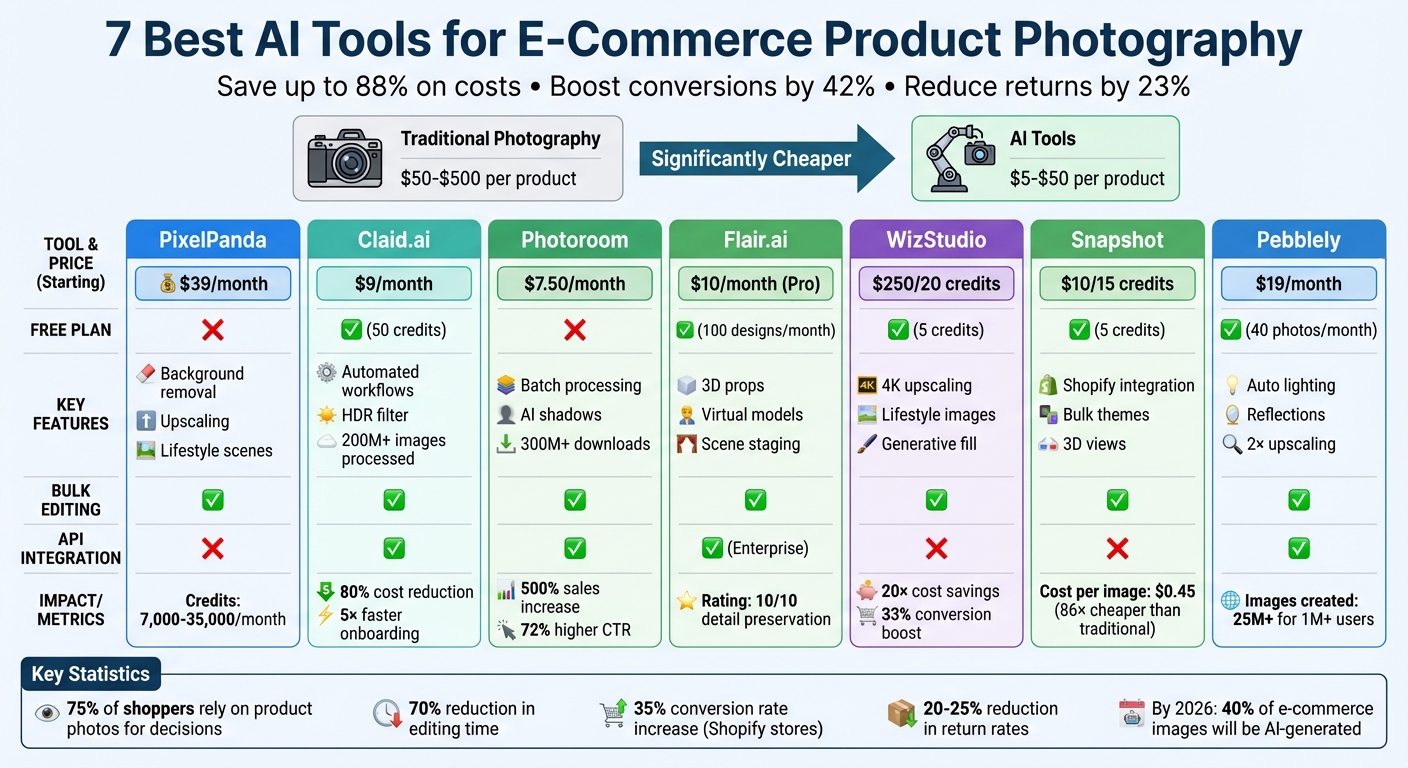
AI Product Photography Tools Comparison: Features, Pricing & Capabilities
How to Create Product Photos with AI
Quick Comparison
| Tool | Key Features | Starting Price | Free Plan/Trial | Bulk Editing | API Integration |
|---|---|---|---|---|---|
| PixelPanda | Background removal, upscaling | $39/month | No | Yes | No |
| Claid.ai | Automated workflows, HDR filter | $9/month | Yes (50 credits) | Yes | Yes |
| Photoroom | Batch processing, AI shadows | $7.50/month | No | Yes | Yes |
| Flair.ai | Scene staging, 3D props | $10/month | Yes | Yes | Yes |
| WizStudio | Lifestyle images, upscaling | $250/20 credits | Yes (5 credits) | Yes | No |
| Snapshot | Shopify integration, themes | $10/15 credits | Yes (5 credits) | Yes | No |
| Pebblely | Lighting adjustments, upscaling | $19/month | Yes (40 photos) | Yes | Yes |
Choose the tool that fits your needs and start improving your product visuals today.
1. PixelPanda

PixelPanda specializes in creating high-quality product images and videos tailored for e-commerce businesses. Whether you’re managing a massive product catalog or running frequent marketing campaigns, this platform has tools to streamline your visual content production – from basic photo editing to AI-generated product visuals.
Background Removal Made Simple
PixelPanda’s background removal tool is designed to instantly strip away backgrounds, leaving you with a clean white or transparent backdrop. This feature ensures your product images meet marketplace standards and look polished, all without the hassle of manual editing. The result? A consistent and professional product gallery with minimal effort.
Sharper Images and Versatile Visuals
Got a low-resolution photo? PixelPanda can upscale it into a crisp, high-quality image perfect for web or print. Beyond that, its AI tools can create lifestyle scenes, virtual model shots, and outfit variations. This means you can showcase your products in diverse contexts without the cost or complexity of organizing multiple photoshoots. It’s a practical way to enhance your product presentation while keeping expenses manageable.
Flexible Pricing for Growing Businesses
PixelPanda offers three subscription plans designed to grow with your business:
- Starter: $39/month for 7,000 credits
- Growth: $59/month for 15,000 credits
- Pro: $89/month for 35,000 credits
All plans include features like one-minute video creation, support in 35 languages, and commercial usage rights. These options make it easy to scale your visual content as your business expands.
2. Claid.ai
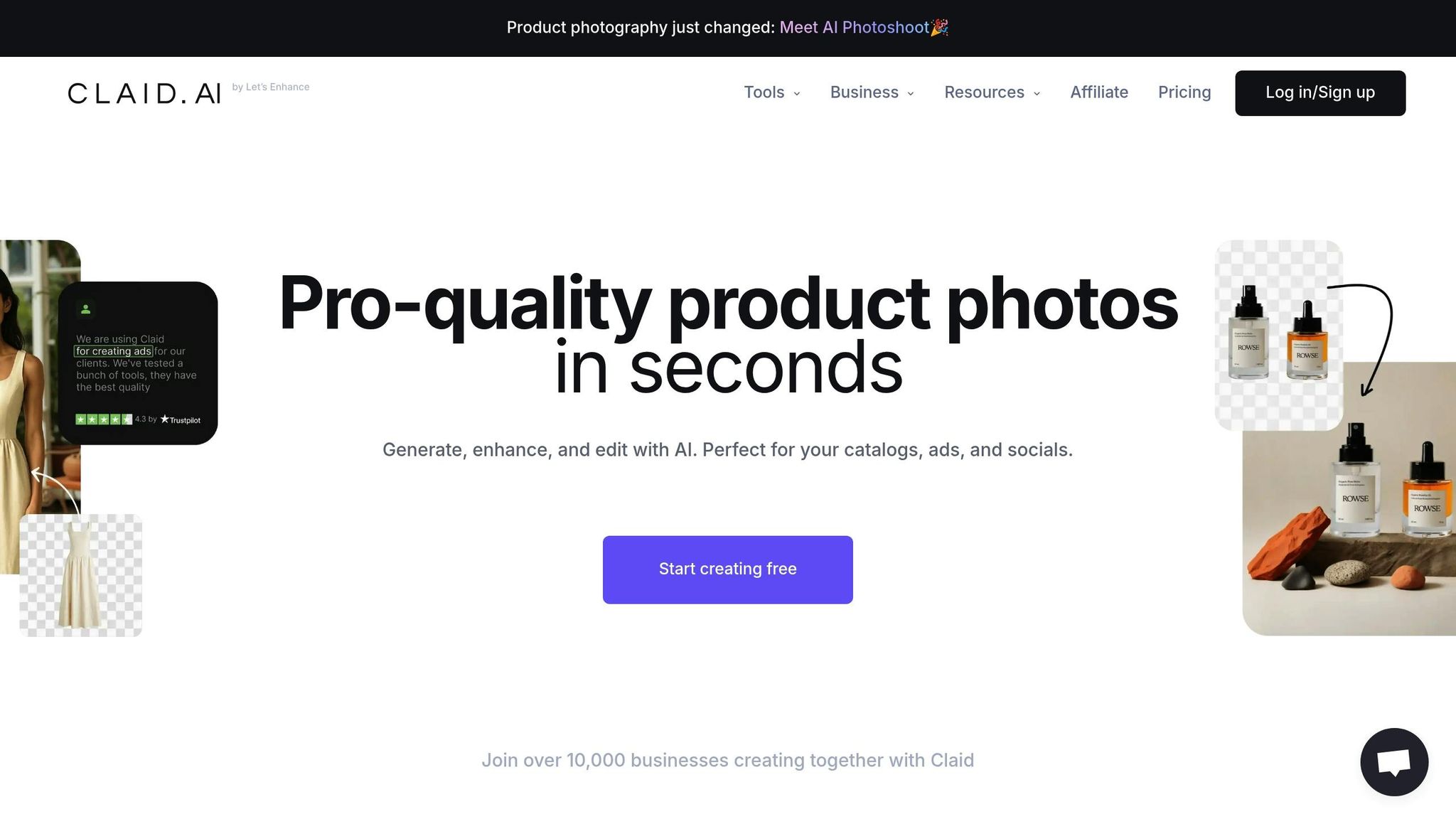
Claid.ai is a platform tailored specifically for e-commerce product photography, processing over 200 million images for more than 10,000 businesses. Designed to tackle the unique challenges of online marketplaces, it ensures every image adheres to strict platform standards. It handles tasks like background removal, color correction, and automating workflows for extensive product catalogs.
Background Removal Capabilities
Claid.ai’s background removal tool quickly eliminates backgrounds while adding precise padding to ensure product images meet marketplace requirements. Unlike general-purpose tools, it’s trained specifically for product photography, making it highly effective at handling intricate edges and textures. Businesses using Claid.ai report an 80% drop in editing costs and onboard sellers five times faster compared to traditional methods.
Alain Abud, Ops Manager at Rappi, shared: "We saved 42% of time on editing and 28% on managing sellers 🤩".
The platform also features an AI-powered eraser brush that allows users to remove specific unwanted objects from images with ease, making it one of the best AI tools for photo editing available today.
Lighting and Color Correction Features
Claid.ai includes a content-aware HDR filter that automatically fine-tunes white balance, exposure, and colors to achieve studio-quality results. This feature is especially useful for improving low-quality supplier photos or user-generated images. Mixtiles, for example, turned to Claid.ai to address quality issues with customer uploads. Engineering Team Lead Ido Grosberg explained:
"Using Claid API, we’ve basically taken a shortcut. We don’t have to worry about image quality".
These adjustments ensure consistent branding and accurate product colors across thousands of images, setting the stage for Claid.ai’s advanced upscaling and optimization tools.
Image Upscaling and Optimization
With Claid.ai, users can upscale images by 2x or 4x (up to 16 MP), sharpening details and enhancing resolution for zoom-in views. The platform also reduces noise and removes compression artifacts, converting images into modern, fast-loading formats. This combination of upscaling and optimization transforms blurry supplier images into sharp, professional-grade listings without requiring manual intervention.
Pricing and Scalability for Businesses
Claid.ai is built to accommodate businesses of all sizes, from small shops to large enterprise marketplaces, with its scalable API capable of processing millions of images in seconds. New users can explore the platform with a free trial that includes 50 credits and 5 image uploads. Paid plans start at $9 per month, with the Basic plan priced at $19 per month and the Professional plan at $49 per month, which includes custom template uploads. For businesses with high-volume needs, API bundles begin at $59 for 1,000 credits. Rappi utilized Claid.ai’s scalability to boost the number of restaurants on their platform by 33%, thanks to faster image processing.
3. Photoroom
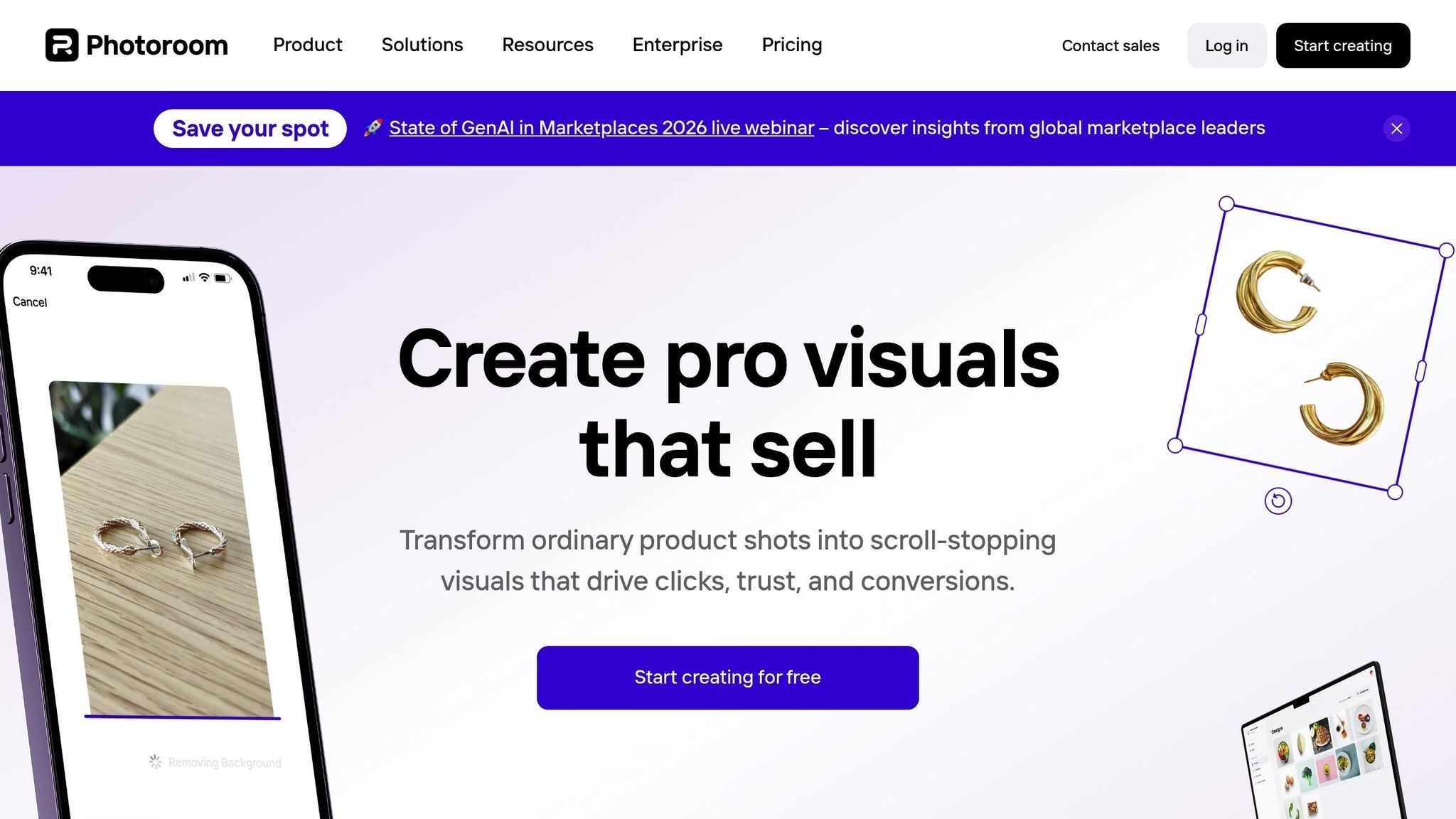
Photoroom has achieved over 300 million downloads, proving its effectiveness in boosting performance for e-commerce businesses. This platform uses AI-powered tools to turn ordinary product photos into professional, marketplace-ready visuals, tailored specifically for e-commerce needs.
Background Removal Capabilities
Photoroom’s AI background remover is designed to handle even the trickiest products, like those with transparent or intricate edges. It can instantly create white backgrounds that meet marketplace standards or generate AI-crafted lifestyle scenes. For businesses with large inventories, the Batch Mode can process hundreds of images at once, and the background removal API allows seamless automation for managing extensive catalogs.
Alexandra Mahl, founder of APM FINDS, LLC, shared that using Photoroom’s clean white backgrounds led to a 500% increase in sales. This was largely due to improved visibility in Google search results. The tool also ensures that product listings maintain a consistent look across various marketplaces.
Lighting and Color Correction Features
Photoroom’s Product Beautifier enhances photos by adjusting lighting, sharpness, and angles, delivering studio-quality results. Its AI Shadows feature adds realistic depth, preventing images from looking flat. Additionally, the "Describe a Change" tool lets users request specific edits, like "make the lighting warmer", and the AI applies the changes automatically.
GoodBuy Gear, a secondhand marketplace, used Photoroom to standardize over 42,000 product images in 2024. By automating background editing and ensuring uniform lighting, they saw a 23% boost in conversion rates. Product Owner Audra Jones remarked:
"Photoroom changed everything for us. It automated the background editing, making every photo consistent. This has considerably streamlined our process, giving us the freedom to innovate and improve the speed at which products are made available online".
Image Upscaling and Optimization
Photoroom also offers tools like free AI image upscalers and "Resize and Expand" to adapt images for platforms such as Amazon, Shopify, and Etsy. The AI Expand feature adjusts aspect ratios without cropping, keeping products centered and formatted correctly for each channel. These tools ensure businesses maintain visual consistency while meeting the technical requirements of multiple marketplaces.
Pricing and Scalability for Businesses
Photoroom’s pricing is designed to grow with businesses. Plans start at $7.50 per month (billed annually) for the Pro plan, $20.99 per month for the Max plan, and $82.50 per month for the Ultra plan. API image edits range from $0.02 to $0.10 per image.
Valuence Japan Inc. uses the Photoroom API to process 24,000 photos monthly, saving 600 hours of manual work and about $80,000 annually in editing costs. Deputy General Manager Takanori Hirai shared:
"Photoroom has significantly reduced cost for us while improving quality. This is the kind of solution that’s well-suited for companies selling through e-commerce platforms, handling a large volume of products, and aiming for high image quality".
Photoroom users have reported a 72% increase in click-through rates and a 60% reduction in cost per acquisition, highlighting its ability to improve both operational efficiency and sales performance.
sbb-itb-76ad1b7
4. Flair.ai
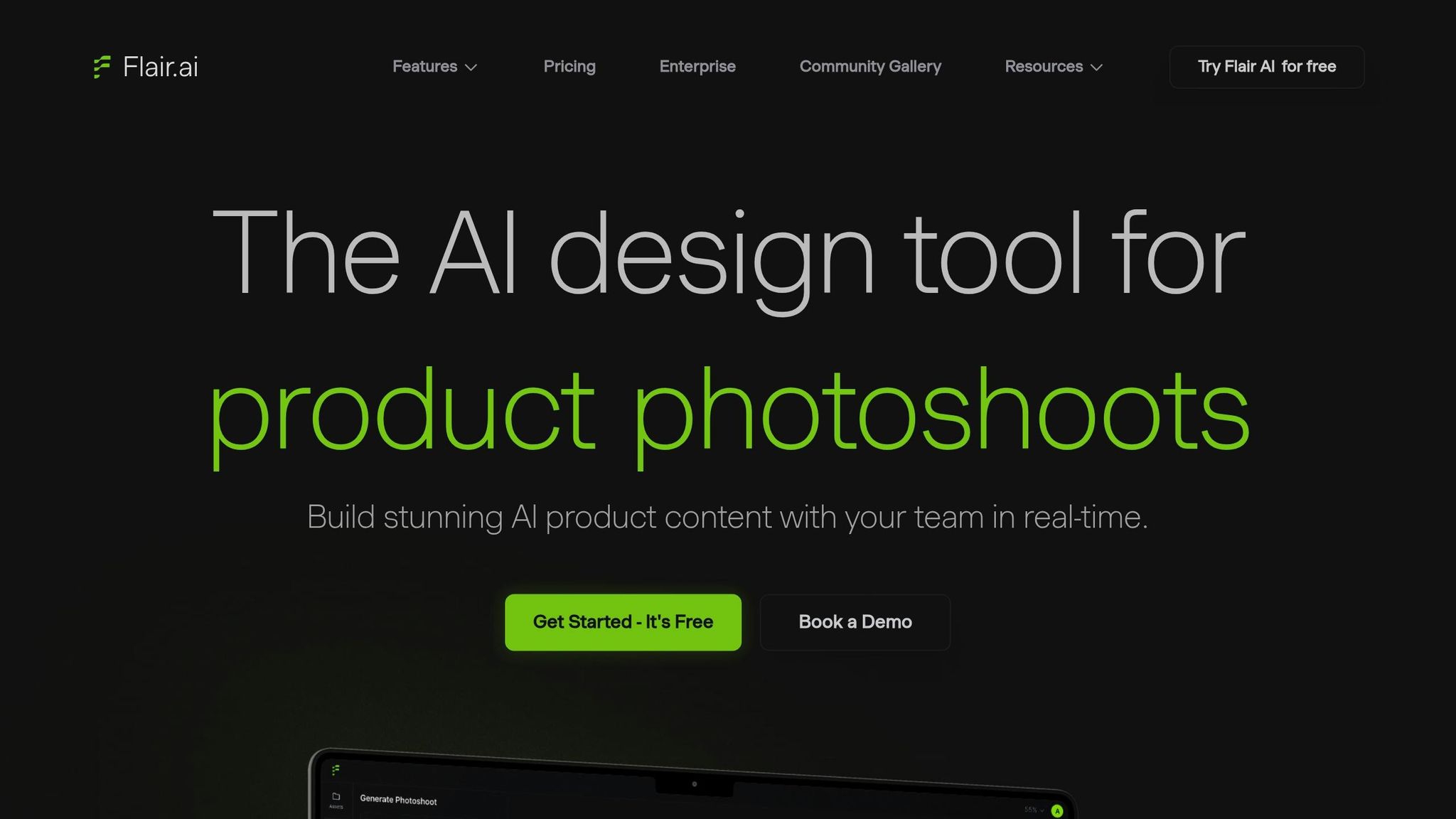
Flair.ai serves as a virtual design studio, offering a drag-and-drop canvas where users can craft product scenes using 3D assets, props, and digital backdrops. With an impressive monthly visitor count of around 577,100 as of early 2026, the platform has gained traction among e-commerce brands. Independent evaluations have awarded Flair.ai a perfect 10/10 for both its ability to preserve intricate product details – like textures and labels – and its extensive customization options.
Background Removal Capabilities
Flair.ai goes beyond basic background removal by focusing on scene staging. It allows users to place products in AI-generated environments, such as "emerging from water" or "floating on a cloud". For apparel brands, the AI Fashion Models feature is particularly handy, enabling clothing and jewelry designs to be fitted onto AI-generated models while keeping patterns and logos intact. Additionally, the Custom Human Builder lets brands tailor specific model features, like hair color and body type, ensuring a consistent look across their product catalogs.
Lighting and Color Correction Features
Flair.ai automatically adjusts lighting across scenes, ensuring that products, props, and backgrounds blend seamlessly as though photographed together. The tool also adds natural shadows and reflections, enhancing the realism of staged environments. This attention to detail earned it an 8/10 rating for product blending. With the ability to regenerate compositions in just three seconds and access to a library of pre-built templates and 3D elements, users can produce professional-grade designs quickly, without requiring advanced design expertise. These features make Flair.ai an efficient and cost-effective solution for scalable design workflows.
Pricing and Scalability for Businesses
Flair.ai provides flexible pricing options to suit different needs. The Free Tier includes 100 designs per month and supports up to 10 projects. For $10 per month, the Pro Tier unlocks unlimited designs and projects, along with access to the latest features. For larger businesses, the Enterprise plan offers custom pricing, API access, and team collaboration tools, allowing companies to scale their design operations and seamlessly integrate AI photography into their workflows. The platform also supports real-time collaboration, enabling multiple team members to work on the same design canvas simultaneously.
5. WizStudio
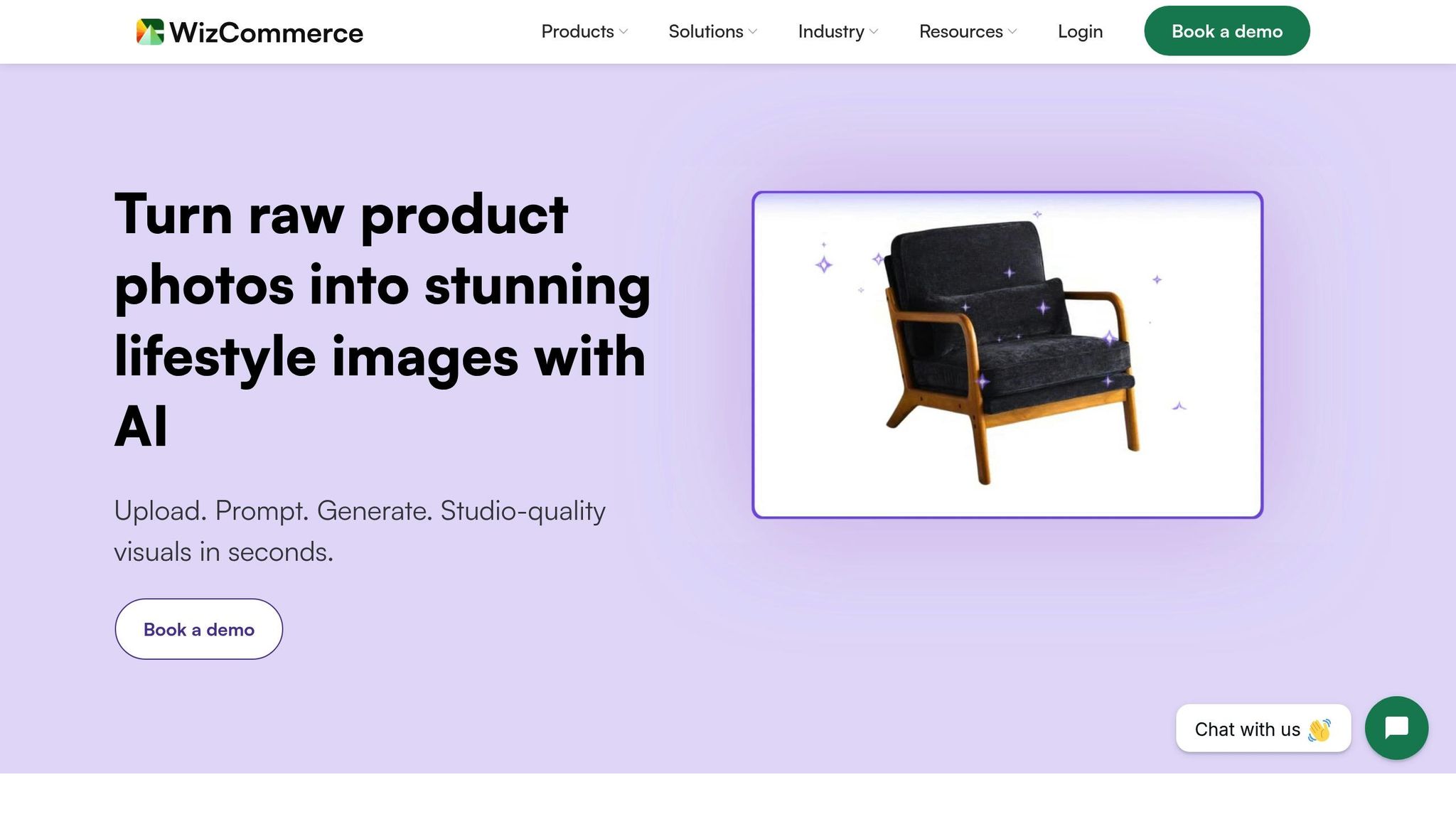
WizStudio promises up to 20x cost savings and 10x faster product launches compared to traditional photography methods. It operates on a credit-based system, allowing businesses to create unlimited images for free and only pay when they download the final versions. Companies using WizStudio have also reported a 33% boost in conversion rates on their websites and marketplaces.
Background Removal Capabilities
WizStudio’s background removal tool is designed to simplify image editing. It effortlessly isolates products to produce clean, white-background images. But it doesn’t stop there. Users can generate lifestyle images by simply describing a scene – like “a vase in a cozy bedroom” – and the AI creates a visually appealing setting around the product. For businesses with multiple SKUs, the multiproduct staging feature arranges several items into a single styled image. Bulk editing capabilities let users process thousands of SKUs in minutes, while the Magic Eraser tool removes unwanted text and distractions, keeping the focus on the product.
Lighting and Color Correction Features
The platform’s AI relighting tool helps users adjust the lighting or mood of an image instantly, while the AI Shadows feature adds realistic depth to avoid flat, lifeless visuals. WizStudio also automatically refines colors and adjusts tones in raw images, ensuring a polished, professional look across entire product catalogs. Michael Pyle, VP of Ecommerce, shared his thoughts:
"WizStudio is fast, affordable, and always high-quality. It has completely changed how we handle imagery".
These tools work seamlessly alongside WizStudio’s advanced upscaling options.
Image Upscaling and Optimization
WizStudio’s Image Upscaler can upgrade images from 1K to 4K resolution in seconds. Additionally, the Generative Fill feature allows users to add custom props to images without the need for extra photoshoots. One client reported an impressive 20% increase in online revenue within just three months of enhancing their product visuals.
Pricing and Scalability for Businesses
WizStudio operates on a prepaid credit model. New users can start with a Free Trial that includes 5 credits. Paid plans range from the Starter package ($250 for 20 credits, valid for 2 months) to the Studio plan ($1,125 for 150 credits, valid for 6 months). Standard downloads in 1K/2K resolution cost 1 credit, while 4K upscales require 2 credits. Meredith Fingarson, Director of Marketing, shared her experience:
"We got 300+ lifestyle images in just a few days at a fraction of the cost. No endless back-and-forths like with agencies, the team just understood our needs and delivered".
6. Snapshot
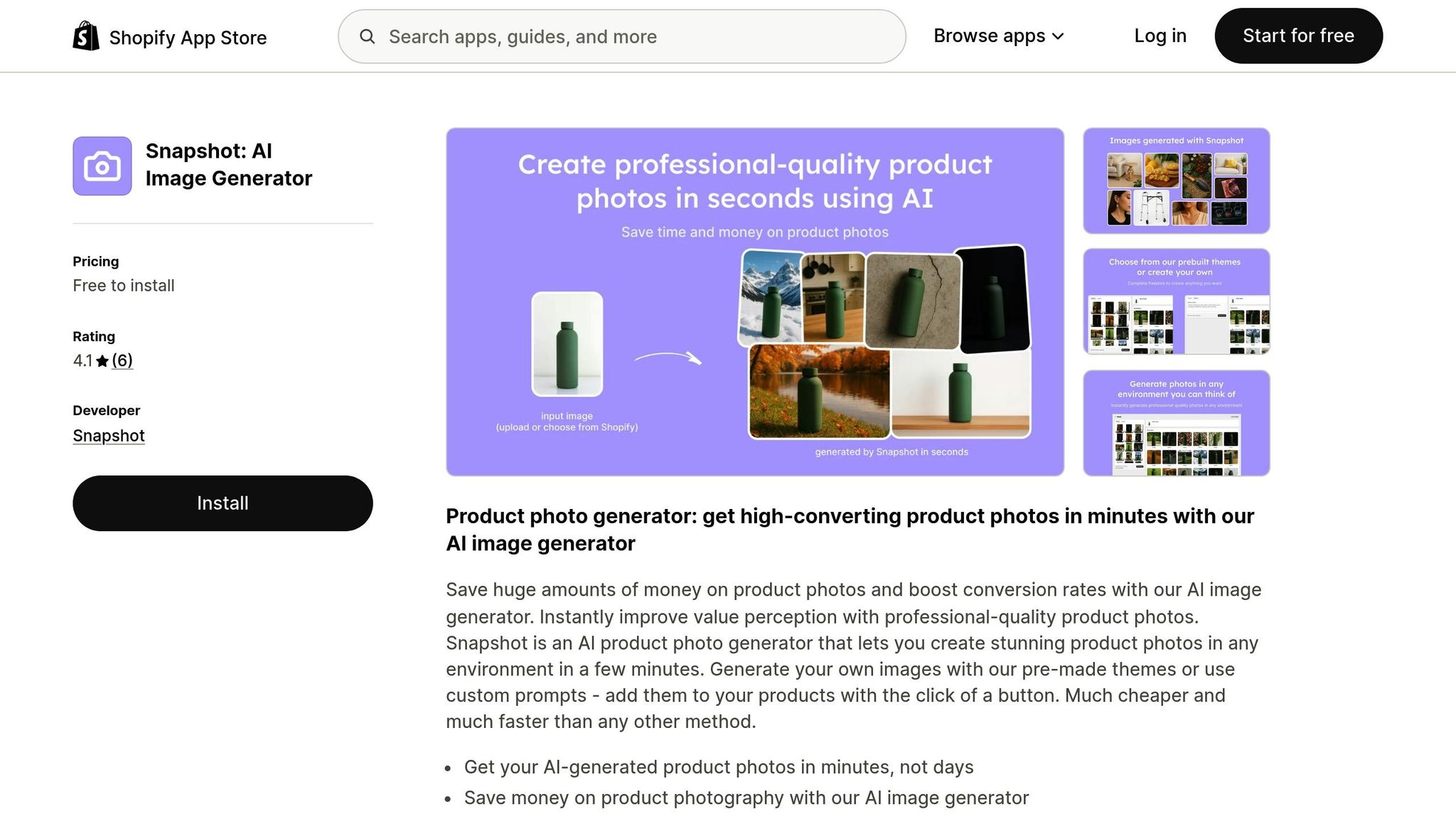
Snapshot takes product photography to the next level with its Shopify-native AI app. Designed specifically for Shopify stores, this tool automates the process of creating professional product images by transforming backgrounds while keeping the product front and center. Since it integrates directly into your Shopify admin dashboard, you can attach AI-generated images seamlessly – no extra downloads needed. With over 1,000 customers and a perfect 5-star rating on the Shopify App Store, it’s a trusted solution for merchants looking to enhance and optimize their images for the web.
Background Removal and Customization
Snapshot makes background replacement effortless. It swaps out backgrounds for professional-looking settings, giving users the ability to reposition and resize products for creative, off-center compositions. The app offers two unique perspectives – 3D (angled) and bird’s-eye view – and includes a library of themes like Beach, Studio, and Cafe for quick, polished results. For those who want more control, advanced features like custom prompts and negative prompts let users fine-tune the image generation process. Each credit generates four image variations, and the tool supports bulk processing, making it perfect for stores with large product catalogs.
Cost-Effective and Scalable for Businesses
Snapshot significantly reduces the cost of product photography, producing images at just $0.45 each – an impressive 86× cheaper than the typical $39 cost of a physical photoshoot. The pricing structure is designed to suit businesses of all sizes:
- Free Plan: Includes 5 credits.
- $10 Plan: Offers 15 credits (around $0.67 per credit).
- $50 Plan: Provides 100 credits (about $0.50 per credit).
- $225 Plan: Includes 500 credits (roughly $0.45 per credit).
Garrett from BULLDOG SNACKS shared his thoughts on the app:
"The app is incredibly versatile and allows us to render retail-ready product images across our lineup in at least 5X shorter timelines than previously – at a fraction of the cost."
Huttonian Designs also praised Snapshot, saying:
"There’s lots of apps out there that will do AI backgrounds, but this is the only one that I’ve ever found which does them in bulk, and does a good job with them."
With its combination of affordability, ease of use, and advanced features, Snapshot is a game-changer for businesses aiming to elevate their product photography.
7. Pebblely
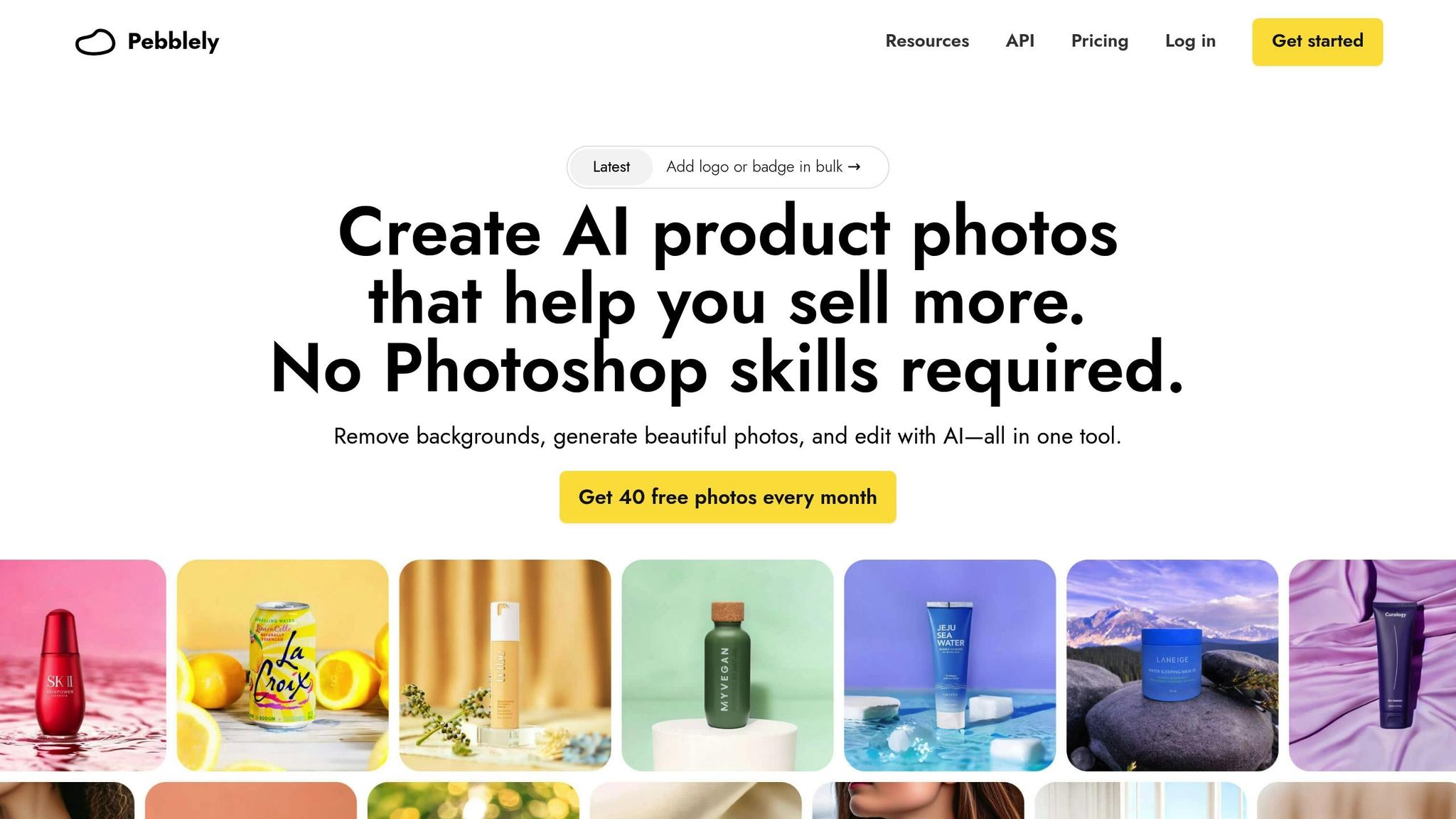
Pebblely’s AI platform has created an impressive 25 million images for over a million creatives worldwide. This tool is designed with e-commerce in mind, automatically removing backgrounds when you upload an image. By separating the product from its background, Pebblely allows users to reposition, resize, or rotate products with ease.
Background Removal Capabilities
Pebblely excels at background removal, automating the process upon upload while also offering tools for manual adjustments. With a brush tool, users can erase or restore parts of an image, adjusting brush size and zoom for precise edits. The platform also handles tricky elements like transparent parts of products. For instance, it can generate a realistic background to fill gaps between a bottle cap and the liquid inside. Additionally, you can remove unwanted objects or artifacts by brushing over them, and the AI will regenerate only the affected sections. This seamless separation of product and background pairs perfectly with advanced lighting adjustment features.
Lighting and Color Correction Features
Pebblely’s AI ensures products look natural in any setting by automatically generating reflections and shadows based on the chosen background or theme. If you already have marketing photos, you can upload them as references, and the AI will match the color palette to maintain brand consistency. As Robert Davidson shared:
"The lighting, reflections, and shadows are all perfect and I got to create multiple pics for different occasions".
The platform also includes a 2× upscaling feature, enhancing image dimensions to 2,048 × 2,048 pixels while sharpening product details and text.
Pricing and Scalability for Businesses
Pebblely offers flexible pricing to suit businesses of all sizes. The Free Plan includes 40 photos per month, access to over 40 themes, and standard background removal. For $19 per month, the Basic Plan provides 1,000 images, custom backgrounds, upscaling, and additional editing tools. The Pro Plan, at $39 per month, unlocks unlimited image generation and all premium features. Annual plans come with savings of about 20%, costing $179 per year for Basic and $379 per year for Pro. For businesses with higher demands, the Pebblely API can generate up to 200,000 images daily. Ewa Kwiatkowska from Eva Candles noted:
"It effectively resolved the problem my business had been struggling with for many years, considering the dynamic nature of product changes and their variety".
Conclusion
AI-powered tools are reshaping e-commerce photography, slashing editing time by up to 70% while delivering professional-quality images. With 75% of online shoppers relying on product photos to make purchasing decisions, using AI tools is no longer just an option – it’s a competitive necessity.
The seven tools highlighted earlier each bring practical benefits to businesses managing product catalogs of any size. These platforms handle tasks like AI-powered image editing tasks like background removal, lighting tweaks, and color correction with ease. For example, Shopify stores that have embraced AI automation have seen impressive results: a 35% boost in conversion rates and a 20-25% reduction in return rates, thanks to consistent, high-quality visuals. It’s clear that AI isn’t just about saving time – it’s about driving sales and streamlining operations.
When choosing the right tool, consider factors like your catalog size, technical expertise, and output requirements. High-volume sellers should look for features like batch processing and API integration to handle large workloads efficiently. On the other hand, smaller businesses might prefer mobile-friendly tools with simple, one-click editing options. Take advantage of free trials to test how well each platform works with your specific products and style preferences.
Traditional product photography, with its high costs and time demands, is becoming a thing of the past. According to Gartner, by 2026, 40% of e-commerce images will be AI-generated. As Ailee AI succinctly puts it:
"If you’re still doing traditional product photography in 2025, you’re burning money".
Now’s the time to choose the AI tool that best suits your needs and start transforming your product visuals into a powerful driver of sales and customer satisfaction.
FAQs
How can AI tools save time and reduce costs in e-commerce product photography?
AI tools have transformed the way businesses handle tasks like background removal, lighting tweaks, and image optimization. These tools automate processes that used to require significant time and money. Instead of shelling out thousands for photographers, studio spaces, and post-production work, companies can now produce high-quality images with just a few clicks – cutting costs by as much as 90%.
The time savings are just as striking. Traditional photoshoots can take days to plan, execute, and finalize. In contrast, AI-powered tools can deliver professional-grade images in mere minutes. This speed enables businesses to update product listings, roll out campaigns, or manage extensive catalogs without missing a beat – crucial in the fast-moving world of e-commerce.
What features should I look for in an AI tool to improve my e-commerce product photos?
When choosing an AI tool for e-commerce product photography, prioritize features that improve image quality and simplify your workflow. Look for options like automatic background removal, lighting and shadow adjustments, and AI-powered staging to create polished, professional visuals with minimal effort. For businesses managing extensive product catalogs, tools offering batch processing and API integration can save significant time and streamline operations.
It’s also important to check for high-resolution export options and clear licensing terms, ensuring your images can be used across various platforms – whether for online marketplaces, advertisements, or print materials – without complications. If you’re planning to scale, features like team collaboration tools and branding options can help maintain a consistent look for all your product images. The right tool can elevate your product presentation and support stronger sales performance.
Can AI-generated product images really help boost sales and reduce returns?
AI-generated product images are a game-changer for boosting sales and cutting down return rates. Why? Because high-quality, lifelike visuals give shoppers a clear idea of what they’re buying, which helps build trust. When customers feel confident about their purchase, they’re more likely to hit “buy” and less likely to return items due to unmet expectations.
These tools also make life easier for businesses. They handle tasks like removing backgrounds, adjusting lighting, and even creating lifestyle images – all automatically. This means companies can quickly refine and test visuals for product listings, ads, or social media. The result? Consistent, polished images that save time, reduce costs compared to traditional photo shoots, and leave customers happier with what they see.