Tired of flat diagrams and dense textbooks? The world of anatomical study has gone digital, interactive, and incredibly immersive. A powerful 3d anatomy app can transform how you learn, teach, or develop medical applications, turning complex biological systems into explorable, three-dimensional models. But with so many options, from comprehensive university suites to lightweight mobile atlases, choosing the right one feels like performing surgery in the dark.
This guide cuts through the noise. We've dissected the 12 leading platforms, evaluating them on key features, target users, pricing models, and practical use cases. Whether you're a med student cramming for exams, an educator building a curriculum, or a developer integrating anatomical visuals, this breakdown will help you find the perfect digital cadaver for your needs. We'll provide direct links and screenshots for each entry, making your decision-making process seamless.
The impact of these tools goes beyond simple 3D models. They represent a fundamental shift in how we interact with complex information, a trend seen across the healthcare education sector. To understand how deeply immersive technologies are impacting education, especially in healthcare, delve into resources like a comprehensive guide on Virtual Reality for Medical Training. Now, let’s get to the list and find the app that fits you best.
1. Complete Anatomy (Elsevier)
If you're looking for the academic heavyweight of the 3D anatomy app world, you've found it in Complete Anatomy. Backed by the publishing giant Elsevier, this platform feels less like a standalone app and more like a digital extension of a medical school curriculum. It’s the tool you choose when you need textbook-level accuracy and structured learning, complete with integrated courses and clinical videos.
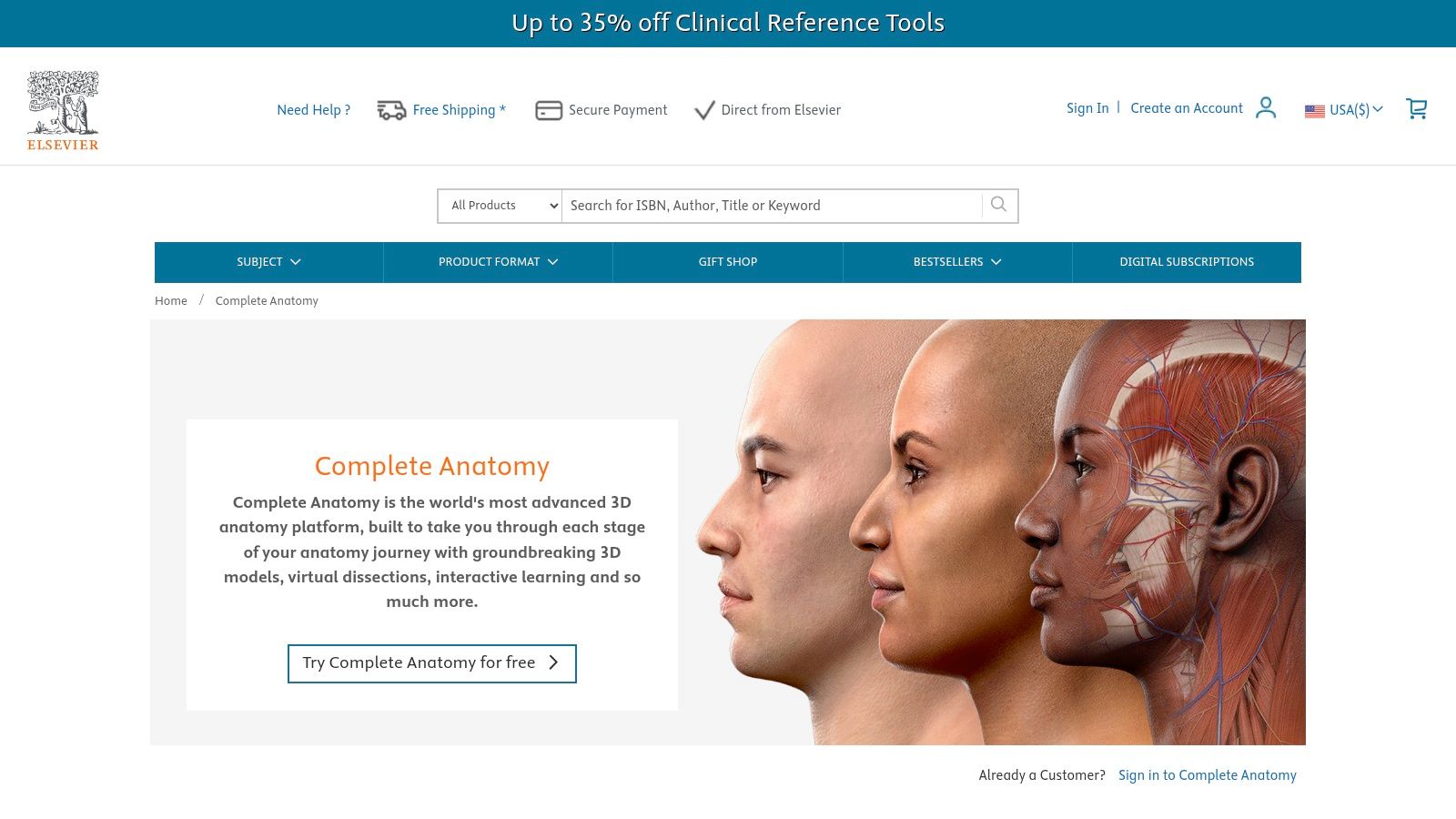
What makes it stand out is its seamless cross-platform experience. You can start a dissection on your tablet, review flashcards on your phone, and then present a lecture on a desktop, with everything synced. The high-fidelity models, including a stunning real-time beating heart, are exceptional for visualizing complex physiological processes.
Key Info & User Experience
| Feature | Details |
|---|---|
| Best For | Medical students, educators, and institutions needing curriculum-aligned content. |
| Pricing | Tiered subscriptions: Student, Professional, and Institutional. A limited free version is available to try. |
| Standout Feature | Deep integration with Elsevier's extensive library of atlas content and academic courses. |
The user experience is polished and professional, though be prepared for most of the juicy content to be behind a subscription paywall. This is a premium tool with a price to match, but for those serious about their anatomical studies, the investment is often justified. App developers working on ed-tech tools should note the high standard for visual quality here; achieving similar asset clarity often requires powerful image processing, and you can see how services like PixelPanda handle advanced image tasks to meet such demands.
Website: https://www.us.elsevierhealth.com/complete-anatomy
2. Complete Anatomy for iPhone/iPad (Apple App Store)
For those deeply embedded in the Apple ecosystem, the official App Store listing for Complete Anatomy is the most streamlined entry point. It offers the full power of the platform, optimized for the touch-and-go nature of an iPhone or iPad. This isn't a watered-down version; it’s the same robust 3D anatomy app, just conveniently managed through your Apple ID, complete with a risk-free 3-day premium trial to test the waters.
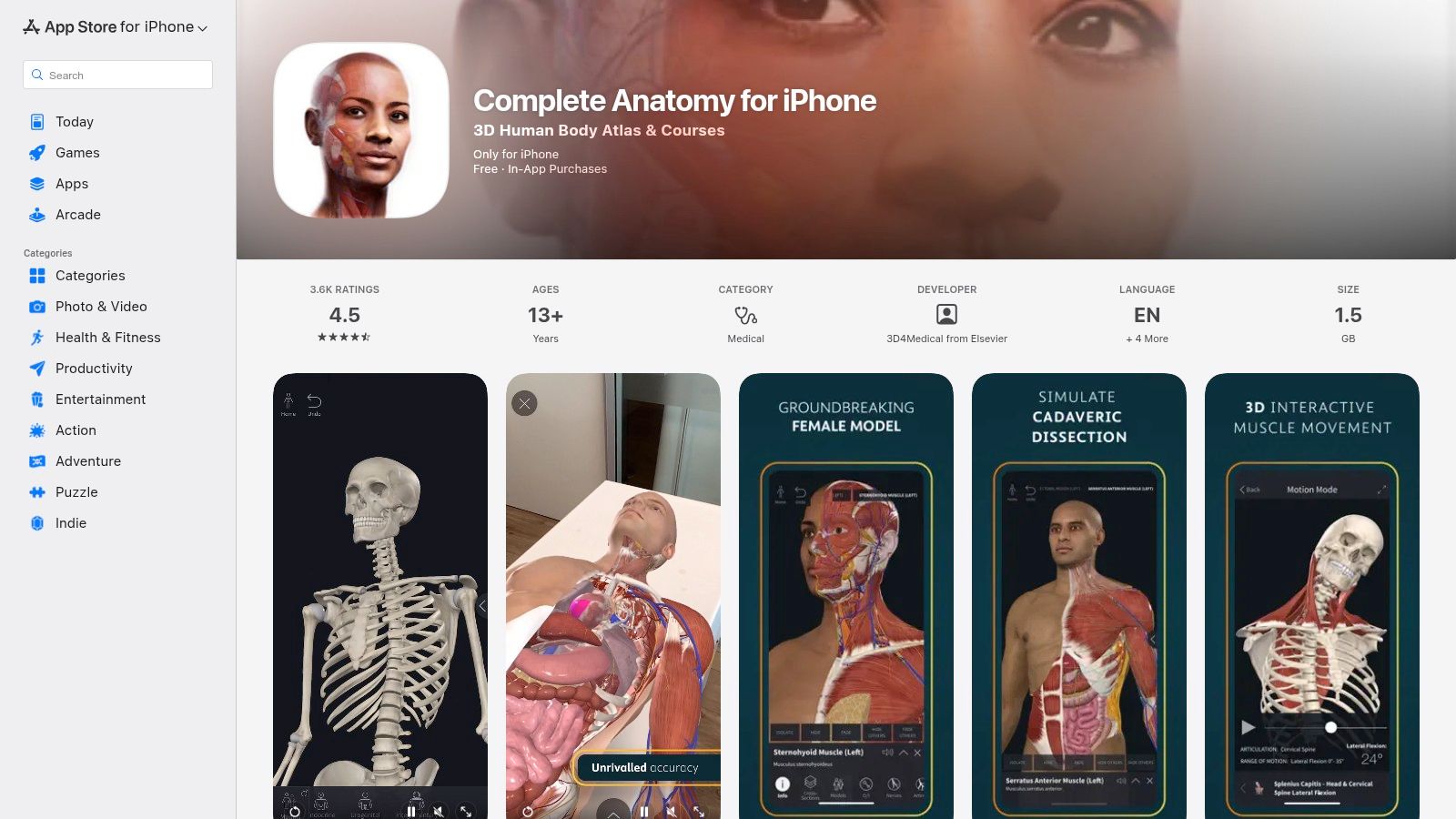
The standout here is the sheer convenience. Billing is handled through Apple, making subscriptions and restorations a breeze across your devices. The AR mode, in particular, feels right at home on an iPad, allowing you to project a detailed anatomical model onto your desk. It’s the perfect way to quickly access a powerful learning tool without navigating to a separate website or payment portal.
Key Info & User Experience
| Feature | Details |
|---|---|
| Best For | Students and professionals who primarily use Apple devices and prefer integrated App Store billing. |
| Pricing | Free download with a 3-day premium trial; requires an in-app purchase for full subscription access. |
| Standout Feature | Seamless integration with iOS/iPadOS, including AR mode and simple subscription management. |
The user experience is fluid and intuitive on a touch screen, letting you dissect layers, view muscle motion, and explore clinical videos with a few taps. While the best content is locked behind the subscription, the app’s performance and accessibility via the App Store make it a top-tier choice for any on-the-move learner using an iPhone or iPad as their primary study device.
Website: https://apps.apple.com/us/app/complete-anatomy-23/id1309253074
3. Visible Body – Human Anatomy Atlas (Apple App Store)
If subscription fatigue is real for you, Visible Body offers a refreshing alternative in the 3D anatomy app space. Their Human Anatomy Atlas, particularly on the Apple App Store, stands out by offering a comprehensive gross anatomy model for a one-time purchase. This makes it a fantastic, budget-friendly choice for students, clinicians, and curious minds who want a powerful reference tool without the recurring fees.
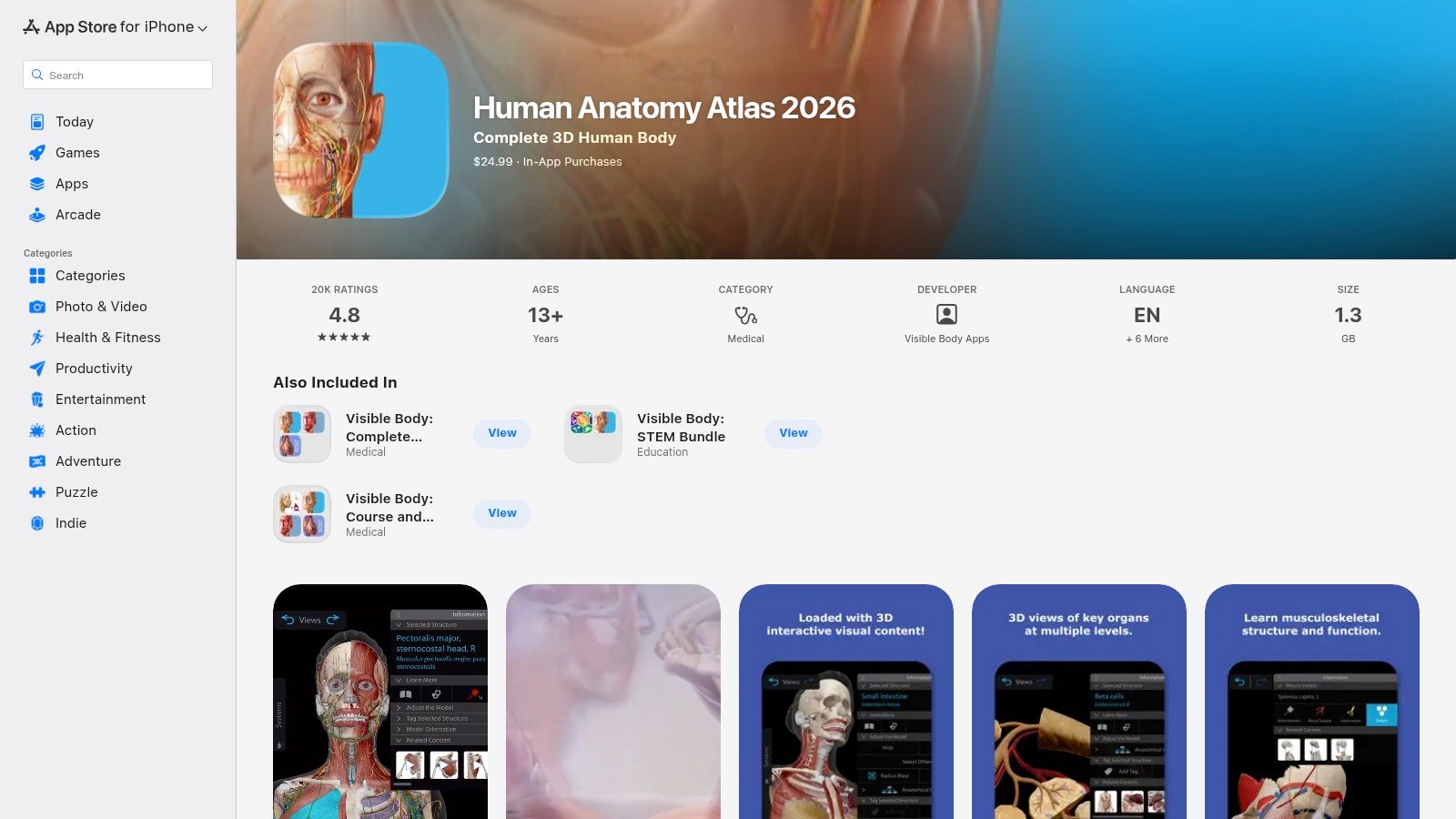
What makes it stand out is its balance of depth and accessibility. You get detailed male and female models, muscle actions, bone landmarks, and even augmented reality (AR) dissection features right out of the box. While more specialized content like dental anatomy or detailed animations are available as in-app purchases, the core product is robust enough for most learners' needs.
Key Info & User Experience
| Feature | Details |
|---|---|
| Best For | Students and professionals who prefer a pay-once model for a core anatomical atlas. |
| Pricing | One-time purchase for the core atlas (currently around $24.99 on the US App Store), with optional add-ons available. |
| Standout Feature | A high-quality, comprehensive atlas without a mandatory subscription, plus excellent support for Apple devices like Vision Pro. |
The user experience is straightforward and intuitive, designed for quick reference and study. For development teams building similar reference apps, generating clean, consistent imagery from 3D models is a major hurdle. Automating this process can be a game-changer; explore how APIs for developers can streamline the creation of visual assets for educational tools. This is a solid, no-nonsense 3D anatomy app that respects your wallet.
Website: https://apps.apple.com/us/app/human-anatomy-atlas-2026/id1117998129
4. Visible Body Suite (Apple App Store)
If buying individual anatomy apps feels like collecting expensive trading cards, Visible Body Suite is the all-you-can-eat buffet. Instead of picking and choosing, this subscription bundle throws the entire Visible Body library at you, covering not just gross anatomy but also physiology, biology, and even microanatomy. It’s the perfect solution for students or professionals whose needs extend beyond a single subject.
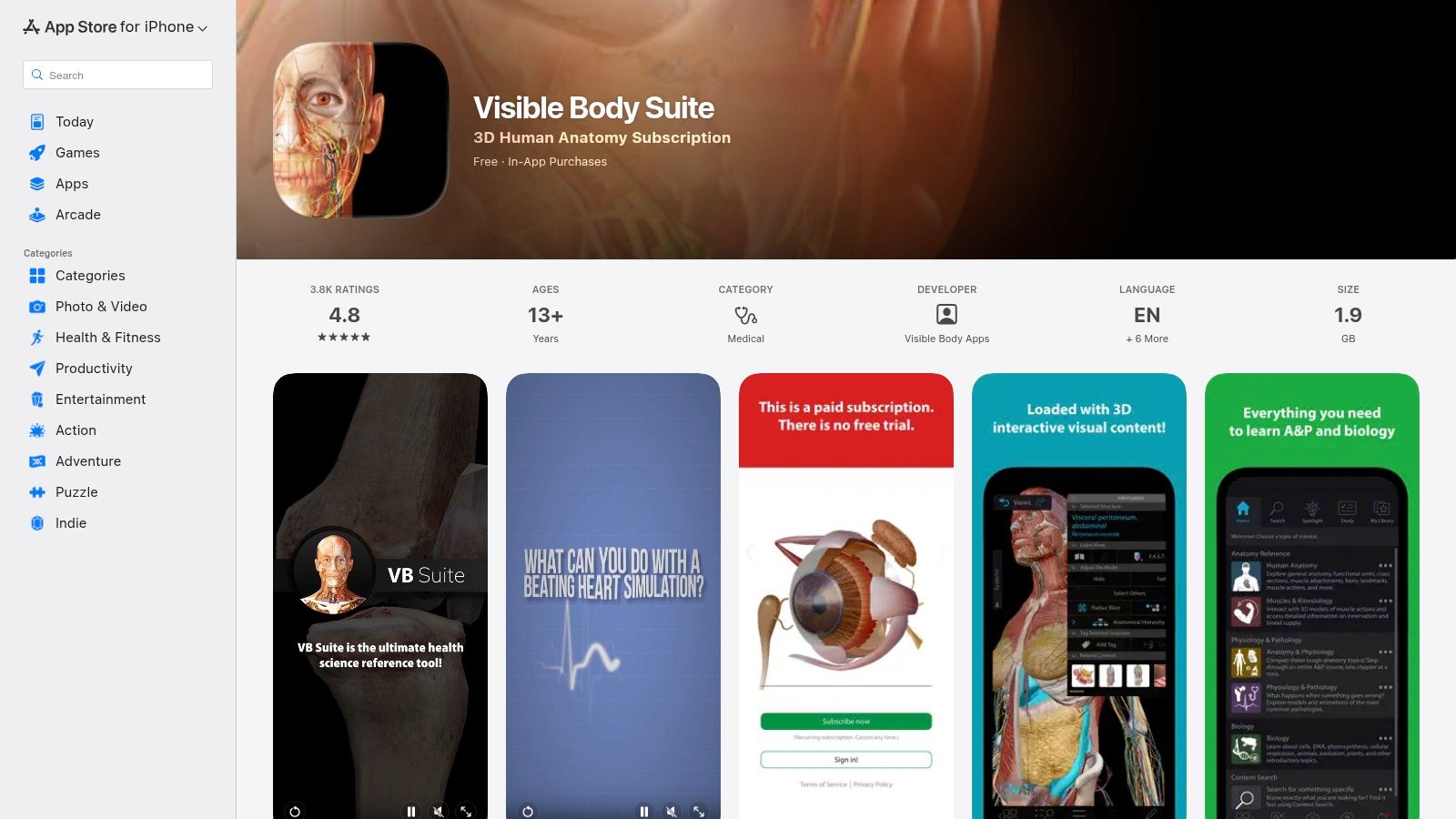
The key appeal is its incredible value and cross-device access. One subscription unlocks everything on your phone, tablet, and computer, making it ideal for multi-course study or quick reference across different disciplines. This isn't just one 3D anatomy app; it's a comprehensive suite of learning tools designed to work together, from cellular-level explorations to full-system physiological animations.
Key Info & User Experience
| Feature | Details |
|---|---|
| Best For | Students and professionals needing access to a wide range of biological sciences, not just anatomy. |
| Pricing | Subscription-based model. The exact price is confirmed in-app via the App Store upon checkout. |
| Standout Feature | A single subscription unlocks the entire Visible Body library of apps (Anatomy, Physiology, etc.). |
The user experience is classic Visible Body: intuitive, detailed, and easy to navigate. While some may prefer the one-time purchase model of their standalone apps, the subscription offers a much more cost-effective way to access a massive amount of content. Just be prepared to commit to a recurring payment rather than a single upfront cost.
Website: https://apps.apple.com/us/app/visible-body-suite/id1594705297
5. BioDigital Human (official site)
BioDigital Human positions itself as the "Google Maps for the Human Body," and it's a fitting analogy. This web-based 3D anatomy app excels at providing not just anatomical structures but also detailed models of health conditions and treatments. It’s an incredibly versatile tool, useful for a patient explaining a condition to their doctor, a student visualizing physiological processes, or an enterprise creating training materials.
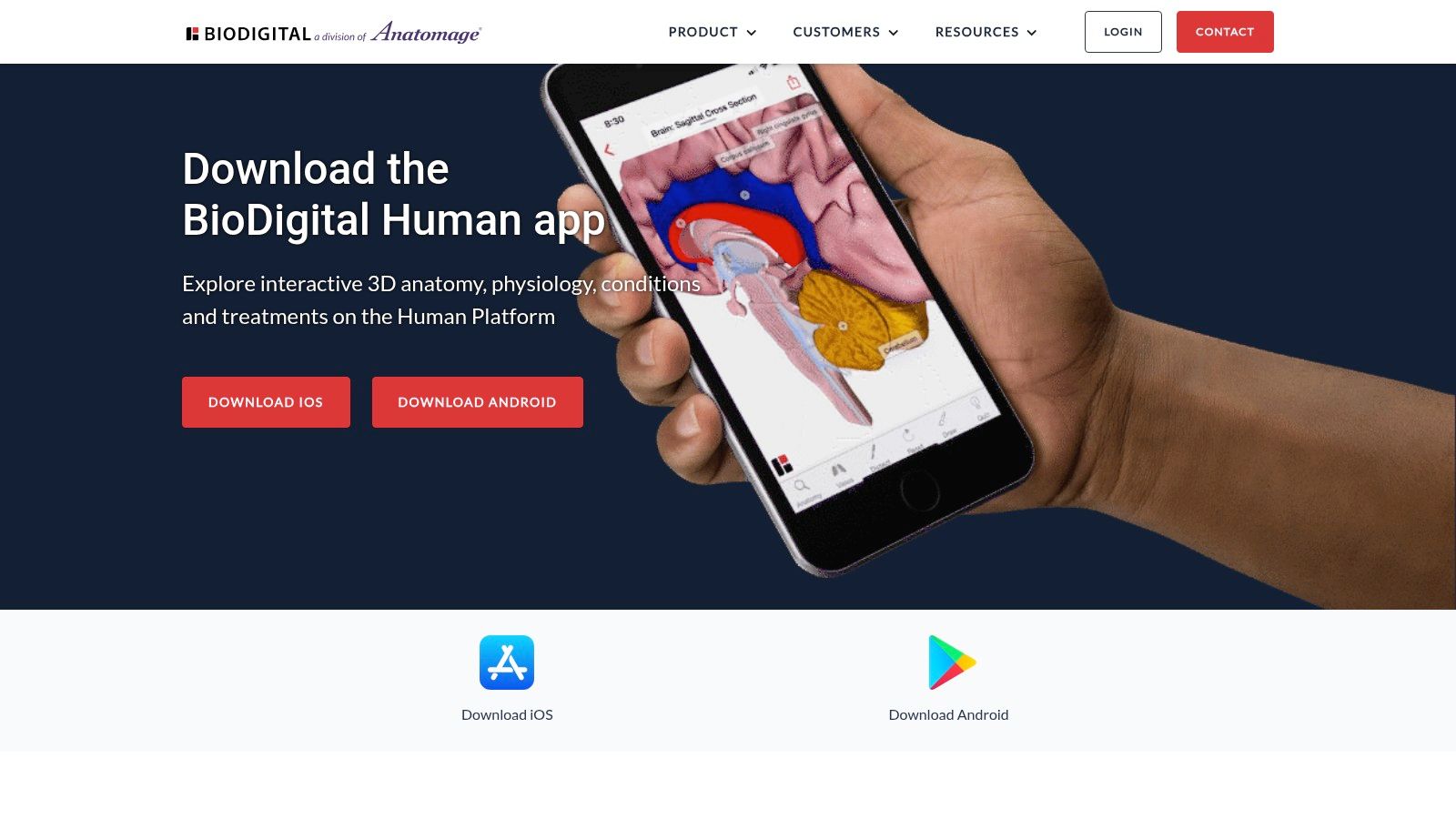
What makes it stand out is its powerful authoring and publishing suite, "Human Studio." While aimed at enterprise and education clients, these tools allow users to customize, embed, and share interactive 3D models directly in websites or presentations. This focus on shareability and integration makes it a unique resource for content creators and institutions looking to bring anatomy to life outside of a dedicated app.
Key Info & User Experience
| Feature | Details |
|---|---|
| Best For | Students, educators, and businesses needing embeddable, interactive clinical content. |
| Pricing | Generous free tier (10 model views/month). Personal Plus plan for individuals, plus more robust School & Business plans. |
| Standout Feature | Human Studio authoring tools for creating and publishing custom 3D visualizations. |
The platform offers a surprisingly robust free tier, making it highly accessible for casual learners. The user experience is clean and web-native, though some of the more advanced authoring tools are desktop-only. For individuals, the low-cost Personal Plus plan unlocks unlimited viewing, making it a fantastic value. The real power, however, lies in its enterprise solutions, which transform it from a simple viewer into a full-fledged content creation platform.
Website: https://www.biodigital.com/product/mobile-apps
6. BioDigital – iOS App Store
For those who live and learn on the go, the BioDigital app for iOS and iPadOS is the perfect pocket companion to its powerful web platform. It’s designed for quick access and offline study, allowing you to download complex models and dissect them anywhere, from the subway to a study lounge, without needing an internet connection. It’s the ideal mobile extension for any serious anatomy student.
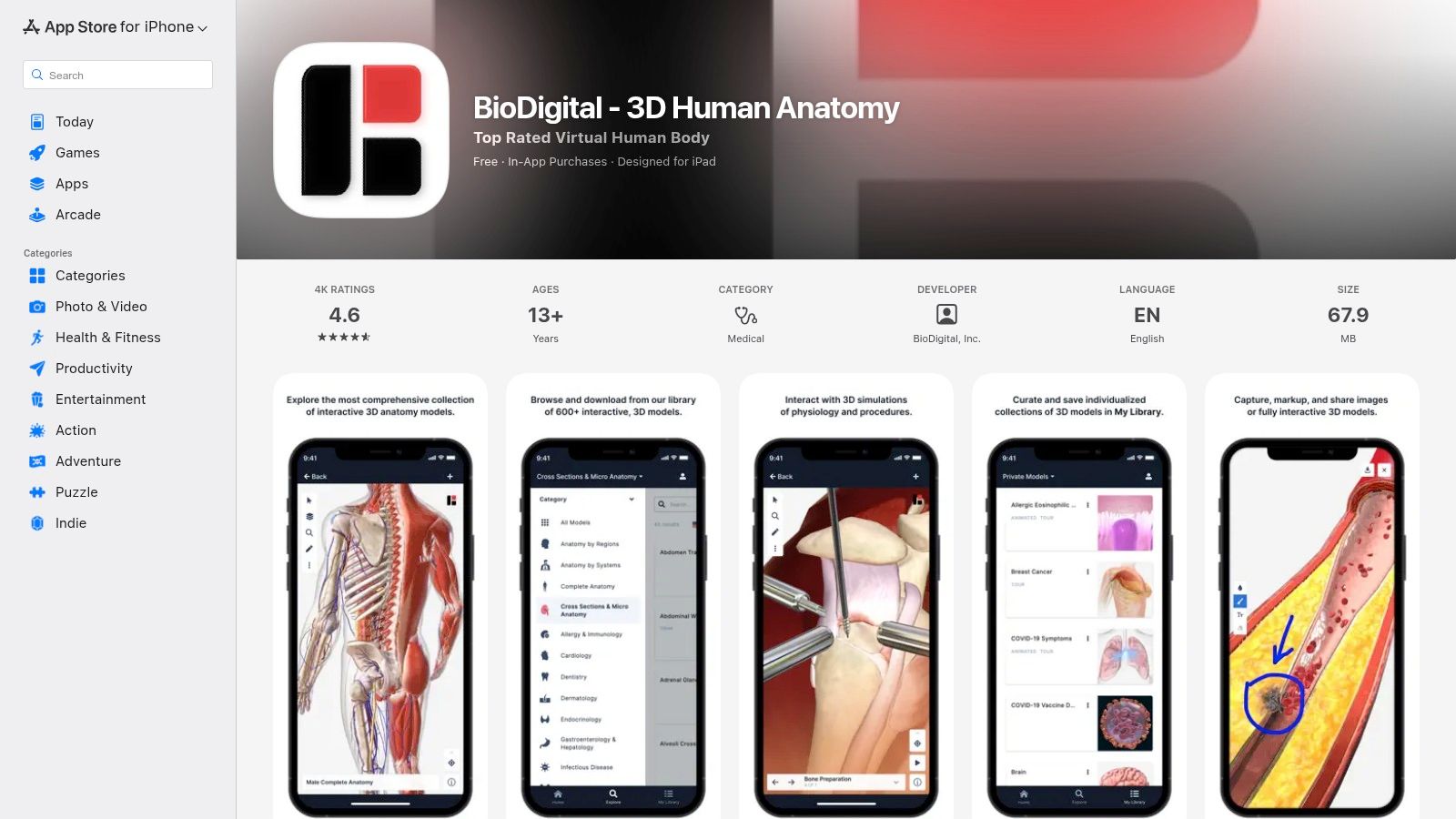
What makes this a must-have for BioDigital users is the seamless cross-platform synchronization. You can save a customized view on your desktop and instantly pull it up on your iPad to present or review. While the more advanced authoring and publishing tools remain on the web version, the mobile app excels at its core job: making high-quality 3D anatomy accessible anytime, anywhere.
Key Info & User Experience
| Feature | Details |
|---|---|
| Best For | Students and professionals who use the BioDigital platform and need offline mobile access. |
| Pricing | Free plan with limited features; Personal Plus subscription available via in-app purchase. |
| Standout Feature | Robust offline mode for downloaded models, ensuring you can study without a web connection. |
The user experience is fluid and intuitive, focusing on model interaction rather than the deep editing features of its web counterpart. It’s an excellent example of a companion 3d anatomy app that understands its role perfectly. The app is free to download, but unlocking its full potential with a Personal Plus plan is a worthwhile investment for uninterrupted learning.
Website: https://apps.apple.com/us/app/biodigital-3d-human-anatomy/id771825569
7. 3D Organon (official store)
If you're ready to step beyond the 2D screen and literally walk around the human body, 3D Organon is your gateway. This multi-award-winning platform is built from the ground up for virtual reality, making it a standout choice for immersive labs, VR-centric classrooms, and anyone who learns best by "doing." It shifts the learning experience from passive observation to active, spatial exploration.
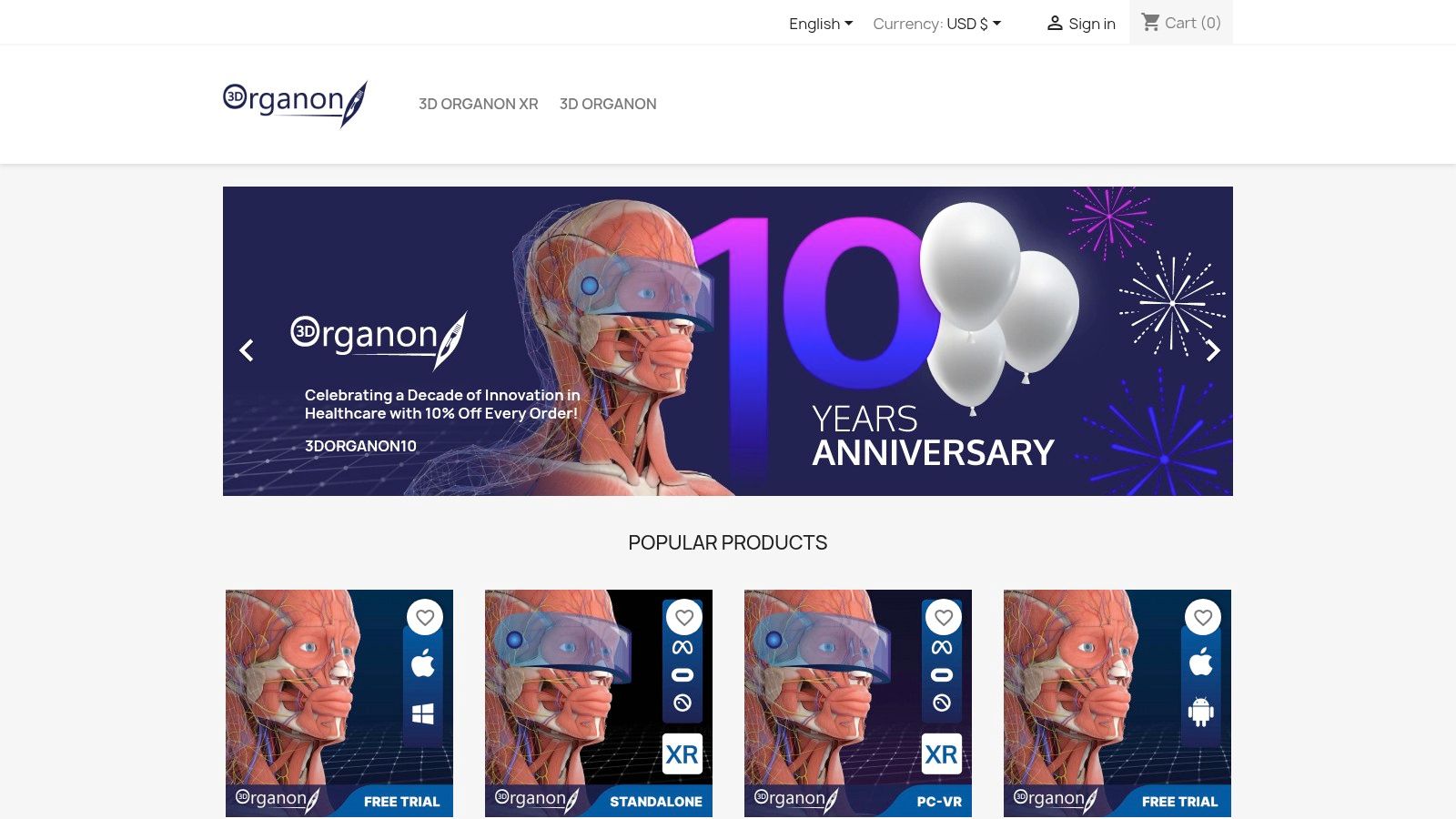
What sets this 3D anatomy app apart is its deep commitment to the extended reality (XR) ecosystem. With features like multi-user "Medverse" classrooms, support for medical imaging files (DICOM) in VR, and an AI Study Assistant, it's designed for the future of medical education. The platform feels less like an app and more like a virtual anatomy lab you can access from anywhere with a headset.
Key Info & User Experience
| Feature | Details |
|---|---|
| Best For | Educators building VR labs, institutions, and students seeking an immersive study tool. |
| Pricing | Multiple license tiers available (Student, Professional, Institutional) via their official store. |
| Standout Feature | Robust XR feature set including multi-user environments and DICOM viewer for VR. |
The user experience is powerful but hardware-dependent; a smooth session relies on a capable VR headset. While the price is higher than standard mobile apps, the value is in its unparalleled immersion. For developers exploring XR, the visual fidelity is a key lesson; creating clean, focused assets for virtual environments is crucial, and you can see a variety of advanced image processing techniques in these PixelPanda demos that can help achieve that clarity.
Website: https://store.3dorganon.com/en/
8. 3D Organon on Steam (Windows/macOS)
For those who live and breathe on their PC or Mac, 3D Organon’s presence on Steam offers a uniquely accessible entry point into the world of 3D anatomy. This isn't just a port; it's a version tailored for the desktop experience, complete with controller support and VR headset integration for an immersive dive into the human body. It’s the perfect choice for gamers, tinkerers, and students who prefer the power and familiarity of their computer setup.
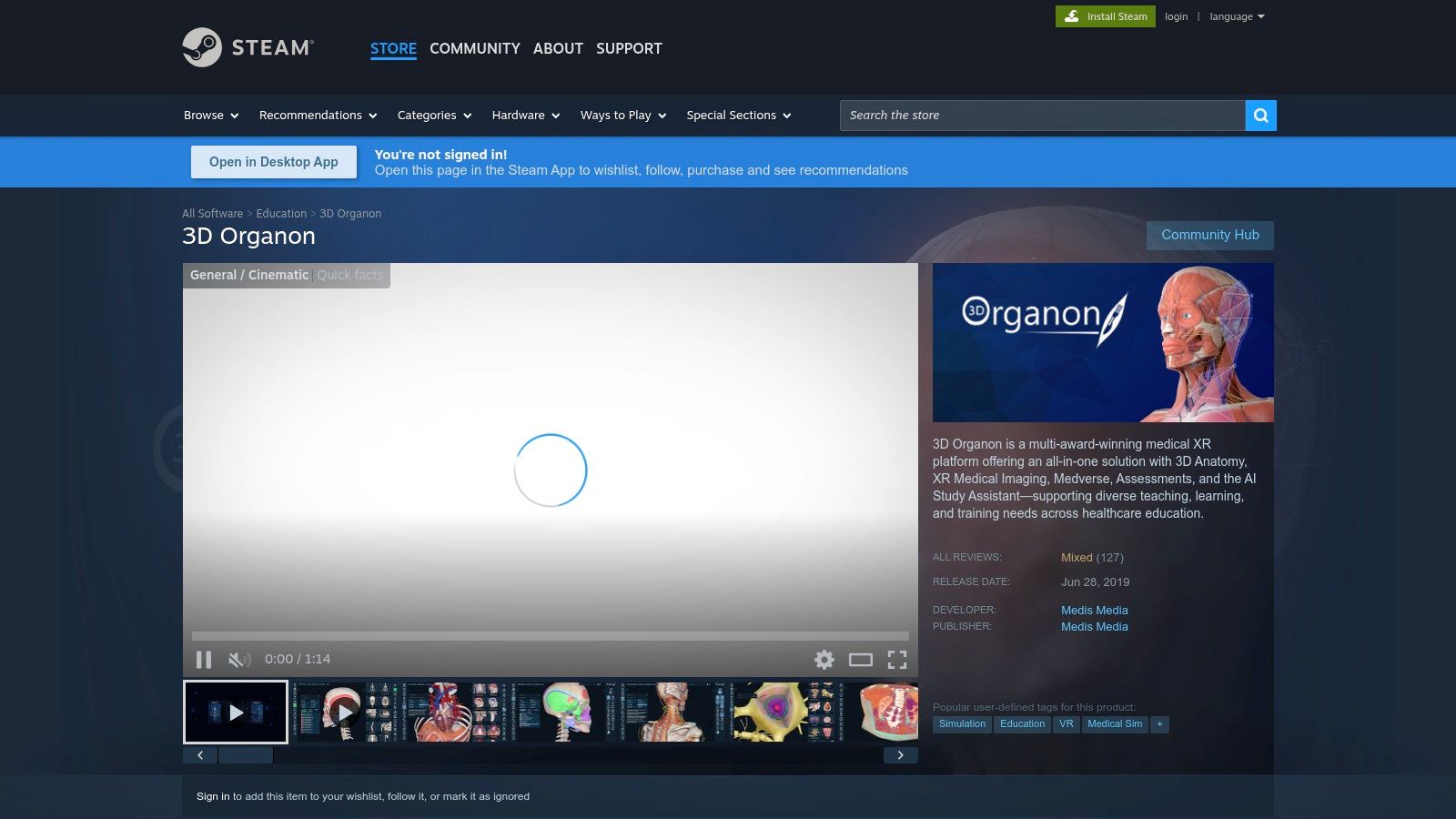
What makes the Steam version compelling is its "try before you buy" model. The Guest Mode grants two hours of full access, letting you explore every feature before committing. After that, it reverts to a limited free version. This low-friction approach, combined with Steam’s straightforward purchase, update, and refund policies, makes it an excellent, hassle-free way to test a powerful 3D anatomy app.
Key Info & User Experience
| Feature | Details |
|---|---|
| Best For | PC/Mac users, VR enthusiasts, and anyone wanting a low-risk trial via Steam. |
| Pricing | Free Guest Mode with 2 hours full access. Paid subscriptions/editions available to unlock permanent full features. |
| Standout Feature | Seamless integration with the Steam ecosystem for easy installation, updates, and VR support. |
The user experience leverages the strengths of the Steam platform, though navigating the different editions and their features can sometimes be confusing. The mixed user reviews often reflect this, as expectations can vary. However, for a convenient and powerful desktop-based anatomical tool, the Steam version of 3D Organon is a strong contender that’s incredibly easy to get started with.
Website: https://store.steampowered.com/app/1099550/3D_Organon/
9. Anatomy.app (by Anatomy Next)
For those who want to jump straight into learning without downloads or installations, Anatomy.app offers a sleek, browser-based solution. This 3D anatomy app is built for speed and accessibility, delivering a comprehensive learning experience directly through your web browser. It’s the perfect tool for quick study sessions, exam prep on the go, or anyone who prefers a lightweight, no-fuss approach to anatomical exploration.
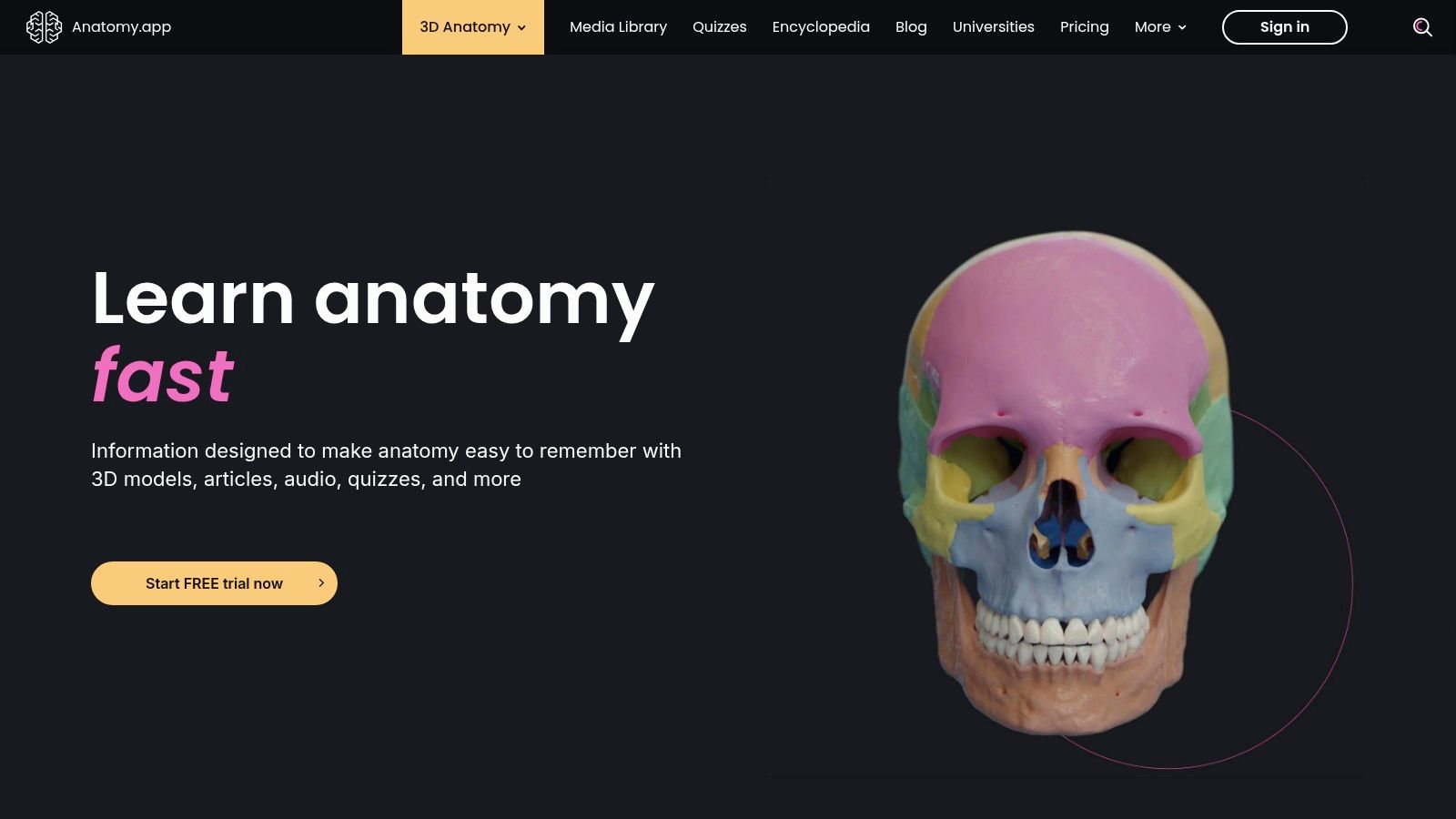
What sets it apart is its focus on structured learning paths and progress tracking. Instead of just giving you a model to explore, it guides you through topics with an encyclopedia and tests your knowledge with integrated quizzes. This makes it feel less like a sandbox and more like a dedicated study partner, keeping you on track to master complex subjects.
Key Info & User Experience
| Feature | Details |
|---|---|
| Best For | Students and learners who need a fast, web-accessible tool with built-in study aids. |
| Pricing | Subscription-based for full access to the content library. A free version with limited models is available. |
| Standout Feature | Its purely web-based platform means instant access on any device with a modern browser, no app installation needed. |
The user experience is clean and intuitive, designed to minimize friction so you can focus on learning. While it might lack the sheer depth of some native desktop applications, its convenience is a major win. The full library is behind a paywall, but the free preview is generous enough to see if its streamlined, goal-oriented approach is right for you.
Website: https://anatomy.app/
10. Anatomyka
Anatomyka steps in as the pragmatic choice for individuals who want a solid 3D anatomy app without being locked into a single ecosystem. Its biggest selling point is a "buy once, use everywhere" philosophy. A single license covers your desktop (Windows/macOS) and mobile devices (iOS/Android), which is a refreshing approach compared to the platform-specific subscriptions that dominate the market. It’s perfect for the student who studies on a laptop but needs to review on their phone while on the go.
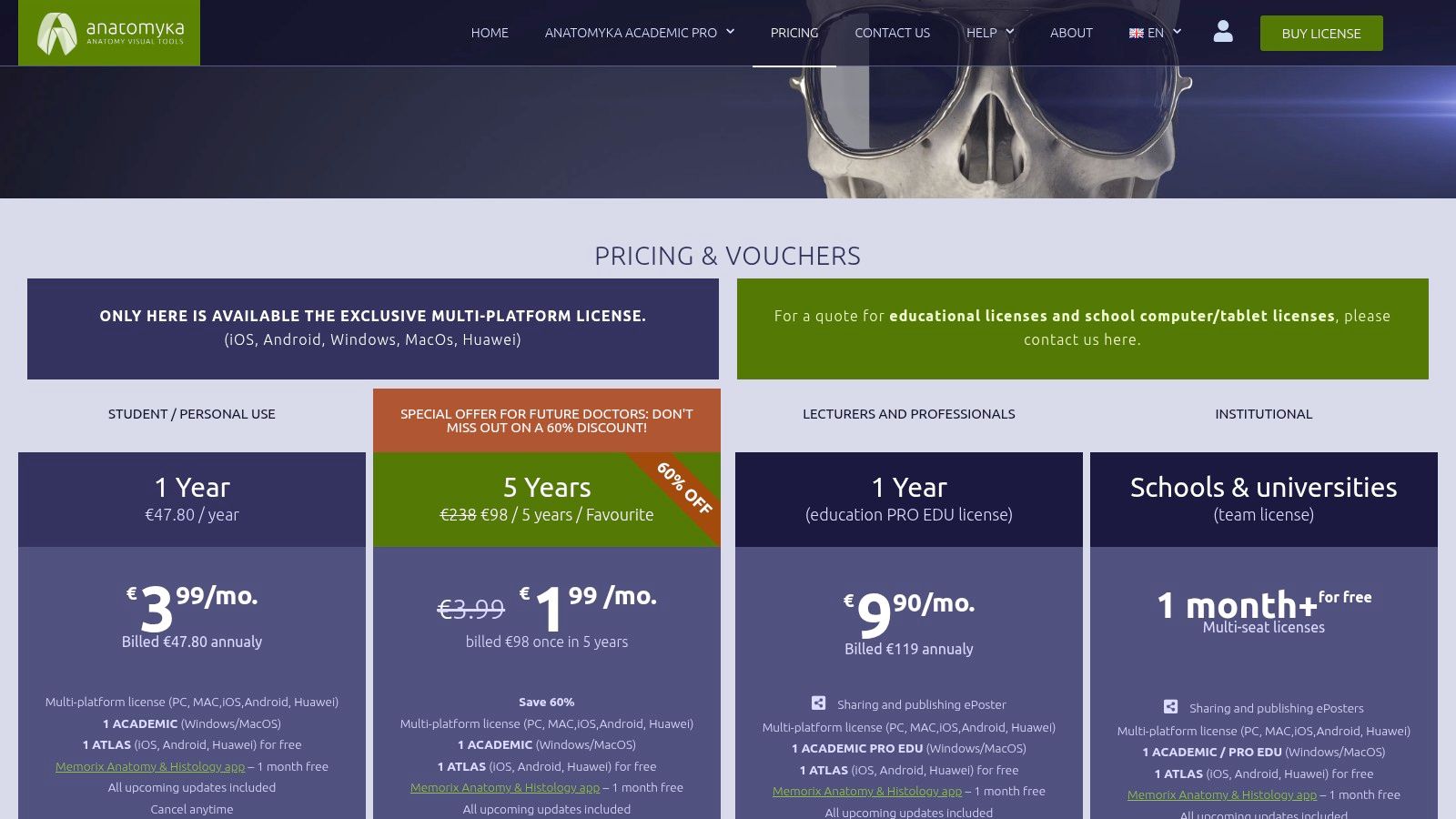
This platform provides a comprehensive set of models and supplementary resources like anatomical posters, making it a viable tool for both personal study and educational presentations. While it may not have the massive institutional backing of an Elsevier, it delivers core functionality effectively and offers excellent value, especially through its multi-year personal plans.
Key Info & User Experience
| Feature | Details |
|---|---|
| Best For | Students and professionals who want one license for all their devices. |
| Pricing | One-time or multi-year licenses for students and professionals. Pricing is listed in EUR. |
| Standout Feature | Cross-platform license covers desktop and mobile with a single purchase. |
The user experience is straightforward, focusing on easy access to its library of models without too much complexity. The interface is clean, allowing you to get right into exploring anatomical structures. Its smaller brand footprint means it's less of a household name, but for users prioritizing convenience and cost-effectiveness over a sprawling ecosystem, Anatomyka is a strong contender.
Website: https://www.anatomyka.com/pricing/
11. Anatomy 3D Atlas (Catfish Animation Studio)
For those who cringe at the thought of another monthly subscription, Anatomy 3D Atlas offers a refreshing alternative. This straightforward 3D anatomy app from Catfish Animation Studio focuses on a one-and-done purchase model. You get a highly detailed atlas with a perpetual license, making it a great budget-friendly choice for students and enthusiasts who want long-term access without recurring fees.
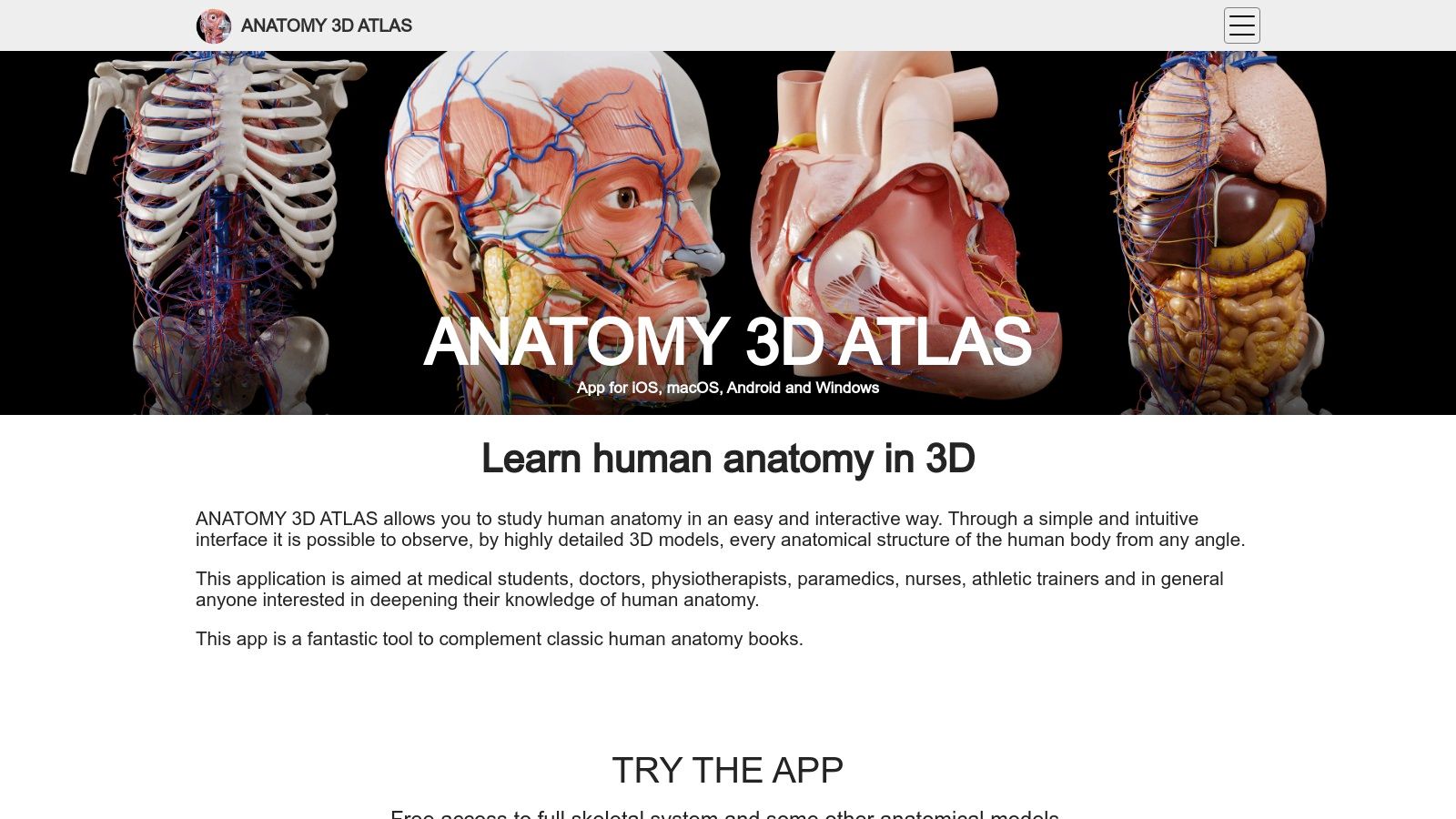
Its strength lies in simplicity and accessibility. The interface is clean and intuitive, making it easy to isolate, hide, or fade structures to understand their relationships. With support across iOS, macOS, Android, and Windows, it’s a versatile tool you can access on nearly any device. The free version, which includes the complete skeletal system, provides a generous trial to see if its workflow fits your needs before you commit.
Key Info & User Experience
| Feature | Details |
|---|---|
| Best For | Students and independent learners seeking a subscription-free, multi-platform atlas. |
| Pricing | Free version with a full skeletal system; one-time in-app purchases unlock full content. |
| Standout Feature | A perpetual license model that avoids recurring subscription costs. |
The user experience is smooth and focused on core anatomical exploration without the bells and whistles of larger enterprise platforms. While it may lack the extensive video libraries or curriculum integration of its pricier competitors, its high-quality models and easy-to-use controls make it a solid and reliable reference tool. It’s a prime example of a focused, effective 3D anatomy app that prioritizes user ownership.
Website: https://anatomy3datlas.com/
12. ZygoteBody (web app)
If you need a solid 3D anatomy app without the commitment of a download, ZygoteBody is your go-to browser-based solution. It offers a surprisingly robust experience right from your web browser, making it perfect for quick study sessions, patient education, or embedding anatomical views into a presentation without any software installation. It's the "grab and go" option for anatomical exploration.
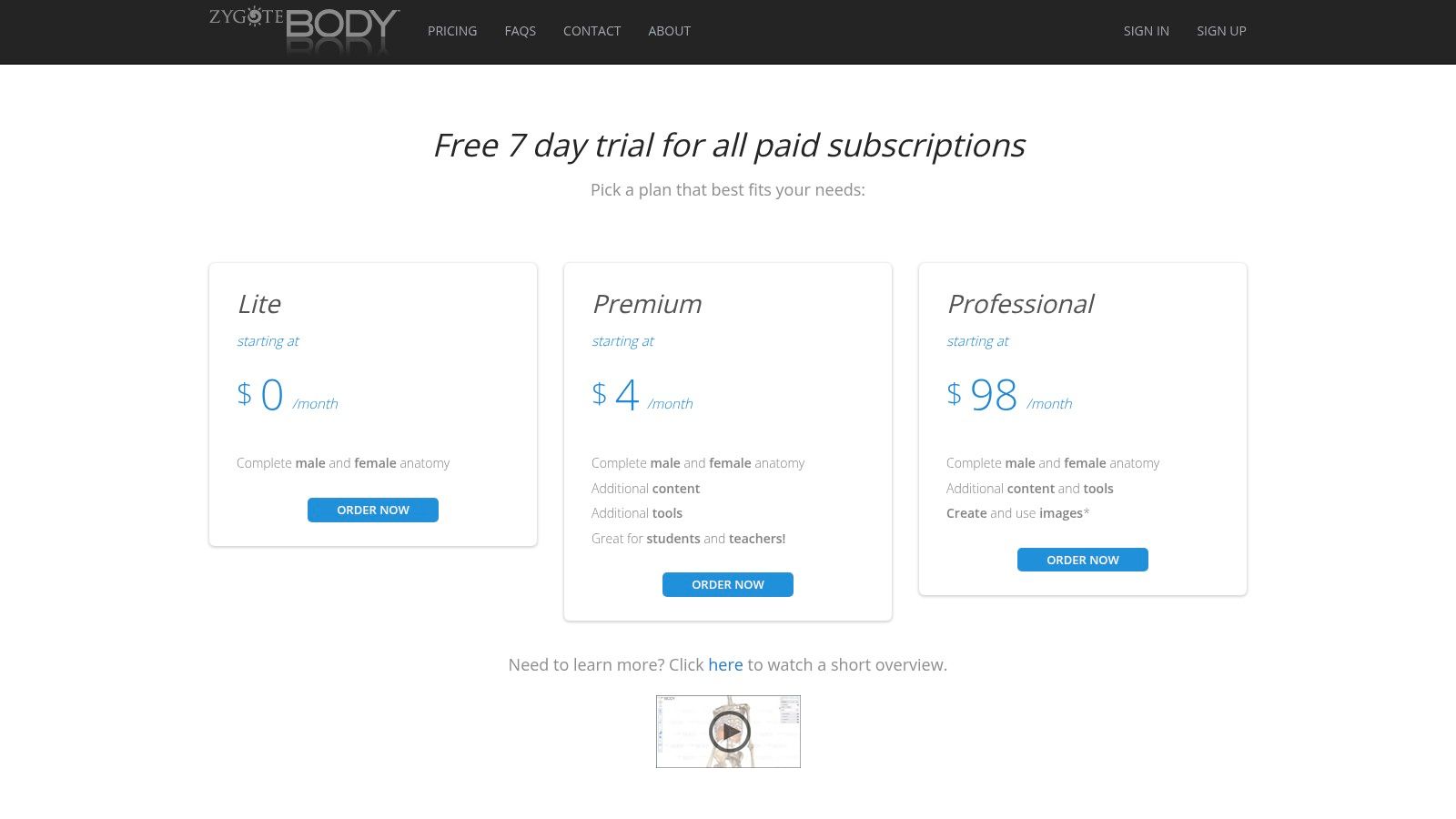
What makes it stand out is its accessibility and tiered approach. The free Lite version is great for basic layer-by-layer discovery, but the paid tiers unlock powerful features like slicing, exploded views, and the ability to save and annotate scenes. This makes it a scalable tool that can grow with your needs, from casual browsing to serious academic or professional use.
Key Info & User Experience
| Feature | Details |
|---|---|
| Best For | Students and educators wanting quick, no-install access; professionals needing to create teaching scenes. |
| Pricing | Free Lite version; affordable Premium and Professional monthly/annual subscriptions with a 7-day trial. |
| Standout Feature | Fully browser-based functionality, eliminating the need for downloads and allowing for easy access on any modern device. |
The user experience is straightforward and intuitive, prioritizing speed and simplicity over the exhaustive feature sets of its heavyweight competitors. While the content library isn't as vast as some others, and advanced image exports are locked behind higher-priced tiers, its low barrier to entry and hassle-free access make it a valuable resource for instant anatomical visualization.
Website: https://www.zygotebody.com/pricing
Top 12 3D Anatomy Apps — Features & Platform Comparison
| Product | ✨ Key features | ★ Quality | 💰 Pricing | 👥 Target audience | 🏆 Standout/USP |
|---|---|---|---|---|---|
| Complete Anatomy (Elsevier) | ✨ High-detail male/female 3D models, courses, AR, clinical videos | ★★★★☆ | 💰 Subscription (tiered; institutional pricing) | 👥 Students, educators, clinicians, institutions | 🏆 Elsevier content & deep courseware |
| Complete Anatomy (iPhone/iPad) | ✨ Full models, 700+ atlas screens, AR, iOS integrations | ★★★★☆ | 💰 Free download; in‑app subscription (3‑day trial) | 👥 Apple users wanting quick trial & mobile use | 🏆 Seamless App Store purchase & device restore |
| Visible Body – Human Anatomy Atlas | ✨ Gross anatomy, AR dissections, muscle/bone actions | ★★★★☆ | 💰 One-time purchase (core atlas); add‑ons extra | 👥 Students & clinicians preferring pay‑once | 🏆 Perpetual purchase option; VisionOS support |
| Visible Body Suite | ✨ Multi-title 3D library (anatomy, physiology, microanatomy) | ★★★★☆ | 💰 Subscription bundle (all titles) | 👥 Multi-course students, educators, institutions | 🏆 All-in-one access across Visible Body titles |
| BioDigital Human (official) | ✨ 1,000+ interactive models, authoring, web embed, mobile apps | ★★★★☆ | 💰 Free tier → Personal Plus / enterprise plans | 👥 Educators, enterprises, clinicians | 🏆 Generous free tier + authoring & publishing tools |
| BioDigital – iOS App Store | ✨ Sync with web account, offline saved models, mobile access | ★★★★☆ | 💰 Free app; in‑app upgrade to Personal Plus (annual) | 👥 Mobile learners needing offline & sync | 🏆 Low-cost unlimited views via Personal Plus |
| 3D Organon (official store) | ✨ 17,000+ structures, DICOM/XR support, quizzes, multi-user | ★★★★☆ | 💰 License tiers (student, pro, XR); higher price | 👥 VR classrooms, labs, immersive anatomy users | 🏆 Deep XR feature set for VR education |
| 3D Organon on Steam | ✨ Guest 2‑hr access, PC VR & flat-screen, multi-language | ★★★★☆ | 💰 Free-to-play guest; paid editions/subscriptions on Steam | 👥 PC & VR users who want easy trials | 🏆 Low-friction Steam trial & easy refunds/updates |
| Anatomy.app (Anatomy Next) | ✨ Browser-based 3D models, quizzes, progress tracking | ★★★☆☆ | 💰 Subscription for full library (web-first) | 👥 Students prepping for exams; web users | 🏆 Fast no-install experience with study tracking |
| Anatomyka | ✨ Multi-platform license (desktop + mobile), teaching resources | ★★★☆☆ | 💰 One-license multi-year options (EUR pricing) | 👥 Users wanting cross-platform single-license | 🏆 One license spans devices; value bundles |
| Anatomy 3D Atlas (Catfish) | ✨ High-detail models, multiselect, free skeletal tier | ★★★☆☆ | 💰 Perpetual license; in‑app purchases to unlock content | 👥 Budget-conscious buyers wanting pay-once | 🏆 Perpetual pay-once across major OSes |
| ZygoteBody (web app) | ✨ Layer reveal, slicing, scene save, annotations (Pro) | ★★★☆☆ | 💰 Free Lite; low-cost Premium; Pro higher tiers (7‑day trial) | 👥 Teachers, quick visualizers, small teams | 🏆 Low entry price + browser convenience |
Supercharge Your Anatomy Visuals with AI
And there you have it, a whirlwind tour through the digital cadaver lab of the 21st century. We've dissected everything from the academic powerhouse of Complete Anatomy to the developer-friendly API of BioDigital Human and the immersive VR experience of 3D Organon. It's clear that the perfect 3D anatomy app isn't a one-size-fits-all solution; it's a highly personal choice that hinges on your specific mission.
Whether you're a medical student cramming for finals, an educator crafting an engaging curriculum, or a developer building the next groundbreaking health-tech platform, your journey starts with identifying your core need. Are you after encyclopedic detail, interactive quizzing, or a flexible API to build upon?
Your Roadmap to Choosing the Right App
Making the final call can feel like performing delicate surgery, so here’s a quick-start guide to simplify your decision:
- For the Dedicated Student or Clinician: If you need exhaustive detail, clinical correlations, and a tool that can grow with you from M1 to residency, Complete Anatomy or Visible Body's Human Anatomy Atlas are your gold-standard companions. They are the comprehensive textbooks of the app world.
- For the Innovative Educator: To bring anatomy to life in the classroom, look towards BioDigital Human for its embeddable models and shareable content, or 3D Organon for its jaw-dropping VR capabilities that can captivate an entire lecture hall.
- For the Health-Tech Developer: If you're building an application, the choice is clear. BioDigital Human's API offers the most robust and documented path to integrating high-quality 3D models directly into your product. For teams needing foundational models to build from, ZygoteBody provides a fantastic, accessible starting point.
From Model to Masterpiece: The Visual Bottleneck
No matter which 3D anatomy app you choose, you'll eventually face a universal challenge: turning those incredible 3D exports and screenshots into polished, professional assets. Manually cleaning up backgrounds, sharpening details for a presentation, or applying a consistent visual style across hundreds of images is a notorious time-sink. It’s tedious, repetitive work that pulls your focus from what truly matters, which is educating and innovating.
This is where automation becomes your superpower. Instead of spending hours in Photoshop, imagine an API that does the heavy lifting for you. When considering how to enhance the creation and visualization of anatomical structures, exploring the latest advancements in technology is key, including the best AI tools for 3D modeling that can complement your existing workflow. By automating the post-production process, you free up invaluable time to focus on creating more impactful content.
The future of anatomical education and app development is not just about having the most detailed models, it's about presenting them with clarity, consistency, and professional polish. Your visuals are the final handshake with your audience, so make them count.
Ready to stop wasting time on manual image editing and start producing stunning anatomical visuals at scale? PixelPanda provides a powerful API to automate background removal, upscaling, and other essential enhancements for your app's content. Try PixelPanda today and revolutionize your visual workflow.