Remember when PDFs were just flat, boring documents? Static text, maybe a grainy image if you were lucky. Those days are over. Today's technical docs, from complex engineering schematics to architectural blueprints, are bursting into the third dimension. But there's a catch: your standard PDF reader, the one you use for invoices and ebooks, might just throw its hands up in defeat when faced with an interactive 3D model. It simply wasn't built for that.
A specialized 3D PDF viewer isn't just a 'nice-to-have'; it's the essential bridge between a complex CAD model and a universally accessible, interactive document. This guide isn't another tedious feature list. We're diving deep into the 12 best tools that actually get the job done, highlighting the unsung heroes and calling out the frustrating limitations. To truly grasp the capabilities of modern document handling, it's insightful to consider how 3D PDF viewers fit into the broader category of top PDF analyzer tools, which handle complex data extraction and structure analysis.
We'll help you pick the right viewer for your team's workflow, whether you're a developer embedding a viewer in your app or an engineer sharing a design with a non-technical client. Forget the marketing fluff; get ready for direct links, screenshots, and an honest look at what works.
1. Adobe Acrobat Reader / Acrobat Pro
Let's start with the OG, the heavyweight champion of the PDF world: Adobe Acrobat. When it comes to being a reliable 3D PDF viewer, Acrobat is the de facto standard. It’s the reference implementation against which all others are measured, offering native support for both PRC and U3D formats. Think of it as the friendly, slightly corporate bouncer at the door of 3D content; it’s built to handle everything, but it has some rules you need to follow first.
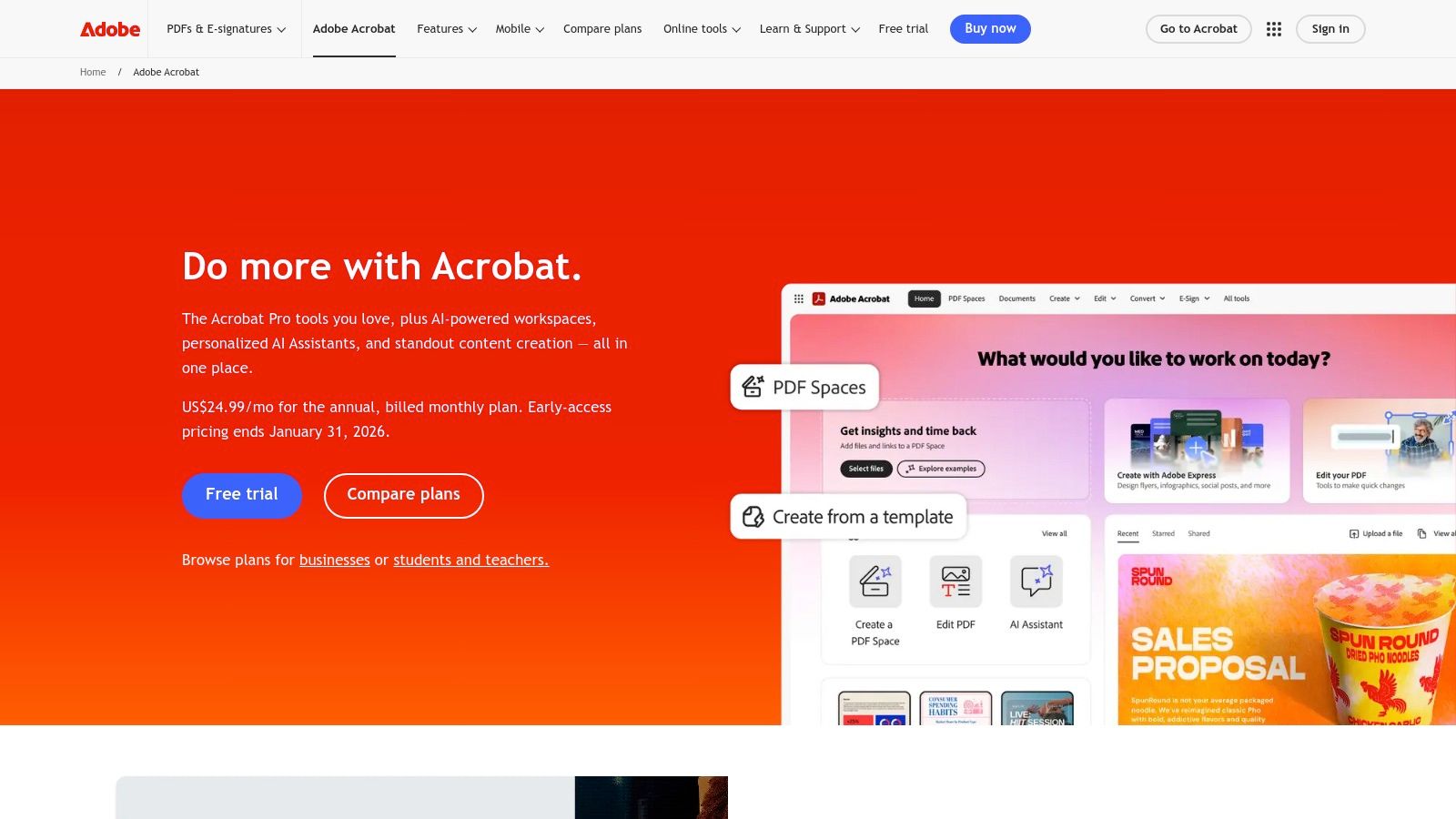
The biggest "gotcha" for new users is that 3D content is disabled by default for security reasons. A user must manually enable it in the preferences, which can be a hurdle for less technical stakeholders. Once enabled, however, the experience is seamless, with a dedicated 3D toolbar for manipulating models. While Adobe Acrobat remains a dominant player in PDF handling, many users explore other options. For those interested, you can find a broader comparison of Adobe Acrobat Reader alternatives.
Key Features & User Experience
For enterprise teams, the real power lies in Acrobat Pro's security controls and documentation, allowing IT departments to manage 3D enablement via policy keys. This makes it a trusted choice for large organizations. However, some users on newer Apple Silicon hardware have reported rendering glitches, sometimes requiring a switch to the Rosetta 2 compatibility layer.
- Pros: The most compatible desktop viewer; strong enterprise security controls.
- Cons: 3D is disabled by default; potential compatibility issues on Apple Silicon.
Acrobat Reader is free, while the more powerful Acrobat Pro requires a subscription. You can find out more about the pricing options for Acrobat Pro on Adobe's site.
Website: https://www.adobe.com/acrobat
2. Foxit PDF Reader / Foxit PDF Editor
If Adobe is the heavyweight champion, Foxit is the scrappy, lightweight contender that packs a surprising punch. For years, Foxit has been the go-to alternative for users seeking a faster, less resource-intensive PDF experience. As a 3D PDF viewer, it holds its own with built-in support for both PRC and U3D formats, making it a highly capable and often preferred choice for engineers and designers who want performance without the bloat. It's the nimble tool you grab when you just need to get the job done quickly.
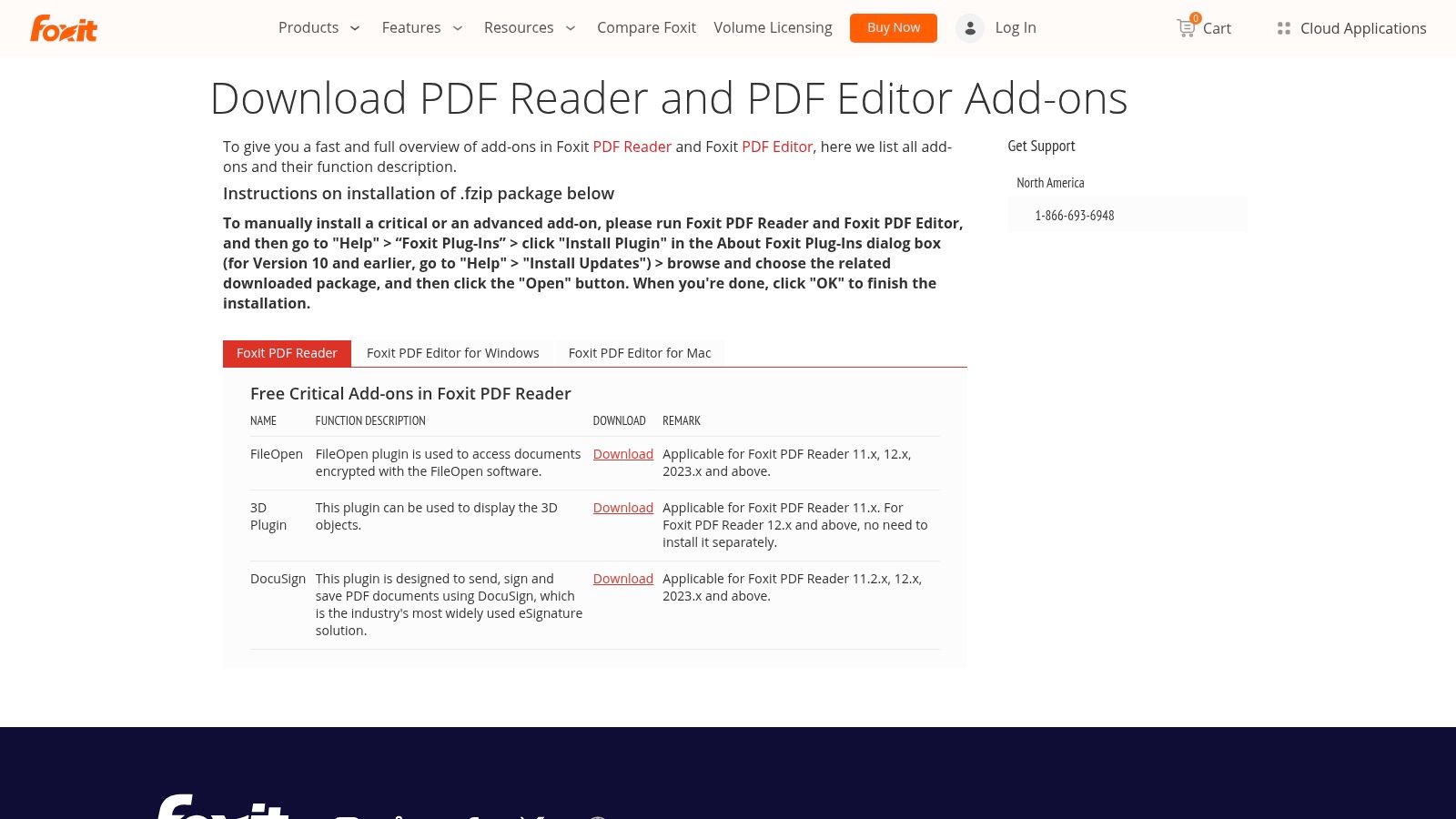
Unlike Adobe, Foxit's 3D features are generally enabled out of the box, removing a significant barrier for sharing interactive models with non-technical clients. The real magic, however, lies in its cross-platform consistency. Foxit's mobile apps are particularly impressive, allowing for smooth multitouch navigation of 3D windows on a phone or tablet, a feature that feels both intuitive and powerful for on-the-go reviews.
Key Features & User Experience
The Foxit PDF Editor (specifically the Pro version) goes beyond just viewing by allowing users to directly insert 3D models into a PDF and work with 3D annotations. This makes it a complete workflow tool for creating and consuming technical documentation. While enterprise deployment options are available, some system administrators have noted frustrations with recent installer packaging and licensing changes. Its deprecation of Linux support is also a drawback for some development teams.
- Pros: Lightweight and fast; strong cross-platform support with excellent mobile 3D navigation.
- Cons: Deprecated Linux support; installer and licensing changes can be complex for IT.
Foxit PDF Reader is free, while the advanced Foxit PDF Editor is available through subscription or perpetual license.
Website: https://www.foxit.com/pdf-editor/addons.html?utm_source=openai
3. PDF‑XChange Editor (Tracker Software)
For Windows users seeking a lightweight yet surprisingly powerful alternative, PDF‑XChange Editor from Tracker Software is a serious contender. It’s known for being lean, fast, and packed with features, including a capable 3D PDF viewer. While it only supports the U3D format (lacking PRC support), its performance is zippy, making it a favorite for users who prioritize speed over universal compatibility. It's the speedy hot-hatch in a world of enterprise sedans.
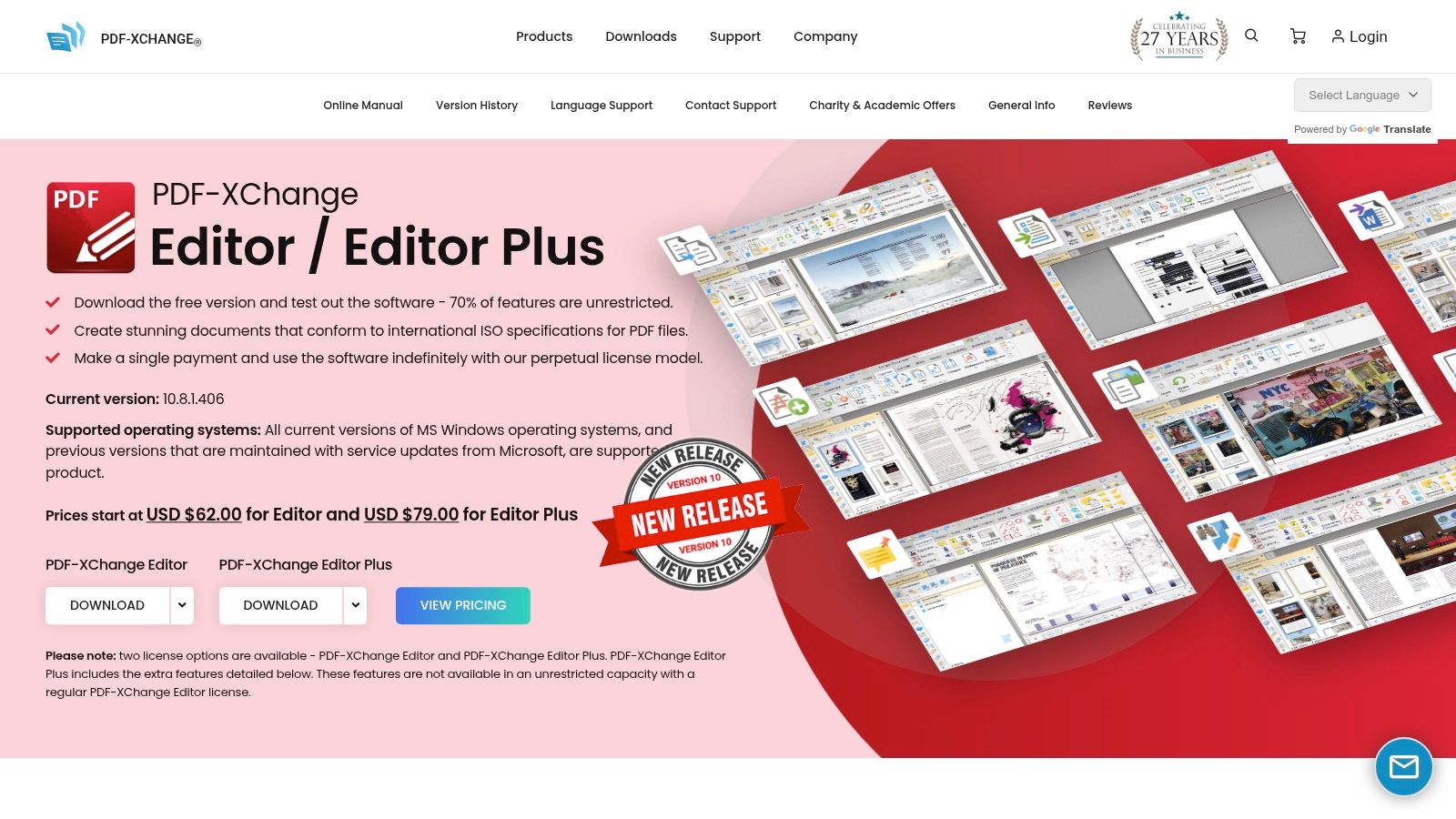
This editor gives technical users a high degree of control over the 3D viewing experience. Unlike some viewers that offer a one-size-fits-all approach, PDF-XChange lets you dive into detailed rendering preferences, including anti-aliasing settings, axis display, and even the choice of rendering engine. This granularity is a huge plus for engineers who need to inspect models with specific visual settings.
Key Features & User Experience
The user experience is geared toward power users who appreciate having every tool at their fingertips. The 3D controls are integrated directly into the interface, allowing for quick manipulation of models without digging through menus. One of its most appealing aspects is its perpetual licensing model, a refreshing change from the subscription-heavy market. It's an excellent choice for individuals or teams on Windows who work primarily with U3D files and want a fast, affordable, and customizable tool.
- Pros: Fast and resource-friendly editor with granular 3D controls; perpetual licensing options.
- Cons: Limited to U3D embedded content; Windows-only platform.
PDF-XChange Editor offers a free version with basic features, while the Pro version with advanced editing and 3D capabilities is available for a one-time purchase.
Website: https://tracker-software.com/product/pdf-xchange-editor
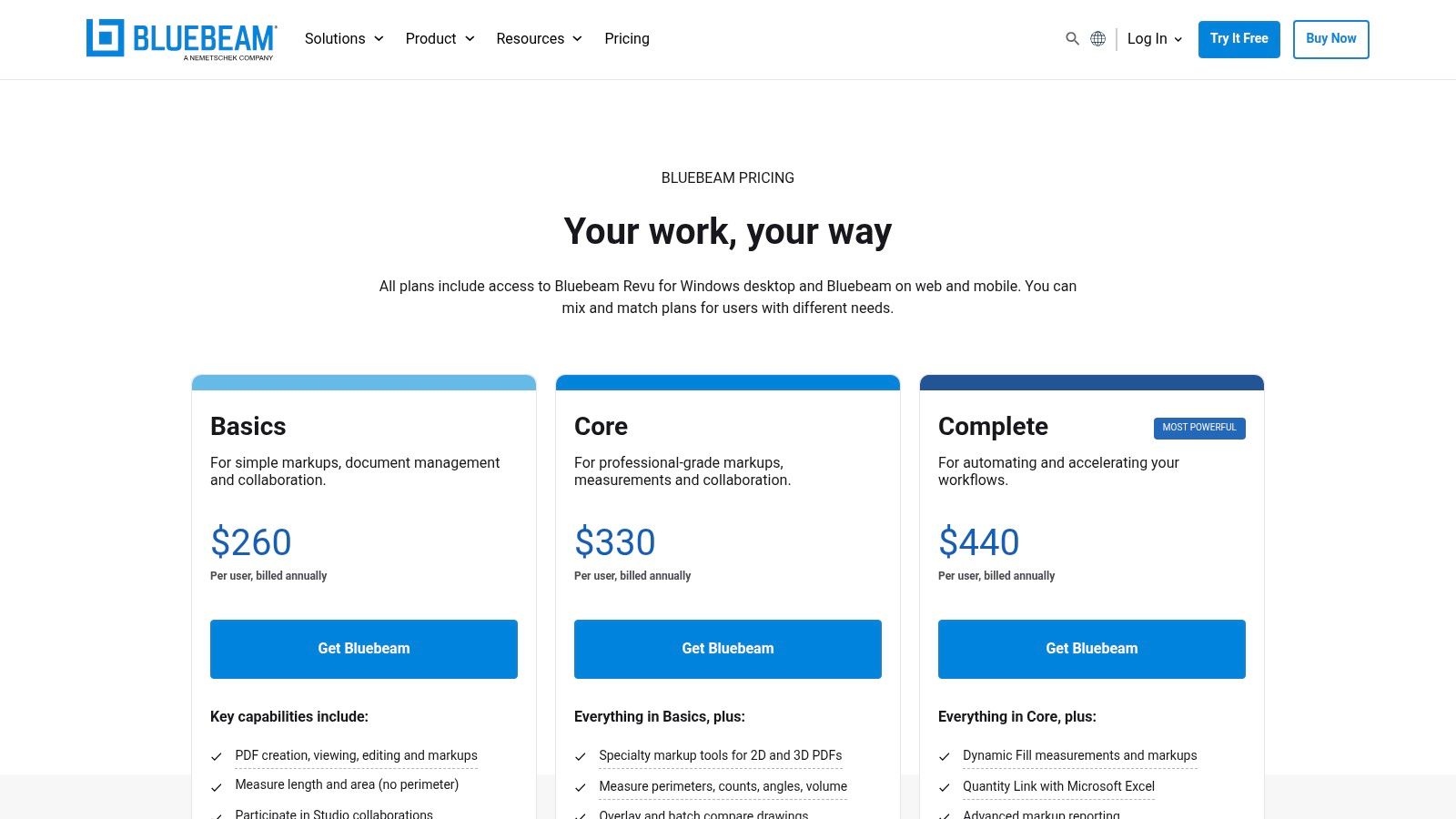
4. Bluebeam Revu
If Adobe is the corporate standard, Bluebeam Revu is the hard-hat-wearing, blueprint-wielding specialist from the construction site. Designed specifically for the Architecture, Engineering, and Construction (AEC) industry, Revu isn't just a 3D PDF viewer; it's a project collaboration powerhouse. It integrates 3D PDF viewing directly into the markup, review, and documentation workflows that AEC professionals rely on, making it a purpose-built tool rather than a generic one.
The platform shines with its direct CAD plug-ins for tools like Revit and Navisworks, allowing teams to publish rich 3D PDFs with a complete model tree. This means stakeholders on-site can section, isolate, and inspect parts of a complex model within a single PDF file, right alongside their 2D plans and markups. It’s all about bringing complex BIM data into an accessible, universal format for everyone on the project team.
Key Features & User Experience
Revu's strength lies in its ecosystem. The ability to drag-and-drop U3D or IFC files to create 3D PDFs simplifies the workflow immensely. However, it's a decidedly Windows-centric world, and many of the powerful 3D creation features are reserved for its mid-tier and high-tier subscription plans. For AEC teams already invested in a PDF-based review process, it’s an indispensable asset for integrating 3D models.
- Pros: Tailor-made for construction workflows; excellent markup and review integration.
- Cons: Windows-centric desktop app; core 3D creation features require pricier plans.
Bluebeam offers several subscription tiers, with pricing detailed on their website. The cost reflects its status as a professional-grade industry tool.
Website: https://www.bluebeam.com/pricing/?utm_source=openai
5. Tetra4D Reviewer (Tech Soft 3D)
Moving into the industrial-strength category, Tetra4D Reviewer is a specialized, high-fidelity 3D PDF viewer built for engineers who live and breathe CAD data. This isn't your average document viewer; it's a powerful tool designed to handle complex native CAD files from over 20 formats like CATIA, NX, and Creo. Think of it as a universal translator for 3D engineering data, letting non-CAD users dive deep into assemblies without needing an expensive software license.
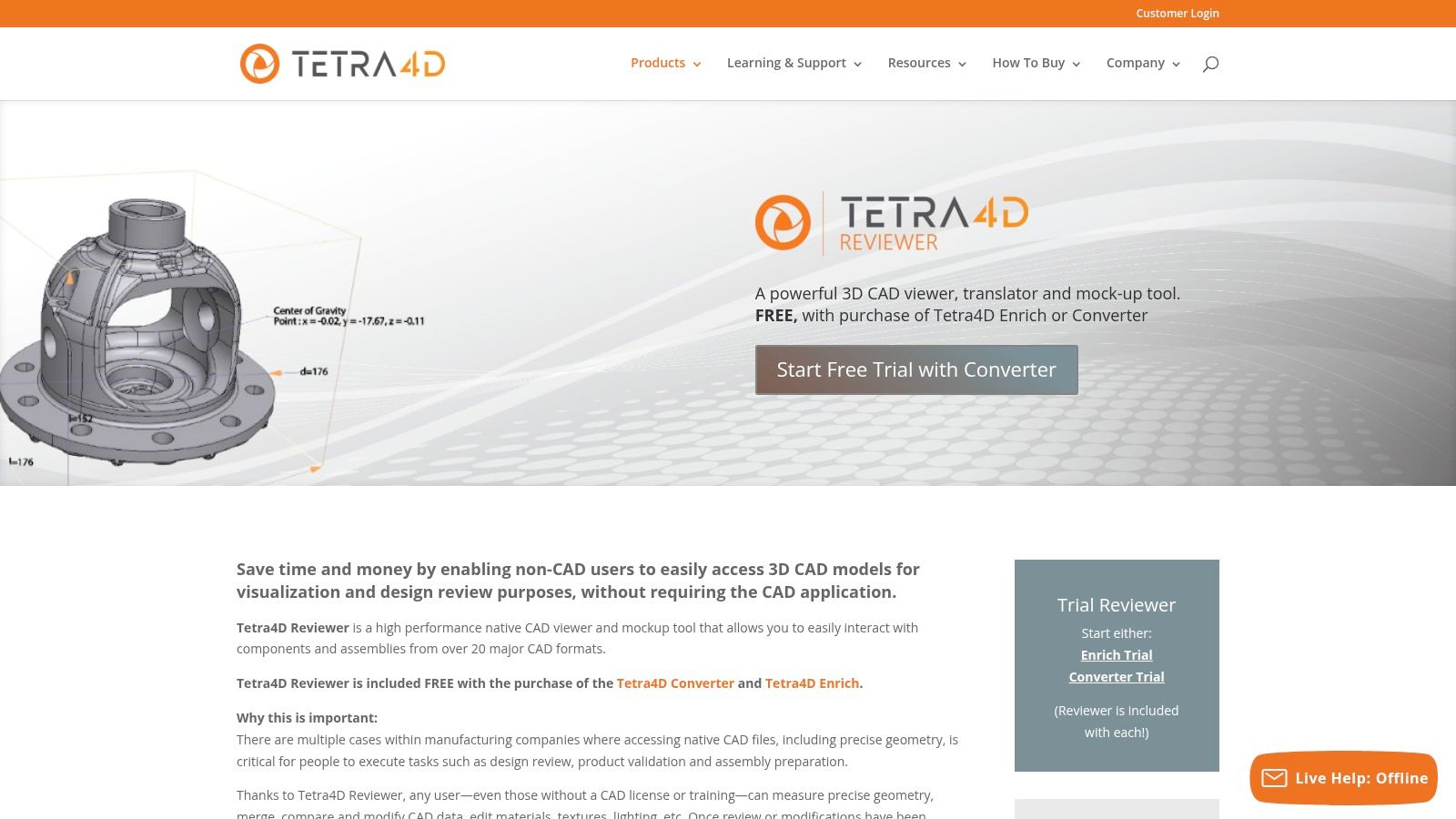
The main "gotcha" here is that you can't just buy the Reviewer by itself. It comes bundled with the Tetra4D Converter or Enrich tools, which are focused on creating and augmenting 3D PDFs. This makes it part of a larger workflow solution for technical data packages rather than a standalone freebie. For teams deeply invested in the Model-Based Definition (MBD) ecosystem, its ability to perfectly display Product Manufacturing Information (PMI) is a massive win.
Key Features & User Experience
The user experience is geared toward technical inspection, not casual viewing. Its strength lies in providing precise measurement, model comparison, and the ability to export to neutral formats like STEP. This makes it indispensable for quality control, supplier collaboration, and design review cycles where accuracy is non-negotiable. However, its Windows-only limitation might be a deal-breaker for teams on Mac or Linux.
- Pros: High-fidelity visualization of major CAD formats; deep support for PMI data.
- Cons: Not sold separately (bundled with other Tetra4D products); Windows-only.
Tetra4D's tools are commercial products, and you'll need to contact them for pricing as it's part of a larger enterprise solution.
Website: https://tetra4d.com/tetra-4d-reviewer/?utm_source=openai
6. Tetra4D Enrich + Converter
If Adobe Acrobat is the venue, Tetra4D provides the VIP event planning service. Tetra4D's tools, Enrich and Converter, don't function as a standalone 3D PDF viewer but rather as powerful authoring plugins for Acrobat Pro. They are designed for one specific, crucial task: transforming complex, native CAD files into interactive, data-rich 3D PDFs that anyone with Adobe Reader can open and understand. Think of it as the ultimate translation tool, bridging the gap between highly technical engineering data and the rest of the enterprise.
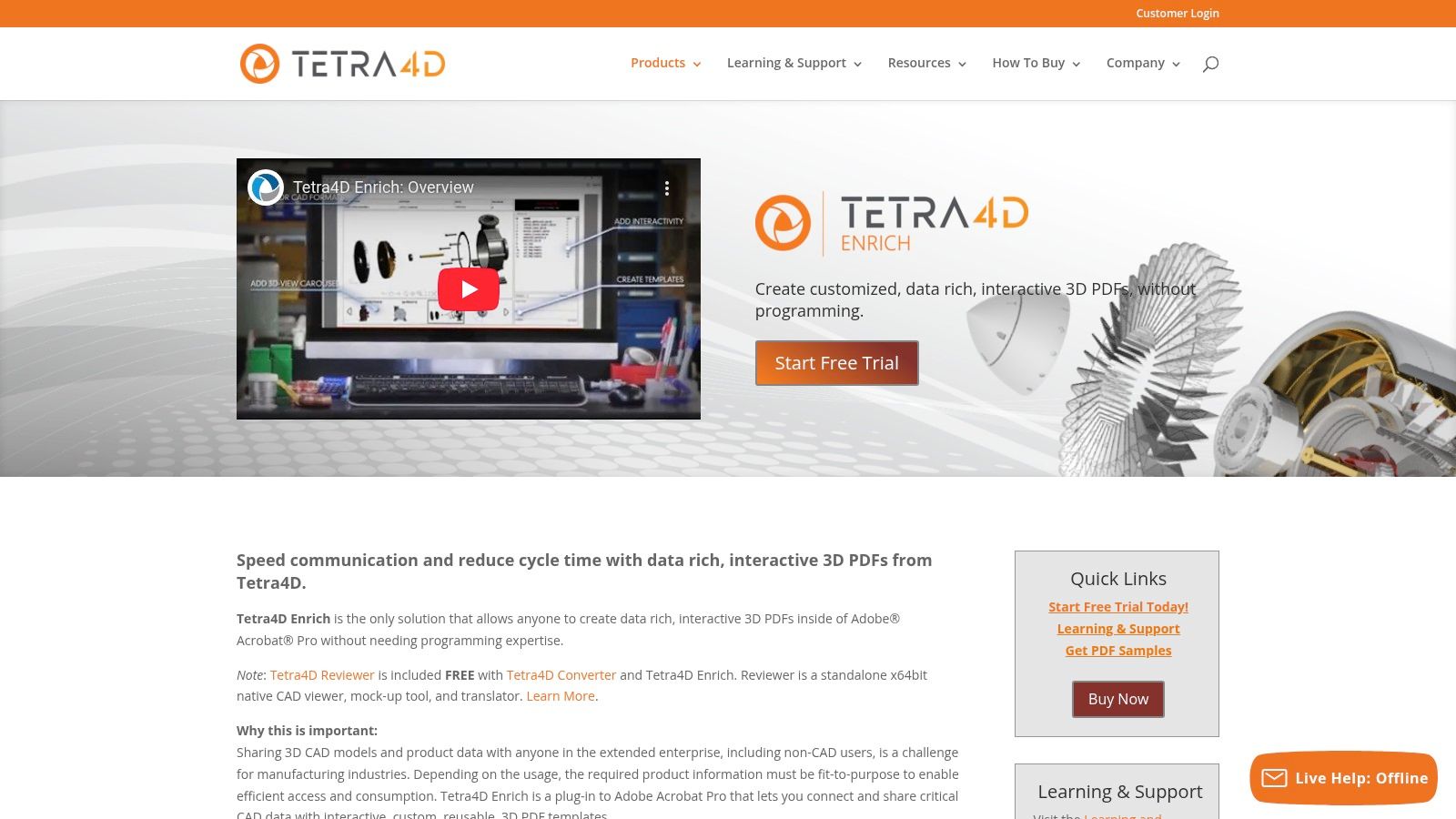
The workflow is straightforward: Converter ingests a wide array of native CAD formats, preserving vital Product Manufacturing Information (PMI), and then Enrich allows you to build interactive documents inside Acrobat Pro. You can create templates, link bill of materials (BOM) data, and essentially build a mini-application within a PDF. This approach empowers non-CAD users to access and interact with complex 3D models for things like work instructions or parts catalogs.
Key Features & User Experience
The real magic of Tetra4D is its template-driven approach, which allows companies to standardize how they present 3D data. This ensures consistency and makes the creation process accessible even to non-engineers. It's an enterprise-grade solution that requires a Windows environment and licensing on top of Acrobat Pro, which makes it a specialized tool. Developers looking to automate similar data-rich visual generation might want to explore APIs that can handle complex asset pipelines.
- Pros: Makes interactive 3D PDFs accessible to non-CAD stakeholders; enterprise-friendly templates and data binding options.
- Cons: Windows and Acrobat-centric workflow; requires additional licensing beyond Acrobat Pro.
Tetra4D’s products are commercial and require a purchase or subscription, with pricing available upon request from their sales team.
Website: https://tetra4d.com/tetra4d-enrich/?utm_source=openai
7. 3D PDF Reader (Tech Soft 3D) — iOS/iPadOS
Taking your designs on the road? The 3D PDF Reader by Tech Soft 3D is a purpose-built mobile app designed to bring complex models to your iPhone or iPad. It’s the field technician’s best friend, offering a competent 3D PDF viewer experience for on-the-go access without lugging a laptop around. This app focuses on delivering core 3D PDF functionalities, supporting both PRC and U3D, plus a few direct CAD formats for good measure.
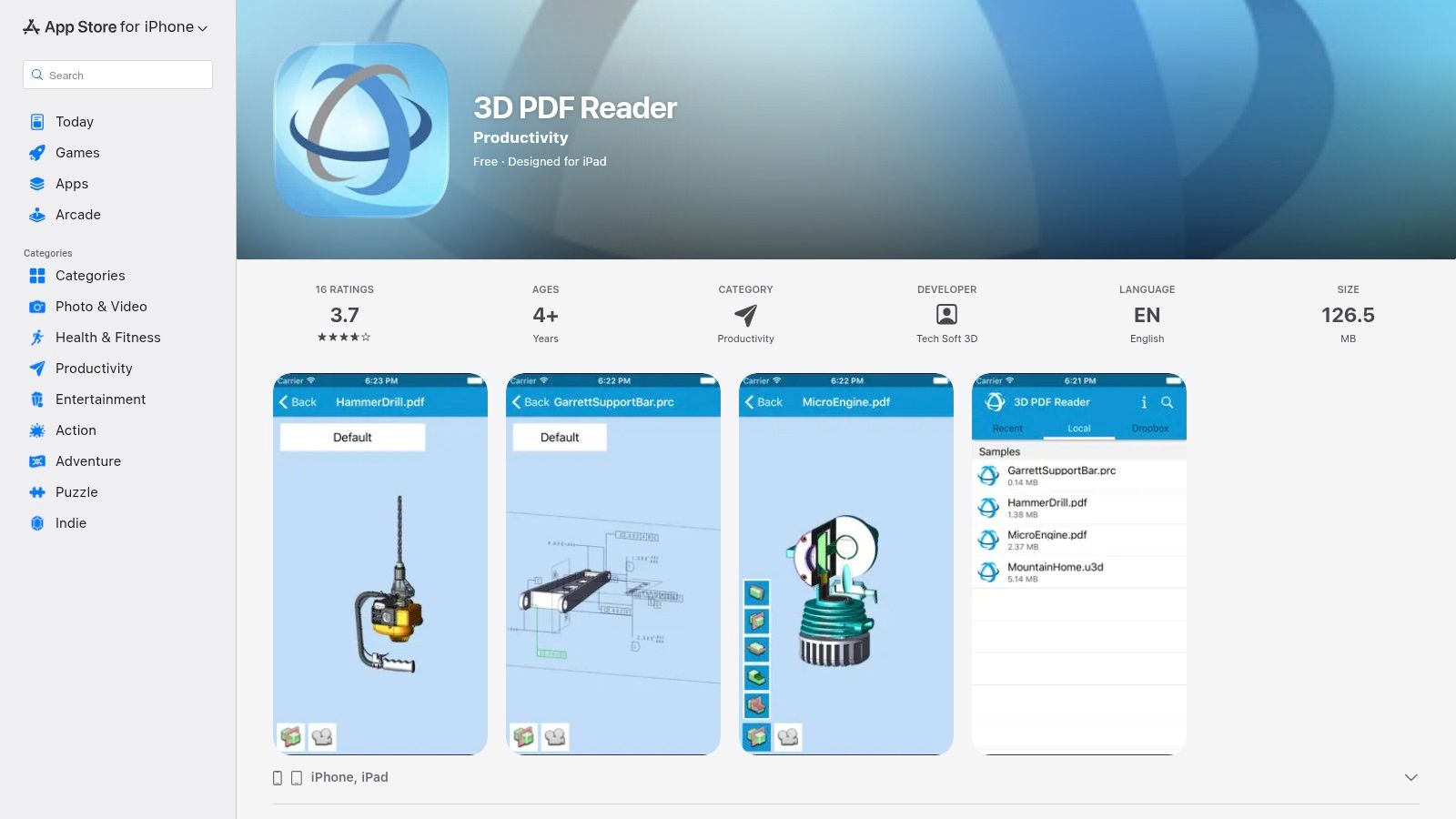
It allows users to open files directly from email or cloud storage services like Dropbox, making it practical for reviewing technical data sheets or assembly instructions in the field. The experience is tailored for touch, with standard rotate, pan, and zoom gestures, alongside essential inspection tools like section cuts and part isolation. It's a niche tool, but for teams needing mobile 3D PDF access on Apple devices, it gets the job done.
Key Features & User Experience
The app’s strength lies in its PRC fidelity, providing a surprisingly accurate representation of models on mobile hardware. However, it's not without its drawbacks. The app hasn't seen frequent updates, and its App Store ratings reflect some user concerns about stability. Performance on exceptionally large or complex models may also lag compared to a dedicated desktop viewer, which is a common trade-off for mobile convenience.
- Pros: Strong PRC rendering on mobile; great for field reviews when a desktop isn't an option.
- Cons: Limited recent updates; performance can struggle with very large models.
The app is available for free on the iOS App Store.
Website: https://apps.apple.com/us/app/3d-pdf-reader/id569307672
8. Aspose 3D — Free Online 3D PDF Viewer
For those moments when you need a quick, no-install solution, Aspose offers a completely free, browser-based 3D PDF viewer. Think of it as the disposable camera of 3D viewers; it's perfect for a quick peek at a file without the commitment of a software download. You simply drag and drop your 3D PDF into the web page, and it renders the model right in your browser, making it incredibly accessible for quick sanity checks or sharing with non-technical users.
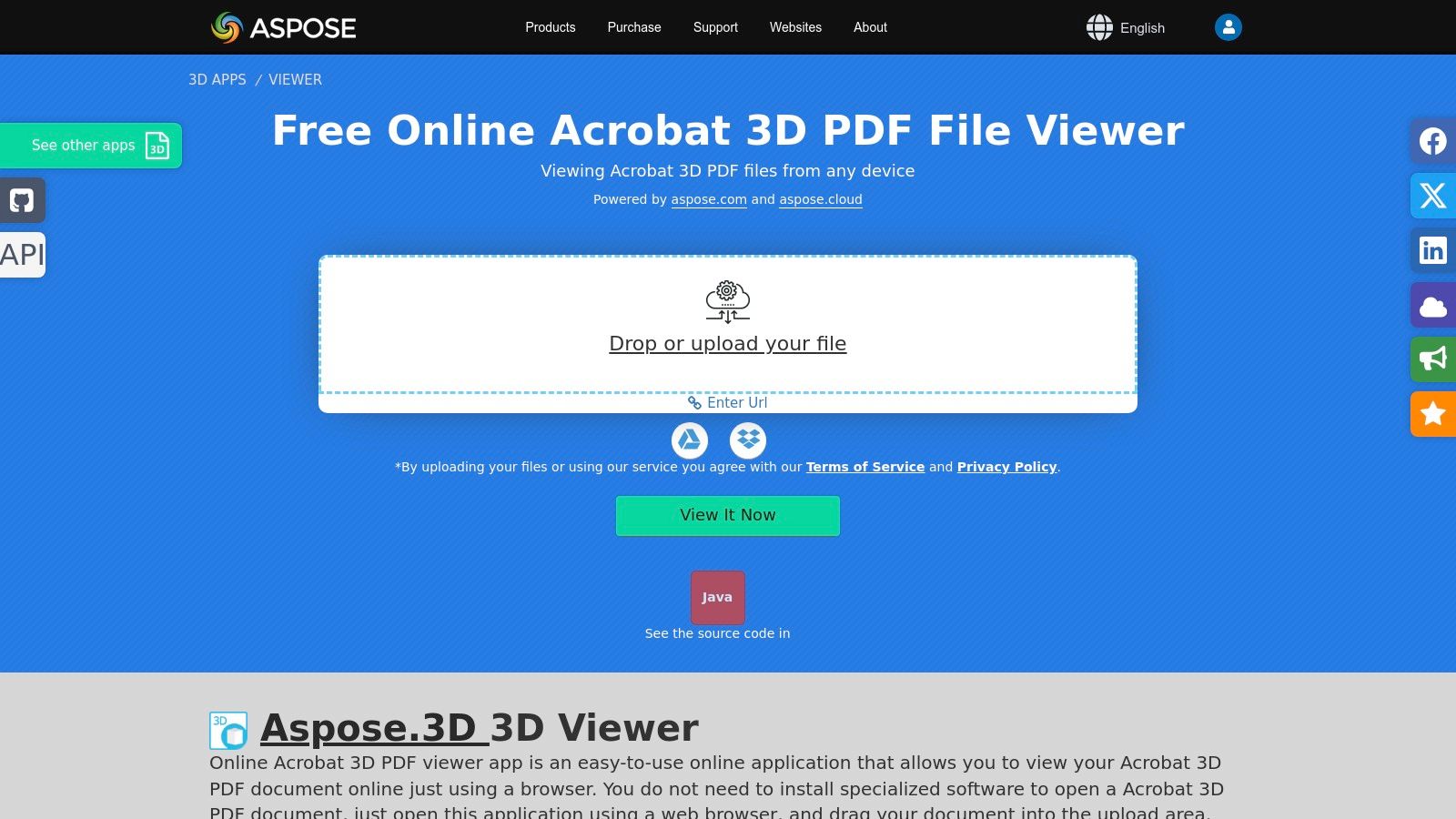
This approach is platform-agnostic, working equally well on Windows, macOS, Linux, and even mobile browsers. The trade-off, however, is that it requires an internet connection and you must upload your file to their servers. While Aspose states files are deleted after a few hours, this might be a deal-breaker for proprietary or sensitive intellectual property.
Key Features & User Experience
The user experience is dead simple, focusing entirely on its core function: viewing. There are no complex toolbars or hidden settings. It’s an ideal tool for quickly confirming that a 3D PDF was generated correctly or for showing a model to a client on a device without any dedicated software installed. It also supports viewing raw 3D formats like U3D directly.
- Pros: No installation needed; truly cross-platform on any modern browser.
- Cons: Requires file upload, raising privacy concerns for sensitive models.
The Aspose 3D viewer is completely free for this online use case. For developers, Aspose also offers a powerful suite of APIs for building similar functionality into your own applications.
Website: https://products.aspose.app/3d/viewer/pdf?utm_source=openai
9. Bluebeam Revu Support — 3D PDF How‑to and Compatibility
While not a standalone 3D PDF viewer itself, Bluebeam's support hub is an indispensable resource for any AEC (Architecture, Engineering, and Construction) team that uses Revu. Think of it as the ultimate instruction manual for building 3D PDF workflows. It provides detailed, step-by-step guides on creating and manipulating 3D models within the Bluebeam ecosystem, ensuring your team isn't just fumbling around in the dark. It’s less about viewing and more about doing.
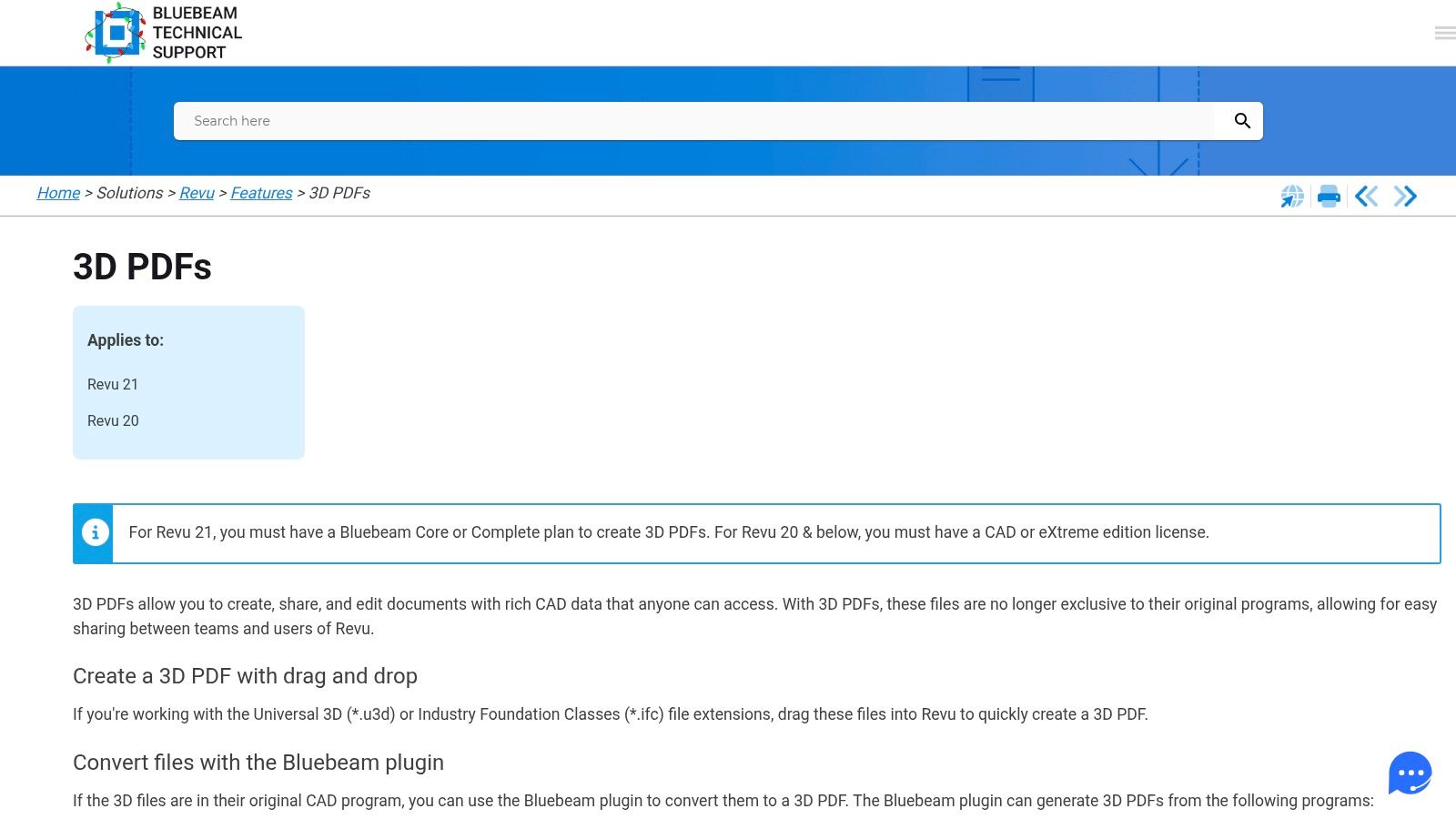
This knowledge base is crucial for project managers and IT admins trying to wrangle complex software toolchains. It offers meticulously maintained compatibility matrices, detailing which versions of Revu plugins work with specific releases of Revit, Navisworks, and AutoCAD. This information is gold for preventing workflow-breaking updates and ensuring a smooth pipeline from design to documentation.
Key Features & User Experience
The guides are practical and workflow-oriented, covering everything from inserting a 3D model to navigating its intricate model tree and adding markups. This practical focus helps teams maximize their investment in the Bluebeam Revu software. However, remember that all the powerful creation and markup features discussed require the correct subscription plan of Revu, as this site is purely instructional.
- Pros: Clear documentation reduces team trial-and-error; helps admins ensure toolchain compatibility.
- Cons: Creation features discussed require a specific Revu plan; docs are instructional only, not the product itself.
Access to the support content is free, but the Revu software it supports requires a paid subscription.
Website: https://support.bluebeam.com/articles/revu-create-3d-pdfs/?utm_source=openai
10. 3D‑Tool (3D‑Tool GmbH)
While not a standalone 3D PDF viewer in the traditional sense, 3D‑Tool carves out its niche as a powerful CAD viewer and converter that creates interactive 3D PDFs. Think of it as the friendly factory that takes your complex CAD files (like STEP, CATIA, or SolidWorks) and packages them into neat, universally accessible 3D PDF documents. Its primary job is to bridge the gap between heavy engineering files and the stakeholders who just need to view and comment on them.
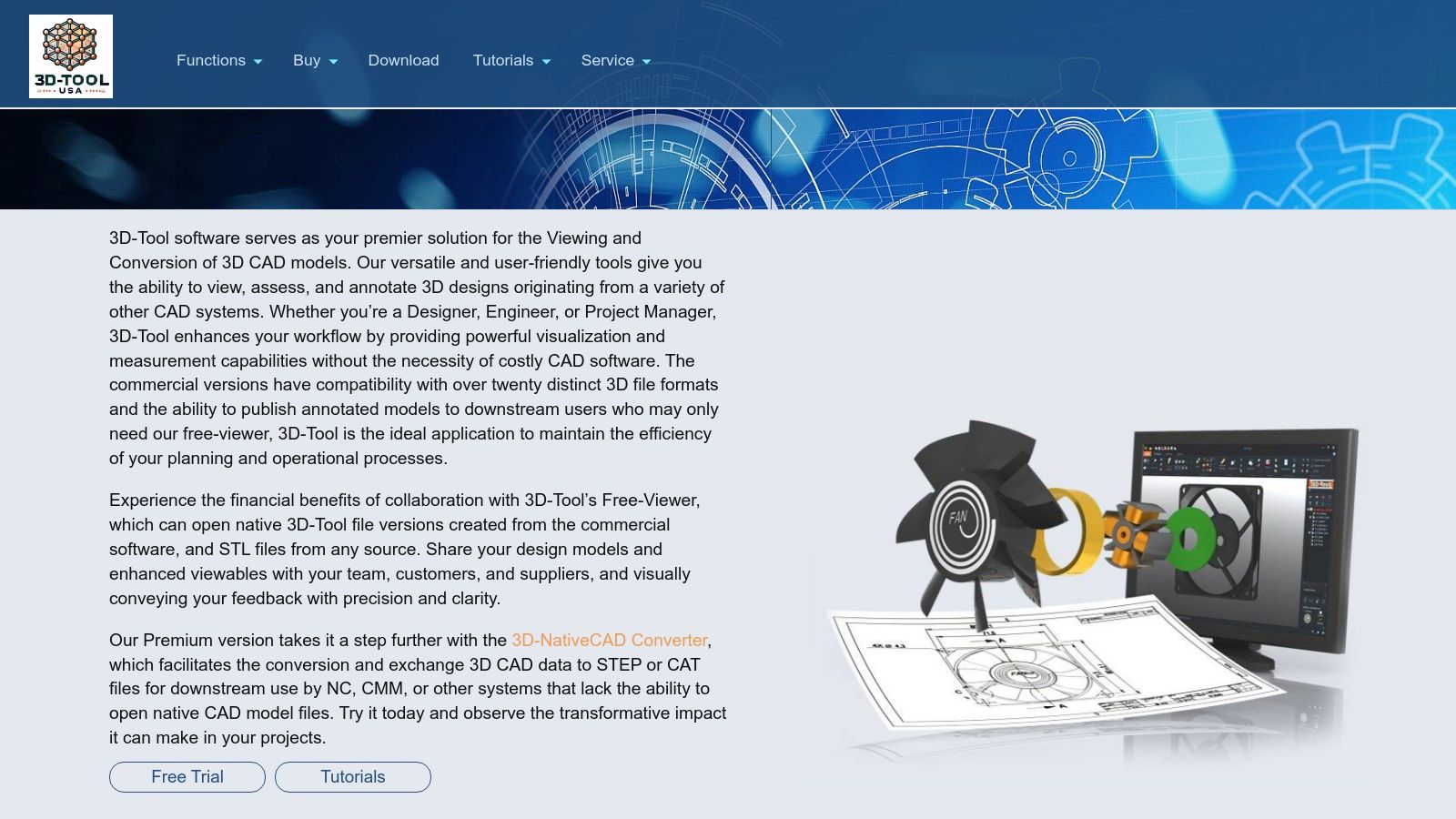
The workflow is straightforward: import your native CAD model, use 3D-Tool’s measurement, sectioning, or exploded view features, and then publish it as a 3D PDF. This makes it an indispensable part of the toolchain for engineers who need to distribute designs without forcing recipients to install specialized software. The platform provides a valuable service by preparing complex data for consumption, which you can explore further in these Pixel Panda AI demonstrations.
Key Features & User Experience
3D-Tool is a Windows-only application that focuses heavily on import compatibility, supporting over 20 major CAD formats. Its true value lies in its publishing options, not just creating 3D PDFs but also generating standalone EXE/DDD packages that bundle a free viewer with the model. This is a clever solution for ensuring your audience can open the file with zero friction, even if their PDF reader's 3D capabilities are disabled or problematic.
- Pros: Excellent CAD format support; straightforward publishing workflow for non-technical recipients.
- Cons: It's a publisher, not a dedicated viewer; Windows-only platform.
Several licensing tiers are available, including free trials, making it accessible for teams of different sizes.
Website: https://www.3d-tool-usa.com/?utm_source=openai
11. Actify SpinFire
While most tools on this list are pure viewers, Actify SpinFire is more of a CAD data Swiss Army knife with powerful export capabilities. Think of it as a factory that takes in complex native CAD files (from CATIA, NX, SOLIDWORKS, etc.) and outputs standardized, lightweight 3D PDFs. Its primary role isn't being the final 3D PDF viewer for an end user, but rather the engine that creates the file in the first place, ensuring consistency across an organization.
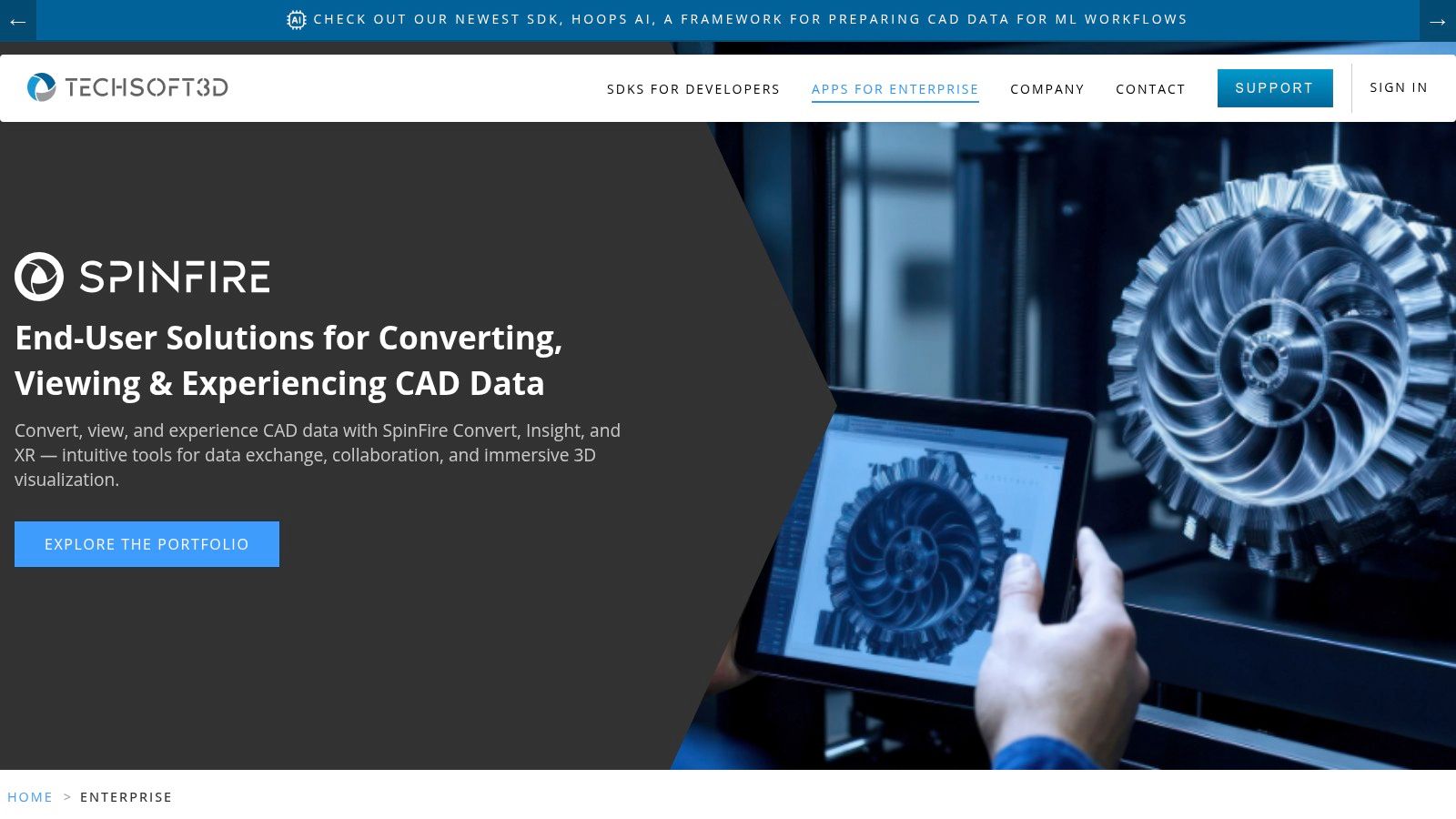
This distinction makes it a critical tool for enterprise workflows. If your goal is to set up an automated pipeline that converts engineering models into 3D PDFs for technical manuals or parts catalogs, SpinFire is a serious contender. It’s built for scale, with batch publishing and modules designed to integrate into larger data management systems.
Key Features & User Experience
SpinFire shines in its ability to create PRC or U3D-based 3D PDFs from a huge variety of native CAD inputs. The Quick Publisher modules and integration with SpinFire Manage allow companies to enforce standards, ensuring every exported PDF has the same views, annotations, and metadata. This is less about interactive viewing and more about industrial-strength content creation and management.
- Pros: Excellent for standardized 3D PDF generation at scale; integrates with centralized libraries and publishing workflows.
- Cons: Primary value is creation/export, not end-user viewing; licensing and modules are enterprise-oriented.
SpinFire is a commercial product with pricing and modules tailored to enterprise needs.
Website: https://spinfire.com
12. QuadriSpace Publisher3D / Document3D Suite
Stepping away from pure viewers, QuadriSpace offers a suite of tools focused on creating rich, interactive technical documents from CAD data. Publisher3D and the Document3D Suite are less about being just a 3D PDF viewer and more about being a full-fledged authoring platform. They are designed to help you create template-based, interactive 3D PDFs with detailed model views, callouts, and storyboards for non-CAD audiences like marketing, sales, or manufacturing teams.
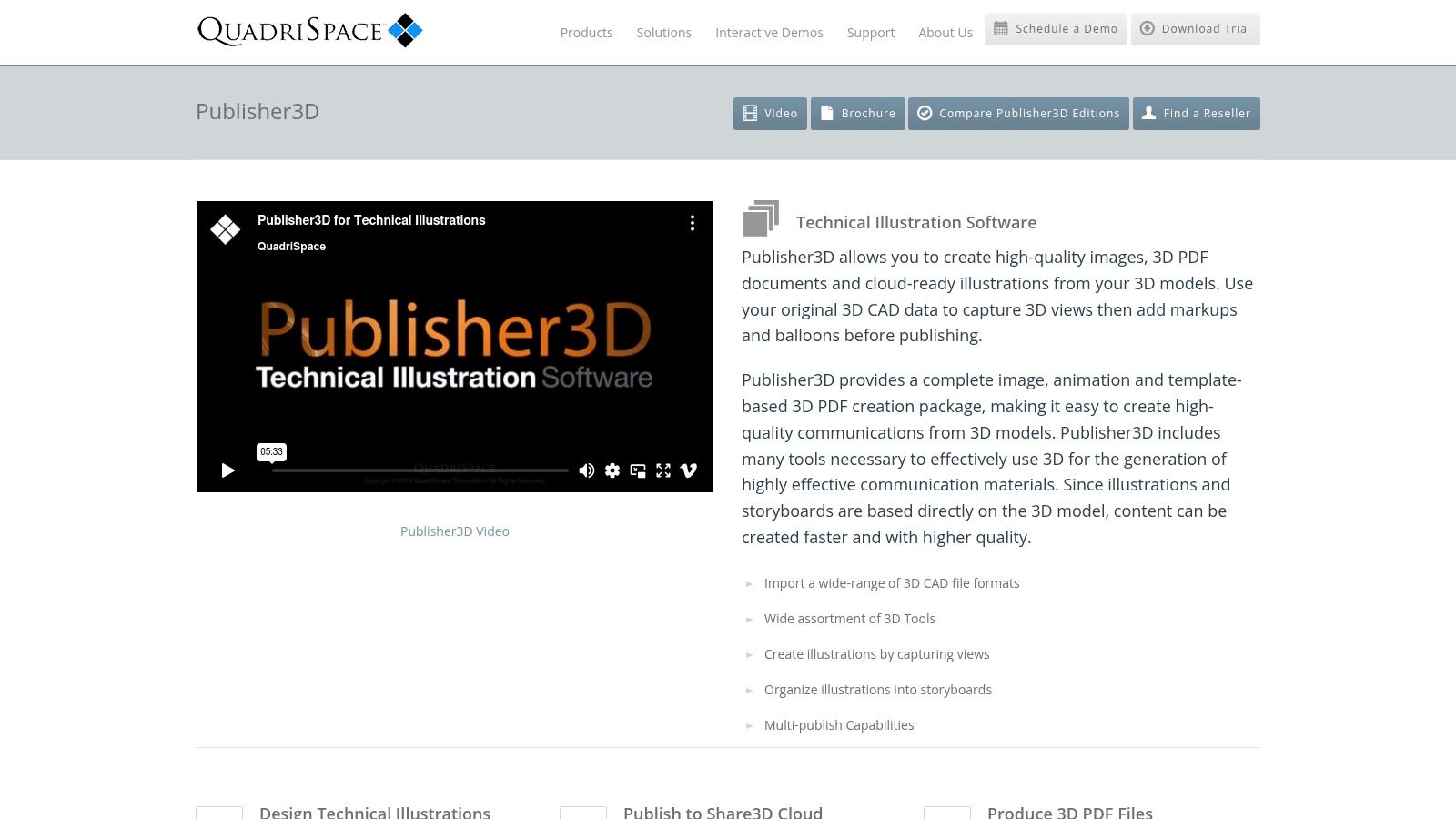
The platform’s strength is its multi-format publishing engine. You can create a project once and then output it to raster images, vector illustrations, 3D PDFs, or their proprietary Share3D HTML format for cloud-based distribution. This makes it a powerful content-generation hub for technical communication, ensuring consistency across different media.
Key Features & User Experience
QuadriSpace is purpose-built for creating polished technical documentation, not just viewing raw models. It simplifies the process of communicating complex assemblies to stakeholders who don't have access to or knowledge of CAD software. The workflow is streamlined for producing everything from assembly instructions to interactive parts catalogs. However, this is a Windows-centric ecosystem, and pricing is typically available only by quote through resellers.
- Pros: Excellent for creating polished technical communications; multi-publish to PDF, HTML, and images.
- Cons: Primarily an authoring tool, not a standalone viewer; Windows-only and pricing isn't transparent.
You can explore their product suite and request a quote to see if it fits your publishing needs.
Website: https://www.quadrispace.com/products/publisher3d?utm_source=openai
Top 12 3D PDF Viewers — Feature Comparison
| Product | ✨ Core features | ★ Quality / UX | 💰 Price / Value | 👥 Target audience | 🏆 Strength |
|---|---|---|---|---|---|
| Adobe Acrobat Reader / Acrobat Pro | ✨ 3D toolbar, PRC/U3D support, 3D PDF authoring (Pro) | ★★★★☆ | 💰 Free reader / Subscription Pro | 👥 Enterprises, publishers, general users | 🏆 Broadest compatibility & enterprise controls |
| Foxit PDF Reader / Foxit PDF Editor | ✨ Built‑in 3D plugin, mobile multitouch, PRC/U3D | ★★★★☆ | 💰 Free+Pro / Mid‑tier | 👥 SMBs, cross‑platform teams, mobile users | 🏆 Lightweight alternative with solid mobile support |
| PDF‑XChange Editor (Tracker Software) | ✨ Granular 3D render prefs, anti‑aliasing, U3D viewer | ★★★★ | 💰 Perpetual licences / Low‑cost upgrades | 👥 Windows power‑users, cost‑sensitive teams | 🏆 Fast, resource‑friendly 3D viewing |
| Bluebeam Revu | ✨ Drag‑drop U3D/IFC, model tree, CAD plugins, sectioning | ★★★★☆ | 💰 Mid/high‑tier (plans) | 👥 AEC teams, construction PMs | 🏆 Purpose‑built for AEC markup & workflows |
| Tetra4D Reviewer (Tech Soft 3D) | ✨ Native CAD reads, PMI, measure/compare, export to STEP | ★★★★☆ | 💰 Bundled with Converter/Enrich (enterprise) | 👥 CAD reviewers, non‑CAD stakeholders | 🏆 High‑fidelity CAD visualization without CAD licenses |
| Tetra4D Enrich + Converter | ✨ Template authoring, BOM/metadata, CAD→3D PDF export | ★★★★☆ | 💰 Additional licensing (enterprise) | 👥 Technical authors, enterprises, publishers | 🏆 Rich interactive 3D PDF authoring inside Acrobat |
| 3D PDF Reader (Tech Soft 3D) — iOS/iPadOS | ✨ PRC/U3D + CAD formats, sectioning, cloud load | ★★★☆ | 💰 Paid app / Low cost | 👥 Field engineers, mobile reviewers | 🏆 Strong PRC fidelity on iOS for field use |
| Aspose 3D — Free Online 3D PDF Viewer | ✨ Browser upload/view, supports multiple 3D formats | ★★★☆ | 💰 Free (web service) | 👥 Quick reviewers, cross‑platform users | 🏆 No‑install, platform‑agnostic fast checks |
| Bluebeam Revu Support — 3D PDF How‑to & Compatibility | ✨ Step‑by‑step guides, plugin matrices, training | ★★★★ | 💰 Free docs (product required) | 👥 Admins, AEC implementers | 🏆 Clear documentation for planning/compatibility |
| 3D‑Tool (3D‑Tool GmbH) | ✨ Import 20+ CAD formats, publish 3D PDF/EXE packages | ★★★★ | 💰 Multiple tiers / Trials | 👥 Publishers, CAD technicians | 🏆 Straightforward 3D PDF publishing for recipients |
| Actify SpinFire | ✨ CAD→3D PDF export, batch/pipeline publishing, enterprise modules | ★★★★ | 💰 Enterprise licensing | 👥 Large enterprises, catalog/publishing teams | 🏆 Scalable standardized 3D PDF generation |
| QuadriSpace Publisher3D / Document3D Suite | ✨ Template‑based 3D PDFs, storyboards, Share3D cloud | ★★★★ | 💰 Quote‑based / Reseller pricing | 👥 Tech illustrators, documentation teams | 🏆 Communicating CAD to non‑CAD audiences efficiently |
Choosing Your Champion: Which 3D PDF Viewer Wins?
Well, you've made it through the gauntlet of 3D PDF viewers. If your head is spinning with PRC, U3D, and WebGL, don't worry, that’s a good sign. It means you’re moving beyond the flat, lifeless documents of the past and into a world where your data can truly come alive. After dissecting everything from the venerable Adobe Acrobat to specialized powerhouses like Bluebeam Revu and the versatile Tetra4D suite, one truth stands out: there is no single "best" 3D PDF viewer. The real champion is the one that flawlessly integrates into your specific universe.
The journey to find the right tool is a classic tale of viewing versus creating. If your team's primary need is simply to consume and review 3D data packaged within a PDF, the familiar territory of Adobe Acrobat Reader or the slightly more nimble Foxit PDF Reader will serve you well. They are the established gatekeepers, offering reliability and widespread familiarity, even if they sometimes feel like using a sledgehammer to crack a nut.
However, for those of us in the trenches of engineering, architecture, and construction, the conversation starts and ends with Bluebeam Revu. It’s less a viewer and more a command center, transforming 3D PDFs into collaborative, data-rich environments for markups and project management. If your workflow involves CAD data conversion and high-fidelity model preservation, then tools like Tetra4D Enrich or 3D-Tool are not just options; they are necessities. They bridge the critical gap between complex engineering files and universally accessible documentation.
Your Final Checklist for Selecting a 3D PDF Viewer
So, how do you pick your winner? Don't get paralyzed by the options. Instead, ask yourself these pointed questions to cut through the noise:
- Who is the end-user? Are they a client on a tablet needing a quick visual (hello, web-based viewers like Aspose), a shop-floor technician needing interactive work instructions (QuadriSpace might be your hero), or an engineer conducting a detailed design review (point them to Bluebeam or a dedicated desktop app)? The user dictates the interface.
- What’s the core job-to-be-done? Is it simple viewing, collaborative markup, interactive technical documentation, or generating the 3D PDF itself? Each task has a purpose-built champion on our list. Don't choose a creation suite if all you need is a reliable viewer.
- Where does the workflow live? If your team operates entirely within a specific ecosystem (like AEC), a specialized tool like Bluebeam is a no-brainer. If you need to embed models on a website or in a web app, your focus should shift to developer-friendly solutions and the future of browser-based 3D PDF rendering.
The era of static, two-dimensional documentation is officially in the rearview mirror. The tools we’ve explored are more than just viewers; they are portals to a more interactive, intuitive, and data-driven way of communicating complex ideas. Your mission, should you choose to accept it, is to select the portal that best fits your world.
While you're revolutionizing your documentation with 3D PDFs, ensure the 2D images in your projects and product catalogs are just as dynamic. PixelPanda offers an AI-powered API that automates tedious image editing, from background removal to intelligent resizing, freeing up your team to focus on bigger challenges. Integrate powerful visual processing into your workflow and let your images work as hard as your 3D models do.