Tired of spending hours on manual photo edits that feel like a digital root canal? The game has officially changed. Powerful AI tools for image editing are no longer a futuristic fantasy but an essential part of the modern creative toolkit, freeing up time for developers, marketers, and e-commerce teams who need to generate stunning visuals at scale. The problem isn't a lack of options; it's a flood of them. How do you know which AI-powered platform is a powerhouse and which is just a glorified filter?
This guide cuts through the marketing noise. We're diving deep into the top 12 tools for 2025, providing honest reviews, a head-to-head feature comparison, and a clear look at the best alternatives for every possible use case. Whether you're a developer needing a robust API for background removal, a marketer churning out social media assets, or an e-commerce manager perfecting thousands of product shots, this is your definitive resource. We'll explore everything from one-click background removal and intelligent upscaling to generative fill and API availability, showing you exactly what works and what doesn't. For a deeper dive into the fundamental concepts and definitions of this evolving field, consider exploring this resource on What is AI Photography: A Comprehensive Guide.
Forget generic feature lists. We’re providing actionable insights, screenshots, direct links, and clear recommendations to help you find the perfect tool to automate your creative workflow. Let’s find the right AI magic for your specific needs.
1. PixelPanda
PixelPanda positions itself not just as another entry in the crowded field of ai tools for image editing, but as an integrated, developer-first platform designed for automation at scale. It consolidates a powerful suite of editing capabilities into a single, cohesive workflow accessible via a clean UI and a robust API. This makes it an exceptionally strong choice for teams needing to programmatically enhance, clean, and generate visuals without manual intervention.
Unlike single-purpose tools, PixelPanda’s strength lies in its comprehensive feature set. It combines precise background and object removal with intelligent 4x upscaling, smart inpainting, and text-to-image generation. The platform particularly excels with difficult subjects like hair and fur, using depth-aware models to produce clean, natural-looking cutouts that many alternatives struggle with.
Standout Features & Use Cases
- Studio-Quality Automation: The toolset is built for high-volume tasks. Ecommerce teams can automate the creation of thousands of consistent, white-background product shots, while real estate agents can instantly remove unwanted objects from property photos.
- Developer-Friendly API & SDKs: This is where PixelPanda shines for technical teams. The simple REST API and available SDKs allow for seamless integration into existing web apps, backend systems, or content management workflows. You can build entire image processing pipelines without ever touching the UI.
- AI Avatar & Model Generation: A game-changer for marketing, this feature lets you train a custom AI model on a person or product (with just 10-20 photos). From there, you can generate an infinite stream of on-brand, photorealistic model shots or product lifestyle images without organizing a single photoshoot.
Pricing & Onboarding
PixelPanda offers a straightforward, volume-based pricing structure with a generous free trial (10 credits, no credit card required) that allows for genuine quality validation.
| Plan | Price/Month | Images | AI Avatars | Support |
|---|---|---|---|---|
| Free Trial | $0 | 10 credits | 0 | Community |
| Starter | $49 | 500 | 1 | |
| Pro | $99 | 1,500 | 4 | Priority |
| Business | $249 | 4,500 | 10 | Dedicated |
Practical Tip: The credits don't roll over, so it’s wise to pick a plan that aligns closely with your projected monthly volume. Use the free trial to process your most challenging images first, which will give you a clear idea of the platform's capabilities before committing. Their interactive demos, including a powerful one for image upscaling, are also great for quick reviews and performance comparison.
Website: https://pixelpanda.ai
2. Adobe Photoshop + Firefly
Let's address the 800-pound gorilla in the room: Adobe Photoshop. It’s the platform most other AI tools for image editing are measured against, and for good reason. With the integration of its Firefly AI model, Photoshop has transformed from a manual powerhouse into a generative content juggernaut. Its AI features aren't just add-ons; they are deeply woven into the fabric of its legendary layer-based workflow.
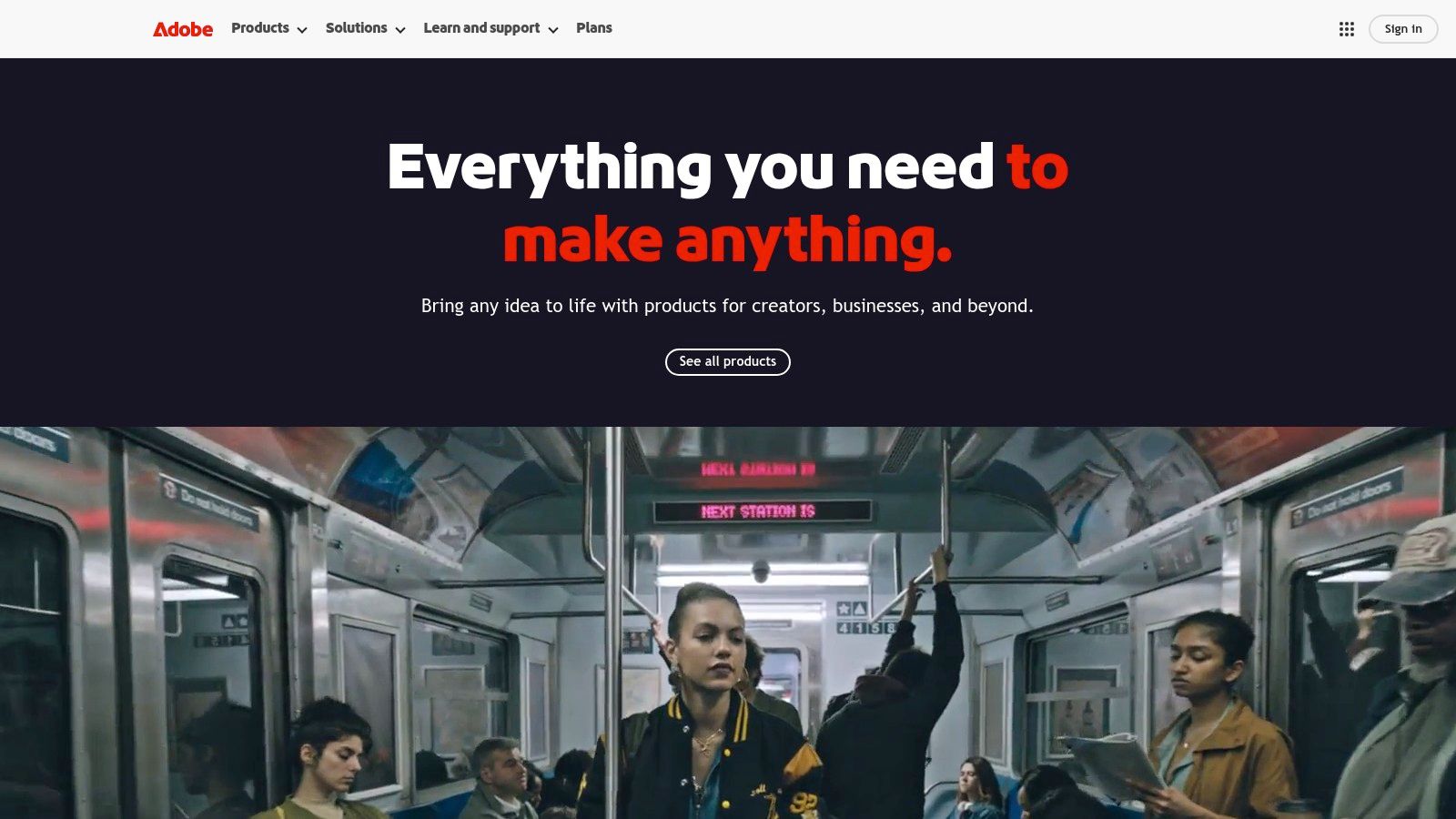
The headline feature is Generative Fill, allowing you to select an area and conjure anything from a new object to a completely different background with a simple text prompt. It's shockingly good. For Photoshop users, understanding how AI is transforming backgrounds in Photoshop for fashion brands can significantly enhance your workflow. The Generative Expand tool is another game-changer, letting you extend an image's canvas while the AI intelligently fills in the new space, matching the original's style.
Key Features & Use Cases
- Best For: Professional designers, enterprise creative teams, and anyone already invested in the Adobe Creative Cloud ecosystem.
- Standout Features:
- Generative Fill/Expand: Integrated directly into selection tools for seamless in-painting and out-painting.
- Firefly Web App: A separate playground for text-to-image generation and other AI experiments.
- Enterprise-Grade Policies: Adobe trains Firefly on its own stock library, providing a clearer path for commercial use.
- Pricing: Access requires a Creative Cloud subscription, starting around $22.99/month for the Photoshop plan, which includes a set number of generative credits.
Practical Assessment & Alternatives
In a direct comparison, Photoshop's AI integration is unmatched for professionals who need granular control. However, the subscription cost can be a barrier. Recent reviews have also pointed to some user confusion over plan terms. For teams needing simpler, API-driven solutions or seeking Photoshop alternatives, platforms like PixelPanda offer more straightforward automation without the steep learning curve.
3. Canva (Magic Edit/Magic Expand/Magic Studio)
If Photoshop is the pro-grade heavyweight, Canva is the undisputed champion of accessibility and speed. Once a simple template tool, it has evolved into a full-fledged design suite powered by its "Magic Studio" AI. These aren't just tacked-on features; they are built into Canva's core, browser-first workflow, making powerful AI tools for image editing available to marketers, creators, and small businesses without a steep learning curve.
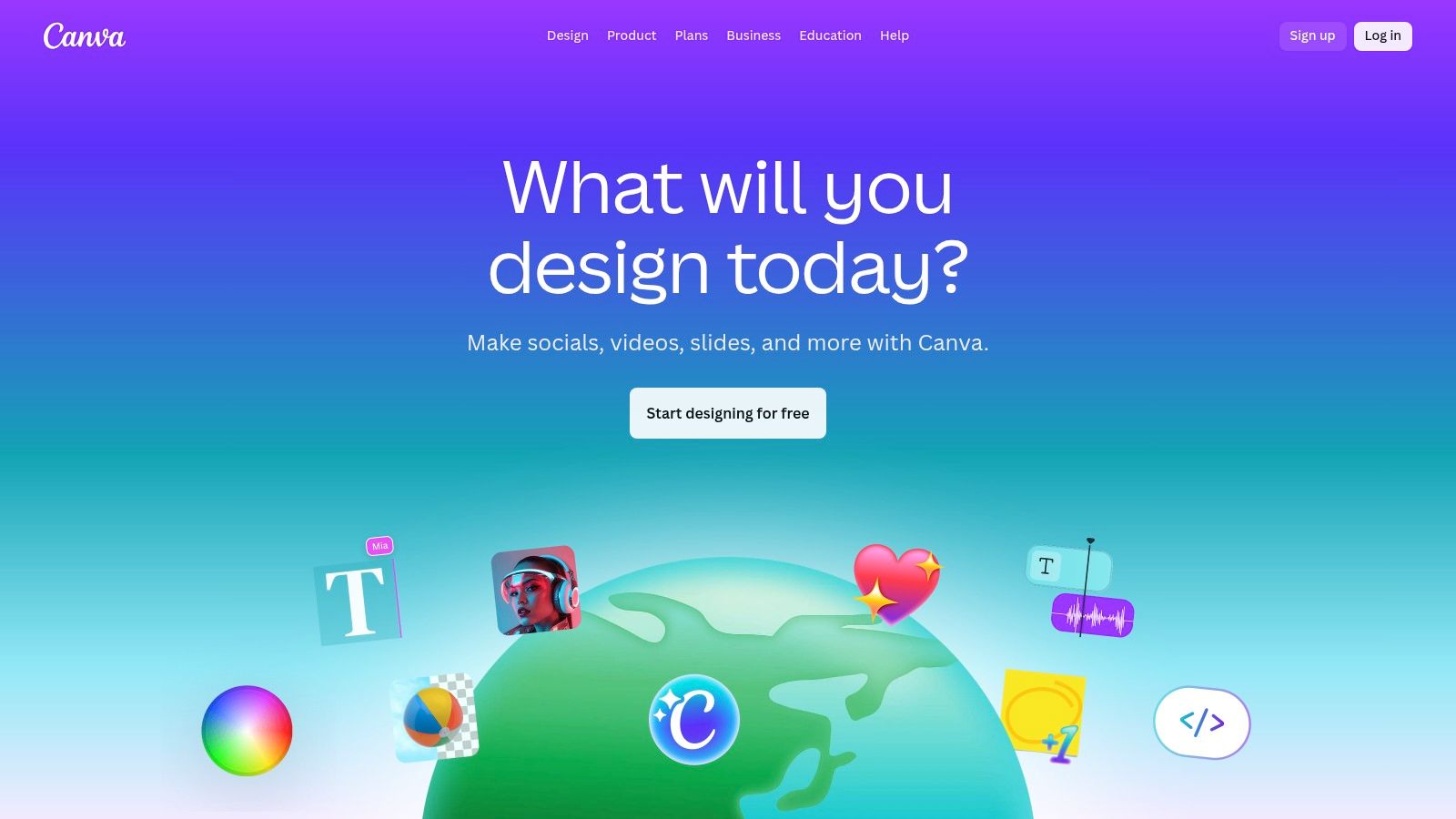
Canva’s AI magic shines with features like Magic Edit, which lets you brush over an object and type a prompt to replace it, and Magic Expand, its take on generative out-painting. The entire platform is engineered for rapid content creation, from social media posts to marketing presentations, with an enormous library of templates acting as a launchpad. It’s built for teams that need to produce branded content quickly and consistently.
Key Features & Use Cases
- Best For: Marketing teams, social media managers, and small businesses needing to create high-volume, branded visual content without professional design skills.
- Standout Features:
- Magic Studio: An all-in-one suite including Magic Edit (inpainting), Magic Expand (outpainting), and a background remover.
- Template-Driven Workflow: AI tools are integrated directly into a vast library of templates, speeding up content creation.
- Brand Kit: Centralizes brand assets like logos and color palettes for team-wide consistency.
- Pricing: A robust free tier is available. Canva Pro starts at around $14.99/month, with custom pricing for Canva for Teams.
Practical Assessment & Alternatives
In a direct comparison, Canva demolishes the learning curve associated with professional tools like Photoshop. Its user experience is second to none for quick edits. However, user reviews have noted that recent pricing changes for teams were steep. For users who don't need Canva’s extensive template library or brand controls, simpler, more focused alternatives like Fotor or even PixelPanda's automated API approach might be more cost-effective for specific editing tasks.
4. Topaz Labs (Topaz Photo AI, Gigapixel)
When it comes to pure image restoration and enhancement, Topaz Labs is in a class of its own. Rather than focusing on generative fills or creative edits, their suite of desktop-first AI tools for image editing is obsessed with technical perfection. Their apps, like Photo AI and Gigapixel AI, are specialized instruments for sharpening, denoising, deblurring, and upscaling photos with an almost unsettling level of precision. They rescue blurry, noisy, or low-resolution images that you would otherwise discard.
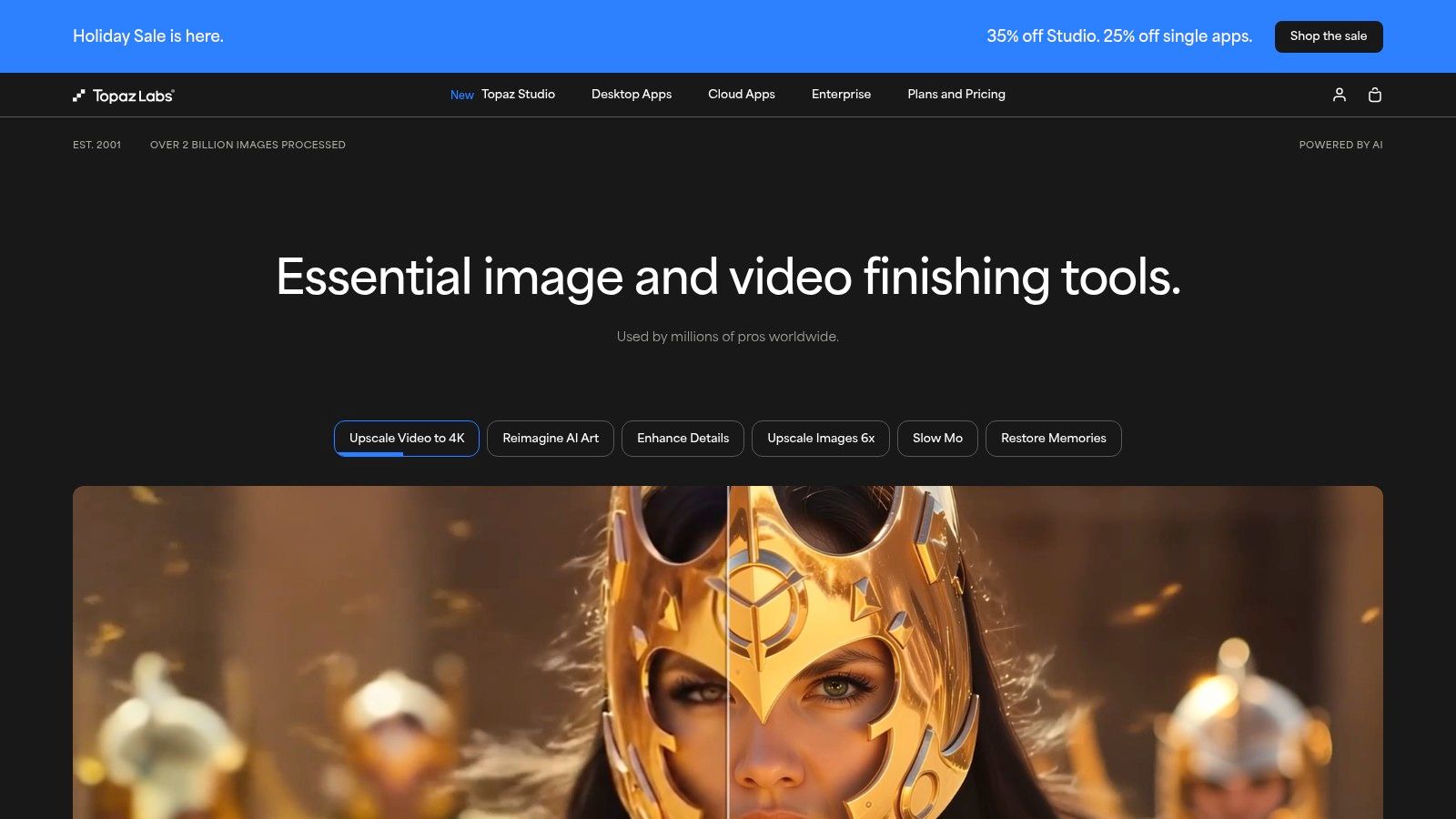
This laser focus on enhancement means Topaz excels where other all-in-one editors fall short. While Photoshop can upscale, Gigapixel AI often produces cleaner, more detailed results, making it a favorite among professional photographers and digital artists needing to print large-format images from smaller source files. Its algorithms are specifically trained to reconstruct authentic detail rather than just smoothing pixels.
Key Features & Use Cases
- Best For: Photographers, digital restoration artists, and anyone needing to improve the technical quality of existing images.
- Standout Features:
- Gigapixel AI: Best-in-class image upscaling for increasing resolution without artifacts.
- Photo AI: An all-in-one tool that intelligently applies denoising, sharpening, and facial recovery.
- Perpetual Licensing: Buy the software once and own it forever, with an option to pay for a year of updates.
- Pricing: Products can be purchased individually (around $99 for Photo AI) or as a bundle. A perpetual license is included, with an optional $49/year upgrade plan after the first year for continued updates.
Practical Assessment & Alternatives
In a direct comparison, Topaz's enhancement results are frequently cited in reviews as superior to many built-in filters found in broader editing suites. The main drawback is its specificity; it’s not a full raster editor. For users seeking generative features or layer-based editing alternatives, platforms like Adobe Photoshop or Luminar Neo are more appropriate. However, for the specific tasks of rescuing and refining image quality, Topaz Labs often remains the professional's choice.
5. Skylum Luminar Neo
If Photoshop is the industrial-strength powerhouse, Skylum's Luminar Neo is the specialized artist's studio, leveraging AI to deliver stunning results with astonishing speed. Designed as a user-friendly desktop editor, Luminar Neo excels at complex, often tedious tasks like sky replacement and portrait retouching, making it one of the most accessible and powerful AI tools for image editing for photographers and content creators. Its slider-based controls make pro-level edits feel almost like applying a filter.
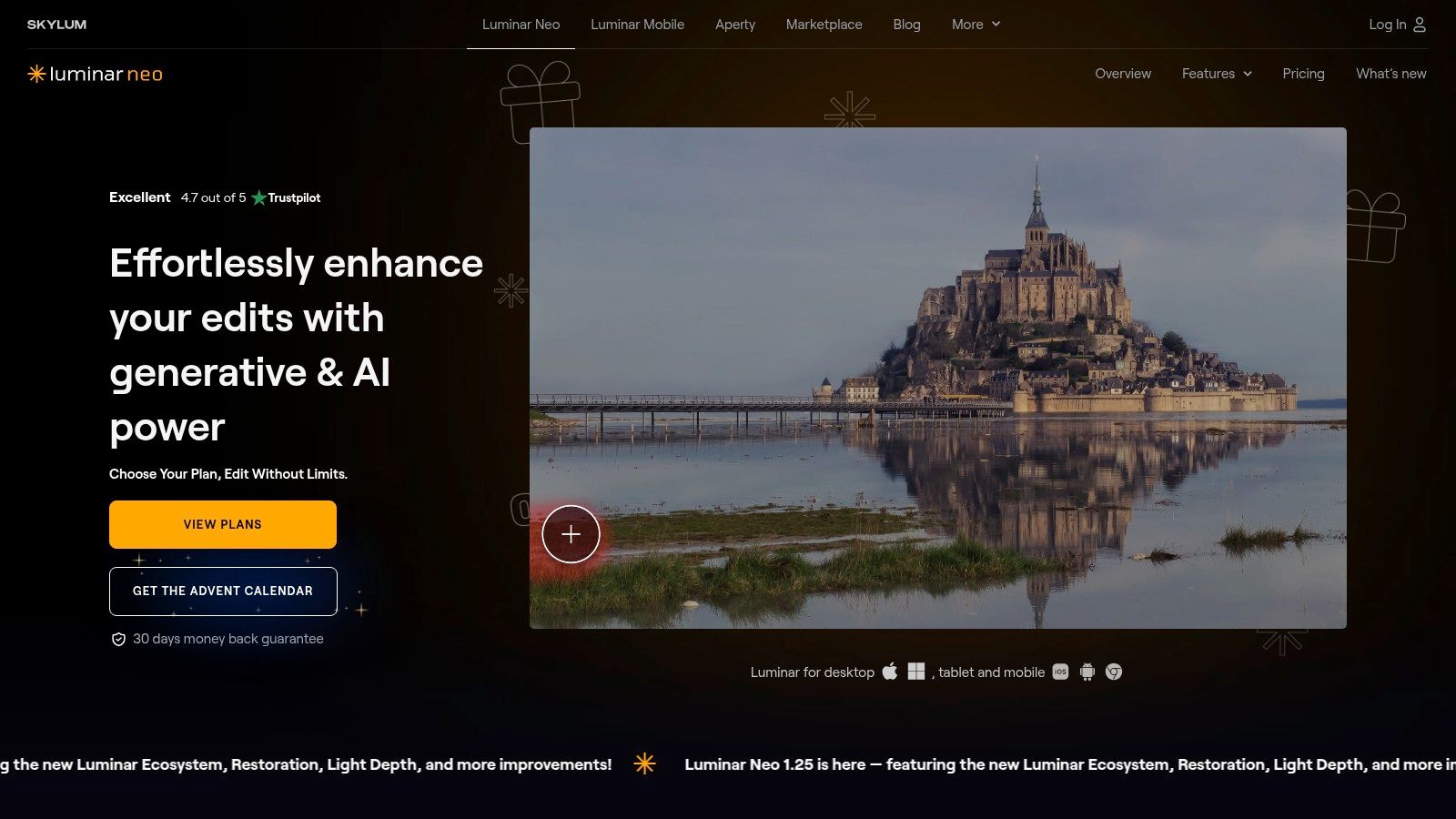
The platform’s magic lies in its dedicated AI modules. With one click, Sky AI not only replaces a dull sky but also automatically relights the entire scene to match the new sky’s mood and lighting. Similarly, its portrait tools can enhance skin, eyes, and even bokeh without requiring meticulous masking. This focus on simplified, high-impact edits has cemented its reputation in countless glowing reviews as a go-to for quick, impressive photo enhancements.
Key Features & Use Cases
- Best For: Photographers, content creators, and marketers who need fast, high-quality results without a steep learning curve.
- Standout Features:
- Sky AI & Relighting: Industry-leading automated sky replacement and scene relighting.
- Portrait AI Tools: Quick tools for skin enhancement, bokeh creation, and facial feature adjustments.
- Noiseless & Sharpen AI: Intelligent modules for cleaning up and clarifying images.
- Plugin Capability: Works as a standalone app or as a plugin for Photoshop and Lightroom.
- Pricing: Offers flexible options, including a monthly subscription around $14.95/month or perpetual license bundles starting near $199, which is often seen as a great value.
Practical Assessment & Alternatives
In a direct comparison, Luminar Neo's one-click AI tools are often faster for specific tasks than manual methods in Photoshop. However, its cataloging and library management features are less robust than Adobe Lightroom's, a key consideration for professionals with massive photo libraries. While it's one of the best AI-powered Photoshop alternatives for task-specific edits, teams needing API access for automation would be better served by a platform like PixelPanda.
6. ON1 Photo RAW (and Photo RAW MAX)
For photographers and editors wary of endless subscriptions, ON1 Photo RAW presents a compelling all-in-one package that stands on its own. It’s a powerful photo editor, manager, and effects engine that has aggressively integrated AI, positioning itself as a direct competitor to the Adobe suite. The platform champions a non-destructive workflow, combining traditional layer-based editing with modern AI enhancements.
Its AI-powered masking tools, like Super Select AI, allow you to simply point and click on objects like skies, people, or flora to create instant, precise masks. Features like Generative Erase remove distractions content-aware style, while its renowned Resize AI uses machine learning to upscale images with incredible detail retention, making it a standout among other AI tools for image editing. The MAX version even functions as a plugin for Adobe or Affinity, bringing ON1's AI magic into existing workflows.
Key Features & Use Cases
- Best For: Photographers seeking a subscription-free Photoshop/Lightroom alternative, and designers wanting powerful AI tools that can plug into an existing Adobe stack.
- Standout Features:
- NoNoise AI & Resize AI: Best-in-class noise reduction and image upscaling.
- Perpetual License Option: A rare chance to "own" your software without recurring fees.
- MAX Plugin Workflow: Seamlessly integrates ON1's AI features into other editors like Photoshop, Lightroom Classic, and Affinity Photo.
- Pricing: Offers both a perpetual license (around $99.99 for Photo RAW) and an "Everything" subscription (starting at $7.50/month) that includes cloud storage and all future upgrades.
Practical Assessment & Alternatives
In a direct comparison to Adobe, ON1 holds its own on core AI features, especially upscaling, and wins big with its perpetual license model. Many user reviews praise its powerful feature set as one of the best Photoshop alternatives. However, the ecosystem is smaller, with fewer third-party plugins and presets available. For those needing enterprise-level, API-first solutions for tasks like automated background removal, a specialized tool like PixelPanda offers a more scalable and developer-friendly approach.
7. DxO (PhotoLab, Nik Collection, PureRAW, ViewPoint)
For the purists out there, DxO offers a different flavor of AI tools for image editing, one less concerned with generating pixels and more obsessed with perfecting them. Instead of text-to-image wizards, DxO’s suite (PhotoLab, PureRAW, Nik Collection) leverages machine learning for unparalleled photographic fidelity. Its AI is trained on hundreds of thousands of images to perform class-leading RAW demosaicing and noise reduction.
The star of the show is DeepPRIME XD, an AI-powered process that cleans up digital noise and enhances detail in RAW files with breathtaking clarity. It’s not about changing your image; it's about revealing the absolute best version of the data you captured. For photographers who live and die by image quality, especially in low-light situations, DxO's approach is nothing short of magical, making it a critical first step in a professional workflow.
Key Features & Use Cases
- Best For: Professional photographers, serious hobbyists, and anyone who wants the cleanest possible starting point for their edits.
- Standout Features:
- DeepPRIME XD: Industry-leading AI noise reduction and detail enhancement for RAW files.
- Automated Optical Corrections: AI analyzes your camera/lens combination and applies precise corrections for distortion, vignetting, and aberrations.
- Perpetual Licensing: A refreshing one-time purchase model with transparent upgrade paths, avoiding subscription fatigue.
- Pricing: Products are sold with perpetual licenses. PhotoLab 7 is around $229, and PureRAW 4 is $129, with bundles and upgrade discounts available.
Practical Assessment & Alternatives
In a direct comparison, DxO's DeepPRIME XD technology frequently comes out on top in reviews against competitors like Topaz Labs for pure noise reduction. However, it lacks any generative AI features like in-painting or out-painting. For those seeking creative editing or asset generation, alternatives like Photoshop are necessary. DxO's strength is as a specialized pre-processor or a dedicated RAW editor for achieving technical perfection before creative work begins.
8. Picsart
If Photoshop is the heavyweight champion for professionals, Picsart is the nimble, social-media-savvy contender for creators and marketers. It began as a mobile-first creative suite and has evolved into a powerful cross-platform editor packed with accessible AI tools for image editing. It's designed for speed and ease of use, prioritizing quick, shareable results over granular, layer-based precision.
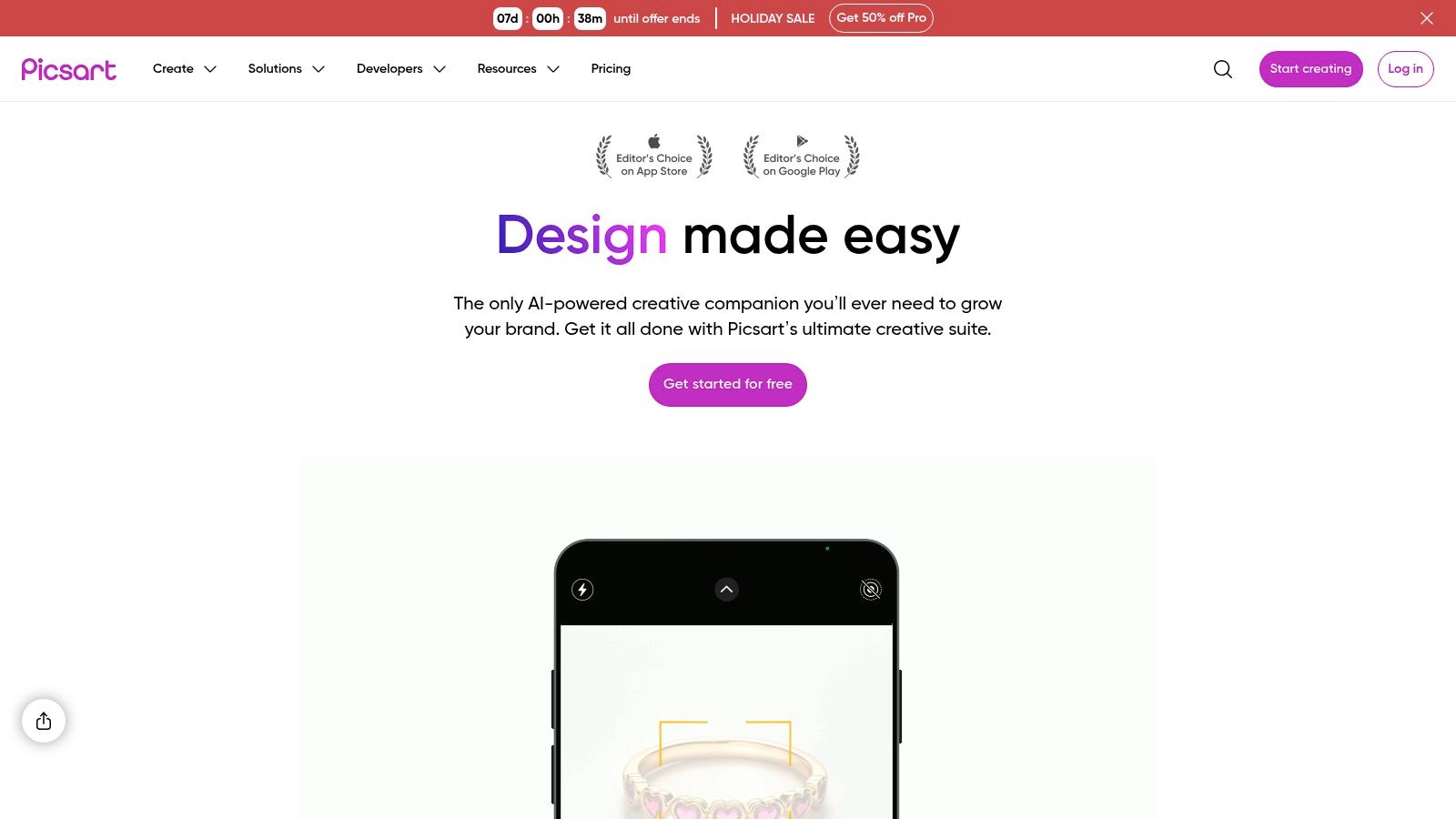
Picsart’s strength lies in its all-in-one approach. You can go from generating a concept with its AI Image Generator to removing a background, replacing an object with AI Replace, and then dropping the result into a social media template from its massive library, all within one ecosystem. The web and mobile apps are synced, making it perfect for the creator who starts a design on their desktop and finishes it on their phone.
Key Features & Use Cases
- Best For: Social media managers, content creators, and small businesses needing a fast, template-driven workflow.
- Standout Features:
- AI Replace & Background Tools: Simple, effective one-click solutions for common editing tasks.
- Huge Asset Library: Access to templates, fonts, stickers, and Getty Images stock video clips.
- Cross-Platform Sync: Seamlessly move between web, iOS, Android, and Windows apps.
- Bulk Editor: Apply edits like background removal to up to 50 images at once.
- Pricing: Offers a free tier with limitations. Paid plans like Picsart Plus start around $5/month (billed annually) and include more features and AI credits.
Practical Assessment & Alternatives
In a direct comparison, Picsart is far more approachable and affordable than a full Adobe subscription. However, user reviews often note that the credit-based system for AI features on lower tiers can feel restrictive. It’s not a true Photoshop replacement for complex compositing. For users seeking alternatives focused purely on automated, high-volume processing via API, tools like PixelPanda offer a more developer-centric solution without the creative suite wrapper.
9. Pixlr
If you're looking for a powerful, browser-based editor that doesn't require a hefty download or subscription, Pixlr is your champion. It’s a versatile suite of tools that brings sophisticated AI image editing to anyone with a web browser, making it incredibly accessible. Acting as a lightweight-yet-mighty alternative to desktop software, Pixlr integrates AI features like background removal and generative fill directly into a familiar, layer-based interface.
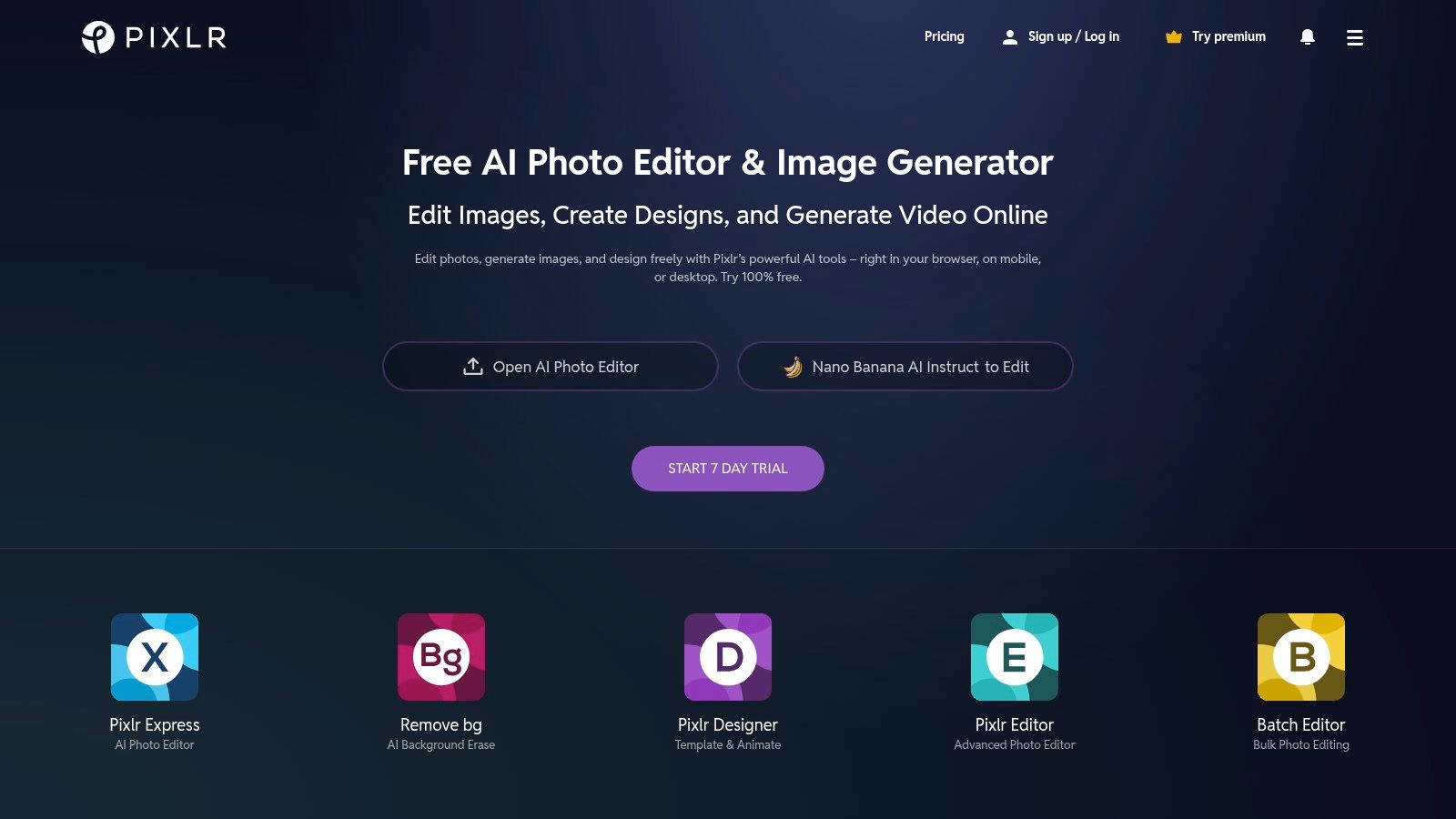
The platform is split into two main editors: Pixlr X for quick, template-driven designs and Pixlr E for more advanced, Photoshop-like control. Its AI-powered Generative Fill and expand tools are shockingly capable for a web app, allowing you to seamlessly add or remove elements with text prompts. This makes it a go-to for creating social media graphics or quick product mockups without leaving your browser.
Key Features & Use Cases
- Best For: Students, social media managers, and small businesses needing quick, accessible AI editing tools without software installation.
- Standout Features:
- AI Remove Background/Object: Fast and effective one-click tools for isolating subjects.
- Web-Based AI Suite: Includes Generative Fill and Expand, accessible on any device with a browser.
- Education Program: Special pricing and access for schools, making it a great educational tool.
- Pricing: Starts with a free plan, with premium subscriptions from just $1.99/month (billed annually), which includes a starter pack of AI credits.
Practical Assessment & Alternatives
In a direct comparison, Pixlr shines with its low cost and high accessibility. User reviews praise its ease of use for everyday tasks. However, the AI credit limits on lower-tier plans can be restrictive for heavy users, and it lacks the raw power of desktop applications for complex, high-resolution work. For those seeking alternatives focused on automated, API-first solutions rather than manual editing, tools like PixelPanda provide a more scalable backend for high-volume processing.
10. remove.bg (by Kaleido)
Sometimes you don't need a Swiss Army knife; you just need a scalpel. That's the entire philosophy behind remove.bg, a hyper-specialized tool that does one thing with ruthless efficiency: removes backgrounds. Forget complex selection tools or manual masking. This platform is the one-click wonder for generating clean, professional cutouts of people and products, making it a staple in high-volume e-commerce and creative workflows.
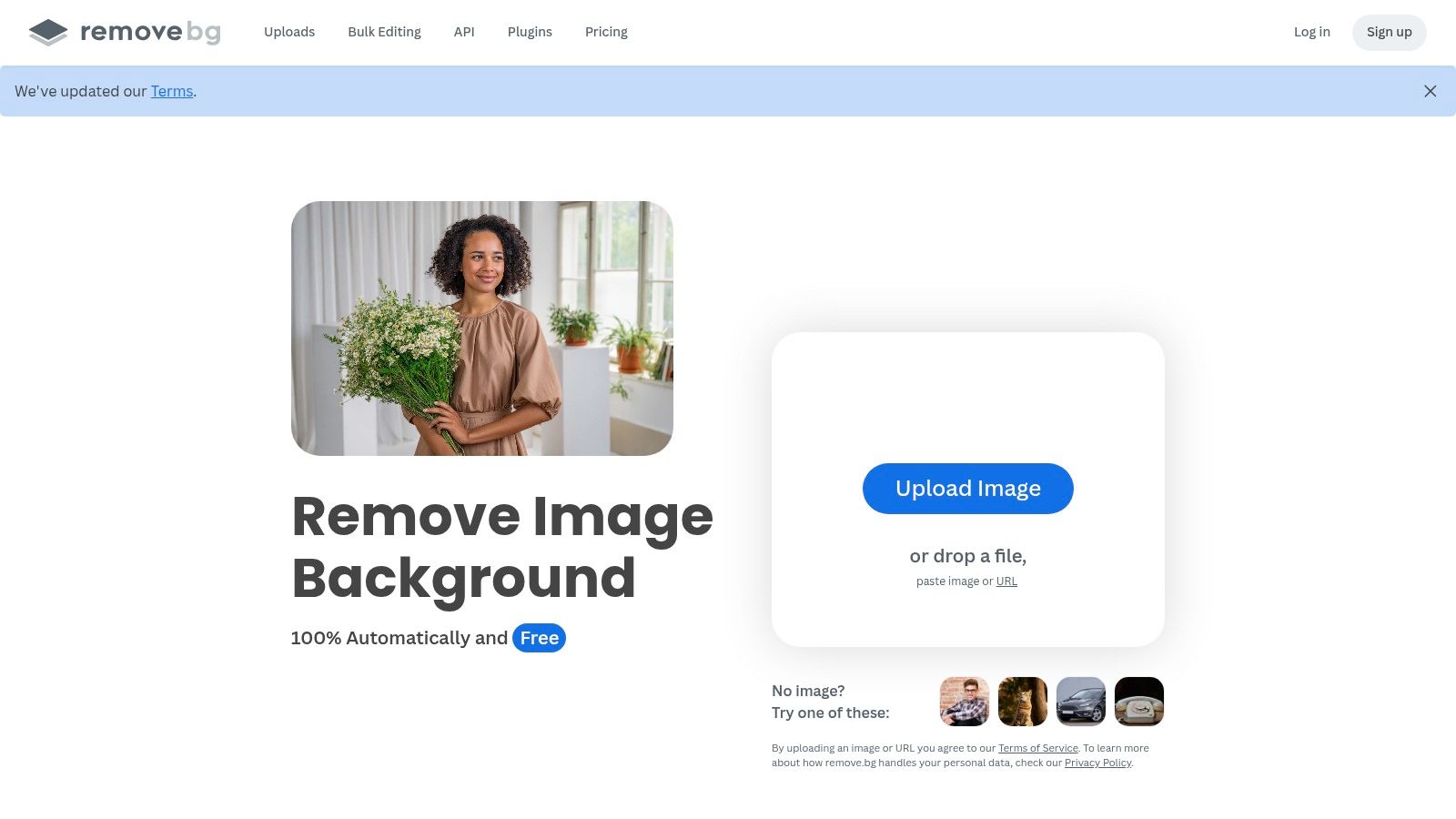
While many other AI tools for image editing bundle background removal as a feature, remove.bg makes it the main event. Its AI is meticulously trained on portraits and product shots, resulting in remarkably accurate edges, even with tricky details like hair or fur. For developers and e-commerce teams, its true power lies in its robust API and integrations, which allow for complete automation of background removal tasks at scale.
Key Features & Use Cases
- Best For: E-commerce catalog managers, developers needing an API for automated workflows, and marketers creating high volumes of social media assets.
- Standout Features:
- High-Precision Cutouts: Exceptionally accurate for human subjects, products, and even cars.
- Multi-Platform Integrations: Offers a web app, desktop apps (Windows/Mac/Linux), a Photoshop plugin, and a powerful API/CLI.
- Batch Processing: Drag and drop hundreds of images for simultaneous processing via the desktop app.
- Pricing: Offers a free-forever plan with one full-resolution download and unlimited previews. Paid plans use a credit system, available via subscription (starting at $9/month for 40 credits) or pay-as-you-go packs.
Practical Assessment & Alternatives
In a direct comparison, remove.bg often outperforms generalist editors in speed and accuracy for its specific task. User reviews consistently praise its reliability and ease of use. However, its specialized nature is also its main limitation; you'll need another editor for any further work. For teams seeking all-in-one alternatives or more complex generative AI features, platforms like PixelPanda or Canva provide a broader toolset, though potentially without remove.bg's pinpoint cutout precision.
11. Clipdrop
Clipdrop, now part of Stability AI, is a suite of lightning-fast, single-purpose AI tools for image editing, designed with a web-first and API-centric approach. Instead of a single complex interface, it offers a collection of dedicated tools that do one thing exceptionally well, making it a favorite for e-commerce teams and developers who need quick, reliable results without firing up a heavyweight application.
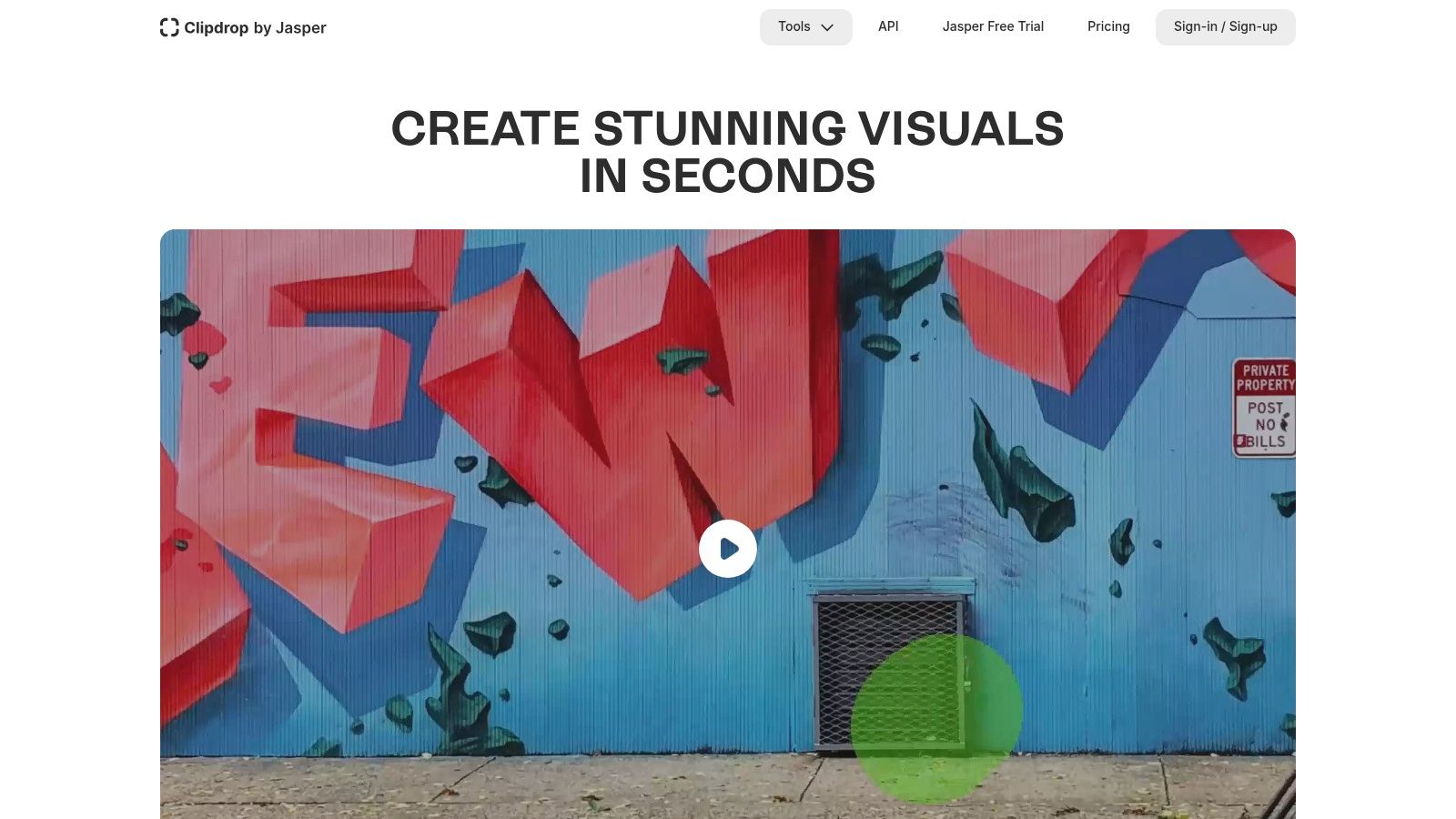
Its strength lies in its focused utilities. The Cleanup tool can precisely remove objects or text from an image, while the Relight feature lets you add realistic studio lighting to product shots after the fact. The Uncrop tool works just like you'd expect, intelligently expanding the canvas of your photo. This modular approach makes it perfect for automating specific steps in a creative workflow.
Key Features & Use Cases
- Best For: E-commerce sellers, developers needing API access, and marketers who require quick, specific retouching tasks.
- Standout Features:
- Cleanup and Relight: Excellent for product photography post-production directly in the browser.
- Image Upscaler & Uncrop: Expand and enhance images up to 16x their original size with impressive clarity.
- Comprehensive API: Offers programmatic access to all its tools, ideal for batch processing or integration.
- Pricing: A free tier is available with watermarks and resolution limits. The Pro plan starts at around $9/month, offering higher resolution, no watermarks, and increased API usage credits.
Practical Assessment & Alternatives
In a direct comparison, Clipdrop shines for its speed and simplicity. User reviews often praise its clean interface and the high quality of individual tools, especially for product-focused edits. However, the credit-based system on paid plans can feel restrictive for high-volume users. For those seeking alternatives that offer more integrated, layer-based editing, a tool like PhotoRoom might be more suitable. Yet, for developers wanting a powerful, focused API, Clipdrop remains a top contender against more complex platforms.
12. Let’s Enhance
If your primary goal is to take a low-resolution image and make it stunningly sharp, Let’s Enhance is your specialist. This platform doesn't try to be an all-in-one editor; instead, it focuses its AI firepower on one critical task: upscaling and enhancement. It’s a go-to service for breathing new life into older photos, preparing e-commerce shots for high-zoom, or getting digital images ready for large-format printing.
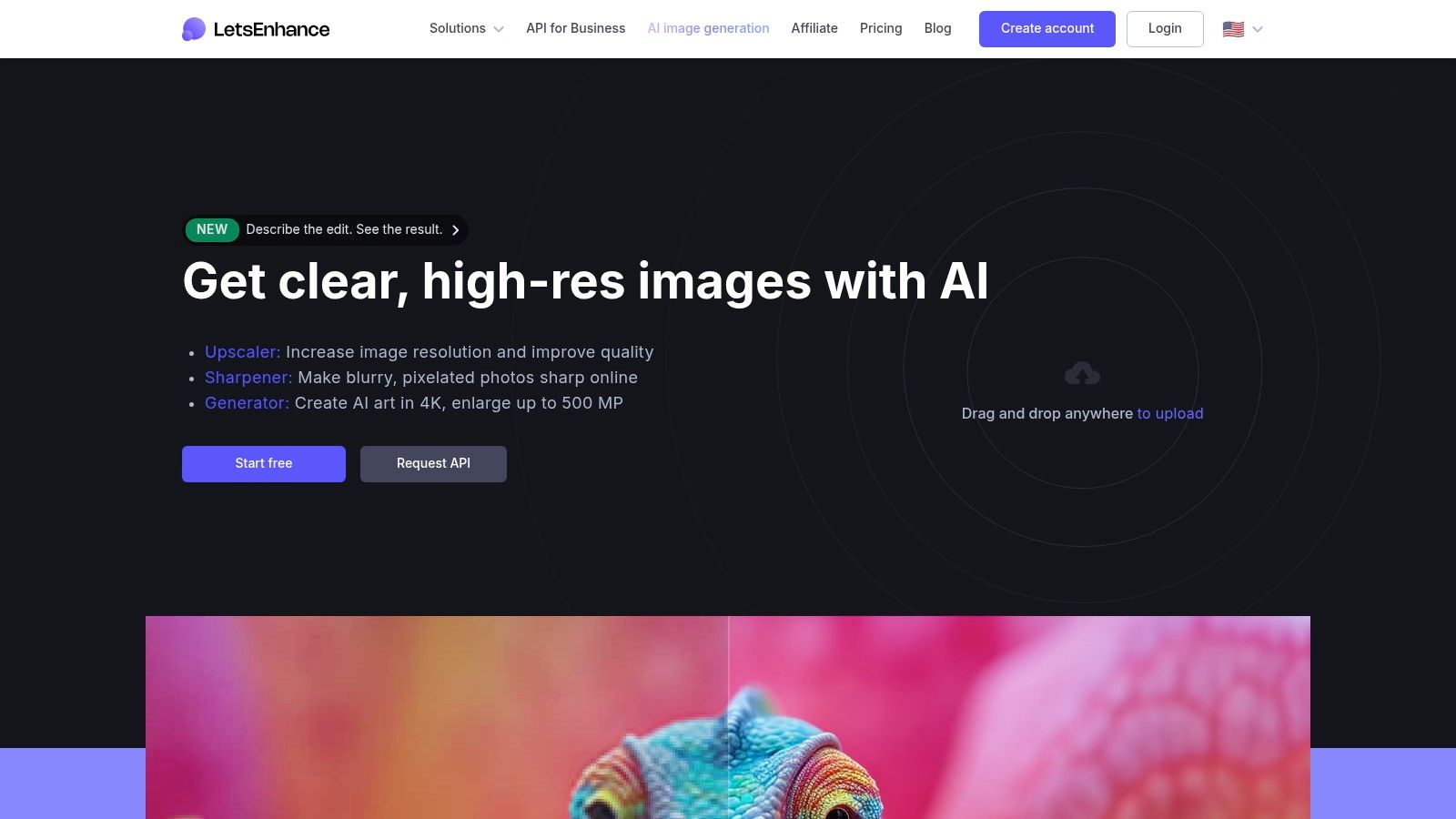
The platform offers different AI models tailored for specific needs, like "Smart Enhance" for general improvements or "Photo" for realistic details. Its ability to process images in batches makes it a powerful asset for anyone managing large volumes of visual content, from real estate listings to product catalogs. The user experience is straightforward, focusing on getting you a high-quality result with minimal fuss.
Key Features & Use Cases
- Best For: E-commerce sellers, real estate photographers, and anyone needing to print low-res digital images at high quality.
- Standout Features:
- High-Resolution Upscaling: Can increase image resolution up to 16x while intelligently improving tone, color, and clarity.
- Batch Processing: Upload and enhance multiple images simultaneously, streamlining high-volume workflows.
- Developer API: Offers an API for businesses to integrate its powerful upscaling capabilities directly into their own applications.
- Pricing: Operates on a credit-based system. Plans start from $9/month (billed annually) for 100 credits, with pay-as-you-go options and higher-tier business plans available.
Practical Assessment & Alternatives
In a direct comparison, Let’s Enhance excels at pure upscaling, often outperforming generalist AI tools for image editing. User reviews consistently praise its simple, results-first workflow. However, it's not a full-fledged editor; you'll need another tool for complex composites or creative changes. For those seeking broader editing features or one-click alternatives with a different feature set, platforms like Fotor or even PixelPanda’s enhancement APIs offer a more comprehensive suite of tools beyond just upscaling.
AI Image Editing — Top 12 Tools Comparison
| Product | Core features / USP ✨ | Quality ★ | Price / Value 💰 | Target 👥 |
|---|---|---|---|---|
| PixelPanda 🏆 | Background removal, text/watermark removal, 4× upscaling, face enhancement, smart inpainting, depth‑aware/edge‑preserving models, avatar training | ★★★★★ | Free 10‑credit trial; Starter $49/mo (500), Pro $99/mo (1,500), Business $249/mo (4,500) — volume API + batch | Developers, e‑commerce & marketing teams |
| Adobe Photoshop + Firefly | Generative Fill/Expand, integrated AI in layers, Firefly text‑to‑image, cloud sync & enterprise controls ✨ | ★★★★★ | 💰 Subscription (Creative Cloud); enterprise plans — higher cost | Agencies, publishers, enterprise creatives |
| Canva (Magic Studio) | Fast web templates, Magic Edit/Expand, brand kit and team controls — web/mobile first ✨ | ★★★★☆ | Freemium → Pro/Teams (changed pricing) — templates & brand features | SMB marketers, social teams, non‑designers |
| Topaz Labs (Photo AI, Gigapixel) | Class‑leading denoise, deblur, detail recovery & upscaling (Gigapixel) ✨ | ★★★★★ | Perpetual licenses or subscription; optional upgrade plans | Photographers needing best upscales/enhancement |
| Skylum Luminar Neo | AI sky replace, relight, portrait enhancers, plugin support — intuitive UI ✨ | ★★★★☆ | Perpetual bundles & asset marketplace — good value | Enthusiast photographers, creatives |
| ON1 Photo RAW (MAX) | AI masking, generative erase/expand, Resize AI, MAX plugins for Adobe/Affinity ✨ | ★★★★☆ | Perpetual or subscription (Everything Plus) — plugin bundles | Photographers wanting subscription alternative |
| DxO (PhotoLab, PureRAW) | DeepPRIME XD demosaic/denoise, optical corrections, Nik Collection plugins ✨ | ★★★★★ | Perpetual + clear upgrade pricing — pro toolset | Pro photographers focused on RAW fidelity |
| Picsart | AI generator, background replace, bulk editing, large asset library — cross‑platform ✨ | ★★★★☆ | Affordable promos; credit caps on lower tiers | Creators, SMB marketers, social creators |
| Pixlr | Web editor (E/X) with AI remove & generative fill, low‑cost entry & edu programs ✨ | ★★★★☆ | Low‑cost subscriptions; AI credit packs | Students, casual editors, social users |
| remove.bg | One‑click highly accurate background removal, desktop/Photoshop plugin & API ✨ | ★★★★★ | Pay‑as‑you‑go credits or subscription — high‑res costs at scale | E‑commerce, product/portrait cutout workflows |
| Clipdrop | Cleanup, relight, upscaler (up to 16×), uncrop & API for fast product retouch ✨ | ★★★★☆ | Pro plan with daily quotas/credits | E‑commerce retouchers, fast browser workflows |
| Let’s Enhance | High‑quality upscaling + tone/clarity enhancement, batch & credit rollover ✨ | ★★★★☆ | Credit‑based plans; rollover on some individual plans | E‑commerce, prints, real estate image upscaling |
Choosing Your Creative Co-Pilot: Final Thoughts on the Best AI Editor for You
Well, there you have it. We've journeyed through the digital darkroom, explored the AI-powered assembly lines, and met a dozen creative co-pilots, each with its own unique flair. From the integrated powerhouse of Adobe Photoshop + Firefly to the rapid-fire content creation engine of Canva, the landscape of ai tools for image editing is more vibrant and diverse than ever. It's no longer a question of if you should use AI, but which AI fits snugly into your creative or technical workflow.
Our detailed reviews and comparison of these platforms reveal a crucial truth: the "best" tool is a myth. The right tool, however, is very real. It’s the one that speaks your language, whether that's the C-suite dialect of ROI and efficiency, the developer's tongue of APIs and integration, or the creator's visual vocabulary of pixels and light.
Finding Your Perfect AI Partner
Making the final choice requires a bit of introspection. Ask yourself not just "What can this tool do?" but "How does this tool solve my biggest problem?" Let's distill the decision-making process into a few key scenarios:
- For the All-in-One Creative Professional: If you live and breathe the Adobe ecosystem, sticking with Photoshop + Firefly is a no-brainer. The deep integration and professional-grade controls are unmatched for designers who need granular power over every pixel. Similarly, photographers invested in a single-source-of-truth library might find their home with Skylum Luminar Neo or ON1 Photo RAW, which blend powerful AI enhancements with robust digital asset management.
- For the Agile Marketer and Social Media Guru: Speed and simplicity are your currency. Canva is your undisputed champion here, turning complex design tasks into a few clicks. For quick, one-off tasks like background removal, a specialized tool like remove.bg can be a lifesaver, delivering exactly what you need with zero friction.
- For the Technical Implementer and High-Volume Business: This is where the conversation shifts from user interfaces to APIs. Your primary concern isn't a single polished image; it's a thousand, or a million, processed flawlessly. This is the domain where PixelPanda truly shines as a powerful alternative. While many tools offer an API as an afterthought, PixelPanda is built API-first, designed for the programmatic demands of ecommerce marketplaces, SaaS platforms, and automated marketing workflows.
Final Considerations Before You Commit
Before you hand over your credit card details, remember to put these tools to the test in your own environment. A feature that looks amazing in a demo video might crumble under the specific demands of your product photos or marketing assets. Take advantage of free trials to run your own benchmarks.
Consider the long-term implications. How does the pricing scale? What are the usage limits? For developers, how good is the API documentation, and what does the support system look like when you inevitably hit a snag? A thorough evaluation now will save you countless headaches later. The journey through the various alternatives has shown us that while many tools can perform a similar function, their implementation and business model can make all the difference.
The era of manual, tedious editing is officially over. The army of AI co-pilots we've reviewed is ready to handle the heavy lifting, freeing you up to focus on the one thing they can't replicate: your unique creative vision. Your job is simply to choose the right partner for the mission. So go ahead, pick a few contenders, take them for a spin, and prepare to elevate your visual content game to a whole new level.
Ready to see how a developer-first approach to ai tools for image editing can transform your workflow? PixelPanda offers a powerful, scalable API for everything from background removal and upscaling to generative model photography. Start building for free and discover the power of automated, on-brand visual creation at PixelPanda.