Ever found the perfect image, only to realize it's a pixelated nightmare too small for your project? You're not alone. In a world where crisp visuals are king, a low-resolution image can sabotage a marketing campaign, cheapen a website, or make a social media post look utterly amateur. The solution used to be complex software and hours of work, but not anymore.
Enter the magic of AI image upscaling. These powerful tools use artificial intelligence to increase image resolution, intelligently adding detail, removing noise, and preserving quality, often with a single click. But with a flood of options, how do you find the best free ai image upscaler online without endless trial and error? This guide is your answer.
We've done the heavy lifting, providing in-depth reviews and a detailed comparison of the top 12 free tools for 2025. We'll explore the best alternatives for every need, diving into their strengths, weaknesses, and ideal use cases to help you find the perfect fit. Beyond just upscaling, you might be interested to discover other powerful AI Image Models that can transform your entire creative workflow. Let’s get to sharpening those pixels
1. PixelPanda
PixelPanda stands out not merely as another free AI image upscaler online but as a comprehensive, studio-grade visual production suite. While many tools focus on a single function, PixelPanda integrates a powerful 4x upscaler with a full array of AI editing capabilities, creating a seamless workflow that turns manual drudgery into automated, high-quality asset creation. This integrated approach makes it an exceptional choice for developers, marketers, and e-commerce professionals who need more than just a simple resolution boost.
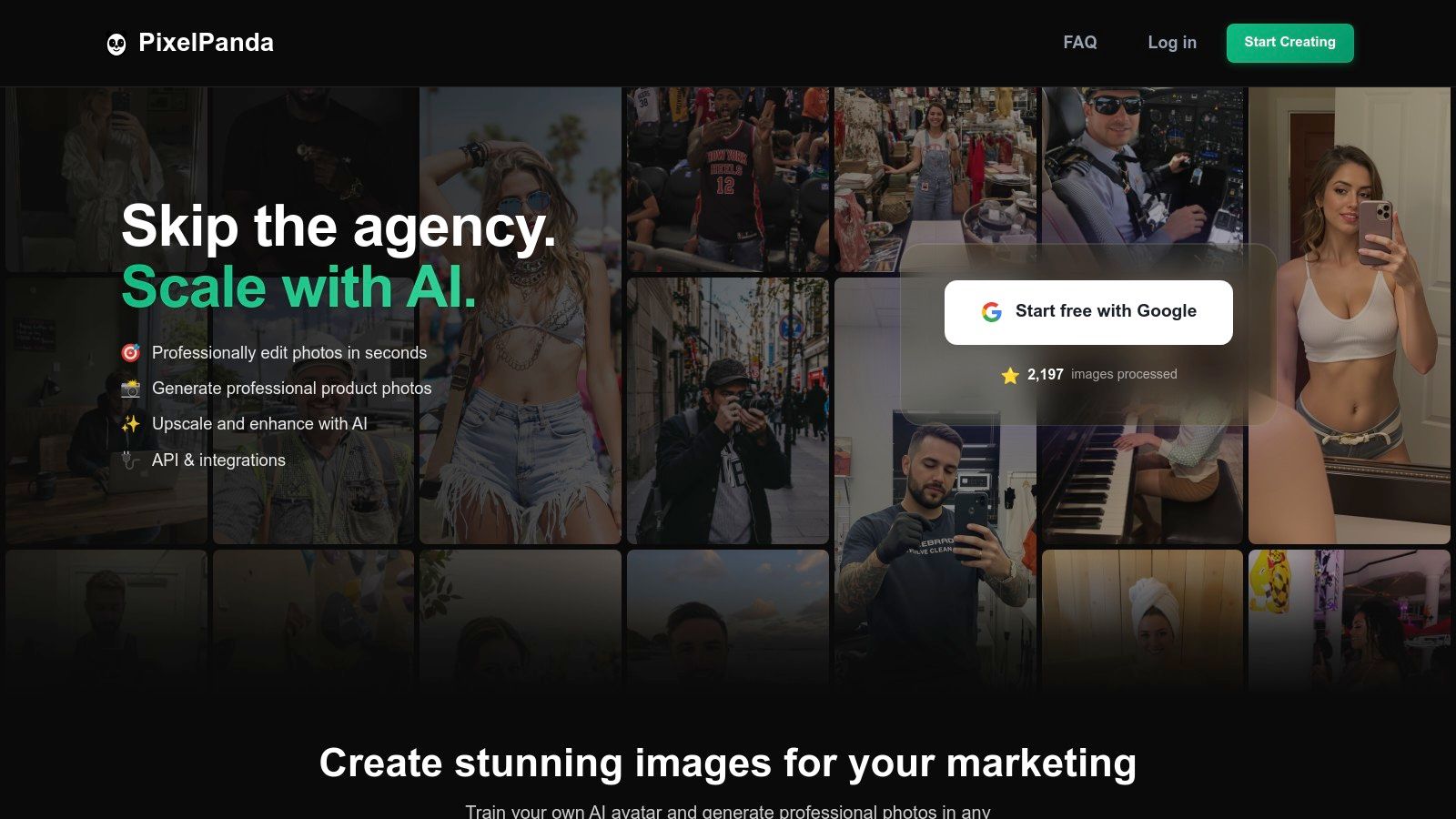
What truly sets it apart in a comparison against single-function alternatives is its developer-first mindset, balanced with a user-friendly interface for creatives. Engineers can leverage a straightforward REST API and SDKs for batch processing and real-time integrations, while marketers can use the web app to validate results instantly. You can test its impressive capabilities by exploring the PixelPanda image upscaling demo before committing.
Key Features & User Experience
PixelPanda's edge-preserving models are meticulously trained to maintain fine details like hair and fabric textures, a common pain point with other upscalers. The platform also offers unique, advanced features such as AI avatar generation and virtual try-ons, designed to eliminate the need for costly photoshoots.
- Core Functions: Background and text removal, 4x upscaling, face enhancement, smart inpainting, and style transfer.
- Developer Tools: Simple REST API, SDKs, and clear documentation facilitate scalable automation for web, mobile, or backend systems.
- Unique Offerings: AI avatars from just 10-20 photos, virtual product try-ons, and automated model generation.
- Trial & Pricing: Starts with a risk-free trial of 10 credits (no card required). Paid plans begin at $49/month for 500 images.
After reading several user reviews, it's clear the platform is valued for its robust feature set and responsive support. However, the free tier is limited to 10 credits, and advanced features like avatar training require a paid subscription. This positions PixelPanda as a premium, all-in-one solution for those who need professional, scalable results.
2. Upscale.media (PixelBin)
If you're looking for a free AI image upscaler online that's as fast as it is simple, Upscale.media is your jam. Developed by PixelBin, this tool ditches the cluttered interfaces for a drag-and-drop workflow that gets the job done in seconds. It's built for speed and accessibility, making it a fantastic choice when you need a quick enhancement without a steep learning curve or complex settings. It even supports short video upscaling for clips up to one minute long.
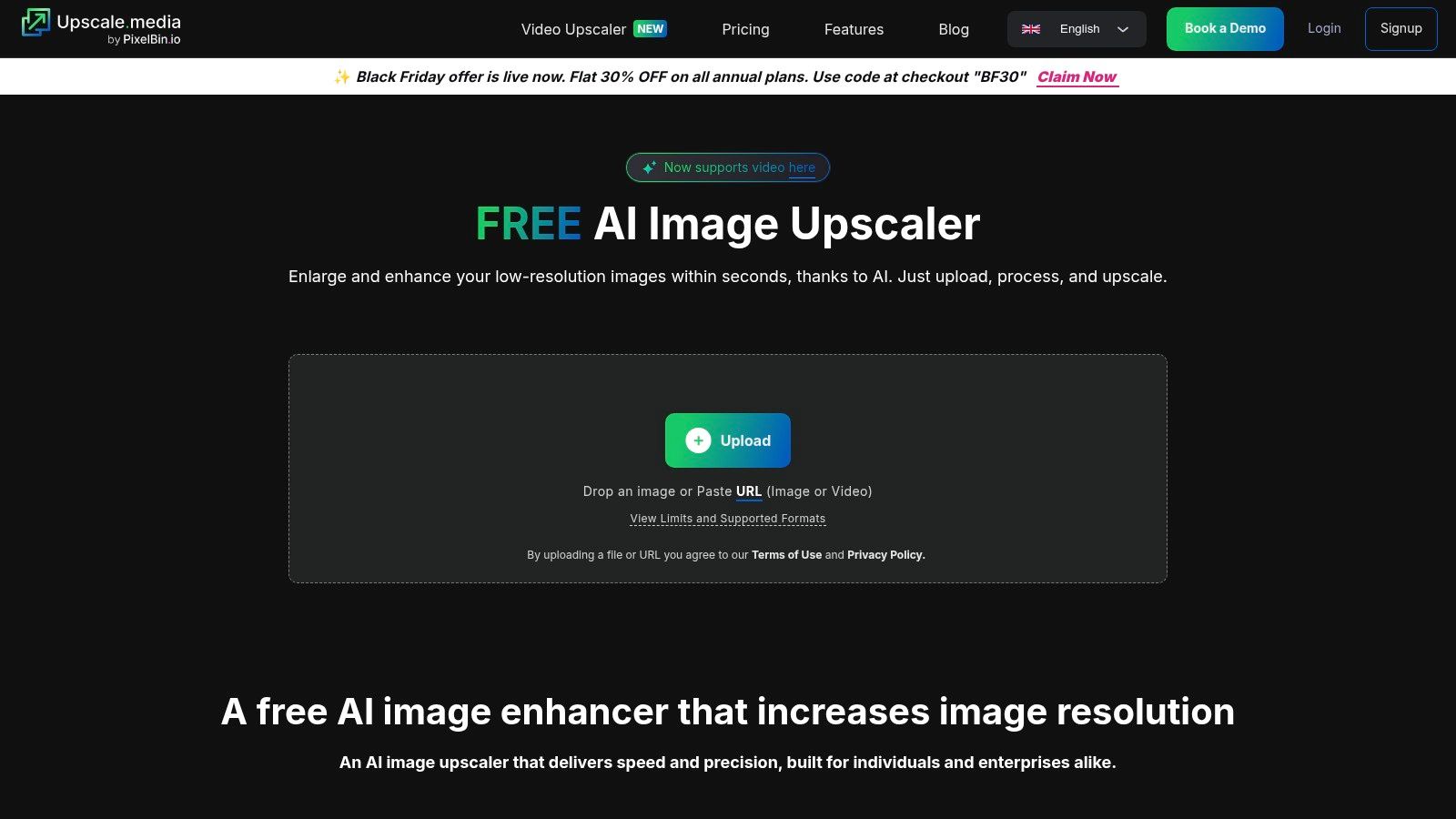
The platform is refreshingly straightforward. You get a handful of free credits just for signing up, allowing you to process several images before hitting a paywall. This "try-before-you-buy" model is perfect for users who want to run a quick comparison against other tools. While free use is limited, the pricing for additional credits is transparent, unlike some alternatives where costs can be murky. For those examining various paid plans, you can review pricing structures for similar tools to see how it stacks up.
Key Features & Limits
- Upscale Factor: 2x, 4x, and a powerful 8x option.
- Batch Processing: Yes, bulk transformations are supported directly in the web workflow.
- Usage Limits: The free plan offers a limited number of credits. Paid plans are required for high-volume use.
- Max Resolution: Supports images up to 5000×5000 pixels.
- File Types: PNG, JPEG, WEBP, and even HEIC.
Website: https://www.upscale.media/
3. Clipdrop (Stability AI) – Image Upscaler
When you need a free AI image upscaler online that’s backed by one of the biggest names in the game, Clipdrop is your destination. Powered by Stability AI, this tool is part of a larger, powerful suite of creative utilities, giving it a polished feel and serious upscaling muscle. Its clean, modern interface delivers excellent results for both photographs and AI-generated art, making it a reliable choice for creators who value quality and a seamless workflow.
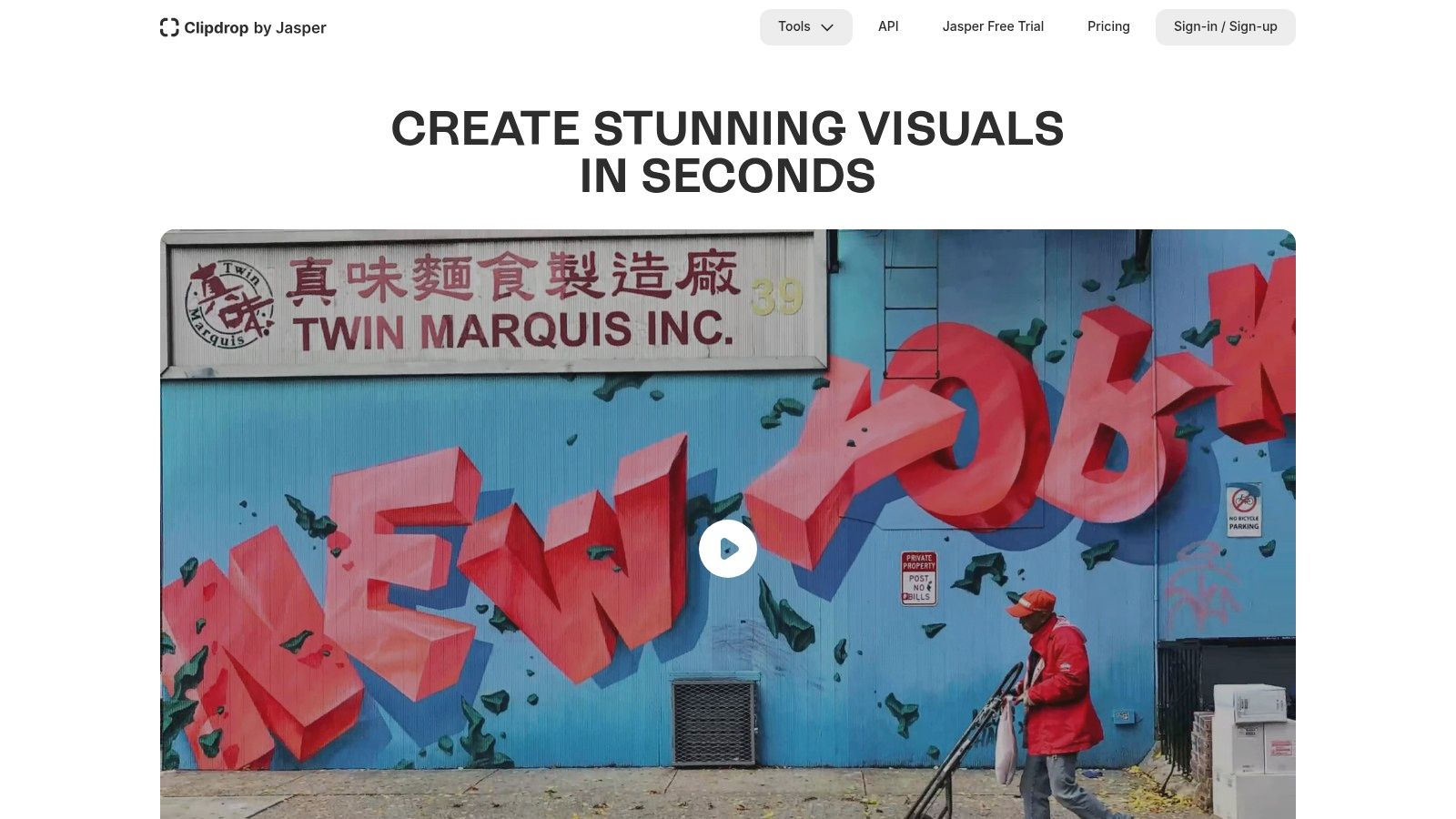
Clipdrop offers a generous free tier, but its real power is unlocked with a Pro subscription, which grants access to higher upscale factors and faster processing queues. What truly sets it apart is the public API, which allows for programmatic integration. Developers looking for automation capabilities often include Clipdrop in their reviews and comparison against other services. To explore how this works, you can learn more about AI image processing APIs and see how they stack up against other alternatives. This makes it a go-to for both casual users and developers building custom solutions.
Key Features & Limits
- Upscale Factor: 2x for free users, with options up to a massive 16x on paid plans.
- Batch Processing: No, the web interface processes images one by one.
- Usage Limits: Free usage is available, but a Pro subscription is needed for higher resolution, faster processing, and API access.
- Max Resolution: Free users are limited to 2048×2048 output; Pro plans unlock higher limits.
- File Types: Supports standard formats like PNG, JPEG, and WEBP.
Website: https://clipdrop.co/
4. Adobe Express and Photoshop (web) – AI image upscaling/enhancement
When the biggest name in creative software offers a free AI image upscaler online, you pay attention. Adobe Express provides a quick and accessible image enhancer that sharpens details and improves quality in seconds, perfect for social media posts or quick mockups. It's the gateway into Adobe's powerful ecosystem, offering a taste of the more advanced AI capabilities locked within its premium software, Photoshop, without the initial commitment. This makes it an ideal starting point for creators already familiar with the Adobe universe.
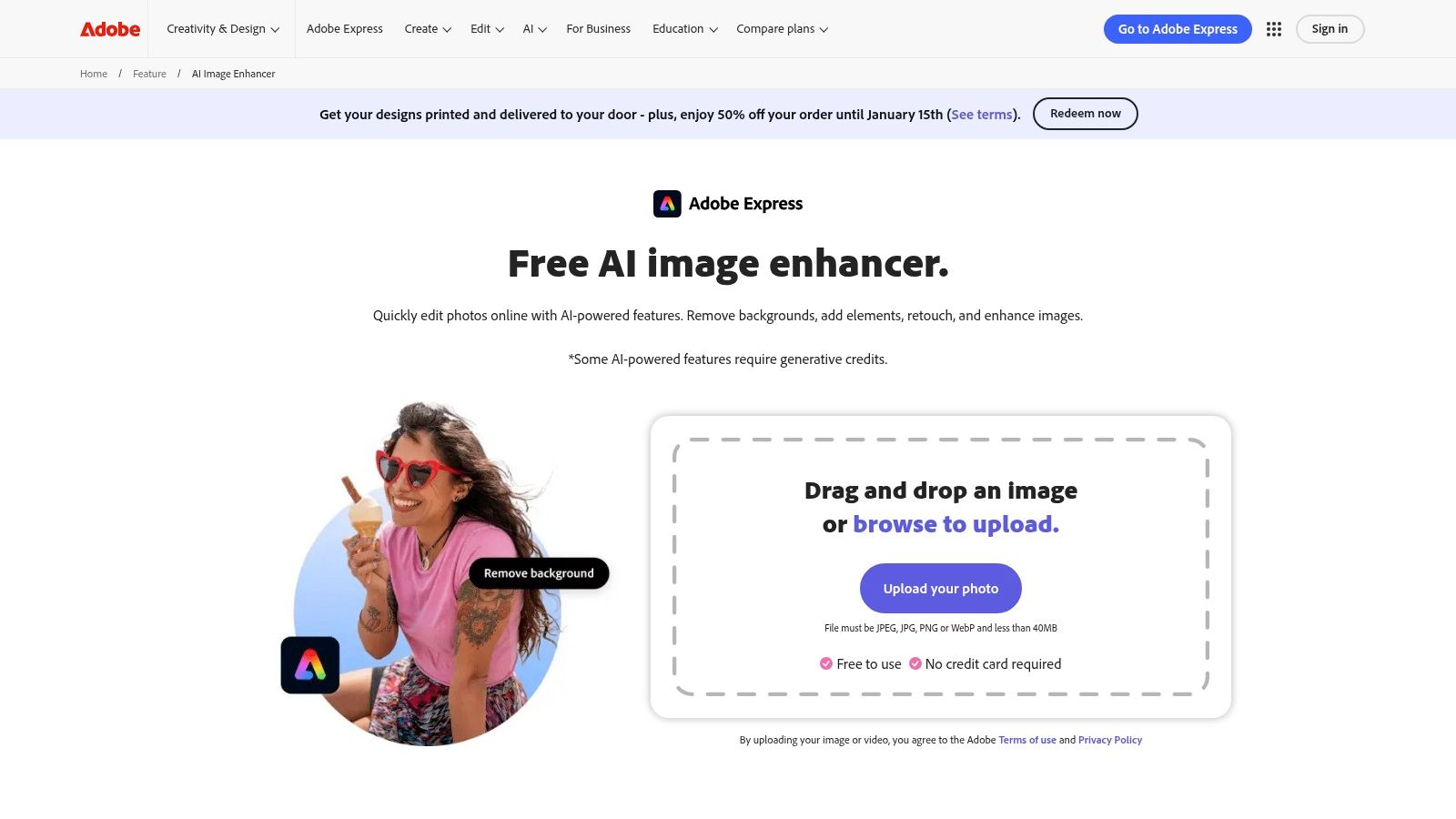
The real magic, however, requires a subscription. Photoshop’s “Generative Upscale” and partner model integrations provide professional-grade results that stand up well in any comparison. While the free Adobe Express tool is fantastic for basic enhancements, serious users will find themselves tempted by the paid plans. Based on user reviews, the transition from the free tool to the full Creative Cloud suite feels natural, but the generative credit system can be a point of confusion for newcomers looking for straightforward alternatives.
Key Features & Limits
- Upscale Factor: Basic enhancement in Express; 2x–4x with "Generative Upscale" in Photoshop.
- Batch Processing: No, processing is single-image only in the free web tool.
- Usage Limits: The Express tool is free to use. Photoshop features require a subscription and operate on a generative credit system.
- Max Resolution: Varies by tool; the free enhancer works best on standard web resolutions.
- File Types: Supports common formats like PNG and JPEG.
Website: https://www.adobe.com/express/feature/image/enhance
5. Let’s Enhance
Let’s Enhance is one of the original players in the AI upscaling game, and its maturity shows. If you need a free AI image upscaler online that can handle professional-grade tasks like preparing images for large-format printing, this is your platform. It moves beyond simple 2x or 4x enhancements, offering specialized modes and an "Ultra" upscaler capable of generating massive high-resolution outputs suitable for demanding commercial projects. Its credit-based system is geared toward both casual testers and heavy users.
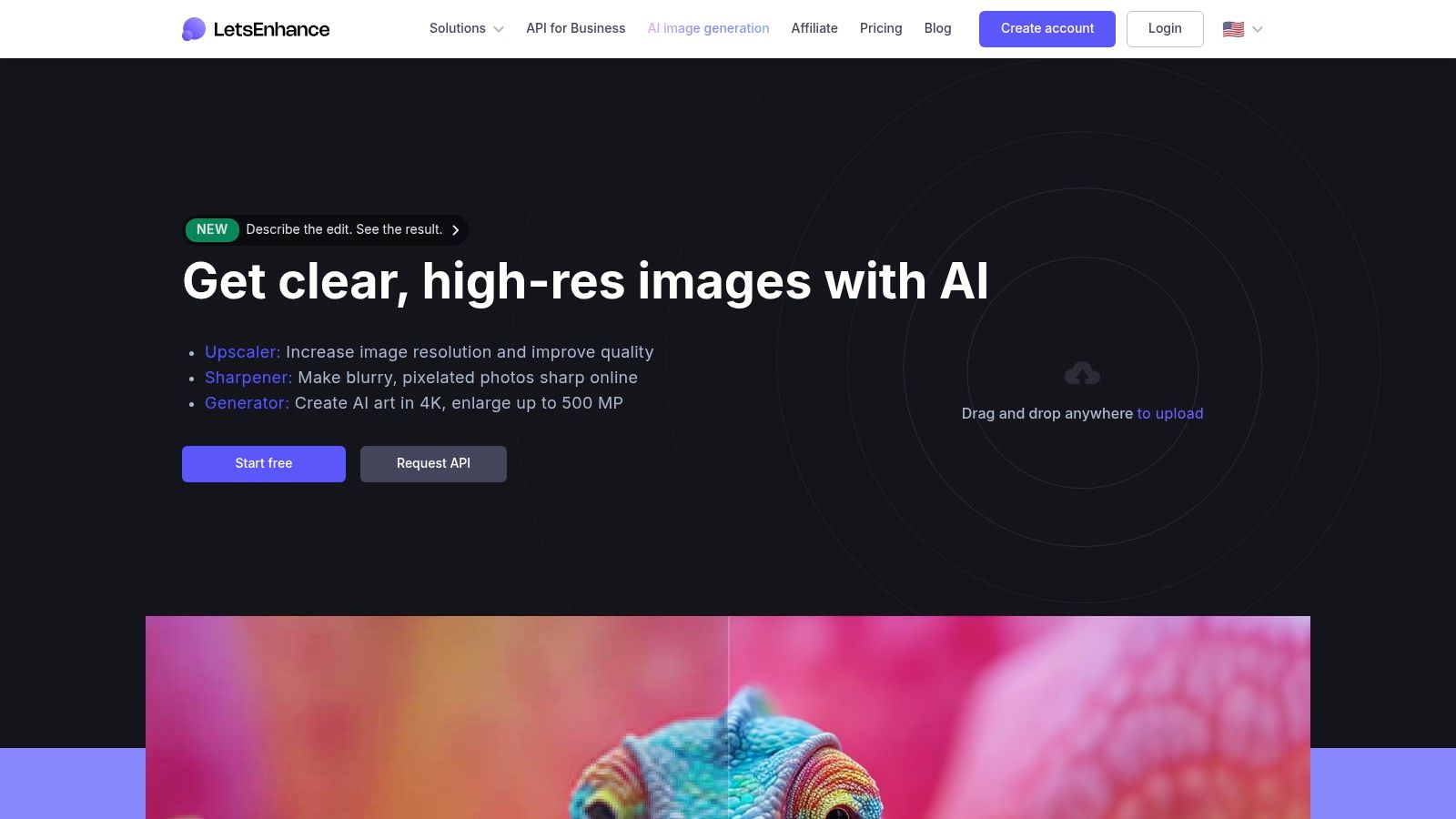
The platform gives you a handful of free credits upon signup, which is perfect for running a detailed comparison against other tools. While the credit system can seem a bit complex at first, with different operations costing different amounts, the clear documentation and quality of the final product make it a worthwhile consideration. For those reading reviews of various alternatives, Let's Enhance consistently gets praise for its ability to produce clean, artifact-free images for print and professional use cases where maximum detail is non-negotiable.
Key Features & Limits
- Upscale Factor: Up to 16x, with specialized "Photo" and "Digital Art" modes.
- Batch Processing: Yes, a core feature designed for processing entire folders of images at once.
- Usage Limits: The free plan provides 10 credits to start. Paid plans are based on credit packs.
- Max Resolution: Can process images up to 512 megapixels on higher-tier plans.
- File Types: Supports JPEG, PNG, and WebP.
Website: https://letsenhance.io/
6. Icons8 Smart Upscaler
From the creators of a massive stock icon and photo library, the Icons8 Smart Upscaler is a surprisingly powerful and developer-friendly tool. If you need to upscale images in bulk, this platform should be high on your list for comparison against other alternatives. It’s a no-nonsense free AI image upscaler online that handles batch processing exceptionally well, allowing you to drag and drop up to 500 images at once.
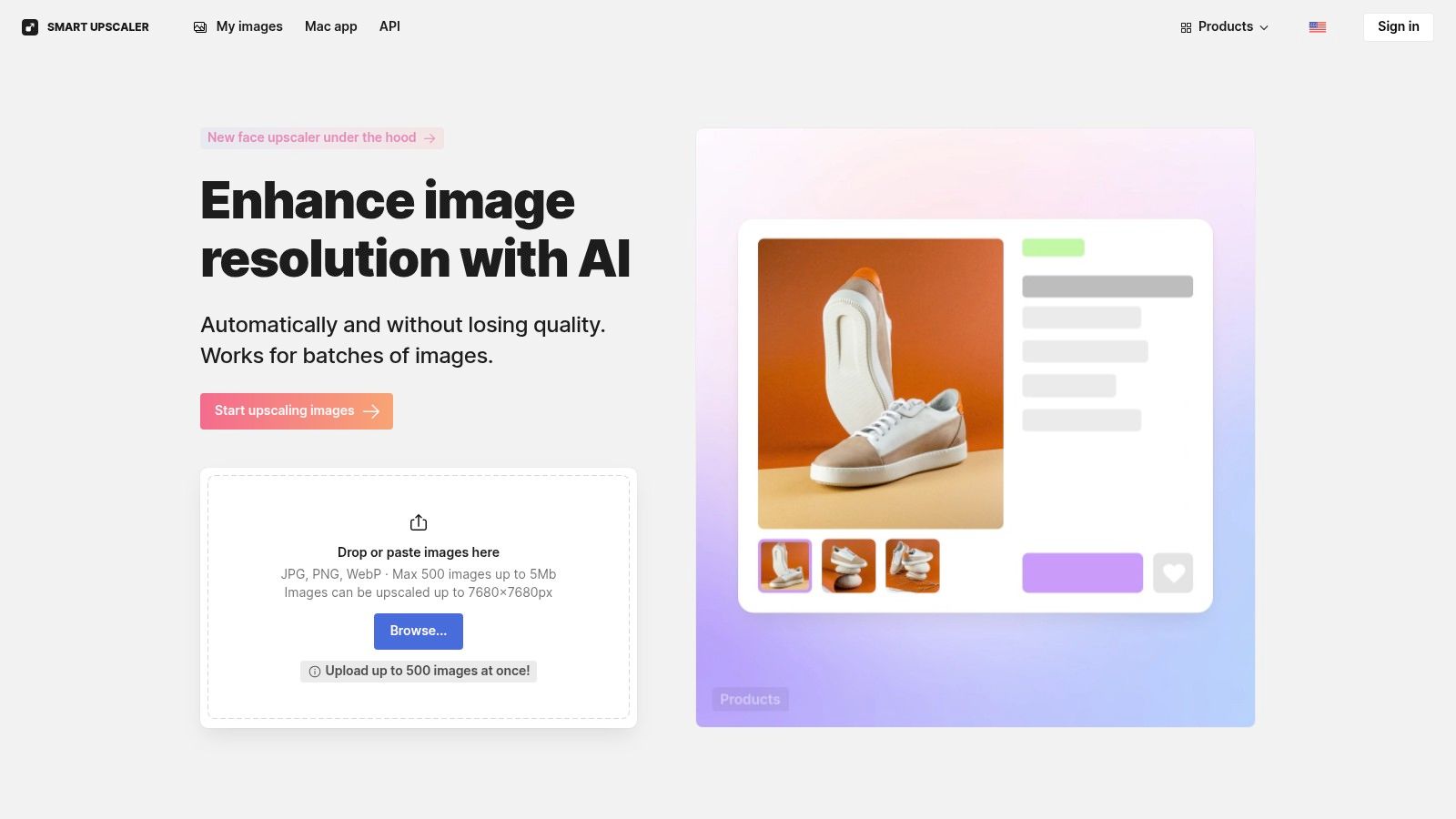
While the free tier gives you a few credits to start, be aware that processed images will include a small watermark. The real power is unlocked with its paid plans, which offer unlimited usage, API access for automated workflows, and a dedicated Mac app (GoProd) for heavy users. The clear documentation and straightforward options make it easy to understand the value proposition, which is a common theme in positive user reviews for this tool.
Key Features & Limits
- Upscale Factor: 2x, 4x, and up to 8x.
- Batch Processing: Yes, supports up to 500 images simultaneously in the web interface.
- Usage Limits: Free plan is limited to 3 images with a watermark. Paid plans offer more.
- Max Resolution: Upscales to a final resolution of 7680×7680 pixels.
- File Types: PNG and JPG.
Website: https://icons8.com/upscaler
7. VanceAI Image Upscaler
If you want more than just a one-trick pony, VanceAI offers a comprehensive suite of AI tools where the upscaler is just the star player. It's less of a single tool and more of a complete photo enhancement workspace, bundling in sharpeners, denoisers, and even old photo restoration. This makes it an excellent free AI image upscaler online for users who need to perform multiple edits on a single image without juggling different websites.
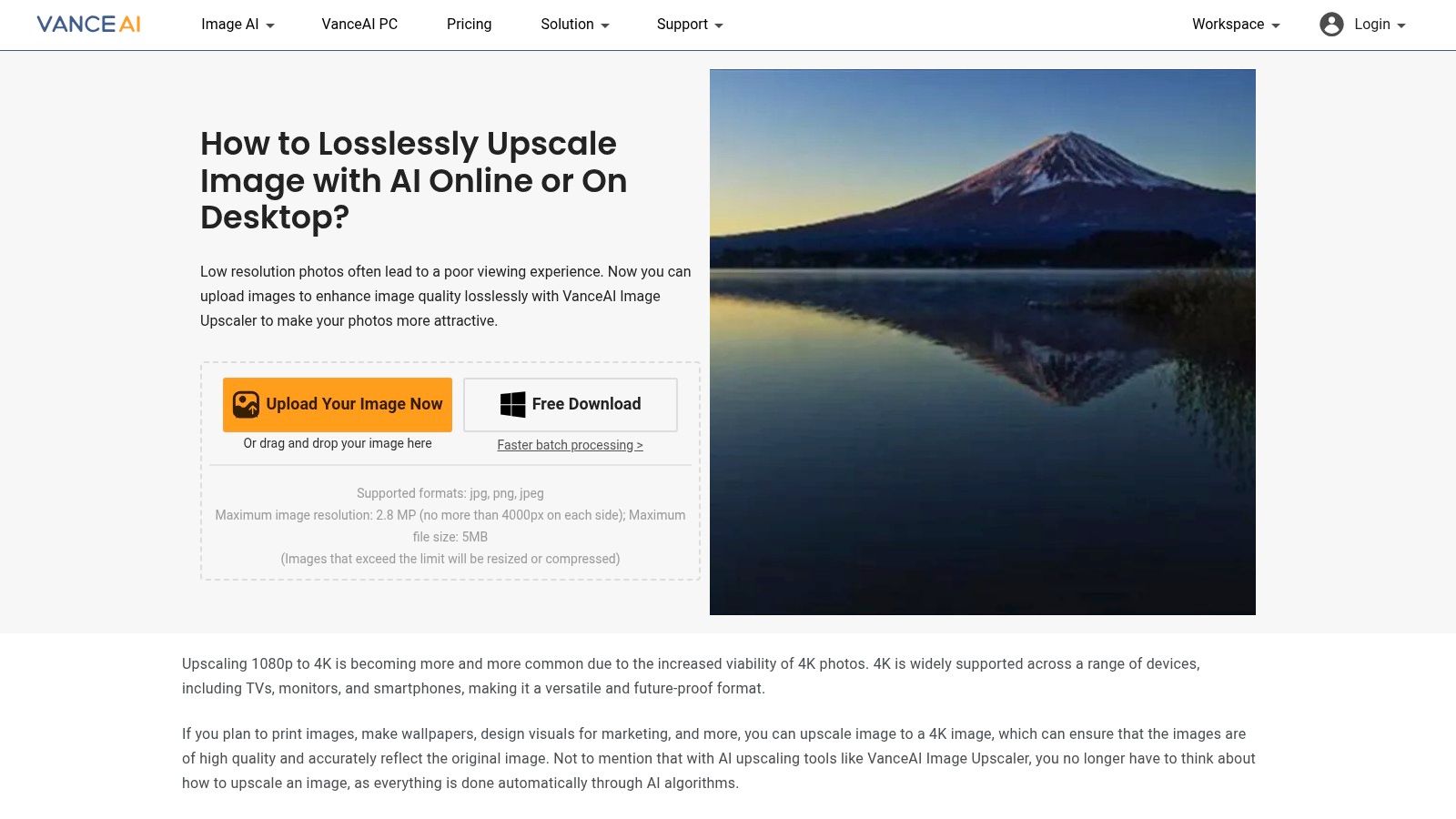
The platform operates on a credit system, giving you a few free credits to start. Its strength lies in its transparency; the rules for credit usage are clearly documented, so you know exactly what an action will cost. Some user reviews note that downloading can sometimes cost a credit, even if the initial processing was free. When doing a comparison of features against other alternatives, VanceAI's broad toolset is a significant advantage, providing more value than a simple upscaling-only service.
Key Features & Limits
- Upscale Factor: Offers 2x, 4x, 6x, and up to 8x enlargement.
- Additional Tools: Includes AI Sharpen, AI Denoise, and Old Photo Restore functions.
- Usage Limits: Provides a few free credits upon signup. A subscription or credit pack is needed for more extensive use.
- Max Resolution: Supports images up to 34 megapixels for paid users.
- File Types: PNG, JPG, and JPEG are supported.
Website: https://vanceai.com/image-upscaler/
8. Bigjpg (BigJpg AI)
If you need to take a tiny image and make it massive without turning it into a pixelated mess, Bigjpg is your specialist. This free AI image upscaler online is renowned for its ability to handle extreme enlargements, especially for anime and digital art. It pushes the boundaries with up to 16x scaling, a feature that many alternatives simply don't offer. While its core strength is in illustration, it performs admirably on general photos too, making it a versatile tool for high-demand upscaling tasks.
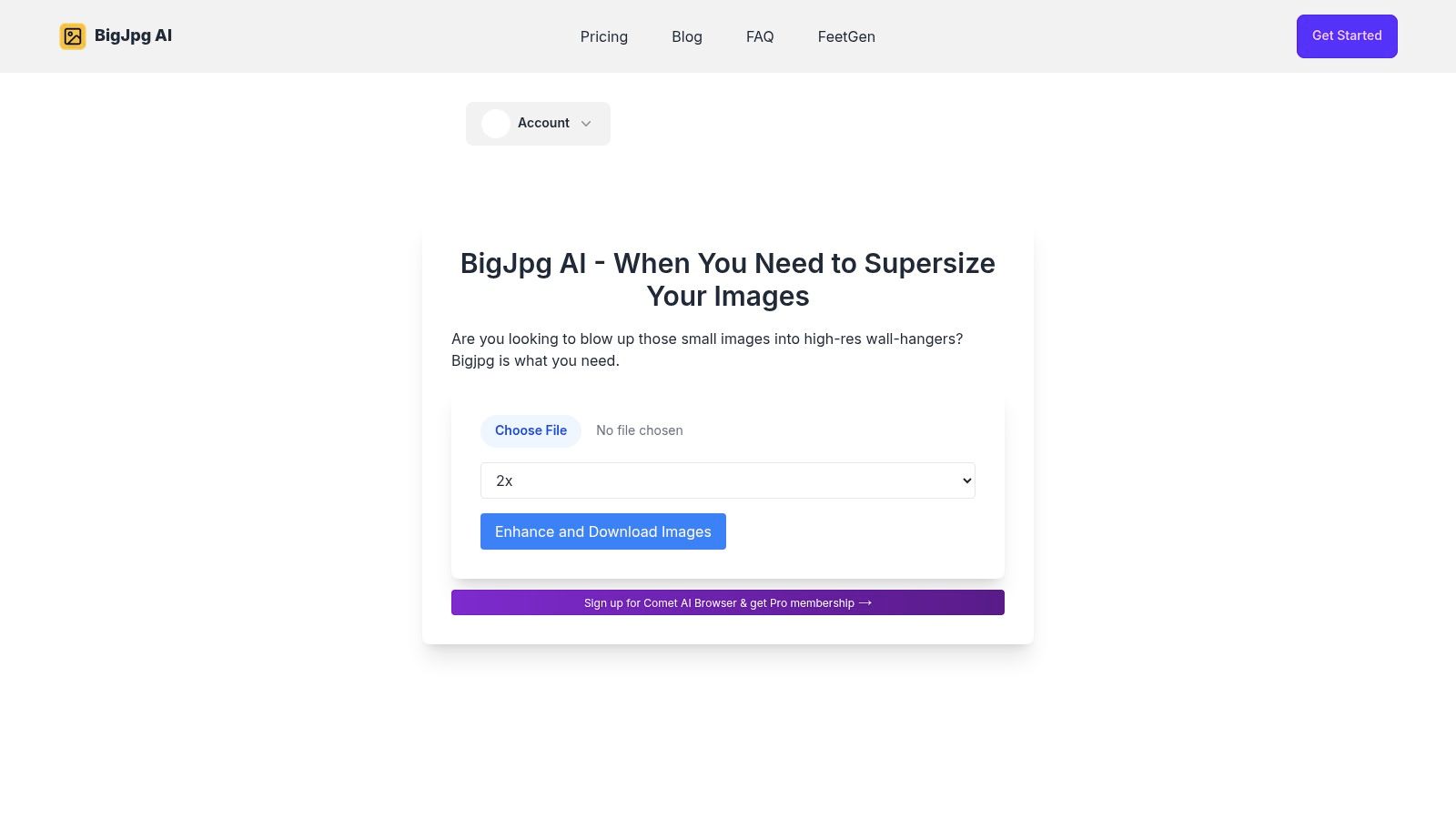
The platform operates on a straightforward model. Free users get access to the core features but with limitations like watermarks and personal-use-only licenses. For commercial use or higher volume, the paid "Starter" plans are incredibly accessible and low-friction, a welcome change from complex subscription models seen in some reviews. This clear pricing makes a direct comparison with other tools simple, helping you decide if the premium features are worth the small investment for your specific needs.
Key Features & Limits
- Upscale Factor: 2x, 4x, 8x, and an impressive 16x.
- Batch Processing: Yes, batch uploads are supported for efficient workflow.
- Usage Limits: Free tier includes a watermark and is for personal use only. Paid plans unlock full features.
- Max Resolution: Free users are limited to 3000x3000px and 5 MB files.
- File Types: Supports JPG, PNG, GIF, and BMP formats.
Website: https://bigjpg.ai/
9. Pixelcut – AI Image Upscaler
Pixelcut is more than just a free AI image upscaler online; it's a full-fledged creative suite designed for social media teams, small businesses, and solo creators. Its upscaler is a standout feature within a platform that also offers background removal, magic erasers, and other AI-powered editing tools. The user experience is incredibly slick, whether you're on the web or using their popular mobile apps, making it a great choice for those who need quality edits on the go.
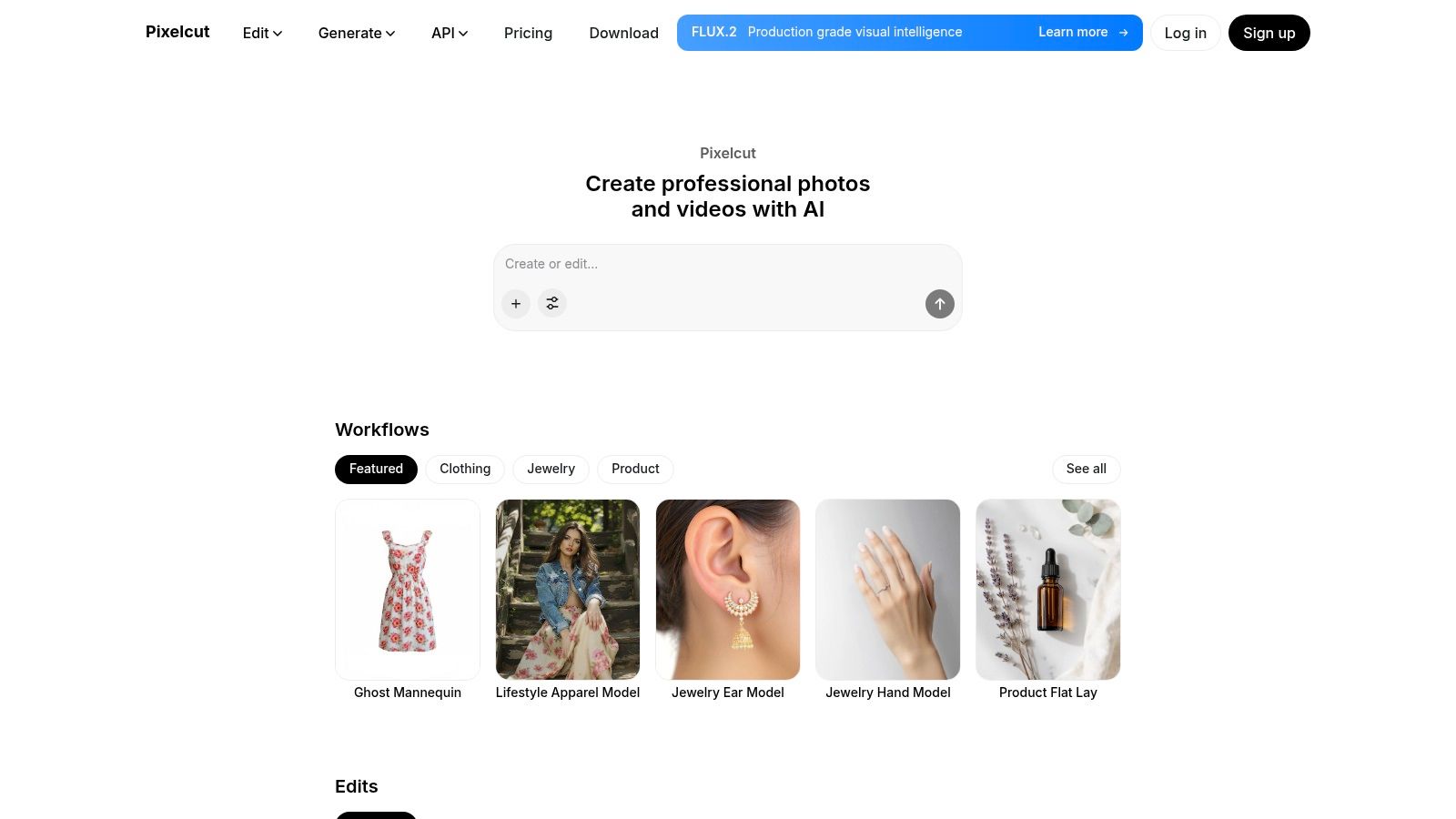
What truly sets Pixelcut apart is its generous free tier, which allows watermark-free downloads, a rarity in this space. This makes it ideal for users looking for high-quality, professional results without an immediate subscription. For developers or businesses needing automation, Pixelcut also offers a well-documented Upscaler API with transparent, credit-based pricing. This scalability, from a single free upscale to automated API calls, gives it a unique edge over many alternatives. After reading several positive reviews, it's clear its blend of simplicity and power is a winning combination.
Key Features & Limits
- Upscale Factor: 2x and 4x options available in the free web tool.
- Batch Processing: Not directly available in the free web upscaler, but possible via the API for Pro users.
- Usage Limits: Generous free plan, but heavy or frequent use will require a Pro subscription or credit purchases for the API.
- Max Resolution: No explicit public limit, but handles standard web and social media resolutions perfectly.
- File Types: Supports standard formats like PNG and JPEG.
Website: https://www.pixelcut.ai/
10. Fotor – AI Image Upscaler
If you want a free AI image upscaler online that lives inside a full-blown photo editor, Fotor is your creative playground. Unlike single-task tools, Fotor integrates its AI upscaler into a comprehensive editing suite, making it perfect for workflows that need more than just a resolution bump. You can upscale an image and then immediately jump into removing backgrounds, adding text, or applying filters without ever leaving the browser.
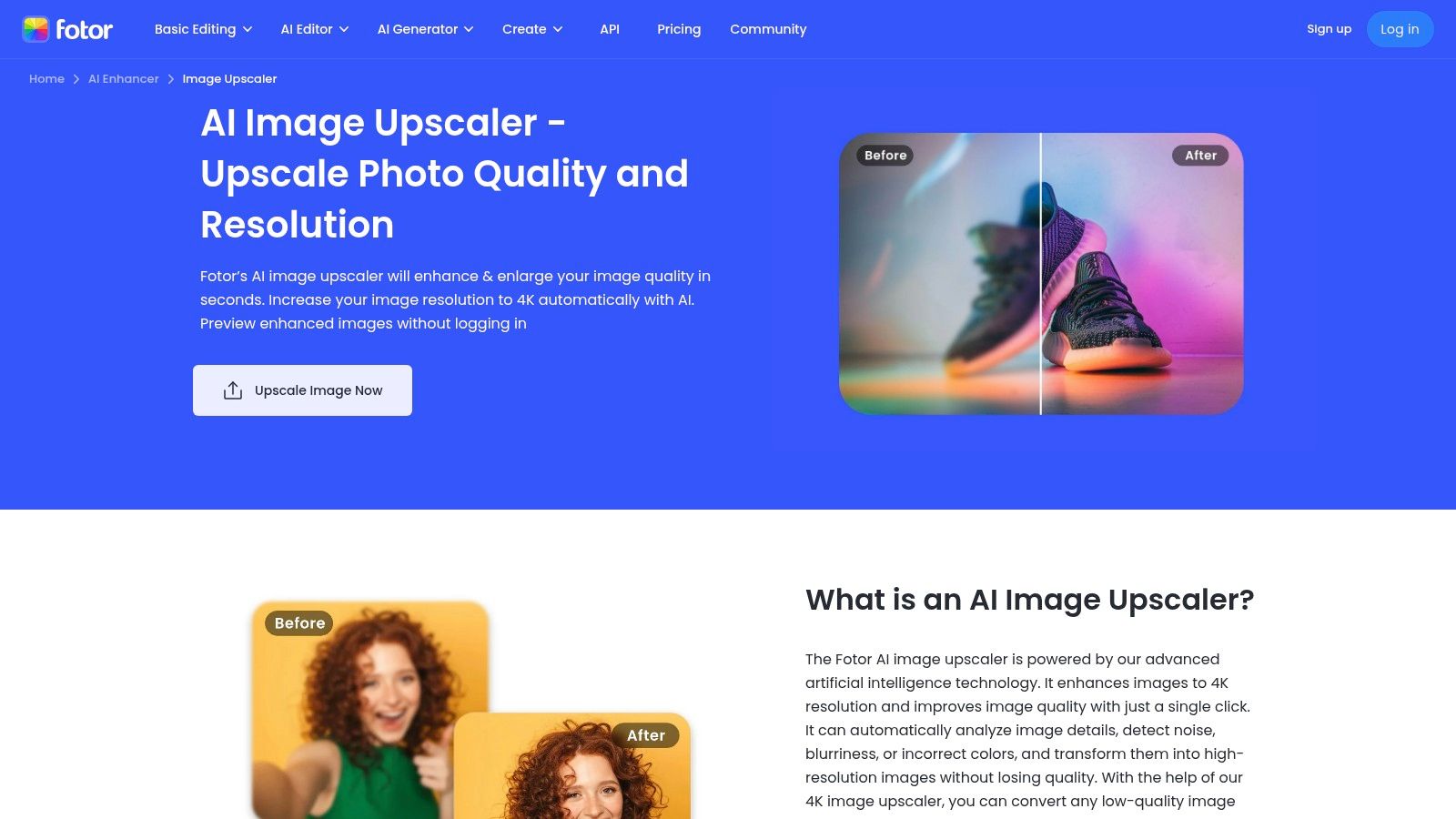
The platform operates on an AI credit system, where free users get a taste of the action before needing to upgrade. The highest quality settings and batch processing are locked behind its Pro/Pro+ plans, which is a key point of comparison when looking at alternatives. However, for users who need an all-in-one solution and are tired of jumping between different apps, the integrated experience offers significant value. After running a few reviews of its output, the quality holds up well, especially for social media and web content.
Key Features & Limits
- Upscale Factor: Claims up to 4K output, with standard 2x and 4x options available.
- Batch Processing: Yes, but this feature is reserved for Pro/Pro+ subscribers.
- Usage Limits: Free use is governed by a credit system; heavy use requires a paid plan.
- Max Resolution: Varies by plan, with higher limits for paid tiers.
- File Types: JPG, PNG, HEIC, HEIF, and WebP.
Website: https://www.fotor.com/image-upscaler/
11. AI Image Enlarger (Imglarger)
If you're looking for a free AI image upscaler online that acts as a Swiss Army knife for photo enhancement, AI Image Enlarger is a solid contender. It pairs a straightforward upscaling process with a suite of other AI tools like restoration and background removal, making it a one-stop shop for quick fixes. While many platforms focus solely on enlargement, Imglarger’s approach is to provide a broader toolkit, appealing to users who need more than just a resolution boost.
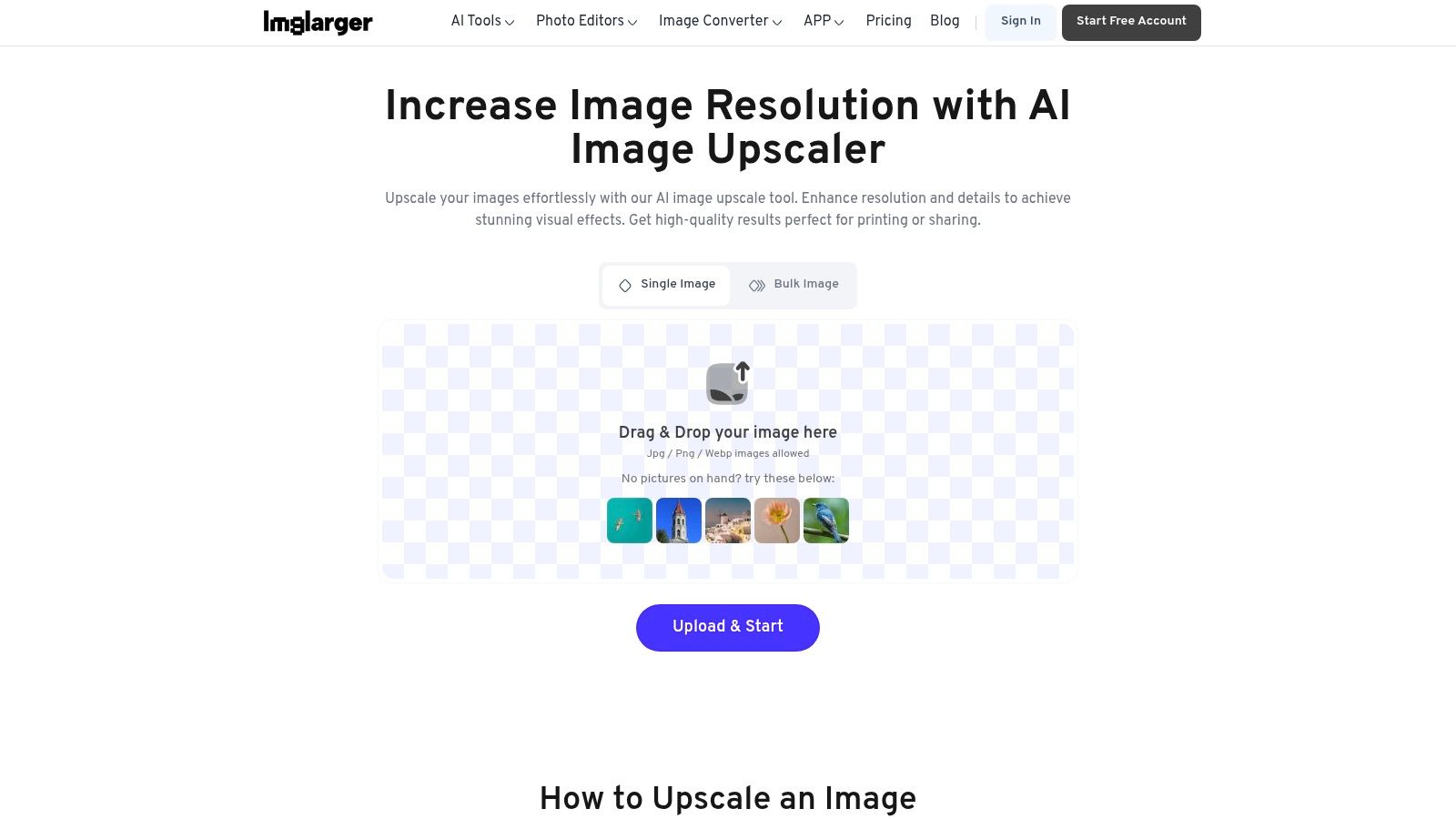
The platform operates on a freemium model, giving you a taste of its capabilities before asking for a commitment. The workflow is incredibly simple: upload, pick your scale, and download. However, the free plan has its limits, including a cap on input dimensions, so it's wise to read the fine print. For anyone doing a detailed comparison of different services, its collection of related AI tools provides a unique value proposition against more specialized alternatives. Many user reviews highlight this bundled functionality as its main strength.
Key Features & Limits
- Upscale Factor: Simple 2x and 4x options, with up to 8x available on paid plans.
- Batch Processing: Yes, but this feature is typically reserved for premium users.
- Usage Limits: Free plan has limits on the number of images and maximum input size (images over 800px may be downsized).
- Max Resolution: Claims up to 8K output, but this is highly dependent on the input image and subscription tier.
- File Types: Supports common formats like JPG and PNG.
Website: https://imglarger.com/upscaler
12. Hostinger – AI Image Upscaler (web tool)
Known primarily for web hosting, Hostinger has jumped into the AI game with a suite of surprisingly capable tools, including a free AI image upscaler online. This browser-based utility is a fantastic bonus for existing Hostinger customers but stands on its own as a simple, no-fuss option for anyone needing a quick enhancement. The three-step process (upload, upscale, download) is as straightforward as it gets, making it ideal for users who don't want to get bogged down in complex settings or create yet another account.
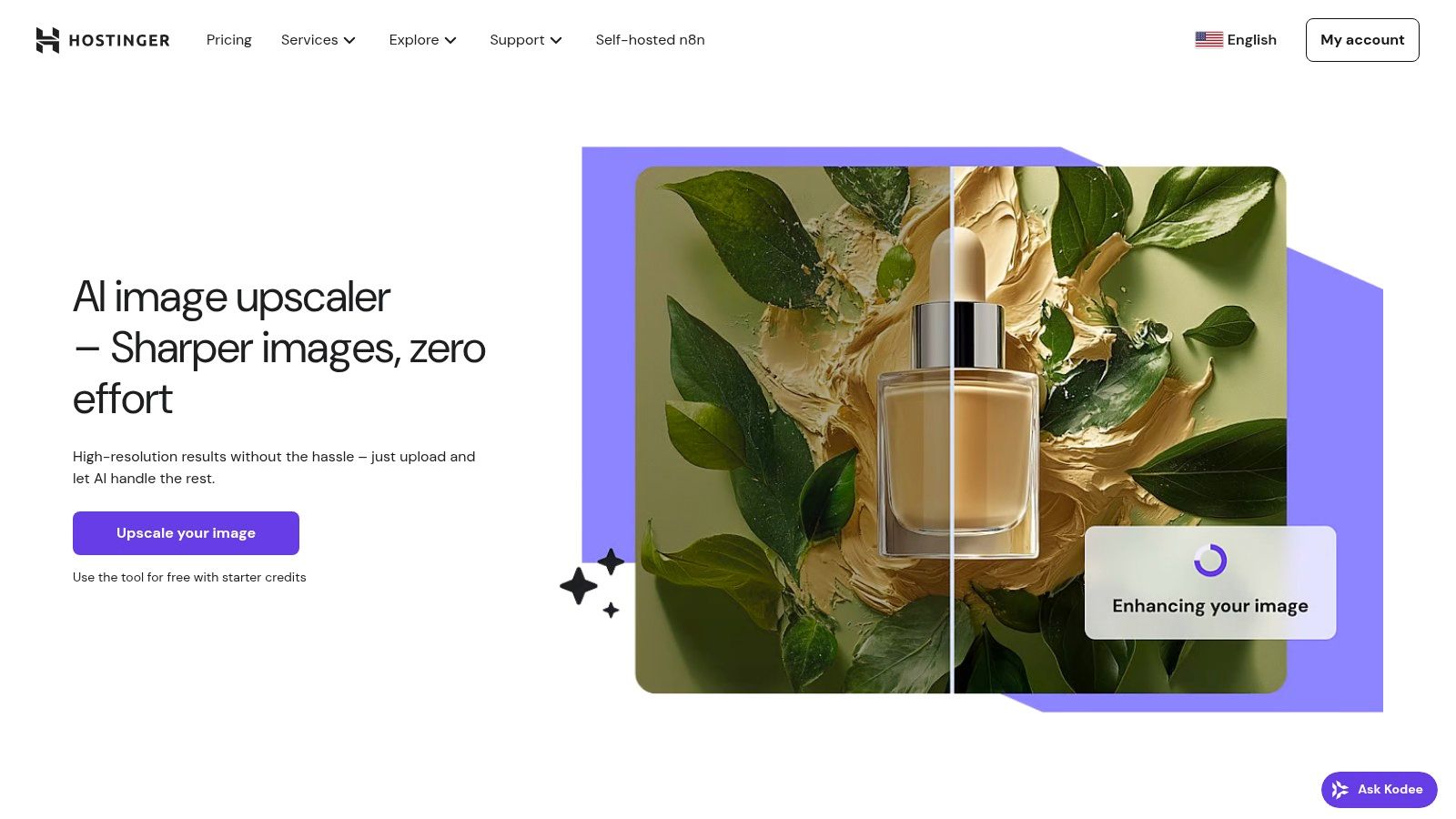
While the tool is incredibly accessible, its feature set is more basic compared to specialized alternatives. The lack of detailed controls or batch processing might deter power users, but it excels at its core function: making your images look better, fast. For those conducting tool reviews and looking for a baseline in their comparison, Hostinger's upscaler provides a solid reference point for ease of use. It’s a convenient, one-and-done solution when you just need to sharpen a single image for your website or social media post.
Key Features & Limits
- Upscale Factor: Offers a standard 2x upscale.
- Batch Processing: No, this tool is designed for single-image processing.
- Usage Limits: Appears to be free with generous, if unspecified, limits.
- Max Resolution: Supports images up to 2048×2048 pixels.
- File Types: Supports JPEG and PNG for both upload and download.
Website: https://www.hostinger.com/ai-image-upscaler
Top 12 Free AI Image Upscalers — Comparison
| Product | Core features & unique points ✨ | Quality & UX ★ | Target audience 👥 | Pricing & value 💰 |
|---|---|---|---|---|
| PixelPanda 🏆 | Background removal, 4x upscaling, inpainting, face enh., text→image, API & SDKs; ✨ AI avatars, try‑on, depth‑aware models | ★★★★★ — studio‑quality, detail‑preserving | Developers, e‑commerce, marketing teams, agencies | 💰 Free (10 credits) → Starter $49 / Pro $99 / Business $249 |
| Upscale.media (PixelBin) | 2x/4x/8x upscaling, short video support, bulk web transforms | ★★★★☆ — fast, mobile‑friendly | Casual users, creators needing quick upscales | 💰 Free monthly credits; paid credits for higher volume |
| Clipdrop (Stability) | 2x→16x upscales, denoising, API, integrates with Clipdrop suite | ★★★★☆ — modern UI, good on photos & art | Creators, devs, AI‑art users | 💰 Freemium; higher tiers for bulk/priority |
| Adobe Express & Photoshop (web) | Express enhancer, Photoshop Generative Upscale 2x–4x, Adobe ecosystem | ★★★★☆ — trusted tools & tutorials | Designers, agencies, Adobe customers | 💰 Free enhancer; best quality via paid Adobe subs |
| Let’s Enhance | 'Ultra' upscaler, batch, very high‑res outputs (up to 512MP tiers) | ★★★★☆ — print‑grade, strong docs | Print pros, product photography, studios | 💰 Credit‑based; pro tiers for large outputs |
| Icons8 Smart Upscaler | Up to 7680×7680, 500-image batch, API & Mac app | ★★★★ — batch‑friendly, easy start | Teams, bulk upload workflows | 💰 Simple free tier; paid to remove watermarks/limits |
| VanceAI Image Upscaler | Upscaler + sharpener/denoiser/restore; shared credit system | ★★★★ — broad toolset, clear credit rules | Photographers, restoration projects | 💰 Credit system; downloads may cost credits |
| Bigjpg (BigJpg AI) | 2x→16x enlargement, batch, supports art/animation formats | ★★★★ — excels on anime/art enlargement | Anime artists, illustrators, creatives | 💰 Free (watermark); paid Starter for commercial use |
| Pixelcut | 2x–4x free upscaler, mobile apps, Upscaler API (per‑image credits) | ★★★★ — creator UX, watermark‑free free tier | Social teams, small businesses, creators | 💰 Free tier + Pro/credit pricing for heavy use |
| Fotor | Up to 4K claims, batch upscaling, integrated editor & AI tools | ★★★★ — all‑in‑one browser editor | Casual editors, marketers, bloggers | 💰 Freemium; Pro/Pro+ for best quality & batch |
| AI Image Enlarger (Imglarger) | 200%/400% controls, batch, background removal & restore tools | ★★★ — simple, quick workflow | Casual users, quick fixes | 💰 Freemium with upload/size limits; paid lifts caps |
| Hostinger – AI Upscaler | 3‑step web upscaler, high‑quality JPEG/PNG outputs, Hostinger AI tools | ★★★ — simple, user‑friendly | Hostinger users, quick standalone edits | 💰 Generally free/simple; limits not always explicit |
Choosing Your Perfect Pixel-Boosting Partner
And there you have it, a whirlwind tour through the digital landscape of pixel-perfecting magic. We’ve dissected, compared, and put a dozen of the best free AI image upscaler online tools under the microscope. This journey wasn’t just about listing features; it was about providing detailed reviews and a practical comparison to help you find the right fit for your unique creative or business needs.
You've seen that the world of AI upscaling is not a one-size-fits-all solution. The "best" tool is a deeply personal choice, entirely dependent on what you're trying to accomplish. Are you a developer needing a robust API for an e-commerce platform? A tool like PixelPanda or Upscale.media is likely your champion. Or are you a content creator just needing a quick, no-fuss enhancement for a social media post? A simple, web-based tool like Hostinger or Pixelcut might be your go-to.
Key Takeaways and Your Next Steps
Before you dive in, let’s boil down the most critical factors from our analysis to guide your decision:
- Define Your Use Case: Be crystal clear about your goal. Enhancing a single cherished family photo has vastly different requirements than batch-processing ten thousand product images for a new online catalog. Your primary use case dictates everything.
- Test, Test, and Test Again: The single most important step is to experiment. Every AI model has its own "flavor." Take a few of your typical images, both good and bad quality, and run them through your top 2-3 alternatives. Pay close attention to how each tool handles textures, faces, and fine details specific to your content.
- Heed the "Free" Limits: Remember, "free" often comes with strings attached. Be mindful of watermarks, resolution caps, usage limits, and data privacy policies. For professional or high-volume work, the free tier is your trial run, not the final destination.
- Consider Your Workflow: The best free ai image upscaler online is one that integrates seamlessly into how you already work. Do you need an API, a Photoshop plugin, or just a simple drag-and-drop web interface? Don’t choose a tool that forces you to change your entire process.
The power to rescue low-resolution images and transform them into crisp, high-quality assets is no longer a luxury reserved for those with expensive software and technical expertise. It's now accessible to everyone, right from your browser. You are now equipped with the knowledge to choose wisely, avoid common pitfalls, and elevate your visual content to a professional standard. So go ahead, pick your pixel-boosting partner, and start breathing new life into every image you touch.
Ready to move beyond basic upscaling and integrate powerful, scalable AI image processing directly into your application or workflow? See why our top pick for developers and businesses is PixelPanda. Explore our flexible API and start your free trial to experience automated, high-quality image enhancement at scale.