In a world dominated by high-resolution screens, pixelated images just don't cut it. Whether you're an ecommerce manager prepping product shots, a designer restoring old photos, or a developer building an automated media pipeline, image quality is non-negotiable. Manually enlarging low-resolution source files is slow, often ineffective, and results in blurry, artifact-ridden images that undermine your brand's credibility. For online sellers, making a strong visual impression is vital to sales, especially when you need to optimize your eBay listings where pristine product photos directly impact conversions.
This is the exact problem the best AI image upscaler platforms are designed to solve. They use sophisticated machine learning models to intelligently add detail, reconstruct textures, and increase resolution without the typical unwanted side effects. The result is a sharp, clean image ready for professional use.
However, the market is crowded with options, from free web tools and powerful desktop software to flexible developer APIs. Choosing the right one for your specific needs can be a significant challenge. This guide cuts through the noise. We've rigorously tested and ranked the top 12 AI image upscalers, evaluating them on critical factors like output quality, feature sets, processing speed, pricing, and ideal use cases. Each entry includes direct links and image samples to help you find the perfect fit for your project and budget, ensuring your visuals always meet the highest standards.
1. Free AI Image Upscaler – Upscale Images 2x, 4x, 8x Online | PixelPanda
PixelPanda establishes itself as a top-tier contender for the best AI image upscaler by delivering a powerful, developer-first platform wrapped in an exceptionally user-friendly interface. It masterfully balances immediate accessibility for casual users with the robust, scalable infrastructure required by professional teams. The instant, no-signup demo page is a standout feature, allowing anyone to test the upscaling algorithms with pre-selected samples or their own images before committing to an account.
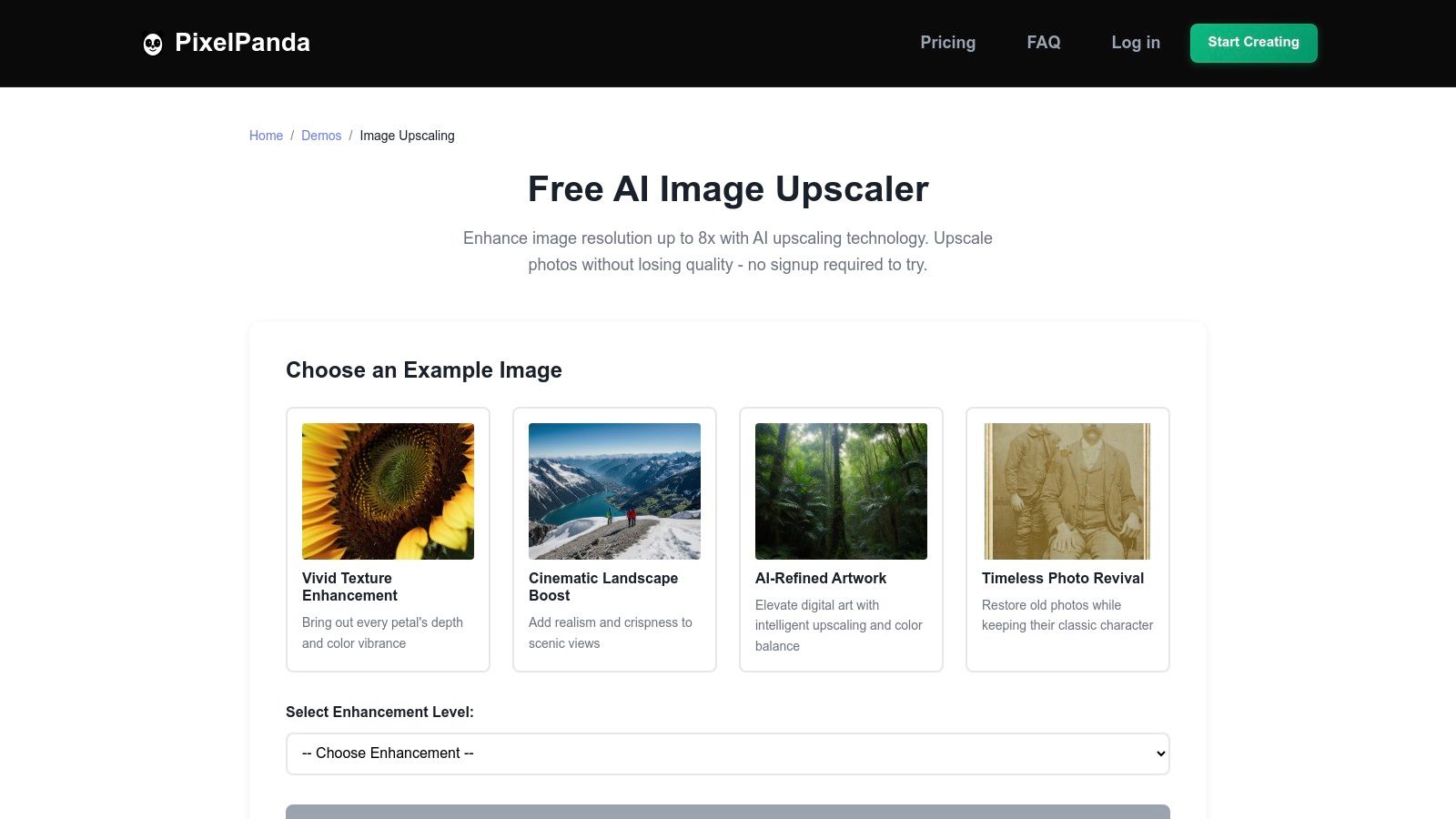
This frictionless approach demonstrates confidence in its technology, which excels at producing natural-looking enhancements. The models are particularly adept at preserving and reconstructing fine details in challenging textures like hair, fur, and fabric, avoiding the plastic-like finish that plagues lesser tools.
Key Strengths & Use Cases
PixelPanda’s true advantage lies in its versatility. It serves both individual creators and large-scale automated systems with equal competence, making it a comprehensive solution for diverse needs.
- For Marketers & Designers: Quickly elevate campaign assets, social media graphics, and digital art. The 4x and 8x options are ideal for preparing low-resolution source images for high-resolution displays or print without sacrificing quality.
- For Ecommerce Platforms: Enhance product photos for catalogs and listings. The algorithm’s strong edge preservation ensures that product details remain crisp and clear, which is critical for online sales.
- For Developers: This is where PixelPanda shines. Its well-documented REST API and available SDKs enable seamless integration into existing applications and automated workflows. Developers can programmatically batch-process thousands of images, making it perfect for user-generated content platforms, digital asset management systems, and print-on-demand services.
Platform Analysis
| Feature | Details |
|---|---|
| Upscaling Factors | 2x, 4x, 8x |
| File Support | JPEG, PNG (up to 10 MB) |
| Free Access | Instant web demo and a free plan with 5 credits upon signup |
| API & Automation | Full REST API access with SDKs for programmatic integration and batch processing |
| Best For | Developers, ecommerce, marketers, and anyone needing high-fidelity, natural-looking results at scale |
| Primary Limitation | The free plan is limited; high-volume or large-file processing requires a paid subscription |
Website: https://pixelpanda.ai/demos/image-upscaling-demo
2. Topaz Labs – Gigapixel
Topaz Labs – Gigapixel stands apart as a professional-grade, downloadable desktop application for both Windows and Mac. It has cemented its reputation among photographers, print houses, and graphic designers who require the utmost fidelity and detail recovery. Unlike many web-based tools, Gigapixel is engineered for a high-precision, offline workflow, making it a contender for the best AI image upscaler for serious creative work.
The software excels at enlarging photos, illustrations, and even video frames up to 6x their original size while intelligently recovering textures and fine details. Its specialized models, such as the Face Recovery AI, are remarkably effective at reconstructing clear, natural-looking facial features from low-resolution source images, a common pain point for other upscalers. You can see the impressive clarity for yourself by checking out this image upscaling demo.
Key Features and Evaluation
Gigapixel's strength lies in its robust desktop environment. The user interface provides split-screen and side-by-side previews, allowing for precise control over the final output. Batch processing is a significant time-saver, enabling users to apply consistent settings across entire photo albums or project folders.
- Best Use Cases: Professional photography, print preparation, digital art restoration, and enhancing frames from video footage.
- Pricing: Gigapixel is available for a one-time purchase of $99.99, which includes one year of software updates. After the first year, users can purchase an upgrade license to continue receiving new features and models.
- Limitations: The primary drawback is its resource intensity. Optimal performance requires a powerful GPU and sufficient RAM, and processing times can be longer than cloud-based alternatives, especially for large batches.
The one-time purchase model provides clear value for professionals who will use the tool frequently, offering a reliable, long-term solution without recurring subscription fees.
Website: https://www.topazlabs.com/gigapixel
3. Adobe Photoshop (Super Resolution via Enhance)
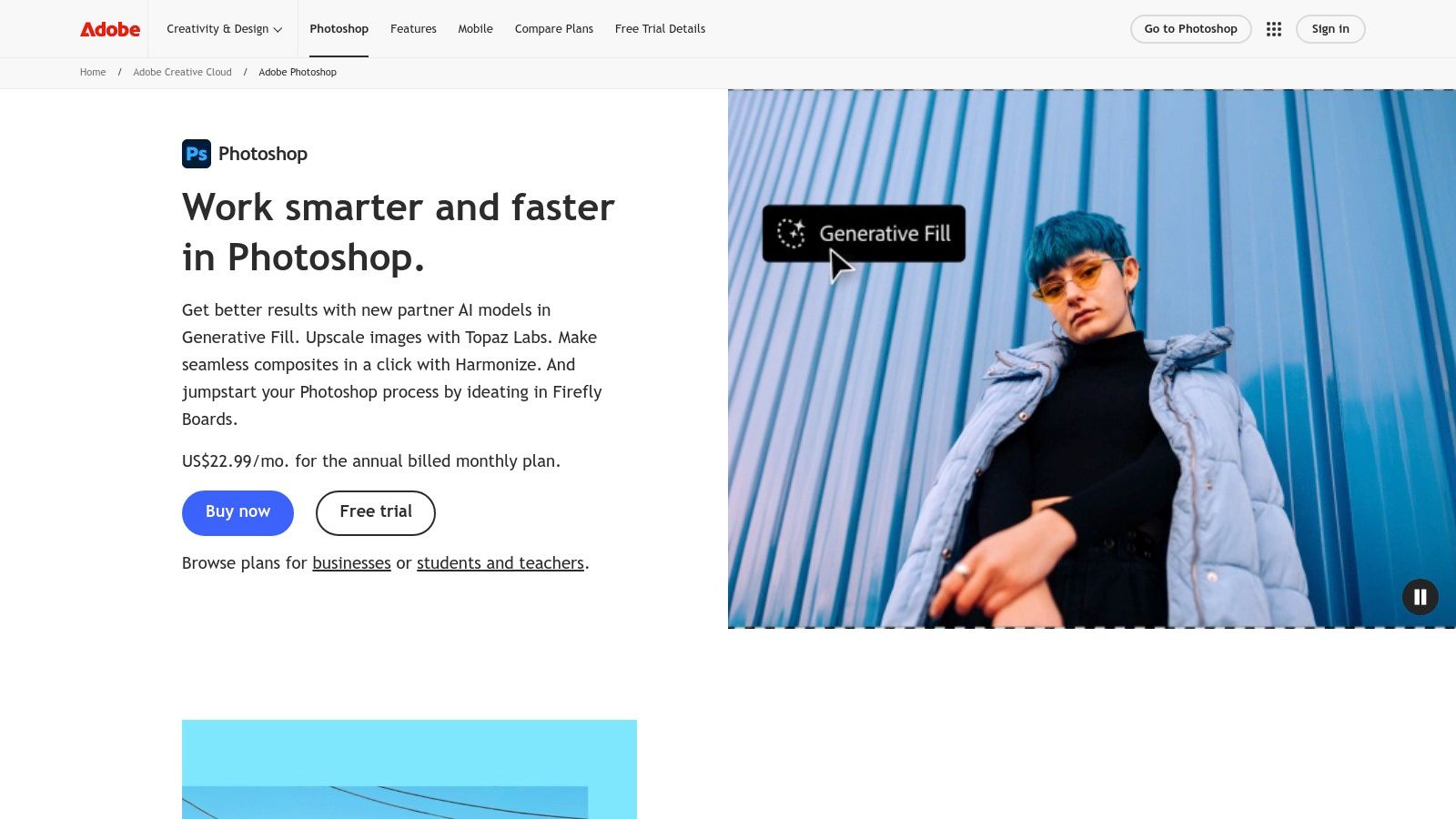
For creatives already embedded in the Adobe ecosystem, Photoshop's native "Super Resolution" feature is an incredibly convenient and powerful tool. Integrated directly within Adobe Camera Raw (ACR), Photoshop, and Lightroom, it leverages AI to double the linear resolution of an image, effectively quadrupling the total pixel count. This makes it a top contender for the best AI image upscaler for photographers and designers who prioritize a seamless, non-destructive workflow.
The feature works by analyzing the source file, using machine learning to intelligently reconstruct details and create a high-quality DNG file. Its primary strength is its flawless integration; you can upscale a RAW or JPEG image and immediately begin working with Photoshop’s full suite of industry-leading editing tools, from advanced color grading to generative AI features. This avoids the hassle of exporting and re-importing files between different applications.
Key Features and Evaluation
Super Resolution excels because it isn't a standalone tool but part of a comprehensive creative environment. The process is straightforward: right-click an image in ACR or Lightroom, select "Enhance," and check the Super Resolution box. The resulting upscaled image retains maximum editability, which is a significant advantage for professional post-production.
- Best Use Cases: Professional photographers working with RAW files, graphic designers needing to enlarge assets within projects, and anyone already subscribing to Adobe Creative Cloud.
- Pricing: Access is included with an Adobe Photoshop subscription, with various plans available (e.g., the Photography Plan starts around $9.99/month).
- Limitations: The tool is locked behind a subscription and is less effective on heavily compressed JPEGs compared to RAW files. Optimal performance is also dependent on having a reasonably powerful GPU to accelerate the AI processing.
For existing Adobe users, its value is undeniable. It streamlines the upscaling process directly into the editing workflow you already know and use.
Website: https://www.adobe.com/products/photoshop.html
4. Let’s Enhance
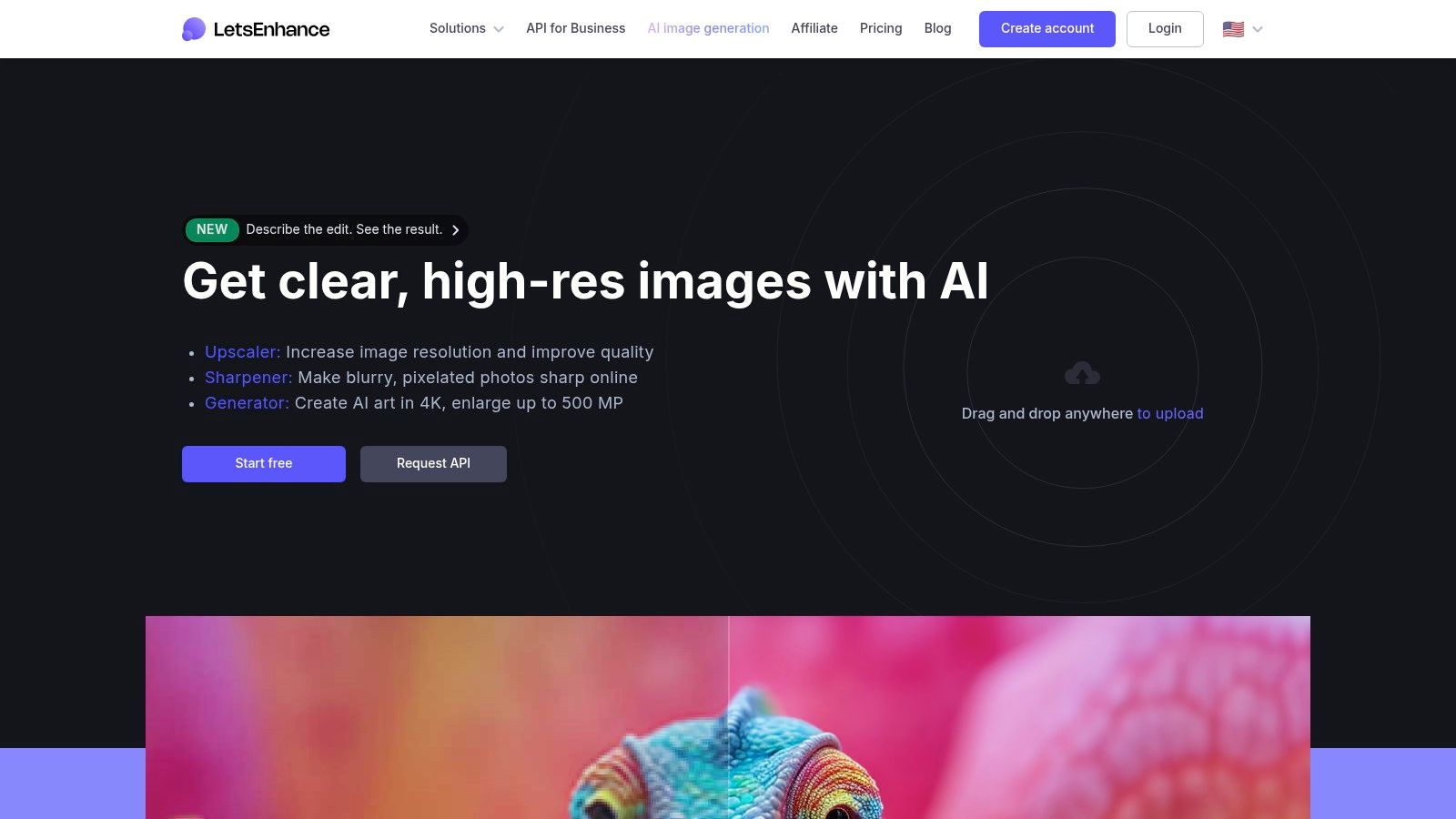
Let’s Enhance is a powerful web-based platform that caters to a wide audience, from e-commerce businesses needing crisp product shots to real estate agents enhancing property photos. It distinguishes itself with specialized AI models, including a standout 'Ultra' mode designed for massive enlargements, positioning it as a top-tier best AI image upscaler for print-ready and high-resolution digital media. The platform’s strength is its balance of simplicity and advanced control.
Its browser-based interface is intuitive, allowing users to select different AI models and fine-tune results with sliders for strength and similarity. This control helps balance fidelity to the original image against the AI's creative enhancements. Let’s Enhance is particularly adept at handling very large output sizes, capable of scaling images up to an impressive 512 megapixels, making it a go-to for large-format printing. The platform's credit-based system is also transparent; you can explore pricing plans for Let's Enhance here.
Key Features and Evaluation
The platform's core advantage is its 'Ultra' upscaler model, which delivers exceptional quality for print and professional use. Combined with batch processing and available API access for business tiers, Let's Enhance is built for both individual creative projects and high-volume commercial workflows. The credit system is straightforward, with personal plans offering rollover credits, adding flexibility for inconsistent usage needs.
- Best Use Cases: E-commerce product imagery, real estate photography, large-format printing, digital art, and marketing campaigns.
- Pricing: Operates on a credit-based subscription model. Plans start from $9/month for 100 credits, with business and pay-as-you-go options available.
- Limitations: As a cloud-based service, it requires a stable internet connection, and processing times can fluctuate depending on server load. Heavy usage, especially with the 'Ultra' model on large images, can consume credits quickly.
The flexible pricing and powerful output capabilities make Let's Enhance an excellent choice for users who need both high-quality results and scalability without committing to desktop software.
Website: https://letsenhance.io
5. VanceAI Image Upscaler
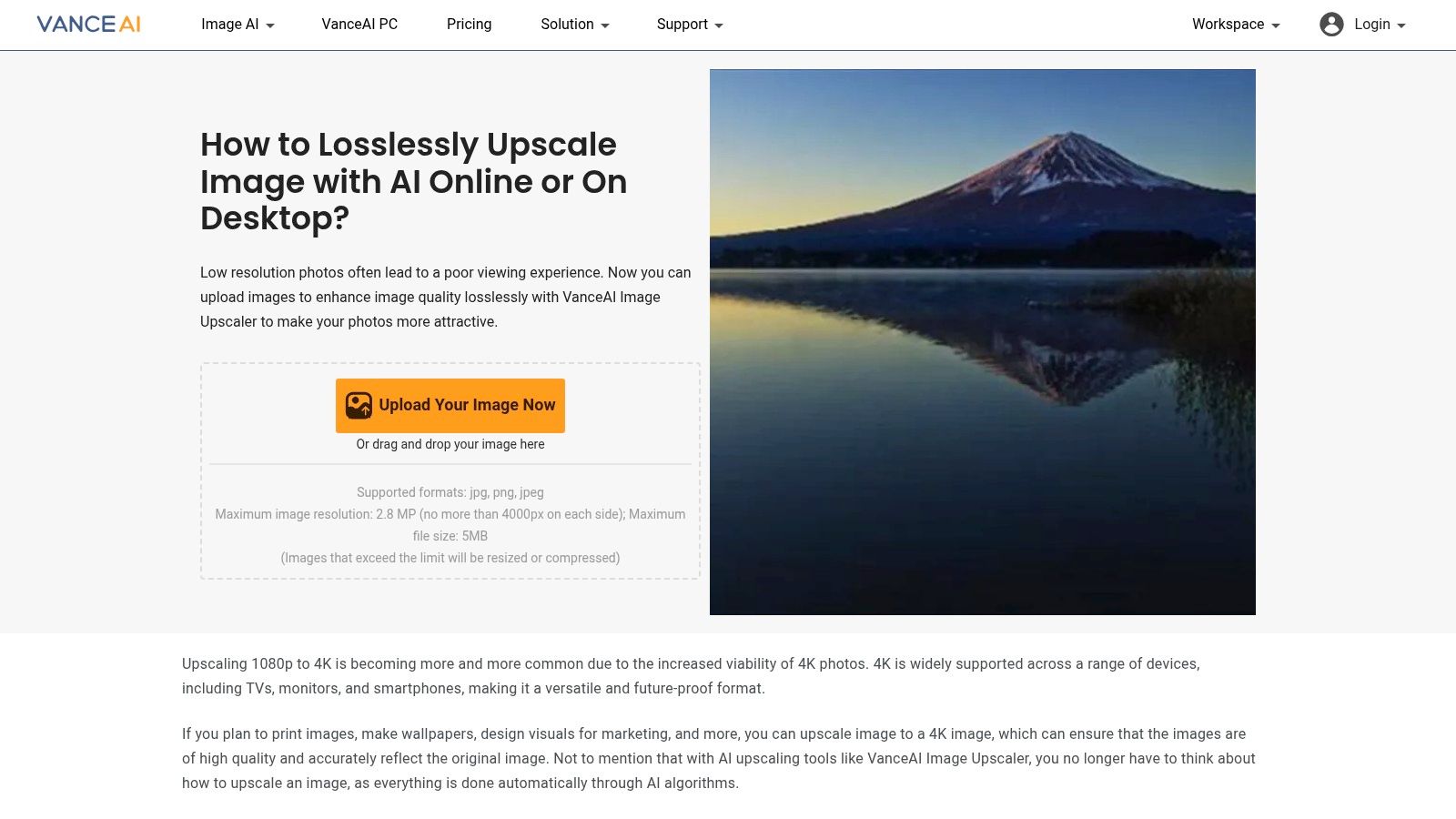
VanceAI Image Upscaler offers a versatile, all-in-one approach by combining an online upscaler with a suite of other AI-powered photo editing tools. It operates on a flexible credit system, making it an accessible option for users who need more than just enlargement, including denoising, sharpening, and old photo restoration. This integrated toolkit positions it as a strong contender for the best AI image upscaler for those seeking a multi-purpose solution.
The platform provides upscaling from 2x to 8x and includes a specialized model for anime, catering to a specific niche of digital artists and enthusiasts. Its dual-access model, offering both a web interface for quick tasks and a downloadable desktop client for more intensive batch processing, provides significant workflow flexibility for various users.
Key Features and Evaluation
VanceAI's strength lies in its comprehensive feature set, all managed under a single credit-based account. The web tool is straightforward for single-image tasks, while the desktop version unlocks more powerful batch processing capabilities, ideal for handling larger volumes of images efficiently.
- Best Use Cases: Social media managers, content creators needing a variety of AI tools, and hobbyists restoring old family photos or enhancing anime art.
- Pricing: Users receive a few free credits monthly to test the tools. Paid plans start at $4.95 for 100 credits per month or can be purchased in packs. Subscribers can also roll over unused credits, adding value.
- Limitations: The credit system can be confusing at first, as costs and rules may vary between different tools in the suite. Some users may find the interface less streamlined compared to single-purpose upscalers.
The model works well for users who have sporadic but diverse image enhancement needs, allowing them to apply credits to the exact tool required for the job without subscribing to multiple services.
Website: https://vanceai.com/image-upscaler/
6. Upscayl
Upscayl carves out a unique niche as a free, open-source, and privacy-focused desktop application for Windows, Mac, and Linux. It bypasses the cloud entirely, processing images directly on your local machine, which makes it an excellent choice for users handling sensitive content or those who prefer an offline workflow. This approach, combined with its robust feature set, positions Upscayl as a powerful and accessible contender for the best AI image upscaler for budget-conscious users and privacy advocates.
The application leverages various modern AI models to deliver impressive results, allowing users to upscale images up to 4x, or even 16x using its 'Double Upscayl' feature. This flexibility allows you to choose the best algorithm for different types of images, from digital art and game assets to standard photographs.

Key Features and Evaluation
Upscayl's primary strength is offering premium-level features without any cost. Its interface is clean and straightforward, allowing you to select an image, choose a model, and start the process in just a few clicks. The batch processing functionality is particularly valuable, enabling you to enhance entire folders of images at once without upload limits or fees.
- Best Use Cases: Upscaling digital art, enhancing screenshots, batch processing large image collections, and privacy-sensitive projects where offline processing is required.
- Pricing: Completely free. Upscayl is an open-source project supported by its community, with no hidden costs, subscriptions, or per-image fees.
- Limitations: Performance is entirely dependent on your computer's hardware, particularly the GPU. As an open-source project, support is community-driven, and users may occasionally encounter OS-specific quirks that require troubleshooting.
The value proposition is undeniable for anyone needing a capable, no-cost upscaling solution that runs locally and respects user privacy.
Website: https://upscayl.org
7. Clipdrop – Upscale
Clipdrop – Upscale is a versatile, web-based tool that functions as part of a larger suite of AI-powered image editing utilities. It offers an impressive upscaling factor of up to 16×, making it a powerful option for users who need significant enlargement without sacrificing quality. As an accessible, in-browser solution with a robust API, it serves a wide audience, from casual users to developers looking to integrate high-quality upscaling into their applications, making it a strong contender for the best AI image upscaler for integrated workflows.
What sets Clipdrop apart is its ecosystem. A single subscription grants access not only to the upscaler but also to complementary tools like background removal, object cleanup, and image relighting. This bundling provides significant value for creators and marketers who handle diverse image editing tasks daily. The tool is known for producing clean, detailed results while also offering a smooth user experience directly in the browser.
Key Features and Evaluation
Clipdrop’s interface is minimalist and user-friendly, allowing for quick uploads and processing without a steep learning curve. The availability of an API is a major advantage for developers and businesses needing to automate their image processing pipelines. The free tier is generous enough for testing, while the Pro plan unlocks higher resolutions and significantly increased daily limits.
- Best Use Cases: Ecommerce product photos, social media content creation, quick design mockups, and API integration into custom applications or workflows.
- Pricing: A free tier is available with limitations. The Pro plan is offered via a subscription, which unlocks higher limits and resolutions across the entire Clipdrop tool suite. Pricing details are confirmed at checkout.
- Limitations: Being a web-based tool, it requires a stable internet connection to function. The Pro plan pricing isn't always prominently displayed and may require navigating to the payment page to confirm the current cost.
The integrated nature of Clipdrop makes it an excellent all-in-one solution for content creators who need more than just an upscaler.
Website: https://clipdrop.co/upscale
8. Icons8 – Smart Upscaler
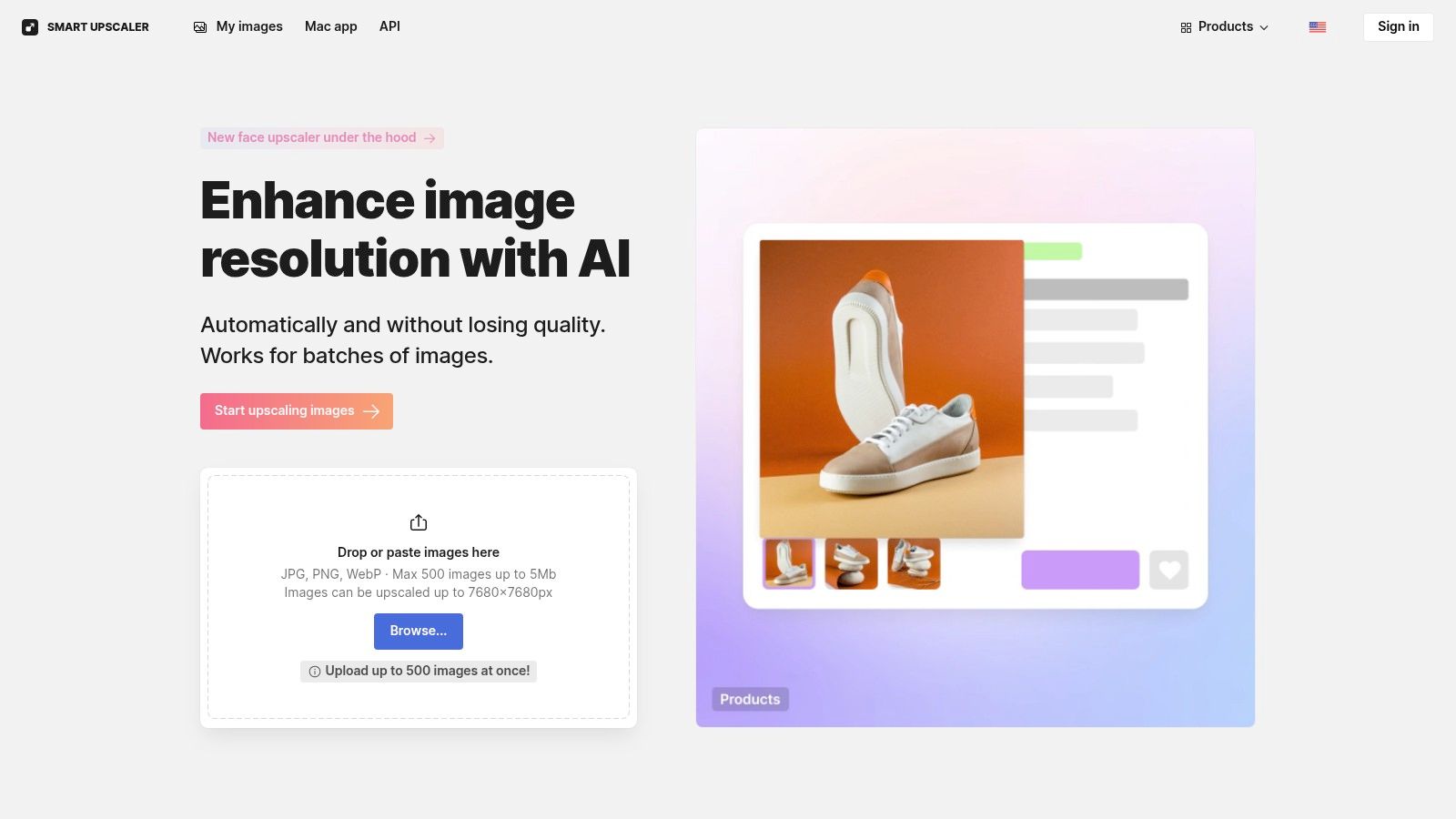
Icons8 – Smart Upscaler is a web-based tool that prioritizes simplicity, transparent pricing, and user privacy. It offers a straightforward drag-and-drop interface for enlarging images up to 4x, making it an accessible option for quick enhancements without software installation. What sets it apart is its explicit policy of not using user-uploaded images to train its AI models, a critical consideration for users handling sensitive or proprietary content.
The platform is designed for both casual users and developers, offering prepaid credit packs, monthly subscriptions, and a robust API for programmatic integrations. This flexibility makes it a strong candidate for the best AI image upscaler for those who need both a simple web tool and the option to scale operations through automation. The upscaler is tuned to handle both photographs and graphics effectively, maintaining clarity and reducing noise.
Key Features and Evaluation
Icons8 provides a balanced offering with its user-friendly web interface and developer-ready API. The batch processing feature is particularly useful for handling multiple images simultaneously directly on the website, streamlining workflows for marketers and content creators. The transparent privacy stance is a significant differentiator in a market where data usage policies can be unclear.
- Best Use Cases: Social media content creation, e-commerce product photos, quick enhancements for marketing materials, and API-driven workflows.
- Pricing: A limited free plan is available. Paid options include prepaid packs starting at $9 for 50 credits and subscription plans starting at $9/month for 100 images, with credit rollover.
- Limitations: The tool is web-only unless integrated via its API. It also has maximum input file size constraints, which might be a factor for users working with extremely high-resolution source images.
The combination of flexible pricing, an easy-to-use interface, and a strong commitment to privacy makes Icons8 a reliable and trustworthy choice for a wide range of users.
Website: https://icons8.com/upscaler
9. HitPaw Photo Enhancer
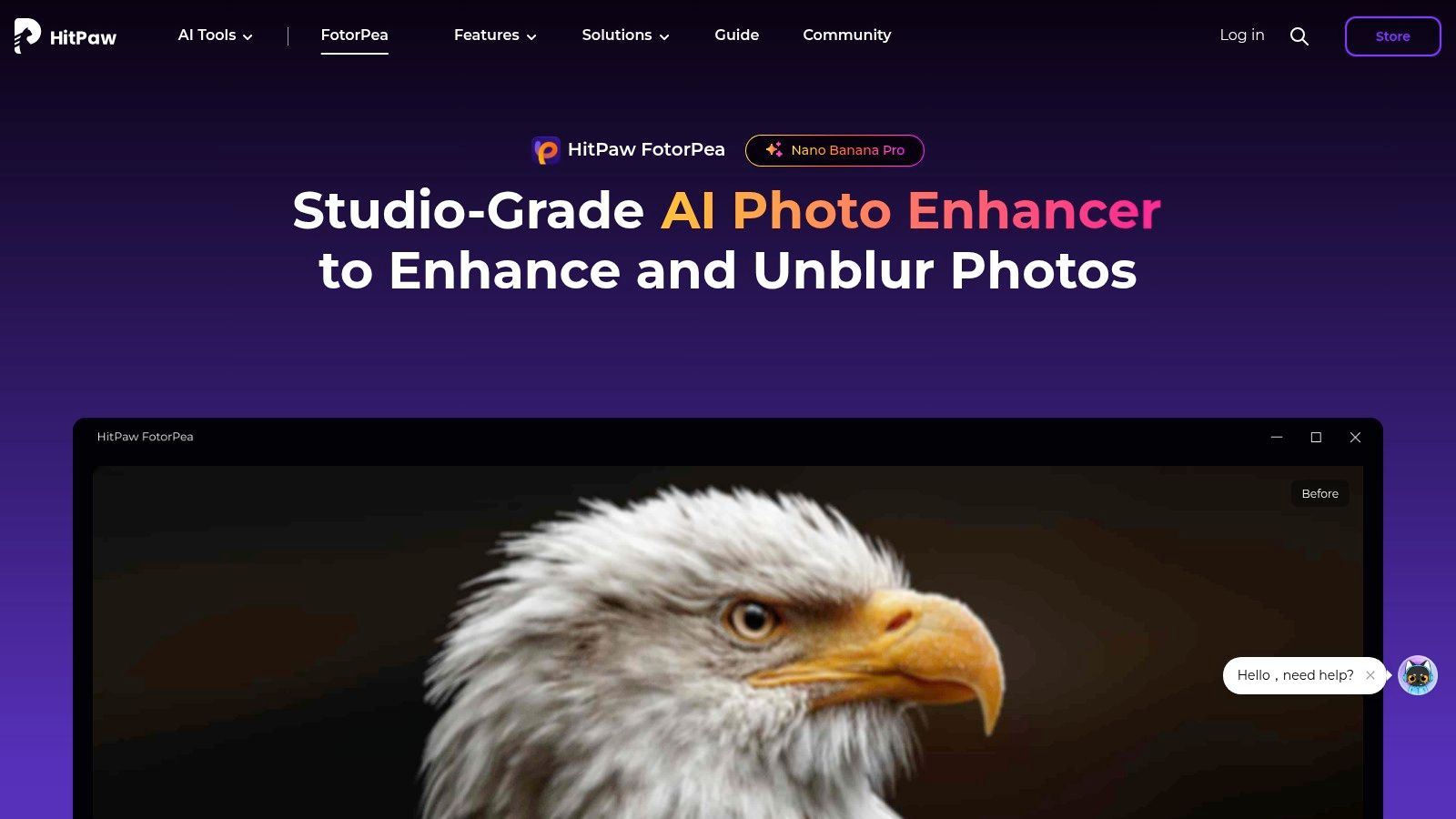
HitPaw Photo Enhancer provides a flexible and accessible solution for users seeking high-quality image upscaling without a steep learning curve. Available as both a user-friendly online tool and a more powerful desktop application, it caters to casual and professional needs alike. It distinguishes itself with specialized AI models designed for different enhancement tasks, making it a strong contender for the best AI image upscaler for targeted improvements like facial reconstruction or noise reduction.
The platform offers multiple AI models, including a general model for landscapes and buildings, a denoise model for grainy photos, and a dedicated face model to perfect portraits. This specialization allows users to apply the right algorithm for the job, achieving up to 8x resolution enhancement with impressive clarity. The online version provides free daily previews, allowing users to test its capabilities before committing.
Key Features and Evaluation
HitPaw's dual online and desktop offering creates a versatile workflow. The desktop software unlocks batch processing capabilities and removes the limitations of the web tool, making it ideal for larger projects. Its interface is straightforward, guiding users to select the appropriate model and preview results quickly.
- Best Use Cases: Enhancing old family photos, sharpening social media portraits, reducing noise in low-light images, and preparing product photos for e-commerce.
- Pricing: HitPaw uses a credit-based system for its online tool and API, while the desktop software is available through monthly, yearly, or lifetime licenses starting around $39.99/month.
- Limitations: The free online version applies a watermark and has processing limits. Additionally, the credit and feature rules can differ significantly between the online, desktop, and API versions, which may confuse some users.
The flexible pricing, including standalone app purchases or bundles with other HitPaw creative tools, offers solid value for users who need a reliable enhancer for specific tasks.
Website: https://www.hitpaw.com/photo-enhancer.html
10. AI Image Enlarger (ImgLarger)
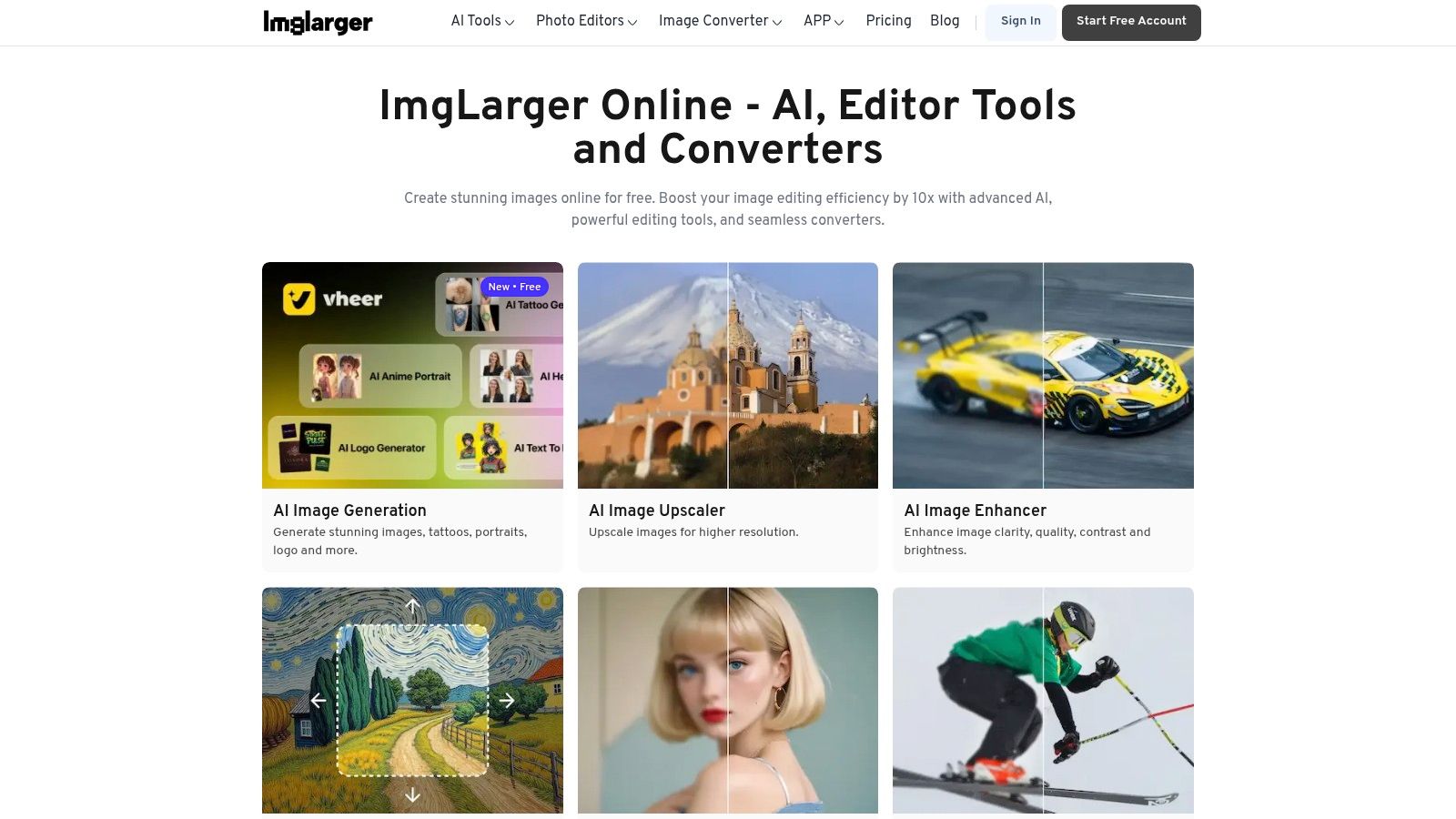
AI Image Enlarger, also widely known as ImgLarger, is a straightforward, web-based tool that has been a reliable option for several years. It caters to users who need a quick and accessible upscaling solution without the complexity of desktop software. Its credit-based system and tiered plans make it an affordable entry point for casual users, students, and small businesses looking for an easy-to-use best AI image upscaler for occasional tasks.
The platform offers a suite of basic AI-powered tools beyond upscaling, including enhancers, denoisers, and cartoonizers, all accessible through a clean interface. ImgLarger focuses on providing a simple, no-frills experience where users can upload an image, select their desired enhancement, and download the result with minimal hassle, making it ideal for quick edits and social media preparations.
Key Features and Evaluation
ImgLarger's core strength is its simplicity and accessible pricing model. The credit system is easy to understand, with one credit typically equalling one image process. A key benefit for subscribers is that unused credits roll over each month, preventing the "use it or lose it" pressure common with other subscription services.
- Best Use Cases: Quick upscaling for social media content, enhancing personal photos, casual graphic design projects, and users who need a simple tool for infrequent tasks.
- Pricing: Offers a free plan with limited credits and ads. Paid plans are subscription-based, starting from around $9/month for 100 credits and increasing based on credit volume and features like larger batch sizes.
- Limitations: The free and lower-tier plans have restrictions on upload file size and batch processing capabilities (up to 8 images on higher tiers). The upscaling quality, while good for general use, may not match the precision of more specialized, professional-grade desktop tools.
For those who value simplicity and predictable costs for light usage, ImgLarger provides a competent and user-friendly upscaling service.
Website: https://imglarger.com
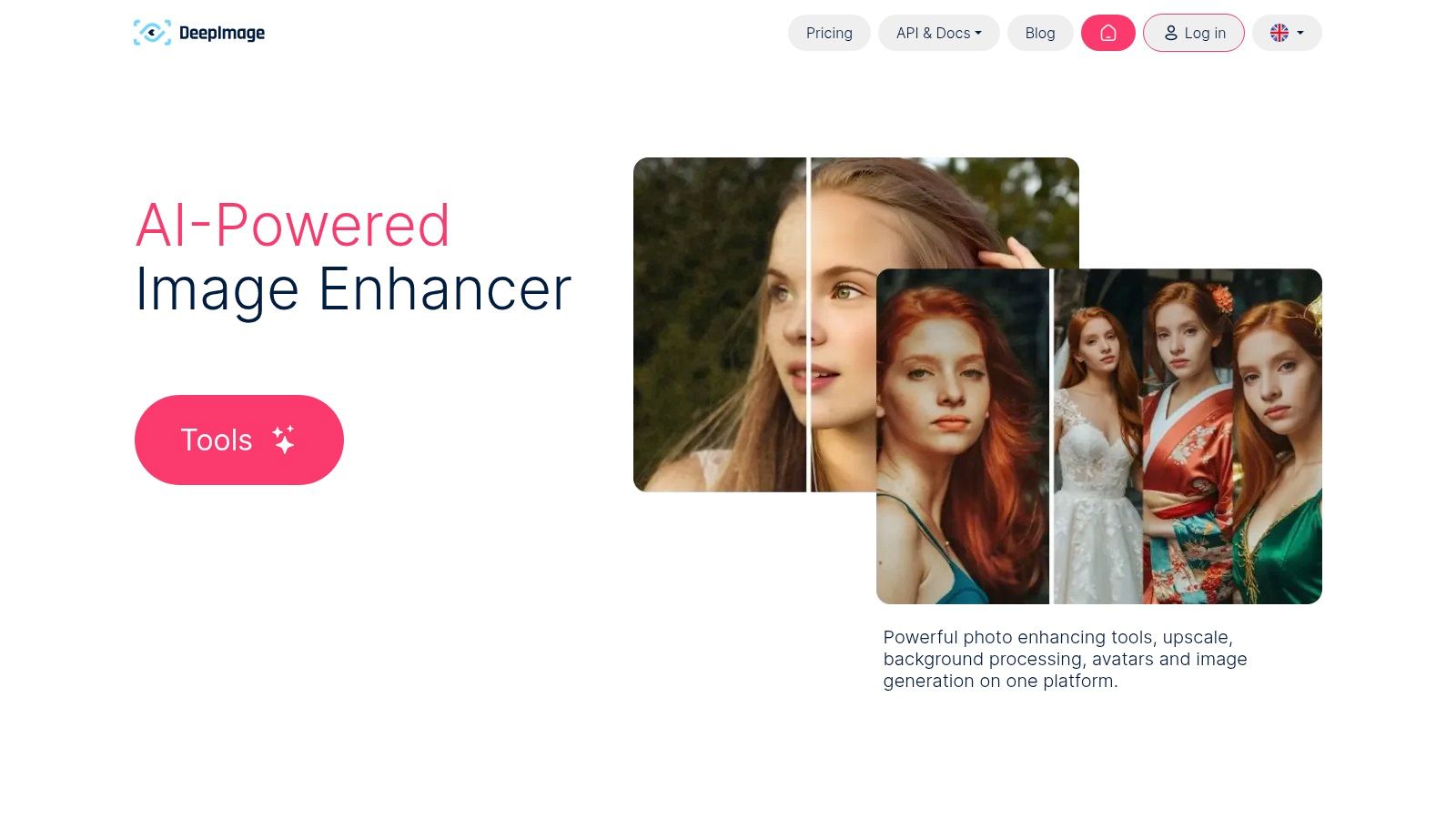
11. Deep-Image.ai
Deep-Image.ai is a versatile and developer-friendly platform designed for automating image enhancement workflows. It carves out a niche by combining high-quality 2x to 4x upscaling with valuable add-on features like background removal, noise reduction, and sharpening. This makes it an excellent all-in-one solution for e-commerce, real estate, and marketing teams who need to process large volumes of images efficiently and consistently.
The platform is engineered for integration, offering a robust API that allows developers to plug its capabilities directly into their own applications and content pipelines. This focus on automation positions it as a strong candidate for the best AI image upscaler for businesses looking to scale their visual content production. To understand how such integrations work, you can explore the essentials of image upscaling APIs.
Key Features and Evaluation
Deep-Image.ai's strength is its flexible pricing and comprehensive toolset. The combination of upscaling with background removal and other corrections in a single API call streamlines complex editing tasks, saving significant time and resources. Batch processing is available through the web interface, providing a user-friendly option for those who don't need direct API access.
- Best Use Cases: E-commerce product catalogs, real estate photo enhancement, automated marketing workflows, and integrating image processing into custom applications.
- Pricing: Offers both monthly subscriptions and pay-as-you-go credit packs, providing flexibility for different usage levels. New users receive free credits upon signup to test the platform's full capabilities.
- Limitations: The per-image billing model, while predictable, can become costly for users processing extremely high volumes compared to some unlimited plans. Its web-centric nature means desktop automation is only possible through API integration, requiring technical know-how.
The platform’s transparent, credit-based system is ideal for teams that need predictable costs and the ability to scale processing power up or down based on demand.
Website: https://deep-image.ai
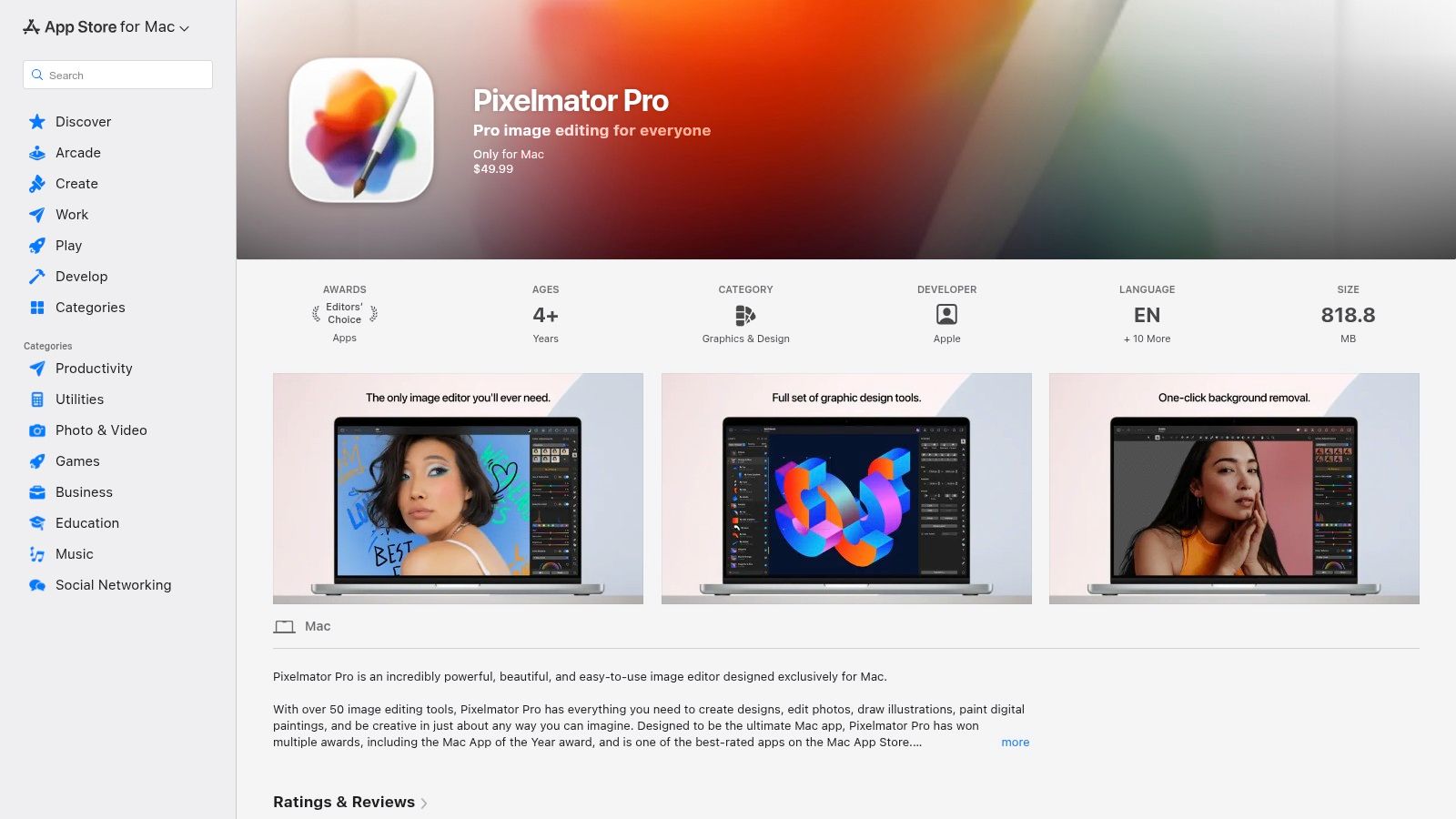
12. Pixelmator Pro
Pixelmator Pro is a powerful and full-featured photo editor exclusive to macOS, offering a compelling alternative to subscription-based software. Its standout feature, ML Super Resolution, leverages Apple's Core ML framework to perform on-device image enhancement. This makes it an excellent choice for Mac users who prioritize privacy and performance, establishing it as a strong contender for the best AI image upscaler integrated within a creative suite.
The software is optimized for Apple silicon, delivering exceptionally fast upscaling and enhancement directly on your machine without needing an internet connection. This on-device processing ensures that your images remain private. Beyond upscaling, its "ML Enhance" feature can intelligently improve a photo's lighting, color, and composition with a single click, making it a versatile tool for quick yet high-quality edits.
Key Features and Evaluation
Pixelmator Pro's integration of AI upscaling into a comprehensive editing environment is its greatest strength. Users get a robust set of tools for graphic design, painting, and photo manipulation alongside the AI-powered features, providing immense value in a single package. The app receives frequent updates, often adding new ML-powered tools and improvements.
- Best Use Cases: Mac-based designers, photographers, and content creators looking for an all-in-one editor with reliable, private, and fast AI upscaling capabilities.
- Pricing: Available as a one-time purchase from the Mac App Store. The price varies by region and promotions but typically offers significant value compared to recurring subscriptions. It also supports Apple's Family Sharing.
- Limitations: The primary limitation is its exclusivity to the Apple ecosystem; there is no version for Windows or other operating systems.
The one-time purchase model is particularly appealing for freelancers and small businesses seeking to control software costs while still accessing professional-grade tools.
Website: https://apps.apple.com/us/app/pixelmator-pro/id1289583905
Top 12 AI Image Upscalers — Comparison
| Product | Core features | Quality (★) | Price/Value (💰) | Target (👥) | Unique Selling Points (✨) |
|---|---|---|---|---|---|
| PixelPanda – Free AI Image Upscaler 🏆 | 2×/4×/8× upscaling, edge‑preserving models, REST API & SDKs | ★★★★★ | 💰 Free demo + 5 free credits; scalable paid plans | 👥 Marketers, e‑commerce teams, developers | ✨ Quick no‑signup demo, developer‑friendly API, studio‑quality hair/fur handling |
| Topaz Labs – Gigapixel | 2×–6× desktop upscaling, face refinement, batch/offline | ★★★★★ | 💰 One‑time license (premium) | 👥 Photographers, print shops, designers | ✨ Print‑ready detail recovery, reliable offline batch processing |
| Adobe Photoshop (Super Resolution) | 4× Super Resolution inside ACR/Photoshop/Lightroom | ★★★★☆ | 💰 Subscription (Photoshop/Creative Cloud) | 👥 Professional editors and existing Adobe users | ✨ Integrated nondestructive workflow and broad ecosystem |
| Let’s Enhance | Ultra model up to 512 MP, tunable strength/similarity, API | ★★★★☆ | 💰 Credit‑based plans; business tiers for large outputs | 👥 E‑commerce, real‑estate, creatives needing large prints | ✨ Tunable controls, very large print outputs, business API |
| VanceAI Image Upscaler | 2×–8×, anime model, denoise/sharpen, desktop option | ★★★★ | 💰 Credit system; limited free monthly credits | 👥 General users, small teams needing varied AI tools | ✨ Wide toolkit (restoration, denoise), desktop client option |
| Upscayl | Open‑source desktop, multiple models, offline & batch | ★★★ | 💰 Free (open source) | 👥 Budget users, privacy‑sensitive locals, hobbyists | ✨ No per‑image fees, offline processing, active community |
| Clipdrop – Upscale | Up to 16×, browser & API, part of Clipdrop toolset | ★★★★ | 💰 Free tier; Pro subscription for high limits | 👥 Creators, developers using multiple AI editing tools | ✨ High upscaling factor, bundled companion tools (bg remove, relight) |
| Icons8 – Smart Upscaler | 2×–4× web upscaler, prepaid packs, API, privacy policy | ★★★★ | 💰 Prepaid packs & monthly plans; transparent pricing | 👥 Agencies, teams valuing pricing clarity & privacy | ✨ Clear pricing, explicit non‑training upload policy |
| HitPaw Photo Enhancer | 2×–8×, face/denoise models, web & desktop, batch | ★★★★ | 💰 Credit/subscription or bundle options | 👥 Casual users and small teams | ✨ Daily web previews, simple onboarding, 24/7 support/refund policy |
| AI Image Enlarger (ImgLarger) | 2×–8×, credit system, basic editors/converters | ★★★ | 💰 Low‑cost monthly plans; rollover while subscribed | 👥 Light users needing cheap upscaling | ✨ Low entry price, clear credit rollover rules |
| Deep‑Image.ai | 2×–4×, denoise/sharpen/background removal add‑ons, API | ★★★★ | 💰 Per‑image pricing + subscriptions; free test credits | 👥 E‑commerce catalogs, real‑estate teams, enterprises | ✨ Predictable per‑image billing, enterprise API & batch tools |
| Pixelmator Pro | On‑device ML Super Resolution, ML Enhance, Mac‑only | ★★★★ | 💰 One‑time App Store purchase (no subscription) | 👥 Mac users seeking full editor + upscaling | ✨ Fast Apple Silicon performance, privacy via local processing |
Final Verdict: Making the Right Upscaling Choice for You
Navigating the landscape of AI image upscalers reveals a powerful and diverse ecosystem of tools. We've explored everything from standalone desktop applications designed for meticulous professional use to flexible, API-driven platforms built for high-volume commercial workflows. The journey from a low-resolution source image to a crisp, detailed final asset is no longer a barrier, but a strategic choice based on your specific needs. The key takeaway is that the "best ai image upscaler" is not a single, universal answer; it is a solution highly dependent on your context.
The market offers a clear divergence. On one side, you have specialized desktop software like Topaz Gigapixel and Pixelmator Pro, which provide granular control and exceptional quality, making them ideal for photographers, print designers, and artists who work on a per-image basis and demand the highest fidelity. Similarly, Adobe Photoshop's Super Resolution feature is a formidable, seamlessly integrated option for creatives already subscribed to the Adobe ecosystem.
On the other side are the cloud-based and API-first platforms. Services like Let's Enhance, Deep-Image.ai, and Clipdrop cater to users who need accessibility, speed, and often, batch processing capabilities without heavy software installation. These tools are perfect for marketers, social media managers, and small business owners who need a quick, reliable way to enhance visual assets for digital campaigns.
Key Considerations Before You Choose
Your final decision should be guided by a clear evaluation of your own operational requirements. Before committing to a platform, ask yourself these critical questions:
- What is my primary use case? Are you restoring old family photos, preparing product images for an ecommerce site, enhancing user-generated content, or upscaling AI-generated art? Each scenario benefits from different models and features. A tool optimized for realistic faces may not be the best for architectural details.
- What is my required volume? Do you need to process five images a month or tens of thousands per day? This will immediately distinguish between manual desktop tools and scalable, API-driven services. Batch processing support and API rate limits are crucial factors for high-volume users.
- What are my technical resources? Do you have a development team ready to integrate an API for a fully automated workflow, or do you need a simple, user-friendly web interface that requires no coding? Tools like PixelPanda and Let's Enhance cater to both audiences effectively.
- What is my budget? From free open-source options like Upscayl to premium subscription services, the pricing models vary significantly. Evaluate whether a one-time purchase, a monthly subscription, or a pay-as-you-go credit system aligns best with your financial planning.
Your Actionable Next Steps
The most effective way to find the best AI image upscaler for your specific needs is through hands-on testing. Nearly every tool on our list offers a free trial, a freemium tier, or an interactive web demo. Take advantage of this.
- Gather a Test Set: Collect 5-10 of your own images that represent your typical use cases. Include a variety of subjects, resolutions, and artifact types (e.g., JPEG compression, blurriness).
- Run Head-to-Head Tests: Process your test set through your top 3-4 contenders. Pay close attention to how each tool handles critical details like textures, fine lines, and human faces.
- Evaluate the Workflow: Beyond pure image quality, assess the user experience. How intuitive is the interface? How fast is the processing? If you need an API, review the documentation for clarity and ease of integration.
By moving from theoretical comparison to practical application, you will quickly discover which tool not only delivers superior visual results but also integrates most smoothly into your existing processes. This investment in initial testing will pay significant dividends in productivity and quality down the line.
Ready to see the difference a purpose-built upscaler can make for your business? PixelPanda offers a powerful, developer-friendly API and an instant no-signup demo trained on real-world ecommerce and marketing visuals. Test your own images for free and discover how the right AI can transform your creative workflow at PixelPanda.