Feeling like you're manually pushing a boulder up a hill while your competitors are launching rockets? That's the difference AI makes in marketing today. The old playbook of endless spreadsheets, manual A/B tests, and 'best guess' content creation is officially obsolete. In 2026, the marketing landscape is dominated by teams who leverage intelligent automation to create, analyze, and personalize at a scale that was unimaginable just a few years ago. But with a tsunami of new 'AI-powered' gadgets launching daily, how do you separate the game-changers from the gimmicks?
That's where this guide comes in. We’ve done the heavy lifting for you, digging deep into the most impactful ai tools for marketing available right now. This isn't just another generic list. We're giving you a no-nonsense breakdown of each platform with direct links and screenshots so you know exactly what you're getting into.
You'll discover:
- Real-world use cases: See exactly how tools like PixelPanda can be integrated into your creative workflows.
- Honest pros and cons: We’ll highlight hidden limitations and potential implementation headaches.
- Actionable insights: Learn how to automate tedious tasks, amplify your creativity, and finally focus on strategy.
For a broader perspective on the landscape of available solutions, including detailed features and pricing, you can explore curated lists of leading platforms like this one covering the Top 9 AI Marketing Software for Better Campaigns. Our guide, however, focuses on a handpicked selection designed to give you a strategic advantage, moving beyond simple descriptions to show you how to win. Let's find the right tools to fuel your growth.
1. PixelPanda
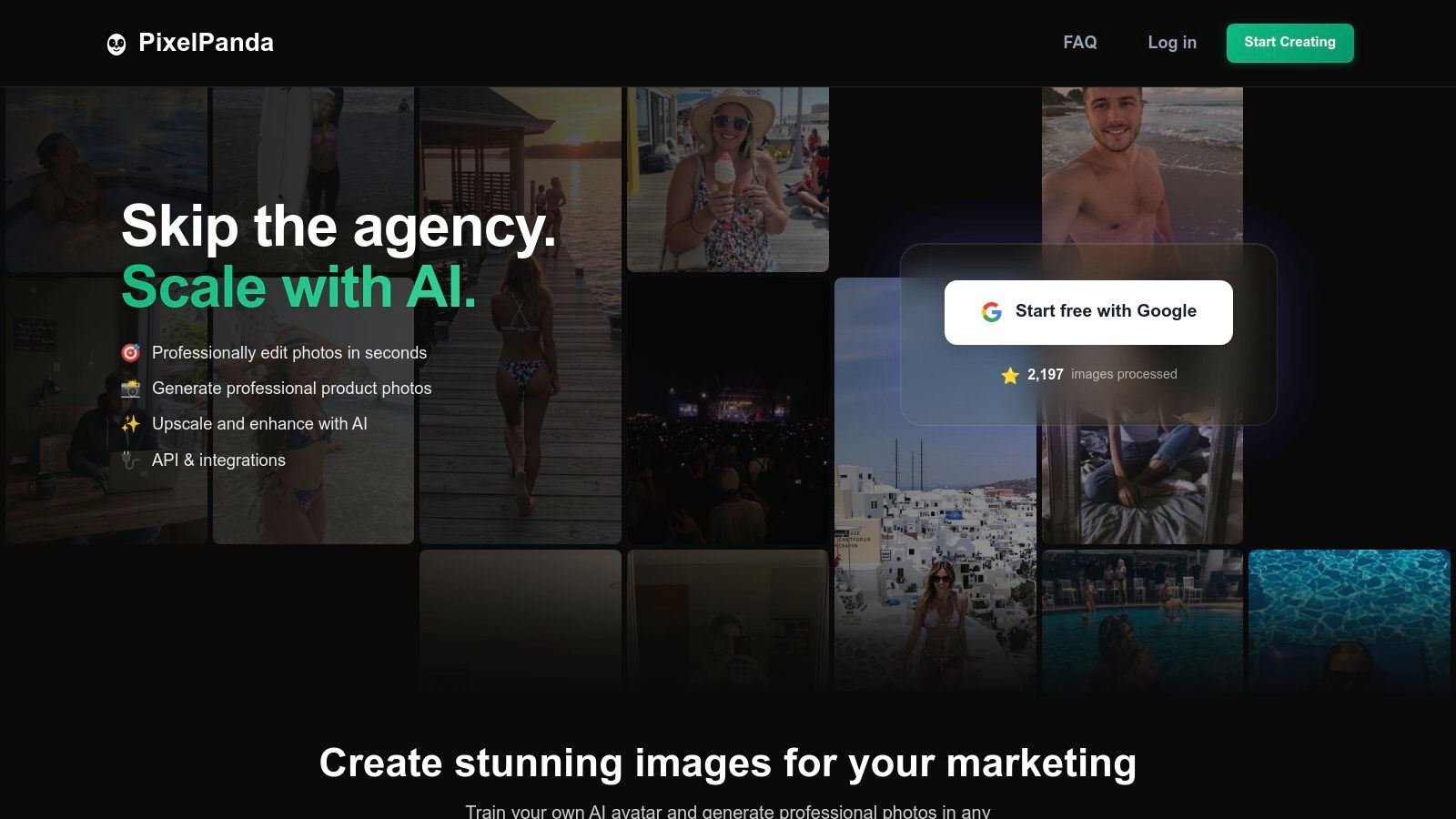
PixelPanda emerges as a powerhouse contender among AI tools for marketing, providing a unified, production-ready suite for all things visual. It’s less a single-task tool and more a complete image-processing engine, designed to automate the grunt work that drains marketing and creative teams. Think of it as a cloud-based photo studio that runs on autopilot, capable of producing thousands of brand-compliant assets at machine speed.
Its true strength lies in its comprehensive, API-first approach. Instead of juggling separate tools for background removal, upscaling, and generative AI, PixelPanda consolidates these into a single, cohesive workflow. This makes it an indispensable asset for e-commerce brands needing flawless product cutouts, marketing agencies creating endless social media variations, and developers embedding sophisticated image editing directly into their apps.
Core Strengths & Use Cases
PixelPanda excels where consistency and scale are non-negotiable. Its background removal model is particularly robust, handling notoriously tricky subjects like hair and fur with remarkable precision, a common pain point for apparel and product marketers. The AI Avatar studio is another game-changer, allowing brands to generate infinite professional headshots or create virtual try-on models for fashion, reducing the need for expensive and time-consuming photoshoots.
- E-commerce Automation: Automatically generate clean, white-background product images for Shopify, Amazon, or any marketplace. Use the batch processing API to update an entire catalog overnight.
- High-Volume Content Creation: A social media team can use the API to programmatically generate ad banners. Start with one product image, and the AI can create variations with different backgrounds, styles, and text overlays for A/B testing campaigns.
- Apparel & Fashion: Leverage the AI Try-On feature to show customers how a garment looks on different body types without a physical model, boosting conversion rates and inclusivity.
Implementation and Pricing
Getting started is refreshingly simple. Developers can integrate the REST API in minutes, thanks to clear documentation and available SDKs. For marketers, the web interface is straightforward, and the free trial offers 10 credits without requiring a credit card, making it easy to test its capabilities on your own images.
The platform operates on a credit-based system with transparent monthly tiers. Plans start at $49 for 500 images and scale up, ensuring predictability for budgeting. While credits don't roll over, the structure encourages teams to choose a plan that aligns with their consistent monthly output. You can explore the pricing tiers for PixelPanda to find the best fit for your team's scale.
Pros:
- All-in-One Platform: Combines superior background removal, 4x upscaling, generative fill, and an AI avatar studio.
- Developer-First: Simple REST API, batch processing, and excellent documentation for easy automation.
- Risk-Free Trial: Generous free plan to validate quality before committing.
Cons:
- Advanced generative features like avatar training are limited to paid plans.
- Credits do not roll over, which may be inefficient for highly unpredictable workloads.
Website: https://pixelpanda.ai
2. G2
Think of G2 as the ultimate battle royale arena for software, but instead of chaos, you get beautifully organized chaos with user reviews. It's a massive software marketplace that’s indispensable for anyone serious about finding the right AI tools for marketing. Instead of blindly trusting a tool's own hype, G2 lets you see what actual users are saying, warts and all.
What makes it a crucial first stop is its sheer scale and reliance on verified reviews. You can dive into specific categories like "AI Writing Assistants" or "Marketing Automation" and instantly see a grid of top contenders ranked by user satisfaction and market presence. This isn't just a list; it's a dynamic leaderboard. Their AI-powered recommendation engine, Monty, can also act as your personal software shaman, guiding you to tailored suggestions based on your needs.
How to Use It Effectively
The real magic is in the filters. You can slice and dice the options by company size, user rating, or specific features. This helps you cut through the noise and avoid picking an enterprise-level behemoth when you're a scrappy startup. Use the synthesized "Pros & Cons" on each product page, which are AI-generated summaries of thousands of reviews, to get a quick, honest snapshot.
Pro Tip: G2's "Buyer Intent" data shows you which tools are trending and being researched by companies like yours, offering a powerful signal for what's currently effective in the market.
Website: https://www.g2.com/categories/ai-writing-assistant
| Feature | Best For | Our Take |
|---|---|---|
| Verified Reviews | Validating marketing claims | The best source of truth for software performance. |
| Category Grids | Comparing top contenders | Quickly see who leads the pack in any niche. |
| AI Recommendations | Personalized tool discovery | Helpful for narrowing down a massive marketplace. |
Pros:
- Immense volume of fresh, verified user reviews.
- Excellent for building a business case for procurement.
Cons:
- Watch out for sponsored placements that can skew rankings.
- Niche or highly specialized AI tools might be underrepresented.
3. Capterra
If G2 is the battle royale, Capterra is the meticulously organized armory where you can inspect every weapon before the fight. As a Gartner-owned directory, it brings a sense of structured authority to the often-wild landscape of AI tools for marketing. It's a pragmatic, no-nonsense platform designed for buyers who want to quickly filter, compare, and shortlist potential software solutions.
What sets Capterra apart is its straightforward, filter-heavy interface. You can jump directly into their dedicated AI Marketing Tools directory and immediately start slicing the list of over 200 tools by features, deployment type, or pricing models. This makes it incredibly efficient for finding a tool that fits specific operational and budget constraints without wading through pages of marketing fluff. Their editorial shortlists and buyer guides provide a great starting point for understanding the top players in any given category.
How to Use It Effectively
Leverage the side-by-side comparison feature to its fullest. Once you have a shortlist of 3-4 tools, this view lays out their core features, pricing, and ratings in a clean, scannable format, making the final decision-making process much clearer. Also, pay close attention to the pricing notes, which often provide valuable snapshots of starting costs or free trial availability, saving you a click-through to the vendor’s site.
Pro Tip: Look for the "Top Rated" and "Emerging Favorite" badges on listings. These are based on verified user reviews and can help you spot both established leaders and promising newcomers that are gaining traction.
Website: https://www.capterra.com/ai-marketing-tools-software/
| Feature | Best For | Our Take |
|---|---|---|
| Dedicated AI Directory | Quick, filtered discovery | An excellent way to narrow down options from a huge list. |
| Side-by-Side Comparison | Final vendor selection | Makes the final call between a few contenders much easier. |
| Pricing Snapshots | Budget-conscious shortlisting | Incredibly helpful for weeding out tools that are out of budget early on. |
Pros:
- Simple filtering and price visibility save time in shortlisting.
- Backed by Gartner; widely used and trusted by B2B buyers.
Cons:
- Sponsored listings appear at the top, so placement can be influenced by vendors.
- Editorial guides may lag behind the very newest tool launches.
4. Product Hunt
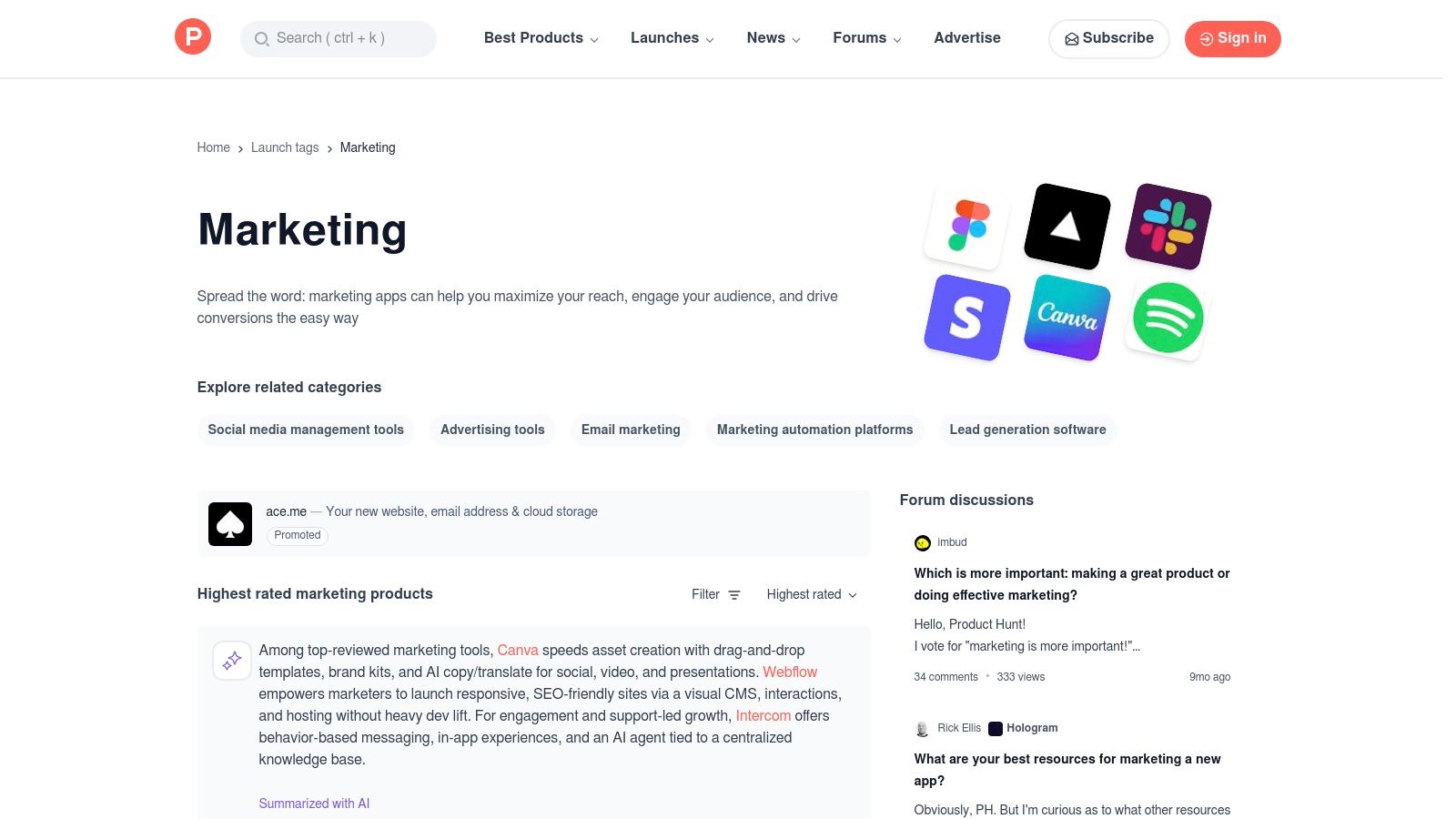
Think of Product Hunt as the daily fashion runway for new tech, where the freshest AI tools for marketing make their debut. It's less of a formal review site and more of a discovery engine powered by a community of enthusiasts eager to upvote the next big thing. If you want to spot emerging trends and get your hands on innovative tools before they hit the mainstream, this is your hunting ground.
What makes Product Hunt essential is its focus on "new." Every day, makers launch their products, and the community's upvotes and comments serve as a real-time filter for what's genuinely exciting. You can find hyper-niche AI tools, from a "meme generator for social media managers" to a "brand voice analyzer," often months before they'd appear on larger marketplaces. The direct Q&A with the makers offers an unparalleled peek behind the curtain.
How to Use It Effectively
Don't just look at the daily leaderboard. Use the "Topics" feature to filter specifically for "Marketing" or "Artificial Intelligence" to find relevant launches from any day. Read the first comment from the maker, as it usually contains the product's origin story, its core purpose, and often a special launch-day discount or offer.
Pro Tip: Follow influential "Hunters" and makers in the marketing space. Their activity is a curated feed of high-potential tools, saving you the effort of sifting through everything yourself.
Website: https://www.producthunt.com/topics/marketing/
| Feature | Best For | Our Take |
|---|---|---|
| Daily Leaderboards | Discovering brand-new, trending tools | The fastest way to see what's currently capturing attention. |
| Community Feedback | Gauging initial market reception | Upvotes and comments are a strong signal of early promise. |
| Maker Q&A | Getting direct insight from creators | Ask about the roadmap, use cases, or anything else. |
Pros:
- Fastest place to spot emerging tools and new niches.
- Community signals (upvotes, comments) help triage promising launches.
Cons:
- Many tools are early-stage and can be unstable or pivot quickly.
- The hype of a launch day can sometimes outweigh a tool's long-term utility.
5. AppSumo
Think of AppSumo as the treasure hunter's paradise for software, where you can unearth powerful AI tools for marketing at a fraction of their usual cost. It’s a deals marketplace that specializes in offering time-limited, deep discounts on emerging software, with a legendary focus on lifetime deals. For marketers on a budget, it’s an incredible way to build a robust tech stack without the recurring monthly fees that drain your budget.
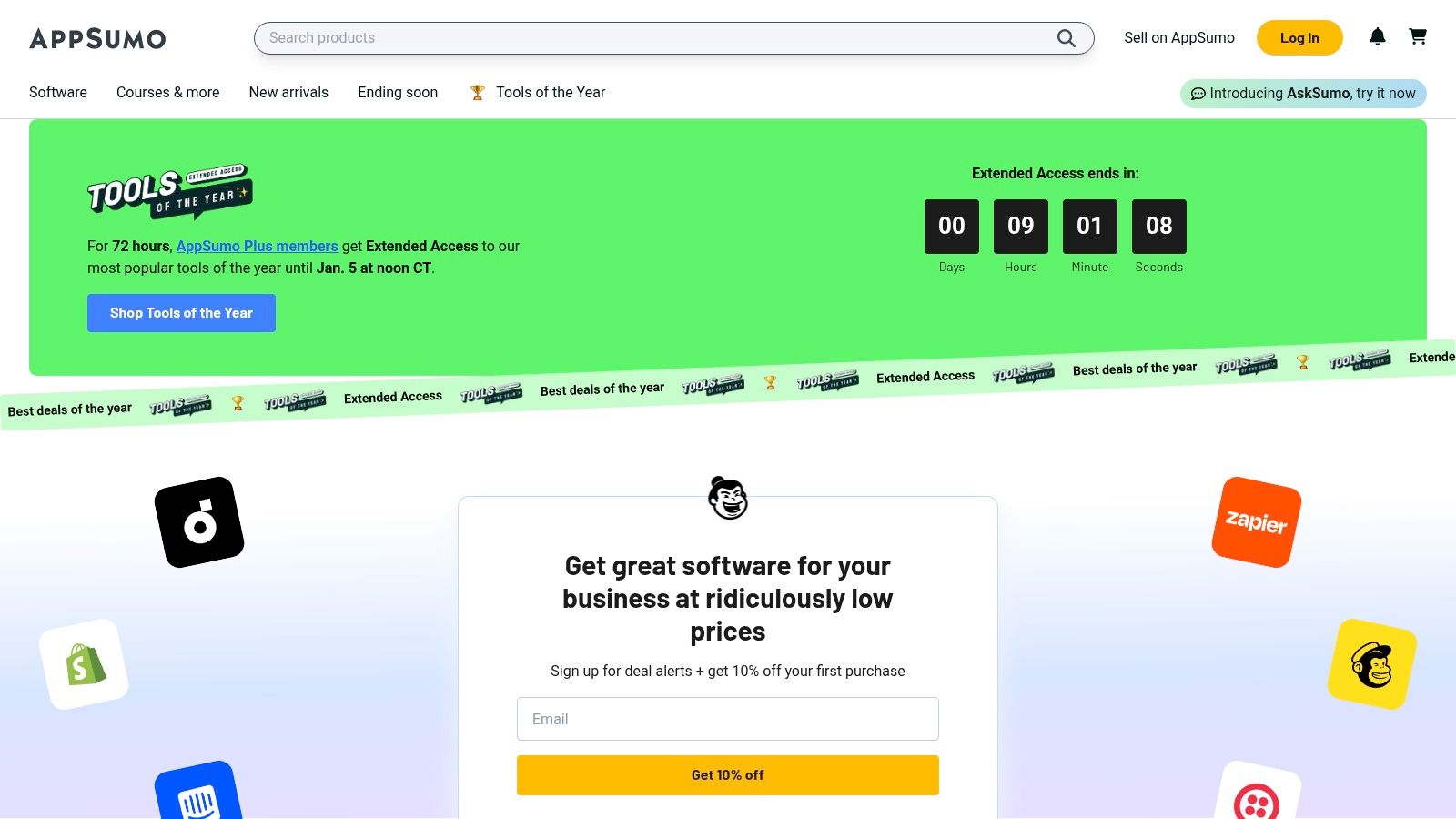
What makes AppSumo a must-visit is its unique model of offering lifetime access (LTDs) to tools that would otherwise be expensive subscriptions. You can find everything from AI-powered content creators and SEO analyzers to social media schedulers and chatbot builders. It’s a chance to experiment with innovative technology and find hidden gems before they hit the mainstream, all while protecting your bottom line.
How to Use It Effectively
The secret to success on AppSumo is acting fast but thinking long-term. Deals don't last forever, so if you see a tool that fits your workflow, grab it. Leverage the generous 60-day refund window to thoroughly test the software. Don’t just buy it and forget it; put the tool through its paces to ensure it delivers on its promises and truly solves a problem for your team.
Pro Tip: Always read the user questions and reviews on a deal page before buying. The community is incredibly active, and you can get honest feedback on a tool's limitations, roadmap, and the founder's responsiveness.
Website: https://appsumo.com
| Feature | Best For | Our Take |
|---|---|---|
| Lifetime Deals (LTDs) | Budget-conscious teams and startups | An unbeatable way to reduce SaaS spend and lock in value. |
| 60-Day Refund Window | Risk-free experimentation | Gives you ample time to validate a tool's usefulness. |
| Curated Categories | Discovering new and niche tools | Excellent for finding specialized AI marketing solutions. |
Pros:
- Can dramatically reduce SaaS spend for smaller teams.
- Refund period provides easy risk reduction when trying tools.
Cons:
- Lifetime AI deals can be risky due to vendor churn or feature changes.
- Community reports advise caution on some deals and vendors.
6. AWS Marketplace
Think of AWS Marketplace as the heavy-duty, industrial-grade warehouse for AI tools for marketing. This isn't where you find lightweight browser extensions; it's where engineering and marketing teams go to deploy serious, scalable AI infrastructure for things like personalization engines, predictive analytics, and enterprise-level MLOps. It connects directly to your company's AWS cloud environment, making it the go-to for data-sensitive and high-volume operations.
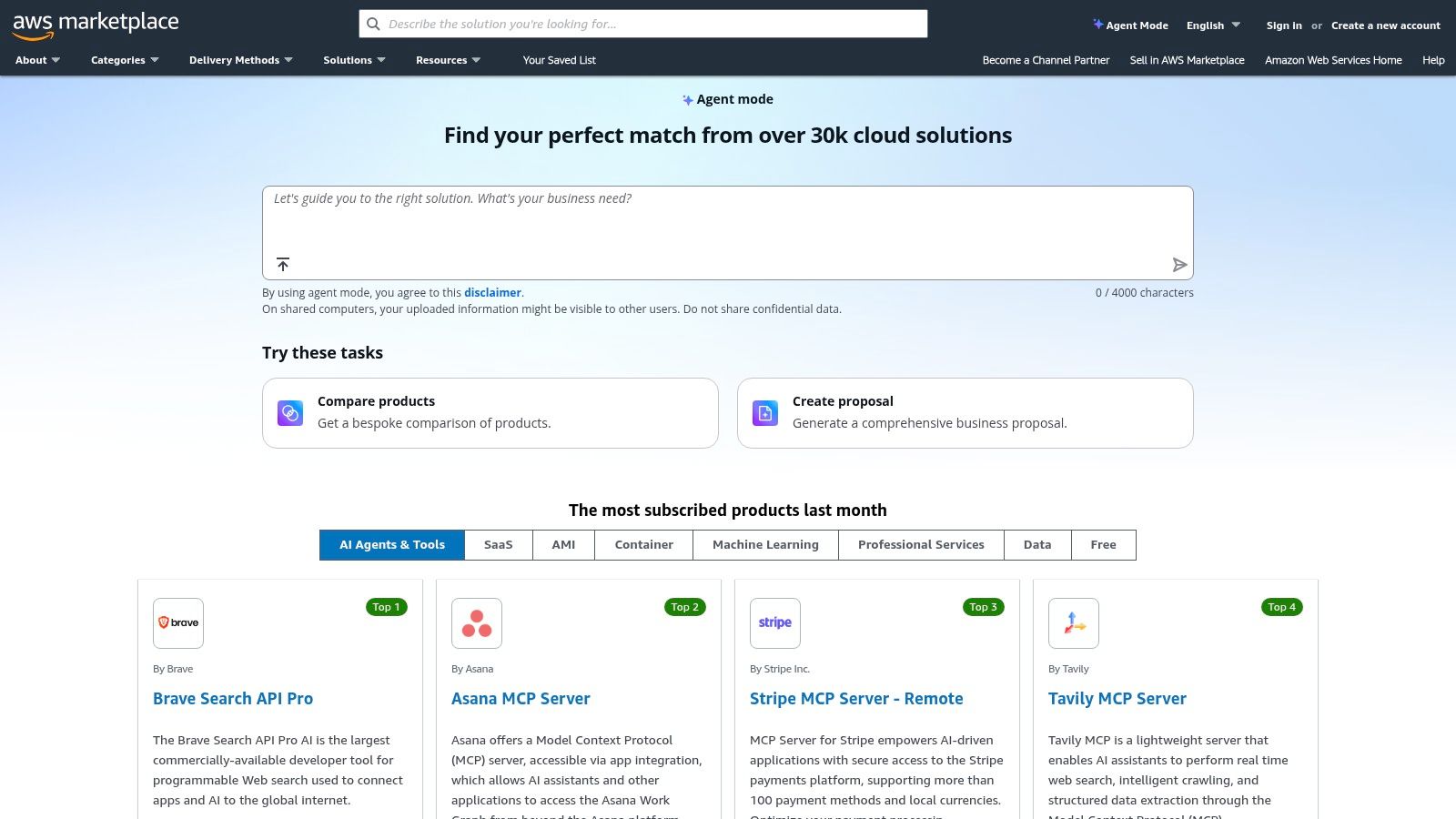
What makes it a powerhouse is its focus on vetted, deployable software. Instead of just signing up for a SaaS tool, you can often deploy a pre-configured AI model or platform directly into your own cloud with one-click deployment. This gives you unparalleled control over data and integration. Consolidated billing through your existing AWS account and transparent security information for each listing streamline the procurement process for technical teams.
How to Use It Effectively
Filter by delivery method, such as "SaaS" or "AMI" (Amazon Machine Image), to match your team's technical capabilities. Use the detailed vendor and compliance information on each listing page to fast-track your internal security and legal reviews. Many listings offer free trials or "BYOL" (Bring Your Own License) models, allowing you to test complex solutions without immediate high-cost commitment.
Pro Tip: Look for listings that offer AWS CloudFormation templates. This allows your team to deploy and configure the entire software stack with a single file, dramatically reducing setup time and potential for human error.
Website: https://aws.amazon.com/marketplace
| Feature | Best For | Our Take |
|---|---|---|
| One-Click Deployment | Rapidly testing and scaling AI models | A huge advantage for agile engineering teams. |
| Consolidated Billing | Streamlining procurement and budget | Simplifies accounting for complex software stacks. |
| Security & Compliance | Data-sensitive marketing operations | Crucial for enterprise-level or regulated industries. |
Pros:
- Vendor vetting and clear deployment paths for engineering teams.
- Well-suited for data-sensitive marketing operations at scale.
Cons:
- Many options are technical and priced for mid-market/enterprise buyers.
- Can require engineering resources to deploy and integrate.
7. Salesforce AgentExchange (Agentforce)
If you live inside the Salesforce ecosystem, AgentExchange is about to become your favorite playground. Think of it as an app store, but instead of downloading another productivity app you'll forget about, you're deploying pre-built AI agents directly into your marketing workflows. These aren't generic bots; they're specialized assistants designed to leverage your existing CRM data for hyper-specific tasks like drafting campaign briefs or segmenting audiences.
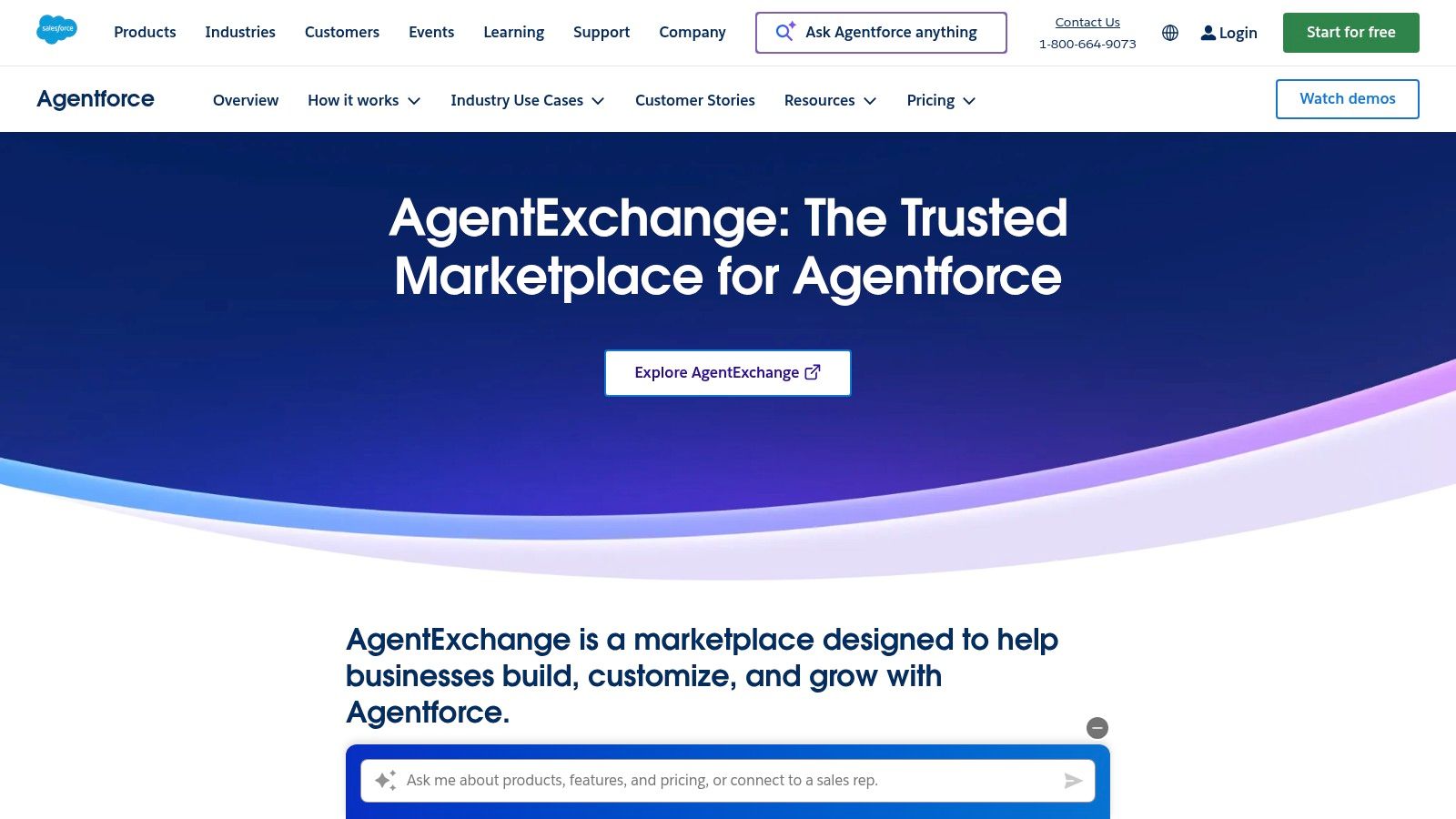
What makes this one of the most powerful AI tools for marketing is its deep, native integration with Salesforce Data Cloud. The agents don't just guess; they use your actual customer data to inform every output, all while respecting enterprise-grade security and governance through a built-in trust layer. For the more adventurous, there's a low-code Agent Builder to create custom agents that perfectly match your unique business processes, connecting insights directly to action.
How to Use It Effectively
Start by browsing the marketplace for out-of-the-box agents that solve an immediate pain point, like generating personalized email copy. Use the try-before-you-buy credits (available via the Salesforce Foundations add-on) to test a few agents on real-world tasks. The goal is to find AI helpers that can take your rich CRM data and turn it into attributable marketing outcomes, not just create more content.
Pro Tip: Focus on building or deploying agents that bridge the gap between different Salesforce Clouds. An agent that uses Service Cloud data to inform a Marketing Cloud journey is where you'll find the biggest ROI.
Website: https://www.salesforce.com/agentforce/agentexchange/
| Feature | Best For | Our Take |
|---|---|---|
| Pre-Built Agents | Quick deployment for common tasks | A massive time-saver for teams needing to prove AI value fast. |
| Low-Code Agent Builder | Creating bespoke marketing solutions | Gives you the power to tailor AI to your exact business logic. |
| Deep CRM Integration | Hyper-personalization & attribution | The "secret sauce" that makes outputs relevant and measurable. |
Pros:
- Unmatched personalization potential by using your own CRM data.
- Strong enterprise governance, security, and audit features.
Cons:
- Primarily valuable for organizations already invested in Salesforce.
- Licensing and initial setup can be complex to navigate.
8. Shopify App Store
If your marketing world revolves around an ecommerce store, the Shopify App Store is less of a marketplace and more of a digital armory. It’s where direct-to-consumer brands go to gear up, offering a massive, ever-growing collection of apps specifically designed to plug directly into your store's data. This makes it an essential destination for finding AI tools for marketing that are built for the unique challenges of ecommerce.
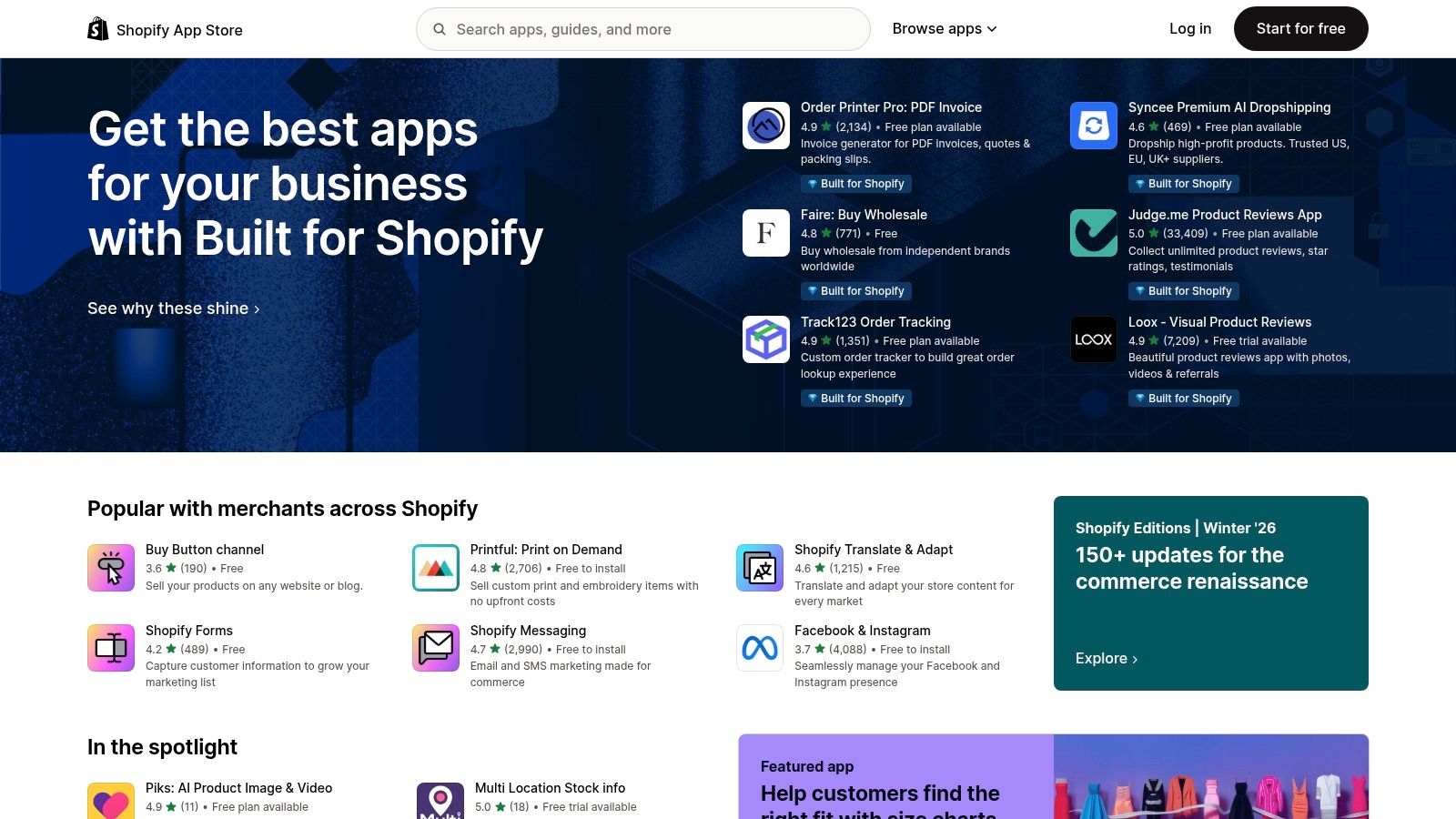
What sets it apart is the seamless integration. Instead of duct-taping a generic AI tool to your operations, these apps are built to leverage your product catalog, customer data, and sales history from day one. You can find AI-powered apps for everything from writing product descriptions and generating ad creatives to optimizing email campaigns and personalizing the customer journey, all within a few clicks.
How to Use It Effectively
The key is to use the categories and search filters to zero in on your specific pain point, whether that's "SEO," "Email marketing," or "Social media ads." Pay close attention to recent reviews, the developer's support response rate, and the pricing tiers. Many apps offer a free plan or a trial, allowing you to test-drive the functionality before committing. Start with one problem, find a top-rated app, and measure its impact before expanding.
Pro Tip: Look for apps that bundle multiple AI features. An app that offers AI-driven product recommendations, email copy, and ad creatives can provide much more value and better data synergy than three separate, disconnected tools.
Website: https://apps.shopify.com
| Feature | Best For | Our Take |
|---|---|---|
| Direct Integration | Ecommerce & DTC brands | The tightest possible connection between AI tools and your store data. |
| User Reviews | Vetting app quality | Essential for separating the game-changers from the duds. |
| Broad Selection | Solving specific marketing tasks | From AI-powered SEO to automated ad campaigns, there's an app for it. |
Pros:
- Tight integration with store data for highly effective campaigns.
- Large selection and straightforward installation make testing easy.
Cons:
- App quality varies widely; check recent reviews and pricing tiers.
- Some high-end apps can be expensive for smaller merchants.
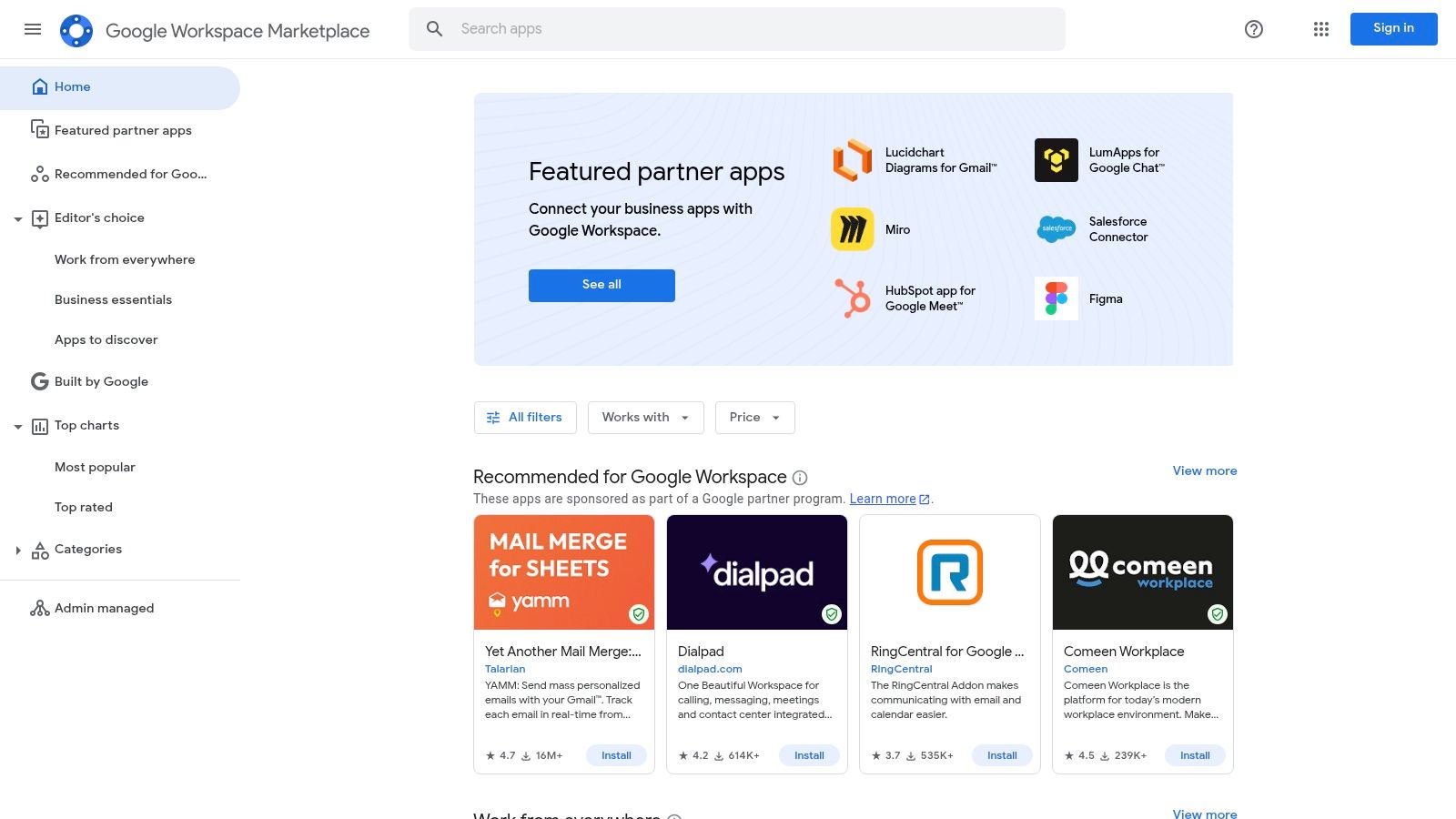
9. Google Workspace Marketplace
Think of the Google Workspace Marketplace as an app store for your digital office. Instead of leaving the comfort of your Docs, Sheets, or Gmail, you can bring powerful AI tools for marketing directly into your workflow. It’s the ultimate way to supercharge the apps you already use daily, transforming them from simple productivity tools into full-blown AI-powered marketing machines.
What makes this marketplace so essential is its focus on low-friction integration. You can find add-ons that leverage models like GPT, Gemini, or Claude to generate content briefs in Docs, analyze campaign data in Sheets, or draft personalized outreach emails in Gmail. It’s all about enhancing your existing environment rather than forcing you to adopt an entirely new platform. Plus, for larger teams, the centralized admin controls and Google’s review process provide a much-needed layer of security and governance.
How to Use It Effectively
Start by searching for specific marketing tasks you want to automate, like "SEO content" or "data analysis." Before installing, carefully check the permissions, pricing models (many offer free tiers with paid upgrades), and recent reviews. For teams, admins can deploy useful add-ons domain-wide, ensuring everyone has access to the same approved tools for consistent output.
Pro Tip: Look for add-ons that specify which AI model they use. This can help you choose a tool that's best suited for your specific task, whether you need the creative prowess of GPT-4 for ad copy or the data-crunching ability of Gemini for spreadsheet analysis.
Website: https://workspace.google.com/marketplace
| Feature | Best For | Our Take |
|---|---|---|
| Direct AI Integration | Enhancing existing workflows | The easiest way to bring AI into your daily apps. |
| Centralized Admin Controls | Team-wide deployments | Great for maintaining security and compliance. |
| Vetted Add-ons | Finding trusted solutions | Google’s review process adds a layer of safety. |
Pros:
- Low friction since AI is available inside tools marketers already use.
- Admin controls and review processes support security and compliance.
Cons:
- Capabilities, model access, and usage quotas vary wildly between add-ons.
- Some AI features depend on your Workspace subscription tier, potentially increasing costs.
10. Semrush App Center
Think of the Semrush App Center as a VIP lounge for your primary SEO suite, where specialized third-party apps come to party. For marketers already living inside the Semrush ecosystem, this isn't just another marketplace; it's a curated collection of tools designed to bolt directly onto your existing workflows. It’s the perfect place to find hyper-specific AI tools for marketing without ever leaving your command center.
What makes it a killer resource is its focus on integration and convenience. Instead of juggling a dozen different logins and credit cards, the App Center offers single sign-on and centralized billing. You can browse collections of AI-powered apps for social media management, content creation, or search monitoring, often with exclusive pricing or trial periods. It’s like having a trusted concierge who hand-picks new gadgets that are guaranteed to work with your favorite gear.
How to Use It Effectively
Dive into the app collections that align with your biggest marketing gaps. For instance, if your social media game needs an AI boost, you can instantly find and trial an "AI Social Assistant" directly from your Semrush dashboard. Use the free trials to audition different tools without commitment. This lets you test how an app integrates with your Semrush projects and data before you spend a dime, ensuring a perfect fit.
Pro Tip: Look for apps that supplement Semrush's core functions. If you rely on Semrush for keyword research, find an AI content generator in the App Center that can turn that research into drafts with one click.
Website: https://www.semrush.com/apps
| Feature | Best For | Our Take |
|---|---|---|
| Curated App Collections | Finding niche AI solutions | A trusted, pre-vetted selection of tools that solve specific marketing problems. |
| Centralized Billing | Simplifying tool procurement | Massively convenient for teams wanting to consolidate their software stack and expenses. |
| Third-Party AI Integrations | Enhancing Semrush workflows | The apps are designed to work with your existing Semrush data, making them instantly powerful. |
Pros:
- Seamless integration and single sign-on for existing Semrush users.
- Trusted ecosystem tailored for search and content professionals.
Cons:
- Requires an active Semrush account to access and use the apps.
- Many apps come with an additional cost on top of your Semrush subscription.
11. Jasper
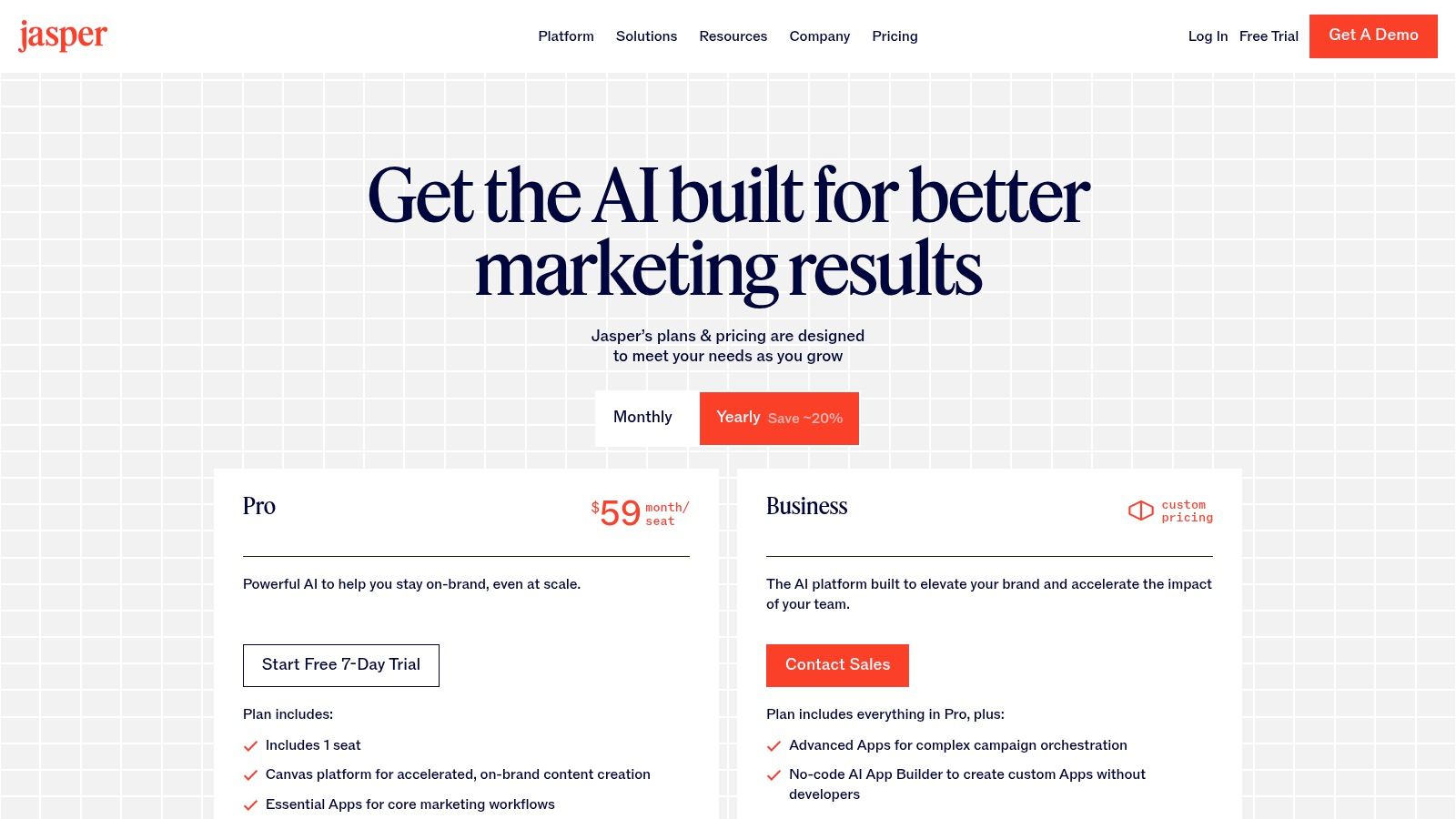
Jasper is less of a general-purpose AI writer and more of a purpose-built AI content command center for marketing teams. It's designed to go beyond simple text generation and tackle entire campaigns, from the initial brief to the final multi-channel asset distribution. Think of it as a specialized ops platform that ensures every piece of content, from SEO articles to social media captions, is perfectly on-brand and grounded in your company’s actual knowledge base.
What sets Jasper apart is its enterprise-grade focus on brand safety and consistency. It’s LLM-agnostic, meaning it uses the best model for the job, but layers powerful governance controls on top. Its "Brand Voice" and knowledge grounding features are a marketer’s dream, acting as guardrails that prevent the AI from going rogue and ensure it speaks with your authentic voice, using your specific product details and market positioning.
How to Use It Effectively
The real power is unlocked with the "Instant Campaigns" feature. Feed it a simple brief, and Jasper will generate a complete suite of assets: blog posts, emails, social copy, and even ad variations. To get the most out of it, invest time upfront in training its Brand Voice with your style guides, marketing materials, and product documentation. This initial setup is crucial for producing content that requires minimal editing.
Pro Tip: Use the browser extension to bring Jasper's AI capabilities directly into your existing workflows, whether you're writing in Google Docs, WordPress, or your social media scheduler. This dramatically speeds up content creation without context switching.
Website: https://www.jasper.ai/pricing
| Feature | Best For | Our Take |
|---|---|---|
| Brand Voice & Knowledge | Maintaining brand consistency | Essential for larger teams needing to keep AI outputs on-brand. |
| Instant Campaigns | Rapid multi-asset generation | A massive time-saver for launching coordinated marketing pushes. |
| Enterprise Governance | Teams needing control & security | Provides the admin oversight required for serious business use. |
Pros:
- Designed for marketing outcomes from briefs to multi-asset campaigns.
- Strong admin and governance controls for larger teams.
Cons:
- Most powerful features are on higher-priced tiers.
- Plan structure may require evaluation to match team needs.
12. Copy.ai
Copy.ai is like giving your marketing team a squad of tireless, brand-obsessed interns who never sleep. It moves beyond simple text generation into a chat-based platform that lets you build and automate repeatable content workflows. This isn't just about writing one-off emails; it’s about creating systems for your go-to-market engine, from sales prospecting to social media content calendars.
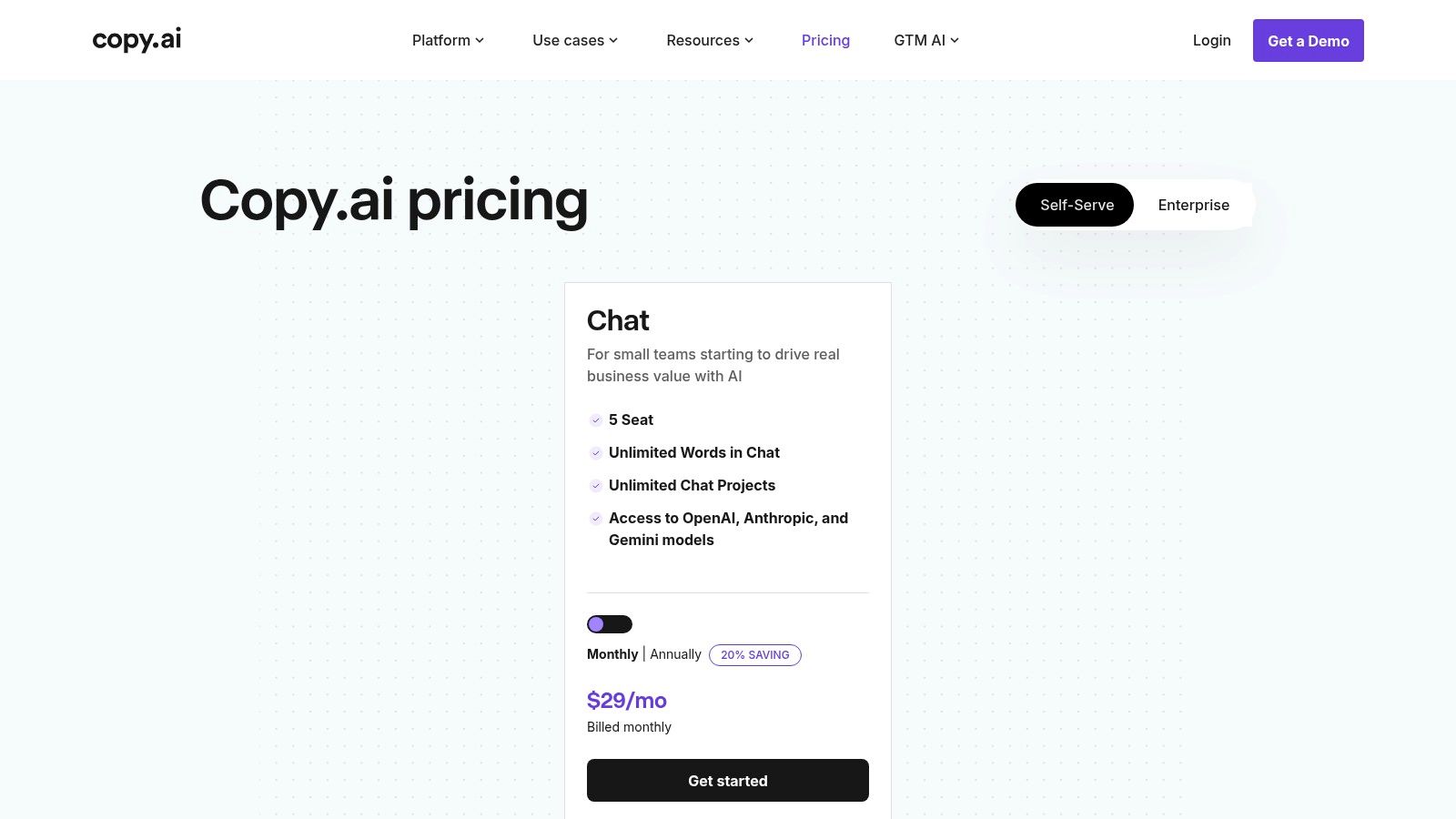
What makes it a standout choice among AI tools for marketing is its "Content Agent Studio." This feature lets you train custom agents on your brand voice, product details, and marketing goals. These agents can then be deployed in automated workflows, ensuring every piece of content is perfectly aligned. With access to multiple model providers like OpenAI and Gemini, it offers flexibility that others lack.
How to Use It Effectively
Start by creating a dedicated agent for a specific, repeatable task, like writing weekly LinkedIn posts or personalizing outreach emails. Feed it your best-performing examples, style guides, and product one-pagers. Then, build a workflow that triggers this agent, runs the content through a review step, and prepares it for publishing. This turns a manual process into a scalable operation.
Pro Tip: Use the workflow automation to connect different steps, such as researching a prospect's company on the web, drafting a personalized email with your agent, and then saving the draft for final approval.
Website: https://www.copy.ai/prices
| Feature | Best For | Our Take |
|---|---|---|
| Content Agent Studio | Building brand-aligned content | A powerful way to enforce consistency at scale. |
| Workflow Automation | Repeatable marketing tasks | The key to moving from one-off generation to operations. |
| Multi-Model Access | Future-proofing and flexibility | Avoids being locked into a single AI provider. |
Pros:
- Fast to start with generous team seats and unlimited chat words on base tiers.
- Excellent for scaling content operations and repeatable workflows.
Cons:
- The credit-based model for agents and workflows requires careful monitoring.
- Advanced agent features on higher tiers can increase ongoing costs.
Top 12 AI Marketing Tools Comparison
| Product | Core features | ★ Quality | 💰 Pricing | 👥 Target | ✨ Unique |
|---|---|---|---|---|---|
| PixelPanda 🏆 | Background removal, smart inpainting, 4x upscaling, face/detail & depth enhancement, text‑to‑image, REST API & SDKs | ★★★★☆ | 💰 Free (10 credits); $49 / $99 / $249‑mo tiers | 👥 Marketers, e‑commerce teams, developers | ✨ API‑first studio edits, avatar/try‑on & hair/fur accuracy |
| G2 | Verified reviews, category leaderboards, buyer intent data | ★★★★☆ | 💰 Free to browse; vendor‑paid placements | 👥 Buyers, procurement, researchers | ✨ Large review volume + buyer intent signals |
| Capterra | Directory with filters, pricing snapshots, side‑by‑side comparisons | ★★★★ | 💰 Free to browse; sponsored listings present | 👥 Buyers shortlisting SaaS | ✨ Gartner‑backed buyer guides & quick filtering |
| Product Hunt | Daily leaderboards, maker Q&A, trending/new product discovery | ★★★★ | 💰 Free; links to vendor demos/pricing | 👥 Early adopters, product scouts | ✨ Fastest place to spot emerging tools |
| AppSumo | Time‑limited deals, lifetime offers, refund window | ★★★★ | 💰 Deep discounts / occasional lifetime deals; 60‑day refunds | 👥 Budget-conscious SMBs | ✨ High‑value deals for experimentation |
| AWS Marketplace | One‑click deploy to AWS, consolidated billing, security/compliance info | ★★★★ | 💰 Hourly/annual/BYOL; enterprise pricing | 👥 Engineering, enterprise buyers | ✨ Direct AWS deploy + vendor/compliance details |
| Salesforce AgentExchange | Prebuilt AI agents, low‑code builder, CRM data grounding & audit trails | ★★★★ | 💰 Enterprise pricing; Salesforce licensing | 👥 Salesforce customers, enterprises | ✨ Deep CRM integration & governance |
| Shopify App Store | App listings, reviews, easy install/rollback, channel integrations | ★★★★ | 💰 App‑specific pricing (free→paid) | 👥 DTC brands, merchants | ✨ Tight store & marketing channel integrations |
| Google Workspace Marketplace | Add‑ons for Docs/Sheets/Gmail, admin controls, quotas & permissions | ★★★★ | 💰 Free + paid add‑ons; depends on app | 👥 Marketing teams using Workspace | ✨ AI inside daily productivity apps with admin controls |
| Semrush App Center | SEO/content/social apps, trials, single sign‑on & billing for Semrush users | ★★★★ | 💰 Requires Semrush; app‑level fees | 👥 SEO & content teams | ✨ Semrush‑centric ecosystem & centralized billing |
| Jasper | Brand voice, campaign generation, image tools, governance | ★★★★ | 💰 Tiered pricing; enterprise features costlier | 👥 Marketing teams & enterprises | ✨ Brand controls + multi‑asset campaign tooling |
| Copy.ai | Chat generation, Content Agent Studio, multi‑model access, workflow credits | ★★★★ | 💰 Tiered plans; agent/workflow credits | 👥 Marketing & content ops teams | ✨ Chat agents + access to multiple model providers |
The Takeaway: AI Is Your Co-Pilot, Not Your Replacement
We’ve just navigated a whirlwind tour of the AI marketing landscape, from the visual wizardry of PixelPanda to the creative genius of Jasper and the vast discovery ecosystems of G2 and Product Hunt. If your head is spinning with possibilities, good. That means you’re paying attention to the most significant shift in our industry in a generation.
The core message threaded through every tool, every use case, and every pro/con list is this: AI is not here to take your job. It's here to take your chores. It's a co-pilot designed to handle the turbulence of repetitive tasks, freeing you, the human pilot, to focus on navigating the strategic journey. The true value of the best ai tools for marketing lies in their ability to augment your creativity, not automate it away.
From Overwhelmed to Empowered: Your Next Steps
Staring at this list of a dozen powerful platforms can feel like standing at the bottom of a mountain. The temptation is to either try to climb it all at once (subscribing to everything) or walk away entirely (analysis paralysis). Neither is the right move. The key is to start with a single, strategic step.
Don't think about "adopting AI." Instead, think about solving a problem.
- Is your creative team drowning in tedious photo edits? Product shots with inconsistent backgrounds, endless resizing for different social platforms, and hours spent in Photoshop? Your starting point is a specialized visual tool like PixelPanda.
- Is your content calendar looking sparse and uninspired? The blinking cursor of a blank page mocking you? A generative AI writer like Jasper or Copy.ai is your logical first investment.
- Are you unsure which SaaS tool solves your unique workflow issue? Spend an afternoon exploring a marketplace like G2 or Capterra, using their comparison features to find a tailored solution.
Your mission isn't to become an expert on every AI tool overnight. It's to identify the single biggest bottleneck in your current marketing workflow and apply the right AI-powered solution to break it open. Start small, measure the impact in saved hours or increased output, and then build momentum. Prove the value of one tool, and you'll earn the right to explore the next.
How to Choose Your First AI Marketing Tool
As you begin your journey, remember that not all AI is created equal. The flashy, "do-it-all" platforms can be tempting, but the most immediate ROI often comes from specialized tools that solve one problem exceptionally well.
Here are a few factors to guide your selection process:
- Integration is King: Does the tool play nicely with your existing stack? A powerful AI is useless if it creates more manual data entry or disrupts your team's established workflows. Look for native integrations or robust API access.
- Ease of Use: The best tools feel intuitive. If a platform requires a week-long training course to get started, it might create more friction than it resolves. A clean UI and a minimal learning curve are signs of a well-designed product.
- Scalability and Pricing: Consider where your business will be in a year. Choose a tool with a pricing model that can grow with you, not one that will penalize your success with exorbitant fees as your usage increases.
The era of AI in marketing is not a futuristic concept; it’s happening right now. The biggest mistake you can make is to wait on the sidelines, assuming this is just another passing trend. Your competitors are already using these tools to work faster, create more, and analyze deeper. The future of marketing isn't about knowing all the answers; it's about knowing which AI to ask for help. So pick your problem, choose your tool, and get started.
Ready to eliminate the most time-consuming task in visual marketing? Stop wasting hours on manual background removal and tedious image editing. PixelPanda uses specialized AI to deliver pixel-perfect, studio-quality product photos in seconds, letting your team focus on creativity, not clicks. See how the right ai tools for marketing can transform your visual workflow by trying PixelPanda today.