Remember the days of painstakingly tracing paths with the pen tool, cloning out unwanted objects pixel by pixel, and spending hours just to get a clean product cutout? Those days are officially over. The rise of powerful, accessible ai tools for photo editing has revolutionized how we create, enhance, and scale visual content. Your manual, repetitive tasks are now prime candidates for intelligent automation.
Whether you're a developer building the next big app, an e-commerce brand managing thousands of product shots, or a marketer needing social media assets yesterday, AI-powered editing is no longer a luxury, it's a competitive necessity. Forget spending half your day on mind-numbing adjustments. These platforms can handle everything from one-click background removal and object replacement to sophisticated image upscaling and lighting correction, often in seconds.
This guide cuts through the noise to bring you the 12 best AI photo editing tools for 2025. We'll dive deep into their specific strengths, ideal use cases, and even the nitty-gritty of their APIs, so you can find the perfect solution to reclaim your time and elevate your visuals. Each entry includes direct links and screenshots to show you exactly what to expect. Let's find the right tool to automate your workflow and unlock your creative potential.
1. PixelPanda: The All-in-One API for Studio-Quality Automation
For teams that need more than a simple filter pack or one-click editor, PixelPanda delivers a robust suite of professional-grade ai tools for photo editing, all accessible through a single, developer-friendly API. It’s not just an application; it’s an engine built for automation at scale. This makes it an invaluable asset for e-commerce platforms, mobile app developers, and marketing teams who need to process thousands of images with consistent, high-quality results without manual intervention.

Why It Stands Out
PixelPanda consolidates multiple specialized AI models into one unified platform, eliminating the need to chain together different services. Its background removal model is exceptionally precise, handling notoriously tricky subjects like fine hair, fur, and semi-transparent objects with an accuracy that rivals a human editor. The 4x upscaler and face enhancement tools work in tandem to restore low-resolution images to print-ready quality, while the smart inpainting can intelligently remove unwanted objects or text, reconstructing the background flawlessly.
Core Features & Use Cases
- Studio-Quality Background Removal: Perfect for creating clean, consistent product shots for e-commerce sites or isolating subjects for marketing materials. The API returns transparent PNGs ready for any background.
- Intelligent Upscaling & Enhancement: Revive old family photos, sharpen user-generated content for social media, or prepare low-res assets for high-definition displays.
- Automated Retouching: The smart inpainting and watermark/text removal features are ideal for cleaning up stock photos or user-submitted images, saving countless hours of manual work.
- Generative AI: Beyond editing, its text-to-image and AI avatar features allow creative teams to generate unique on-brand assets from simple text prompts, speeding up the content creation lifecycle.
Practical Considerations
Integration is straightforward thanks to a simple REST API, comprehensive documentation, and official SDKs. A free trial provides 10 credits (no credit card required) for initial testing. Paid plans are tiered, starting at $49/month for 500 images, offering predictable scaling.
However, the free trial’s 10-credit limit can be restrictive for evaluating batch processing or more advanced features like avatar training. Also, credits do not roll over, so it’s important to choose a plan that aligns with your monthly volume. For enterprise needs requiring specific SLAs or certifications, direct contact with their sales team is recommended.
Our Take: PixelPanda is the definitive choice for businesses that need reliable, high-volume, and automated image processing integrated directly into their products or workflows. Its combination of accuracy, comprehensive features, and developer-first approach makes it one of the most powerful ai tools for photo editing on the market.
Website: https://pixelpanda.ai
2. Adobe Photoshop and Creative Cloud
Let's be real, you can't talk about photo editing without mentioning the 800-pound gorilla in the room: Adobe Photoshop. It’s the OG, the industry standard, and now it’s supercharged with some seriously impressive AI. Adobe has integrated its Firefly generative AI directly into the Photoshop workflow, transforming it from a mere editor into a creative co-pilot. This isn't just about tweaking colors anymore; it’s about reimagining your entire image with a text prompt.

The Generative Fill and Generative Expand features are game-changers for professional creatives. Need to remove an unwanted object or even get rid of text from an image? Just select the area and let the AI work its magic. Want to extend a background to fit a different aspect ratio? Photoshop’s AI tools can generate seamless, context-aware extensions that look stunningly realistic.
Core Features & Use Cases
- Best For: Professional creatives, design teams, and anyone needing deep, non-destructive editing control alongside powerful generative AI.
- Generative AI: Powered by Adobe Firefly, Generative Fill and Expand are seamlessly integrated into selection and crop workflows.
- Ecosystem: Part of the massive Creative Cloud, it syncs projects across desktop, web, and mobile (iPad/iPhone) for a fluid workflow.
- Pricing: Multiple subscription plans are available, including the Photoshop plan (~$22.99/mo), the Photography plan (with Lightroom), and the full Creative Cloud suite.
Pros & Cons
| Pros | Cons |
|---|---|
| Unmatched professional toolset and editing depth. | Subscription pricing can feel steep for casual users. |
| Strong ecosystem with endless tutorials and assets. | The generative credits system can be confusing to track. |
| Firefly AI is integrated non-destructively as layers. | Can have a steep learning curve for complete beginners. |
Website: https://www.adobe.com/products/photoshop.html
3. Canva (Magic Studio)
If Photoshop is the 800-pound gorilla, Canva is the incredibly friendly and agile chimpanzee that everyone loves. Originally a template-based design tool, Canva has exploded in popularity by integrating a suite of AI-powered features called Magic Studio. This has transformed it into a one-stop shop for marketing teams, social media managers, and anyone needing to create stunning visuals without a steep learning curve. It's one of the best AI tools for photo editing when speed and simplicity are your top priorities.
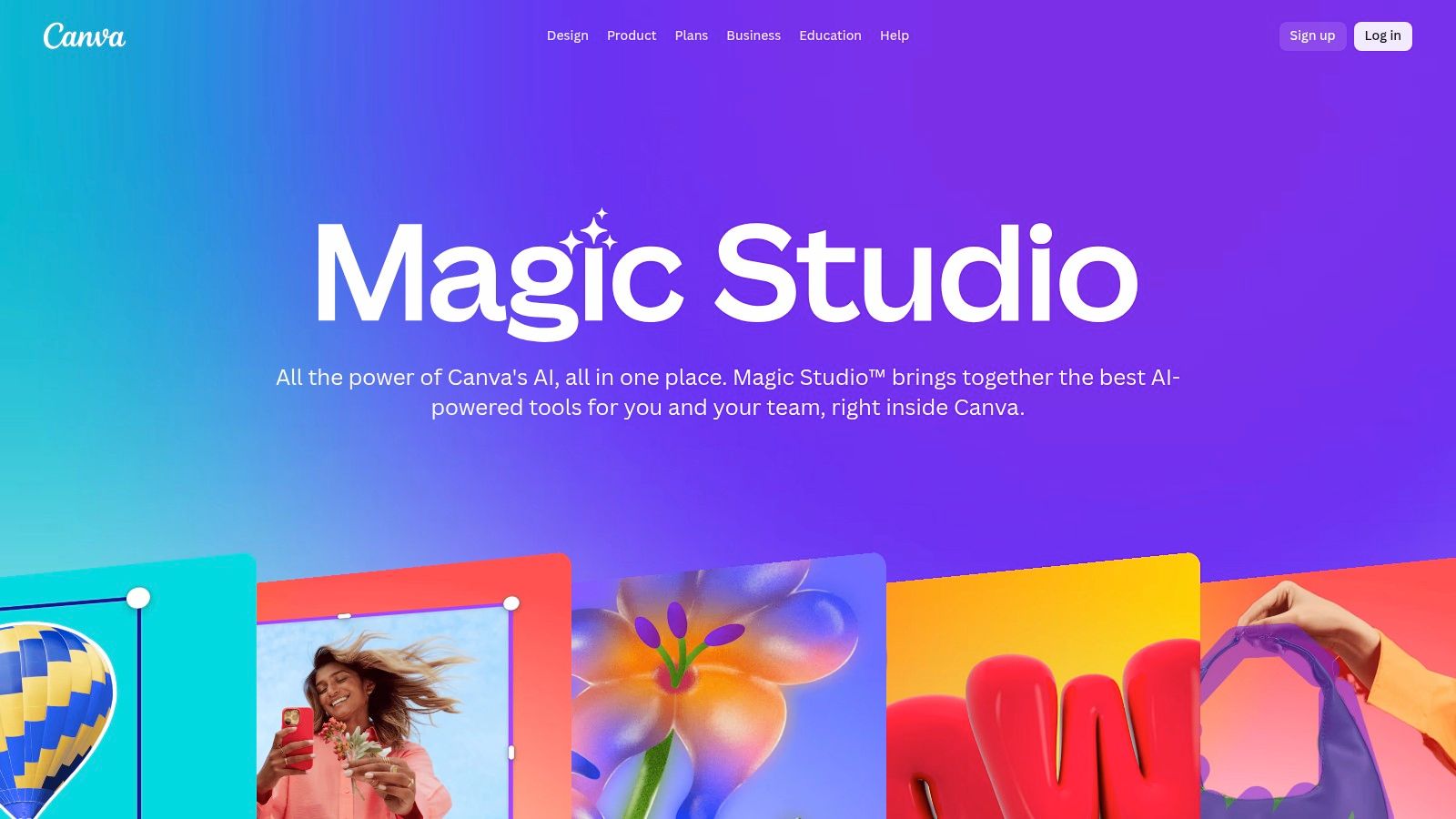
With tools like Magic Eraser, Magic Edit, and Magic Expand, you can perform complex edits with just a click or a simple text prompt. Need to remove a distracting element from a product shot? Done. Want to turn a t-shirt blue or add birthday hats to a team photo? Just type what you want. The AI is designed for practical, real-world use cases, making it perfect for quick, high-quality content creation.
Core Features & Use Cases
- Best For: Marketing teams, social media content creators, and small businesses needing fast, template-driven design with powerful AI assistance.
- Simple AI Tools: Includes one-click object removal (Magic Eraser), promptable region editing (Magic Edit), and effortless background expansion (Magic Expand).
- Design Ecosystem: The AI tools are fully integrated into a massive library of templates, stock photos, and design elements for a seamless workflow.
- Pricing: Offers a robust free plan. Many Magic Studio features, like the Background Remover and Magic Eraser, require a Canva Pro subscription (starting around $14.99/mo for one person).
Pros & Cons
| Pros | Cons |
|---|---|
| Extremely easy to use with consistent, high-quality results. | Advanced retouching controls are more limited than pro desktop apps. |
| Fantastic ecosystem of templates and content for any project. | Some of the most useful AI tools are locked behind a Pro subscription. |
| Works seamlessly in-browser and on mobile devices. | The focus is more on design than technical, pixel-level photo editing. |
Website: https://www.canva.com/magic/
4. Topaz Labs (Topaz Photo AI, Gigapixel, Topaz Studio)
If you're dealing with noisy, blurry, or low-resolution images, Topaz Labs is like a digital restoration artist. Instead of focusing on generative edits, Topaz has carved out a niche in pure image quality recovery. Their suite of AI-powered tools, led by Topaz Photo AI, is purpose-built to rescue photos that other software would write off, making it one of the most powerful ai tools for photo editing when detail is paramount.
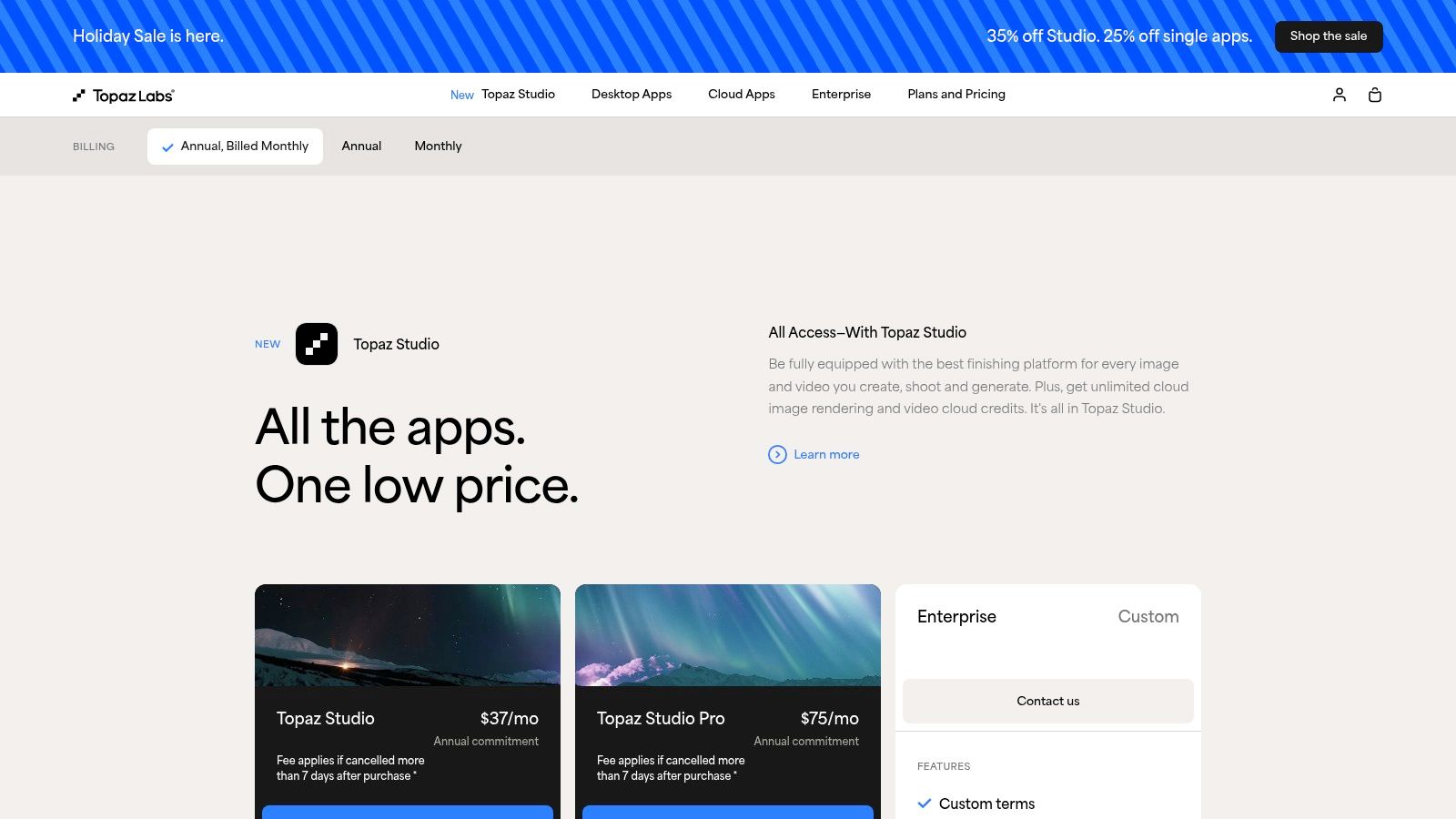
The standout here is the sheer quality of the results. Gigapixel AI, their upscaling tool, can intelligently add detail to enlarge photos without that typical blocky, pixelated mess. It’s a must-have for photographers needing to crop heavily or print large-format images from smaller files. Similarly, its Denoise and Sharpen AI tools use machine learning to distinguish between unwanted noise and fine detail, producing remarkably clean and crisp images. You can learn more about how AI enhances image resolution here.
Core Features & Use Cases
- Best For: Photographers, ecommerce teams, and anyone needing to rescue or enhance suboptimal photos for professional use.
- Image Quality Recovery: Specialized AI models for denoising, sharpening, de-blurring, and recovering faces.
- High-Quality Upscaling: Gigapixel AI is a market leader for enlarging images while preserving and generating realistic detail.
- Pricing: Offers a one-time purchase model for their desktop apps (e.g., Photo AI for ~$199), which includes a year of updates.
Pros & Cons
| Pros | Cons |
|---|---|
| Exceptional results for detail recovery and upscaling. | More focused on enhancement than creative compositing. |
| One-time purchase options are a plus for many users. | The pricing and upgrade path can be complex to navigate. |
| Can function as standalone apps or plugins for Photoshop. | Processing can be resource-intensive on older computers. |
Website: https://www.topazlabs.com/pricing
5. Skylum Luminar Neo
If Photoshop feels like a battleship, Luminar Neo is the sleek, AI-powered speedboat built for speed and stunning results. Skylum has leaned heavily into AI, creating a photo editor that automates complex tasks into one-click wonders. It’s designed for photographers who want to spend more time shooting and less time fussing with layers and complex masks, offering an incredibly intuitive workflow focused on creative enhancements.
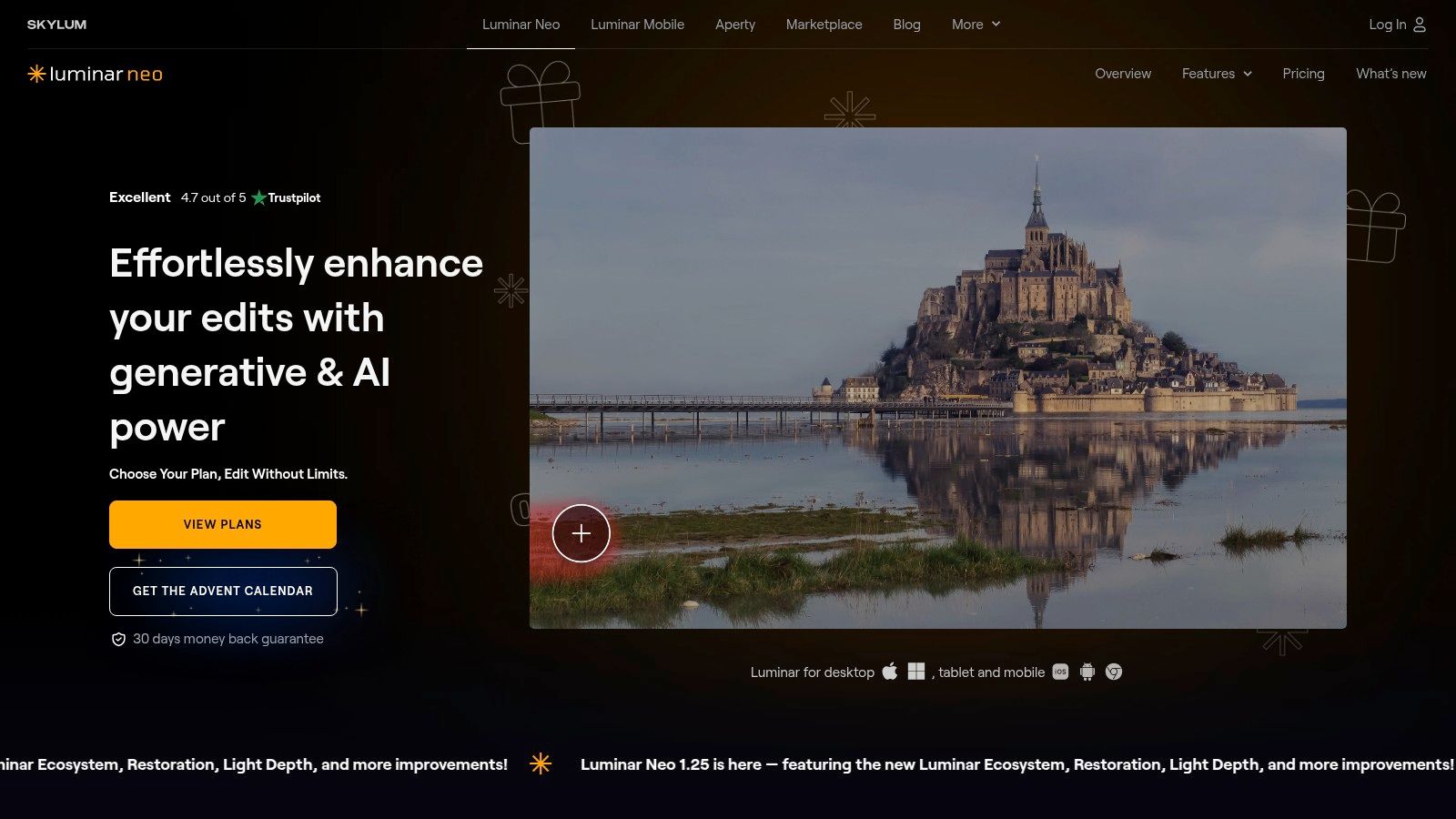
Tools like Sky AI, which replaces a dull sky with a dramatic one in a single click (and even relights the scene to match), feel like pure magic. Similarly, Background Removal AI and Relight AI give users powerful control over their image composition without the tedious manual selections required in traditional software. It's one of the best AI tools for photo editing for creators who prioritize efficiency and creative impact over deep technical editing.
Core Features & Use Cases
- Best For: Photographers and content creators who want powerful, one-click AI enhancements and a streamlined workflow.
- Creative AI Tools: Standout features include Sky AI, Relight AI, Background Removal AI, and Noiseless AI for fast, impressive edits.
- Workflow: Offers a simple, results-oriented interface that’s much less intimidating than professional-grade editors.
- Pricing: A major draw is the option for a perpetual license, a rare find in the subscription-dominated software world. Subscription plans are also available.
Pros & Cons
| Pros | Cons |
|---|---|
| Simple workflow with strong creative AI tools. | Smaller professional ecosystem compared with Adobe. |
| Perpetual license option provides value for one-time purchasers. | Generative/creative tools are less extensive than Photoshop. |
| Excellent for quick, high-impact edits like sky replacement. | Can be less precise for highly detailed, technical work. |
Website: https://skylum.com/luminar
6. Capture One (Pro)
If Photoshop is the creative powerhouse, Capture One is the meticulous studio professional. Long heralded by commercial and studio photographers for its insane color accuracy and tethered shooting capabilities, it has now embraced AI to streamline its legendary workflow. This isn't about conjuring dragons from thin air; it's about using intelligent tools to get perfect, real-world results faster than ever.
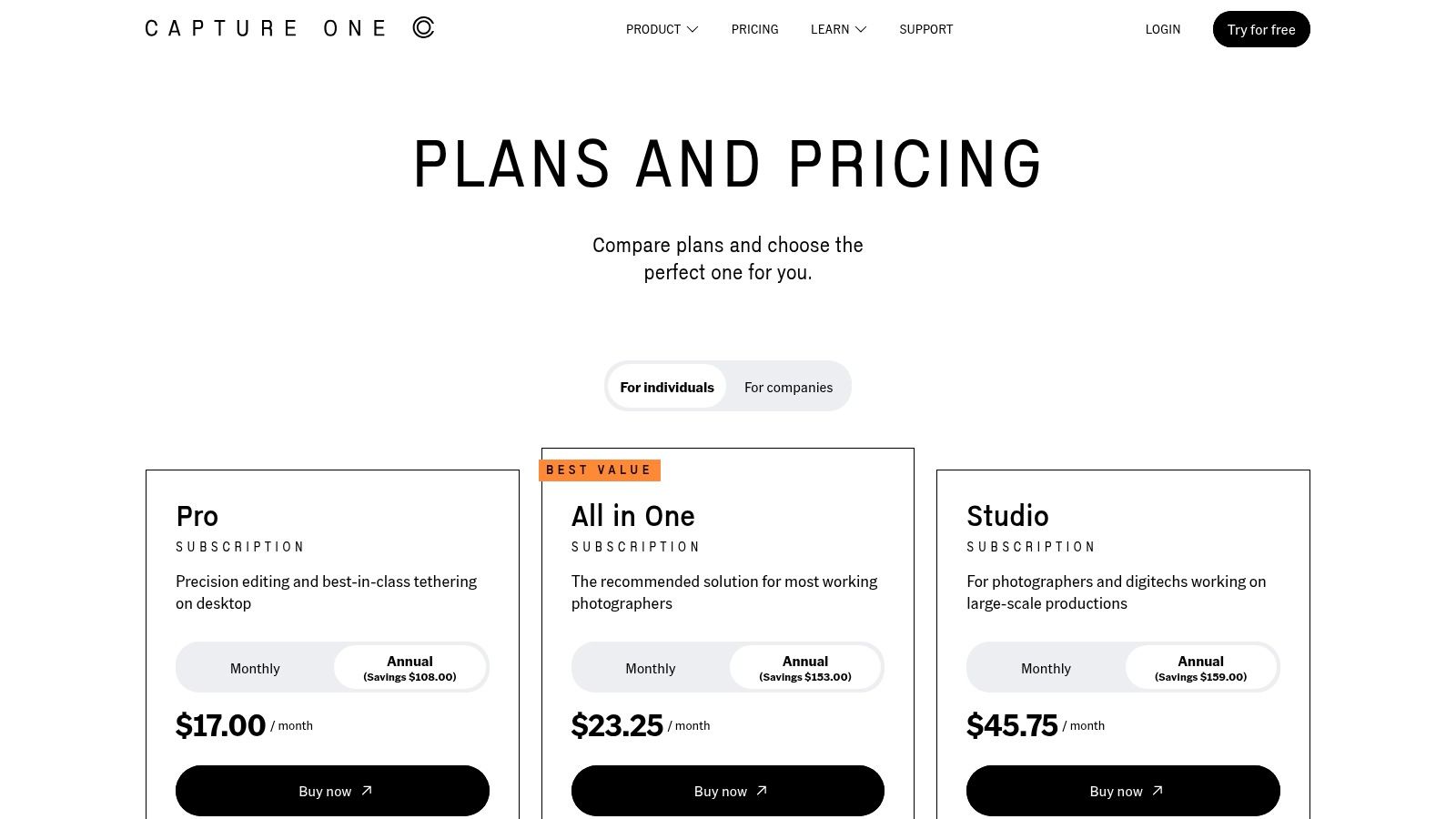
Capture One’s AI is laser-focused on practical, time-saving tasks. Its AI Masking tools are brilliant for high-volume work like e-commerce catalogs. Instantly select subjects, backgrounds, or even specific parts of a person like skin, hair, or eyes across hundreds of photos. This allows for incredibly fast and consistent batch edits that would take hours to complete manually, making it one of the most efficient AI tools for photo editing in a professional pipeline.
Core Features & Use Cases
- Best For: Professional photographers, e-commerce studios, and anyone needing top-tier color rendering and efficient batch editing workflows.
- AI Masking: Smart subject and background selection, plus specific masks for human features like faces, skin, and hair to automate retouching.
- Studio Workflow: Industry-leading tethered capture for instant review and robust cataloging tools for managing massive photo libraries.
- Pricing: Offers both subscription plans (starting around $24/mo) and a perpetual license for those who prefer to own their software outright.
Pros & Cons
| Pros | Cons |
|---|---|
| Unrivaled color accuracy and RAW file processing. | Can be more expensive than consumer-focused editors. |
| AI masking tools dramatically speed up batch editing. | Has a significant learning curve, especially for beginners. |
| Superb tethered shooting and studio features. | AI features are for masking, not generative content. |
Website: https://www.captureone.com/en/pricing/capture-one-pro
7. Pixelmator Pro (Mac App Store)
For the Mac purists who loathe subscriptions, Pixelmator Pro is a breath of fresh, non-recurring-fee air. This powerful, Mac-native photo editor leverages Apple's Core ML framework to deliver incredibly fast, on-device AI enhancements. It’s designed from the ground up to feel right at home on macOS, offering a slick, intuitive interface that packs a professional punch without the Adobe-level learning curve or cost.
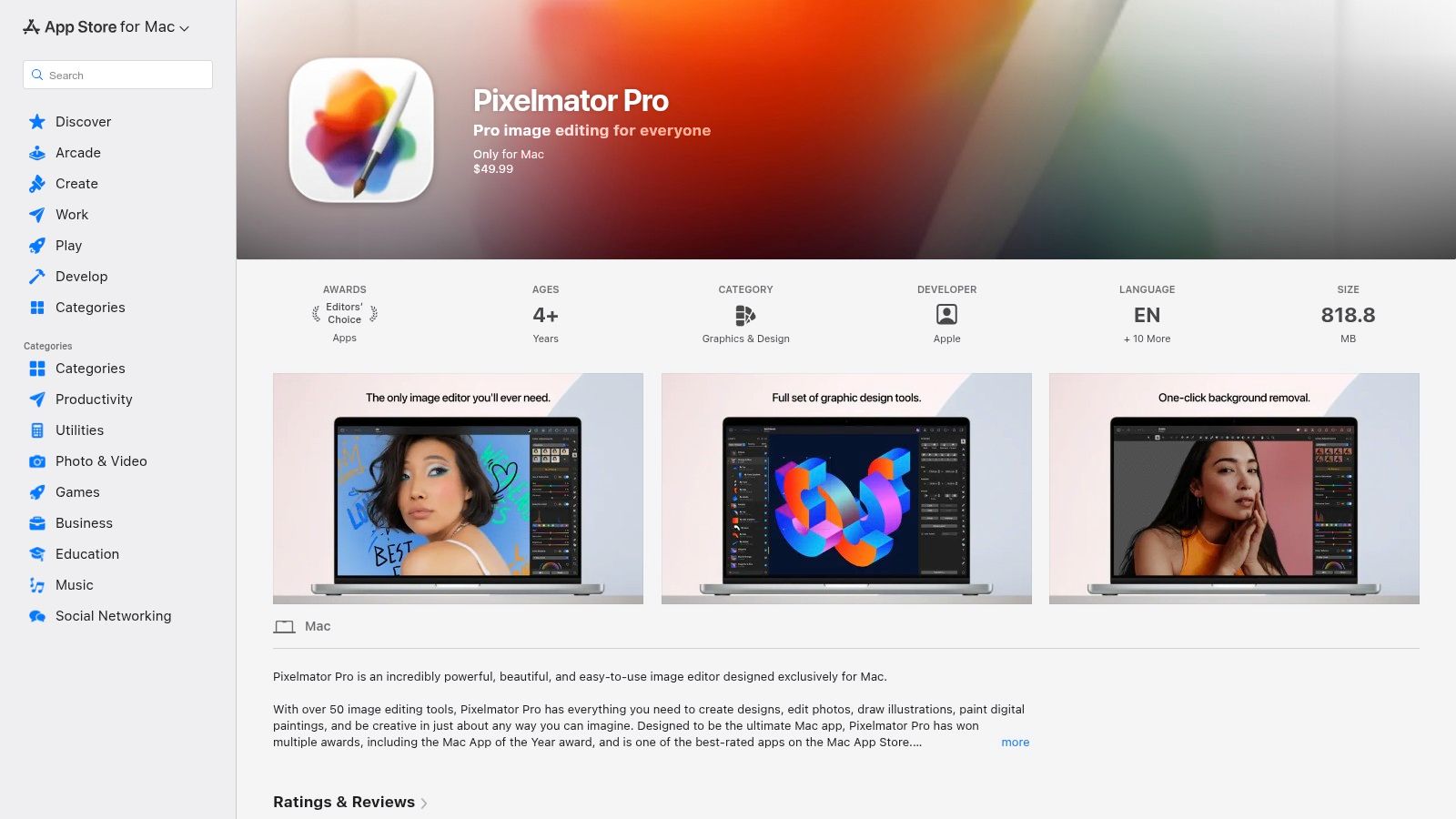
The magic here is in its machine learning-powered features. The ML Enhance tool can intelligently adjust over 30 aspects of your photo with a single click, from exposure to white balance. Its ML Super Resolution feature is a standout, using AI to upscale images without turning them into a blurry mess. It stands as one of the most compelling AI tools for photo editing for anyone deep in the Apple ecosystem who wants performance and value.
Core Features & Use Cases
- Best For: Mac users, photographers, and designers looking for a powerful, one-time purchase alternative to subscription-based editors.
- ML-Powered Tools: Features like ML Enhance, Super Resolution, Denoise, and automatic background removal are deeply integrated and impressively fast.
- Native Performance: Built exclusively for macOS, it’s optimized for Apple hardware, ensuring a smooth and responsive editing experience with full RAW support.
- Pricing: A one-time purchase from the Mac App Store (around $49.99), with all future updates included. No subscriptions.
Pros & Cons
| Pros | Cons |
|---|---|
| Fantastic value with a single, one-time price. | Exclusively for macOS, with no Windows or web version. |
| Blazing-fast performance thanks to native optimization. | Lacks the deep, collaborative ecosystem of Adobe. |
| Beautiful, user-friendly interface that's easy to learn. | Fewer advanced, enterprise-level features than competitors. |
Website: https://apps.apple.com/us/app/pixelmator-pro/id1289583905
8. Picsart
If you’re looking for a one-stop-shop for social media content creation that blends traditional editing with a suite of AI features, Picsart is your playground. It has evolved from a simple mobile editor into a powerful cross-platform creative hub, perfect for marketers, influencers, and small business owners. Think of it as a creative suite that prioritizes speed and ease of use, powered by some handy ai tools for photo editing.
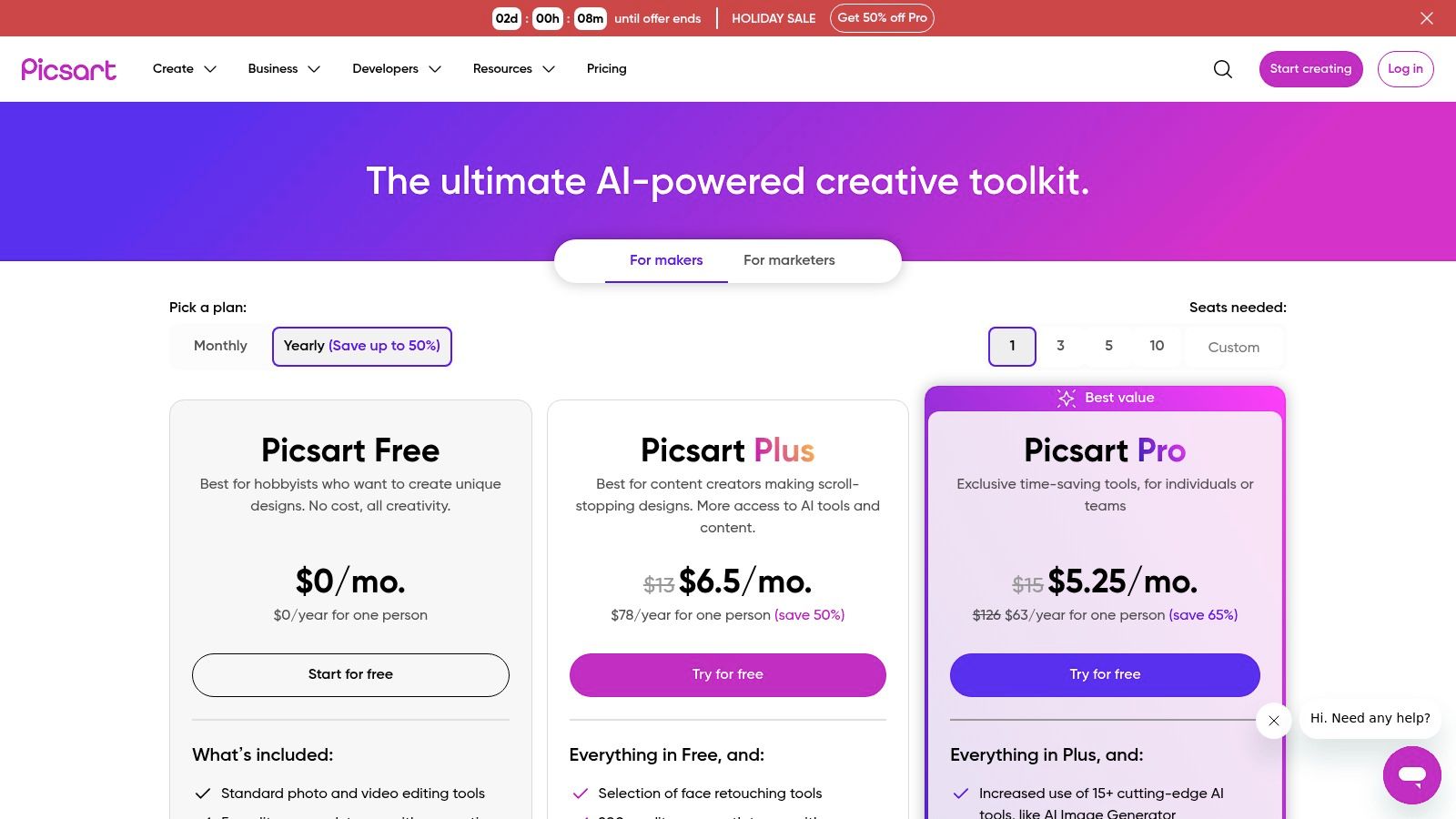
Picsart packs a ton of functionality into a single subscription. You get everything from an AI Image Generator for creating assets from scratch to one-tap background and object removers that clean up product shots in seconds. Its extensive library of templates, stickers, and fonts means you can quickly produce on-brand content without ever leaving the app, whether you're on your phone or your desktop.
Core Features & Use Cases
- Best For: Social media managers, content creators, and small businesses needing a fast, template-driven workflow for marketing visuals.
- AI Tools: Features an AI Image Generator, background and object removal, face retouching tools, and other smart enhancements.
- Content Library: Access to a massive collection of templates, stickers, stock photos, and fonts to accelerate content creation.
- Pricing: Offers a free plan with limited features, with paid plans like Picsart Gold and Teams starting around $5/month, which include more AI credits and assets.
Pros & Cons
| Pros | Cons |
|---|---|
| Fast to learn with a generous content library. | Credit limits on generative features can be restrictive. |
| Excellent cross-platform access (web, iOS, Android). | Advanced color and RAW controls are basic. |
| Team seat options are great for collaborative work. | The interface can feel busy for new users. |
Website: https://picsart.com/pricing
9. PhotoRoom
If you're an e-commerce seller, PhotoRoom is the AI tool that practically speaks your language. It’s laser-focused on one thing: creating pristine, market-ready product photos without the hassle of a physical studio. This isn’t a general-purpose editor; it’s a purpose-built machine for removing backgrounds, generating clean white backdrops, and batch-processing entire product catalogs with speed and consistency.
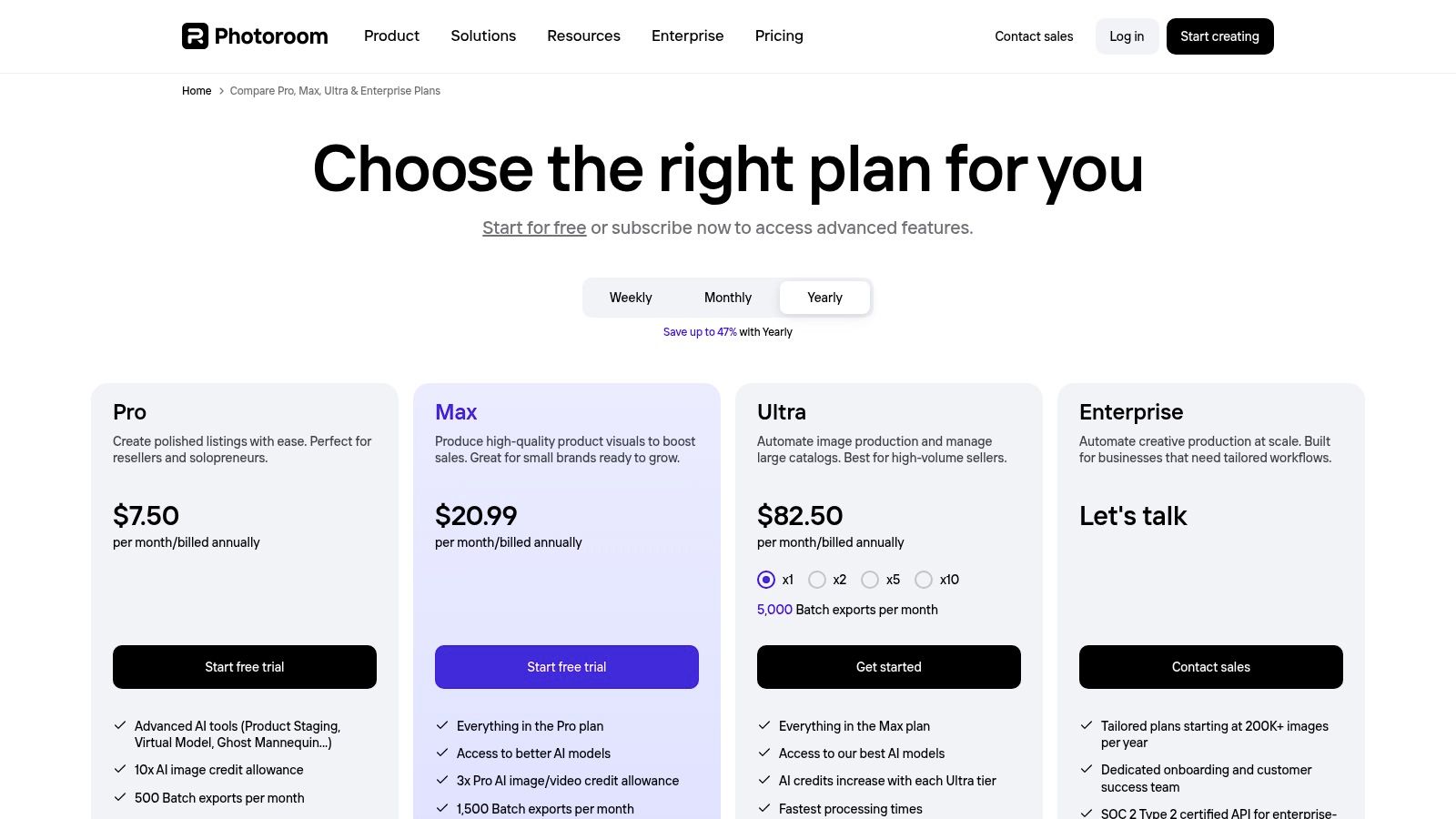
The platform is engineered for high-volume workflows, allowing you to upload hundreds of images and have them ready for your listings in minutes. If your business relies on stunning product visuals, PhotoRoom excels at making e-commerce product photos. You might also be interested in how AI helps to create professional AI packshots for even more dynamic and engaging visuals. For teams, the "Spaces" feature and brand kits ensure every image stays on-brand, making it a powerful asset for growing businesses.
Core Features & Use Cases
- Best For: E-commerce sellers, online marketplace vendors, and marketing teams needing fast, high-quality product photos at scale.
- Background Removal: Industry-leading AI for instant, clean background removal and replacement, specializing in white backgrounds for listings.
- Batch Processing: Upload and edit entire catalogs at once, applying the same settings across hundreds of images for a uniform look.
- Team Collaboration: Features like Spaces, shared designs, and brand kits allow teams to maintain brand consistency across all product visuals.
- Pricing: Offers a free plan with watermarks. Paid plans start with the Pro plan (~$12.99/mo) and scale to Business and API plans for higher volumes and team features.
Pros & Cons
| Pros | Cons |
|---|---|
| Designed specifically for listings and marketplace photos. | Export and batch limits are tied to specific plan tiers. |
| Strong batching and automation for high-volume workflows. | Less suitable for complex compositing or advanced retouching. |
| Excellent mobile and web apps for editing on the go. | The free version includes a prominent PhotoRoom watermark. |
Website: https://www.photoroom.com/pricing
10. remove.bg
Sometimes you don't need a full suite of editing tools; you just need one thing done perfectly and instantly. That's the entire philosophy behind remove.bg, a hyper-focused tool that does one job exceptionally well: removing backgrounds. It’s the undisputed specialist for quick, clean, and automated cutouts, making it an indispensable part of many creative and e-commerce workflows. Whether you're a designer prepping assets or a marketplace owner cleaning up product shots, this tool saves countless hours of tedious manual selection.

What makes remove.bg stand out is its simplicity and speed. You upload an image, and seconds later, you have a precise, high-quality cutout ready to go. The AI is particularly skilled at identifying subjects, from people with wispy hair to complex product shapes. For those needing to process images at scale, its API and bulk processing tools are a godsend, automating a critical step in visual content production. The AI-powered background removal technology ensures consistent results without manual intervention.
Core Features & Use Cases
- Best For: E-commerce sellers, social media managers, and developers needing fast, reliable background removal at scale.
- Specialization: A laser focus on subject extraction, delivering clean cutouts for people, products, and objects.
- Integration: Offers a robust API, desktop apps (Windows/Mac/Linux), and plugins for Photoshop and Figma to fit into any workflow.
- Pricing: A flexible model with a free low-resolution preview, subscription plans, and pay-as-you-go credits that never expire.
Pros & Cons
| Pros | Cons |
|---|---|
| Extremely fast and highly accurate subject isolation. | Full-resolution downloads require paid credits or a subscription. |
| Flexible pricing with credits that don't expire. | It's a specialized tool focused only on background removal. |
| Excellent API and integration options for automation. | Not a comprehensive photo editor for other adjustments. |
Website: https://www.remove.bg/pricing
11. Pixlr
If you're looking for a powerful, browser-based editor that won't make your wallet weep, Pixlr is a fantastic contender. It’s the scrappy, accessible alternative that brings a surprising amount of AI firepower directly into your browser tab. Think of it as a design suite for the rest of us, offering a quick and dirty way to get high-quality edits and designs done without the steep learning curve of professional desktop software. It’s built for speed and simplicity.

Pixlr uses an AI credit system to power its generative features, background and object removal, and its slick Photomash Studio for creating stunning product shots in seconds. This makes it one of the most practical ai tools for photo editing when you need to quickly produce clean, professional-looking images for e-commerce or social media without getting bogged down in complex tools.
Core Features & Use Cases
- Best For: Small teams, solopreneurs, and content creators needing a fast, affordable, browser-based tool for everyday design and editing tasks.
- AI-Powered Tools: Includes AI image generation, background removal, and smart object cutout tools, all managed with a generous credit system.
- Photomash Studio: A specialized workflow for quickly creating high-quality product photos, social media posts, and profile pictures from a single image.
- Pricing: Offers a free-forever plan with ads and limitations. Premium plans are very affordable, starting around $0.99 for the first year, with team plans available for shared assets and pooled credits.
Pros & Cons
| Pros | Cons |
|---|---|
| Very affordable entry pricing and browser-based accessibility. | AI credit caps can be a limitation for heavy usage. |
| Quick to deploy for non-designers and small teams. | Fewer pro-grade retouching tools than native desktop apps. |
| Includes premium content libraries and templates. | The user interface can feel a bit cluttered with ads on the free plan. |
Website: https://pixlr.com/pricing/
12. G2 — Photo Editing software category
Sometimes, the best tool isn't another editor, but a map to navigate the crowded landscape. Think of G2’s Photo Editing category as your trusted, non-nonsense guide. It’s not an AI tool itself, but a powerful review and comparison hub where you can see what real users are saying about all the ai tools for photo editing we've mentioned, and hundreds more. It’s the perfect reality check before you commit your budget.
Instead of relying on marketing hype, G2 aggregates user reviews, ratings, and candid feedback. This allows you to filter potential tools by company size, user satisfaction, and specific features, giving you a neutral, crowd-sourced perspective. It's an essential research stop to validate claims and see how a tool truly performs in a professional setting, helping you shortlist the best-fit options for your team's unique needs.
Core Features & Use Cases
- Best For: Teams, marketers, and developers trying to choose the right photo editing software by comparing real-world user feedback and satisfaction scores.
- Aggregated Reviews: Compiles pros and cons, satisfaction ratings, and detailed reviews from verified users across different industries.
- Side-by-Side Comparisons: Lets you create custom comparison tables to see how different editors, including those with AI features, stack up against each other.
- Pricing: Free to use for browsing and comparing software solutions.
Pros & Cons
| Pros | Cons |
|---|---|
| Neutral marketplace view is great for shortlisting. | Not a first-party seller; you must verify details on vendor sites. |
| Free to access a wealth of user-generated data. | Reviews can be uneven, sometimes mixing general editors with specific AI tools. |
| Useful filters for team size, industry, and features. | The sheer volume of options can still feel overwhelming. |
Website: https://www.g2.com/categories/photo-editing
Top 12 AI Photo Editing Tools — Feature Comparison
| Product | Core features ✨ | Quality / UX ★ | Price & Value 💰 | Target audience 👥 | Unique selling points / Notes 🏆 |
|---|---|---|---|---|---|
| PixelPanda 🏆 | Background removal, smart inpainting, 4x upscaling, face enhance, text‑to‑image | ★★★★★ — studio‑quality, hair/fur accuracy | 💰 Free trial (10 credits); Starter $49/500 → Pro $99/1,500 → Biz $249/4,500 | 👥 Developers, e‑commerce & marketing teams | ✨ Developer API + SDKs, batch processing, demo gallery; detail/edge‑preserving results |
| Adobe Photoshop & Creative Cloud | Generative Fill (Firefly), non‑destructive editing, multi‑app ecosystem | ★★★★★ — pro-grade, deep controls | 💰 Subscription tiers (Photoshop / Photography / CC Pro) — higher cost | 👥 Professional creatives, agencies, studios | ✨ Best‑in‑class editing depth; integrated generative workflow |
| Canva (Magic Studio) | Magic Eraser/Edit/Expand, background remover, templates | ★★★★☆ — very easy & consistent | 💰 Free tier; Pro unlocks advanced AI/tools | 👥 Marketing teams, social creators | ✨ Templates + browser/mobile ease for fast assets |
| Topaz Labs | Denoise, deblur/sharpen, Gigapixel upscaling | ★★★★☆ — excellent detail recovery | 💰 Perpetual or subscription bundles; pricing varies | 👥 Photographers, e‑commerce needing upscales | ✨ Industry‑leading upscaling & detail restoration |
| Skylum Luminar Neo | Relight, Sky AI, Background Removal, Noiseless AI | ★★★★ — creative one‑click tools | 💰 Perpetual license + extensions available | 👥 Photographers & creators preferring one‑time buy | ✨ Strong creative AI + perpetual license option |
| Capture One (Pro) | AI masking, tethering, catalog & batch workflows | ★★★★★ — studio/tethered workflows | 💰 Subscription or perpetual; premium pricing | 👥 Studios, pro photographers, ecommerce teams | ✨ Studio‑grade color, fast tethered capture |
| Pixelmator Pro | ML Enhance, Super Resolution, denoise, background remove | ★★★★ — fast native macOS performance | 💰 One‑time purchase (Mac App Store) | 👥 macOS users, hobbyists & pros on Mac | ✨ Native Apple integration, PSD support, great value |
| Picsart | AI Image Generator, background/object tools, templates | ★★★★ — user‑friendly, content rich | 💰 Freemium + paid plans; credit limits on AI | 👥 Social creators, small businesses | ✨ Large content library and cross‑platform apps |
| PhotoRoom | Background remover, batch exports, brand kits, templates | ★★★★ — optimized for product photos | 💰 Tiered plans from solo → enterprise | 👥 Marketplace sellers, ecommerce teams | ✨ Catalog automation, multi‑seat & brand controls |
| remove.bg | Dedicated background removal (API, desktop, bulk) | ★★★★ — very fast & accurate cutouts | 💰 PAYG credits (no expiry) or subscriptions | 👥 Developers, product photographers | ✨ Best‑in‑class subject extraction; high‑res up to 50MP |
| Pixlr | Browser editor, AI credits, Photomash workflows | ★★★ — affordable & accessible | 💰 Low‑cost plans + team options | 👥 Non‑designers, small teams | ✨ Quick browser deploy + pooled team credits |
| G2 — Photo Editing category | Aggregated reviews, side‑by‑side vendor comparisons | ★★★★ — useful marketplace insights | 💰 Free to use | 👥 Buyers, decision makers, procurement | ✨ Aggregates user feedback & pros/cons for shortlisting |
Choosing the Right AI Tool for Your Workflow
Well, there you have it. We've journeyed through the silicon-powered landscape of modern image manipulation, from the AI-infused behemoths like Adobe Photoshop to the laser-focused, one-click magic of tools like remove.bg. The days of painstakingly tracing paths with a pen tool for hours on end are fading into memory, replaced by intelligent algorithms that can do the heavy lifting in seconds. The key takeaway? The "best" tool is a myth; the "right" tool for your specific job is everything.
The sheer variety of ai tools for photo editing can feel like standing in front of an all-you-can-eat buffet when you're starving. Do you go for the surgical precision of Topaz Labs for rescuing that slightly blurry, once-in-a-lifetime shot? Or do you embrace the whirlwind of creative chaos that is Canva's Magic Studio to churn out a week's worth of social media content before lunch? The choice isn't about features, it's about friction. The right tool is the one that removes the most friction between your idea and your final, polished image.
Navigating Your Decision: From Creator to Coder
Let's break down the decision-making process into a few core scenarios. Think of this as your personalized GPS for navigating the world of AI editing.
-
For the Hands-On Creative Professional: If you're a photographer, retoucher, or designer who lives and breathes in layers and masks, your world still revolves around the titans: Adobe Photoshop, Capture One, and Luminar Neo. These tools integrate AI not to replace you, but to superpower your existing workflow. They automate the tedious stuff (like complex selections or noise reduction) so you can focus on the art. Your primary consideration here is ecosystem and control.
-
For the Fast-Paced Marketer and Content Creator: Your currency is speed and engagement. You need to get stunning visuals out the door yesterday. This is the domain of Canva, Picsart, and PhotoRoom. These platforms are built for rapid-fire creation, turning a simple product photo into an eye-catching social post or ad in minutes. Your focus should be on template variety, ease of use, and collaboration features.
-
For the E-commerce Seller and Marketplace Manager: Consistency and volume are your mantras. You have thousands of product SKUs that need clean, uniform backgrounds and professional lighting. A dedicated tool like PhotoRoom is a fantastic start. However, when you need to process hundreds or thousands of images per day without human intervention, you're entering a different league.
-
For the Developer, SaaS Builder, and Automation Guru: This is where the game truly changes. You're not just editing a photo; you're building a system. You need a robust, reliable, and scalable engine to power your app's user-generated content, your marketplace's product onboarding, or your internal asset management pipeline. This is the world of API-first solutions. For you, the holy grail is an engine like PixelPanda, which is designed to be the programmatic heart of your visual operations, handling everything from background removal to smart cropping and upscaling via a simple API call.
Final Checks Before You Commit
Before you hand over your credit card details or spend a weekend integrating a new API, ask yourself a few final questions. What's your primary bottleneck right now? Is it removing backgrounds, enhancing quality, or generating creative variations? How important is batch processing? And crucially, what is your technical comfort level? Answering these will point you directly to the right category of tools.
Finally, remember that managing your digital assets doesn't end after the edit. Once you've created your stunning, AI-enhanced images, you need to store and deliver them efficiently. To further streamline your post-editing process and efficiently manage large photo libraries, consider strategies for reducing photo size in batch to ensure fast loading times without sacrificing quality.
The AI revolution in photo editing isn't just about making things faster; it's about unlocking possibilities that were once impractical or impossible. It democratizes professional-level results and automates entire visual pipelines, freeing us up to focus on the bigger picture. So go ahead, pick your digital weapon of choice, and start creating.
Ready to move beyond manual edits and build powerful, automated image workflows? PixelPanda provides a developer-friendly API that brings studio-quality AI photo editing directly into your applications and systems. Stop editing one by one and start building with the future of visual content.