In today's visually driven world, a low-resolution image can weaken marketing campaigns, compromise print quality, and undermine user experience. Traditional resizing methods simply stretch pixels, resulting in blurry, artifact-laden images. The solution lies in AI-powered image upscaling software, which intelligently reconstructs and enhances images, adding realistic detail to create crisp, high-resolution results.
But with a crowded market of desktop apps, web-based tools, and developer APIs, choosing the right solution is critical. This guide cuts through the noise. We have analyzed the 12 best options, from dedicated tools for photographers like Topaz Gigapixel to scalable APIs like Upscale.media, to help you find the perfect software for your specific needs. Whether you're a developer integrating automated enhancements, a marketer preparing assets for high-resolution displays, or a designer restoring vintage photos, this resource is for you.
This listicle provides an in-depth comparison of each platform's core features, performance, pricing, and ideal use cases. You'll find a clear breakdown of everything from upscaling factors and specialized AI models to API support and integration workflows. Each entry includes direct links and key screenshots to help you quickly evaluate which image upscaling software aligns with your technical requirements and creative goals. We skip the generic marketing copy and focus on practical analysis, so you can make an informed decision and get straight to producing superior, high-resolution visuals.
1. PixelPanda
PixelPanda establishes itself as a powerful, developer-first AI imaging platform, moving beyond simple enlargement to offer a complete, automated visual production pipeline. It's designed for engineering teams, e-commerce platforms, and marketers who require consistent, studio-quality results at scale. This service distinguishes itself by integrating multiple AI processes into a single API-driven workflow, making it an exceptional piece of image upscaling software for automated environments.
The platform combines 4x upscaling with a suite of essential editing tools like background removal, smart inpainting, and text/watermark cleanup. What makes PixelPanda a standout choice is its precision in handling complex subjects. Its depth-aware and edge-preserving models excel at processing challenging details like hair and fur, significantly reducing the need for manual retouching that often plagues automated systems. For developers, this translates to more reliable, production-ready assets straight from the API.

Key Features and Use Cases
PixelPanda’s toolkit is engineered for high-volume, automated workflows where quality and speed are critical.
- Integrated AI Toolkit: Beyond its core 4x upscaling, the platform offers face enhancement, content-aware fills, and style transfer. This unified approach allows teams to build complex image processing sequences without chaining together multiple, disparate services.
- Developer-Centric Design: With a straightforward REST API, SDKs for major programming languages, and comprehensive documentation, integration is streamlined. The system supports reliable batch processing, making it ideal for large-scale operations like updating entire product catalogs or processing user-generated content in real-time.
- Superior Edge Detection: The platform's ability to accurately isolate subjects with intricate edges (like flyaway hair or fuzzy textiles) and export them as clean, transparent PNGs is a significant advantage for e-commerce and marketing applications.
- Practical Evaluation: A generous free trial is available without requiring a credit card, complemented by a hands-on demos gallery. This lets technical teams thoroughly vet the API's performance and output quality before any financial commitment.
Platform Analysis
PixelPanda is best suited for businesses that need to embed high-quality image processing directly into their applications or internal systems. While it is primarily API-driven, its power lies in enabling non-technical users (like marketers) to benefit from advanced AI editing through integrated tools.
However, the platform is less ideal for casual users seeking a simple, one-off upscaling tool via a web interface. Its strength is in programmatic control and automation. Additionally, while pricing details are transparent, they are located on a dedicated page rather than the main product page, requiring an extra click to evaluate costs.
Website: https://pixelpanda.ai
2. Topaz Gigapixel (Topaz Labs)
Often hailed as the gold standard in professional photography and design circles, Topaz Gigapixel is a dedicated desktop application (with plugin support) focused exclusively on high-fidelity image upscaling. It stands out by providing an unparalleled level of control through its specialized AI models, allowing users to select algorithms tailored to specific content types like CGI, text, or low-resolution sources. This granular approach makes it a premier choice for tasks requiring maximum detail preservation, such as preparing old photos for large-format printing or restoring compressed digital assets.
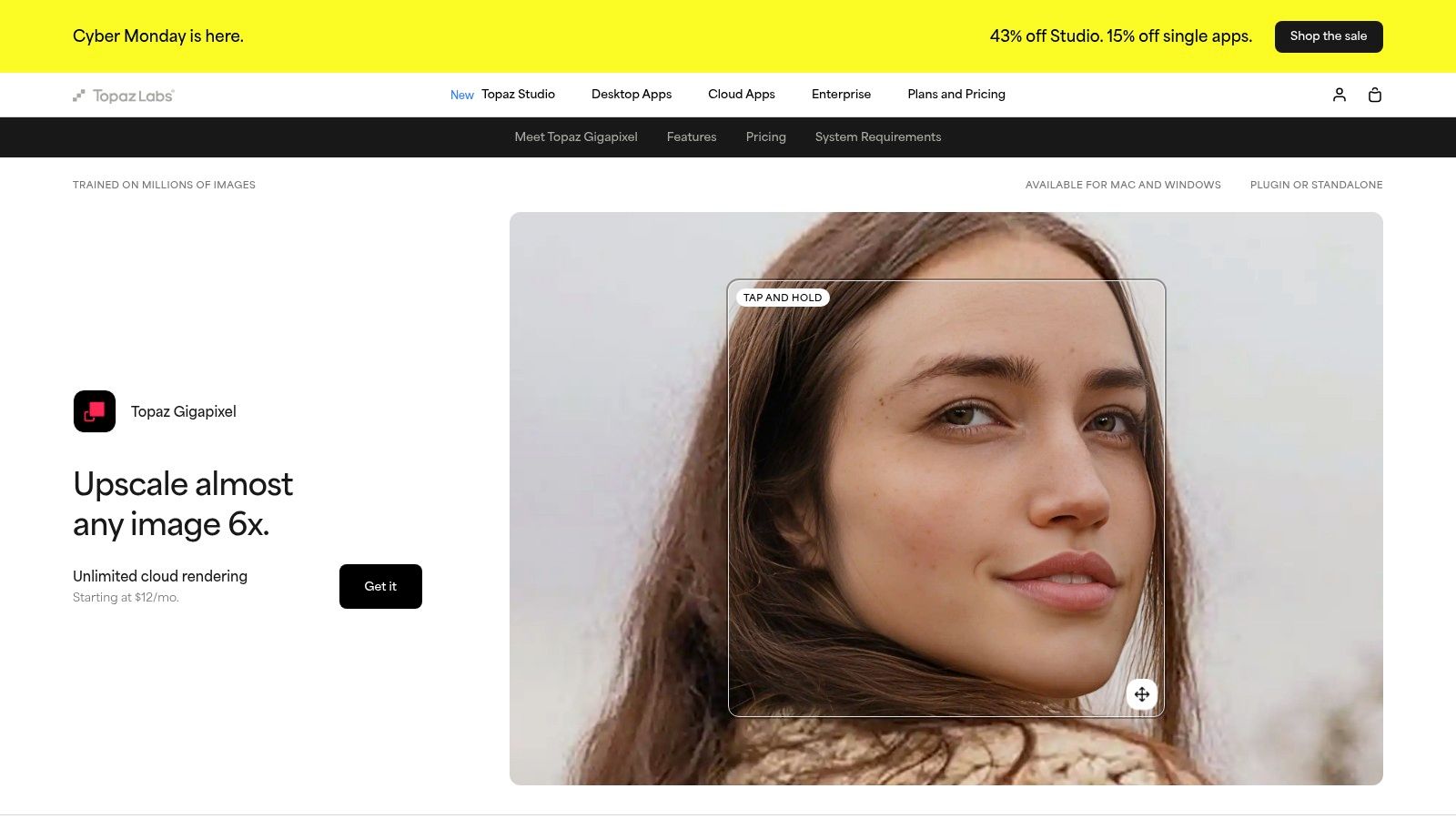
The software operates as a standalone app for macOS and Windows but also integrates seamlessly as a plugin for Adobe Photoshop and Lightroom, fitting directly into established creative workflows. A key feature is its optional cloud rendering, which offloads heavy processing jobs from your local machine, significantly speeding up batch processing or work on less powerful hardware. You can see how its output compares against others in this image upscaling software demonstration.
Key Features & Considerations
- Specialized AI Models: Users can choose from models like Standard, High Fidelity, Art & CG, and Face Recovery to achieve optimal results for different image types.
- Enlargement Factor: Natively supports up to 6× enlargement, with advanced cloud models for more challenging enlargements.
- Workflow Integration: Functions as both a standalone application and a plugin for Adobe Creative Cloud products.
- Pricing Model: Operates on a subscription model which provides access to updates and support. This can be a drawback for hobbyists or infrequent users, but is often justified for professionals who rely on its consistent, high-quality output.
Topaz Gigapixel is best suited for professionals who need the absolute best quality and control over the upscaling process, making it an essential tool for photographers, print designers, and digital artists.
3. Topaz Photo AI (Topaz Labs)
Positioned as an intelligent all-in-one photo enhancement suite, Topaz Photo AI bundles the core technologies of Gigapixel AI, DeNoise AI, and Sharpen AI into a single, streamlined workflow. Instead of being just an image upscaling software, it uses its "Autopilot" feature to analyze an image and automatically apply the necessary noise reduction, sharpening, and upscaling in the optimal order. This integrated approach is ideal for photographers and creatives looking to simplify their post-processing pipeline by consolidating multiple tools into one powerful application.
While Autopilot offers a convenient one-click solution, users retain full manual control over every adjustment, allowing for fine-tuning of each enhancement module, including resolution upscaling. This makes it a versatile tool for both quick batch processing and detailed, single-image work. The software operates as a standalone desktop application for Windows and macOS and also functions as a plugin for Adobe Lightroom Classic and Photoshop, ensuring it fits into existing professional workflows.
Key Features & Considerations
- Integrated Workflow: Combines industry-leading upscaling, denoising, and sharpening into a single, cohesive interface.
- Autopilot AI: Automatically detects image quality issues and suggests optimal settings, significantly speeding up editing time.
- Batch Processing: Efficiently apply consistent enhancements and upscaling across large sets of photos with minimal intervention.
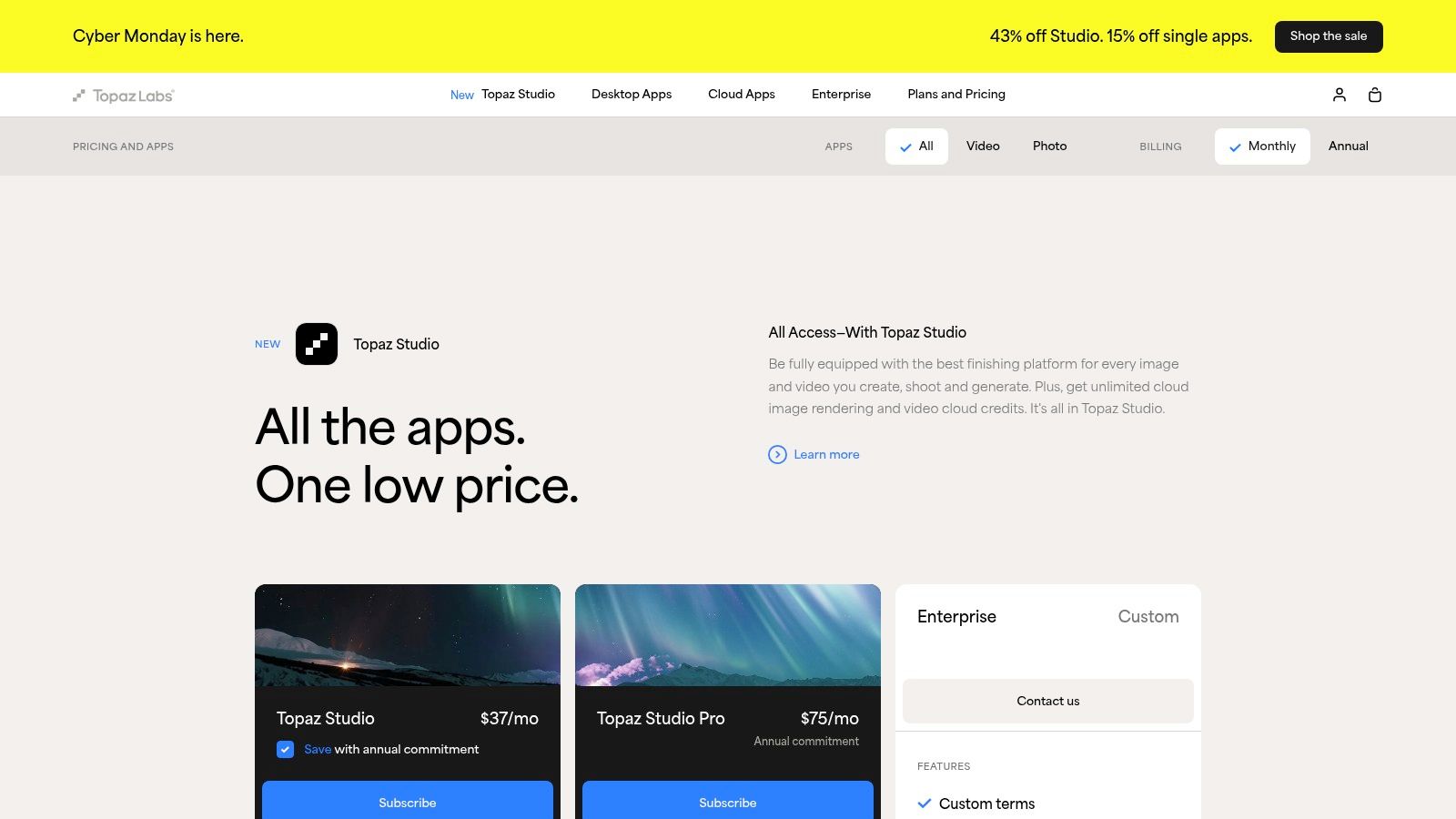
- Pricing Model: Typically purchased with a one-time payment that includes one year of updates. After the first year, an optional renewal is required to receive new features and model improvements. This can be less cost-effective if only upscaling is needed.
Topaz Photo AI is best for users who require a comprehensive image quality toolkit, not just enlargement. It excels in environments where correcting noise, softness, and resolution in a single step is a priority.
4. Adobe Photoshop / Lightroom Classic Super Resolution
For professionals and enthusiasts already invested in the Adobe ecosystem, the built-in Super Resolution feature offers a streamlined, one-click solution for image upscaling. Integrated directly into Adobe Camera Raw (ACR), Photoshop, and Lightroom Classic, it is not a standalone tool but a powerful function within an existing workflow. Its primary strength lies in its RAW-aware processing, allowing it to leverage the original sensor data to double the linear resolution (quadrupling the total pixel count) with impressive detail and minimal artifacts. This makes it an ideal choice for photographers needing to make tight crops or prepare images for large-scale printing without leaving their primary editing environment.
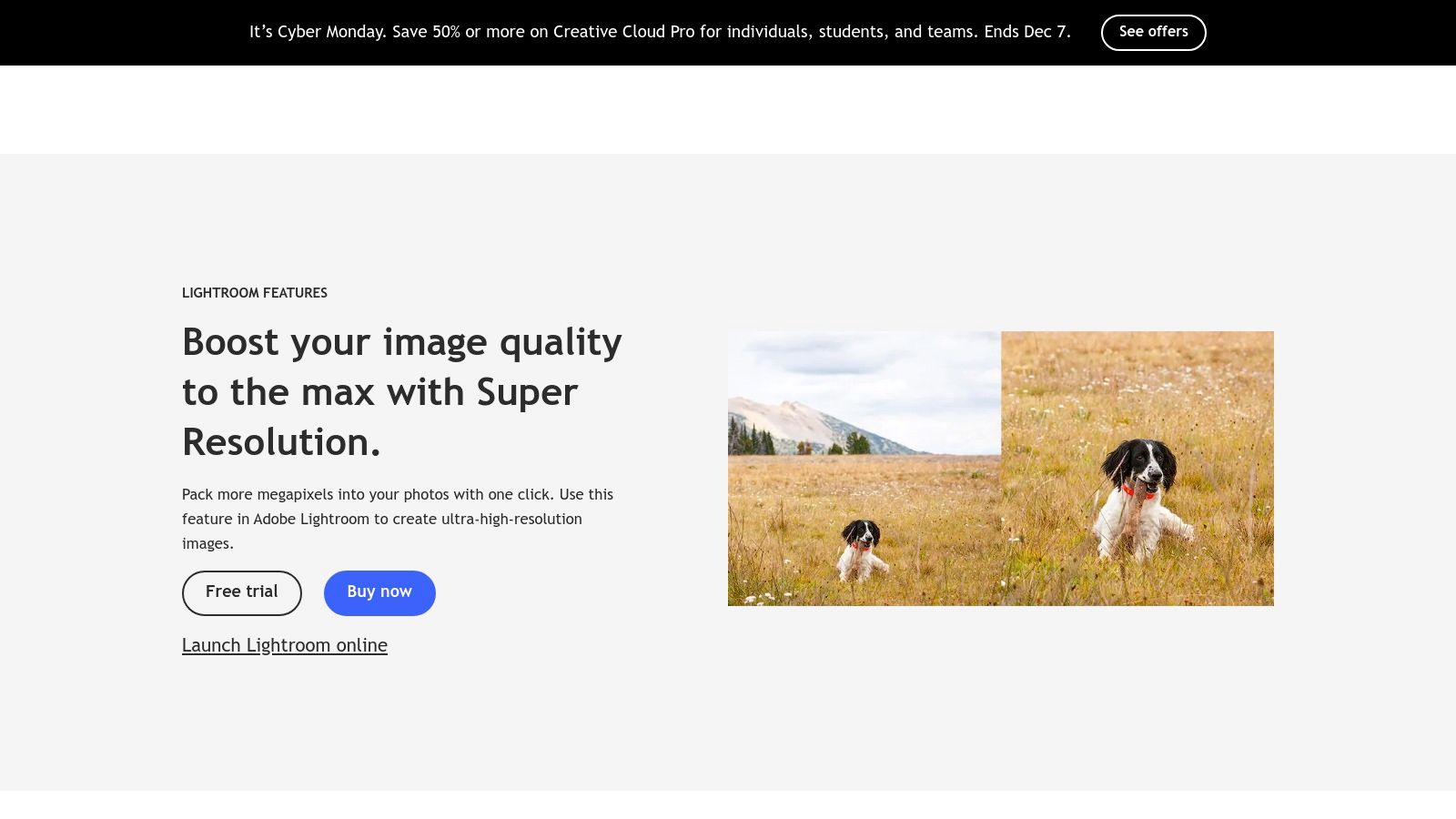
Activating Super Resolution is as simple as right-clicking an image and selecting "Enhance." The process creates a new Digital Negative (DNG) file, preserving your original image while providing a high-resolution version for further editing. While its simplicity is a major advantage, its fixed 2× linear upscale factor is also its main limitation. This feature is included within the Adobe Creative Cloud Photography plan, which bundles Photoshop and Lightroom. For a comparison of how this bundled pricing model stacks up against dedicated services, you can explore the pricing for various image processing solutions.
Key Features & Considerations
- Seamless Workflow Integration: Natively built into Photoshop, Lightroom, and Adobe Camera Raw, eliminating the need for external applications or plugins.
- Enlargement Factor: Strictly limited to a 2× linear enlargement (4× total pixels). It is not designed for more extreme upscaling needs.
- RAW-Aware Processing: Excels with RAW files by using the original sensor data to produce a clean, detailed DNG file. It also supports JPEG, PNG, and TIFF formats.
- Pricing Model: Included with an Adobe Creative Cloud subscription. This provides immense value for existing subscribers but makes it inaccessible for those without a subscription.
Adobe Super Resolution is best for photographers and designers who require a reliable, high-quality 2× upscale and prioritize workflow efficiency above advanced controls or higher magnification levels.
5. ON1 Resize AI
With roots tracing back to the legendary Genuine Fractals plugin, ON1 Resize AI is a purpose-built enlargement tool designed primarily for photographers and print professionals. It excels in preparing images for high-quality printing, offering deep integration and specialized features tailored to physical output. The software uses modern AI models to intelligently upscale images while preserving crucial details and textures, making it a go-to choice for turning digital files into large-format prints.
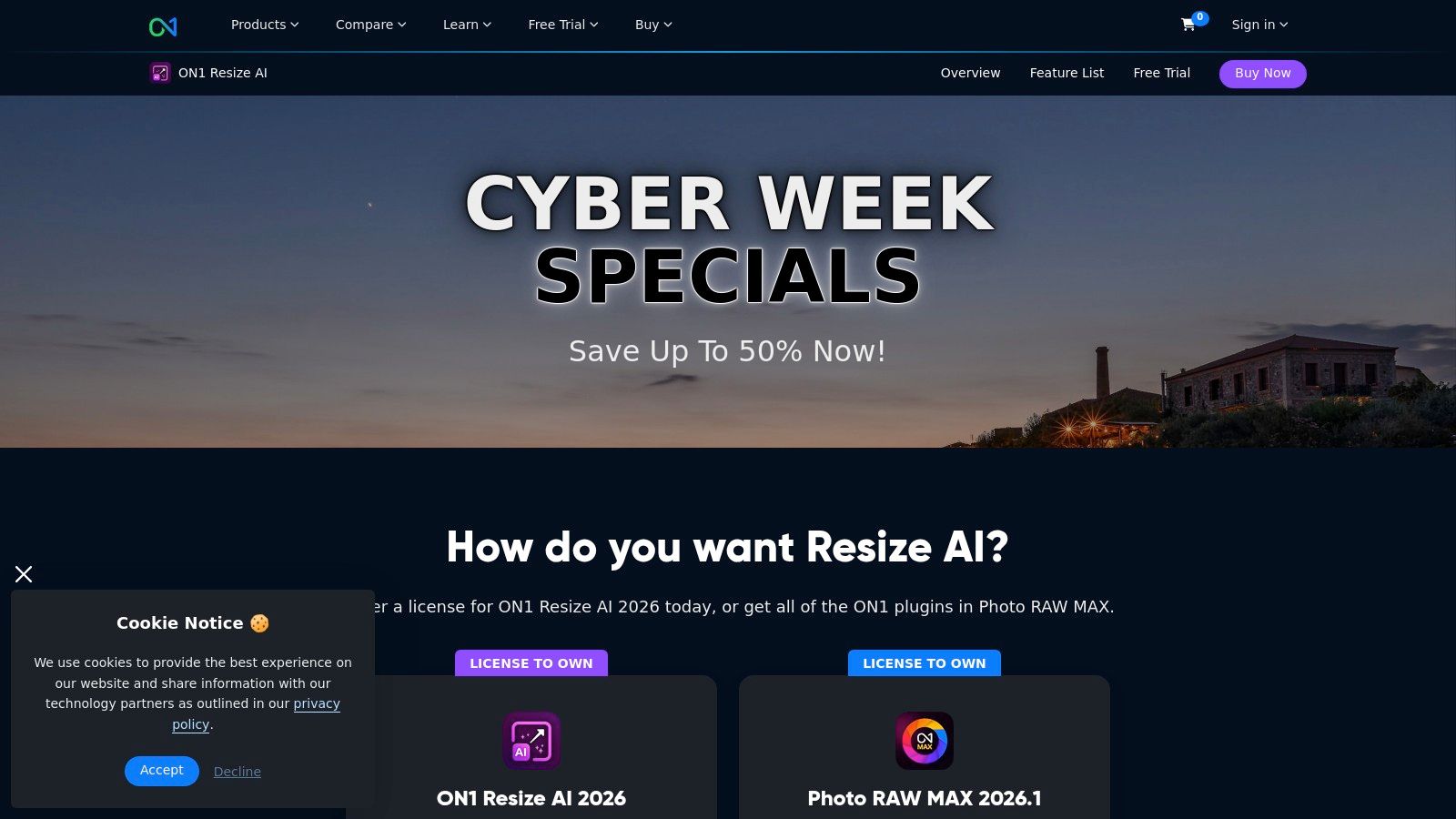
ON1 Resize AI operates as a standalone application for macOS and Windows or as a plugin for Adobe Photoshop, Lightroom Classic, and Capture One. This flexibility ensures it can fit into nearly any photography workflow. Its key differentiator is the extensive set of print-centric tools, including gallery wrap previews and tiling options for creating multi-panel prints. This focus on the final printed product makes it a powerful piece of image upscaling software for professionals who deliver physical goods.
Key Features & Considerations
- Print-Focused Workflow: Includes presets for common print sizes and resolutions, gallery wrap previews, and options for tiling large images.
- AI Models: Offers a diffusion-based ‘Highest Quality’ AI model for maximum detail and a faster ‘Standard’ model for quicker turnarounds.
- Workflow Integration: Seamlessly integrates as a plugin for Adobe Lightroom Classic, Photoshop, and Capture One, or can be used on its own.
- Pricing Model: A significant advantage is the availability of a perpetual license, which appeals to users who prefer a one-time purchase over recurring subscriptions. However, major version upgrades typically require a paid update.
ON1 Resize AI is ideal for photographers and print studios that need a reliable, high-quality solution for enlarging images specifically for print, bridging the gap between digital editing and physical production.
6. Skylum Luminar Neo (Upscale AI inside Neo)
Skylum Luminar Neo positions itself differently by embedding its "Upscale AI" feature within a comprehensive, AI-powered photo editing suite. This approach is ideal for photographers and content creators who want a single application for both creative enhancements and technical improvements like enlargement. Instead of a standalone tool, Luminar Neo offers a streamlined workflow where you can edit colors, apply presets, remove objects, and then upscale your final image without ever leaving the platform, making it a highly efficient all-in-one solution.
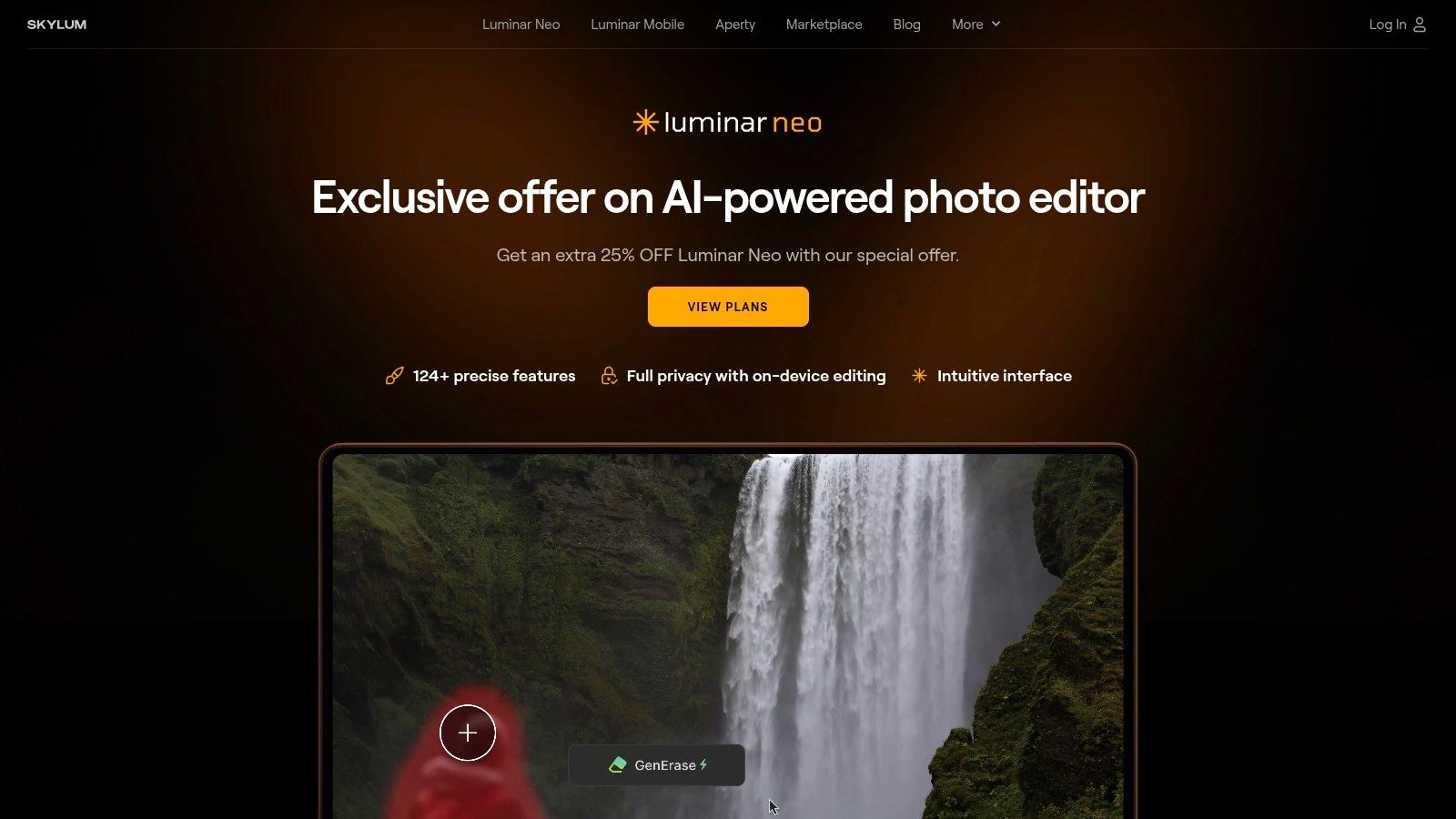
The platform is known for its user-friendly interface and a wide array of AI tools that automate complex editing tasks, such as sky replacement and portrait retouching. The integration of Upscale AI means users can rescue low-resolution shots or prepare images for large prints directly within their primary editing environment. This makes it an attractive piece of image upscaling software for hobbyists and professionals looking to simplify their creative process and reduce the need for multiple subscriptions or applications. You can learn more about its current offerings at https://skylum.com/luminar/special-offer.
Key Features & Considerations
- Integrated Workflow: Upscale AI is a feature inside a full-fledged photo editor, allowing for seamless creative editing and enlargement in one place.
- Enlargement Factor: Supports enlargement up to 6×, suitable for most printing and digital display needs.
- Creative AI Tools: Access to a broad suite of AI-driven features like Enhance AI, Relight AI, and GenErase for comprehensive photo manipulation.
- Pricing Model: Skylum offers both subscription plans and periodic perpetual (lifetime) licenses, providing flexibility. However, the licensing structure and access to the latest generative features can sometimes be complex or require separate add-ons.
Luminar Neo is best for photographers and creators who prioritize an integrated, all-in-one editing experience and value the convenience of having upscaling capabilities built directly into their creative workflow.
7. Pixelmator Pro (ML Super Resolution)
For Mac users seeking a powerful, integrated solution, Pixelmator Pro offers a comprehensive image editor with an impressive upscaling feature called ML Super Resolution. Rather than being a standalone utility, this tool is built directly into a full-featured creative suite, making it an exceptional value for those already in the Apple ecosystem. Its machine learning algorithm is deeply optimized for Apple Silicon (M1/M2/M3 chips), delivering remarkably fast and efficient performance for enhancing photos, graphics, and illustrations without leaving the application.
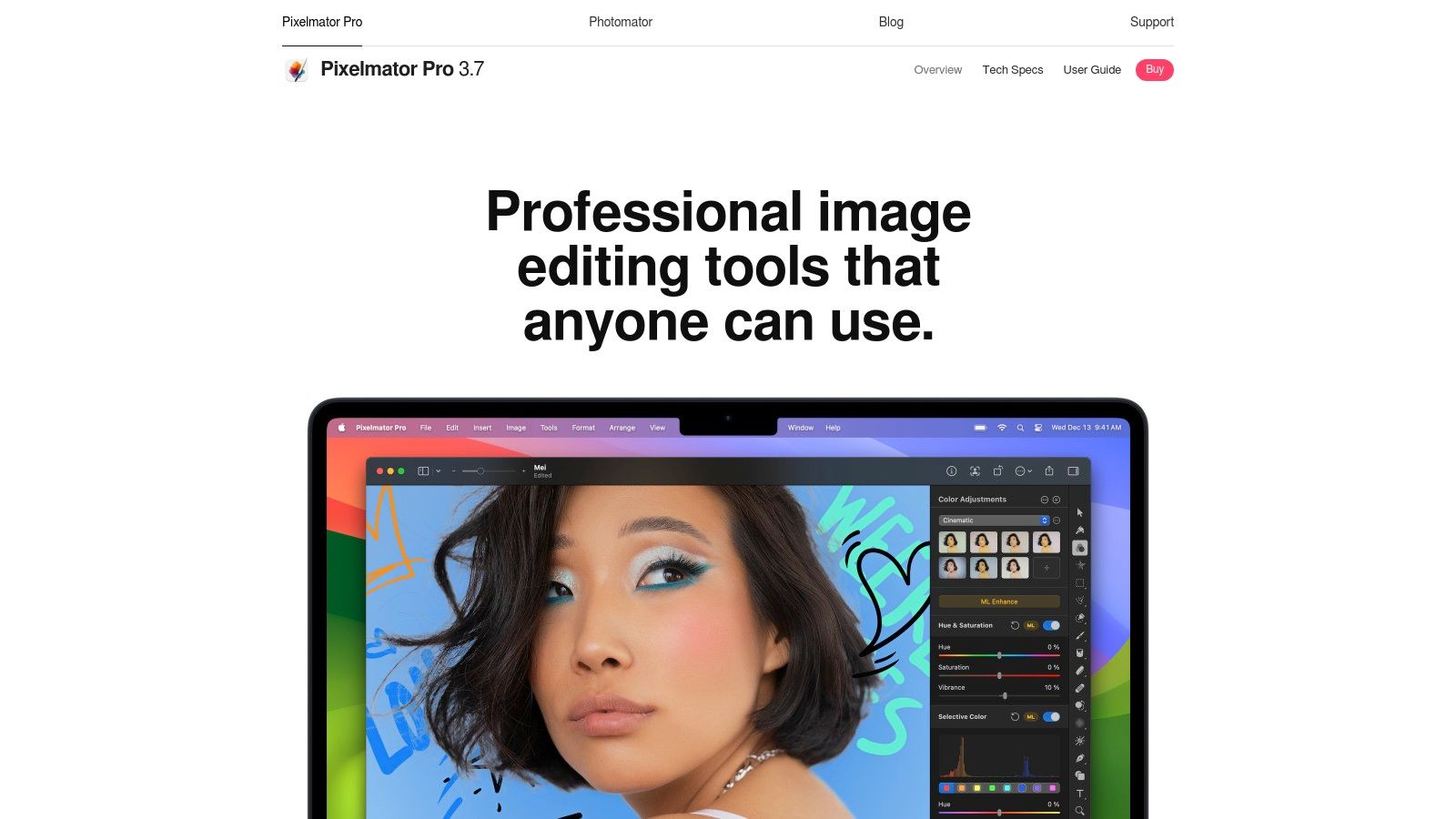
The ML Super Resolution function is designed for simplicity, allowing users to upscale images with a single click while intelligently preserving sharpness and detail. This approach is ideal for designers, photographers, and content creators who need a quick, high-quality boost in resolution as part of their broader editing workflow. Because it is part of a larger editor, it's complemented by other ML-powered tools like Denoise and automatic adjustments, providing a cohesive, AI-enhanced editing experience.
Key Features & Considerations
- Integrated Upscaling: ML Super Resolution is a core feature within the Pixelmator Pro editor, not a separate app.
- Enlargement Factor: Supports intelligent upscaling up to 3×, which is suitable for most web and print tasks.
- Hardware Optimization: Heavily optimized for Apple Silicon, ensuring best-in-class performance and efficiency on modern Macs.
- Pricing Model: Available as a one-time purchase from the Mac App Store. This is a significant advantage over subscription-based models for users who prefer to own their software. However, it is exclusive to macOS, with no support for Windows or other operating systems.
Pixelmator Pro is the perfect choice for Mac-based creators who want a cost-effective, all-in-one editor with a capable and speedy image upscaling software feature built right in. You can learn more and purchase it from the official Pixelmator website.
8. Icons8 Smart Upscaler
Icons8 Smart Upscaler offers a highly accessible and flexible approach to AI-powered image enhancement, primarily through its web-based interface. It caters to users who need a quick, no-install solution as well as developers seeking to integrate upscaling capabilities into their own applications via an API. The platform stands out by combining ease of use with powerful batch processing features, allowing users to upload and enhance up to 500 images simultaneously, making it a strong contender for high-volume tasks.
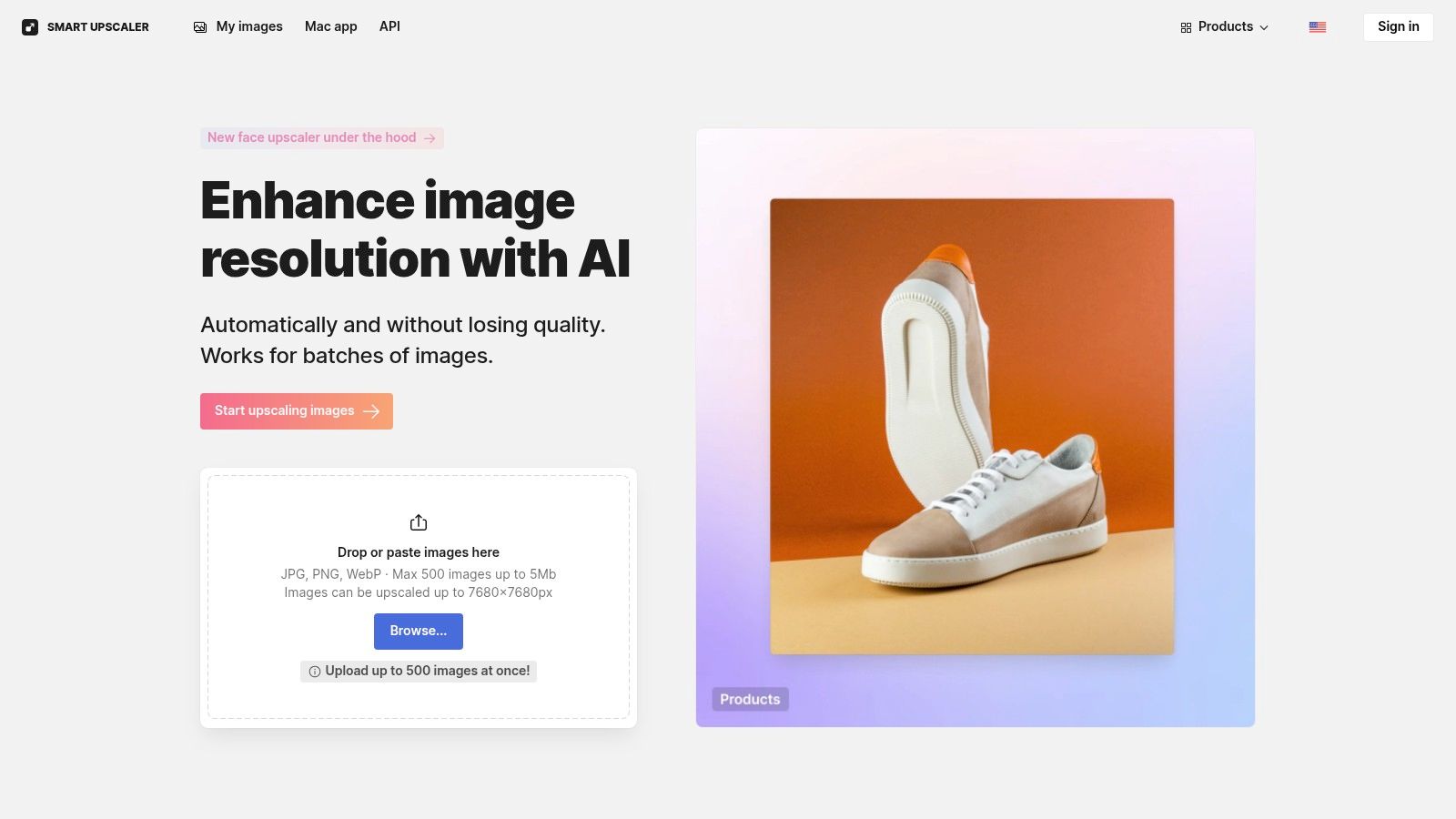
The service is particularly attractive for its versatile pricing, which includes both prepaid credit packs for occasional use and monthly subscriptions for regular users. This model provides a low-cost entry point and avoids long-term commitments, a significant advantage for freelancers, small businesses, or those with fluctuating needs. With clear API documentation and a commitment not to use uploaded images for model training, Icons8 positions itself as a practical and privacy-conscious piece of image upscaling software. You can get started directly on the Icons8 Smart Upscaler website.
Key Features & Considerations
- Batch Processing: Supports large batches of up to 500 images at a time, ideal for e-commerce stores or social media managers.
- Flexible Access: Available as a web app, a dedicated macOS application, and an API for programmatic integration.
- Output Resolution: Can upscale images up to a maximum resolution of 7680×7680 pixels.
- Pricing Model: Offers both prepaid credit packs and recurring subscriptions, making it accessible for a wide range of users without requiring a hefty initial investment. While convenient, the browser-based workflow may be less efficient for professionals who prefer integrated desktop tools.
Icons8 Smart Upscaler is best suited for developers needing API access, marketers with bulk image tasks, and casual users who want a high-quality, pay-as-you-go upscaling solution without software installation.
9. Let’s Enhance
Let’s Enhance is a popular web-based service focused on delivering high-quality AI upscaling through a flexible, credit-based system. It stands out with its specialized modes, particularly the ‘Ultra’ model, which is engineered for generating extremely large outputs up to 512 megapixels. This capability makes it an ideal solution for professionals preparing images for large-format printing, such as billboards or gallery displays, where maintaining clarity at immense scales is non-negotiable. The platform is designed for both individual creators and businesses needing reliable batch processing.
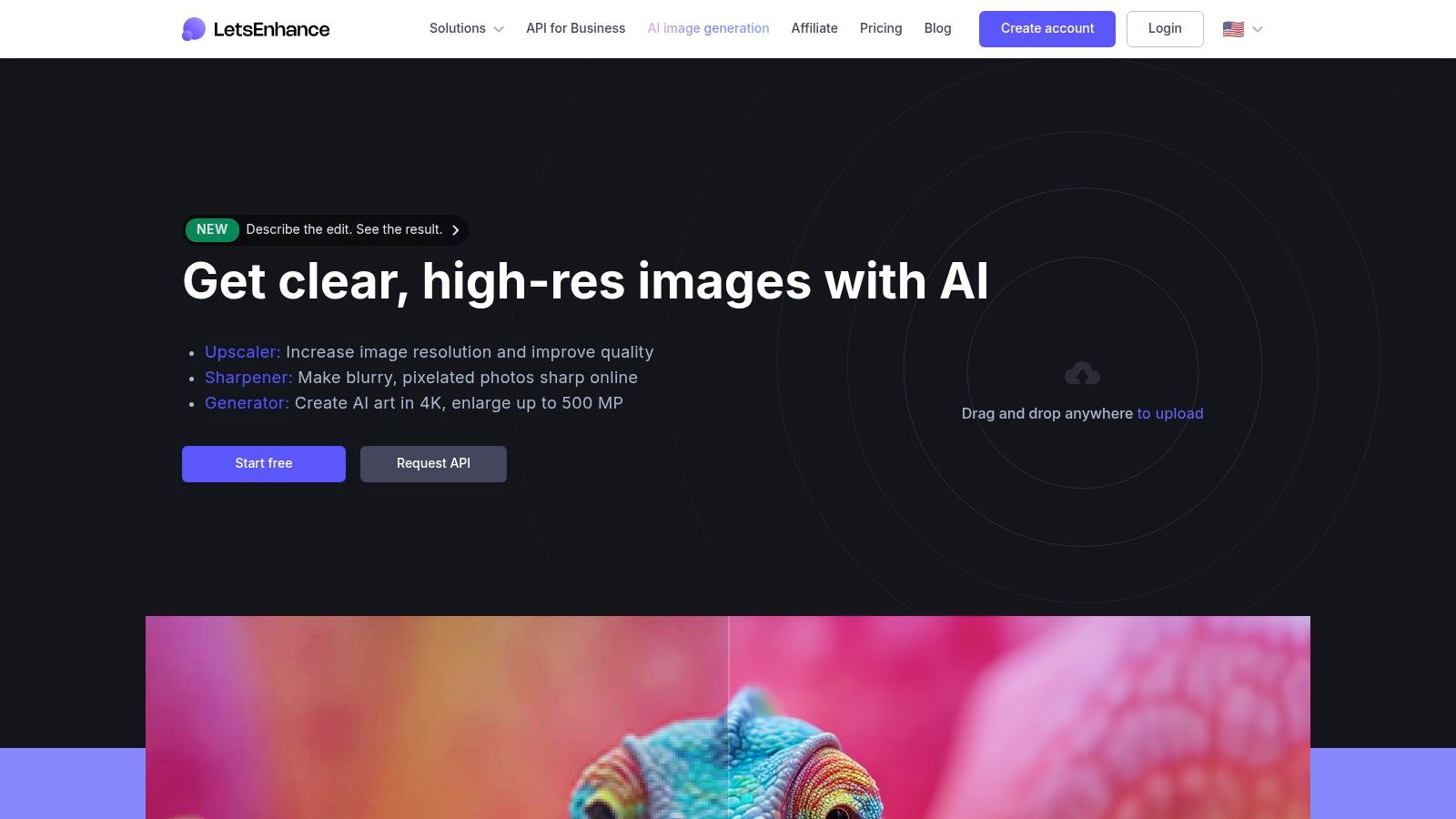
The service operates on a straightforward credit system, where users purchase credits to process images. Different operations, like standard upscaling versus using the high-resolution Ultra mode, consume varying amounts of credits. This model offers flexibility, with options ranging from monthly subscriptions with rollover credits to pay-as-you-go plans, catering to both sporadic and high-volume users. You can access the platform and explore its features directly on the Let's Enhance website.
Key Features & Considerations
- Credit-Based System: Tiered plans provide flexibility, with options for personal subscriptions that include credit rollover and business-oriented packages for heavier usage.
- Ultra Quality Mode: A key differentiator, this mode is designed for extreme enlargements, capable of producing files up to 512 megapixels while preserving detail and minimizing artifacts.
- Batch Processing: The platform includes efficient tools for uploading and processing multiple images simultaneously, streamlining workflows for large projects.
- Pricing Model: The cost is directly tied to usage and resolution. While flexible, using the Ultra mode for very large outputs consumes more credits, which can increase project costs for users requiring maximum quality.
Let’s Enhance is best suited for e-commerce businesses, print professionals, and marketers who require consistently high-quality, large-scale enlargements and benefit from a scalable, cloud-based workflow.
10. VanceAI Image Upscaler
VanceAI positions itself as a comprehensive, web-based image enhancement suite where upscaling is just one of many available tools. It stands out by offering a unified platform with a shared credit system, allowing users to access a wide array of AI-powered functions like denoising, sharpening, and restoration alongside its core image upscaling software. This "all-in-one" approach is ideal for users who need a versatile toolkit for various image-related tasks without subscribing to multiple specialized services. Its inclusion of anime-specific models also caters directly to a niche but significant audience.
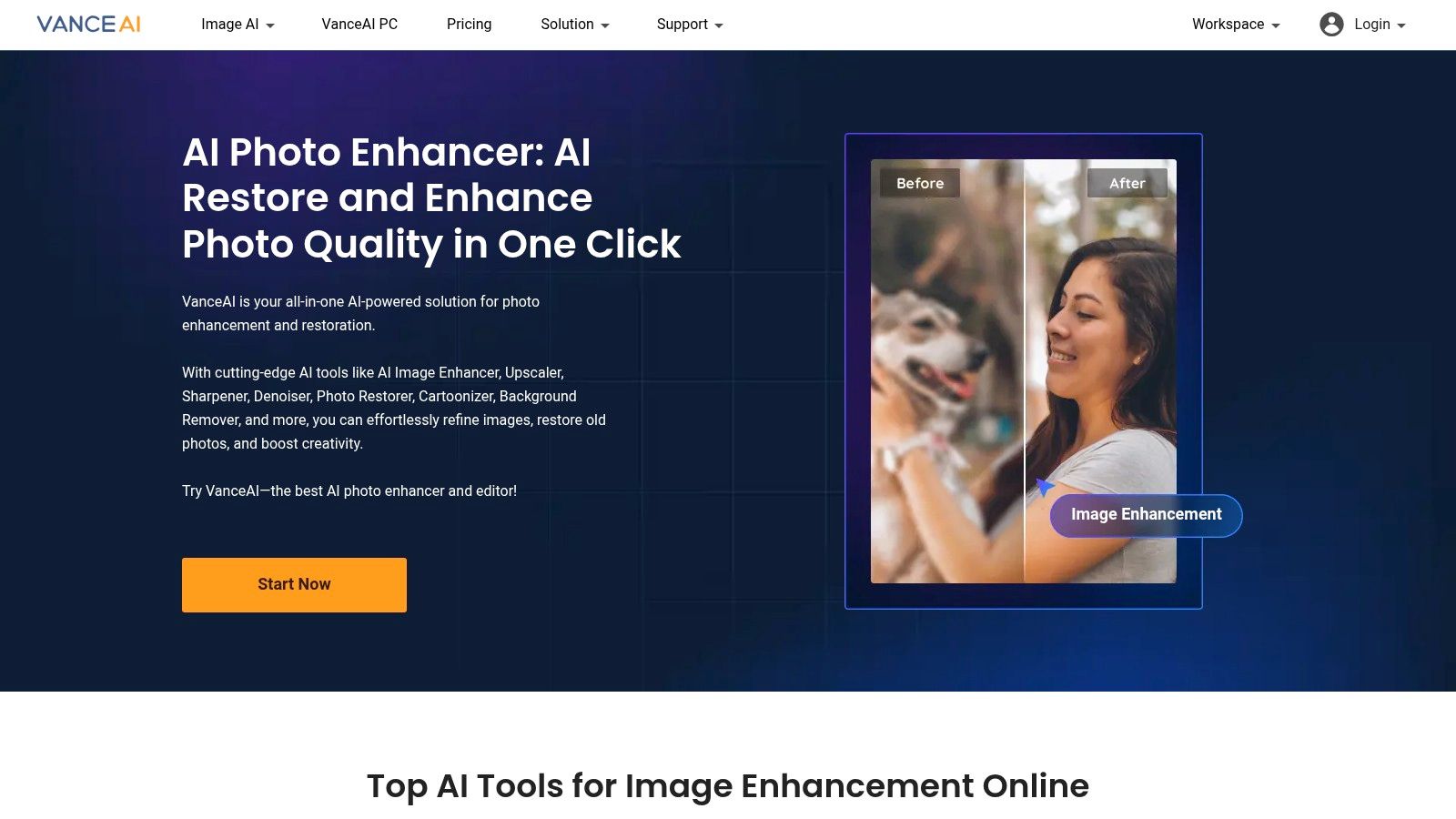
The platform primarily operates through a straightforward web interface but also offers a downloadable PC application for Windows. This provides flexibility, allowing for batch processing and integration into local workflows without relying on a browser. The key operational difference is its credit system: users purchase credits which are then consumed for processing and, importantly, for downloading the final high-resolution images. While this model provides access to a broad toolset, new users should be mindful of how credits are used to avoid unexpected depletion. You can try the tools at https://vanceai.com.
Key Features & Considerations
- Wide Range of Tools: Beyond upscaling, the platform includes tools for sharpening, denoising, background removal, photo restoration, and more, all under one account.
- Specialized Models: Offers dedicated AI models for different content, including a standard model, an anime upscaler (VanceAI Anime Upscaler), and options for text enhancement.
- Platform Flexibility: Provides both a user-friendly web interface and a downloadable PC application for more demanding, local workflows.
- Credit-Based System: Operates on a unified credit model where processing and downloads consume credits. This can be cost-effective for varied use but may be confusing at first, as downloading the result is a separate, credit-consuming action.
VanceAI is best suited for content creators, marketers, and hobbyists who require a diverse set of image enhancement tools in a single, accessible platform and appreciate the option of both web and desktop access.
11. Upscale.media (by PixelBin)
Upscale.media, developed by PixelBin, is a cloud-based tool designed for both individual users and automated workflows requiring efficient image upscaling. It distinguishes itself with an exceptionally transparent and flexible credit-based system, making it a strong contender for developers, e-commerce platforms, and marketing teams who need to process images at scale. The platform prioritizes ease of use and programmatic access, offering a straightforward web interface alongside a powerful API for seamless integration.
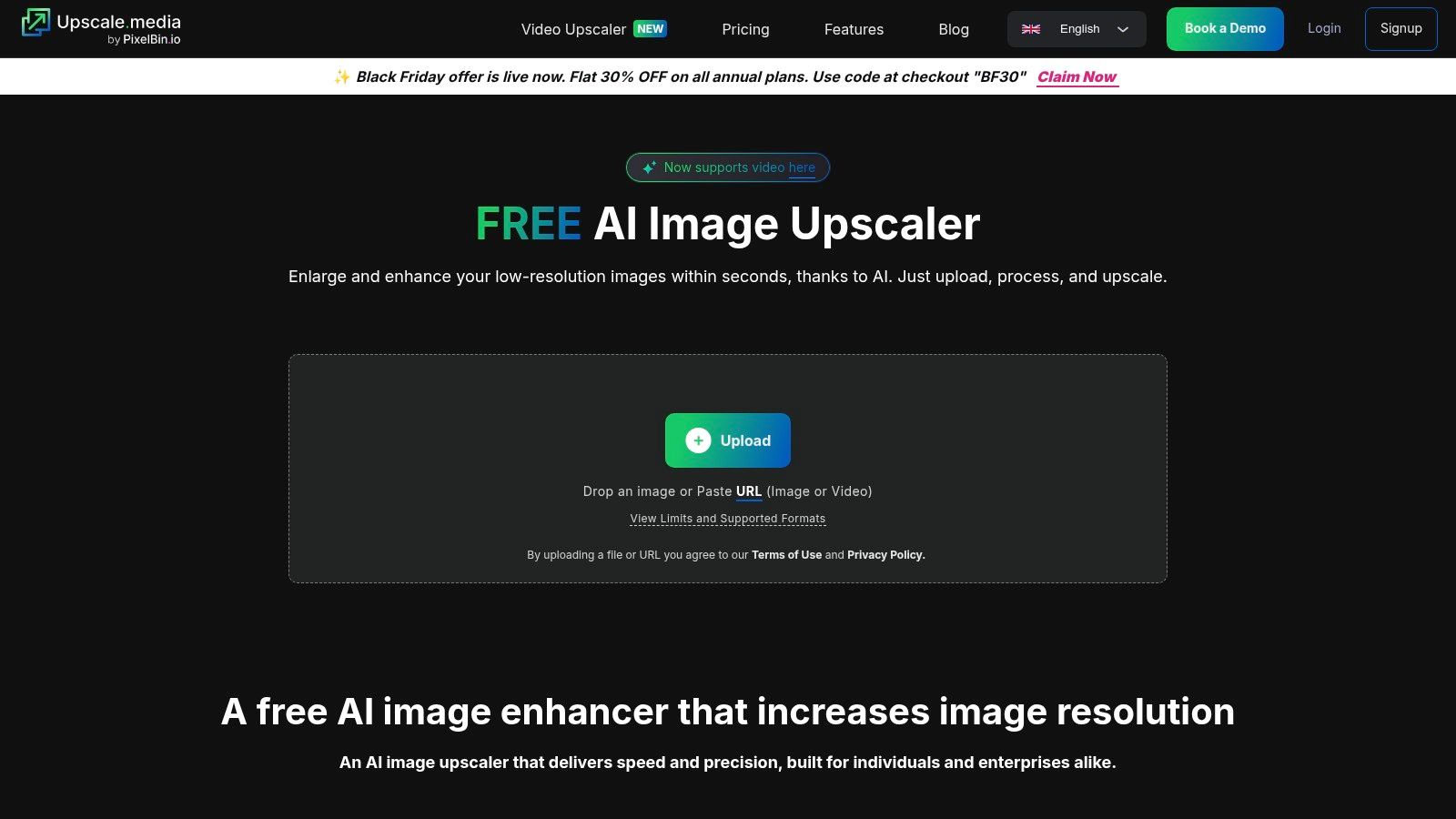
The service is particularly well-suited for bulk transformations and programmatic use cases where predictable costs and reliable performance are critical. Its API-first approach makes it an excellent choice for businesses looking to build image processing pipelines. For developers interested in integrating this kind of image upscaling software, you can explore developer resources and API documentation to see how it fits into custom applications. The generous free tier allows anyone to thoroughly test the service's quality and speed before committing to a paid plan.
Key Features & Considerations
- Flexible Pricing Model: Offers a free tier with 3 monthly credits, one-time credit packs (50-1000 credits), and annual subscription bundles, accommodating various usage levels.
- Developer-Friendly API: Provides a robust API with clear per-credit pricing, designed for easy integration into websites, apps, and automated workflows.
- Enlargement Factor: Supports up to 4× enlargement, which is suitable for most web and digital marketing applications.
- Credit System: The credit-based model is transparent but requires users to manage their credit balance and renewals. Note that the platform has a no-refund policy for subscriptions, so testing with the free plan is highly recommended.
Upscale.media is an ideal solution for businesses and developers seeking a scalable, API-driven image upscaling service with clear, predictable pricing.
12. Exposure Software Blow Up 3
For professionals who prioritize clean, artifact-free enlargements for print, Exposure Software Blow Up 3 has been a trusted solution for years. Rather than using AI to generate or "hallucinate" new details, this tool focuses on preserving the clarity of the original pixels during enlargement. It excels at producing predictable, high-quality results that look natural on paper, making it a favorite among photographers and print designers who need reliable image upscaling software for their physical media workflows.
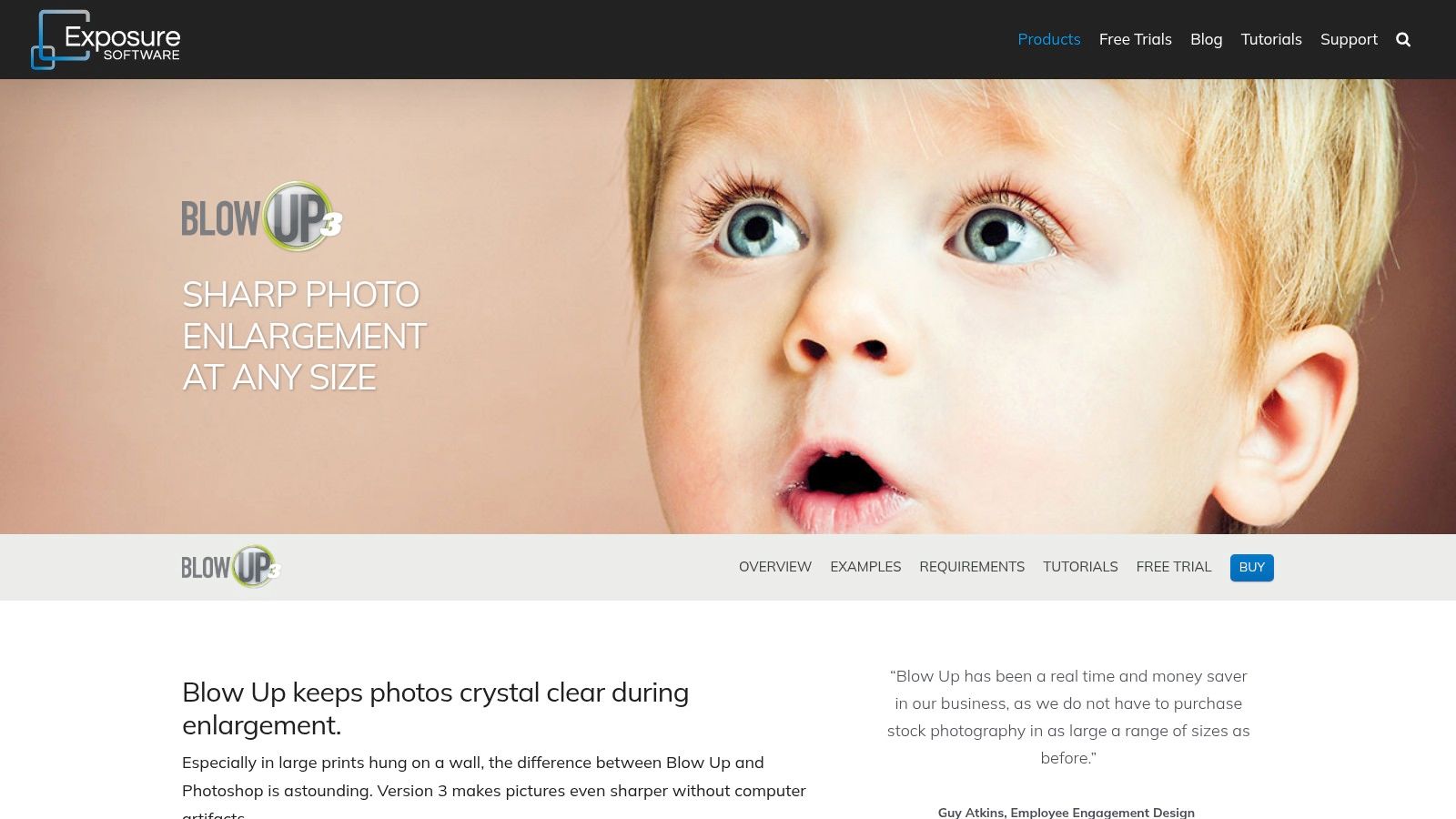
Operating primarily as a plugin for Adobe Photoshop, Lightroom, and Exposure's own editor, it integrates directly into existing post-processing routines. Its interface is straightforward, offering specialized features like presets for standard paper sizes, output sharpening tailored for ink and paper type, and full support for professional color spaces like CMYK. This focus on the print pipeline distinguishes it from many AI-centric tools that are optimized purely for digital screens. You can learn more about its features at Exposure Software.
Key Features & Considerations
- Print-Optimized Workflow: Includes presets for common document sizes, output sharpening, and film grain addition to ensure high-quality physical prints.
- Seamless Integration: Designed as a plugin for Adobe Lightroom, Photoshop, and Exposure X, allowing it to fit into established editing processes without disruption.
- Conservative Enlargement: Avoids creating artificial textures or details, focusing instead on scaling existing pixels with maximum clarity and no computer-generated artifacts.
- Pricing Model: Sold as a perpetual license, which is a significant advantage for users who prefer a one-time purchase over recurring subscriptions. This makes it a cost-effective choice for long-term use.
Blow Up 3 is best suited for print professionals and photographers who require dependable, clean enlargements and value a traditional, non-destructive plugin workflow over the latest generative AI capabilities.
Top 12 Image Upscalers — Feature Comparison
| Product | Core features ✨ | Quality ★ | Price/value 💰 | Target audience 👥 |
|---|---|---|---|---|
| PixelPanda 🏆 | ✨ background removal, smart inpainting, 4× upscaling, face enh., style transfer, text→image, REST API & SDKs | ★★★★★ studio-quality, edge-preserving, fast batch processing | 💰 generous free trial (no CC); scalable/enterprise pricing on site | 👥 developers, e‑commerce, marketers, design & engineering teams |
| Topaz Gigapixel | ✨ multiple AI models, up to 6×, desktop + cloud render, plugins | ★★★★★ top-tier detail recovery; strong model control | 💰 paid app/subscription; pro licensing for multi-seat | 👥 photographers, designers needing extreme enlargements |
| Topaz Photo AI | ✨ integrated denoise + sharpen + upscale, batch, plugins | ★★★★ one-click improvements + manual controls | 💰 subscription/bundle; higher cost than single upscaler | 👥 photographers wanting all‑in‑one enhancement |
| Adobe Photoshop / Lightroom Super Resolution | ✨ 2× linear (4× pixels), RAW-aware, one-click DNG enhance | ★★★★ reliable for prints & RAW workflows | 💰 included with Adobe subscription | 👥 Adobe ecosystem users, pros & print prep |
| ON1 Resize AI | ✨ diffusion "Highest Quality" model, face recovery, deep print/export, plugins | ★★★★ excellent print sizing; predictable outputs | 💰 perpetual license available; paid upgrades | 👥 photo labs, studios, print-focused pros |
| Skylum Luminar Neo | ✨ Upscale AI inside full editor, cross-device assets, creative tools | ★★★ creative suite + upscaling; variable feature access | 💰 perpetual & subscription promos (variable) | 👥 hobbyists, creatives seeking integrated editing |
| Pixelmator Pro | ✨ ML Super Resolution up to 3×, ML Denoise, Apple Silicon optimized | ★★★★ fast & efficient on macOS | 💰 one-time Mac App Store purchase | 👥 Mac users wanting integrated, low-cost tool |
| Icons8 Smart Upscaler | ✨ web app + API, batch up to 500, output up to 7680×7680 | ★★★ good for occasional bulk; clear privacy | 💰 prepaid credits & subscriptions; low entry cost | 👥 occasional users, developers needing API access |
| Let's Enhance | ✨ 'Ultra' mode up to 512 MP, tiered credits, batch tools | ★★★★ scales reliably for very large prints | 💰 credit-based tiers; pay-as-you-go & business plans | 👥 professionals needing very large, clean enlargements |
| VanceAI Image Upscaler | ✨ multiple modes (including anime), unified credit system, PC app | ★★★ broad toolset; mixed quality depending on mode | 💰 credit-based pricing across tools | 👥 casual pros, users wanting many enhancement tools |
| Upscale.media (PixelBin) | ✨ free tier + monthly credits, API, annual bundles & one-time packs | ★★★ transparent, easy to trial; decent bulk handling | 💰 free credits + clear per-credit pricing & bundles | 👥 developers, teams needing transparent per-credit billing |
| Exposure Software Blow Up 3 | ✨ presets for paper sizes, output sharpening, CMYK/16‑bit, plugins | ★★★ conservative, artifact‑free & print-ready | 💰 perpetual plugin purchase | 👥 print professionals preferring predictable, non-AI enlargements |
The Final Frame: Making Your Choice
Navigating the crowded landscape of image upscaling software can feel overwhelming, but the journey to finding the perfect tool is far more straightforward when you lead with your primary goal. As we've explored, the "best" software isn't a one-size-fits-all solution; it’s a specific answer to a specific problem. The era of accepting blurry, pixelated results from basic bicubic resizing is definitively over. Today’s AI-powered tools offer a remarkable ability to generate new, convincing detail, transforming low-resolution assets into high-quality visuals suitable for any application.
The key takeaway from our deep dive into these twelve powerful options is the fundamental divide between tools built for individual creative control and platforms engineered for automated, high-volume workflows. Your choice hinges on this distinction. Are you a photographer meticulously preparing a single image for a gallery print, or are you an ecommerce manager processing a batch of 10,000 new product photos? The answer will immediately narrow your options.
Key Insights Summarized
Our analysis revealed several critical patterns. Desktop applications like Topaz Gigapixel AI, ON1 Resize AI, and Adobe's Super Resolution offer unparalleled manual control. They allow for granular adjustments, side-by-side previews, and model selection, putting the creative professional firmly in the driver's seat. These are ideal for photographers, digital artists, and designers who need to art-direct the final output and achieve the absolute highest fidelity for a single, important image.
On the other hand, API-first platforms like PixelPanda, Let's Enhance, and Upscale.media are built for a different paradigm: scale, speed, and integration. Their strength lies in their ability to be seamlessly embedded into existing applications, content management systems, or automated processing pipelines. For marketplaces, SaaS platforms, and large-scale marketing operations, the ability to programmatically upscale, enhance, and deliver images without manual intervention is a game-changer.
A Practical Framework for Your Decision
To make your selection, consider these critical factors and how they apply to your unique situation. This isn't just about picking image upscaling software; it's about investing in a solution that aligns with your operational reality.
- Workflow Integration: If your primary need is automation, your search should begin and end with tools that offer a robust API and clear documentation. Evaluate SDKs, webhooks for notifications, and how easily the service can plug into your existing tech stack (e.g., cloud storage like Amazon S3).
- Quality vs. Speed: For archival or fine-art purposes, maximum quality is non-negotiable, even if it means longer processing times. For a social media feed or a fast-moving ecommerce site, a slight trade-off in quality for near-instantaneous results might be the smarter business decision.
- Use Case Specificity: Are you primarily upscaling faces? Look for models with dedicated face restoration features, like those in Topaz Photo AI or VanceAI. Are you working with architectural photos or product shots with fine text? Test how each tool handles straight lines and intricate details.
- Budget and Pricing Model: Do you prefer a one-time perpetual license for a desktop app, or does a pay-as-you-go credit system for an API make more sense for your fluctuating needs? Subscription models can offer continuous updates, but a single license might be more cost-effective for sporadic use.
Final Thoughts
Ultimately, the power of modern image upscaling software lies in its ability to unlock hidden value in your existing visual assets. A forgotten photo can become a stunning print, a small product image can become a full-screen banner, and an entire library of user-generated content can be standardized to a professional quality. By carefully considering your specific requirements against the capabilities we've outlined, you can confidently select a tool that not only solves your immediate resolution problems but also becomes a strategic asset in your creative or business toolkit.
Ready to move beyond manual edits and unlock automated, high-quality image processing at scale? PixelPanda offers a comprehensive API for developers and a user-friendly platform that integrates seamlessly into any workflow, providing best-in-class image upscaling and a full suite of enhancement tools. Explore the possibilities and start building for free at PixelPanda.